Minecraft resource pack guide
Round Trees
Rounded log models with no new textures, compared in seven scenes on Minecraft 26.2.
Java Edition · 16×16 · by TeamMidnightDust (Motschen)
+20 moreHide versions
All 24 listed versions (releases 1.20 to 26.3)
- 26.x
- 26.3 · 26.2 · 26.1.2 · 26.1.1 · 26.1
- 1.21
- 1.21.11 · 1.21.10 · 1.21.9 · 1.21.8 · 1.21.7 · 1.21.6 · 1.21.5 · 1.21.4 · 1.21.3 · 1.21.2 · 1.21.1 · 1.21
- 1.20
- 1.20.6 · 1.20.5 · 1.20.4 · 1.20.3 · 1.20.2 · 1.20.1 · 1.20
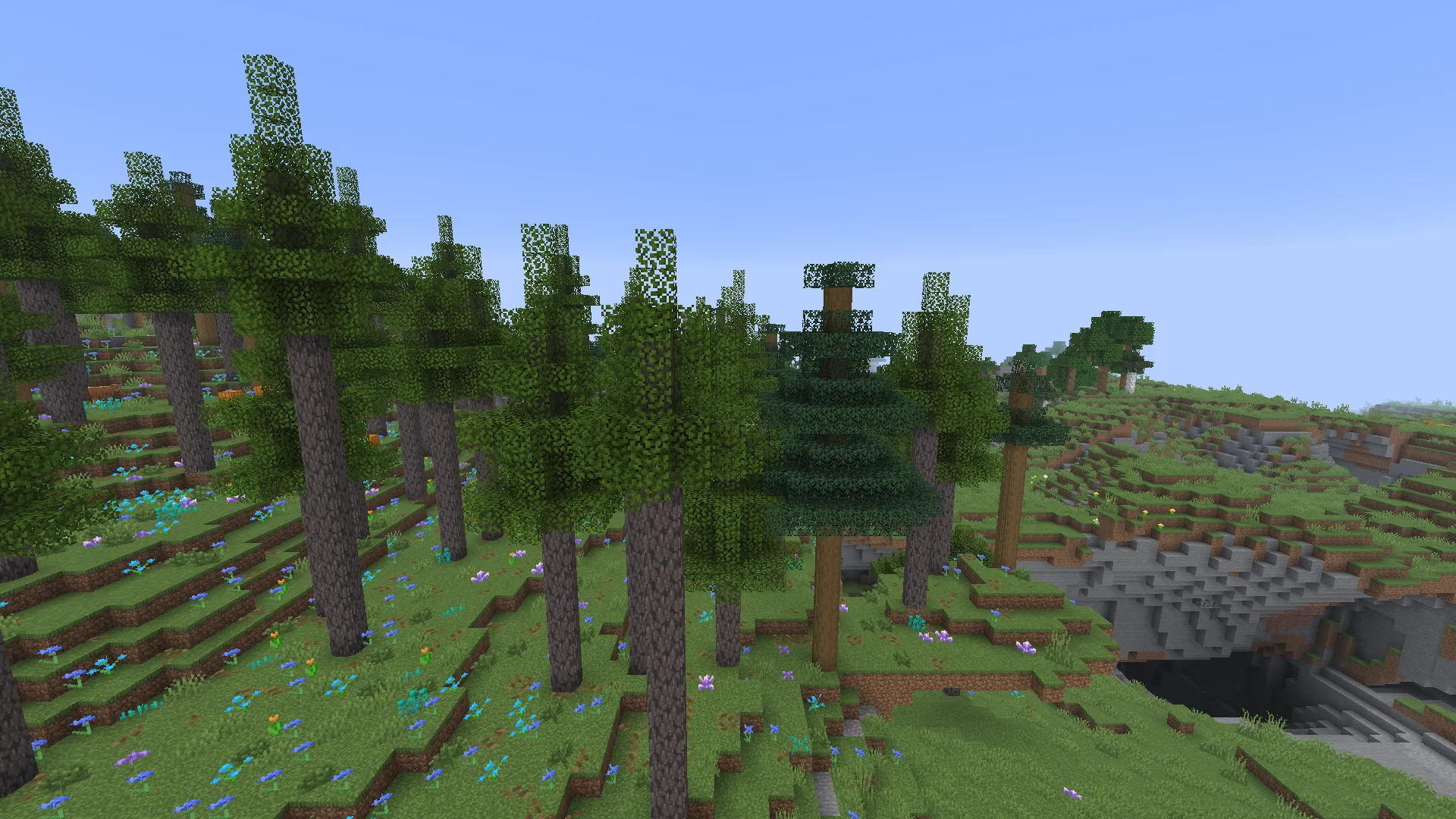
Round Trees turns Minecraft logs, stripped logs and nether stems into rounded columns without adding textures, so it works on top of other packs. We compared seven scenes on Java 26.2.
In this guide9 sections
Round Trees swaps the box-shaped log model for a rounded column and ships no block textures of its own. The 8.4 zip holds 26 block models and 24 blockstate files for vanilla logs, plus models for logs from supported mods, and its only image is the pack icon. Whatever log textures your other packs provide get wrapped around the new shape, as long as Round Trees sits above them in the resource pack list.
We tested version 8.4 on Minecraft 26.2 with a Fabric client and no other packs loaded. The file is marked for Minecraft 1.20 through 26.3.
What turns round, and what stays square
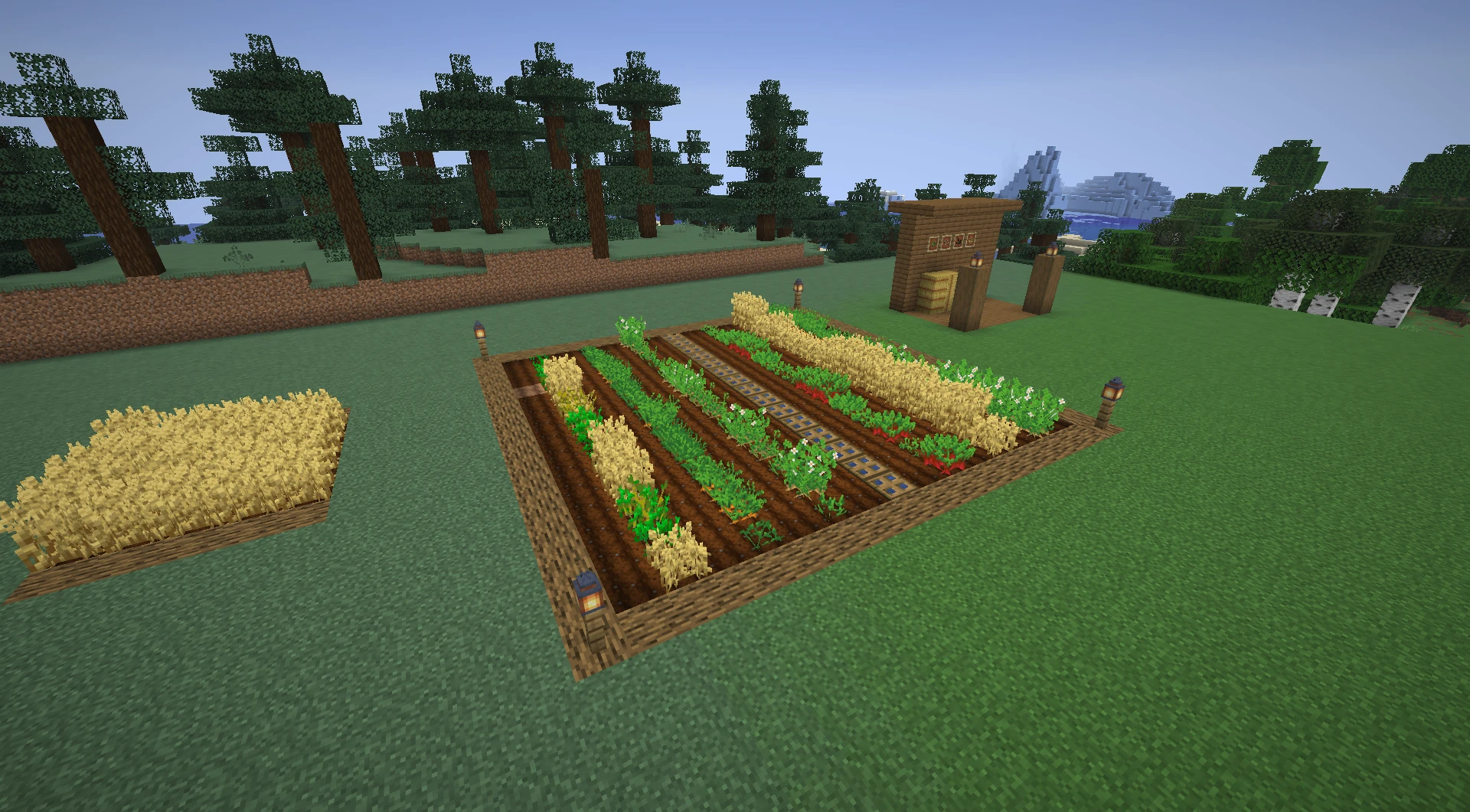
Logs and stems change: oak, spruce, birch, jungle, acacia, dark oak, mangrove, cherry and pale oak logs, their stripped versions, and crimson and warped stems, whether they stand upright or lie on their side. Wood blocks (the bark-on-all-sides block), planks, stairs, slabs, fences and leaves keep their vanilla shape, so floors and timber frames stay crisp while trunks look round.
Seven scenes, before and after
Each pair shows the same scene from the same camera position, vanilla first. Drag the divider to compare.
Standing logs
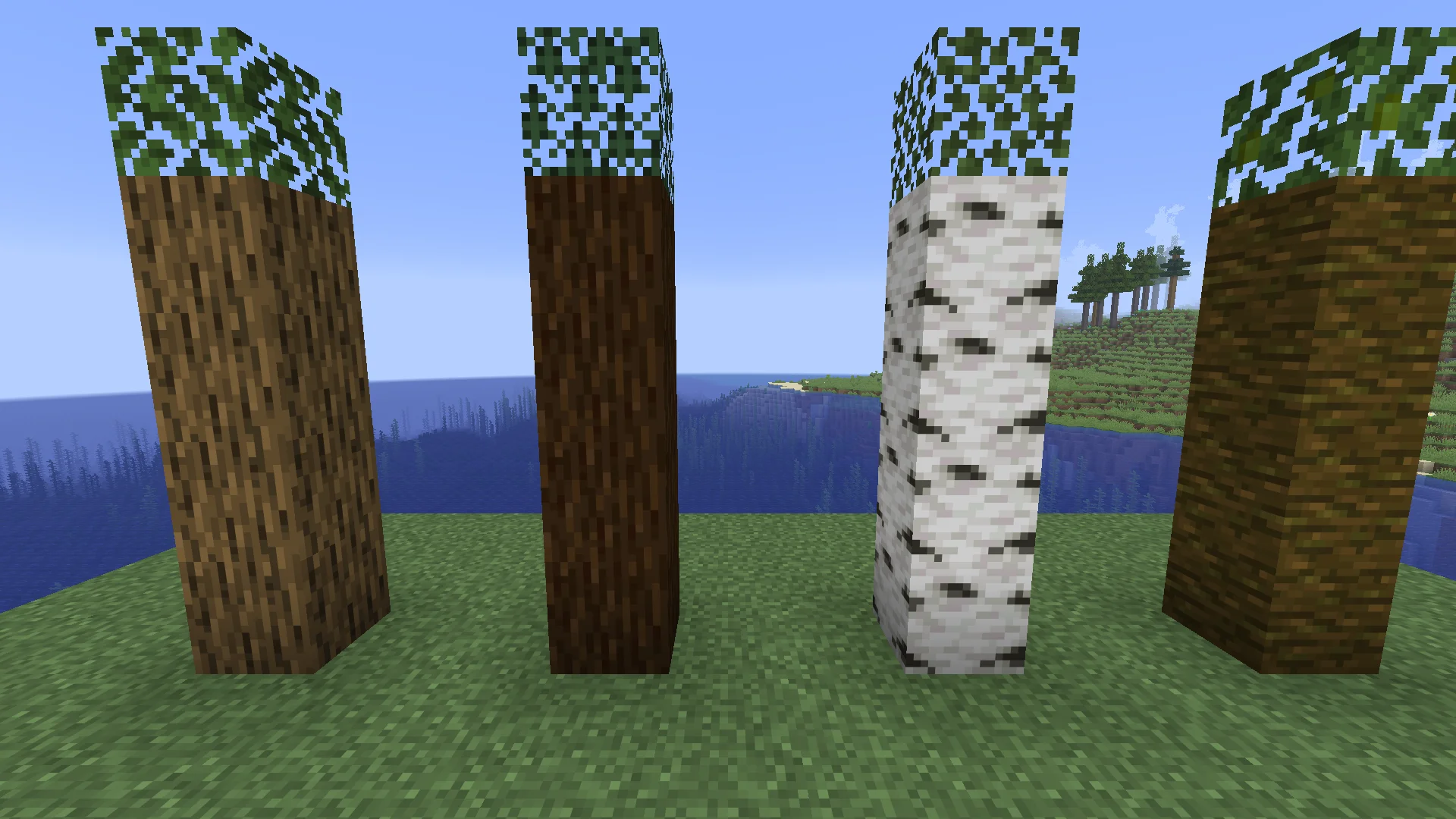
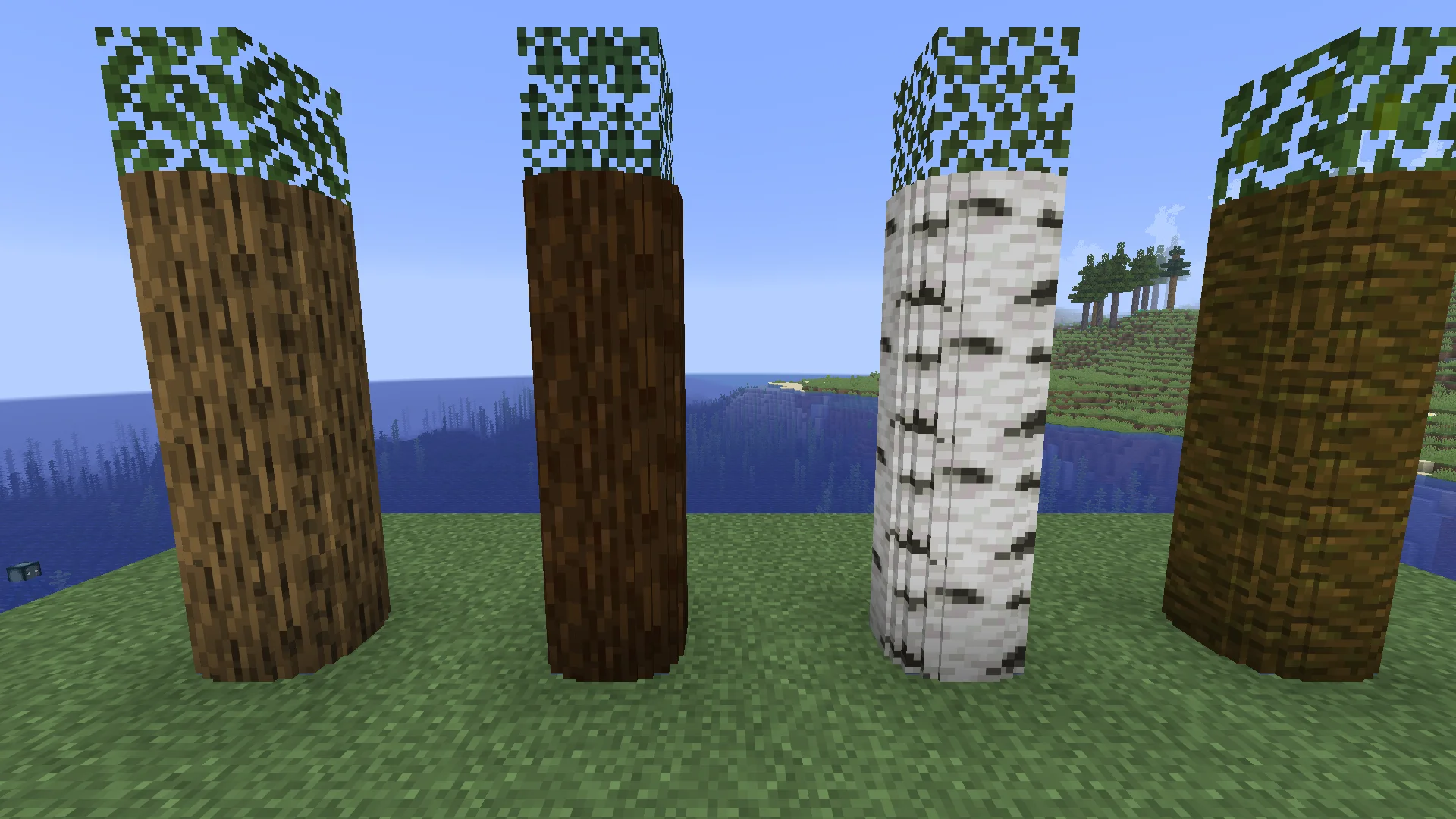
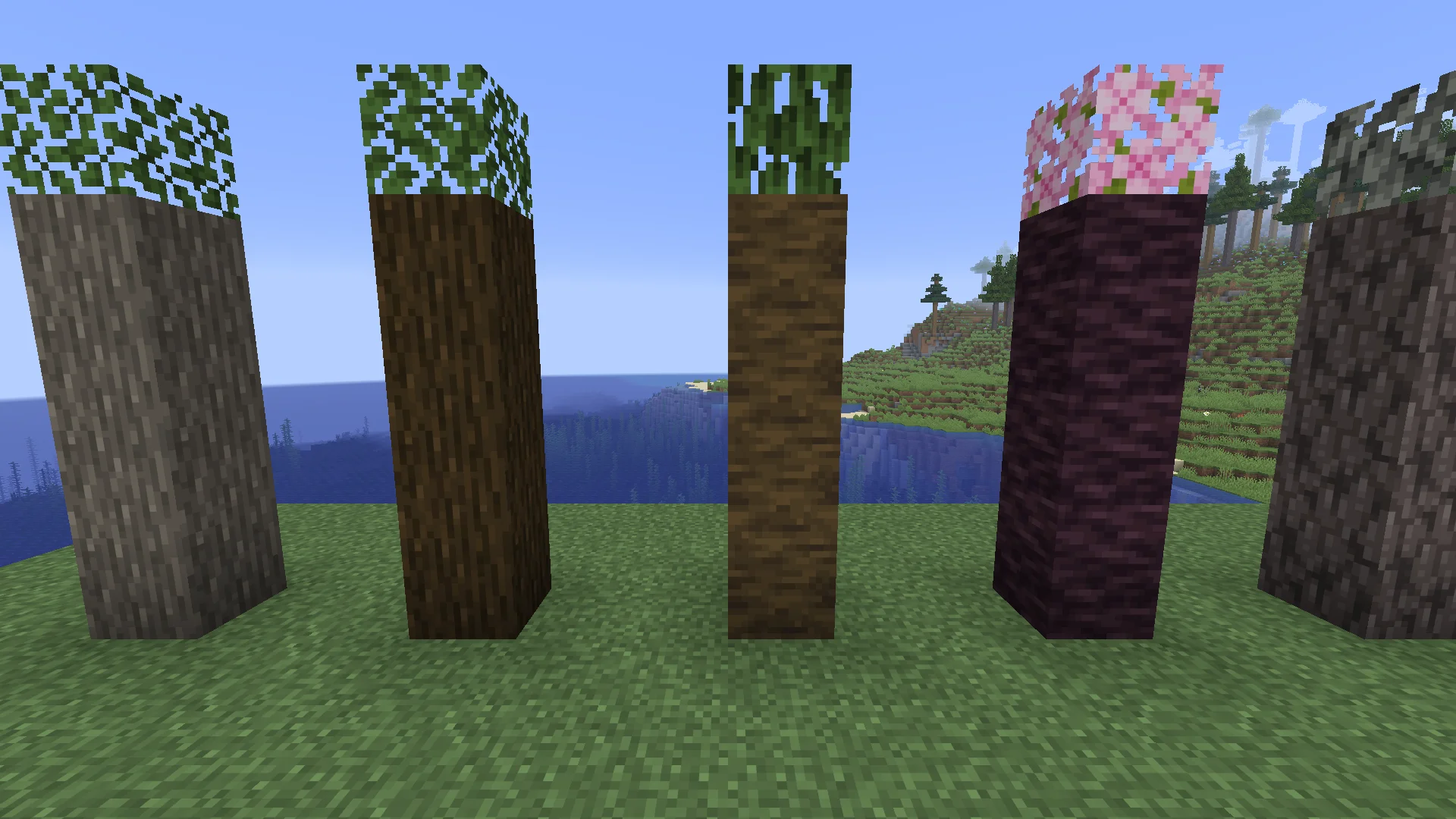
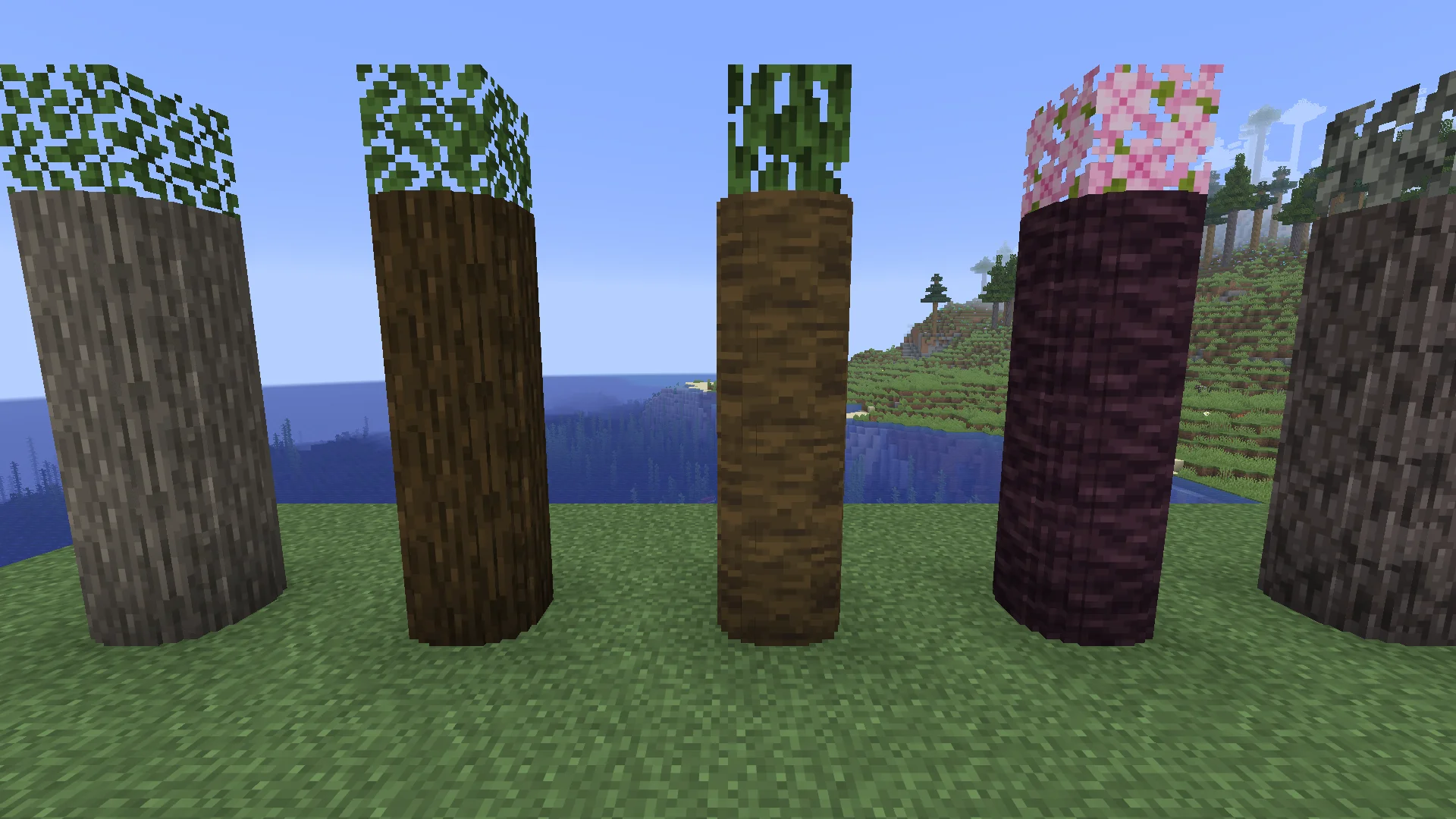
The square trunk becomes a rounded column for every wood type in our two lineups, and the bark textures follow the new faces without visible stretching, including cherry and pale oak.
Stripped logs
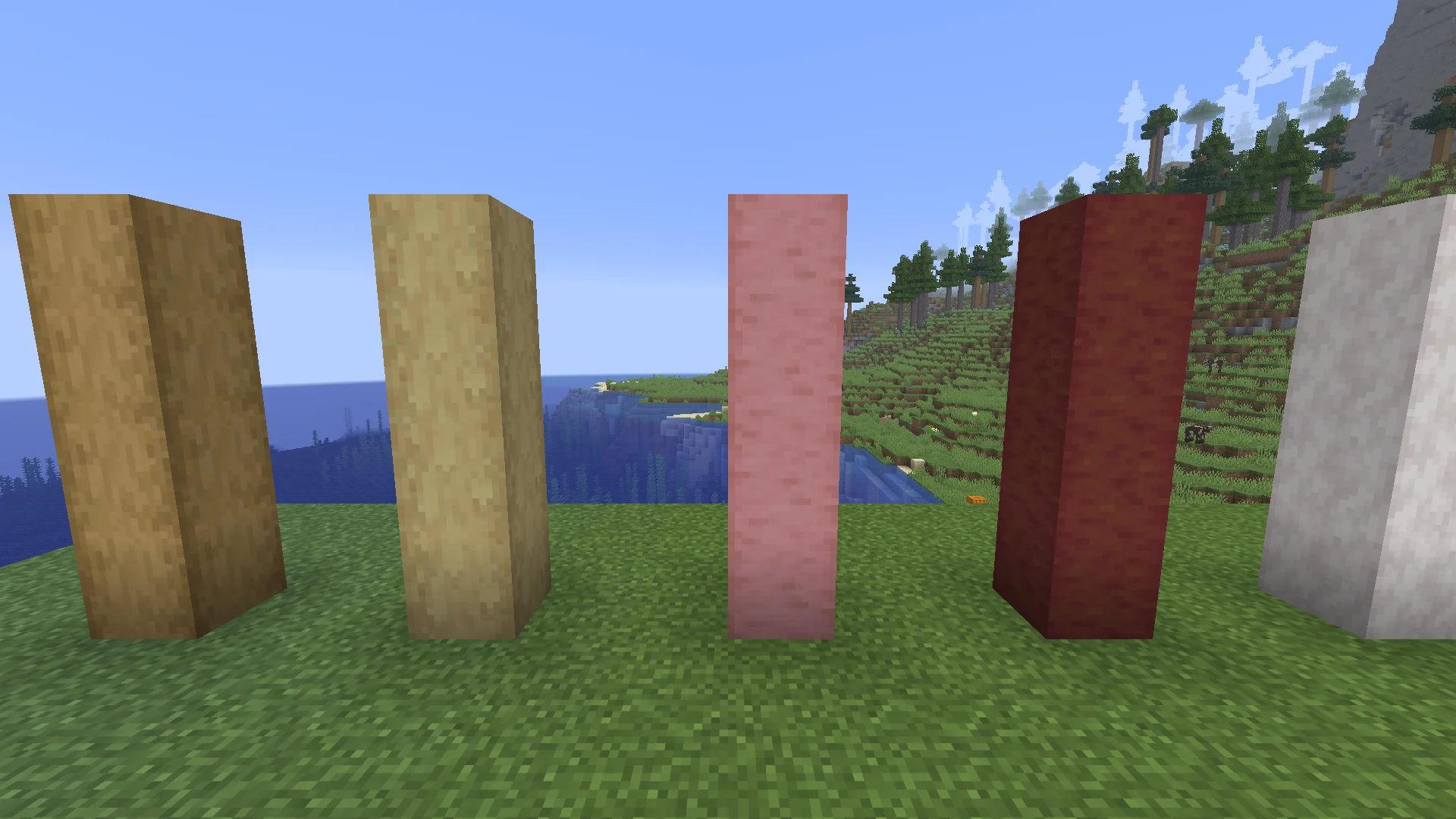
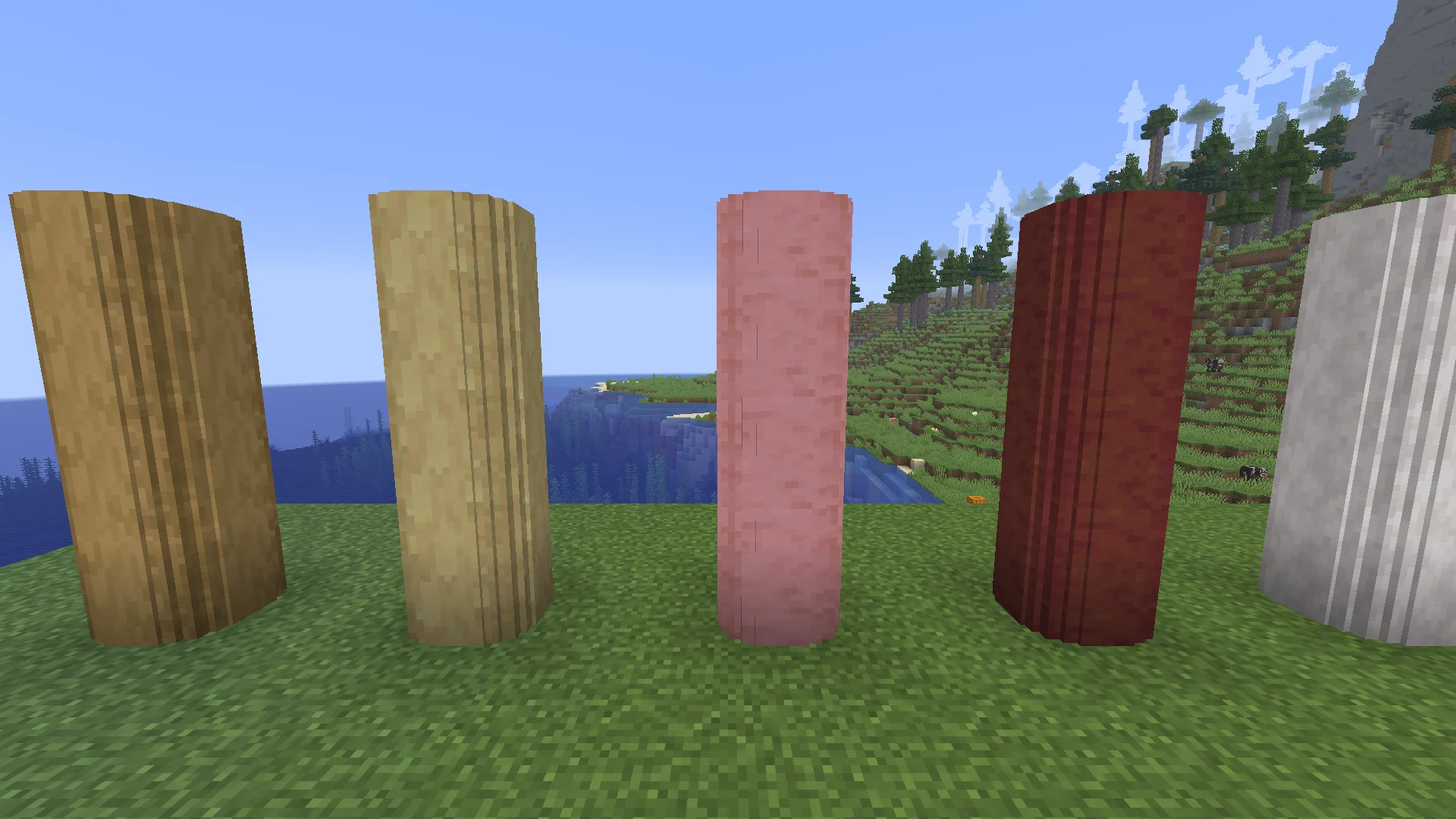
Stripped logs show the shape most clearly, because their smooth texture makes each face easy to read. They make tidy round pillars in builds.
Logs on their side
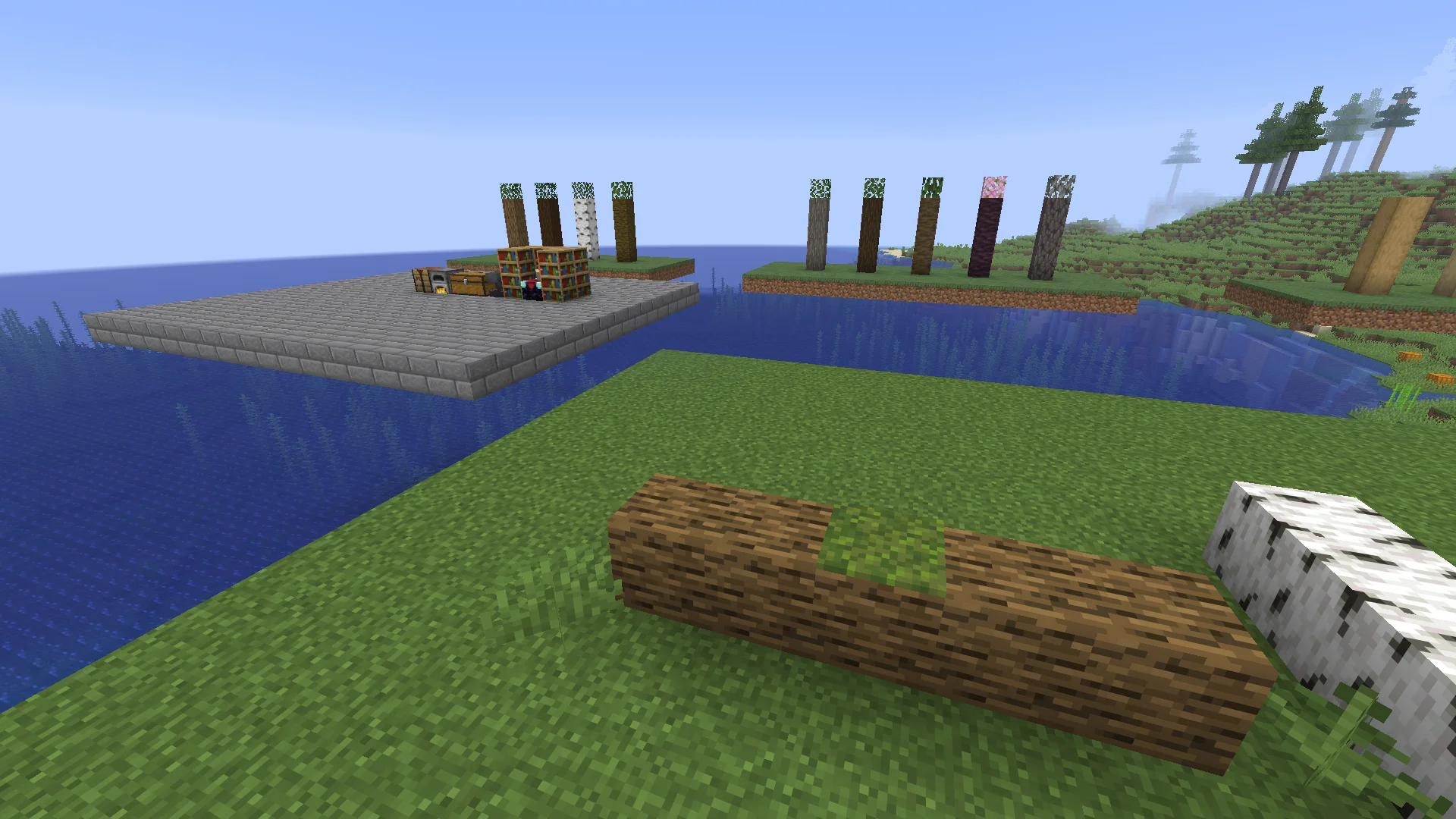
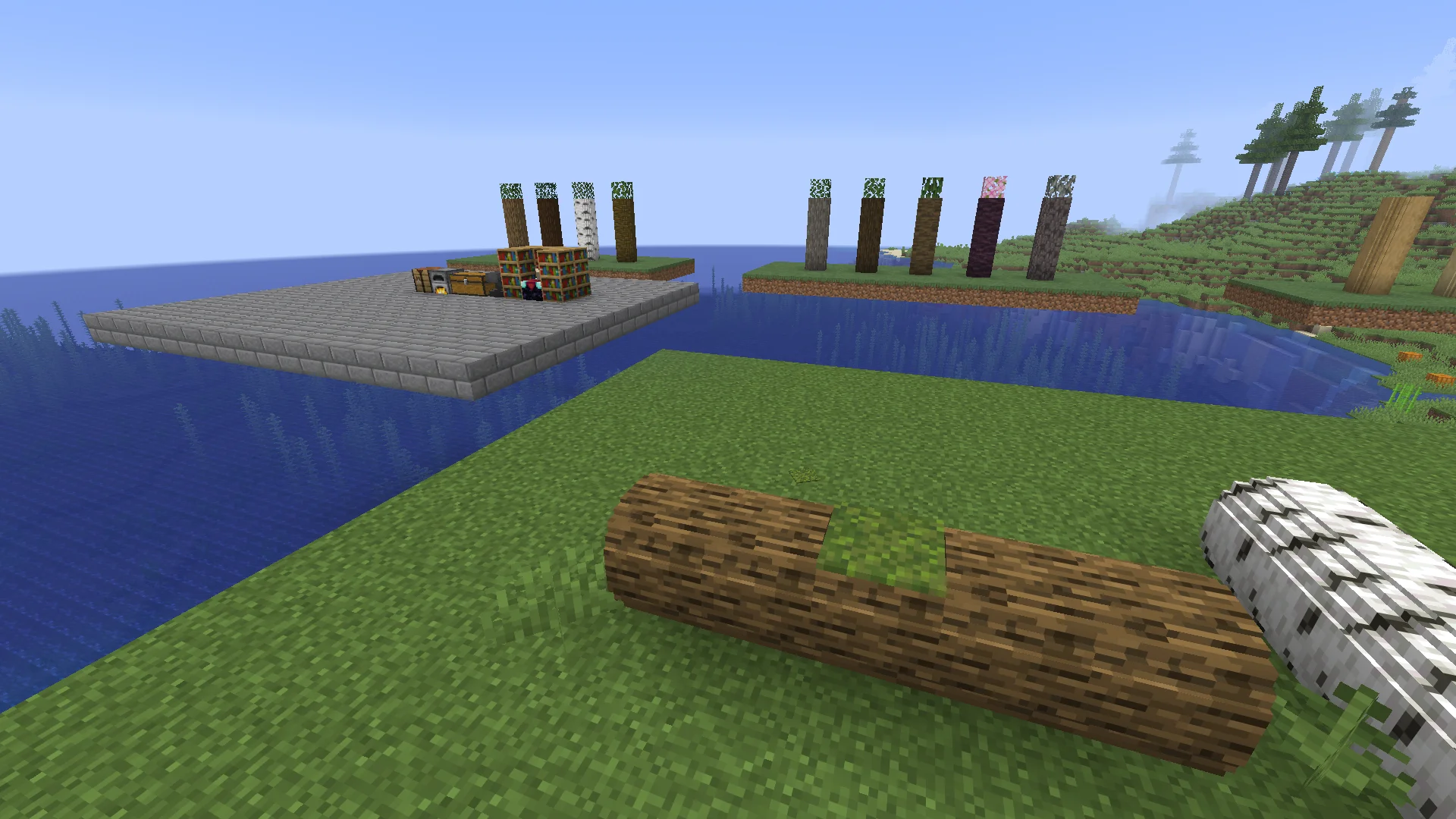
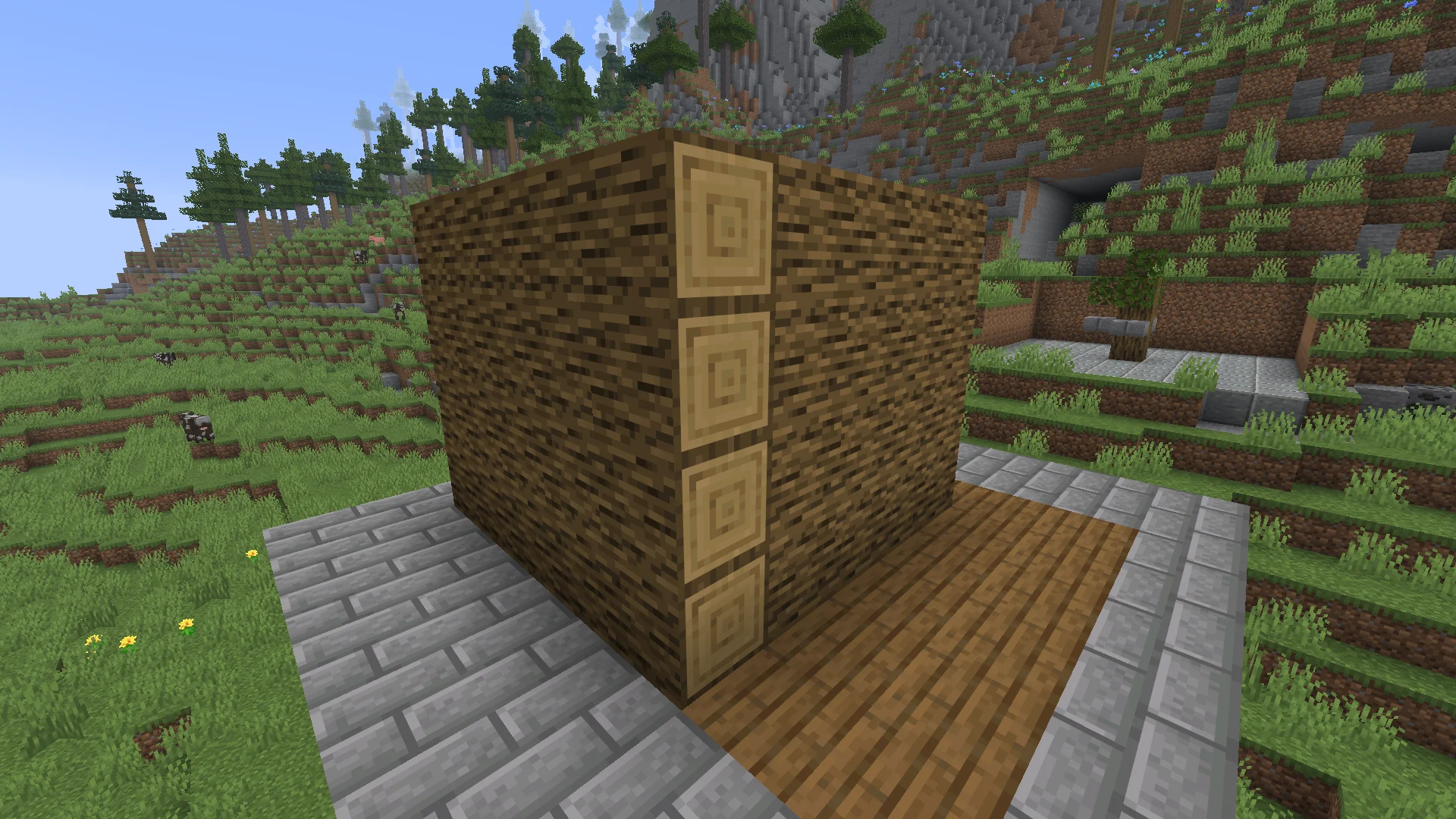
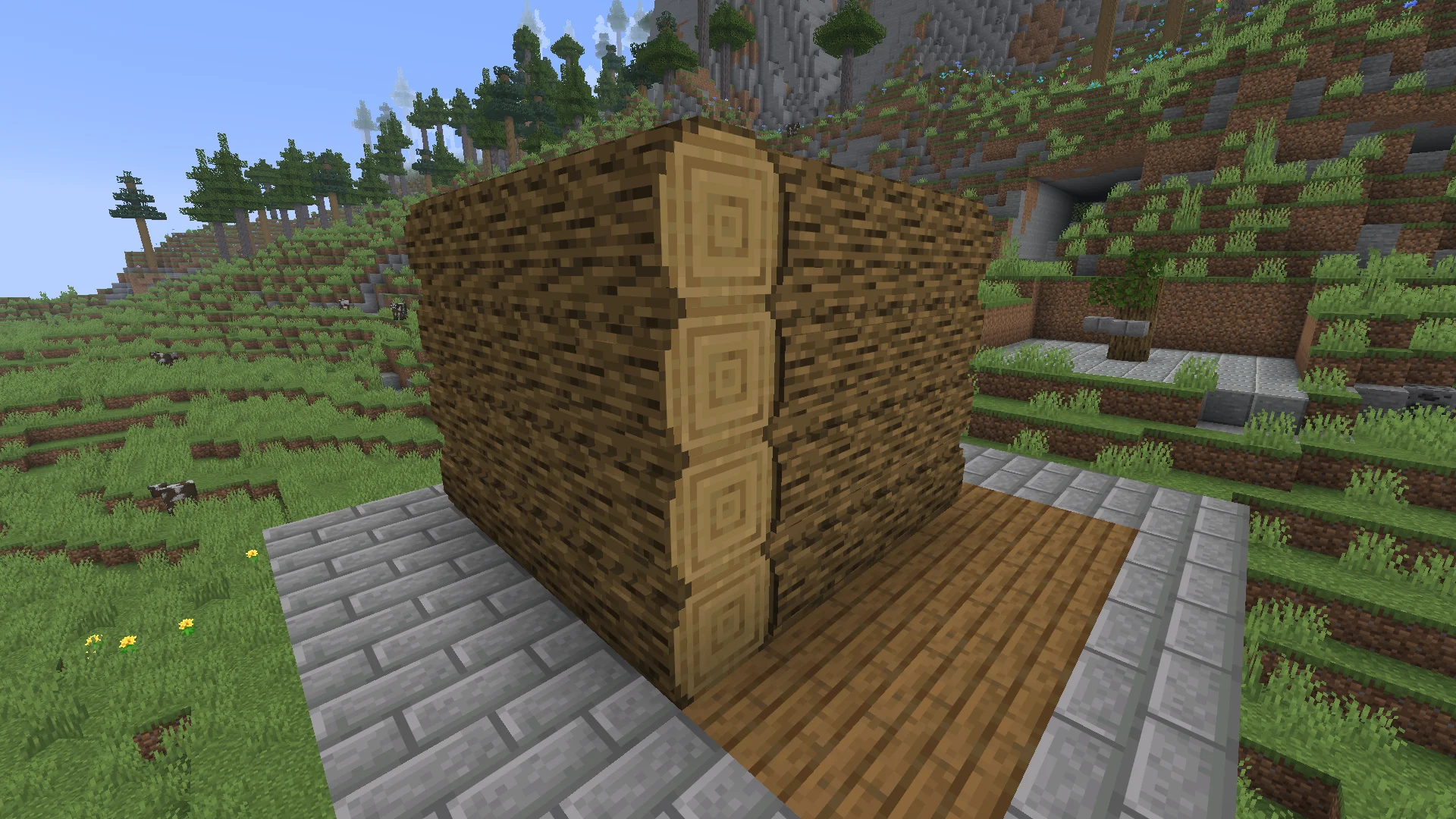
Logs placed sideways get the same rounded model along their axis, so a fallen log lies on the grass like a trunk rather than a crate. Stack them into a wall and each row bulges slightly, leaving a groove between rows, while the cut ends at the corner turn round.
Where round meets square
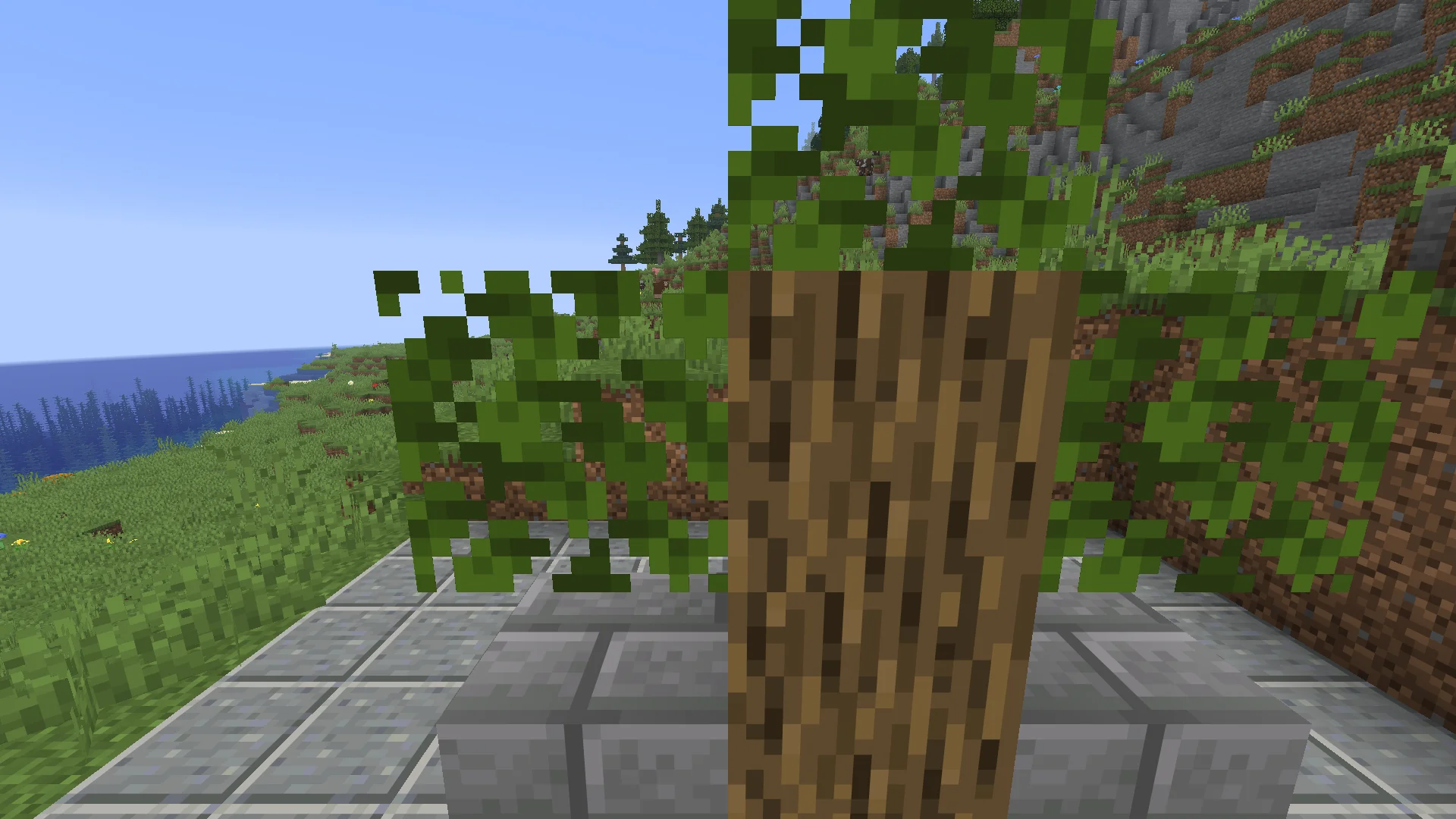
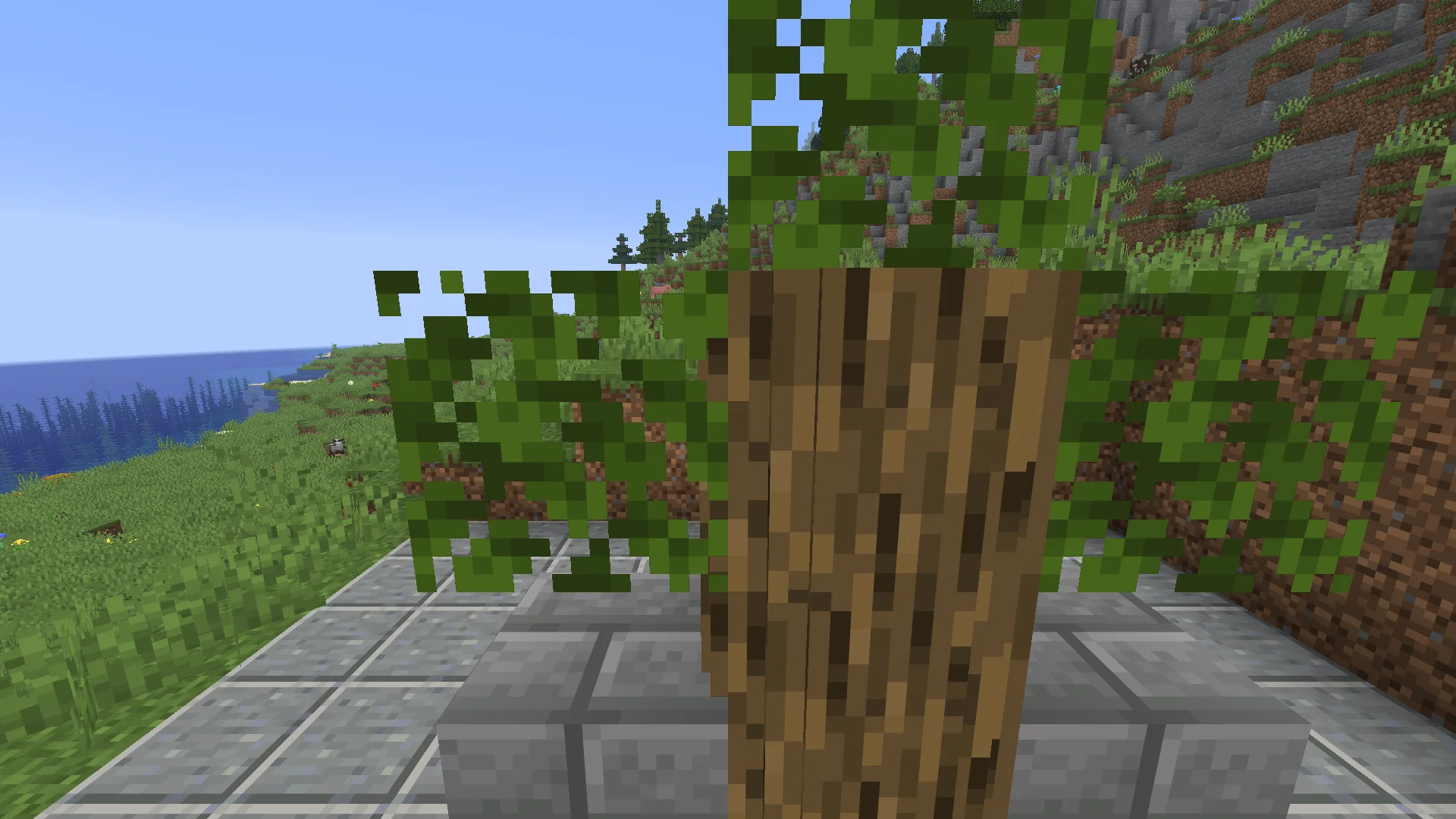
The model file shows how the shape is built: the corners of the block are cut away, and a strip on each side bulges 1.65 pixels past the block edge. Up close you can see the separate faces, and a square leaf block above the trunk overhangs its rounded top. For softer canopies, the author points to the companion pack Better Leaves.
A whole forest
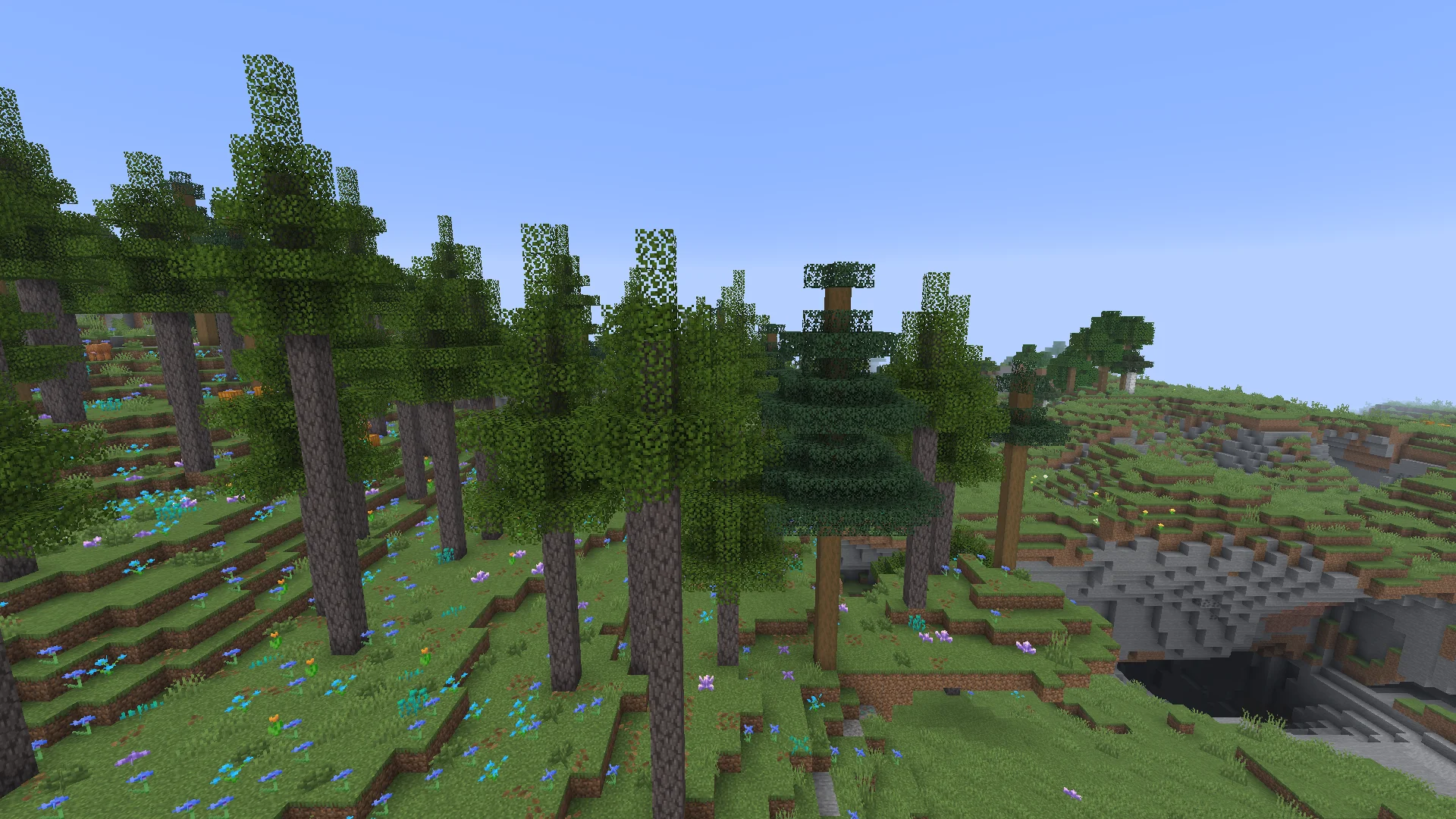
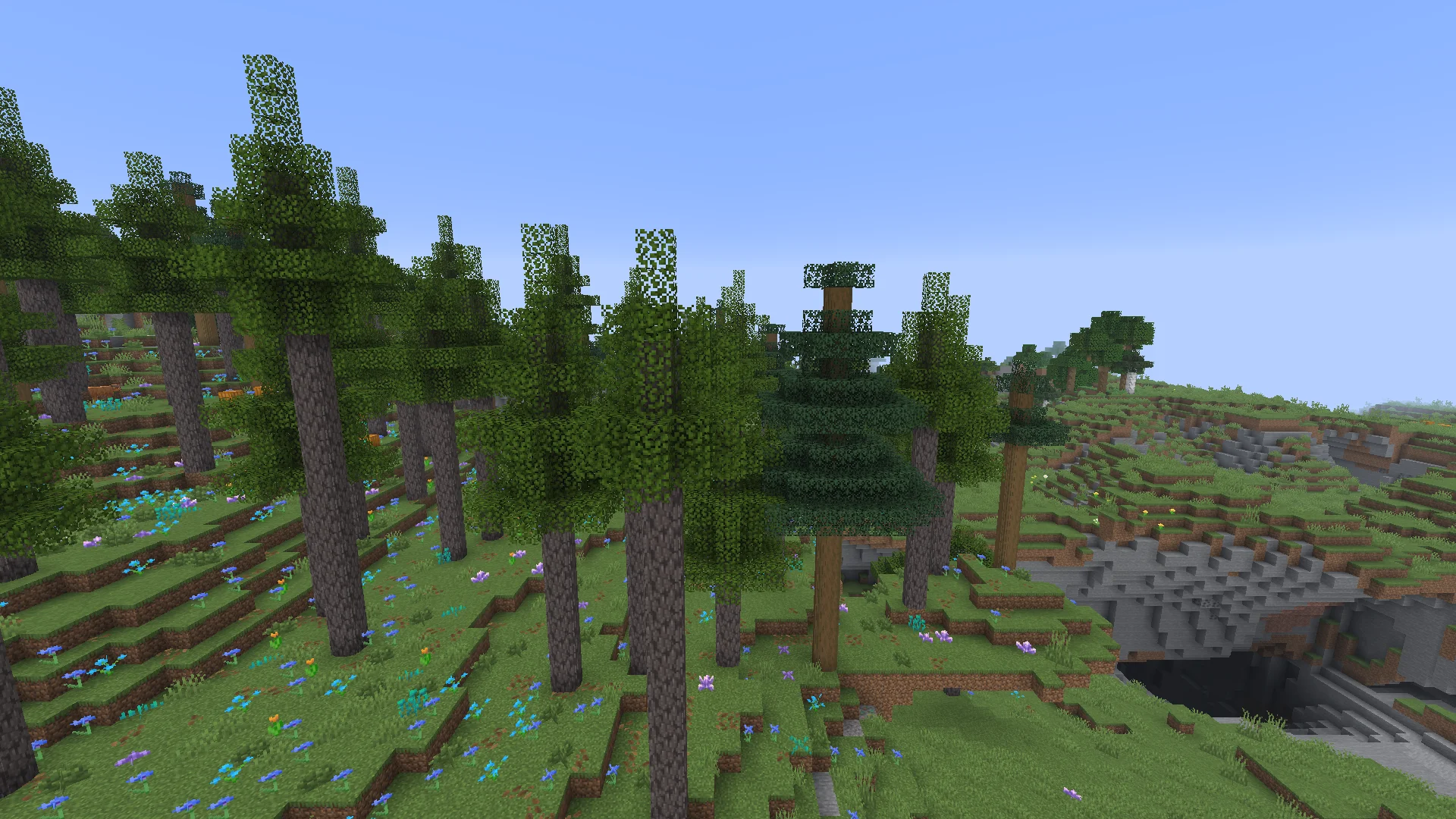
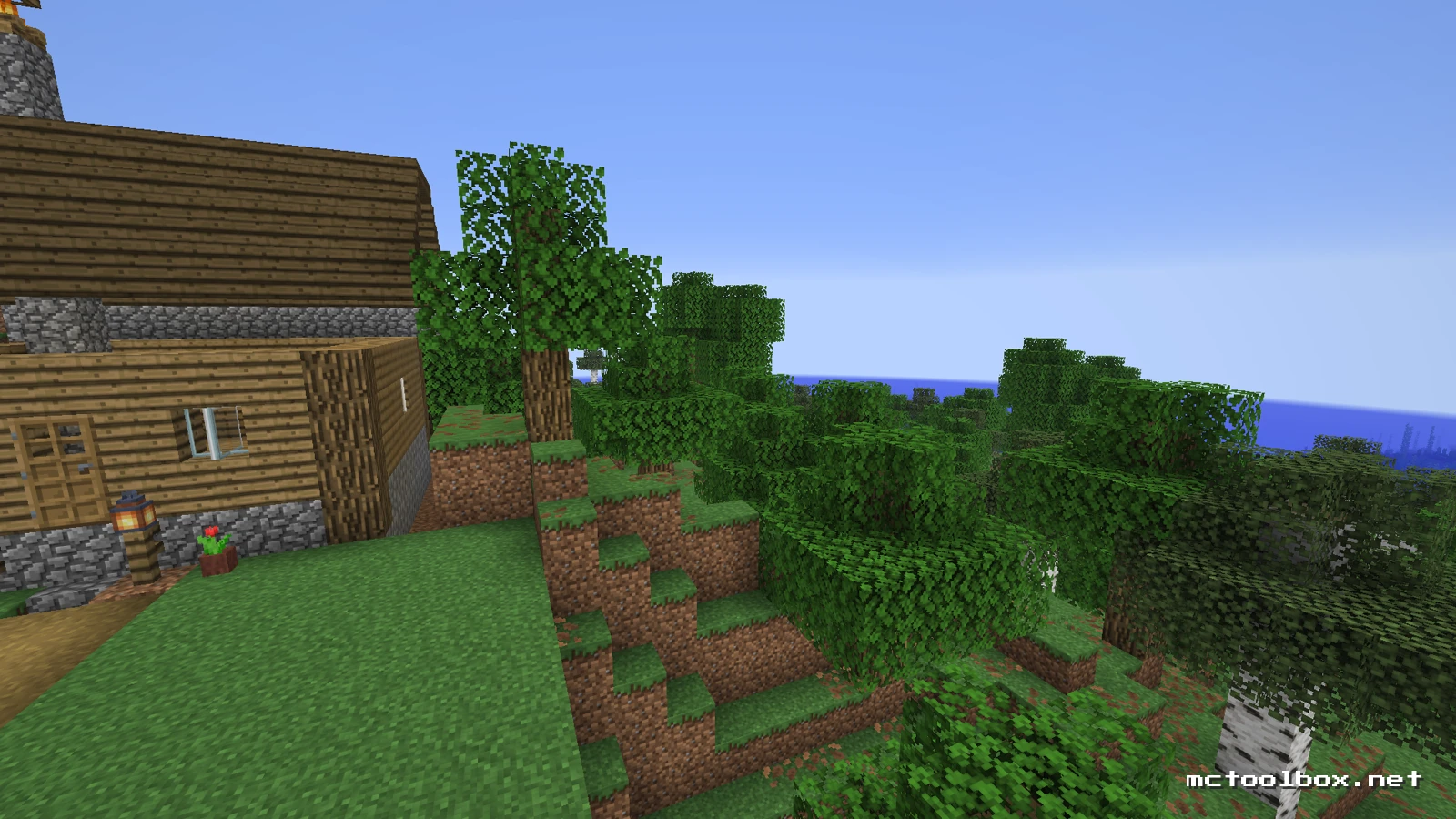
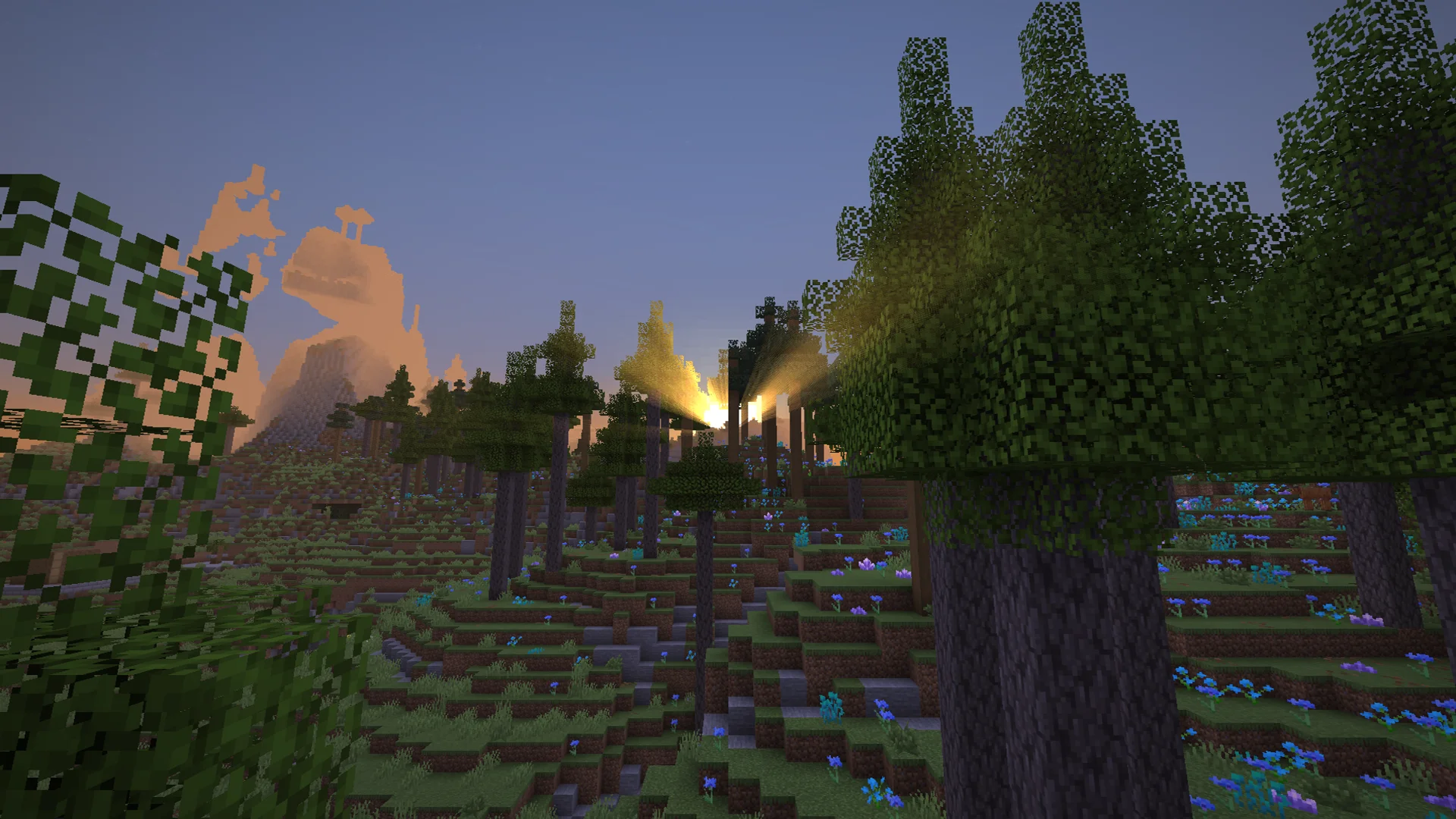
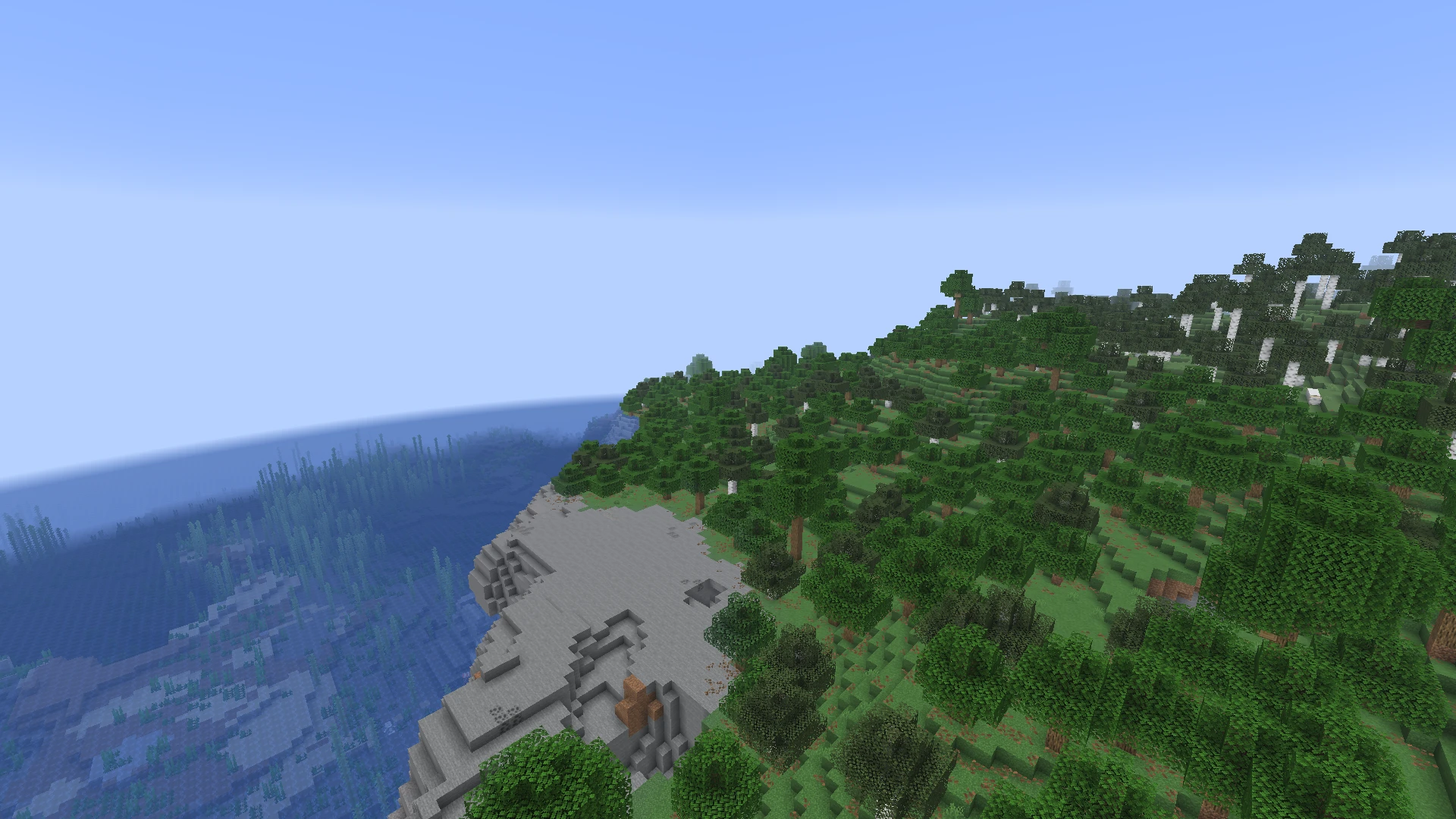
From a distance the change is quieter. Trunks lose their hard corners against the sky and the ground, but the forest still reads as vanilla, because the textures and leaves are untouched.
Installing and pack order
- 1
Add the zip
Copy the Round Trees zip into your
resourcepacksfolder (Options, then Resource Packs, then Open Pack Folder). Do not unzip it. - 2
Put it on top
Move Round Trees to the Selected list, above your texture packs. A pack above it that ships its own log models will put the square logs back.
- 3
Check modded logs
The project page lists the mods whose logs it rounds, including Biomes O' Plenty, Quark and Regions Unexplored. Logs from other mods stay square.
Our test setup
| client | Fabric |
|---|---|
| minecraft Version | 26.2 |
| pack Version | 8.4 |
Download and install
Choose the Java Edition file for your exact game version on the creator’s page. In Minecraft, open Options → Resource Packs → Open Pack Folder, place the ZIP there, then move the pack into the selected column.
The download is hosted by the creator, not MC Toolbox. Check the file and version before installing.