








Guide Index8 sections
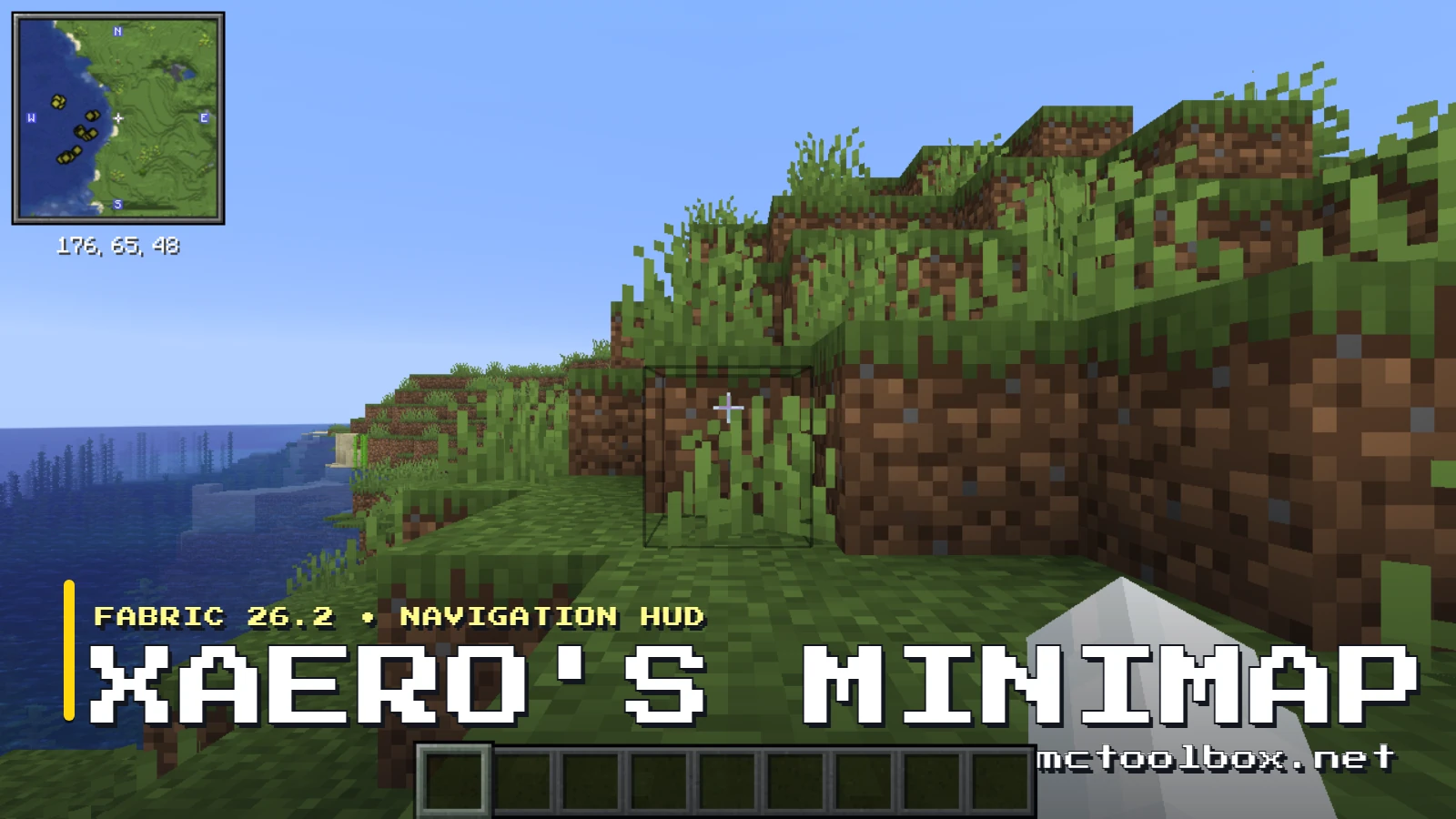
Opening a full-screen map every few seconds to check your bearings gets old fast. You stop walking, wait for the map interface to cover your view, confirm you are heading roughly northeast, and then close it, only to wonder where that cave entrance was two minutes later. Xaero's Minimap fixes that constant friction by putting a discreet, beautifully rendered radar in the corner of your screen that updates as you walk.
Xaero's Minimap has long been a staple of modded survival profiles because of how cleanly it blends into the default interface. It feels natural to the game's art style, renders chunk elevations accurately, and gives you instant waypoint beacons without getting in the way of survival play.
A minimap that looks and feels native to Minecraft
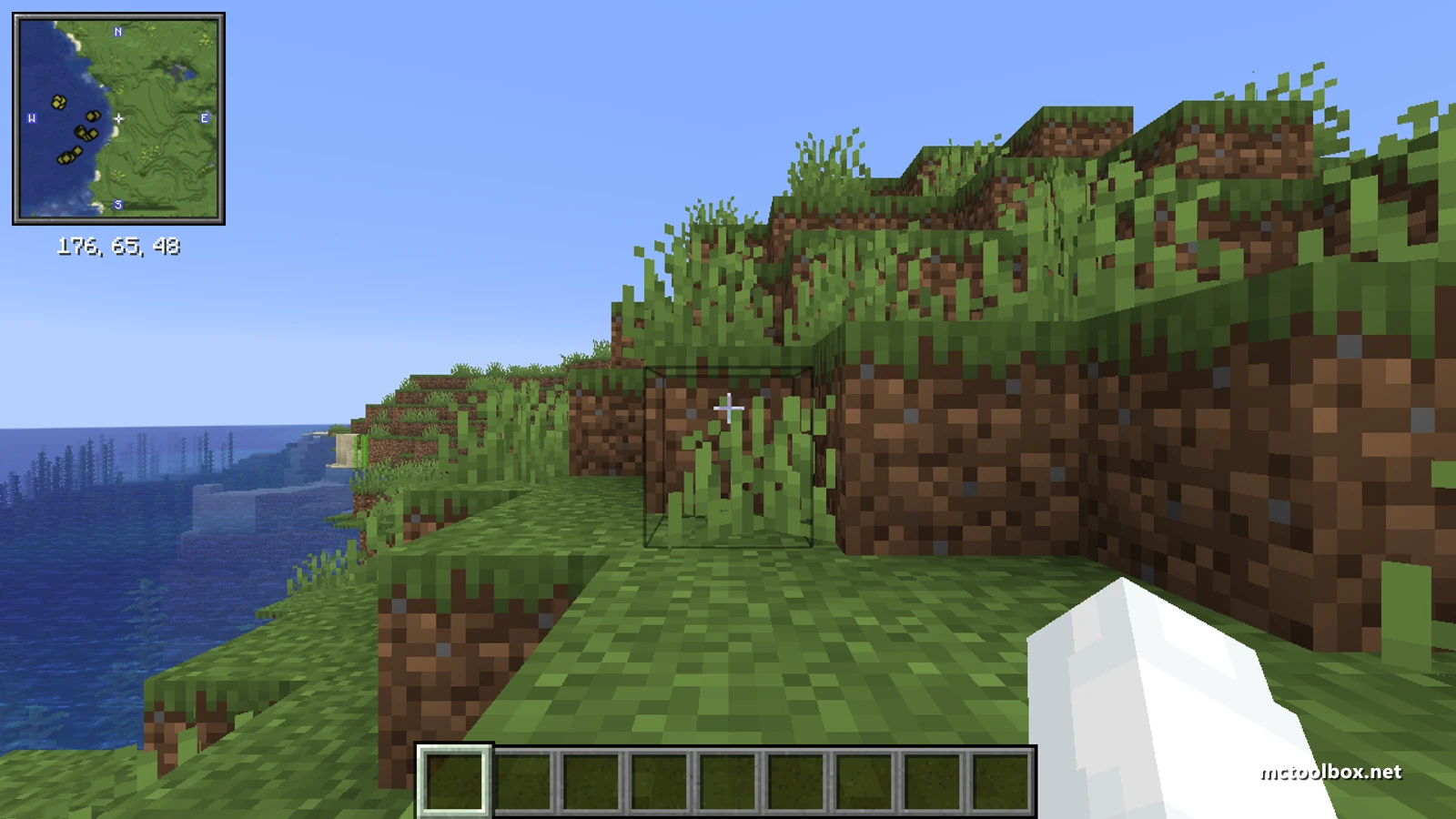
A lot of minimap mods look like alien overlays pasted over your screen, using blocky fonts or mismatched textures. Xaero's Minimap takes the opposite approach. The terrain colors match vanilla block palettes closely, water reflects coastline depth, and the compass letters sit cleanly around the border.
Along coastlines and hills, the minimap clearly distinguished sandy beaches, grass elevations, and shallow water transitions. Nearby passive mobs appeared as clean yellow dots on the radar, giving an immediate sense of what was around the hill before climbing it. Right below the map, your exact X, Y, Z coordinates stay visible so you never need to keep the cluttered F3 debug screen open while mining or exploring.
Loader Compatibility and Companion Mods
Xaero's Minimap loader requirements and companion mod support.
| Component | Specification | Compatibility Notes |
|---|---|---|
| Supported Loaders | Fabric, NeoForge, Forge | Separate loader-specific builds available |
| Fabric Dependency | Fabric API | Required for Fabric installations |
| Rendering Compatibility | Vanilla & Sodium | Renders cleanly alongside Sodium chunk batching |
| Companion Map Mod | Xaero's World Map | Automatically syncs waypoint sets and full-screen map tiles |
| Multiplayer Scope | Client-side HUD | Works on vanilla and modded servers (respecting server radar rules) |
Waypoints that guide you in both 2D and 3D
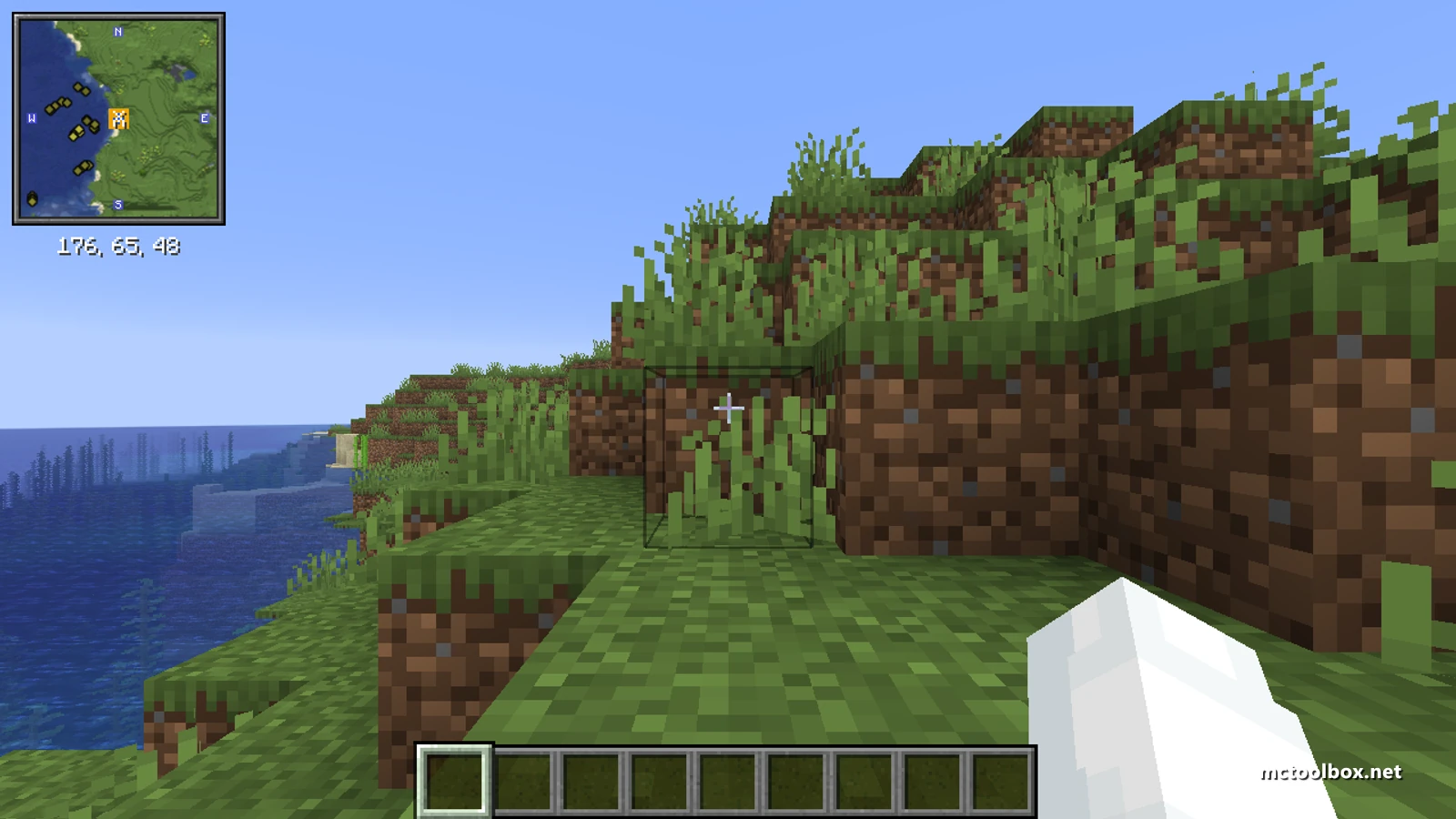
The waypoint system in Xaero's Minimap is one of its strongest features. When you discover an interesting portal, an exposed trial chamber, or simply want to remember your base location, you do not have to write coordinates down in a notepad.
Pressing B creates a waypoint at your current feet, while pressing a quick hotkey creates a temporary marker. What makes this so useful is that waypoints show up in two places: as a colored icon on the corner minimap, and as an in-world beacon beam pointing directly into the sky. You can glance at the horizon and instantly see how far away your target is without opening a menu.
Managing waypoint sets and dimensions
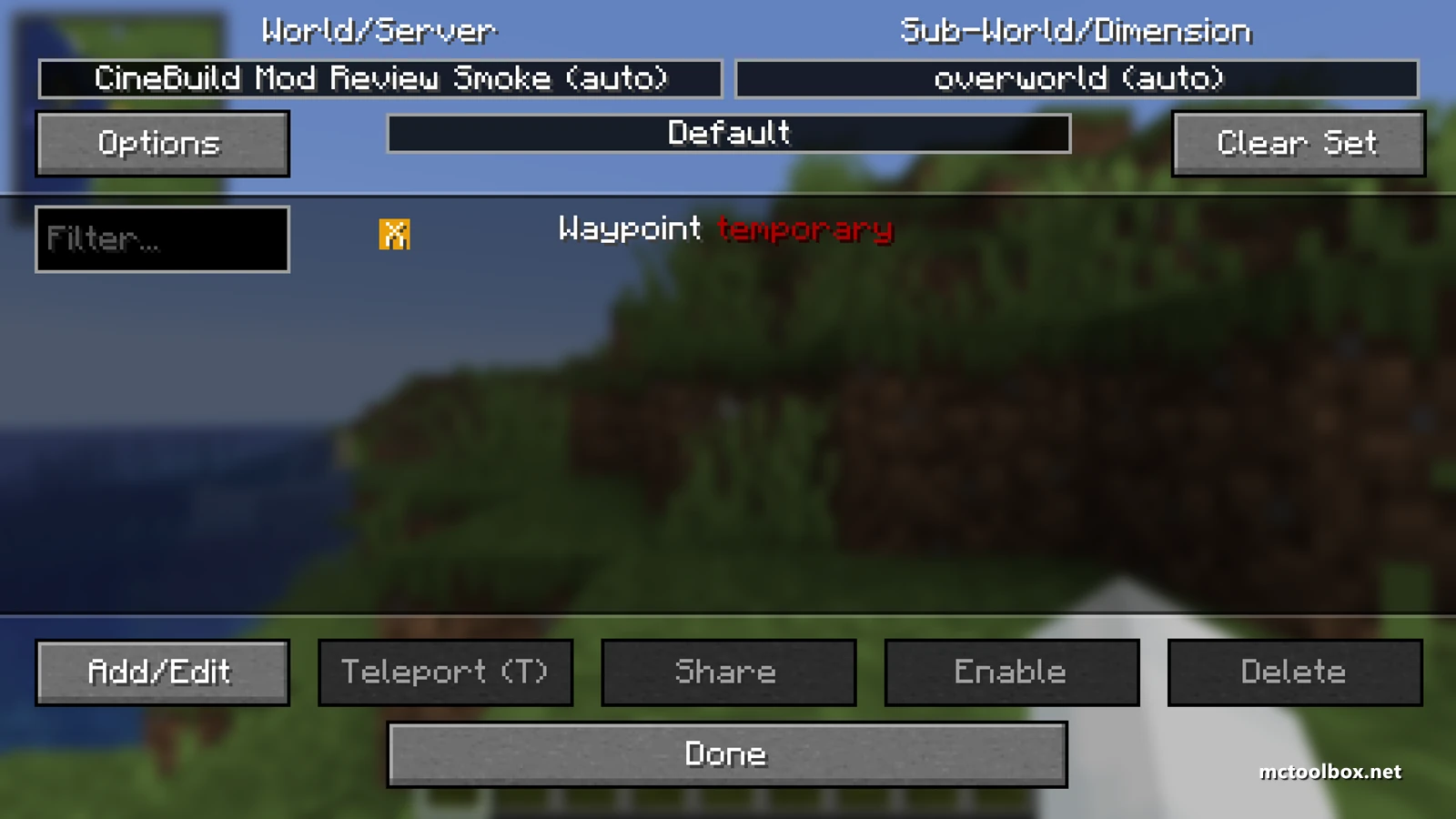
Pressing U brings up the dedicated Waypoints Manager. If you play on a long-term survival world, your map can easily become crowded with dozens of markers. Xaero solves this by organizing waypoints into sets and dimensions.
From this screen, you can toggle individual waypoints on or off, change their display colors, rename them, or delete old ones. In multiplayer servers where teleportation is allowed, the Teleport (T) button lets server administrators and players jump directly to any saved coordinate with a single click.
Tailoring the HUD: shape, zoom, and cave mode
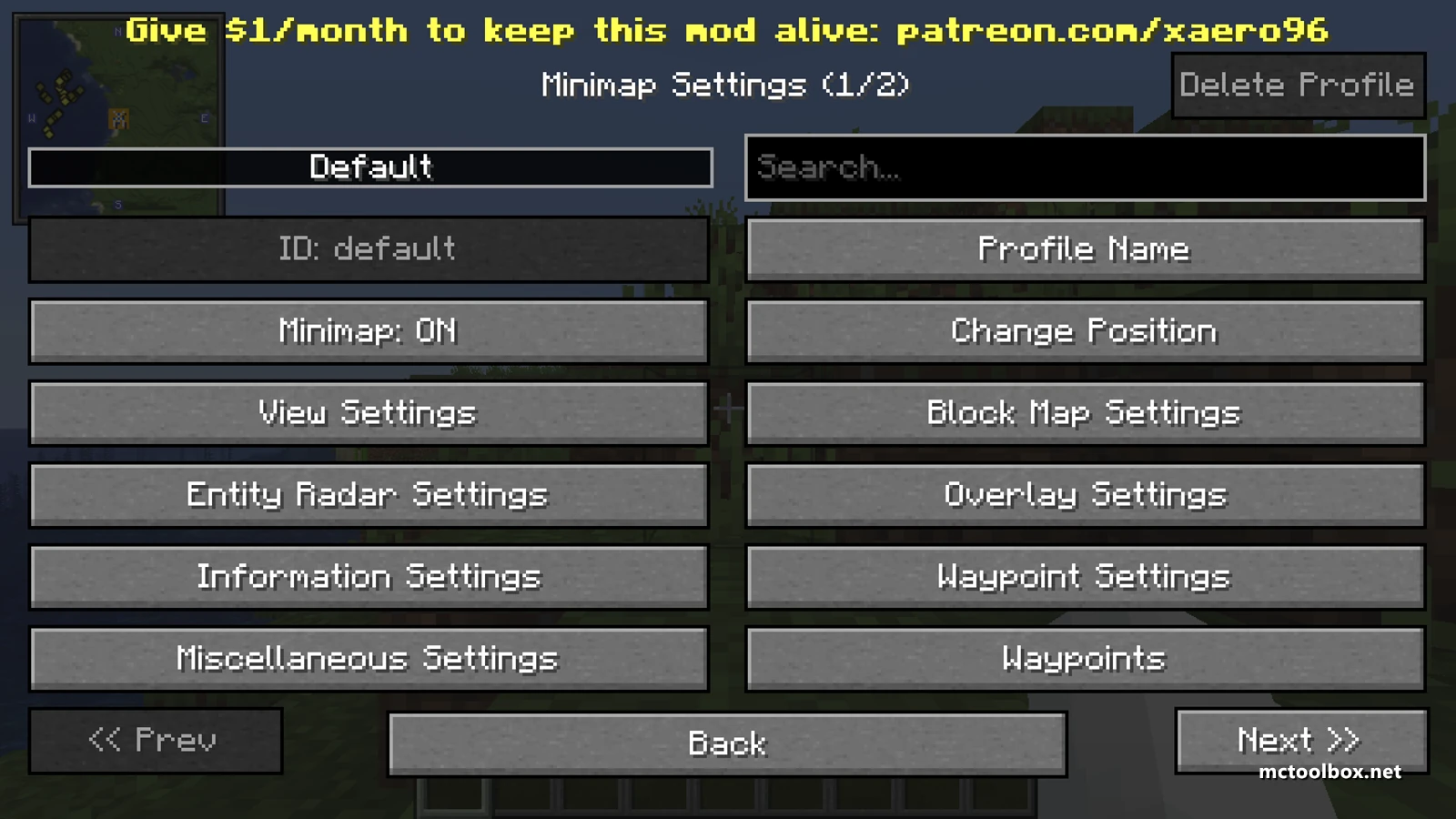
Pressing Y opens the Minimap Settings screen, where you can tune nearly every visual aspect of the mod. If you prefer a retro circular radar, you can switch the frame shape from square to circle. You can also adjust the minimap scale, relocate it to any screen corner, or toggle entity radar categories if you only want to track players rather than passive animals.
One standout feature is Cave Mode. When you step beneath the surface or enter a dark cavern, Xaero's Minimap can automatically switch from top-down surface terrain to a horizontal cross-section of the surrounding cave tunnels, helping you navigate complex underground ravines without getting turned around.
Everyday shortcuts worth memorizing
How to install Xaero's Minimap on Fabric 26.2
- 1
Set up Fabric Loader
Make sure your Minecraft launcher has an active Fabric profile for version 26.2.
- 2
Add Fabric API
Place the matching
fabric-apiJAR file inside your.minecraft/modsfolder. - 3
Download Xaero's Minimap
Download the official Fabric build from Modrinth using the download button in this guide and place the
.jarinto.minecraft/mods. - 4
Pair with Xaero's World Map (Optional)
For the ultimate navigation setup, drop
xaeroworldmapinto the same folder. Both mods share waypoints and chunk data automatically.
Xaero's Minimap succeeds because it balances high utility with visual discretion. It gives you the navigational confidence of coordinates, nearby entity awareness, and waypoint beacons without taking over your screen or feeling like a cheat sheet. Paired with Sodium on Fabric 26.2, its performance overhead is practically unnoticeable. If you explore far from spawn or get lost easily in caverns, this is one of the most reliable mods you can install.
Official Downloads
Created by xaero96In-game navigation and minimap HUD
XAERO'S MINIMAP
We do not host any Minecraft mod files directly on this site. We link to official sources to ensure mod developers receive proper credit and support for their work.