








Guide Index9 sections
Advancement popups in vanilla Minecraft have retained the same basic appearance for years: a small rectangular card that slides briefly out of the top-right corner before vanishing. Fancy Toasts, developed by Bivrik under the MIT license, completely overhauls these notifications. The mod gives achievements dedicated visual plaques, distinctive animation paths, selectable texture styles, and extensive layout options.
Fancy Toasts is a purely client-side visual mod, meaning you can install it locally and join any vanilla or modded multiplayer server without requiring the server to have it installed. On Fabric, pair it with Fabric API and Mod Menu so you can open its live configuration screen and preview toast animations directly from the pause menu.
Advancement Tiers: Vanilla vs Fancy Toasts
Direct visual comparison of Task, Goal, and Challenge popups
Minecraft divides advancements into three distinct tiers: regular Tasks, intermediate Goals, and high-difficulty Challenges. In the default game, all three tiers share the same top-right anchor position and slide horizontally from the right border.
Fancy Toasts alters both the anchor and the plaque geometry. By default, popups are anchored at the top center of your display, appearing directly below the top edge of the window. Each advancement tier receives custom decorative framing that distinguishes everyday milestones from rare endgame feats.
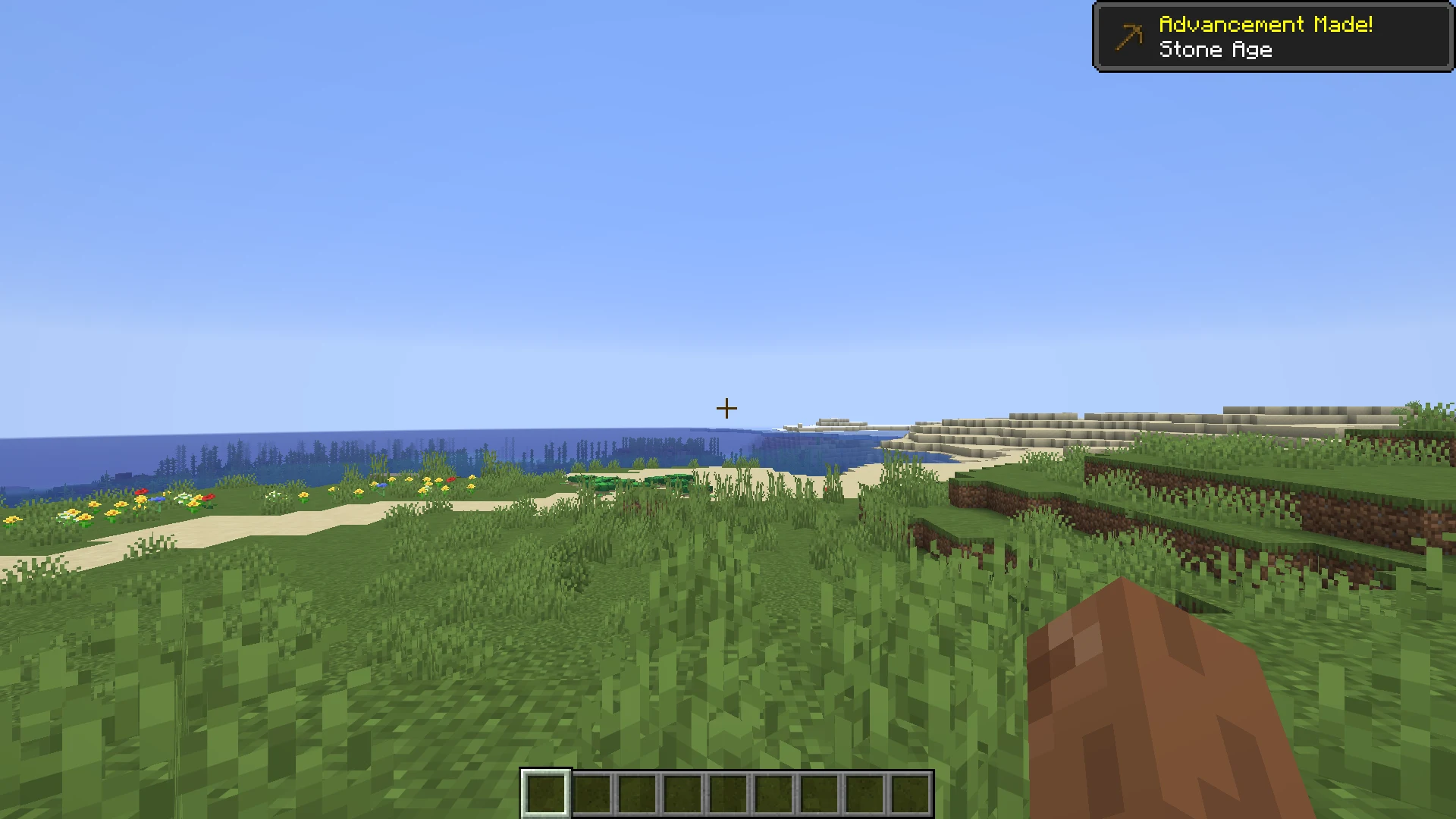
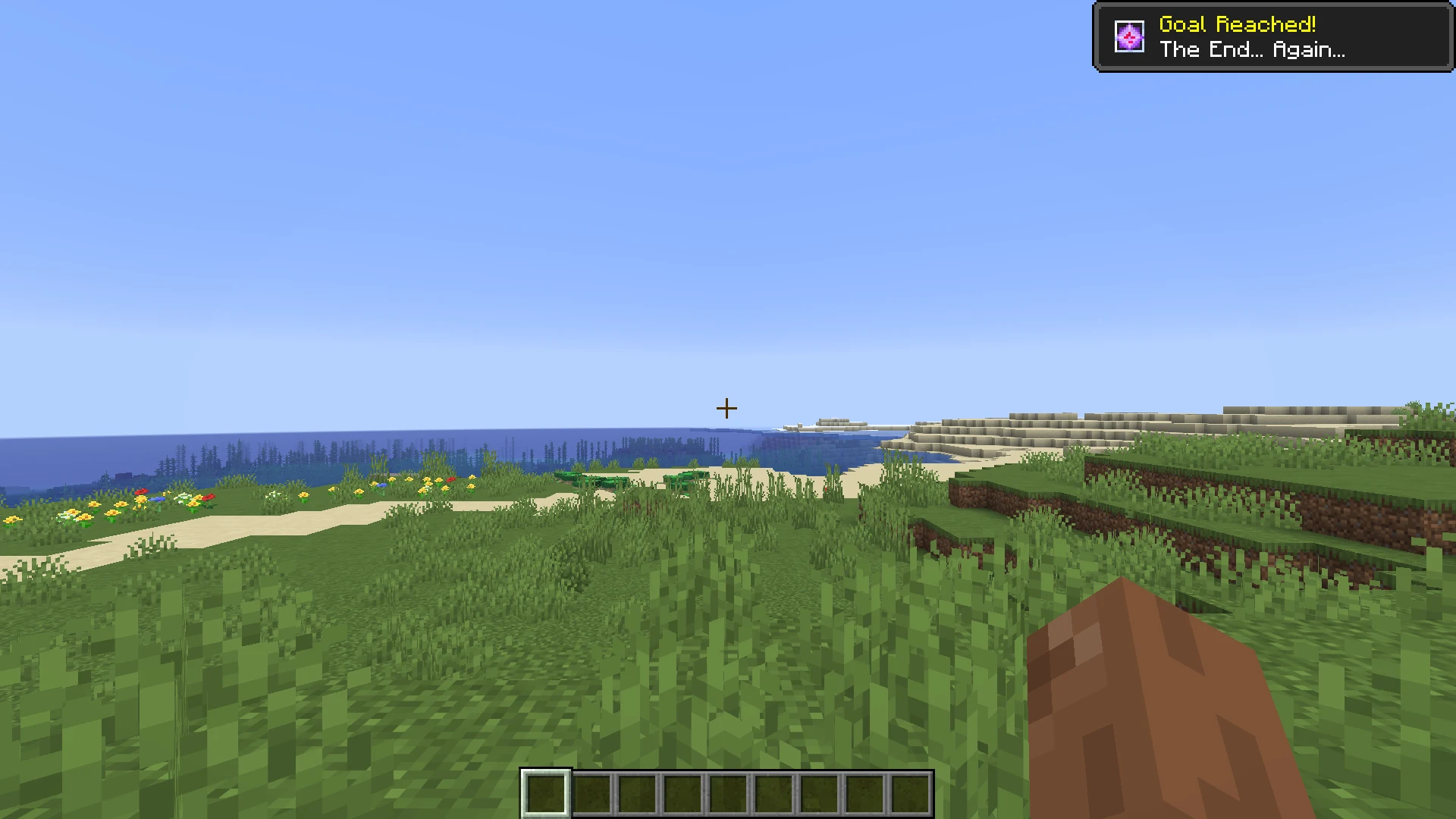
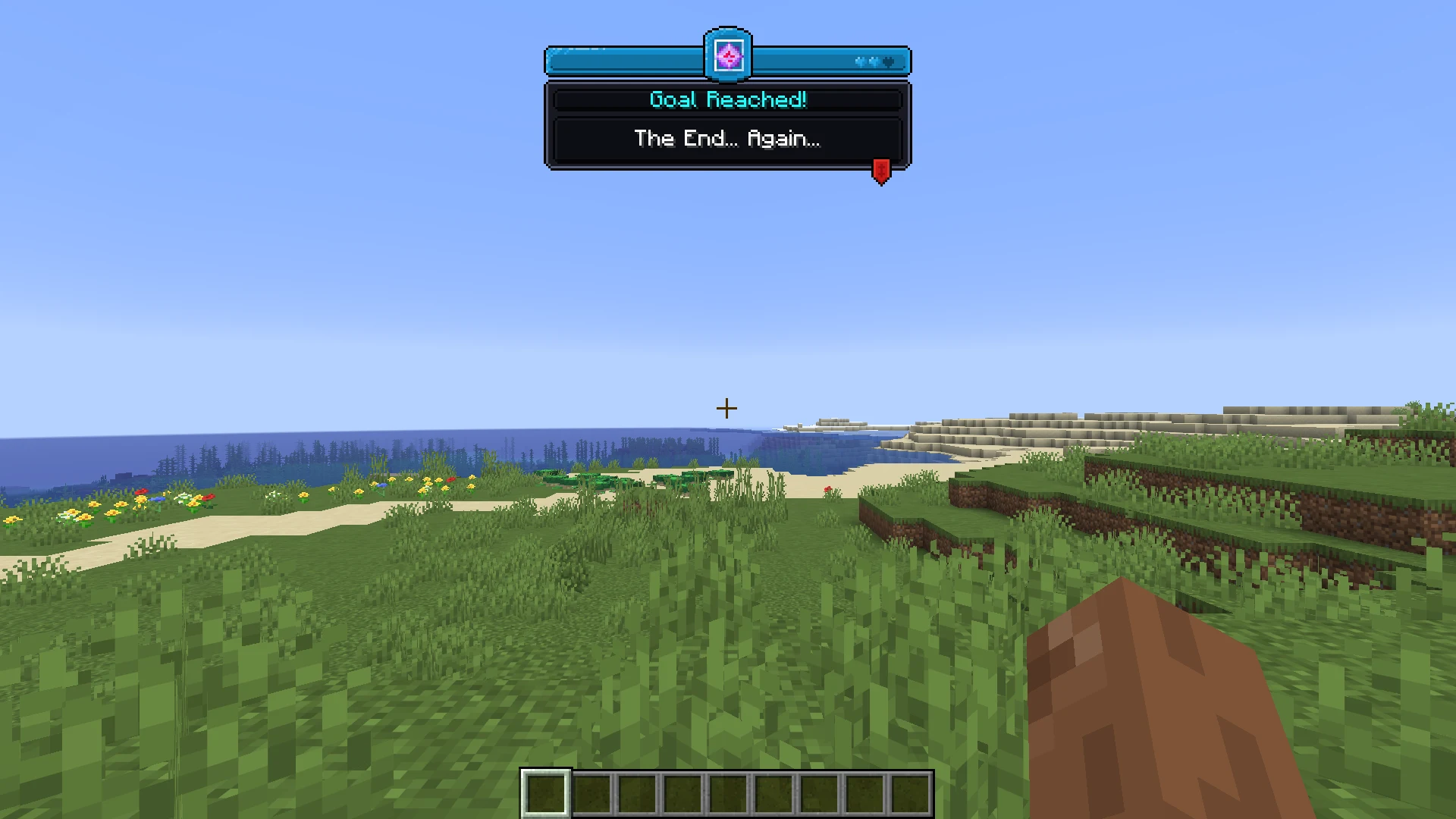
Goals represent intermediate milestones, such as respawning the Ender Dragon (The End... Again...). In vanilla Minecraft, a goal toast uses rounded corner brackets in the top right. Fancy Toasts expands this tier into an ornate heraldic plaque with decorative upper corners and centered typography.
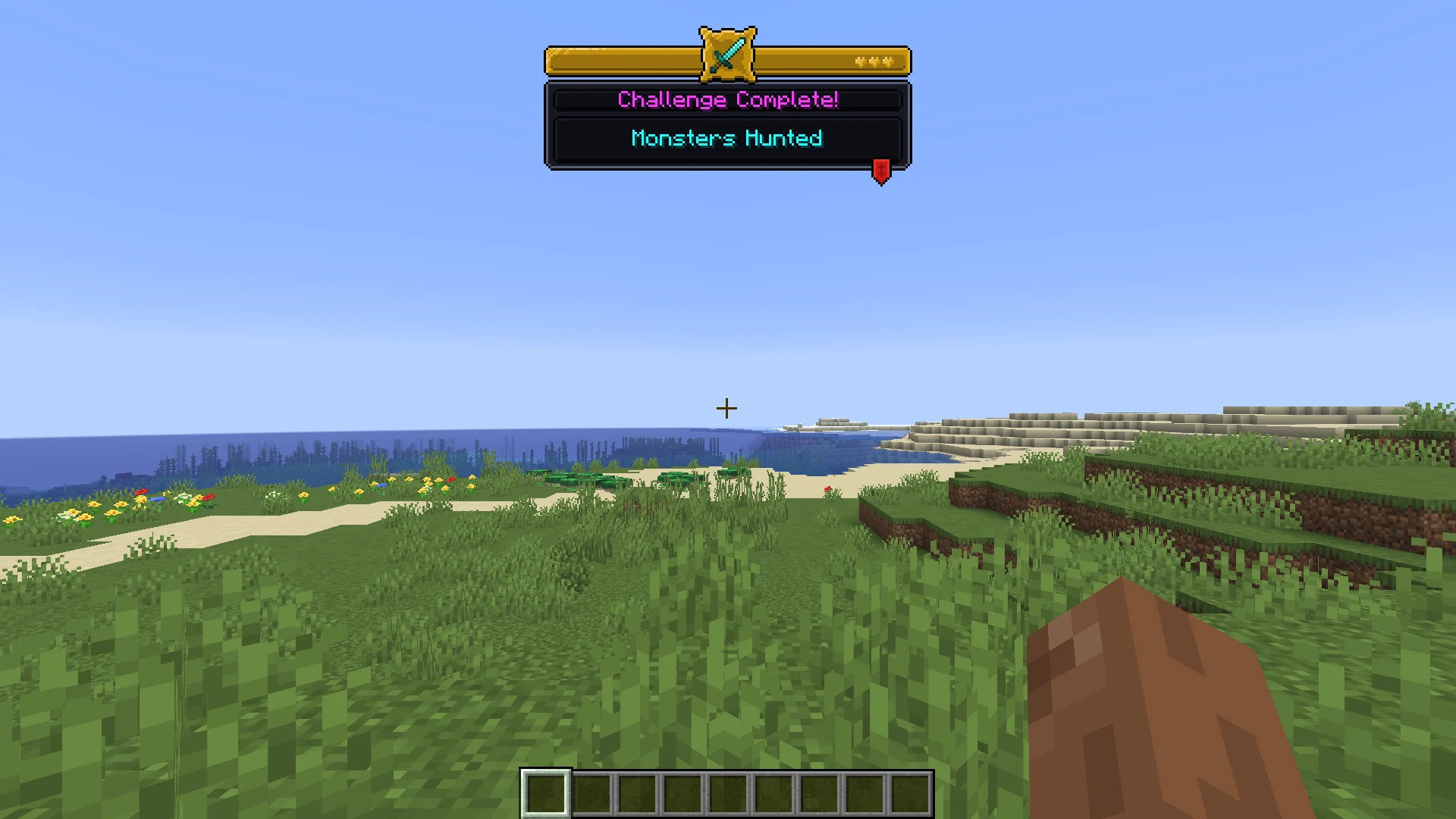
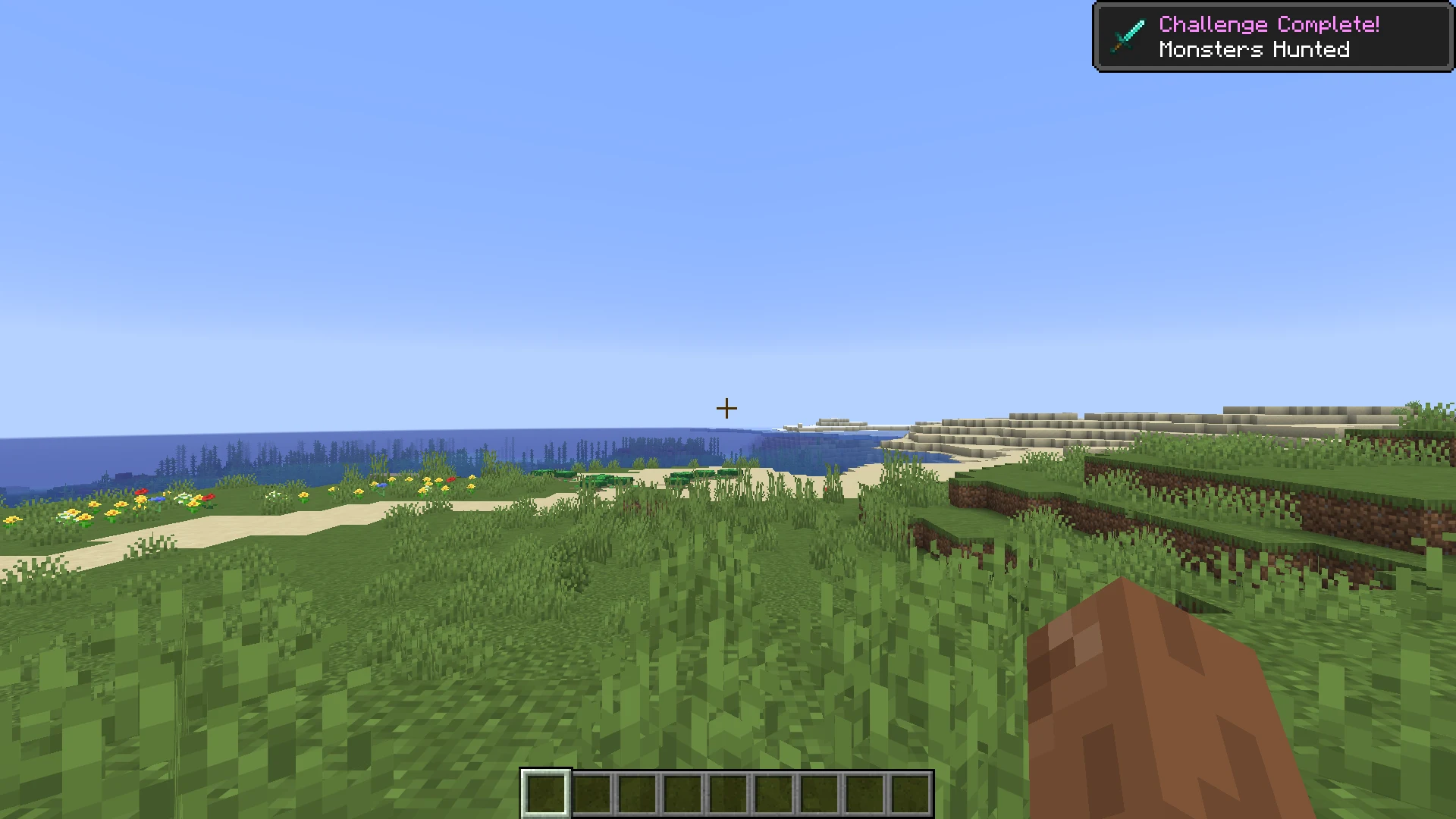
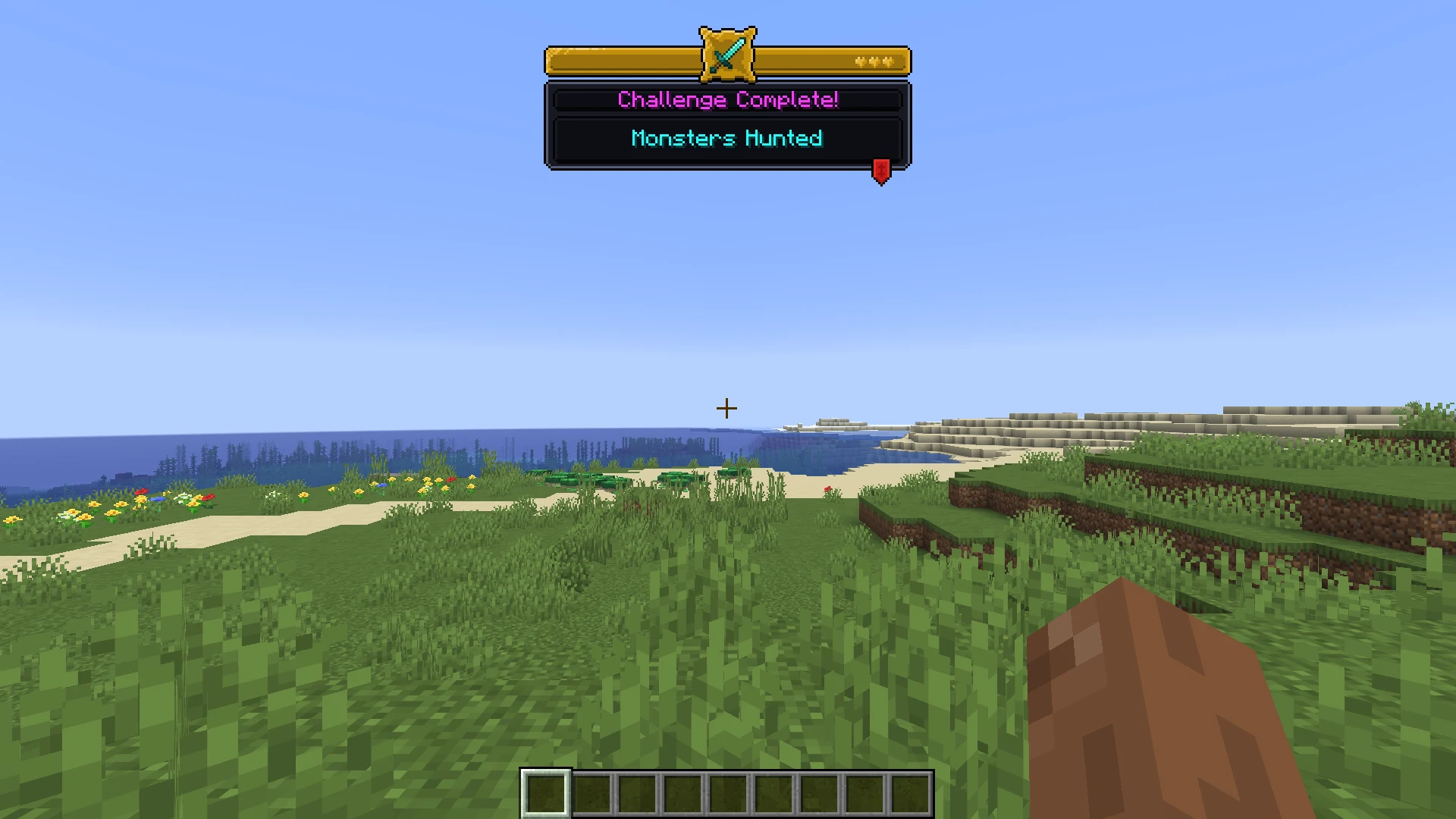
Challenges mark the hardest feats in the game, such as defeating every hostile monster (Monsters Hunted). Vanilla displays a distinctive purple banner title. Fancy Toasts gives it a gold frame with the item set in a round medallion, a dark plaque, a magenta title and a small red ribbon on the corner.
Entry Animation and Movement
Smooth vertical drop and icon lead-in
Vanilla toasts move along a single horizontal axis, popping in and out from the side of the monitor. Fancy Toasts introduces custom movement scripts. Under the default Standard animation profile, the notification emerges from behind the upper bezel of the screen, descending smoothly into view with the advancement icon leading the plaque.
The 7-second recording below captures the full motion cycle of a Task toast entering from the top edge, settling into place while playing its chime, and lingering before retracting.
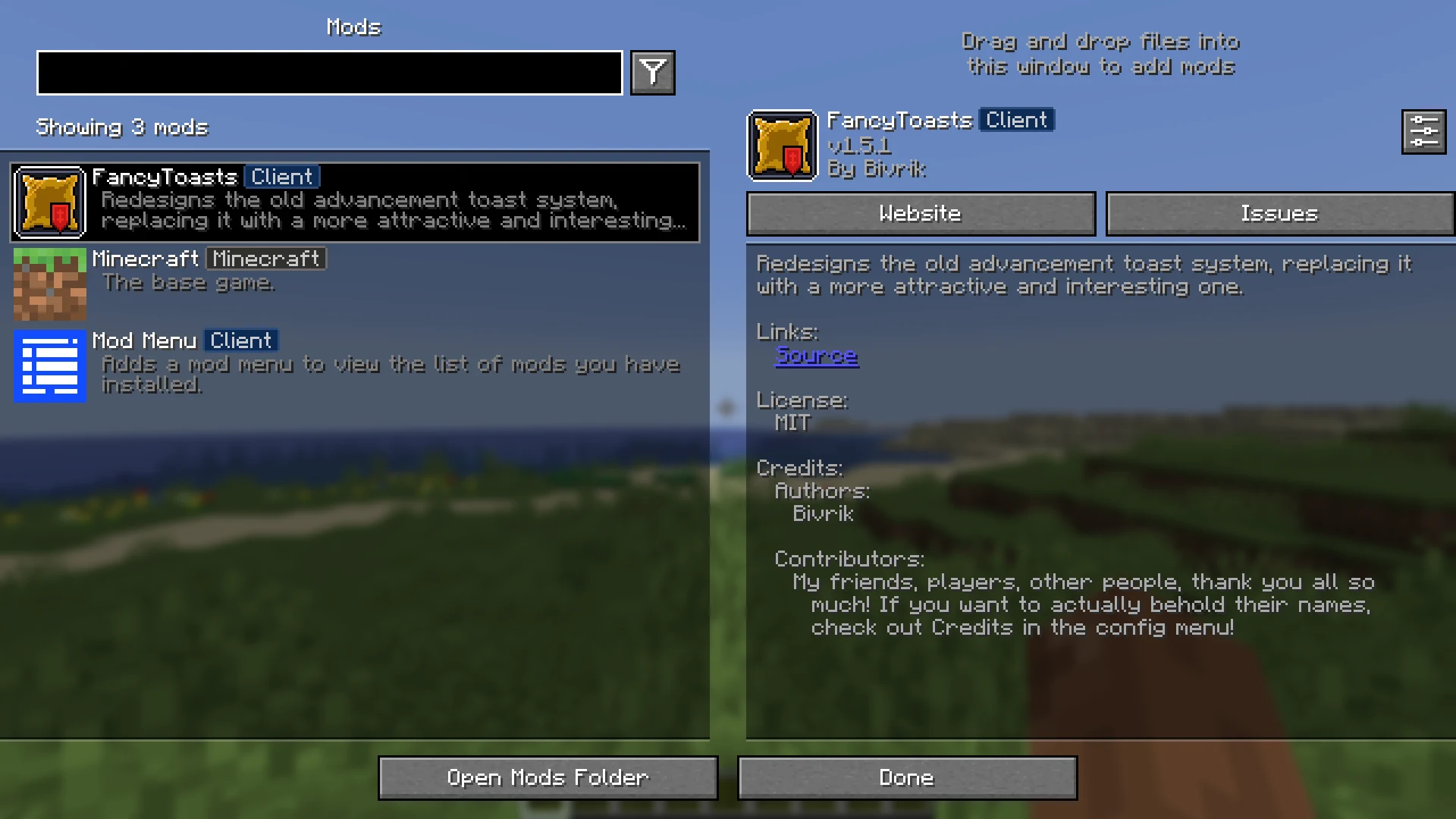
Fancy Toasts integrates with Mod Menu on Fabric, allowing you to access all preferences directly from the game's pause menu without editing JSON files manually. Selecting Fancy Toasts 1.5.1 in Mod Menu 21.0.0 displays the mod details and opens the configuration tree.
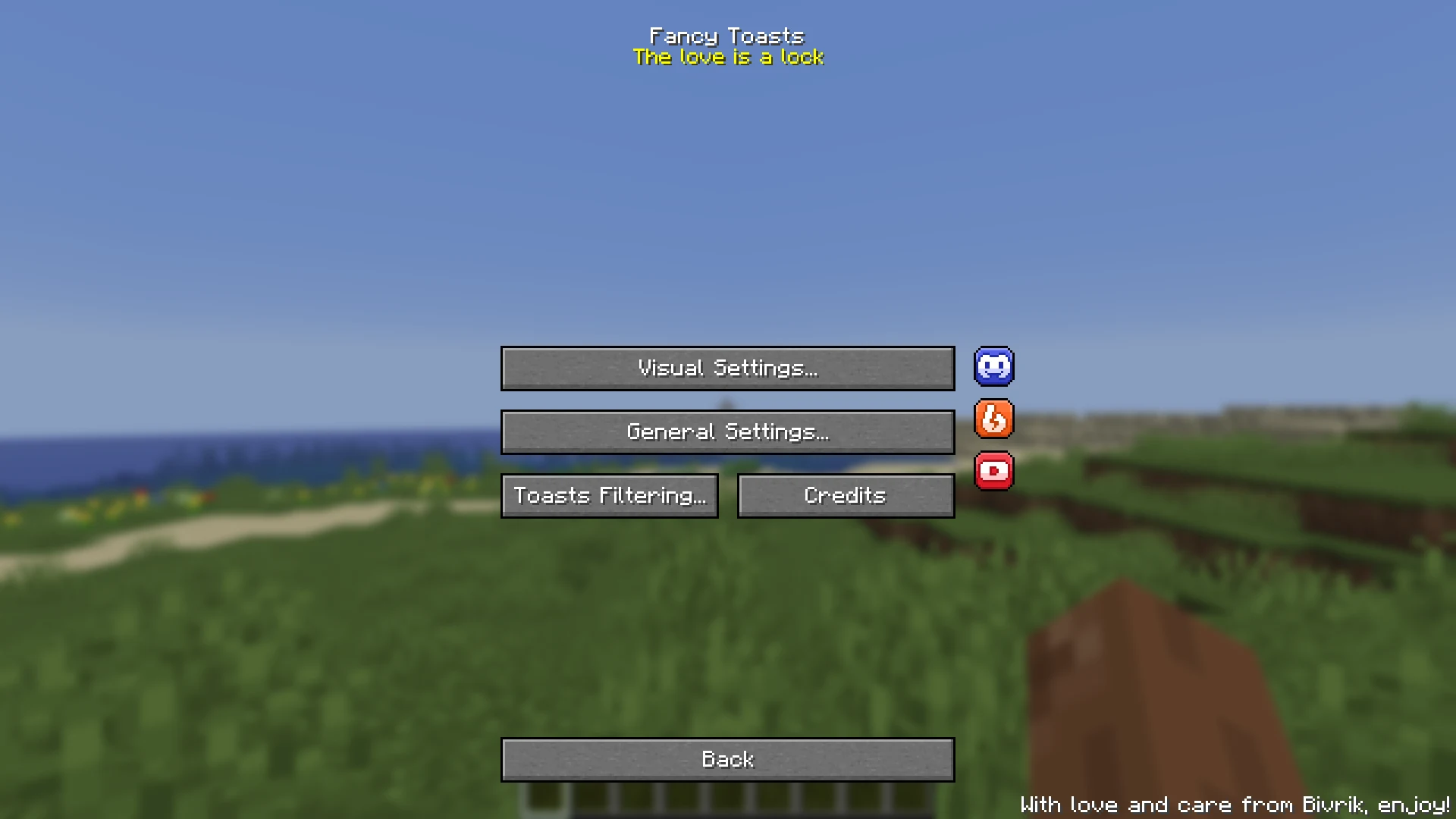
The root configuration screen divides mod settings into three clear sections: Visual Settings, General Settings, and Toasts Filtering.
Visual Settings
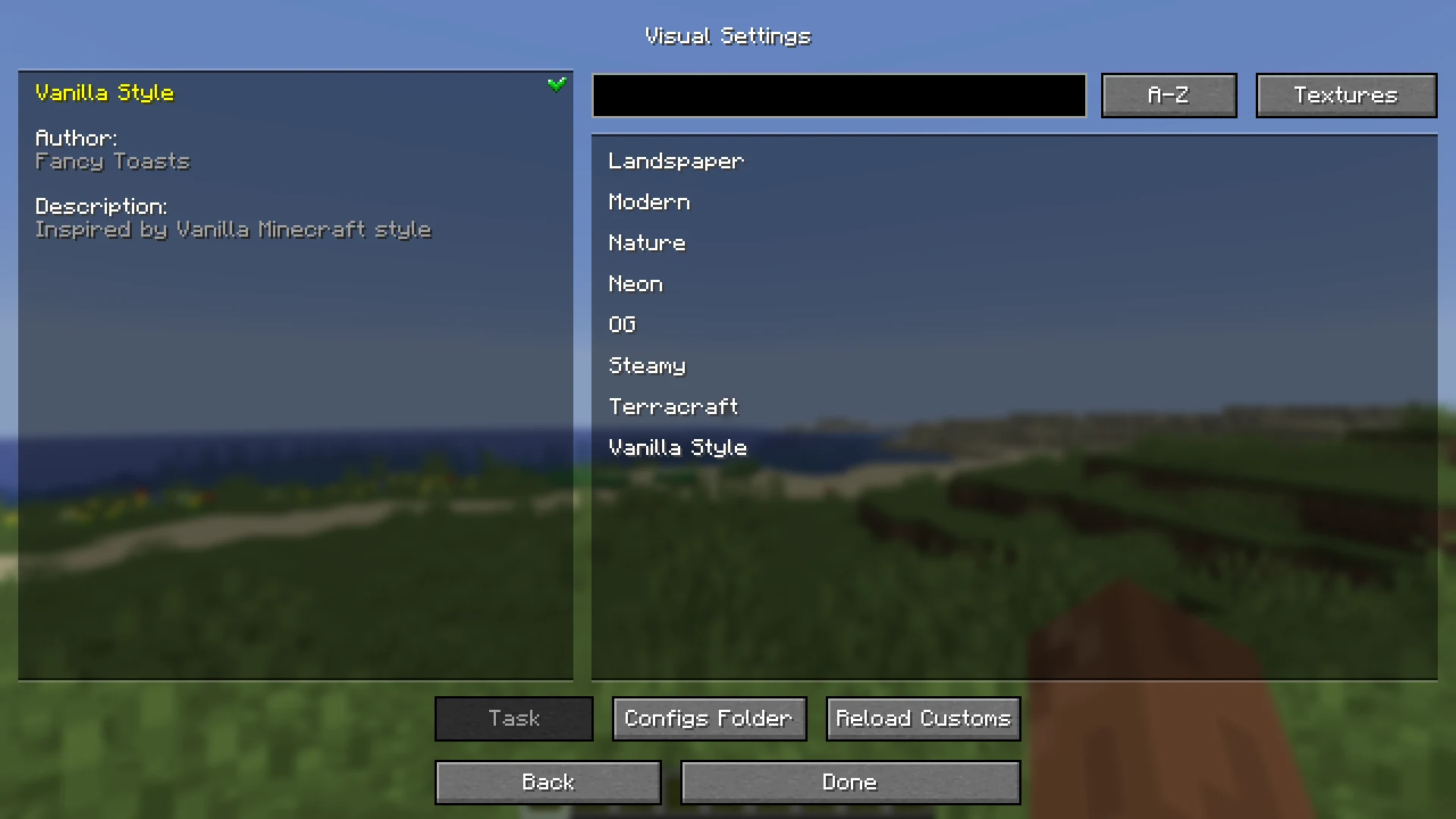
The Visual Settings page controls how plaques appear and sound:
- Texture styles: Landspaper, Modern, Nature, Neon, OG, Steamy, Terracraft and Vanilla Style are built in. The panel on the left shows the selected style with its author and description.
- Configs Folder and Reload Customs: Open the folder for custom styles and reload them without restarting the game.
General Settings
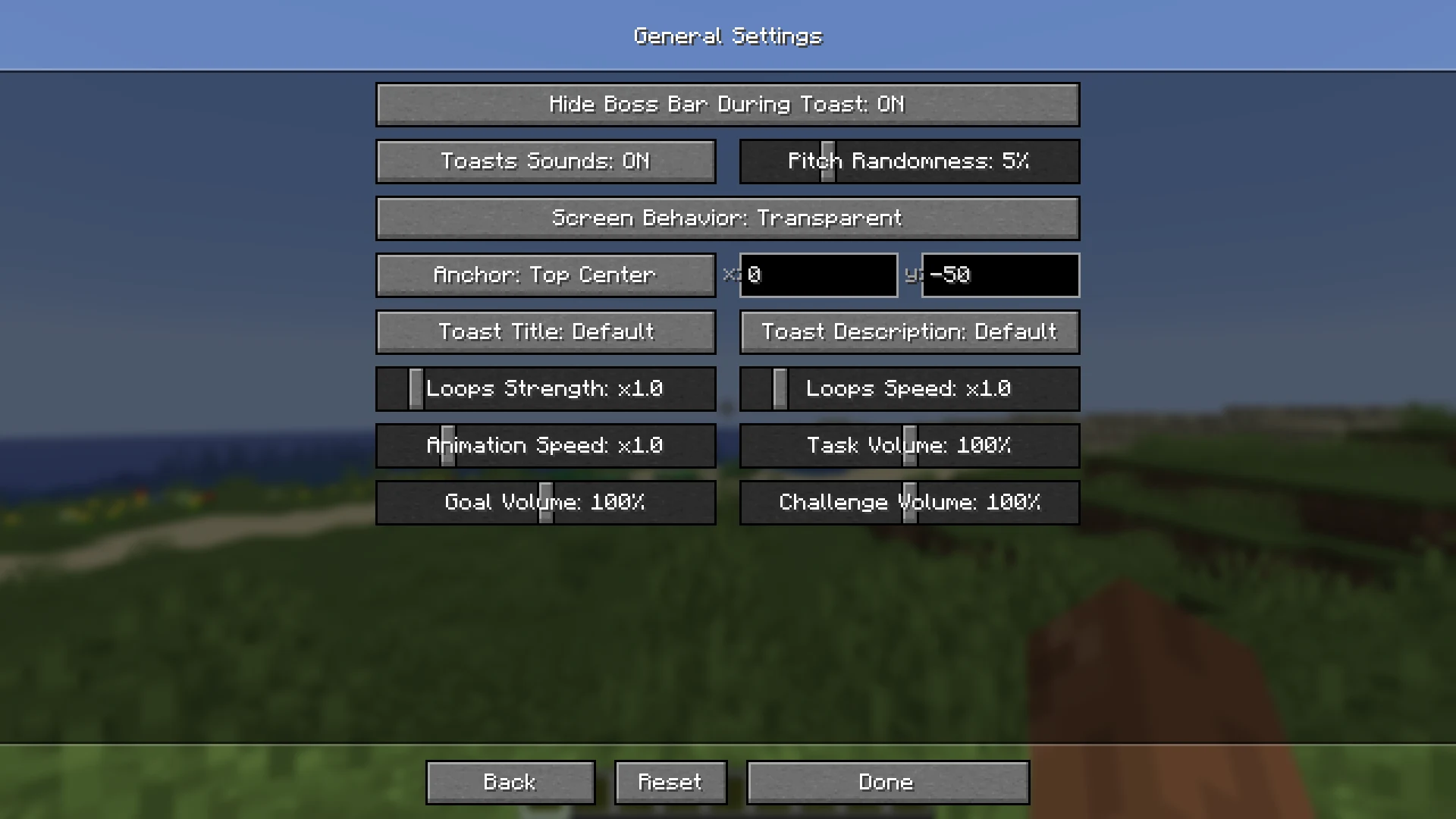
The General Settings screen handles spatial placement and overlay interactions:
- Anchor: Top Center by default. Click it to cycle to other screen positions.
- X and Y offsets: Fields for exact placement. The default Y is -50.
- Sounds: Toasts Sounds on or off, Pitch Randomness at 5%, and separate Task, Goal and Challenge volume sliders at 100%.
- Motion: Animation Speed, Loops Strength and Loops Speed, all at x1.0 by default.
- Screen Behavior and Hide Boss Bar During Toast: Control how toasts sit over open screens and hide the boss bar while a toast plays.
- Toast Title and Toast Description: Change the text styling of the two lines.
Toasts Filtering
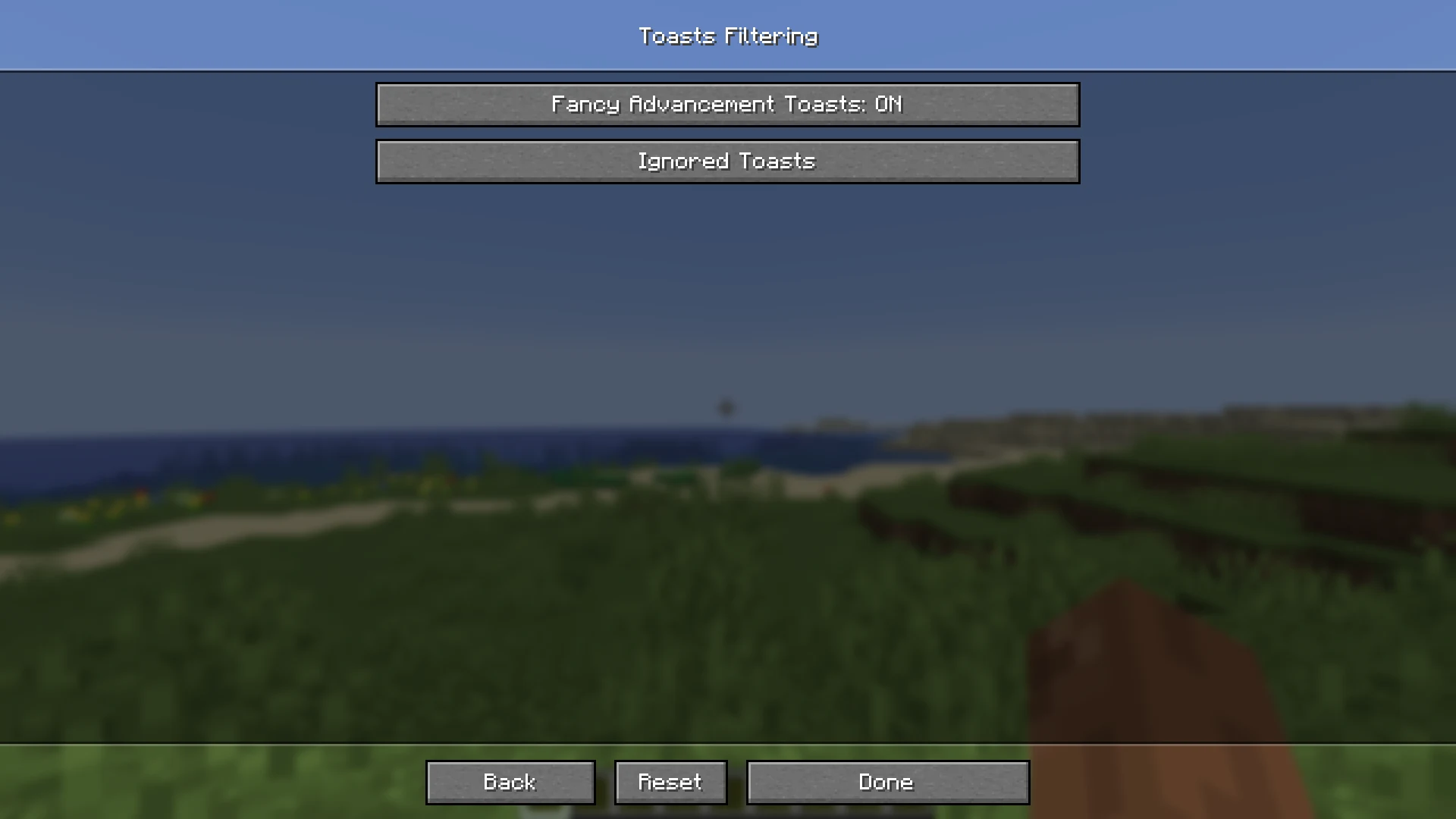
The Toasts Filtering menu allows selective suppression of unwanted notification spam:
- Global Toggles: Enable or disable fancy advancement toasts and quest toasts independently.
- Type Filters: Selective toggles to ignore Task, Goal, or Challenge toasts without affecting other tiers.
- Blacklist: A custom blacklist where specific advancement identifiers can be added to suppress unwanted popups entirely.
Demonstrating Custom Textures: Modern Style
How changing configuration options modifies in-game popups
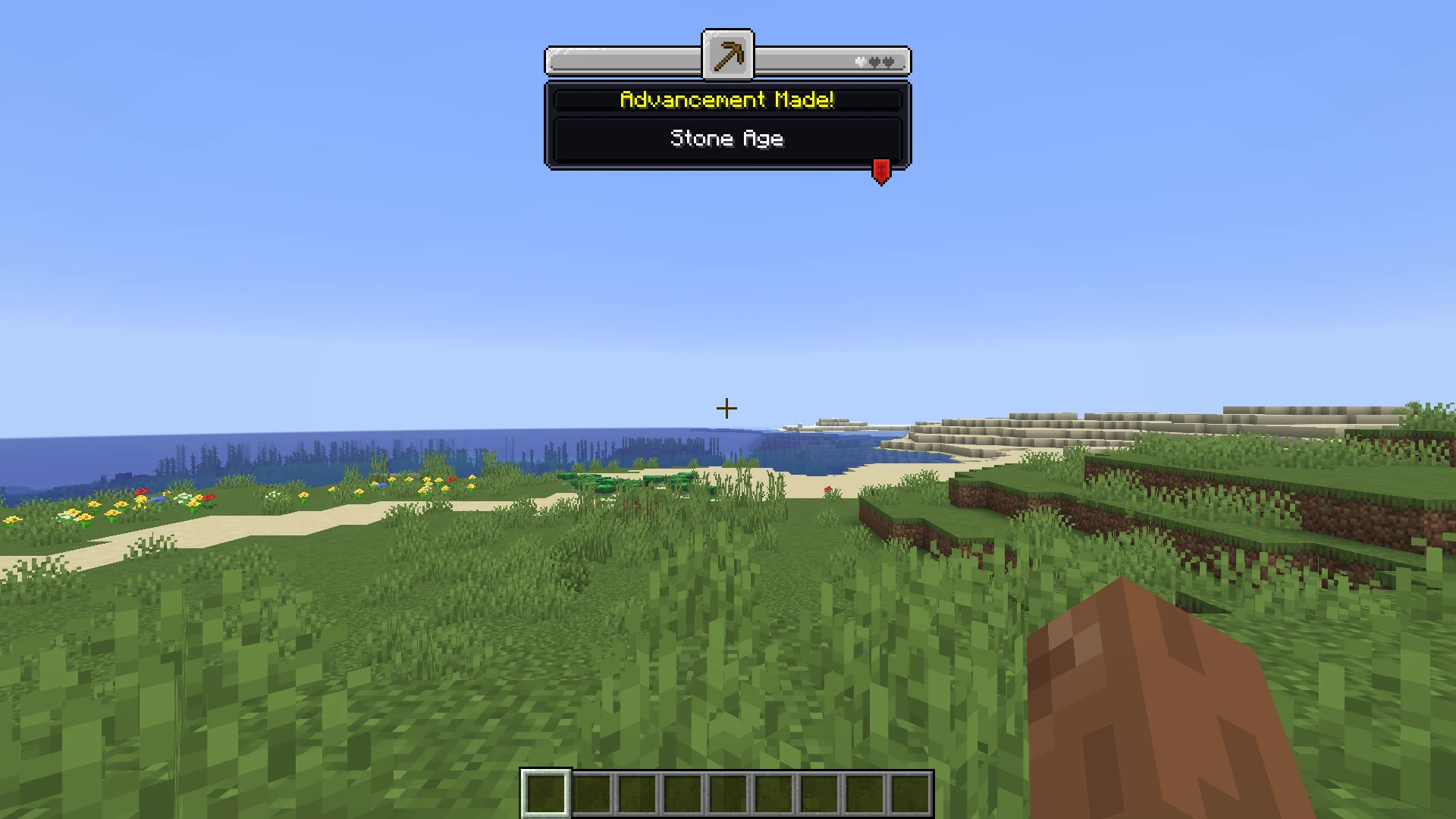
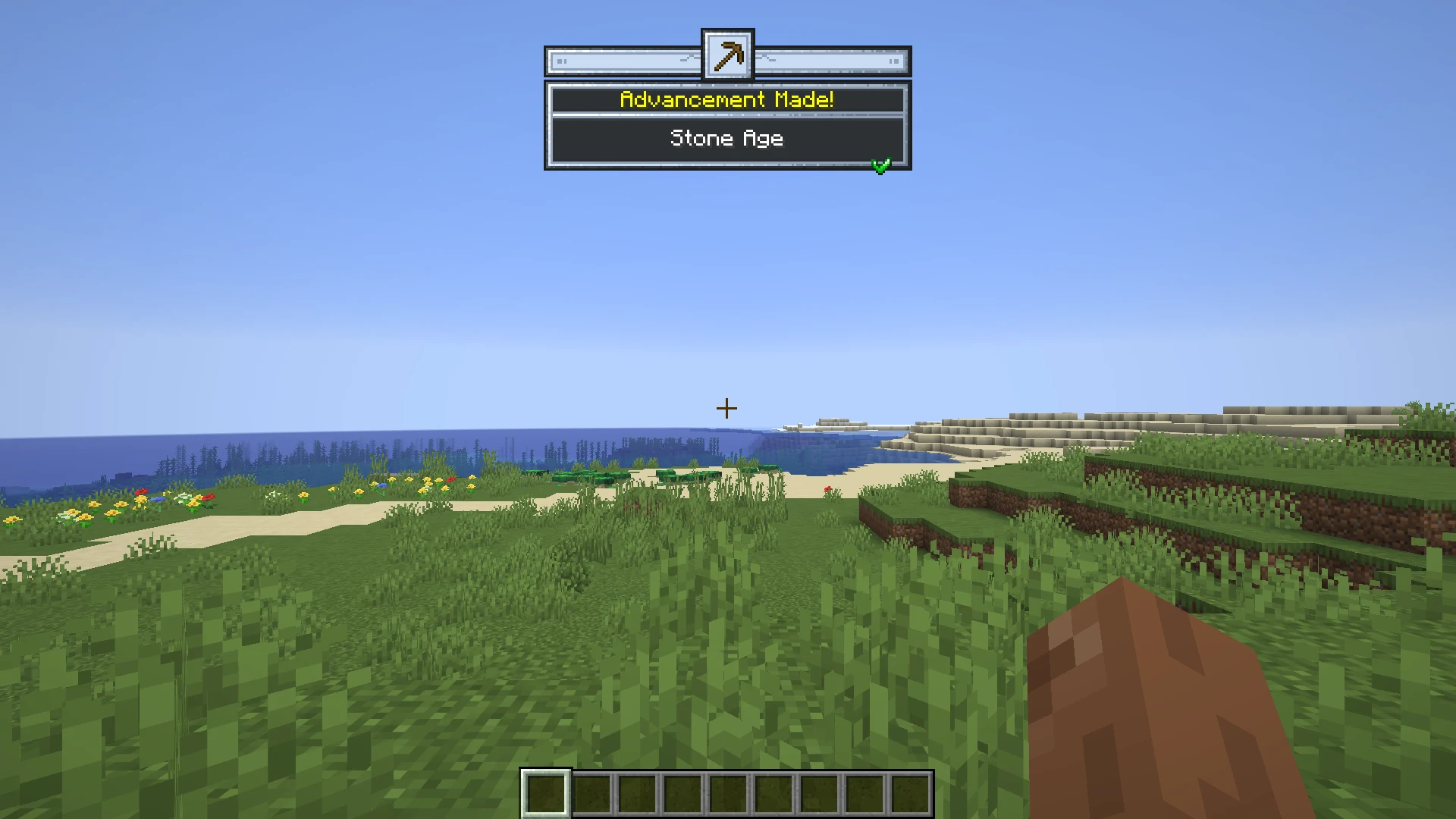
To demonstrate the tangible effect of changing settings in the config menu, we changed the texture option from Vanilla Style to Modern. When the Stone Age task advancement was triggered under this setting, the toast rendered with a pale silver frame, a dark panel and a yellow title instead of the default style.
This texture change requires no game restart: switching styles in the menu immediately affects the next advancement popup.
Practical Notes and Companion Tools
Compatibility, companion mods, and browser achievement creation
Fancy Toasts only changes how toasts are drawn on your screen, so the server does not need it. Builds are available for Fabric, Forge, and NeoForge across Minecraft 26.1 through 26.3.
Players who want custom popups for recipe discoveries, tutorial hints, and system alerts should note that Fancy Toasts focuses exclusively on advancements and quest mods. The developer maintains a companion mod called Fancy Notify to apply similar visual treatments to general notifications.
If you want to create custom achievement notification graphics in your browser without launching the game, visit the Achievement Maker tool on MC Toolbox.
Official Downloads
Created by Bivrik1.8M+ Downloads
FANCY TOASTS: BETTER ADVANCEMENT TOASTS IN MINECRAFT
We do not host any Minecraft mod files directly on this site. We link to official sources to ensure mod developers receive proper credit and support for their work.