








Guide Index6 sections
Visual overhaul: sunset, desert haze, and night sky
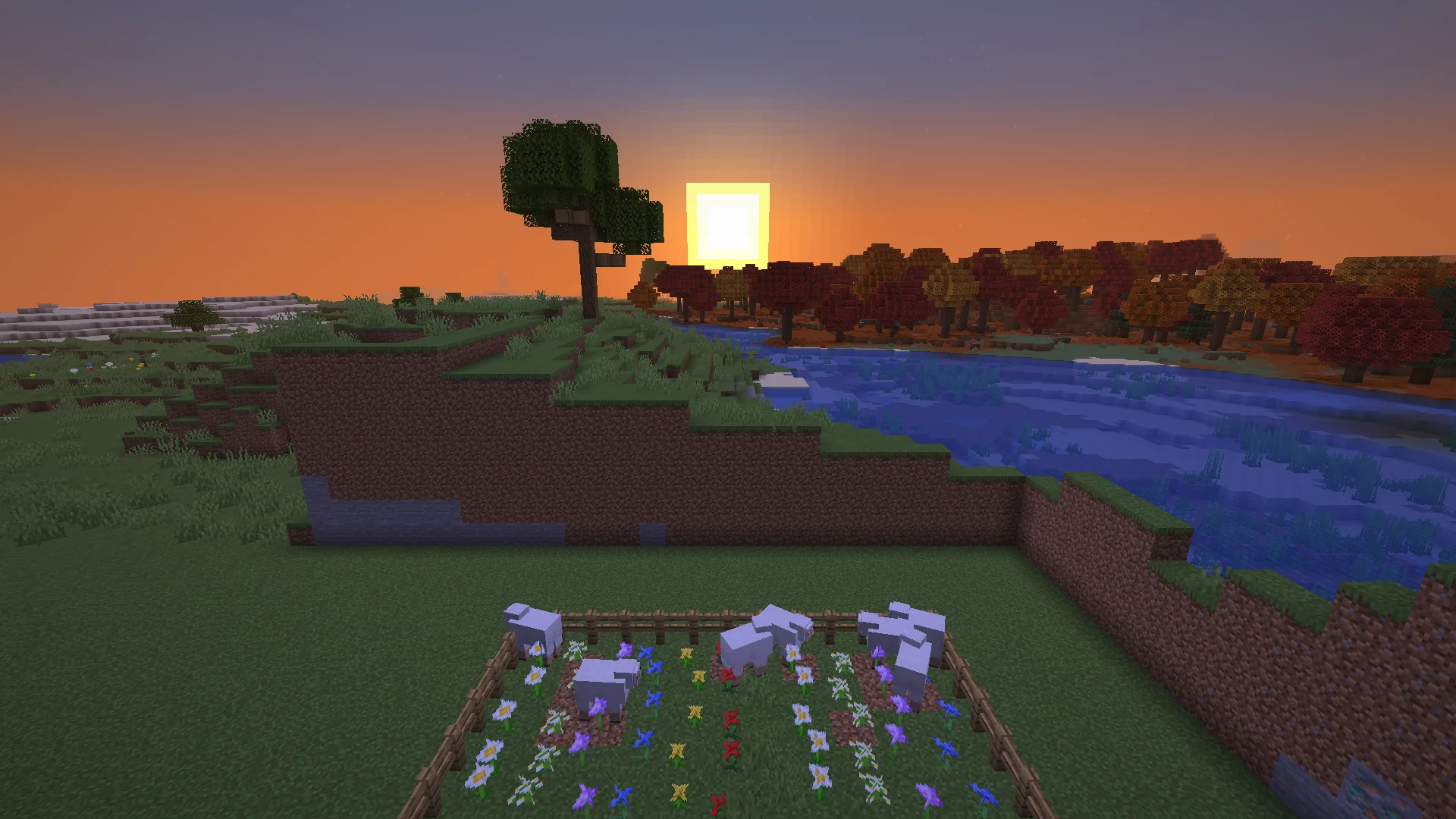
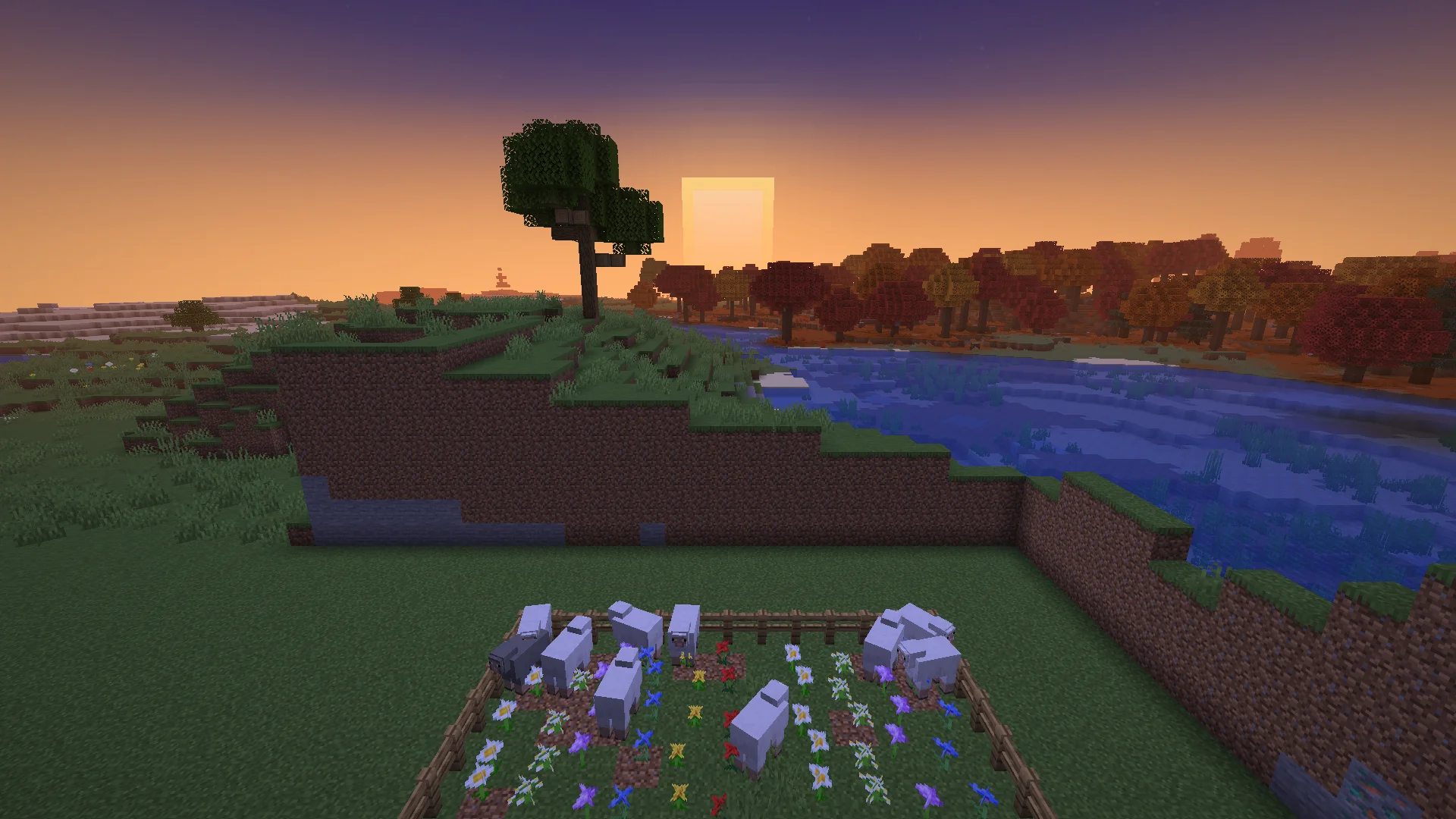
Vanilla sunsets produce a distinct orange stripe along the horizon, but distance fog remains pale and block silhouettes cut sharply against the sky. Atmospherics provides real-time per-biome controls for fog, sky gradients, clouds, and horizon haze, blending smoothly as you cross biome borders with separate profiles for morning, day, sunset, and night. Standing in a plains biome at sunset (time 12500), the difference is immediate: the horizon glows with warm amber mist that wraps around foliage and distant terrain contours rather than stopping at an abrupt render distance cutoff.
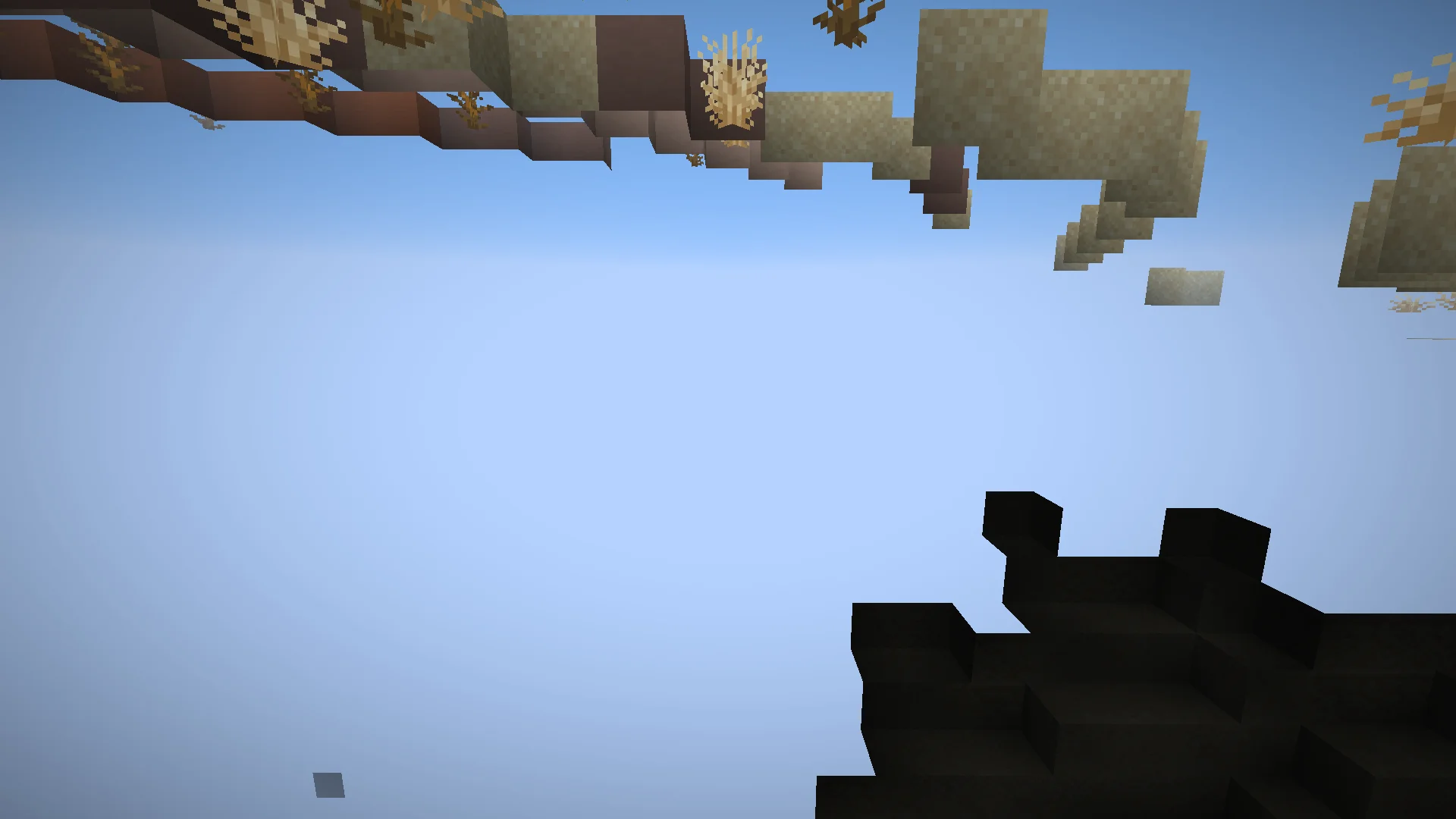

In vanilla Minecraft, desert biomes share the same clear blue sky and pale blue distance fog as temperate forests. With Atmospherics loaded at midday (time 6000), the desert receives a distinct atmospheric identity. Distant sandstone hills and dunes soften behind a pale amber dust haze, creating a convincing sense of dry heat and vast scale without reducing visible block details near the player.
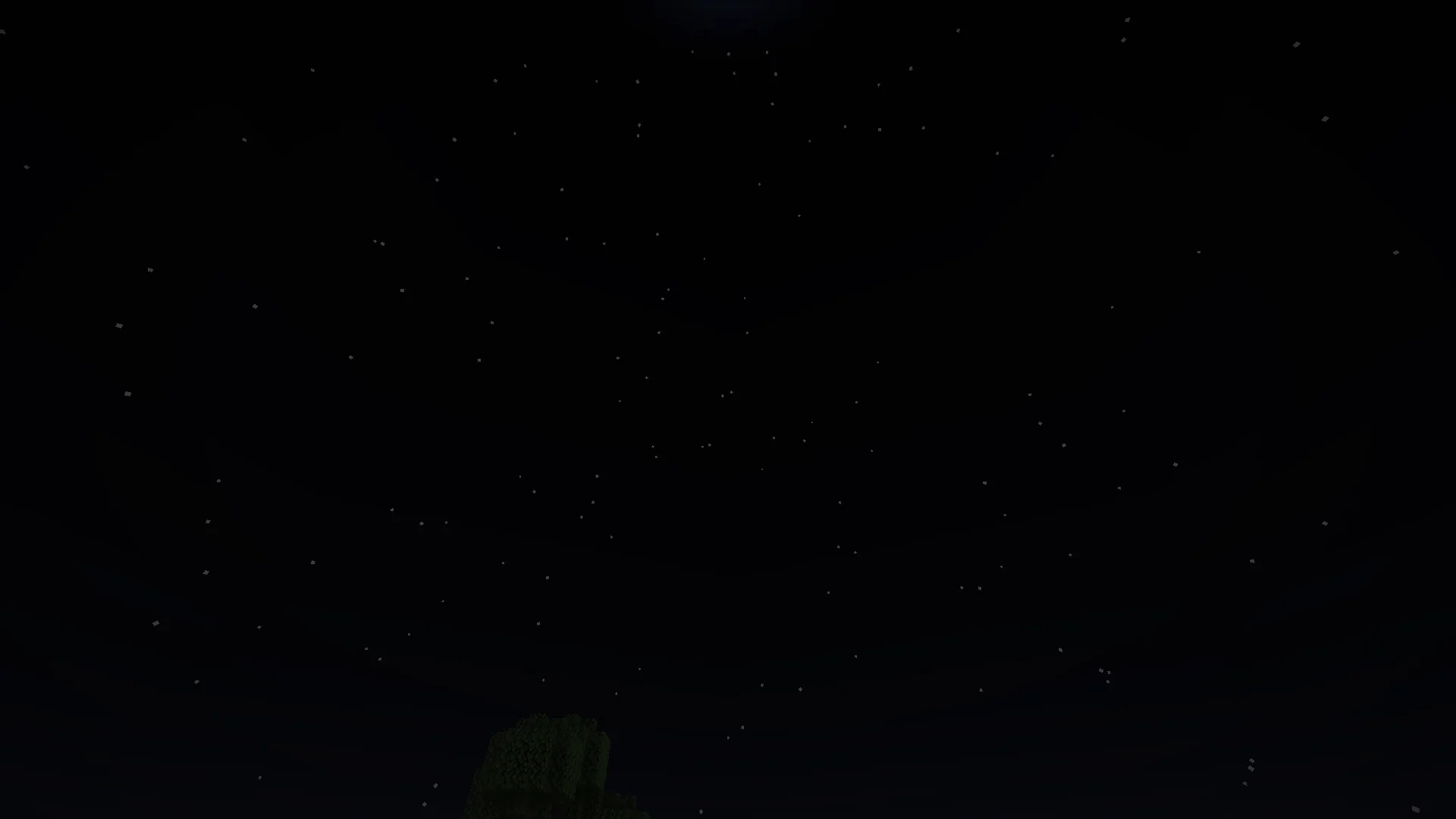

Looking up into the night sky at midnight (time 18000) reveals dense starfields and animated falling comets. Vanilla Minecraft displays a static field of isolated white pixels. Atmospherics replaces this with a dense starry sky where luminous comets streak across the upper atmosphere at gentle angles, leaving subtle glowing trails that fade into the dark.
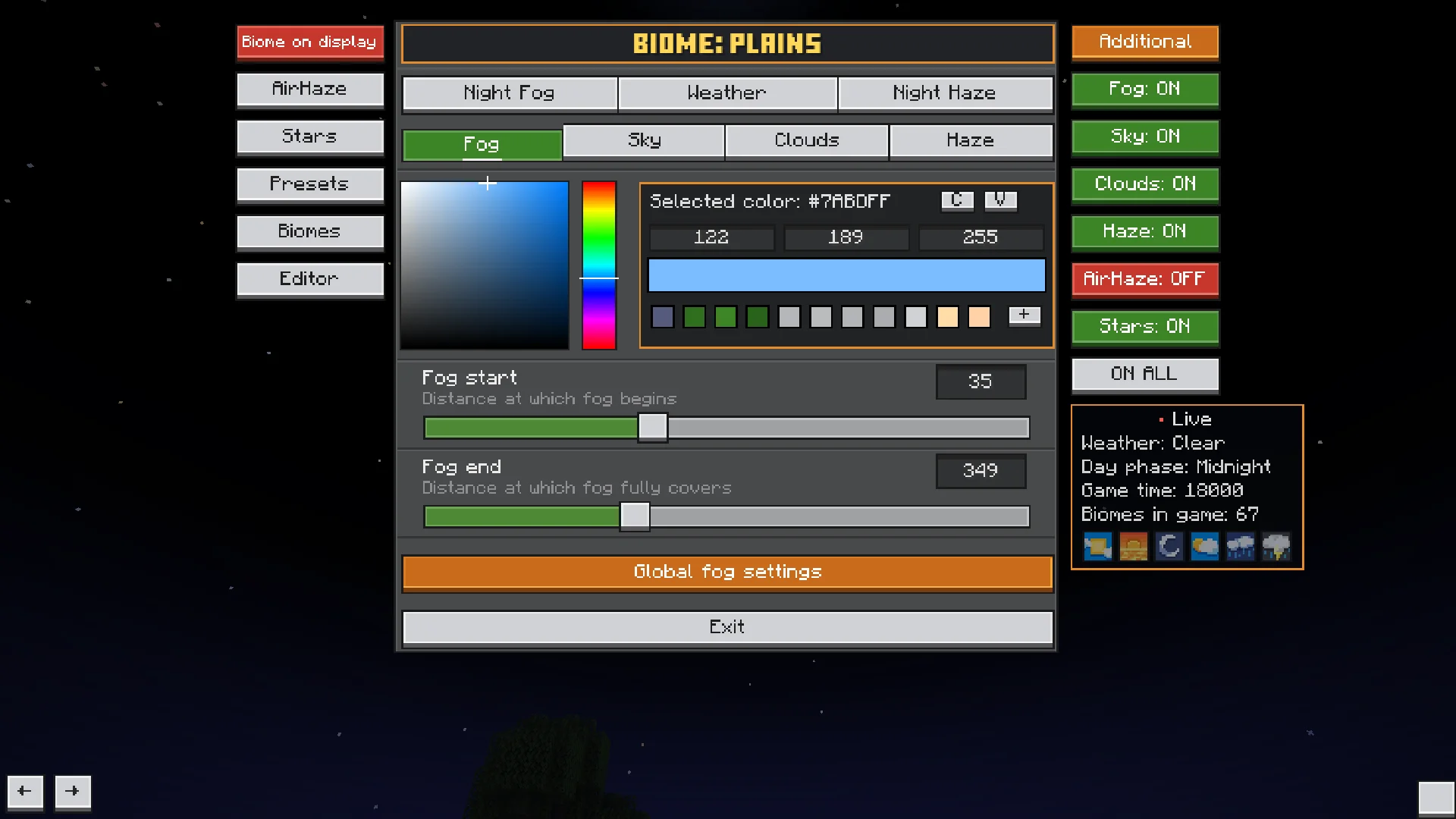
Pressing B in-game opens the Atmospherics menu, which acts as both the main menu and the per-biome configuration editor for whichever biome you currently occupy. The top of the screen displays a live info panel showing the weather condition, time period, game time tick, total registered biomes in the active world, and your current biome identifier. Below this panel, four time tabs (Morning, Day, Sunset, Night) let you configure separate color schemes for each time of day.
Sliders control Fog Intensity, Fog Density, Fog Start, and Fog End distances, while dedicated color boxes handle Fog Color, Sky Color, Sky Zenith Color, and Cloud Color with numeric RGB text inputs. Side toggles permit enabling or disabling individual atmospheric elements including Sky, Clouds, Sun/Moon, Stars, Shooting Stars, and Story Mode Clouds.
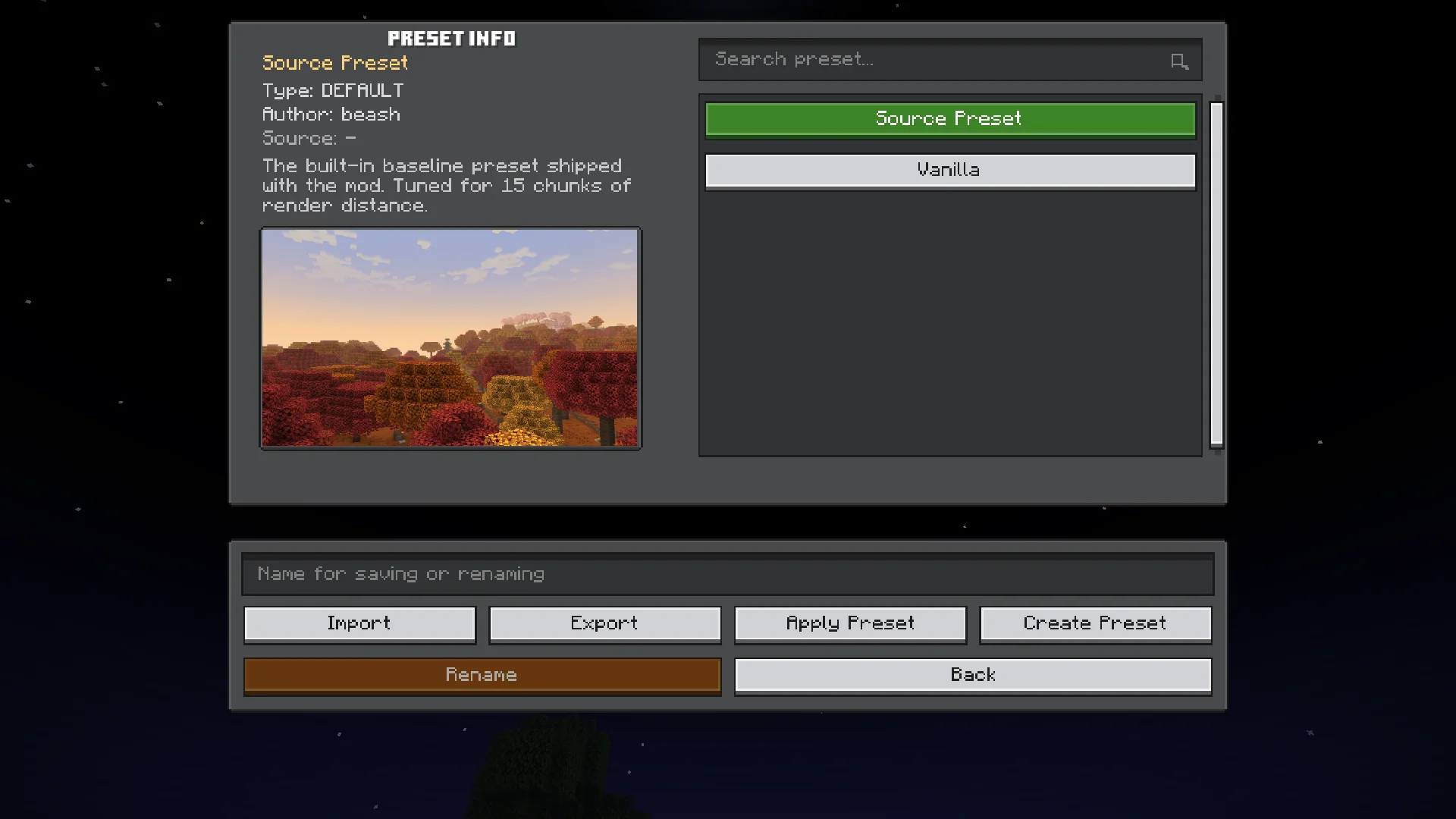
Clicking the Preset Library button opens the preset management interface. Here players can browse installed presets, including the bundled Source Preset by author beash and the baseline Vanilla preset. Action buttons along the bottom bar include Import, Export, Apply, and Create, allowing players to share custom profiles as JSON files or switch atmospheric moods with one click.
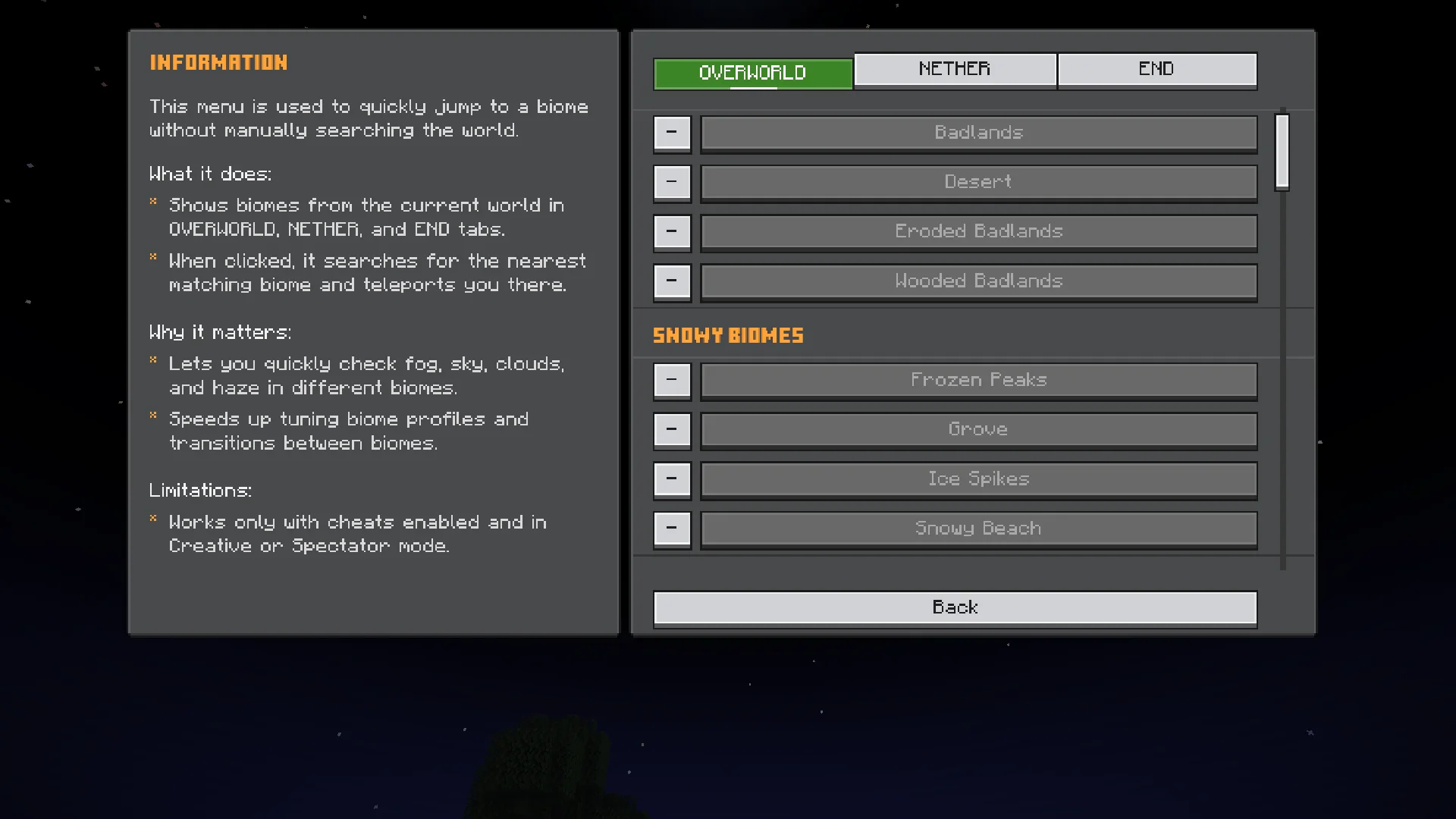
The Biome List screen provides a structured directory of all registered biomes in the game. Dimension tabs at the top separate Overworld, Nether, and End biomes, and an interactive search bar allows typing any biome name to filter the list instantly. Clicking any biome in this menu immediately loads its specific configuration into the editor.
Customizing Per-Biome Fog Colors and Distance
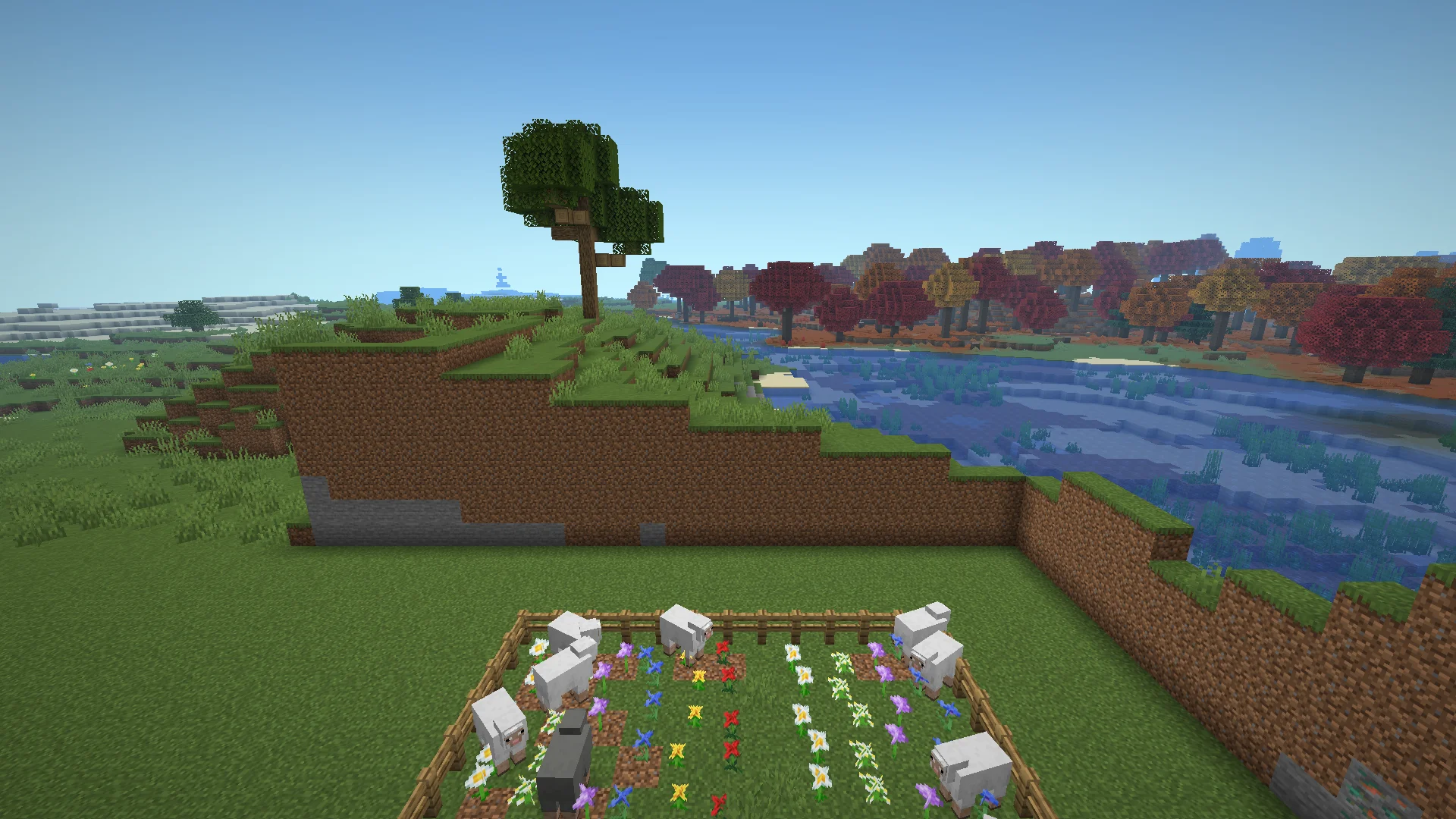
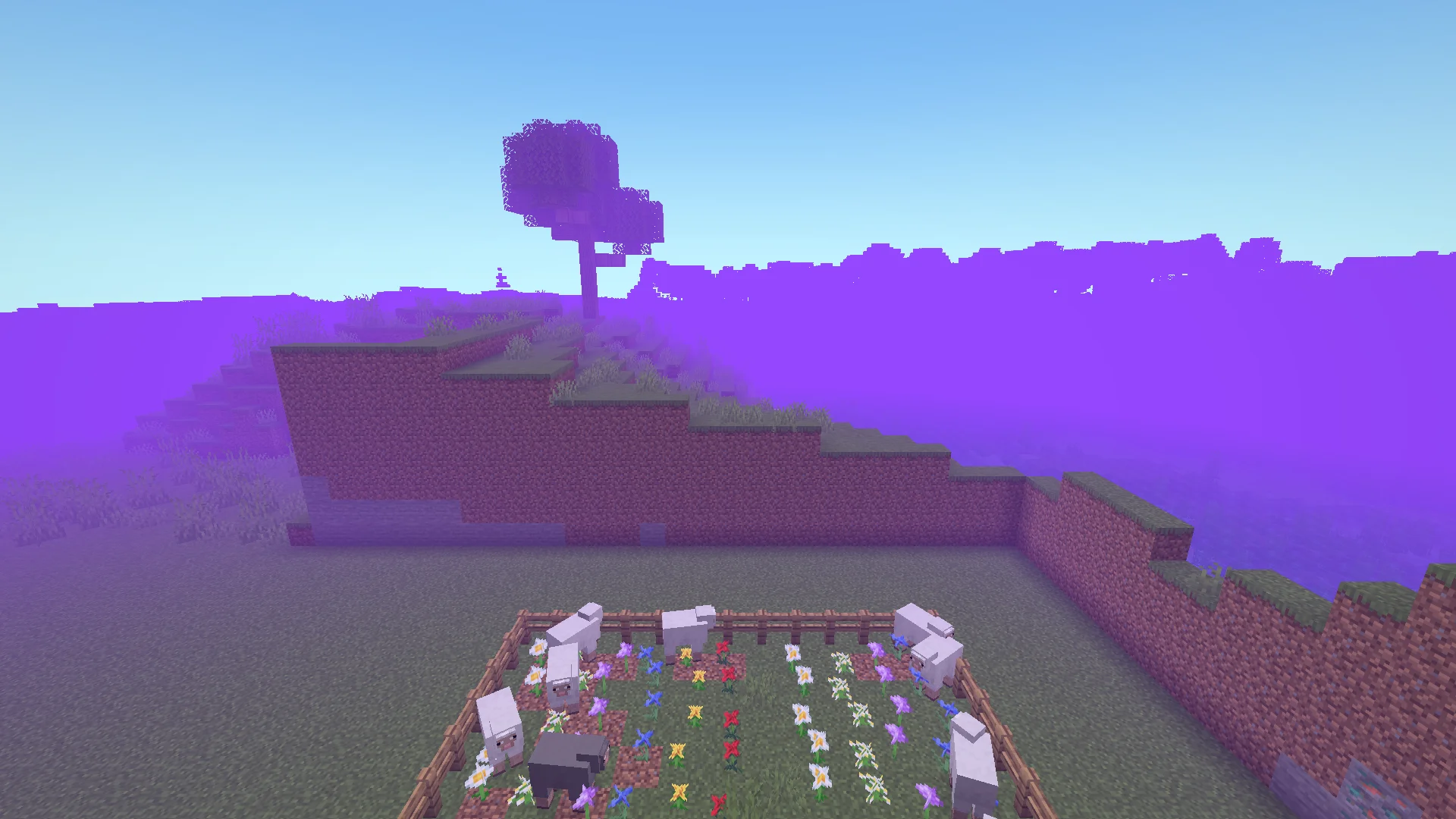
Every biome atmosphere can be tailored in real time from the B menu. Setting the plains daytime fog color to violet (#9933FF), shifting the fog start distance to 5 blocks, and lowering the fog end distance to 55 blocks transforms the horizon immediately upon saving without restarting the client or reloading chunks. Nearby grass and flowers stay sharp while middle-distance terrain dissolves into dense violet mist.
Installation and loader support
Atmospherics runs on Fabric Loader and requires the matching Fabric API build. The mod operates purely on the client side, meaning you can connect to vanilla servers or third-party multiplayer networks without server-side installation. All user presets are saved locally as JSON files in config/ambientfog/presets, and custom community presets can be distributed inside standard resource packs under assets/atmospherics/preset/.
Framerate Impact and Performance
Because Atmospherics modifies fog distance parameters and sky color uniforms inside the standard rendering pass rather than running heavy post-processing shaders, its framerate overhead is minimal. Across back-to-back comparisons at 1080p (render distance 12, simulation distance 8, unthrottled framerate), vanilla Fabric averaged 1,275.8 FPS while Atmospherics averaged 1,151.7 FPS, a modest 9.7% difference that remains imperceptible during normal survival play.
| Run | Instance | 30s | 40s | 50s | Average |
|---|---|---|---|---|---|
| A1 | Vanilla Fabric 26.3 | 1280 FPS | 1284 FPS | 1275 FPS | 1279.7 FPS |
| B1 | Atmospherics 2.6.7 | 1157 FPS | 1160 FPS | 1169 FPS | 1162 FPS |
| A2 | Vanilla Fabric 26.3 | 1289 FPS | 1263 FPS | 1264 FPS | 1272 FPS |
| B2 | Atmospherics 2.6.7 | 1161 FPS | 1160 FPS | 1103 FPS | 1141.3 FPS |
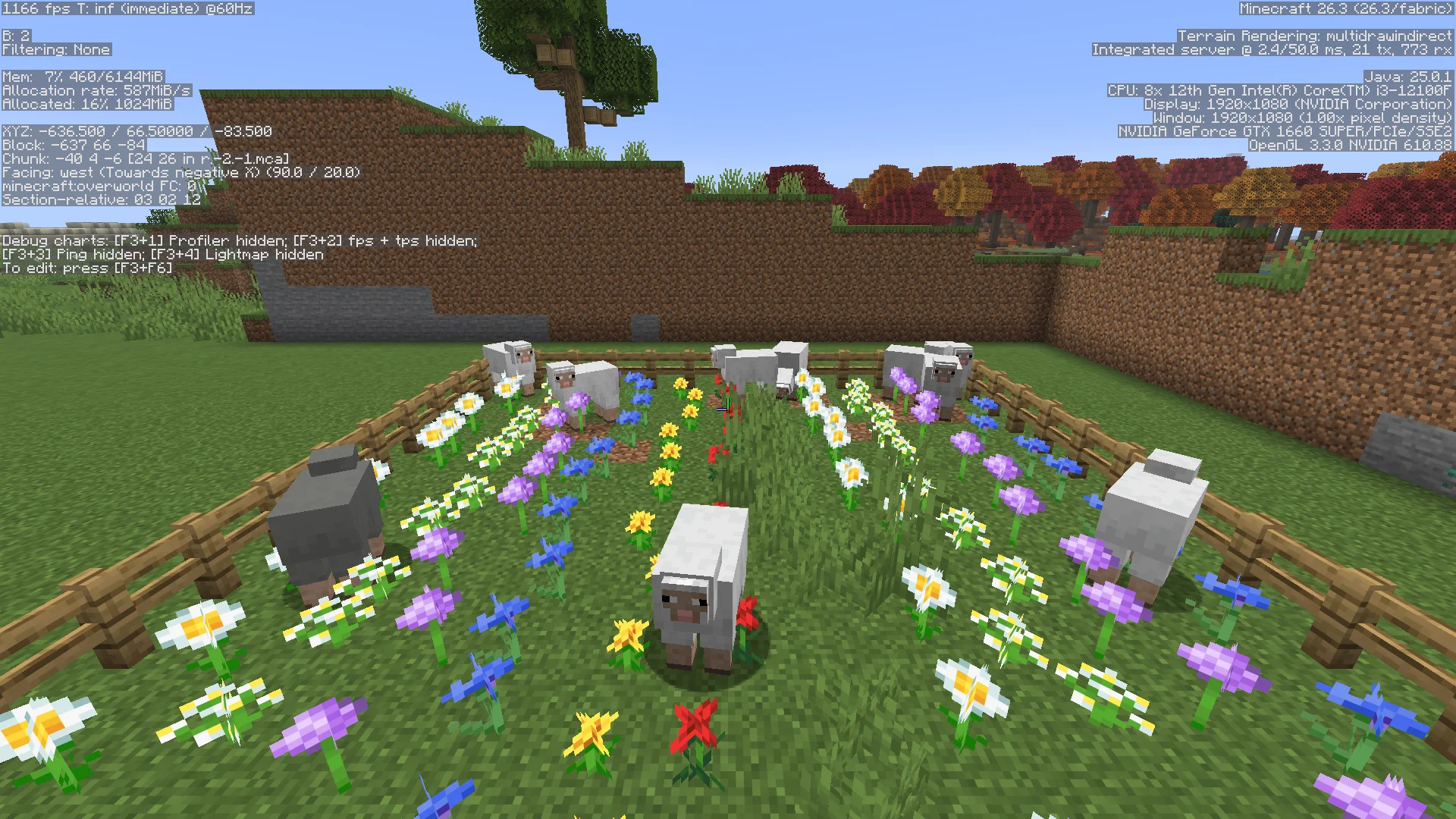
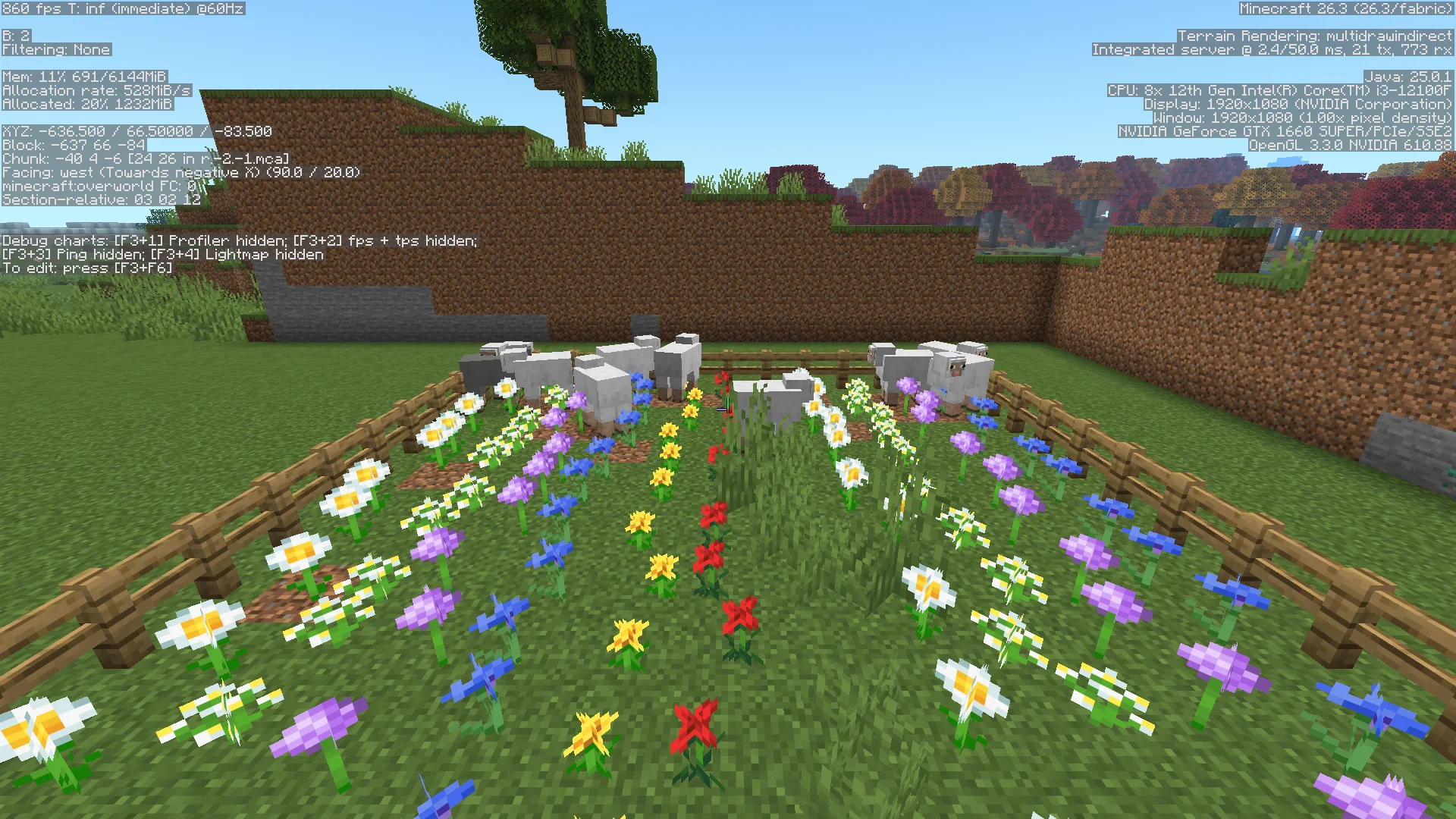
Across the four benchmark rounds, vanilla Fabric averaged 1275.8 FPS while Atmospherics averaged 1151.7 FPS. This represents an average reduction of 124.1 FPS (9.7 percent cost). On this PC that is a small cost: the frame rate stayed above 1,100 FPS in every reading without the F3 screen.
Official Downloads
Created by Beash1.1M+ downloads
ATMOSPHERICS MOD REVIEW: SKY, FOG, AND FPS BENCHMARK
We do not host any Minecraft mod files directly on this site. We link to official sources to ensure mod developers receive proper credit and support for their work.