








Guide Index8 sections
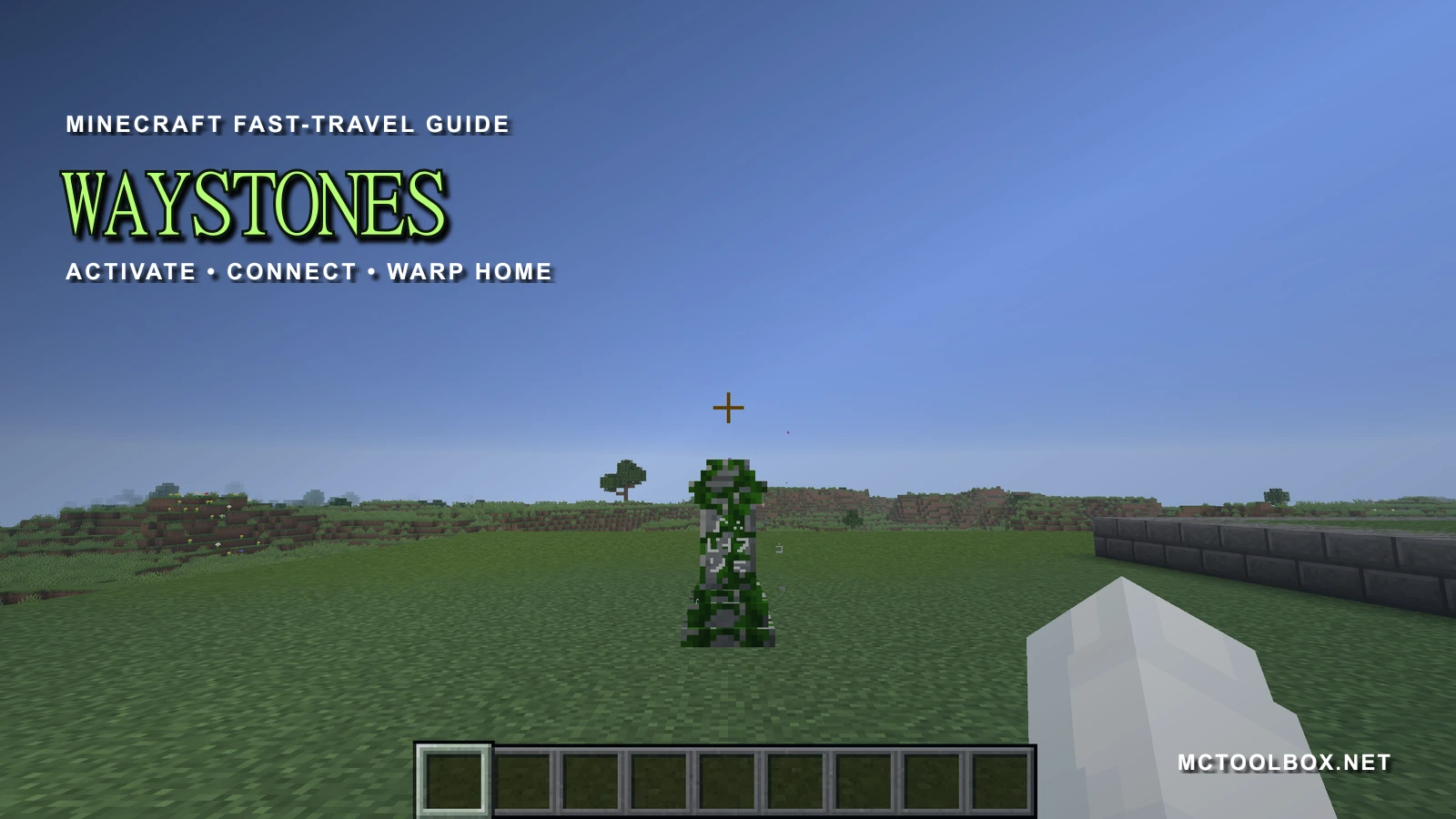
The expensive part of a long Minecraft trip is often the return. You find a village, mark a distant biome, carry the loot home, then repeat the same route every time you need one forgotten material. Waystones turns those repeated journeys into a network you build and unlock inside the world.
Waystones connects your bases, villages, and dimensions through craftable teleportation pillars, portable Warp Stones, and single-use scrolls. Understanding how destination activation, XP scaling, and cooldown rules work makes setting up a survival travel network straightforward.
The Network Starts With Activation
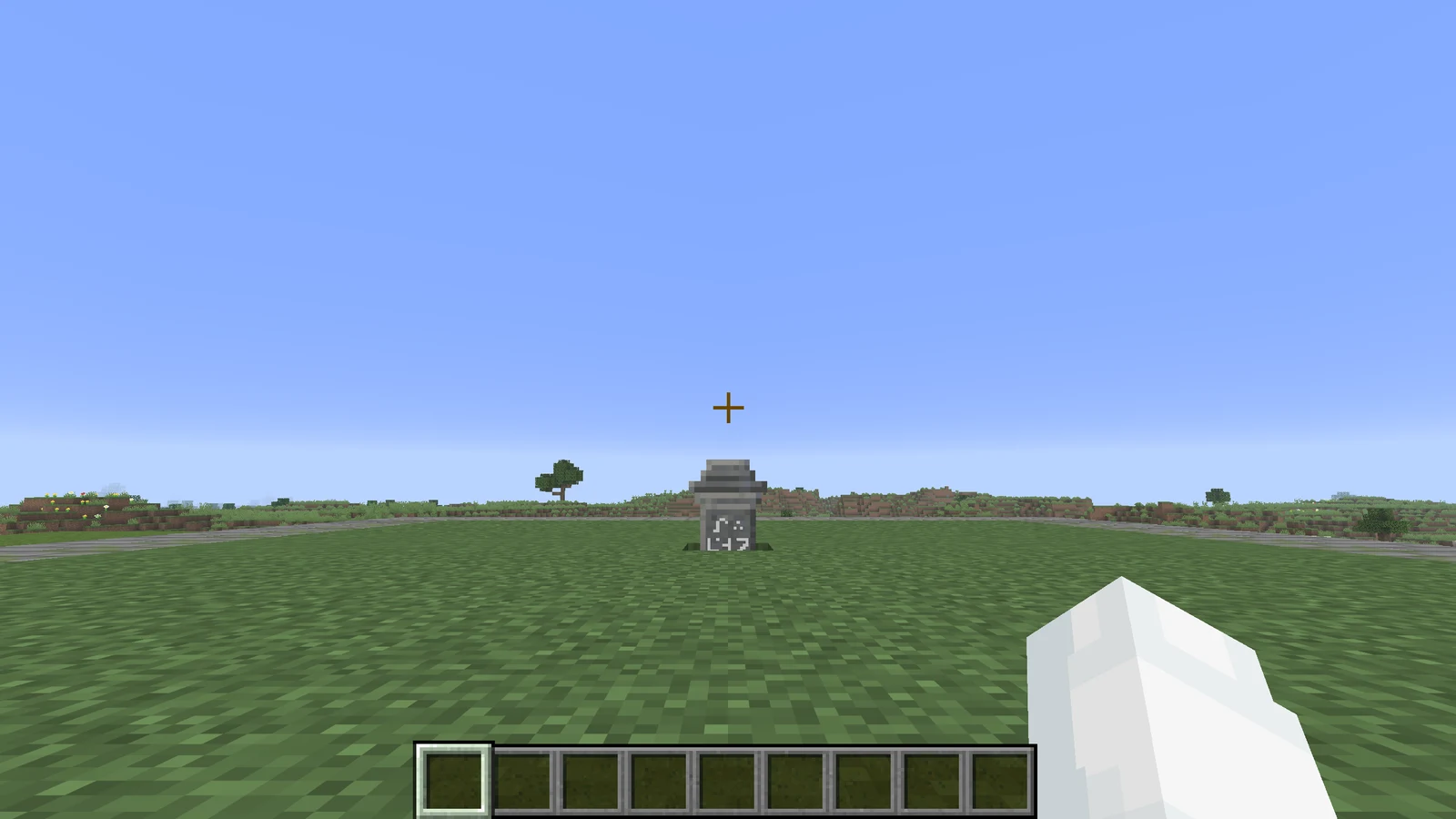
A Waystone is useful only after it belongs to your known destination pool. Place one at a base or find a generated one, interact with it, and give important stops names that still make sense weeks later. “Home Base,” “Nether Hub,” and “Stronghold” are better than a list of nearby village names you will forget.
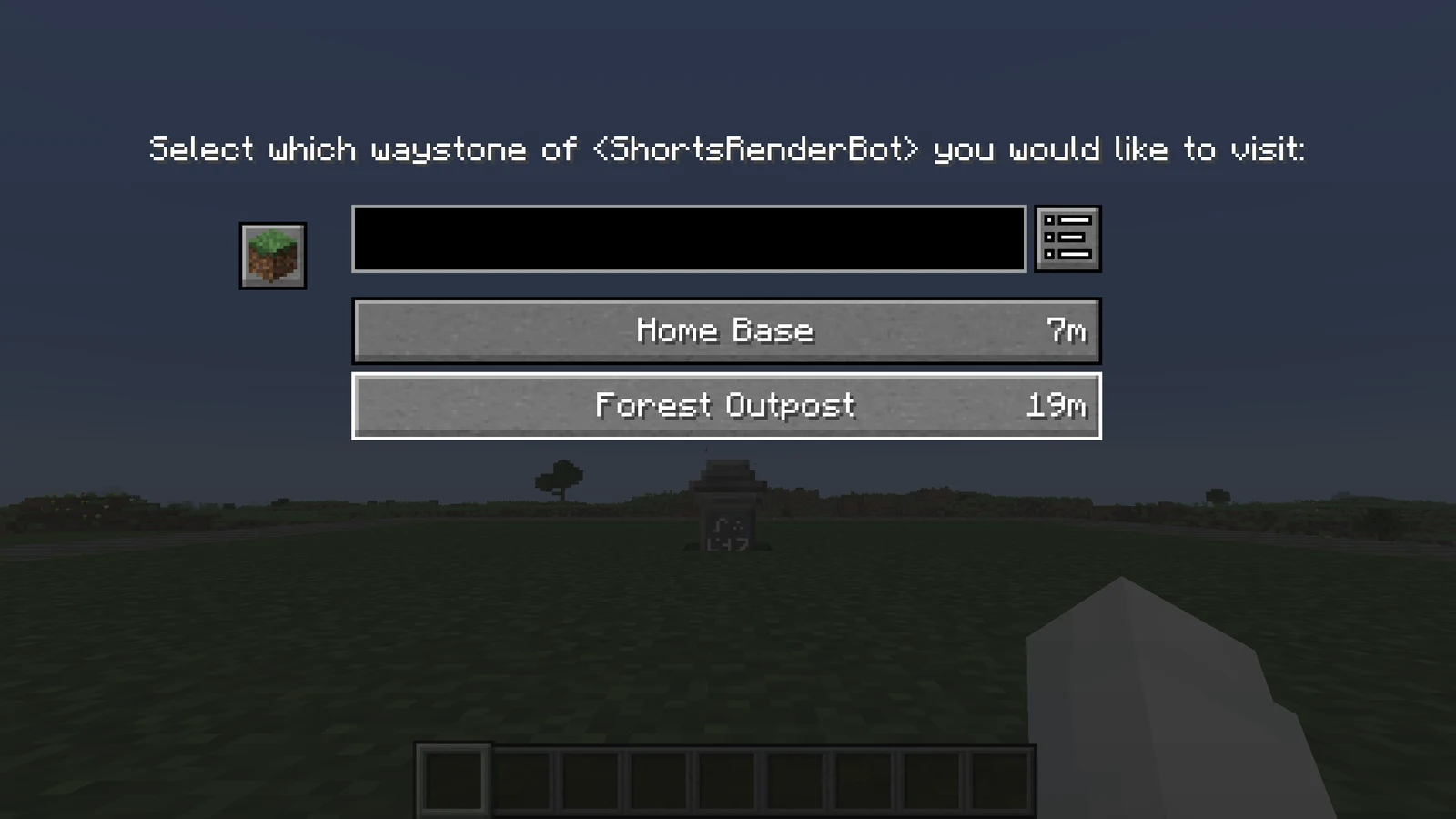
For example, naming two nodes "Home Base" and "Forest Outpost" keeps your network organized as it grows. Once both were activated, the selector displayed them as separate rows with live distances of 7 m and 19 m. Selecting Forest Outpost closed the screen and completed the travel workflow. This is the key check when troubleshooting: if the destination never appears in the list, the problem occurs before teleportation, usually activation, sharing, filtering, or mismatched server files.
The Destination Screen Is the Control Center
Using an activated Waystone opens the destination list. Each row combines a recognizable name with distance, while the search and grouping controls become increasingly useful in large worlds. Waystones 26.2 also adds direct management for reordering destinations. Drag entries into a useful order, double-click to move one to the top, or shift-double-click to send one to the bottom.
Treat naming and ordering as part of the build. A server with forty unlabeled destinations is technically connected but unpleasant to use. Put shared hubs first, group dimensions or teams where appropriate, and remove stale personal entries when a Waystone no longer exists.
Choose the Travel Method Before You Leave
Defaults shown are for the current ruleset. A server or modpack can change them.
| Method | Where it sends you | Reusable? | Current default tradeoff |
|---|---|---|---|
| Waystone | Any available destination | Yes | Can use XP according to warp rules |
| Warp Stone | Any activated destination | Yes | Uses durability and can use XP |
| Warp Scroll | Any activated destination | No | Consumed; no default XP charge |
| Return Scroll | Nearest activated Waystone | No | Consumed; fastest emergency return |
| Bound Scroll | The Waystone it was bound to | No | Consumed; fixed destination |
Direct Waystone travel is ideal when both ends are part of a permanent network. The Warp Stone is the flexible option for exploration because it opens your known destination list without requiring a Waystone at the departure point. It is not disposable, but the current default rules damage it by 80 durability per use. Mending can keep it in service.
Scrolls solve narrower problems. A Warp Scroll opens the full activated list once and is consumed. A Return Scroll skips destination choice and returns to the nearest activated Waystone. Bound Scrolls trade flexibility for certainty by targeting the Waystone where they were bound. Carry the item that matches the risk of the trip rather than filling every inventory with all of them.
XP Cost Is a Server Rule, Not a Fixed Price
On current Waystones releases, regular Waystone travel and Warp Stone use can consume XP based on distance. Interdimensional travel can use a separate cost, and the final value can be clamped by a maximum. Scrolls do not receive the default XP charge unless a pack author adds one.
That explains why two servers running the same mod can feel completely different. One may make local travel free and charge heavily for dimension hopping. Another may disable XP entirely. Do not edit the JAR to change this behavior. Use the generated Waystones configuration and the current warpSettings or warpRequirements rules. On 26.1 and newer, Shogi powers these rule expressions, so advice written for much older TOML keys may no longer match the active version.
Install the Matching Set, Not Just Waystones
- 1
Match the exact Minecraft version and loader
Choose Fabric, Forge, or NeoForge first. Every Waystones and dependency file must target the same Minecraft release and loader.
- 2
Download Waystones from Modrinth
Use the download link on this guide and select the matching file. Do not take a similarly named Bedrock add-on or an unofficial mirror.
- 3
Add Balm and the current dependencies
Balm is required. Minecraft 26.1 and newer also requires Shogi. Fabric installations need the matching Fabric API build.
- 4
Install the same gameplay files on a server
For multiplayer, copy matching Waystones, Balm, and Shogi builds to the server. Keep the client and server versions aligned before joining.
- 5
Verify with one short route
Create or find two Waystones, activate both, and travel between them before changing recipes, XP rules, sharing, or world generation settings.
Server Problems Usually Have a Narrow Cause
If a non-operator cannot activate or use a Waystone near spawn, test outside the vanilla spawn-protection radius before changing the mod. Spawn protection blocks interaction and can make a correctly installed Waystone look broken.
If recipes are missing, remember that modpacks and data packs can replace or disable them. Check the current recipe inside the running pack with a recipe viewer instead of trusting an image from another release. If generated village Waystones seem rare, note that supported vanilla villages and selected structure mods are the reliable targets. Custom village types from unrelated world-generation mods are not guaranteed to receive Waystones.
Where Waystones Fits Best
Waystones works best in worlds where exploration matters but repeating an already completed route does not. It is especially strong for co-op bases, dimension hubs, adventure packs, and servers that want fast travel without giving every player unrestricted /home and /warp commands.
It is less convincing when teleportation is free, universal, and available from the first minute with no network-building decision. The mod provides the tools to avoid that outcome. Activation, consumable scrolls, Warp Stone durability, XP rules, destination visibility, teams, and global hubs let the server decide how much travel infrastructure players should earn. The core gameplay loop remains clean and intuitive: discover and activate two locations, open the fast-travel menu to see both destinations listed, select your goal, and teleport instantly to the destination pillar. That straightforward progression is why the mod stays rewarding throughout a playthrough.
Official Downloads
Created by BlayTheNinthClient and server mod
WAYSTONES
We do not host any Minecraft mod files directly on this site. We link to official sources to ensure mod developers receive proper credit and support for their work.