








Guide Index7 sections
For years, customizing Minecraft with resource packs and shaders has involved the same cumbersome routine: leaving the game, opening a web browser, finding a trusted repository, downloading a .zip file, navigating to your hidden .minecraft folder, and dropping the file into place. When you manage dozens of texture packs or shader presets, repeating that cycle every time an author releases an update quickly becomes tedious.
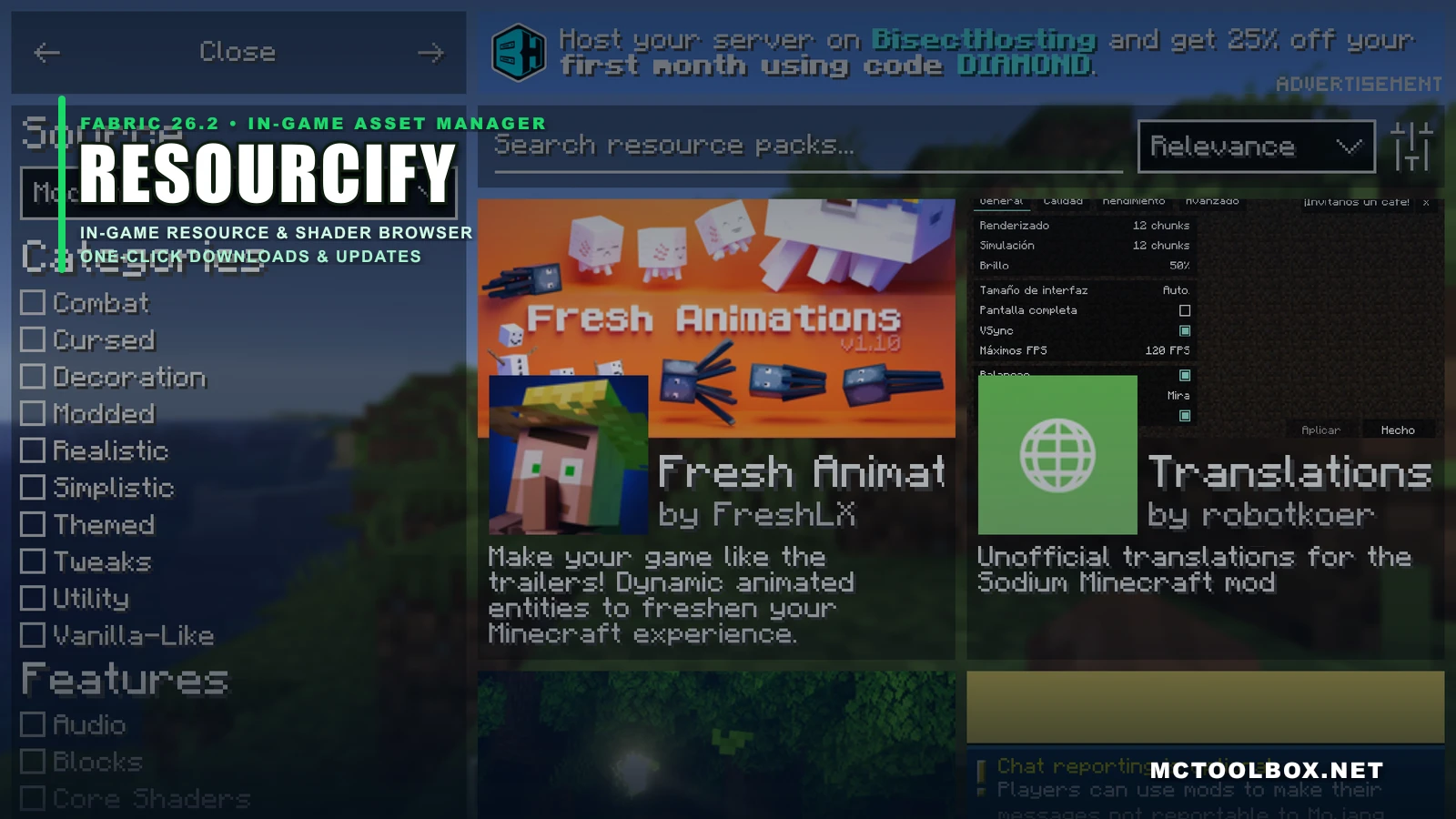
Resourcify solves this friction completely. By embedding a fast, clean asset browser powered by the Modrinth API directly into Minecraft's native menus, the mod turns pack management into a seamless in-game experience. You can search for trending texture packs, inspect changelogs, install new shaders with a single click, and automatically scan for updates, all without ever leaving your active game session.
Where to Find Resourcify in the Minecraft Interface
Rather than adding confusing standalone menus or complex hotkeys, Resourcify integrates naturally into the screens where you already manage visual assets:
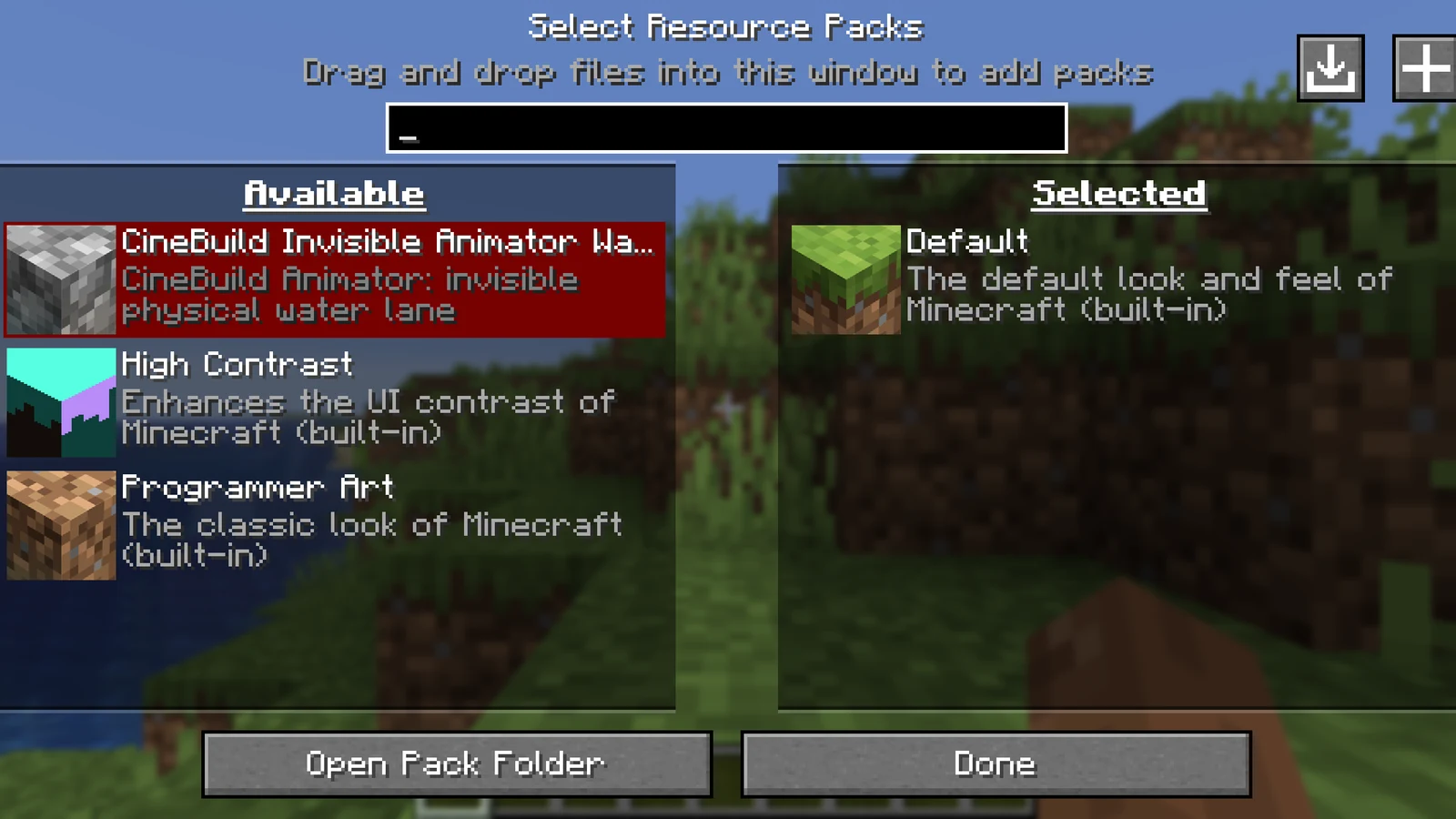
- Resource Packs Menu: Opening Options > Resource Packs reveals new control buttons in the top header row. A plus icon opens the Modrinth pack browser, while a notification bell opens the update checker.
- Shader Packs Menu: When using shader engines like Iris, Resourcify adds an identical browser shortcut to the Shader Packs screen, letting you discover and load shader pipelines directly.
- World Creation: When creating a new single-player world, Resourcify integrates with the data packs selection screen, making it easy to browse and bundle game tweaks before generating terrain.
Exploring, Searching, and Filtering Packs
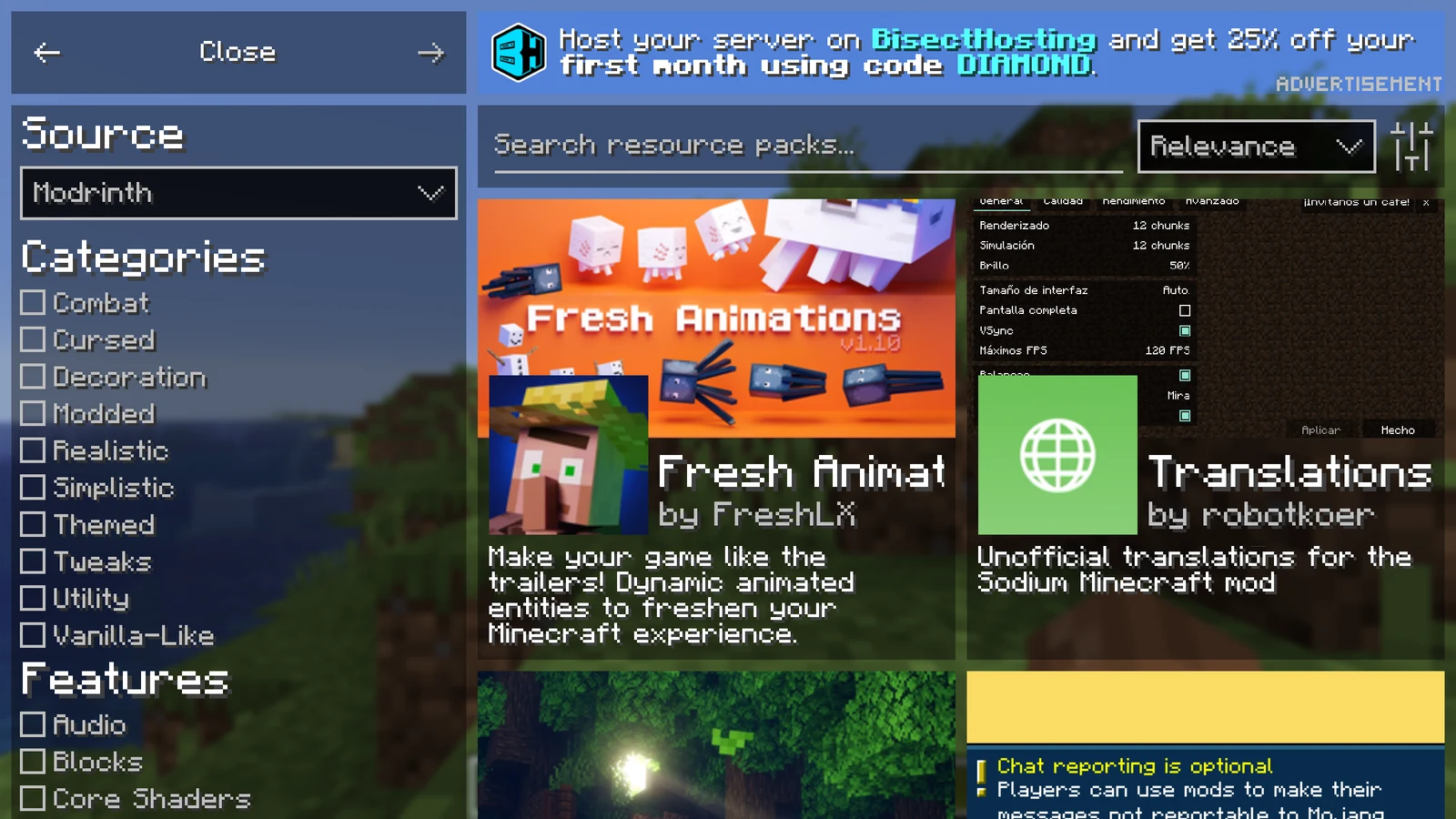
Clicking the browse button opens Resourcify's built-in Modrinth explorer. The screen presents an organized catalog of community packs, complete with full-color project icons, author credits, total download counts, and concise descriptions.
Finding specific content is fast thanks to several built-in exploration tools:
- Live Search Bar: Type any pack name or keyword into the top input bar to receive instant, fuzzy-matched results.
- Category Filter Chips: Filter projects by resolution (such as 16x, 32x, or 64x+), art style (Vanilla-like, Faithful, Stylized, or Medieval), or utility features (like connected textures or custom fonts).
- Sorting Modes: Toggle between trending packs, total lifetime downloads, newly released submissions, or recently updated favorites.
Inspecting Project Details and One-Click Installation
Selecting any card in the catalog opens a comprehensive project overview page. Here you can read the full formatted description, view preview images from the author's gallery, and check supported Minecraft versions.
When you decide to install a pack:
- Click the green Download button on the project overview.
- Resourcify automatically resolves the most compatible version for your currently running Minecraft build, downloads the archive in the background, and places it straight into your
.minecraft/resourcepacksdirectory. - Once downloaded, the pack appears immediately in your Available list on the Resource Packs screen. No game restart or manual directory reload is required.
- Click the arrow icon on the pack card to move it into your Selected column and apply the new textures.
Automated Update Checking and Batch Updates
Keeping installed resource packs up to date is traditionally one of modded Minecraft's biggest chores. Because Minecraft lacks built-in version tracking for textures, players rarely know when a pack author adds new mob models or fixes broken block textures for recent game updates.
Resourcify solves this with its dedicated Update Manager:
- Automated Hash Verification: Resourcify computes the cryptographic hash of your local
.zipfiles and queries the Modrinth API to check if newer versions exist. - Update Notification Badge: When updates are available, a clear badge appears on the update icon in your Resource Packs header.
- Changelog Preview: Clicking an outdated pack lets you read the author's changelog before deciding to update.
- Clean Archive Replacement: When you confirm an update, Resourcify cleanly replaces the older archive, preventing obsolete files from cluttering your storage.
Best Practices and Practical Recommendations
| Asset Type / Scenario | Recommended Practice | Key Advantage |
|---|---|---|
| High-Resolution Packs (64x+) | Allocate at least 4 GB to 6 GB of RAM in your launcher profile | Prevents texture stitching stutters and Java OutOfMemory errors |
| Shader Pack Browsing | Pair Resourcify with Iris Shaders for Fabric | Enables immediate shader switching without restarting the game |
| Pack Updates | Review changelogs in the update manager before applying | Verifies compatibility with custom entity models or font overrides |
| Data Pack Installation | Browse and add data packs during the initial Create World screen | Ensures clean terrain generation and structure placement from world start |
Summary
Resourcify modernizes Minecraft's asset management by eliminating the repetitive manual steps of downloading, unzipping, and moving files. Combining native Modrinth integration with one-click downloads and an automated update tracker, it turns texture, shader, and data pack customization into an effortless in-game workflow.
For players running modern Fabric setups alongside Mod Menu and Iris Shaders, Resourcify is an essential quality-of-life addition that keeps your visual setup current with zero hassle.
Official Downloads
Created by DeDiamondProClient-side mod
RESOURCIFY
We do not host any Minecraft mod files directly on this site. We link to official sources to ensure mod developers receive proper credit and support for their work.