








Guide Index9 sections
Framerate Gains in Chest-Heavy Storage Rooms
A room packed with visible chests can put extra work on the client renderer. Optimized Block Entities (OBE) meshes supported idle block entities into the terrain, then switches back to their animated renderer when needed.
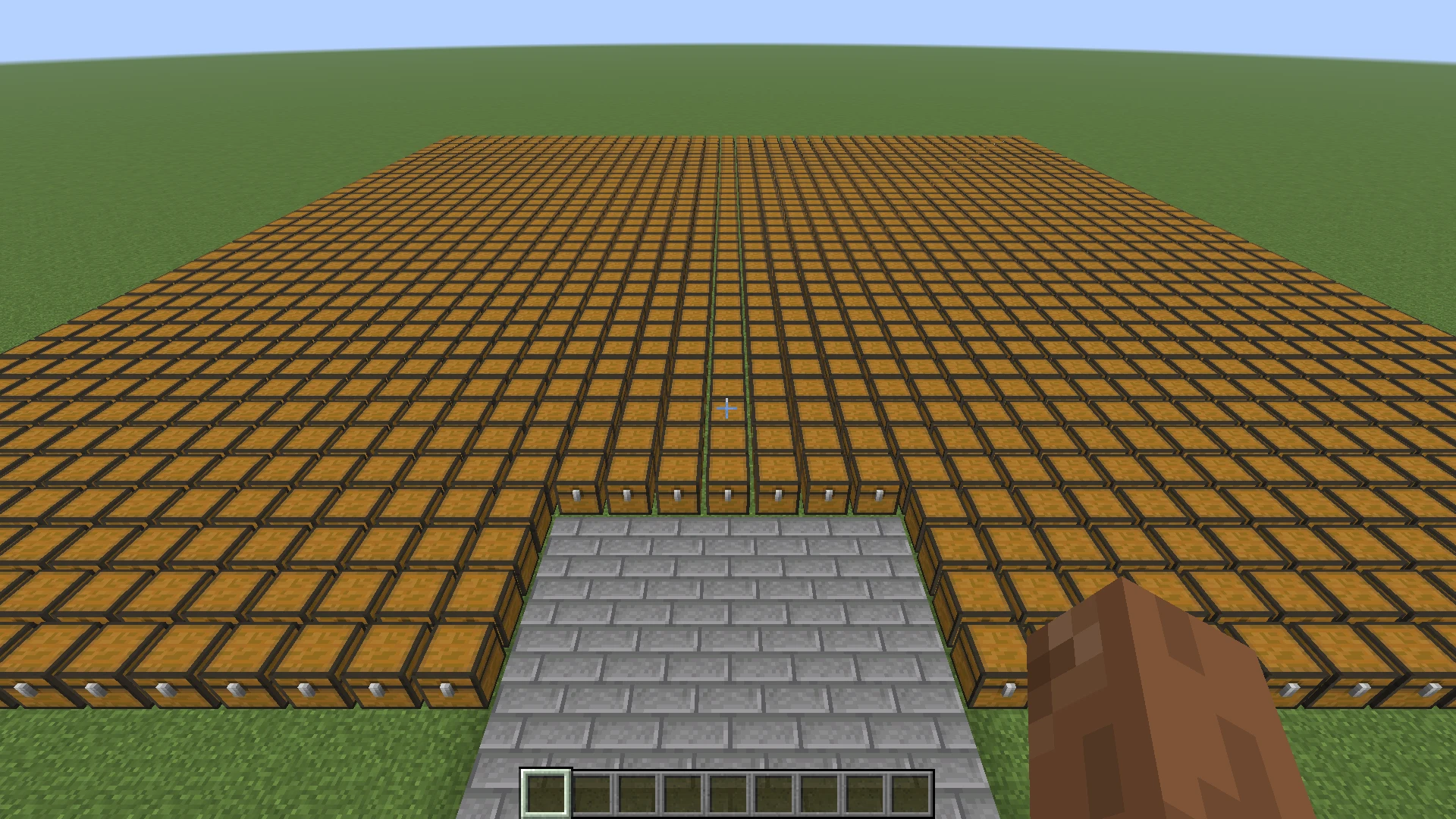
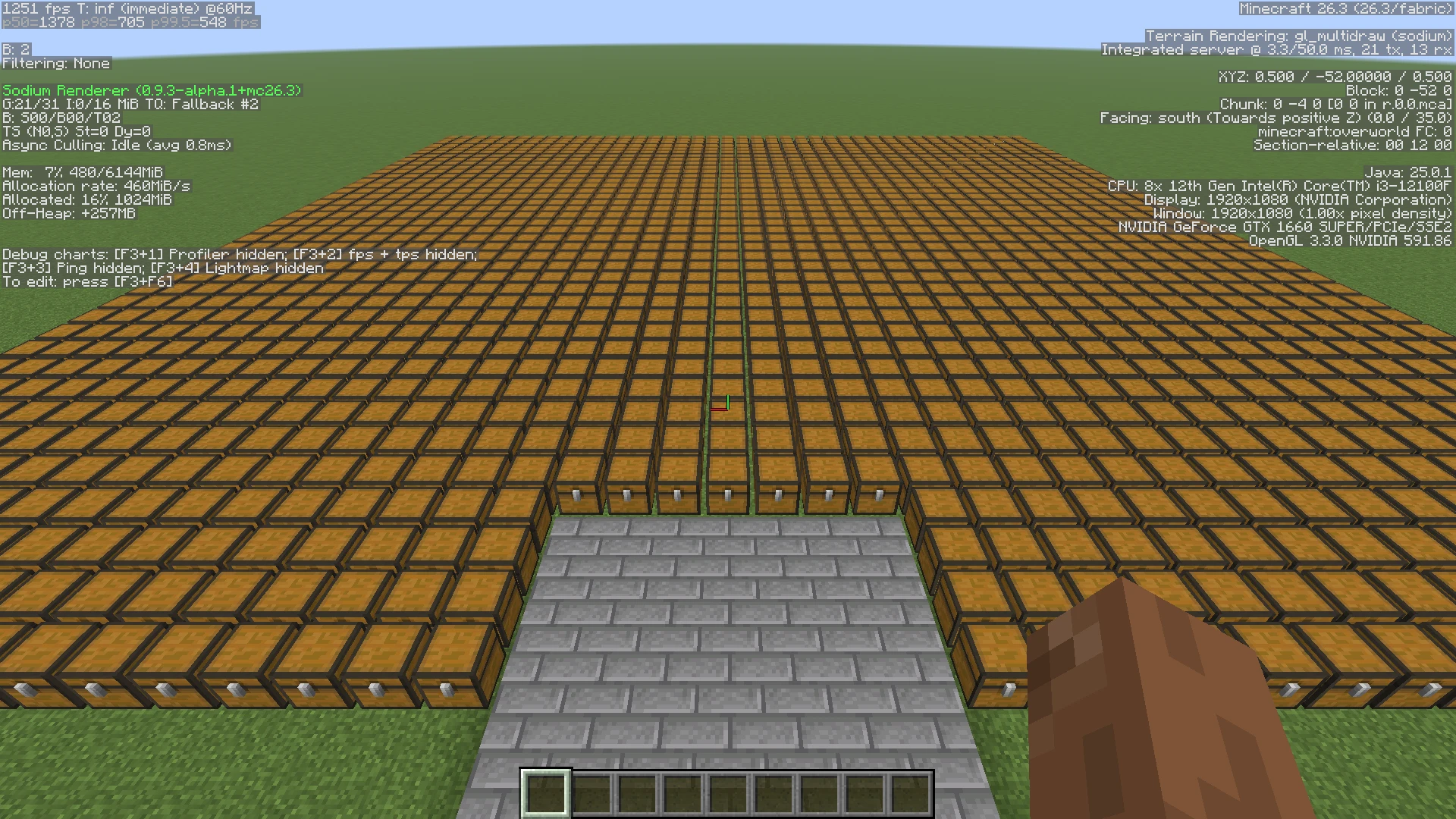
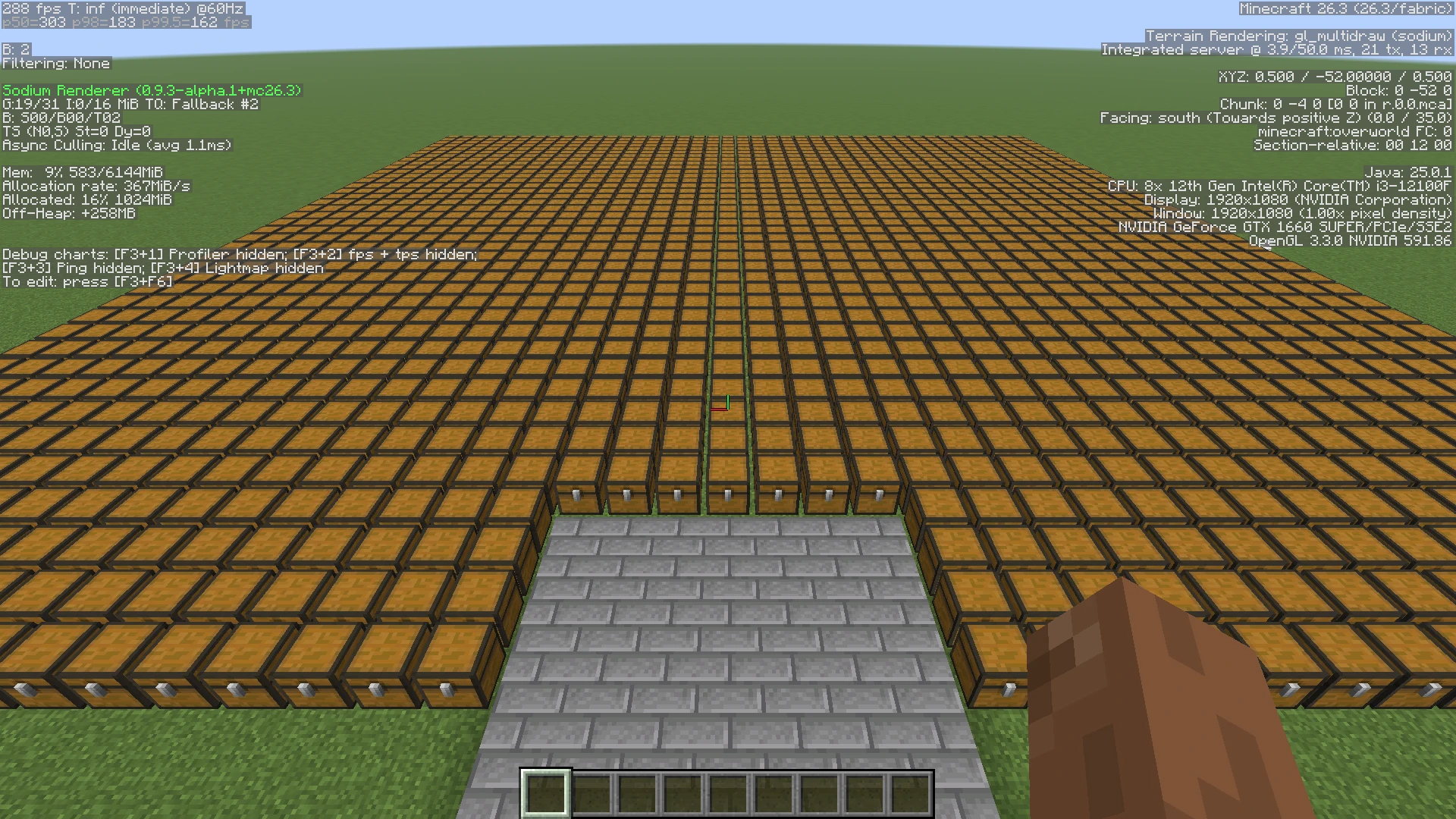
In the chest field measured here, Sodium alone averaged 365.2 FPS, while adding OBE 1.1.50 raised the average to 1,260.8 FPS, about 3.5 times as many frames. This is the result for that chest-heavy scene, not an expected gain for every base or a fix for server tick lag.
Measurement setup: Minecraft 26.3 with Fabric Loader 0.19.5, Fabric API 0.162.0 and Sodium 0.9.3-alpha.1, on an Intel Core i3-12100F, GTX 1660 SUPER and 32 GB of system RAM. Java 25 had 6 GB allocated. The view contained 1,572 chests at 1920x1080, with render and simulation distances both set to 12, VSync off and the frame-rate limit uncapped. Video settings matched between runs; OBE was the only mod difference. Each setup supplied six readings across two runs, with a 30-second wait before readings taken 10 seconds apart.
How Static Block Entity Meshing Works
OBE achieves this jump by baking stationary block entities (chests, trapped chests, ender chests, shulker boxes, signs, hanging signs, banners, beds, bells, enchanting tables, lecterns, campfires, beacons, and decorated pots) directly into static chunk terrain meshes alongside regular blocks.
Instead of issuing thousands of individual draw calls per frame for idle storage chests, your GPU draws the entire storage hall as part of the chunk geometry. When you benchmark your own storage room in Minecraft 1.21+ or 26.x, set Inactivity FPS Limit to Minimized in Video Settings so vanilla's automatic AFK frame limiter does not cap your reading at 30 FPS.
The readings
- Sodium only (A): round 1: 375, 389, 255 FPS; round 2: 450, 382, 340 FPS. Average 365.2 FPS.
- Sodium with OBE (B): round 1: 1,079, 1,267, 1,251 FPS; round 2: 1,322, 1,313, 1,333 FPS. Average 1,260.8 FPS.
The frame rate moved within each run, so we list every reading. The lowest reading with OBE, 1,079 FPS, was still more than twice the highest reading without it, 450 FPS. Both F3 frames in this article were taken right after the third reading of round 1.
Dynamic Lid Animations and Modded Chest Limits
Unlike older static-mesh workarounds that permanently froze chest lids shut, OBE uses a dynamic handoff system: as long as a chest or shulker box is closed, it stays baked into the fast chunk mesh, and the instant a player interacts with it, OBE hands that single block back to the vanilla block-entity renderer for the duration of the opening and closing animation.
Keep one important limitation in mind for heavily modded packs: OBE optimizes vanilla block entities out of the box, so custom storage blocks added by third-party mods continue using their own renderers unless explicitly supported.
Chest animations
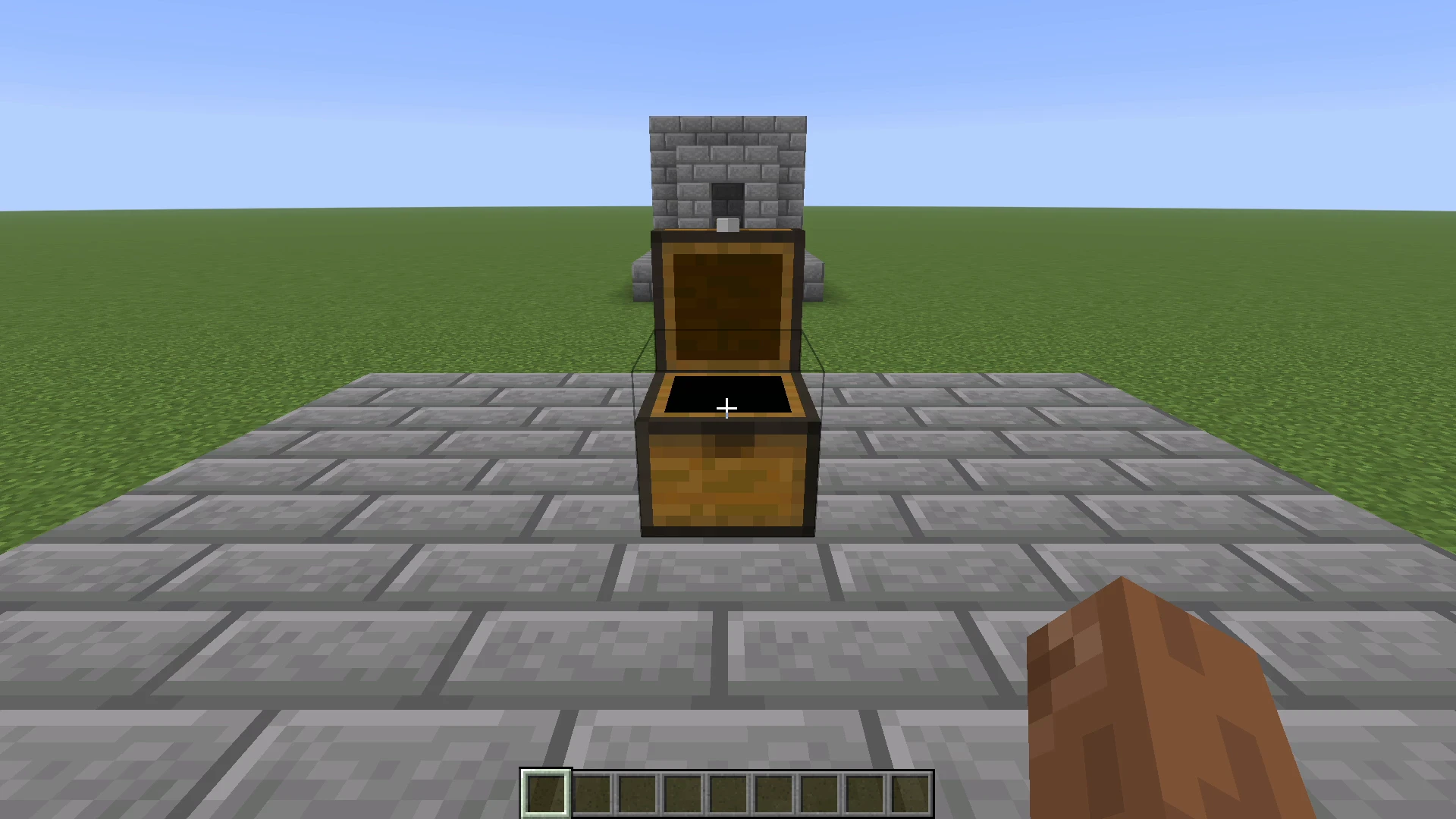
Opening a chest with OBE installed triggers the dynamic renderer handoff smoothly: the closed chest on the left uses baked chunk geometry, while the opened chest on the right renders the raised lid animation normally before returning to the static mesh once closed.
Lighting on chests
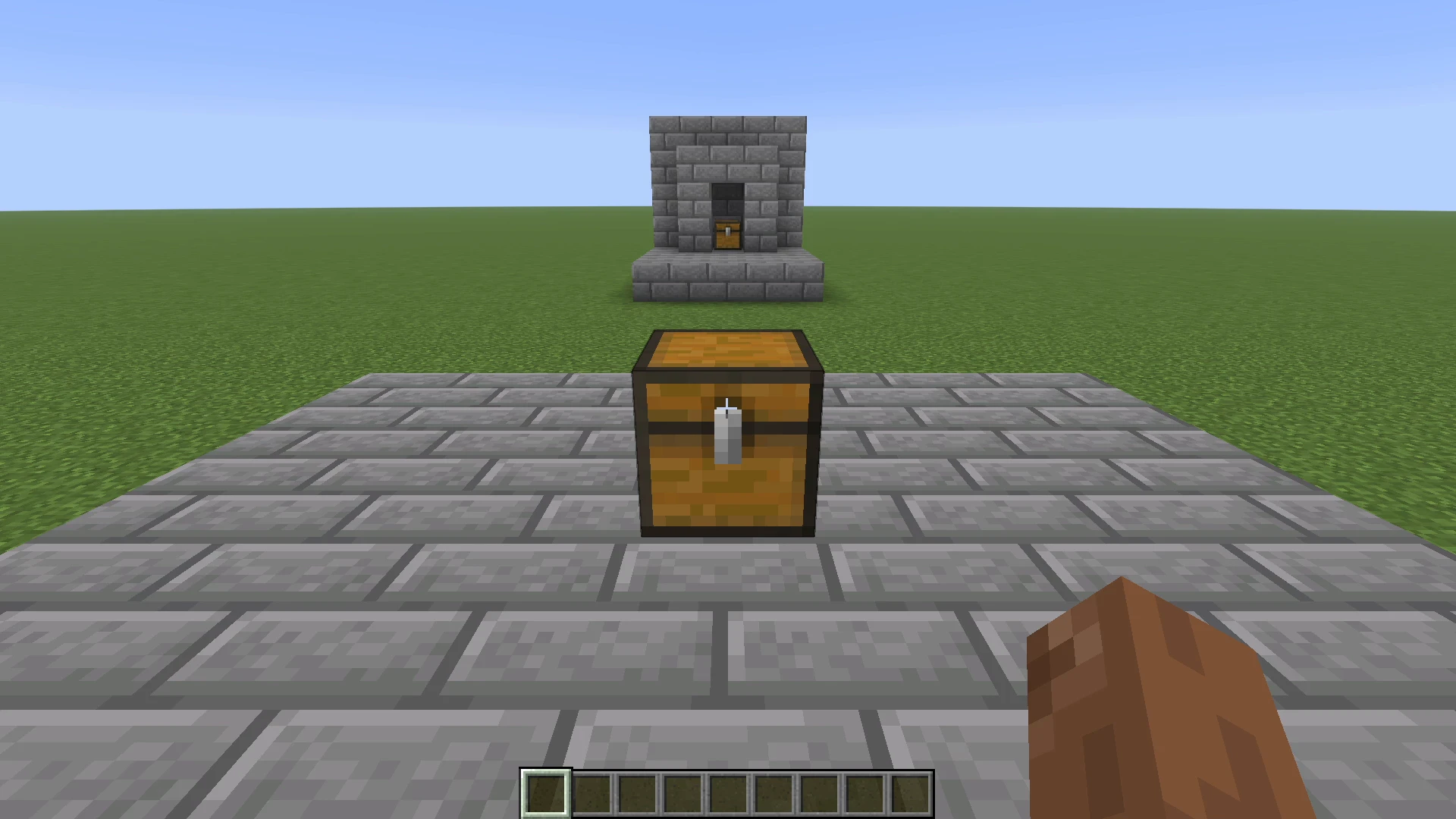
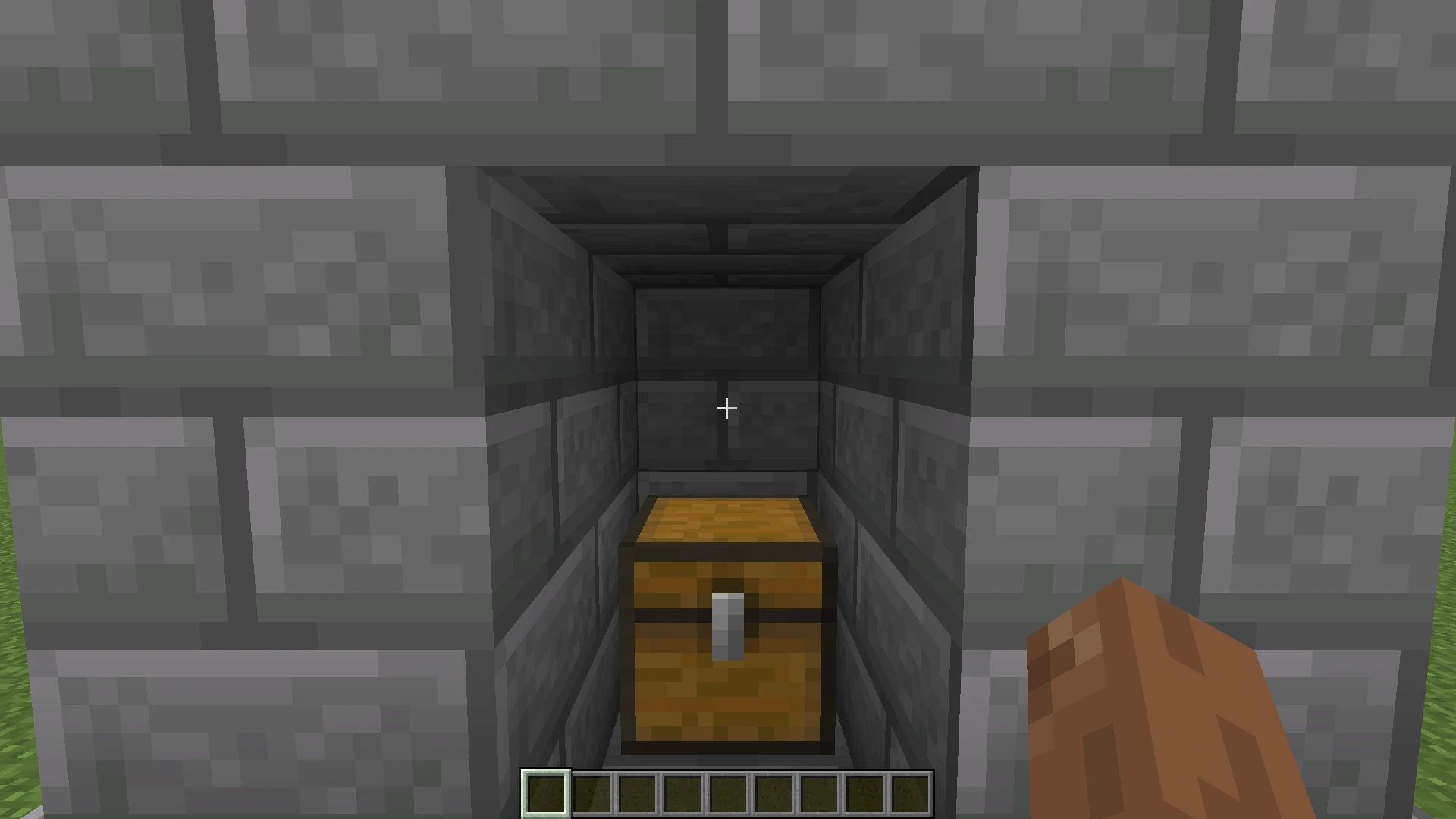
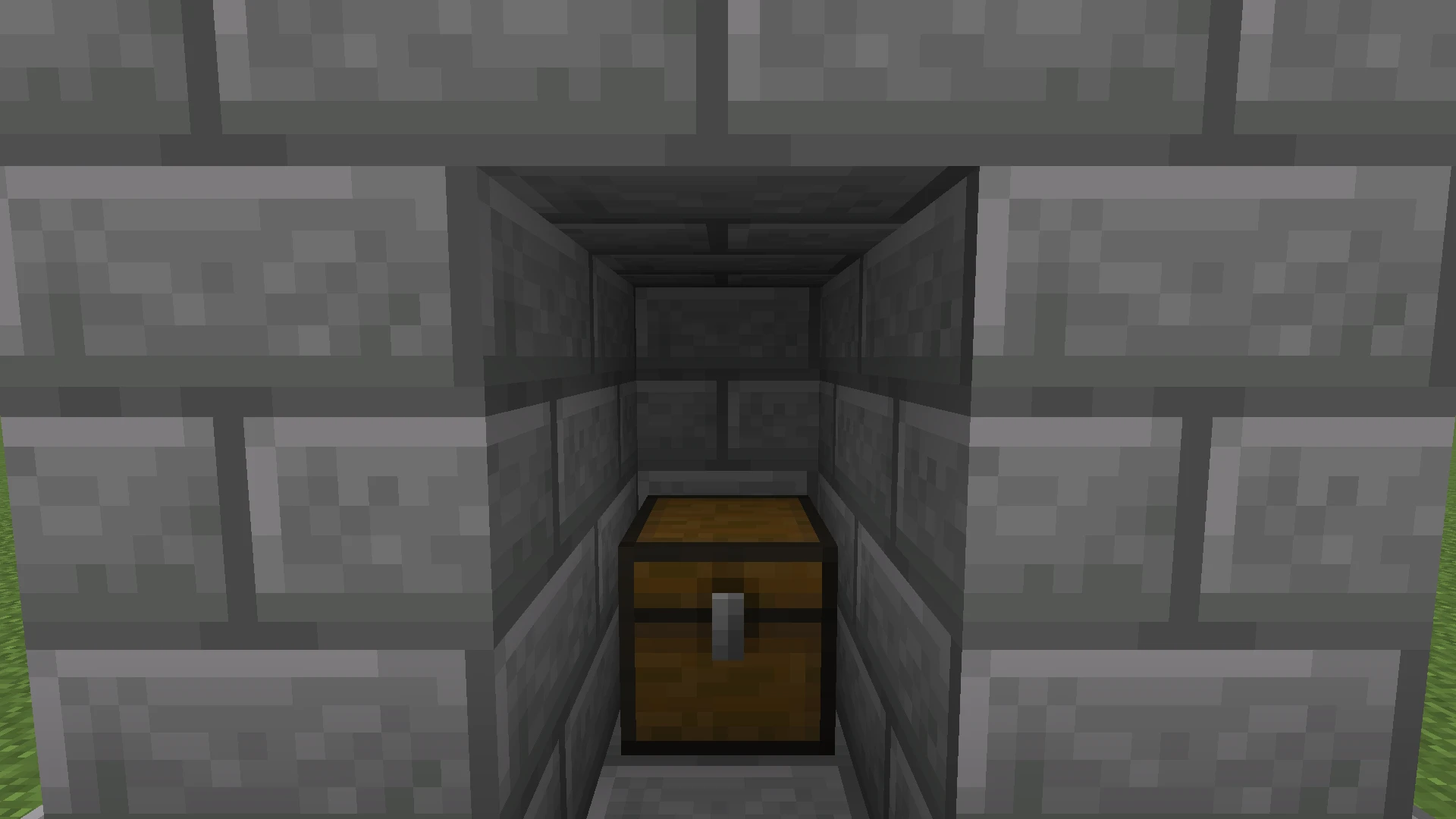
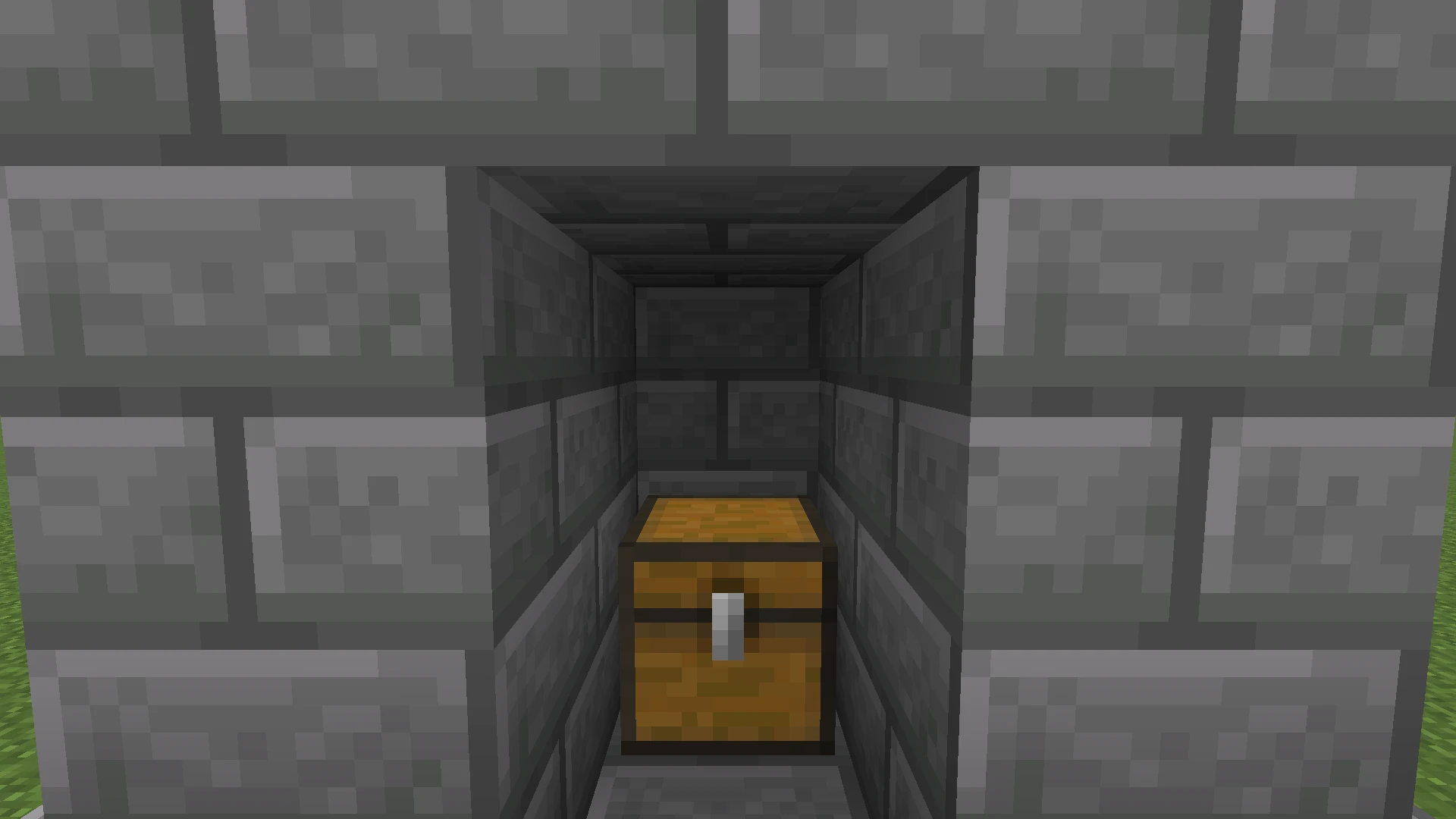
Because baked block entities participate in chunk lighting, OBE can apply smooth lighting and ambient occlusion (AO) to blocks that normally appear flatly lit in vanilla. By default, Chest Ambient Occlusion is turned off to match vanilla brightness. Enabling Chest Ambient Occlusion in the OBE config makes chests recessed into stone alcoves or corners pick up natural corner shading along their edges.
Settings
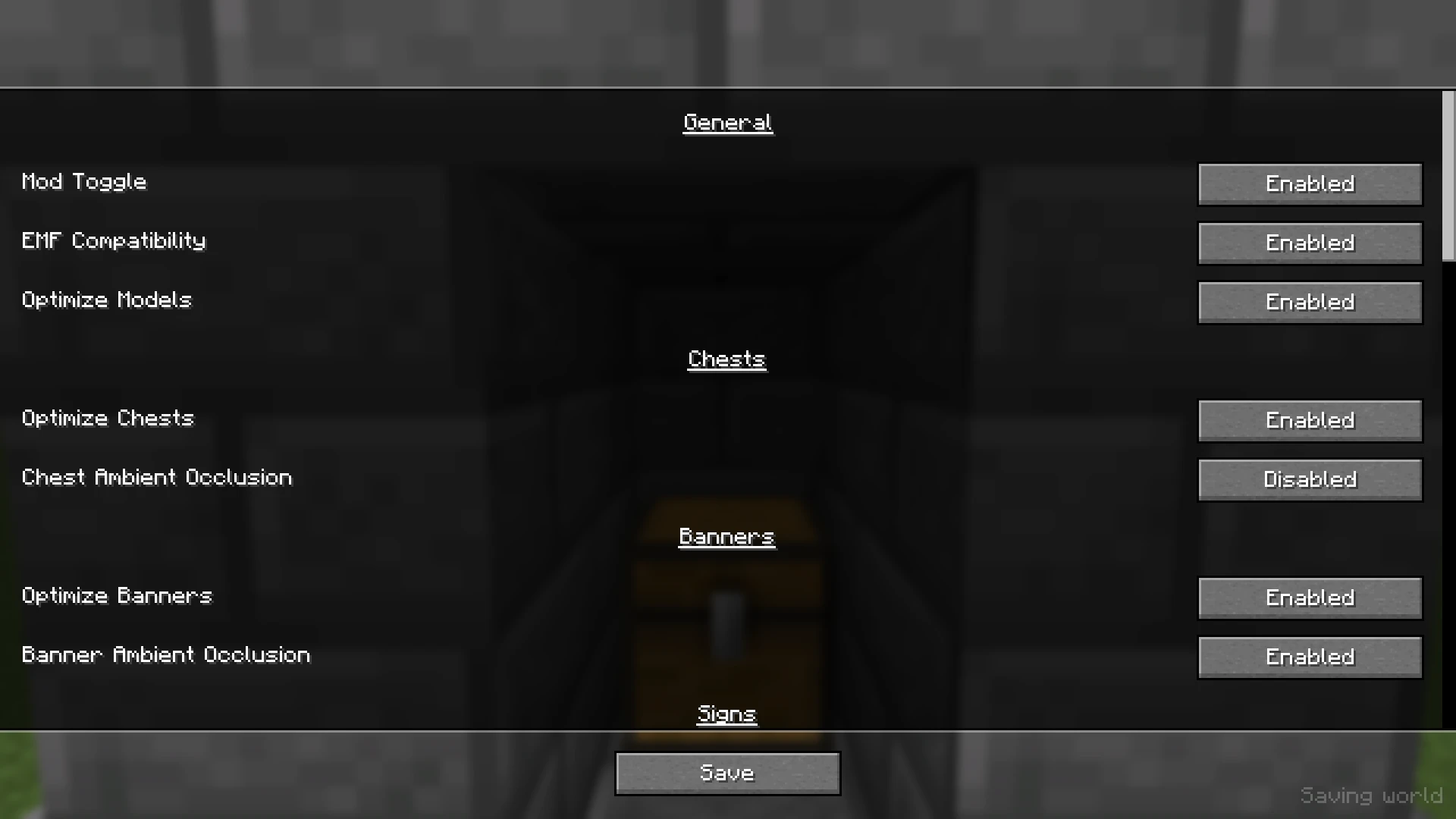
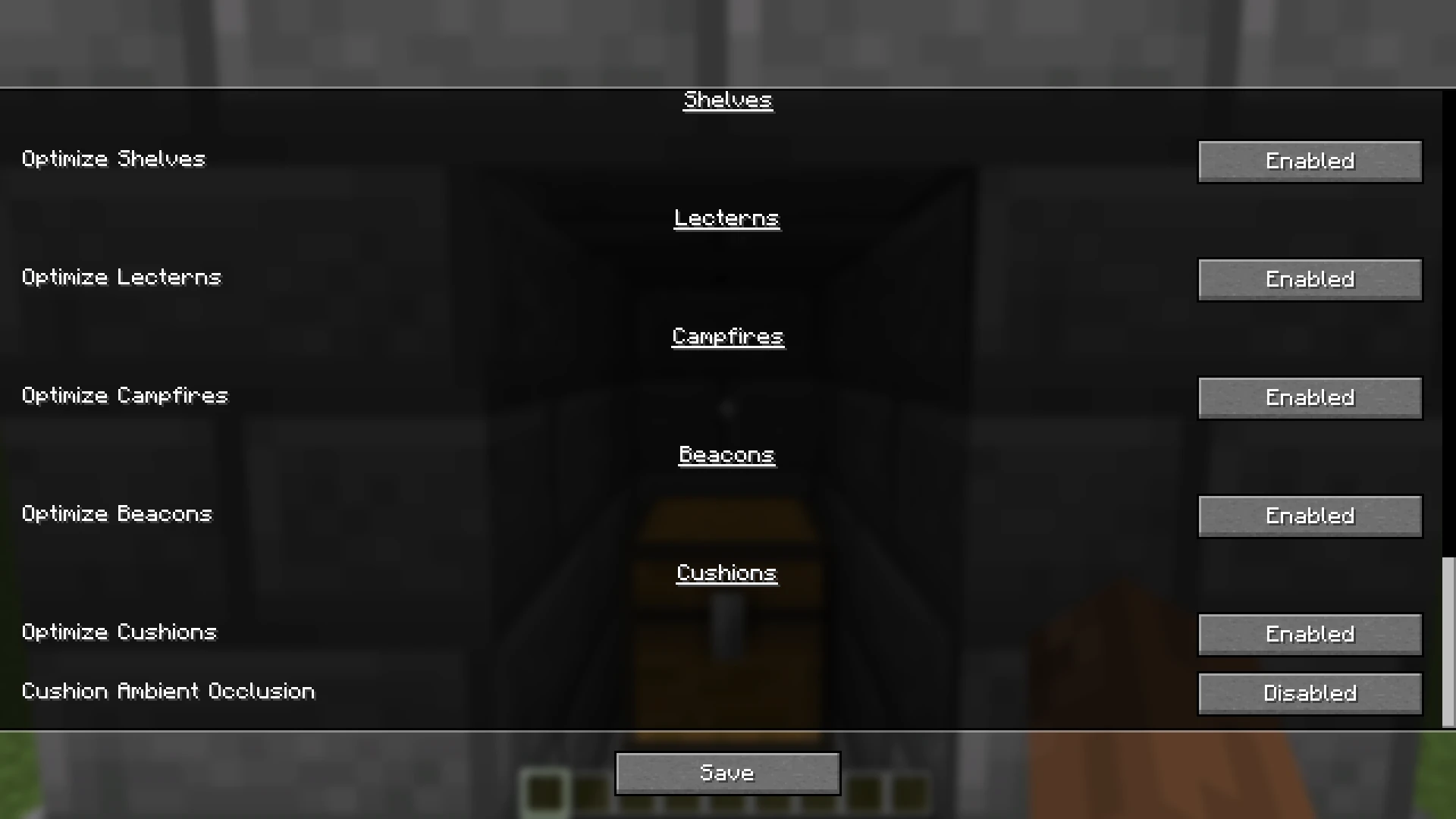
OBE has its own settings screen, which you can open from Mod Menu. It starts with three general switches, Mod Toggle, EMF Compatibility and Optimize Models, all enabled. Below them is one section per supported block entity type, from Chests, Banners and Signs at the top down to Shelves, Lecterns, Campfires, Beacons and Cushions at the end. Each section has an Optimize switch, and some add an Ambient Occlusion switch. By default, Banner Ambient Occlusion is enabled out of the box, while Chest Ambient Occlusion is disabled until you toggle it on.
Install and compatibility
OBE is a purely client-side mod available for Fabric (requiring Fabric API and Sodium), NeoForge, Forge, and Quilt. It includes built-in compatibility for Entity Model Features (EMF) and Entity Texture Features (ETF). If a specific block entity type conflicts with a custom resource pack or another visual mod, you can disable optimization for just that single block type in the OBE settings screen without losing the FPS boost on your chests and signs.
Official Downloads
Created by maDU59_1.6M+ downloads
OPTIMIZED BLOCK ENTITIES (OBE) MOD GUIDE: CHEST RENDERING & FPS
We do not host any Minecraft mod files directly on this site. We link to official sources to ensure mod developers receive proper credit and support for their work.