








Guide Index7 sections
AFK downtime is an unavoidable part of Minecraft progression. Whether you are smelting stacks of raw ore, waiting beside an automated mob farm, or waiting for nightfall, stepping away from your keyboard leaves your screen static. In vanilla gameplay, you stare at a motionless block face with your hotbar, health hearts, and hunger meter cluttering the display. More dangerously, if a wandering creeper or stray skeleton wanders into range, you have no early warning until you take a fatal hit.
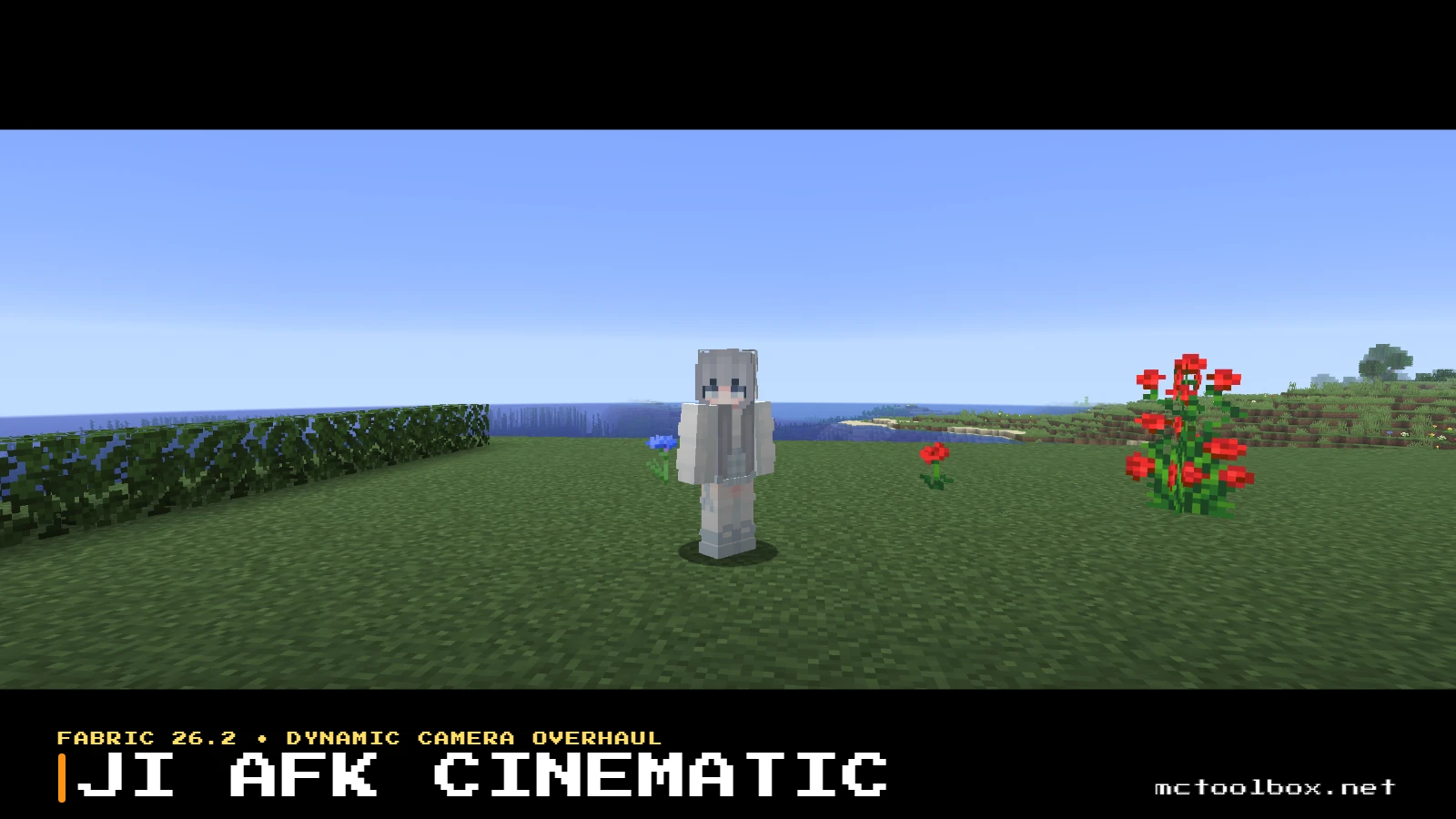
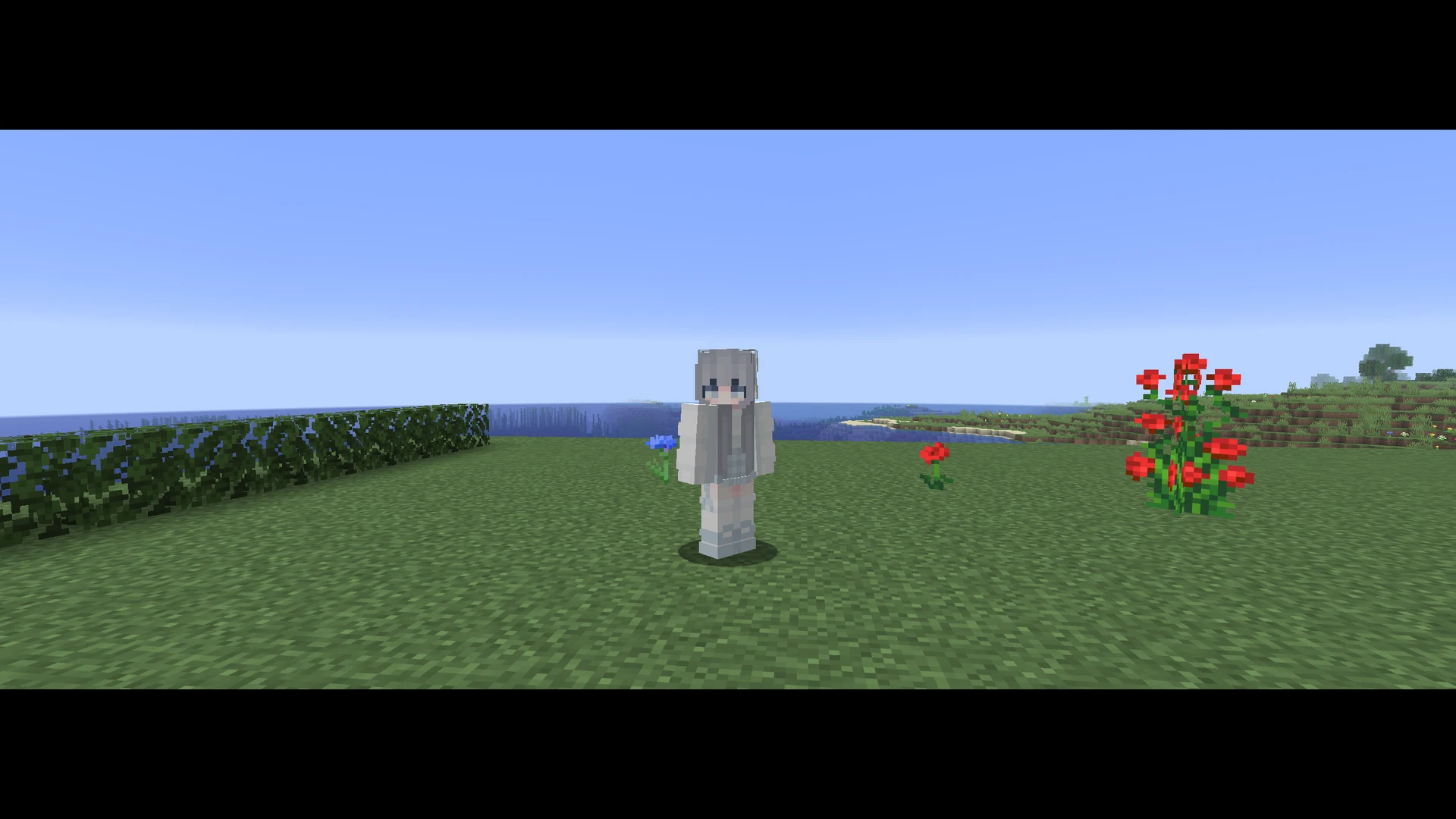
Ji AFK Cinematic replaces this stagnant screen with an intelligent, procedural camera director. When the mod senses no player input, it hides your HUD, applies ultra-widescreen 21:9 letterbox bars, and sweeps across character orbits and scenic environmental panoramas. This guide explains how the automation engine works, how to configure survival damage reactions, and how to control camera behavior directly.
How AFK Camera Automation Works
The core of the mod is driven by an activity timer that counts continuous ticks without keyboard or mouse input. By default, reaching 30 seconds of inactivity triggers cinematic mode. Once active, the system executes a randomized sequence chosen from 15 procedural shot archetypes, including low orbits, high crane perspectives, lateral profiles, over-the-shoulder angles, and feet-to-face rises.
Every shot utilizes cubic easing transitions (easeInOutCubic) to accelerate and decelerate camera motion smoothly. A built-in collision detection system traces line-of-sight vectors between the camera and surrounding blocks. If an obstacle such as a tree canopy, cave wall, or building roof threatens to clip through the lens, the camera dynamically constrains its orbit radius to keep the viewpoint clear.
Survival Safeguards and Damage Reactions
A common concern with visual camera mods in survival mode is vulnerability while away from the screen. Ji AFK Cinematic addresses this through dedicated Damage Reaction settings:
- Cancel Cinematic: The moment your character takes damage from an attack, fall, or environmental hazard, cinematic mode disengages immediately. The camera snaps back to your standard first-person crosshair and restores the HUD so you can defend yourself.
- Pause Game: In single-player worlds, taking damage immediately forces Minecraft into the native pause menu. This completely halts mob pathfinding and attack ticks until you return.
- Ignore: Disables damage interrupts entirely. This mode is suited for creative world design, filming time-lapses, or secure indoor bases.
Environmental Panning and Vista Shots
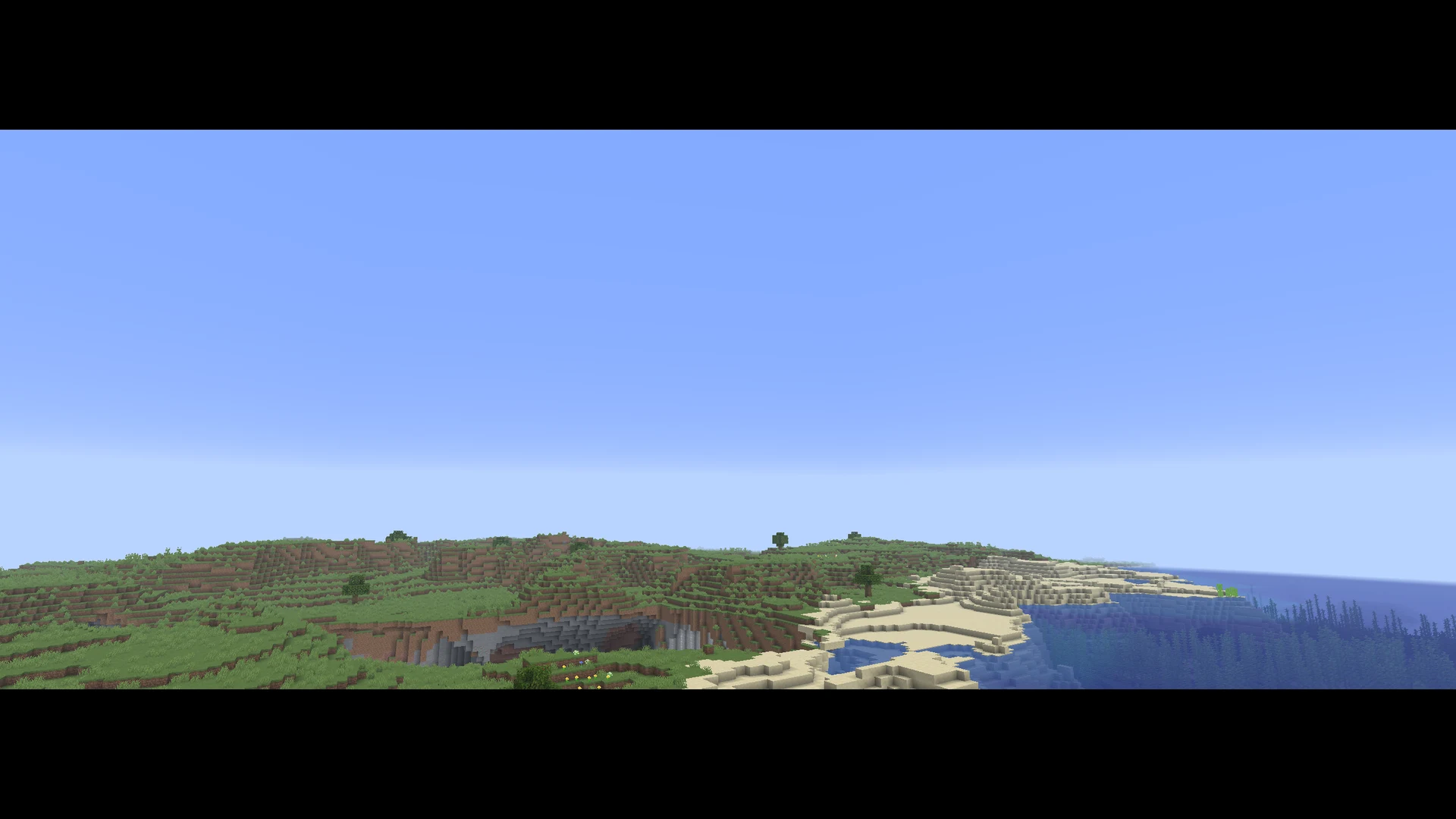
The camera system does not solely focus on player models. It balances character close-ups with broad environmental establishing shots. When cycling through an AFK session, the shot planner interweaves distant horizon pans and wide-angle scenery sweeps, highlighting surrounding terrain, structures, and lighting conditions.
You can customize the balance between character-focused angles and environmental vistas using the character shot percentage slider. Setting a higher value keeps the focus primarily on your skin, while lowering it turns your AFK screen into an ambient landscape documentary.
Dedicated Fishing and Sleep Camera Modes
Beyond idle AFK timeouts, the mod includes contextual camera routines for specific activities:
- Fishing Focus: Holding a fishing rod or casting a line into water triggers a specialized fishing perspective. The camera moves to a low waterline angle tracking the bobber. When water splash particles signal that a fish is approaching, the camera performs a subtle bite focus, giving you a visual cue to reel in your catch.
- Bed Resting: Climbing into bed activates letterbox bars and dims background lighting until morning arrives. The standard sleeping HUD is streamlined, turning everyday bed use into an atmospheric transition.
Keybindings and In-Game Configuration
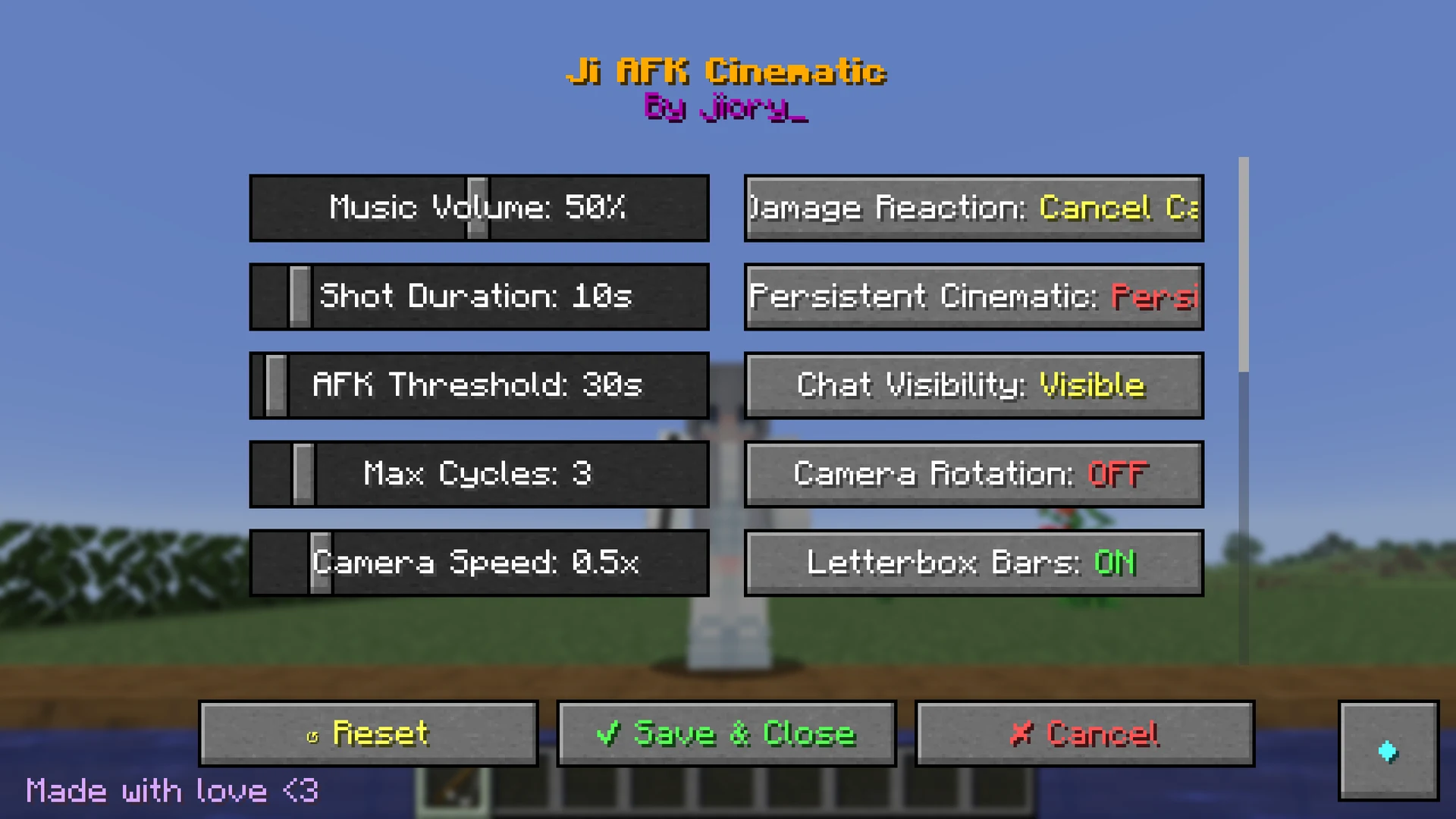
All mod features can be tuned through an in-game settings screen accessible via Mod Menu or the default shortcut F7 + H. In addition to automatic detection, you can trigger cinematic mode on demand at any moment using F7 + I, allowing you to record scenic cutscenes without waiting for the timer to expire.
| Setting Option | Default Value | Description |
|---|---|---|
| AFK Threshold | 30s | Inactivity duration before cinematic mode activates automatically |
| Shot Duration | 10s | Time spent on each individual camera angle before switching |
| Max Cycles | 3 | Maximum shot sequence loops before camera settles into a static angle |
| Camera Speed | 0.5x | Multiplier controlling the speed of orbital and crane pans |
| Letterbox Bars | ON | Enables 21:9 black widescreen bars along top and bottom screen margins |
| Damage Reaction | Cancel Cinematic | Determines survival response when taking damage (Cancel, Pause, Ignore) |
| Chat Visibility | Visible | Controls whether multiplayer chat messages remain visible during cutscenes |
Installation and Compatibility
Ji AFK Cinematic is purely client-side. It does not require server-side installation and operates safely on vanilla multiplayer servers. Because camera movements are calculated client-side via rendering mixins without transmitting erratic player position packets to the server, it does not trigger automated anti-cheat movement flags.
To install, place the mod JAR into your Minecraft .minecraft/mods directory alongside the compatible Fabric API build. Installing Mod Menu is recommended to easily open the configuration screen from the pause menu.