








Guide Index11 sections
If you played Minecraft with shaders five years ago, you probably remember the drill: download an unwieldy graphics mod, wait ten minutes for chunks to stop stuttering, and prepare for a complete game freeze every time you tried tweaking a shadow setting. Iris Shaders changes all of that. By building directly on top of Sodium's modern graphics engine, it makes running shaders feel almost as fluid as vanilla play.
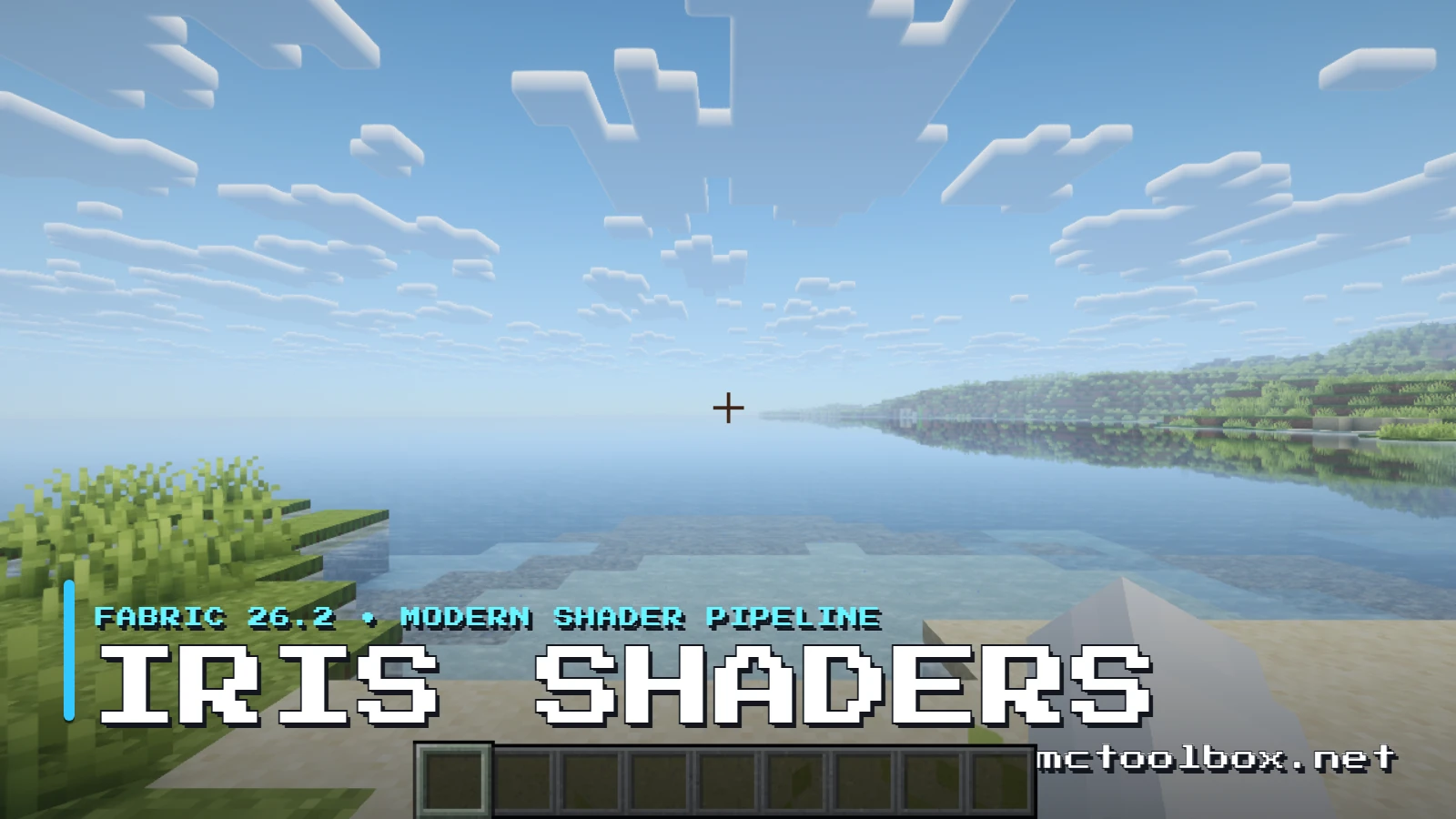
Pairing Iris with Sodium and a modern pack like Complementary Reimagined shows why this combination has become the standard shader pipeline for Java Edition. The framerate stays remarkably stable while panning across water and moving through dense biomes, and you can switch shader packs in the middle of a survival run without restarting or waiting on a loading screen.
Why pairing with Sodium changes how shaders actually feel
Most older shader setups felt sluggish because they had to wrestle with Minecraft's default OpenGL rendering, recompiling meshes and fighting chunk updates every time the camera moved. Iris does not do that. Instead, it hooks straight into Sodium's modern mesh pipeline, letting your graphics card draw terrain from fast GPU buffers while calculating shadows and light passes on top.
That difference is noticeable immediately when you walk along a coastline or fly over a village. In vanilla Minecraft, turning quickly with shaders active often brought micro-stutters and frame pacing hitches. With Iris and Sodium handling the pipeline together, frame times stay tight even when volumetric clouds and water reflections are pushing the GPU hard.
Required Mods and Shader Pipeline Stack
| Component | Role in the Pipeline | Setup Notes |
|---|---|---|
| Mod Loader | Fabric or NeoForge | Select the matching loader for your Minecraft version |
| Fabric API | Core Hooks (Fabric) | Required alongside Sodium and Iris on Fabric profiles |
| Sodium | Base Chunk Renderer | Required companion renderer that powers Iris frame pacing |
| Iris Shaders | Shader Pipeline Loader | Loads OptiFine-compatible and Iris shader packs from shaderpacks/ |
| Shader Pack (.zip) | Lighting & PBR Pass | Keep shader packs as .zip archives inside the shaderpacks folder |
Managing shader packs right inside Video Settings
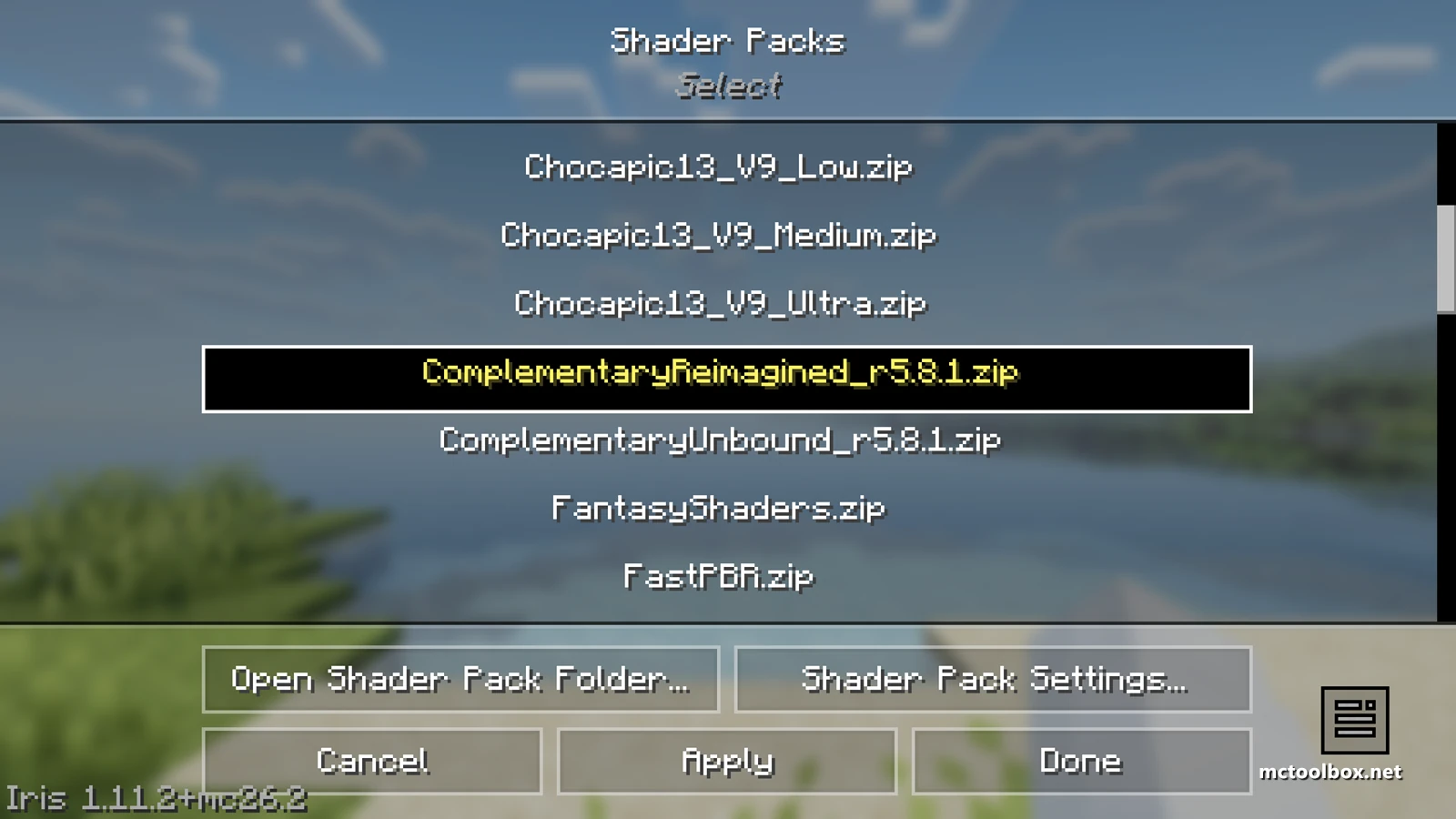
One detail I appreciate about Iris is how neatly it lives inside Sodium's Video Settings menu. You do not have to leave the game or search through separate mod config tabs. Open Video Settings, click Shader Packs..., and you have a clean view of all the packs in your folder alongside the active Iris version.
Adding a new pack is as simple as dragging the .zip file right into the Minecraft window or clicking the Open Shader Pack Folder... button. Selecting a pack highlights it in yellow, and hitting Apply swaps the visual style without kicking you back to the main menu.
Shader options, profiles, and real PBR depth
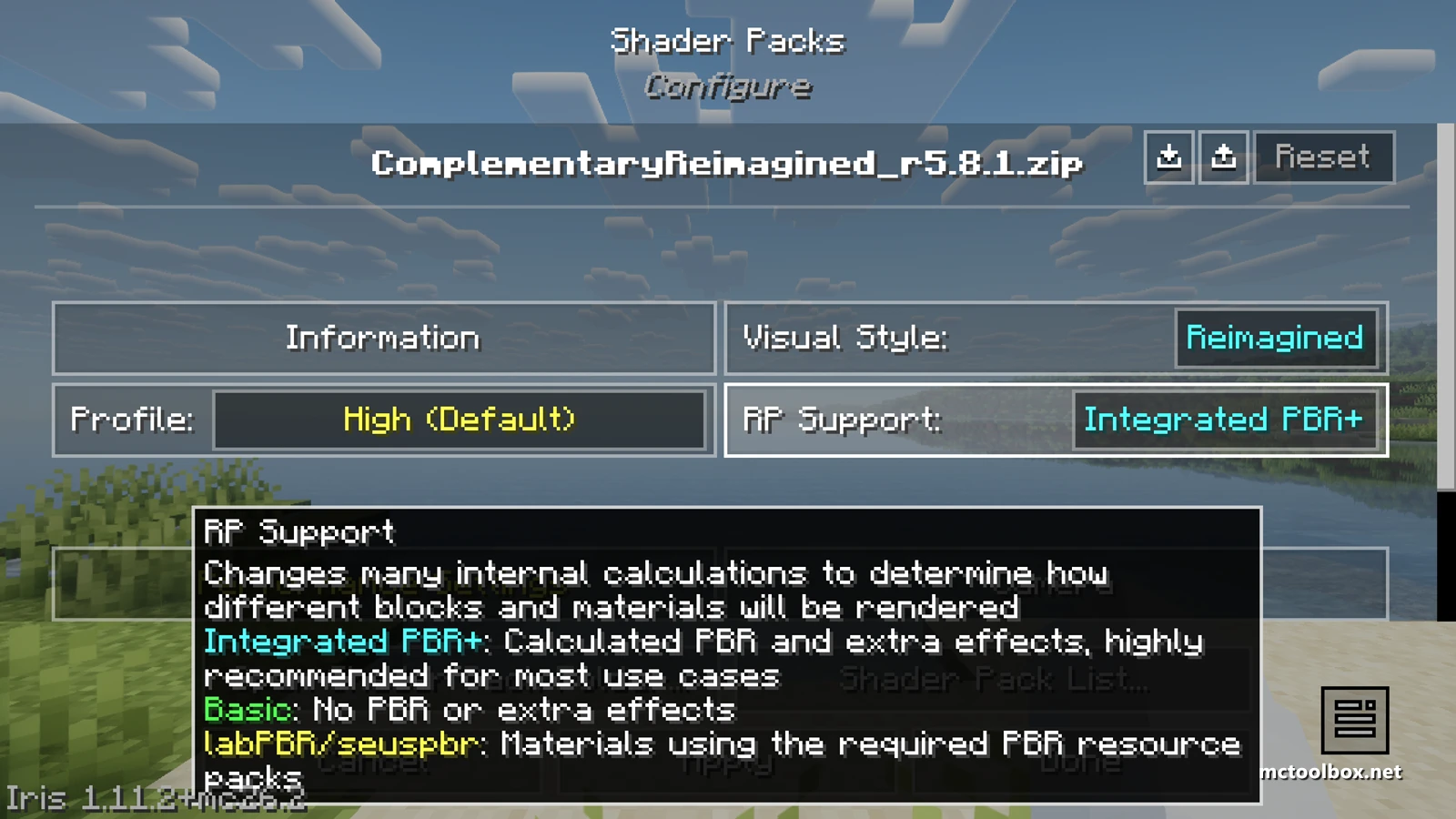
Clicking into Shader Pack Settings... brings up the author's custom options for that specific shader. Iris exposes everything cleanly: preset performance profiles, shadow resolution, lighting style, and atmospheric haze.
It also gives you full access to physically-based rendering (PBR). In Complementary Reimagined, for example, enabling Integrated PBR+ calculates surface depth, light bouncing, and wetness on terrain blocks automatically without requiring a heavy external texture pack. If you do use specialized resource packs with labPBR or seus_pbr normal and specular maps, Iris handles those calculations natively.
The hotkeys you will actually use: instant toggling
The single most convenient everyday feature in Iris is the real-time toggle. If you suddenly step into an unlit cave, need to see clearly underwater, or want to check an awkward build alignment against vanilla textures, you do not have to open a menu. Press K and shaders turn off instantly. Press K again and they snap right back on.
How to Install Iris Shaders with Sodium
Install Fabric Loader
Use the standard Fabric installer for Minecraft 26.2 to generate your profile in the launcher.
Drop in Fabric API and Sodium
Put the matching Fabric API JAR and Sodium JAR into your .minecraft/mods folder. Iris requires Sodium to run.
Add Iris Shaders
Download the Iris build for Fabric 26.2 from the official GitHub Releases page and place it into mods.
Add your shader packs
Launch the game, open Video Settings -> Shader Packs, click Open Shader Pack Folder, and drop in your chosen .zip packs.
Iris has earned its spot as a staple mod because it solves the real problem players had with shaders: they looked great in screenshots, but felt miserable to actually play with. By partnering with Sodium and focusing on clean, lightweight integration, Iris gives you dramatic lighting, realistic water, and rich atmospheric effects without sacrificing smooth gameplay. If you run Fabric on 26.2, it is easily the best way to enjoy shaders today.
Official Downloads
Created by IrisShadersModern shader pack loader
IRIS SHADERS
We do not host any Minecraft mod files directly on this site. We link to official sources to ensure mod developers receive proper credit and support for their work.