








Guide Index8 sections
Player interaction in tall grass
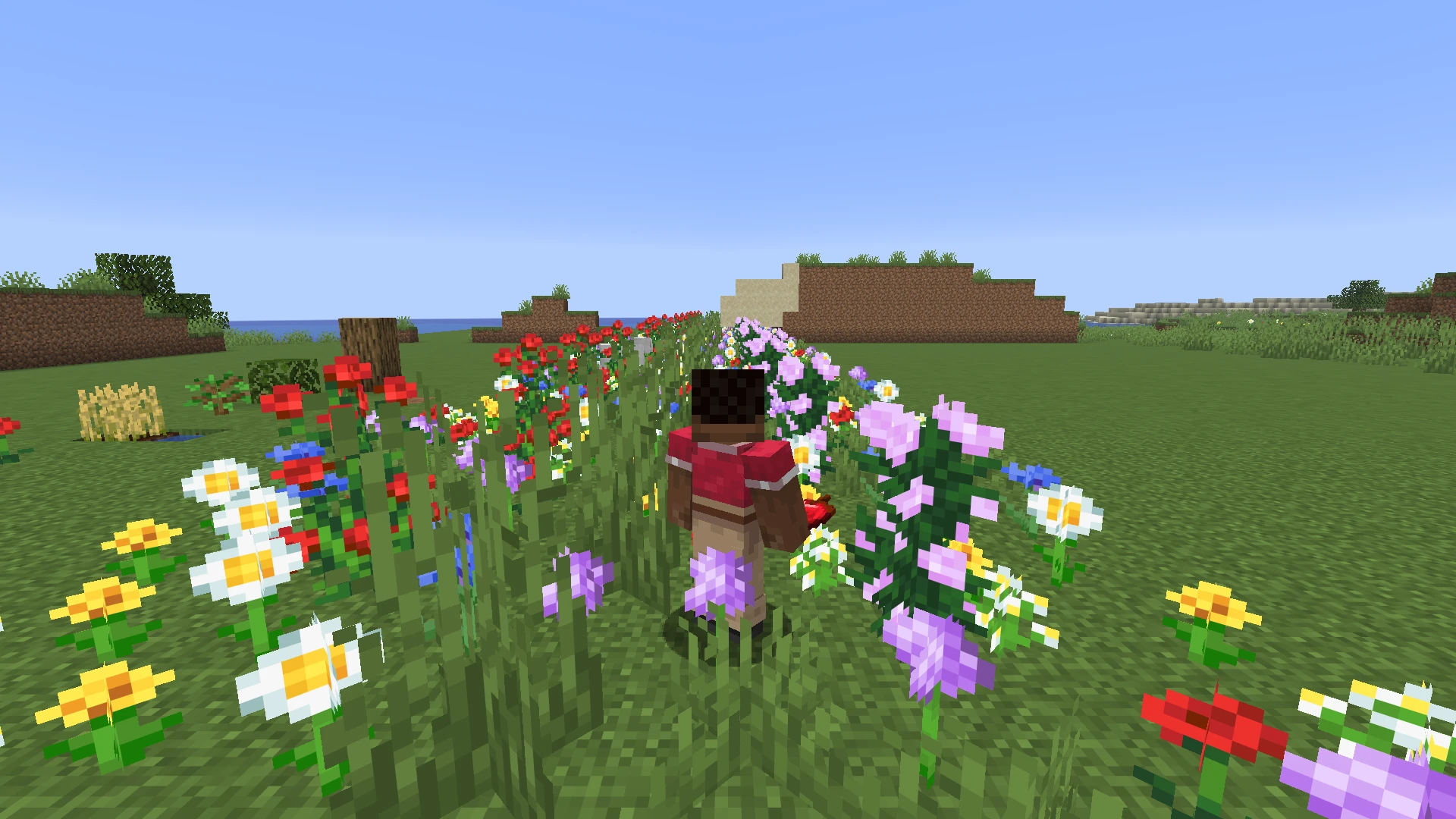
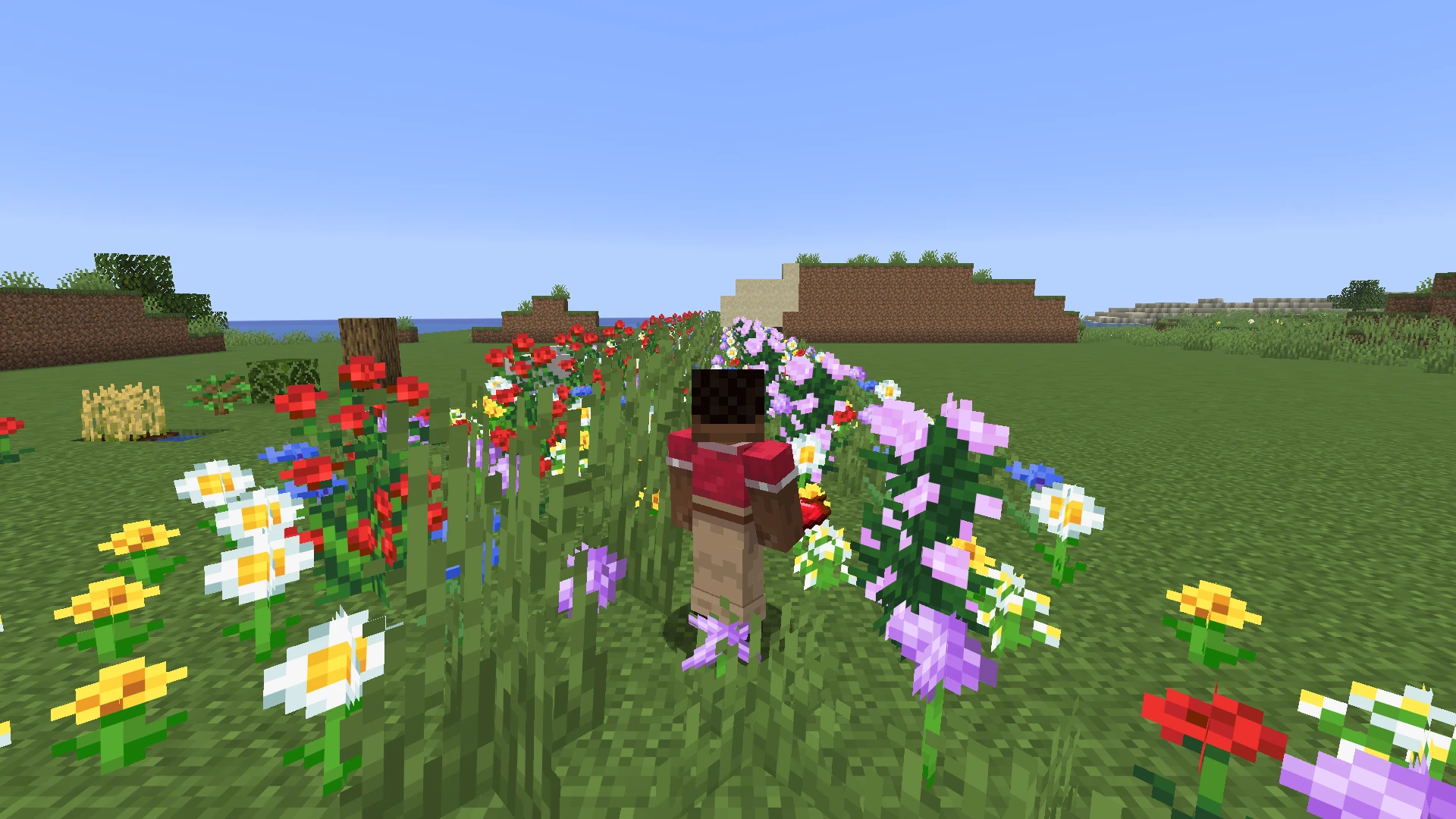
In vanilla Minecraft, plants ignore you: blades and flowers pass straight through the player model. Interactive Foliage pushes grass blades, flowers, and crops aside as entities move through them, then smoothly springs them back into place once the path clears. When standing in a flower patch, stems directly in front of the player's legs press outward rather than clipping straight through the character model.
Installation and loader support
Interactive Foliage requires SWAY API (and Fabric API on Fabric). Because it runs entirely on the client, it works on any vanilla or modded multiplayer server without server-side installation.
Fabric builds cover Minecraft 1.20.1, 1.21.x, and 26.1 through 26.3; NeoForge builds cover 1.21.1 through 26.3; and Forge builds support 1.20.1 (on Fabric 1.20.1 with older Sodium releases, include Indium as well).
Which Plants Bend on Contact vs. Ambient Wind
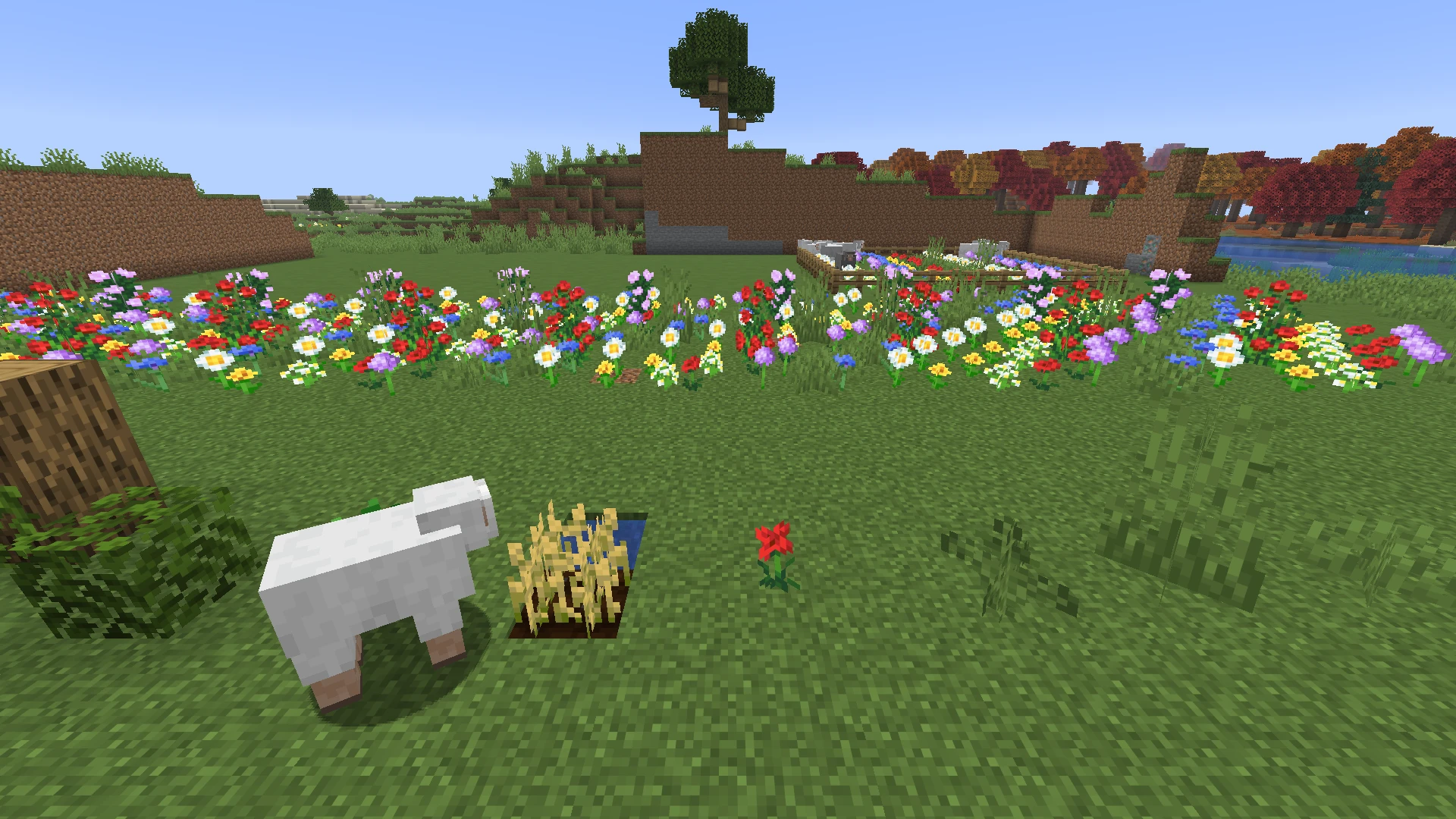
Plant blocks divide into two distinct groups based on how they respond to entity contact:
- Bends on contact: Short grass, tall grass, large ferns, poppies and small flowers, farmland wheat and crops, and tree saplings all deflect outward when a player or mob walks through them.
- Ambient wind sway only: Tree leaves and hanging vines sway gently in the breeze when Waving Leaves is enabled (on by default), but walking into them does not push them aside.
Mob movement and dropped item behavior
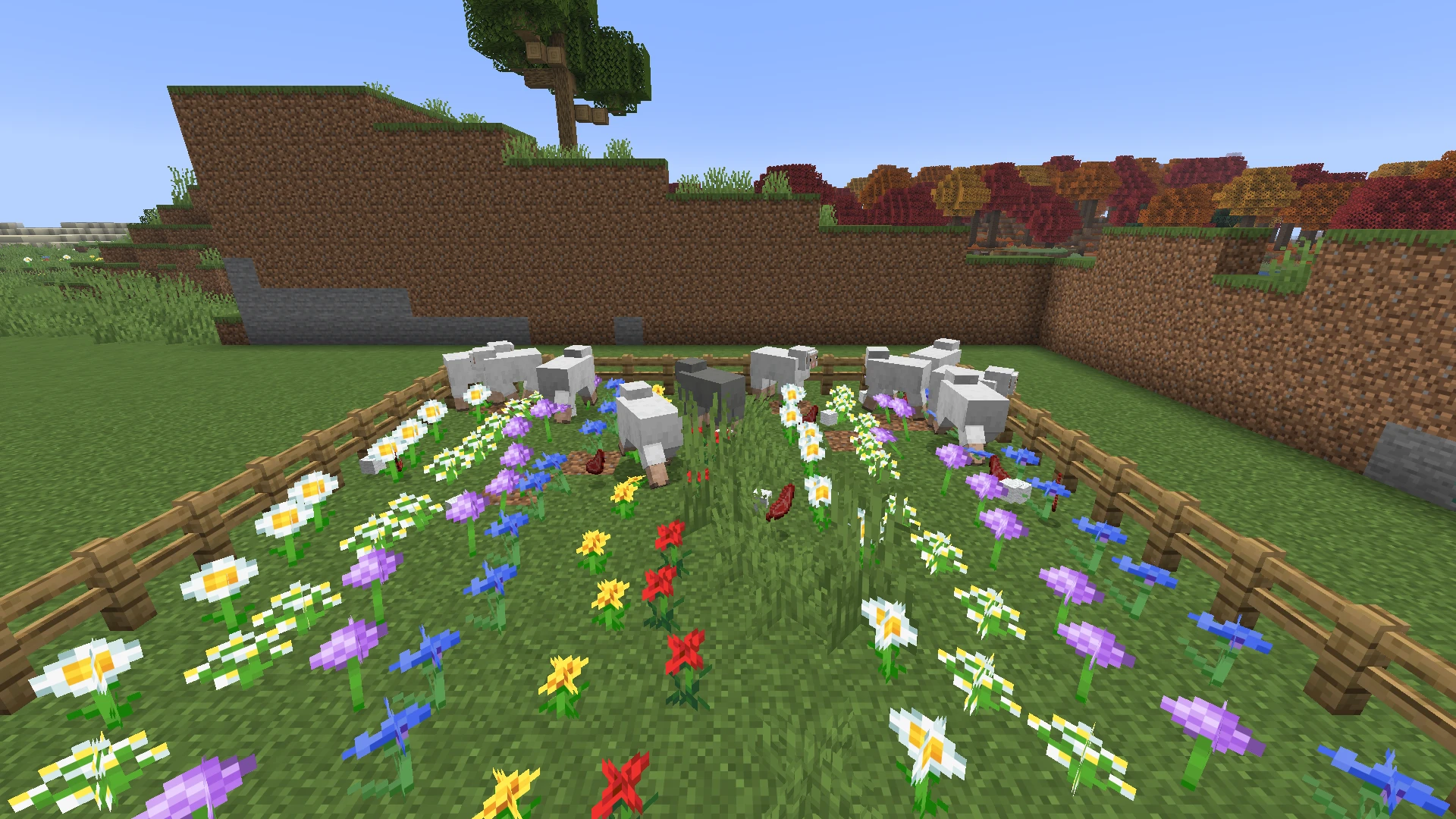
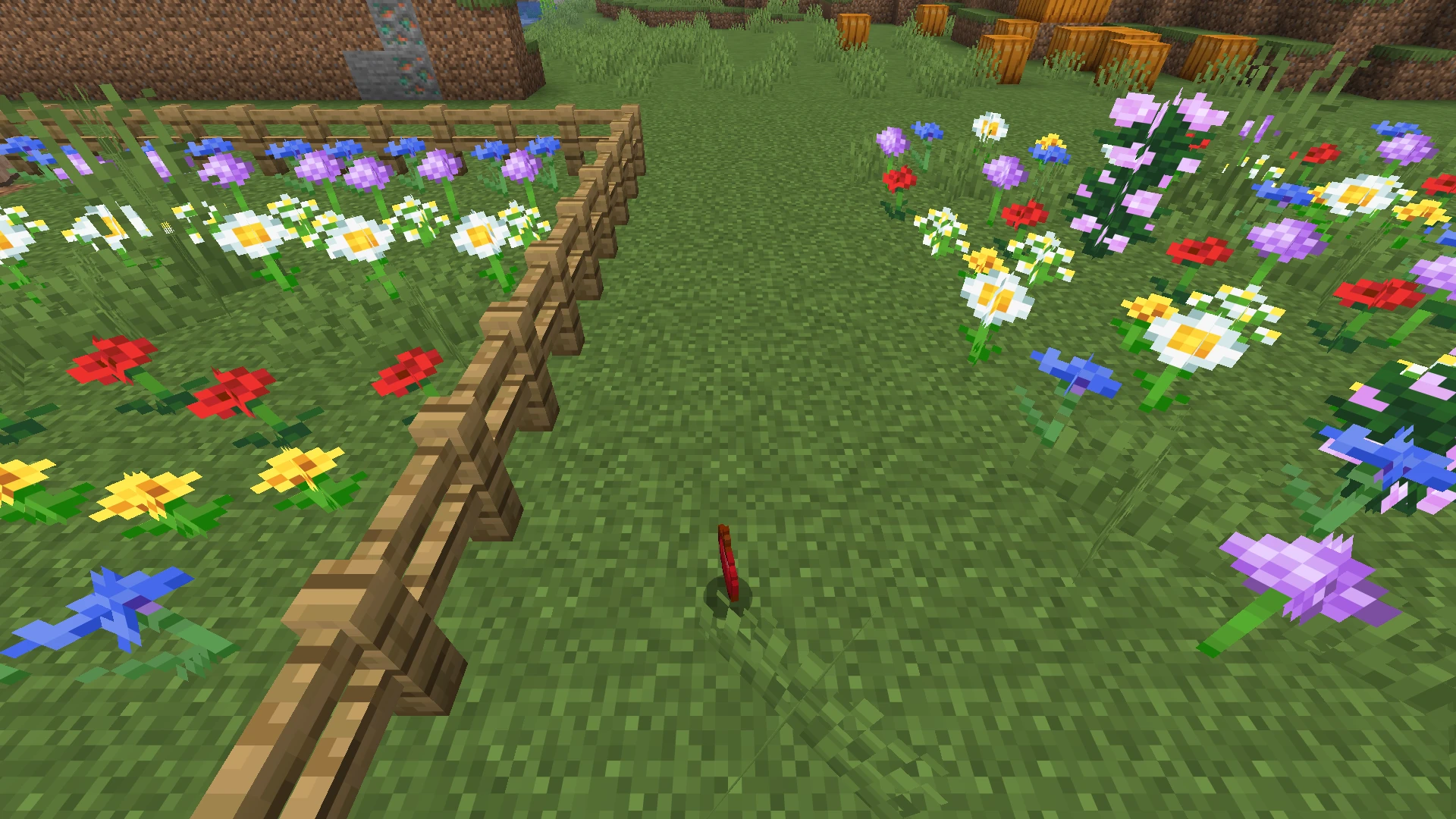
Passive and hostile mobs trigger the exact same foliage deflection as players: sheep, cows, and villagers walking through flower meadows push stems outward along their path, and the plants rebound smoothly once the mob passes.
Dropped item entities, however, do not noticeably flatten tall or short grass blades in current 26.3 builds, and the configuration menu does not expose a separate item-weight slider.
Framerate Impact and Performance
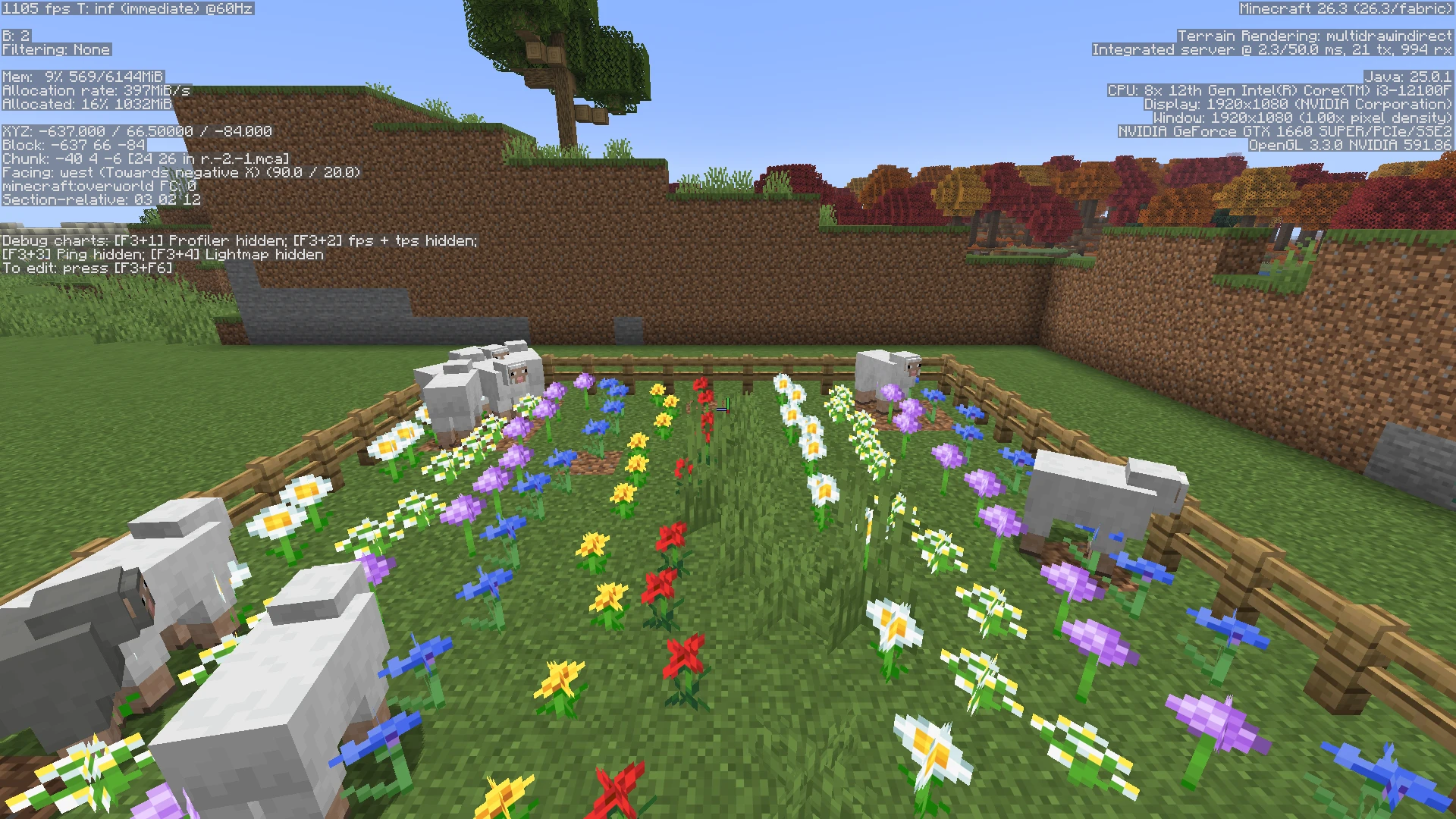
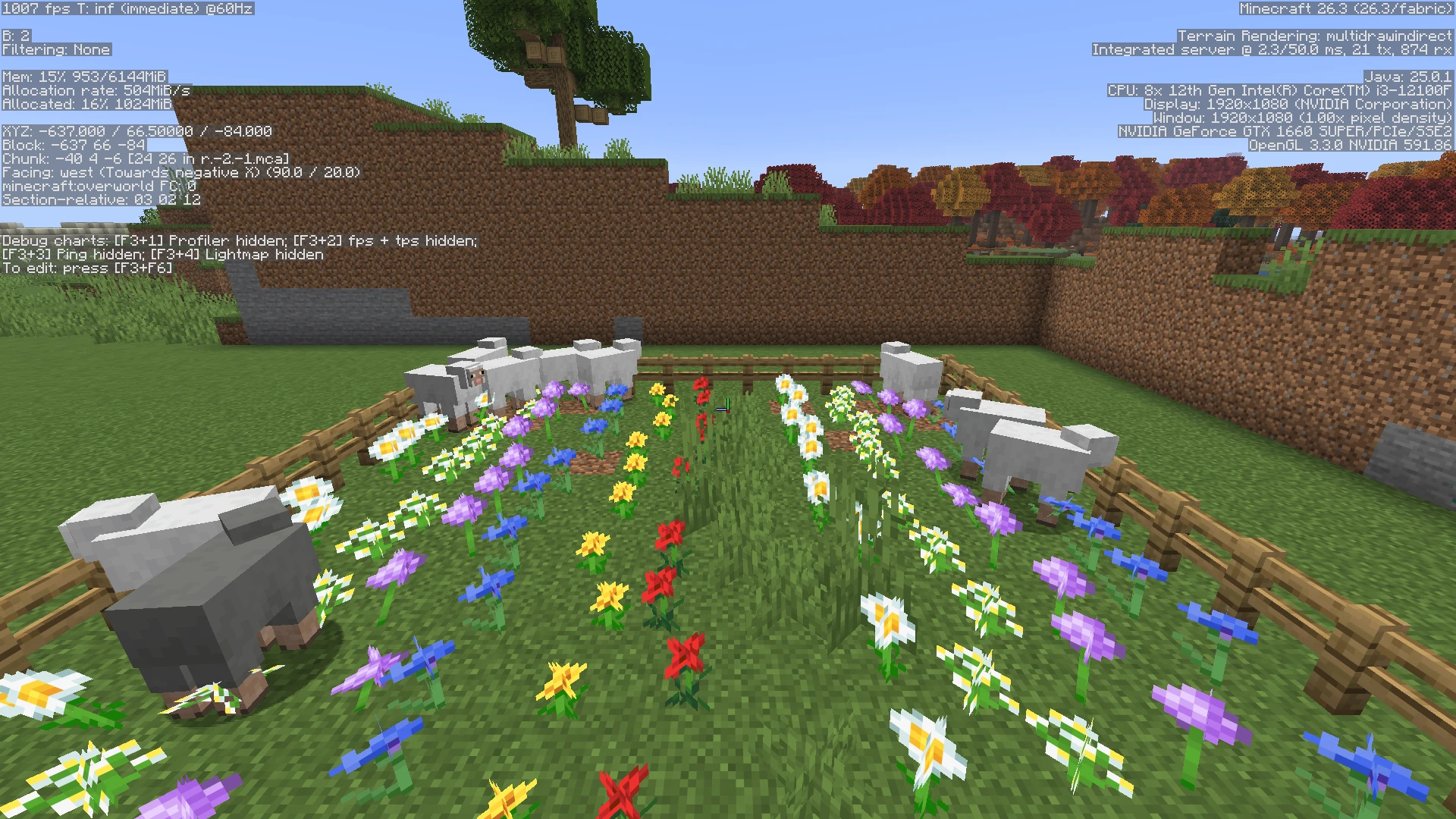
Rendering physics-enabled foliage across hundreds of plants introduces geometry overhead as entities collide with grass and flowers. Evaluating Interactive Foliage 2.1.1 and SWAY API 2.4.5 against vanilla Minecraft 26.3 (1080p, render distance 12, unthrottled frame rates on a GTX 1660 SUPER) demonstrates how the mod behaves in dense biomes with active mob movement.
Frame rate comparison in a dense flower meadow with multiple entities moving through foliage.
| Run | Instance | 30s | 40s | 50s | Average |
|---|---|---|---|---|---|
| A1 | Vanilla 26.3 | 1247 FPS | 1258 FPS | 1241 FPS | 1248.7 FPS |
| B1 | Interactive Foliage 2.1.1 | 1217 FPS | 1162 FPS | 1212 FPS | 1197.0 FPS |
| A2 | Vanilla 26.3 | 1267 FPS | 1261 FPS | 1261 FPS | 1263.0 FPS |
| B2 | Interactive Foliage 2.1.1 | 970 FPS | 1112 FPS | 1064 FPS | 1048.7 FPS |
Vanilla averaged 1,255.8 FPS and Interactive Foliage 1,122.8 FPS, a drop of 133.0 FPS or 10.6 percent, with the sheep moving through the flowers the whole time. Every reading stayed above 950 FPS on this machine. The second modded run (B2) was lower than the first, so expect some swing from run to run.
The F3 frames below come from a separate moment at the same spot, which is why their numbers differ from the table. Both show T: inf, so the frame rate was not capped.
In-game configuration settings
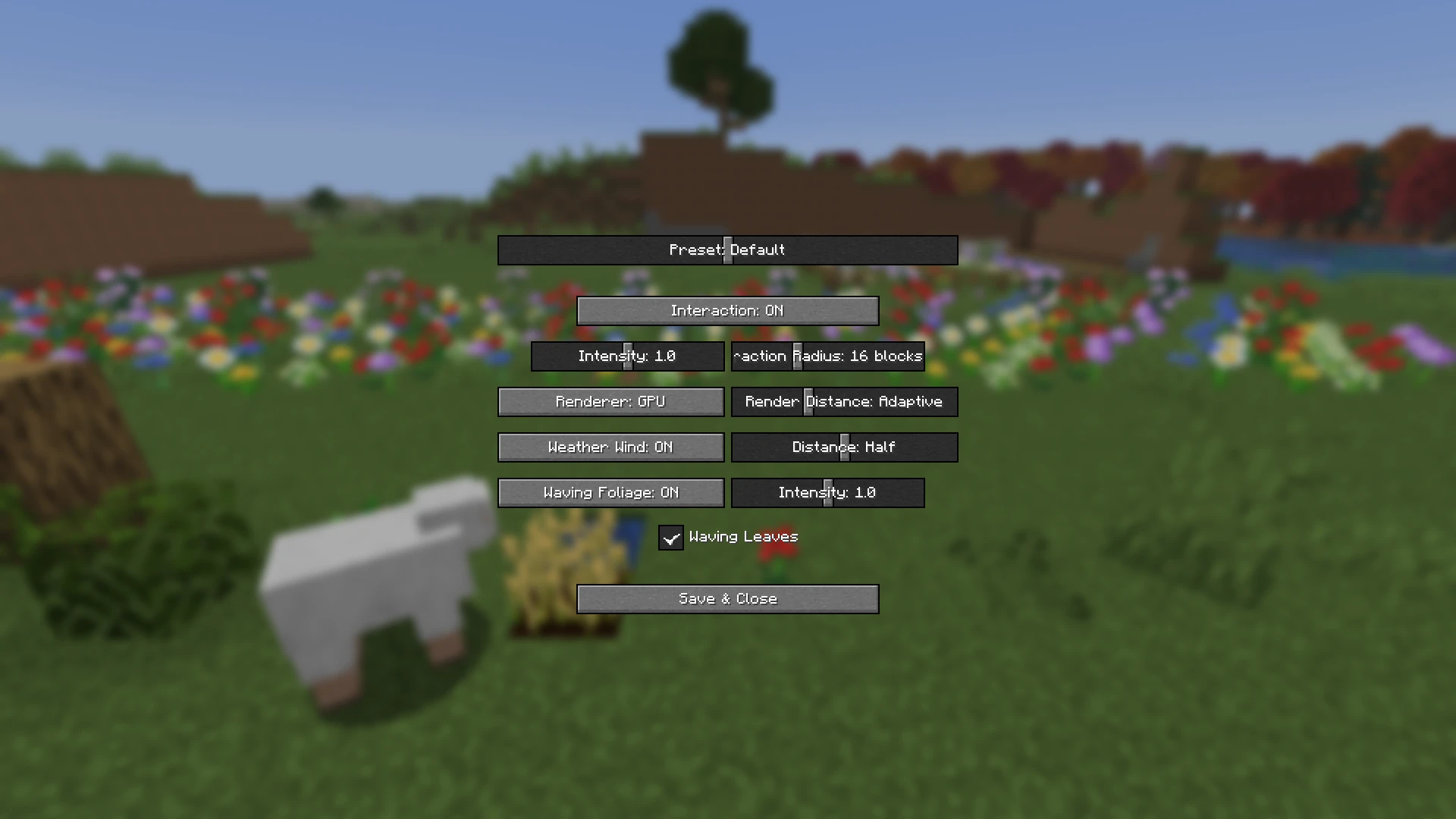
Interactive Foliage includes an in-game configuration screen with the following default parameters:
Preset: Default (dropdown)
Interaction: ON (toggle button)
Intensity: 1.0 (slider)
Interaction Radius: 16 (slider, in blocks)
Renderer: GPU (dropdown)
Render Distance: Adaptive (dropdown)
Weather Wind: ON (toggle button)
Distance: Half (dropdown)
Waving Foliage: ON (toggle button)
Waving Intensity: 1.0 (slider)
* Waving Leaves: Checked (checkbox)
Interaction Radius sets how far from you plants react, and the two Intensity sliders control how far plants bend on contact and how strongly they wave.
Shader and rendering engine compatibility
Because Interactive Foliage applies plant vertex displacement directly inside Minecraft's geometry rendering pipeline rather than relying on an external shader pack, it works alongside vanilla rendering, Sodium, and Iris. Chunk updates are restricted to sections where an entity is actively touching foliage, keeping idle CPU and GPU overhead minimal.
Official Downloads
Created by KartO460K+ downloads
INTERACTIVE FOLIAGE MOD GUIDE: PLANT PHYSICS, WIND & SETTINGS
We do not host any Minecraft mod files directly on this site. We link to official sources to ensure mod developers receive proper credit and support for their work.