








Guide Index6 sections
What Grassier Grass changes in the world
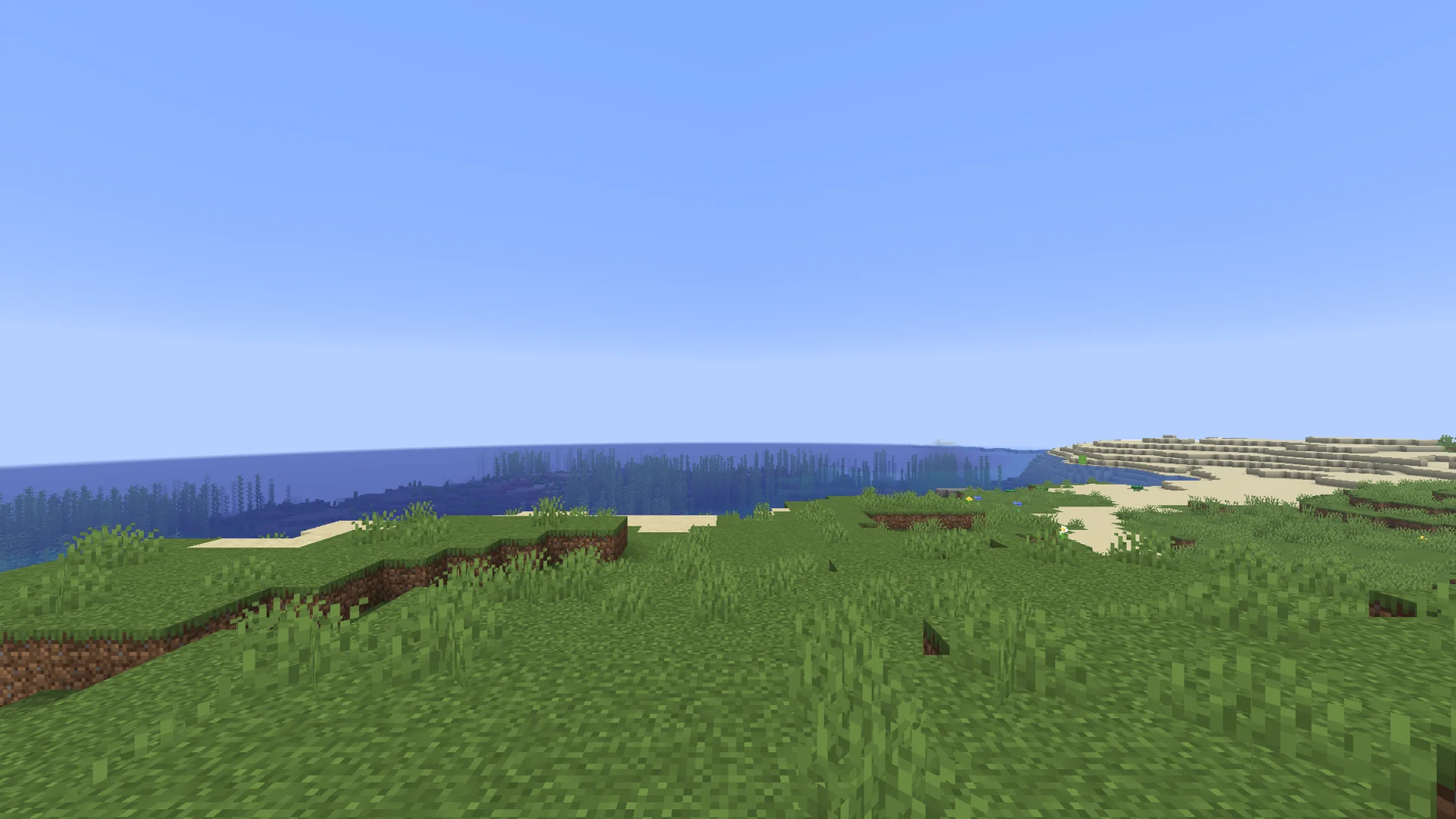
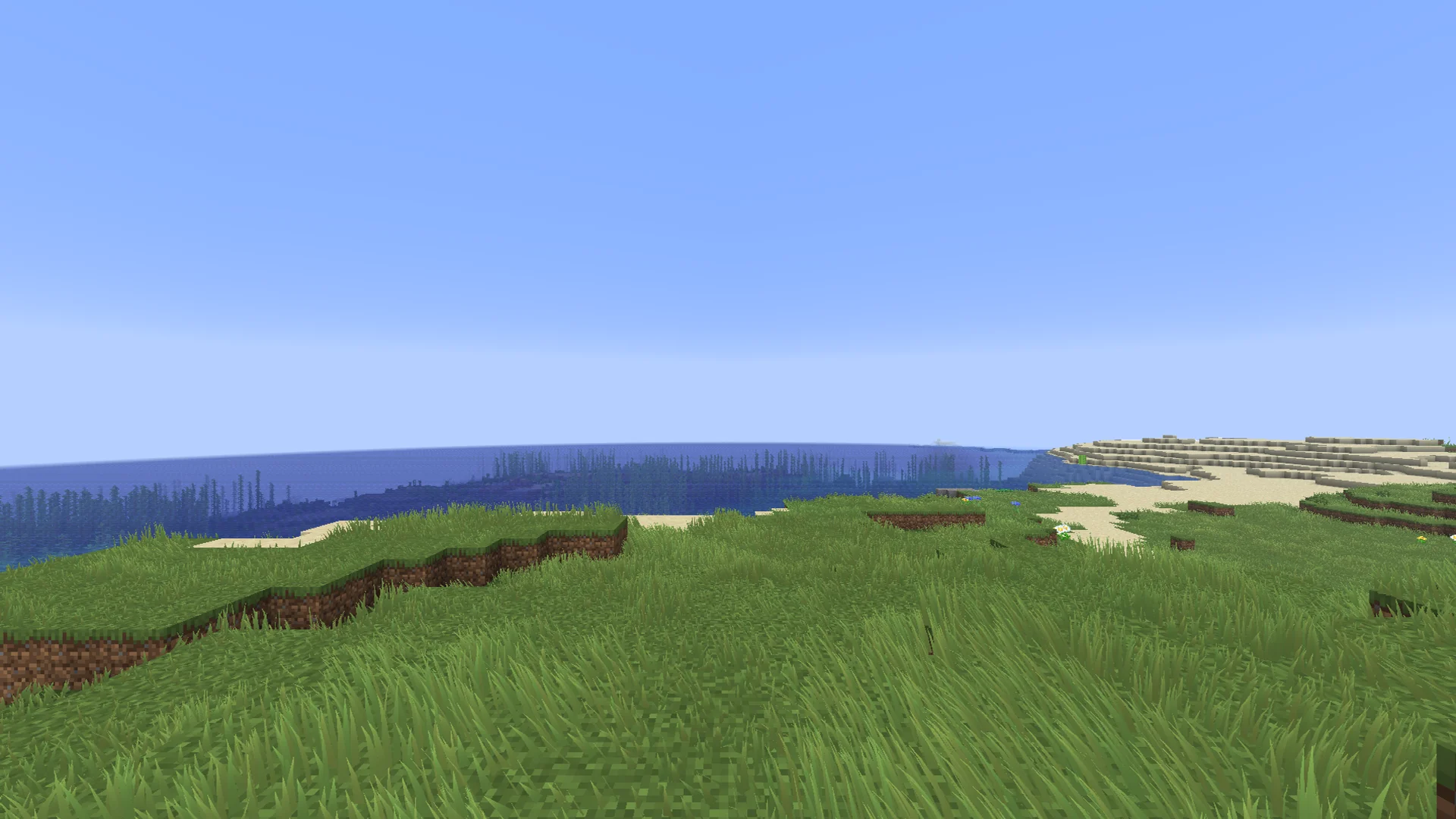
Standard Minecraft decorates terrain with flat green block textures and scattered two-dimensional grass sprites. Grassier Grass replaces those static surfaces with procedural clusters of three-dimensional blades. In open plains biomes, the transformation is immediate: the ground is blanketed in textured blades that soften and mask the rigid grid pattern of vanilla turf.
Every grass block sprouts dense clusters of 3D blades driven by a custom wind shader with rolling gusts, causing meadows and hillsides to ripple continuously with ambient weather.
Still screenshots show the density but not the motion. In the clip, the wind moves across the field in waves rather than every blade twitching on its own.
Close-up blade geometry and density
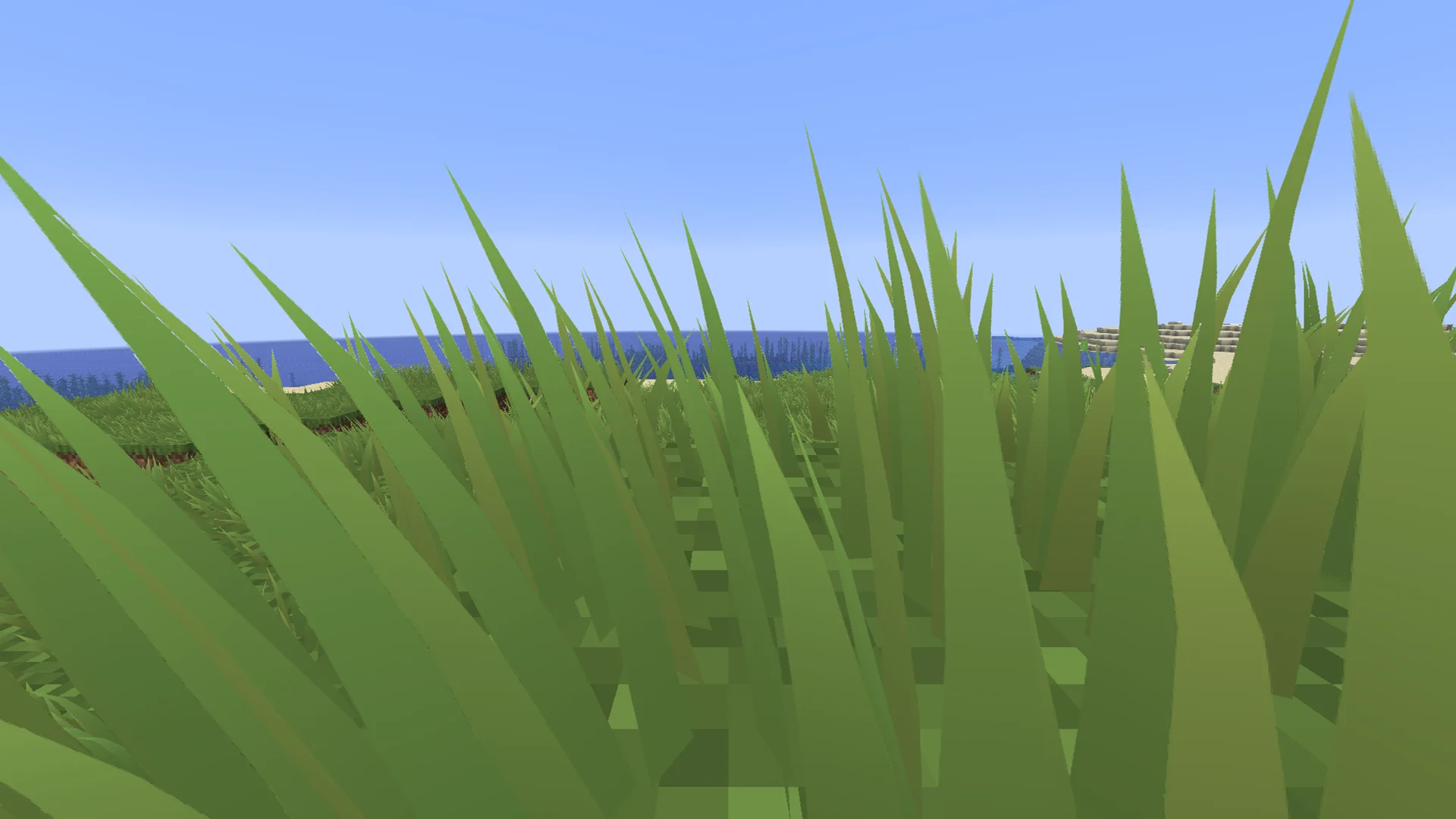
Lowering the camera to Y: 71.8 with a 12-degree downward pitch reveals the structural detail of individual blades. In the default Tapered style, each blade narrows from a wider base to a sharp point, while the Height variation multiplier prevents meadows from looking flat or uniform.
Enabling Dense flowers causes wildflower patches to sprout extra companion blossoms around clustered flowers, filling out natural meadows.
Performance benchmark: 1,230.0 vs 231.3 FPS
Rendering tens of thousands of animated 3D blades across open plains carries a real GPU cost. At 1080p with a 12-chunk render distance, a Sodium baseline averaging 1,230.0 FPS settles to an average of 231.3 FPS with Grassier Grass active at default density (64 blades per block across a 160-block radius).
A-B-A-B benchmark results at render distance 12 on an Intel Core i3-12100F and GTX 1660 SUPER.
| Instance | Round 1 (30s / 40s / 50s) | Round 2 (30s / 40s / 50s) | Overall Average |
|---|---|---|---|
| Instance A (Sodium baseline) | 1,149 / 1,163 / 1,217 FPS | 1,275 / 1,282 / 1,294 FPS | 1,230.0 FPS |
| Instance B (Grassier Grass 1.4.5) | 227 / 228 / 235 FPS | 236 / 223 / 239 FPS | 231.3 FPS |
Across dense plains, adding Grassier Grass brings frame rates from 1,230.0 FPS down to 231.3 FPS, representing an 81.2 percent reduction in raw burst frame output. In active gameplay with complex terrain, frame rates hover around 220 to 230 FPS.
That is a large share of the frame budget, but 231.3 FPS is still well above the 60 Hz to 144 Hz of common displays on this PC. On a slower graphics card, start with the settings below, which control how many blades are drawn and how far.
Sodium configuration options
Grassier Grass integrates directly into Sodium's Video Settings menu with 19 tuning controls organized into three groups (shown with their default values):
Grass Blades: Blades per block 64, Grass sparsity 0.10, Blade height 0.30, Height variation 1.35x, Blade width 0.95x (tooltip: "Width multiplier for grass blades"), Render radius 160 blocks, Dynamic wind speed limit 0.80x, Grass style Tapered, Grass plants as blades on, Distance LOD on.
World & Effects: Dense flowers on, Blade particles on, Grass through snow off.
Color & Lighting: Grass brightness 1.00x, Blade hue jitter 8 degrees, Blade gradient base 0.80x, Blade gradient tip 1.00x, Blade gradient curve 1.90, Shader-pack shadows off.
To boost performance on mid-range GPUs, lower Blades per block (from 64 down to 24 or 32) and reduce Render radius (from 160 blocks down to 64 or 96 blocks) first.
Installation and shader compatibility
Grassier Grass is a client-side mod that works on any multiplayer server without server-side installation. Builds are available for Fabric (requiring Fabric API and Sodium), Forge, and NeoForge across Minecraft 1.20.1, 1.21.x, and 26.1 through 26.2. When pairing the mod with Iris shader packs such as Photon, enable the Shader-pack shadows toggle in the Color & Lighting section so 3D blades cast and receive shader shadows.
Official Downloads
Created by leonardoinc22360K+ downloads
GRASSIER GRASS MOD GUIDE: 3D MOVING BLADES, SODIUM SETTINGS & FPS
We do not host any Minecraft mod files directly on this site. We link to official sources to ensure mod developers receive proper credit and support for their work.