








Guide Index8 sections
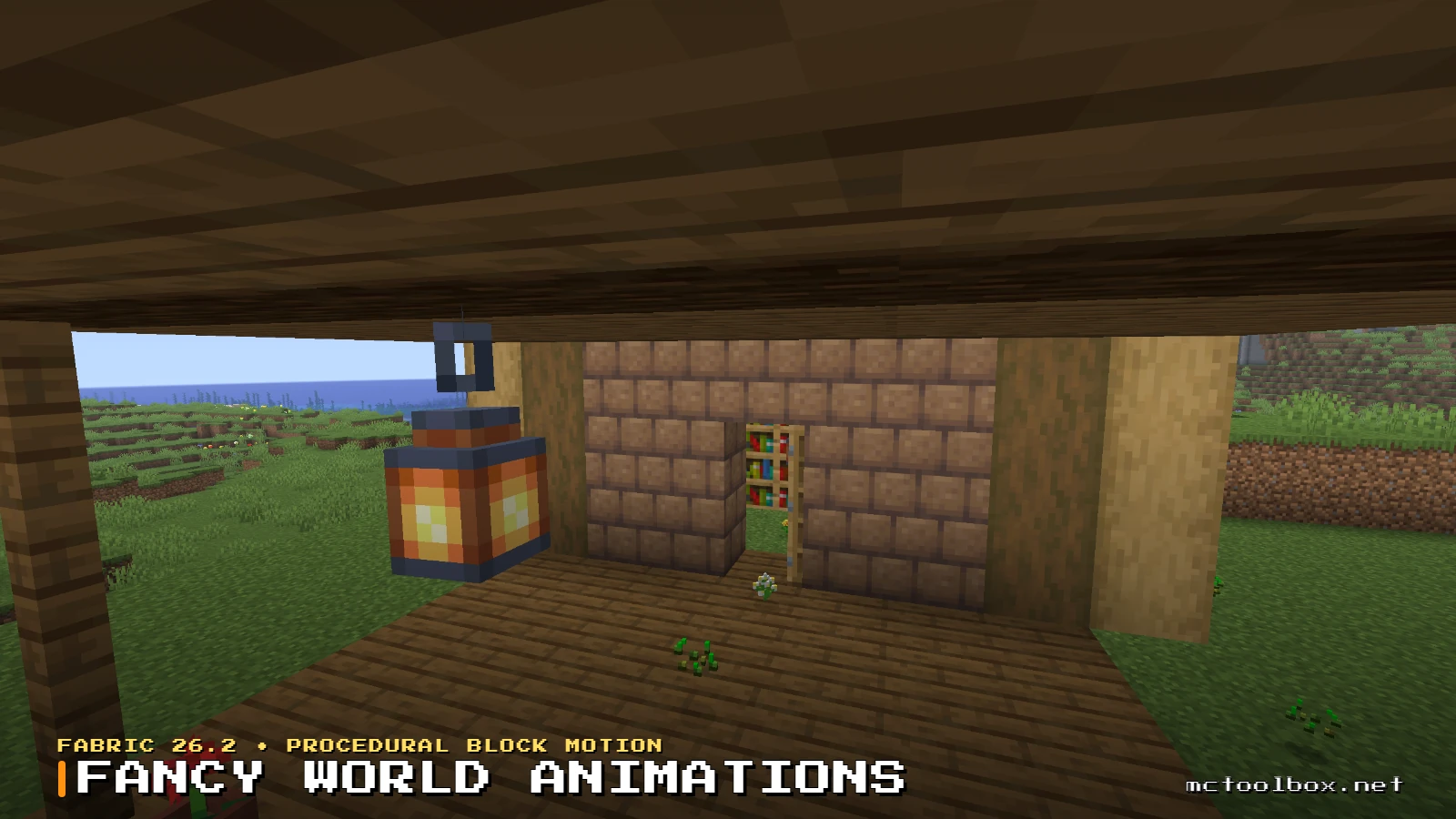
In standard Minecraft, interactable blocks change their states abruptly. Doors, trapdoors, and fence gates snap between 0 and 90 degrees in a single frame. Levers and buttons teleport into their pressed positions without physical travel. Lanterns hang as completely rigid geometry, motionless even when suspended from long iron chains.
Fancy World Animations (FWA) transforms these abrupt state changes into smooth, natural procedural animations. Rather than snapping into place, wooden doors swing realistically on their hinges, levers toggle across gradual angular arcs, and suspended lanterns sway with gentle ambient pendulum physics. Because FWA operates entirely on the client side, it introduces no new blocks or server dependencies, keeping your existing worlds fully compatible.
How Procedural Block Animations Work
FWA dynamically intercepts block state transitions using client-side rendering hooks. Instead of rendering static block models, the mod computes real-time interpolation matrices between the initial and target block states.
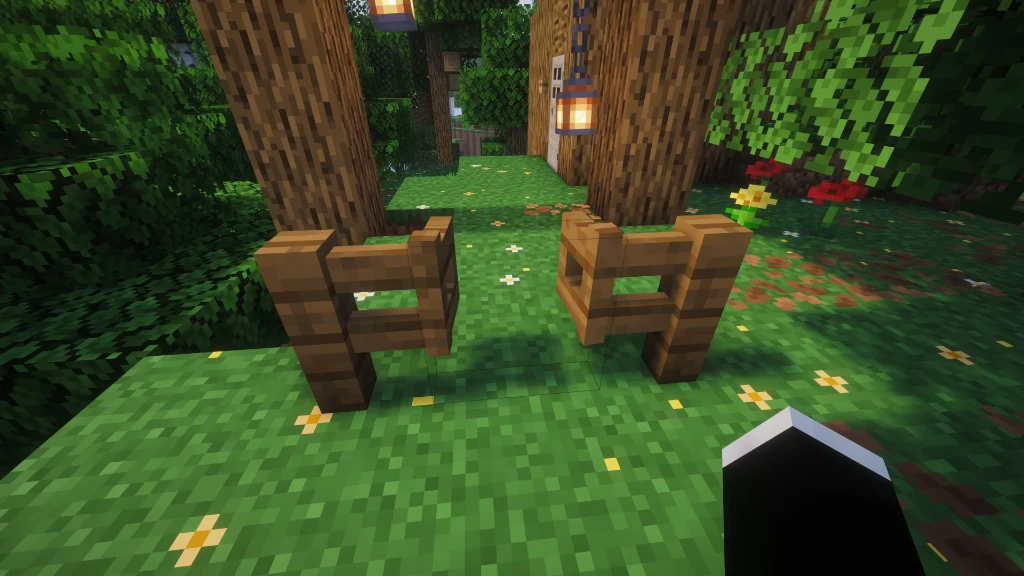
For rotating elements like doors, trapdoors, and fence gates, the mod calculates pivot points along the actual hinges. When triggered by player interaction or redstone signals, doors swing smoothly along an easing curve rather than flipping instantaneously. The same hinge interpolation applies to fence gates, allowing double gates to open smoothly from their outer posts.
Physics-Based Swinging Lanterns and Chains
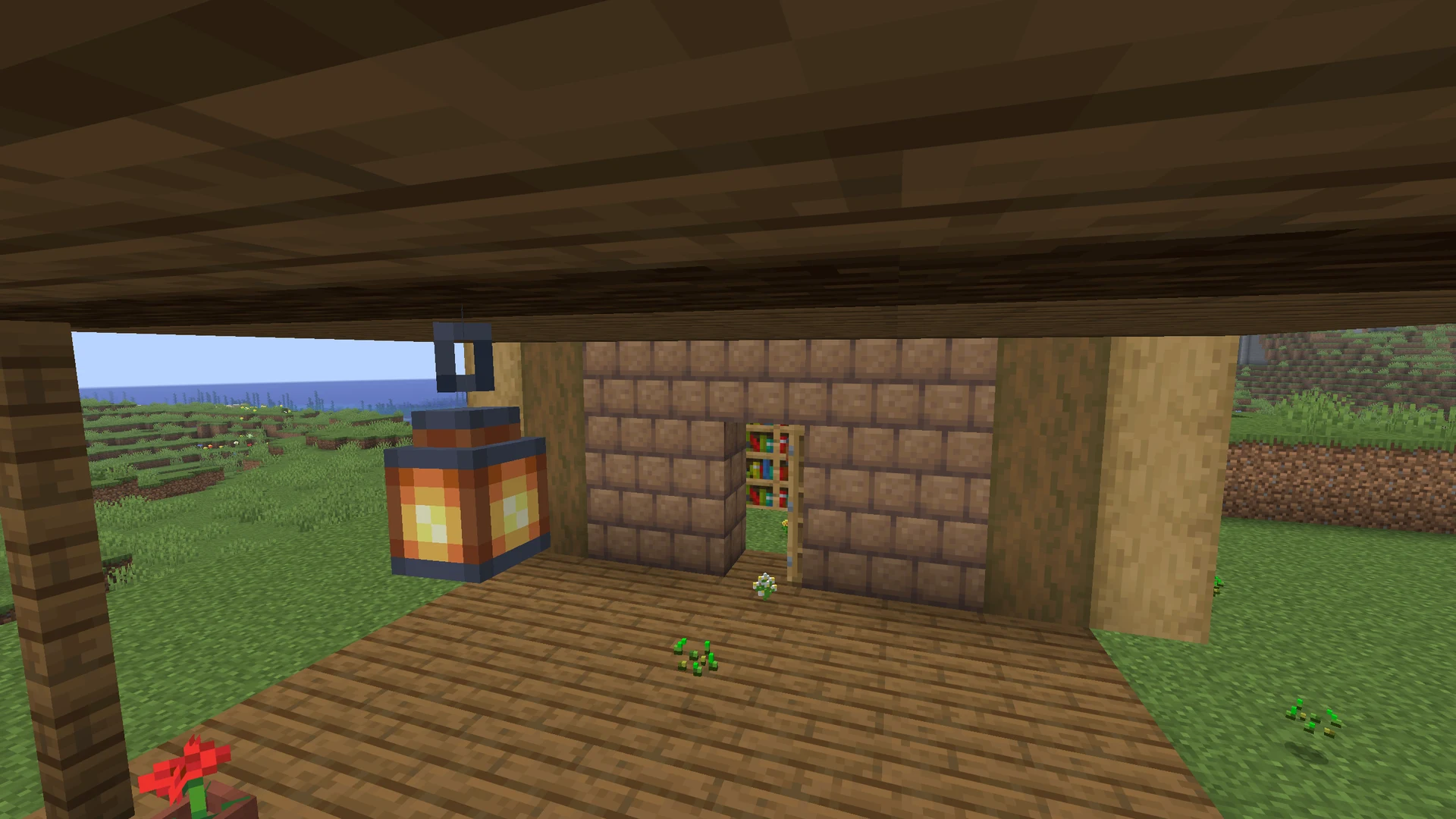
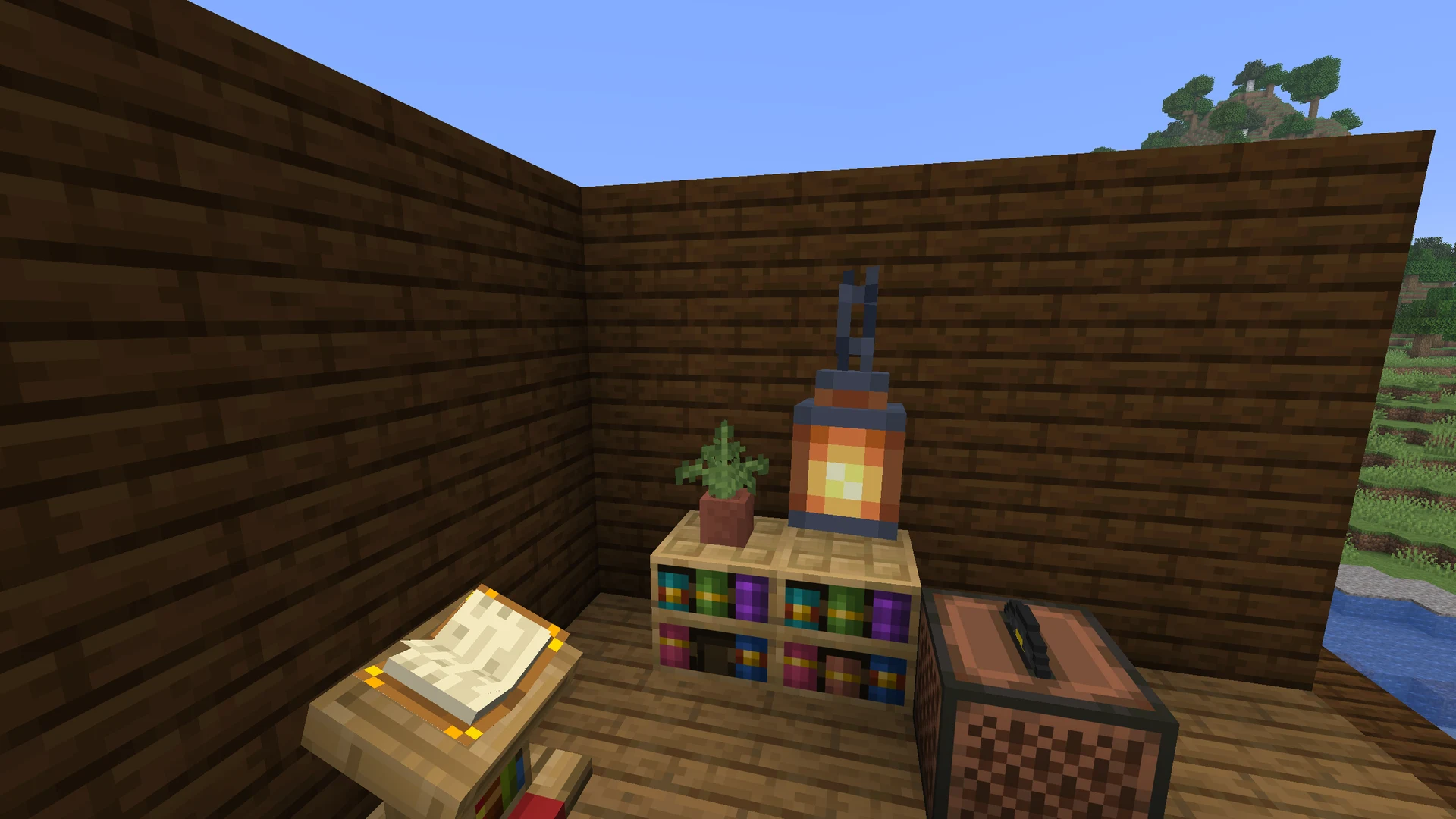
One of the standout visual enhancements in FWA is the treatment of hanging lighting fixtures. In vanilla gameplay, lanterns and chains are completely static. FWA introduces a physics-driven pendulum motion that keeps suspended lanterns in continuous, ambient movement.
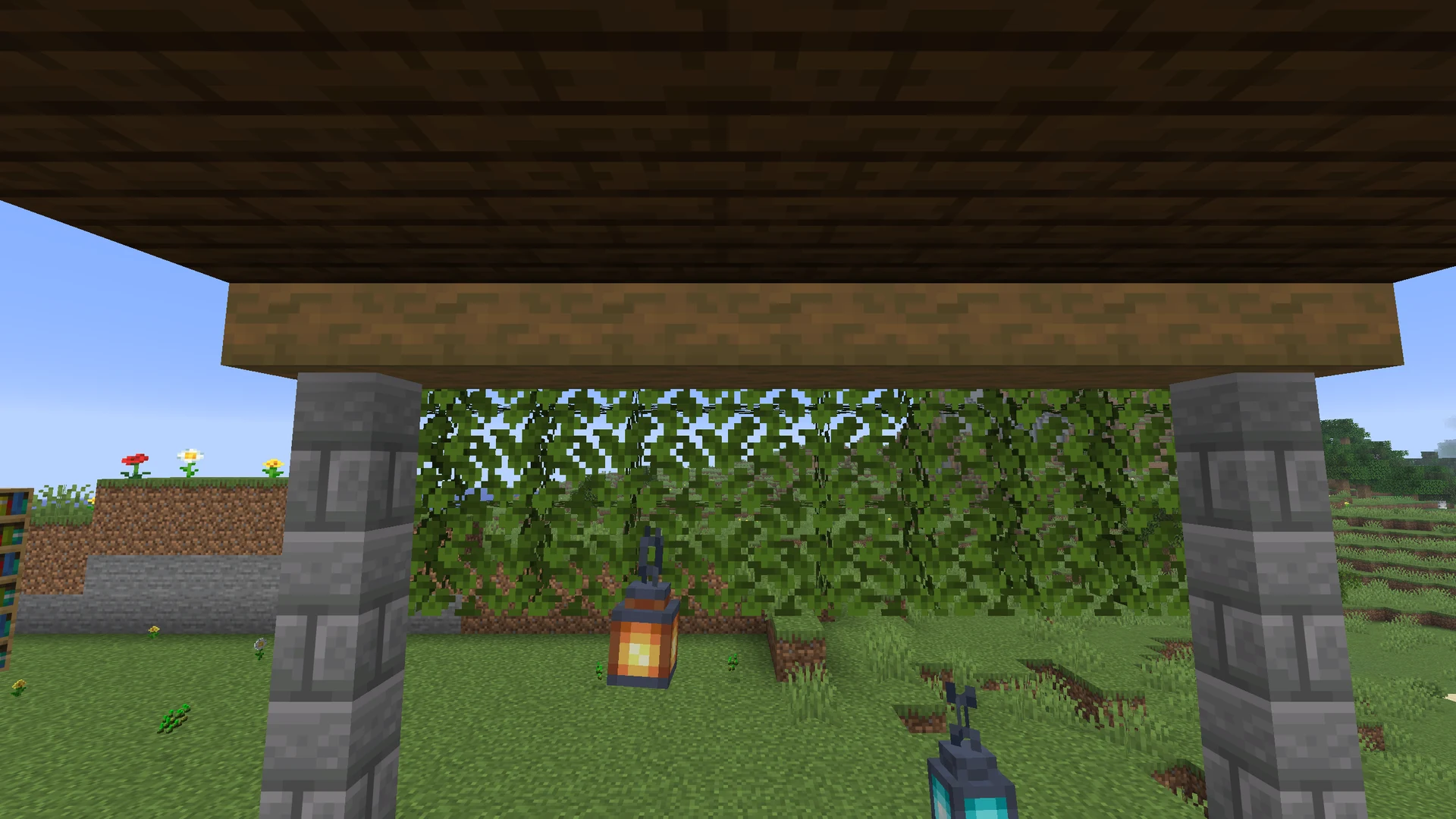
The mod tracks suspension points and chain linkages to simulate authentic sway. Both standard fire lanterns and soul lanterns tilt along the X and Z axes while drifting with subtle rotational spin. This continuous motion brings life to town streets, harbor docks, mineshafts, and garden pergolas without requiring heavy shader packs.
Smooth Redstone and Mechanical Components
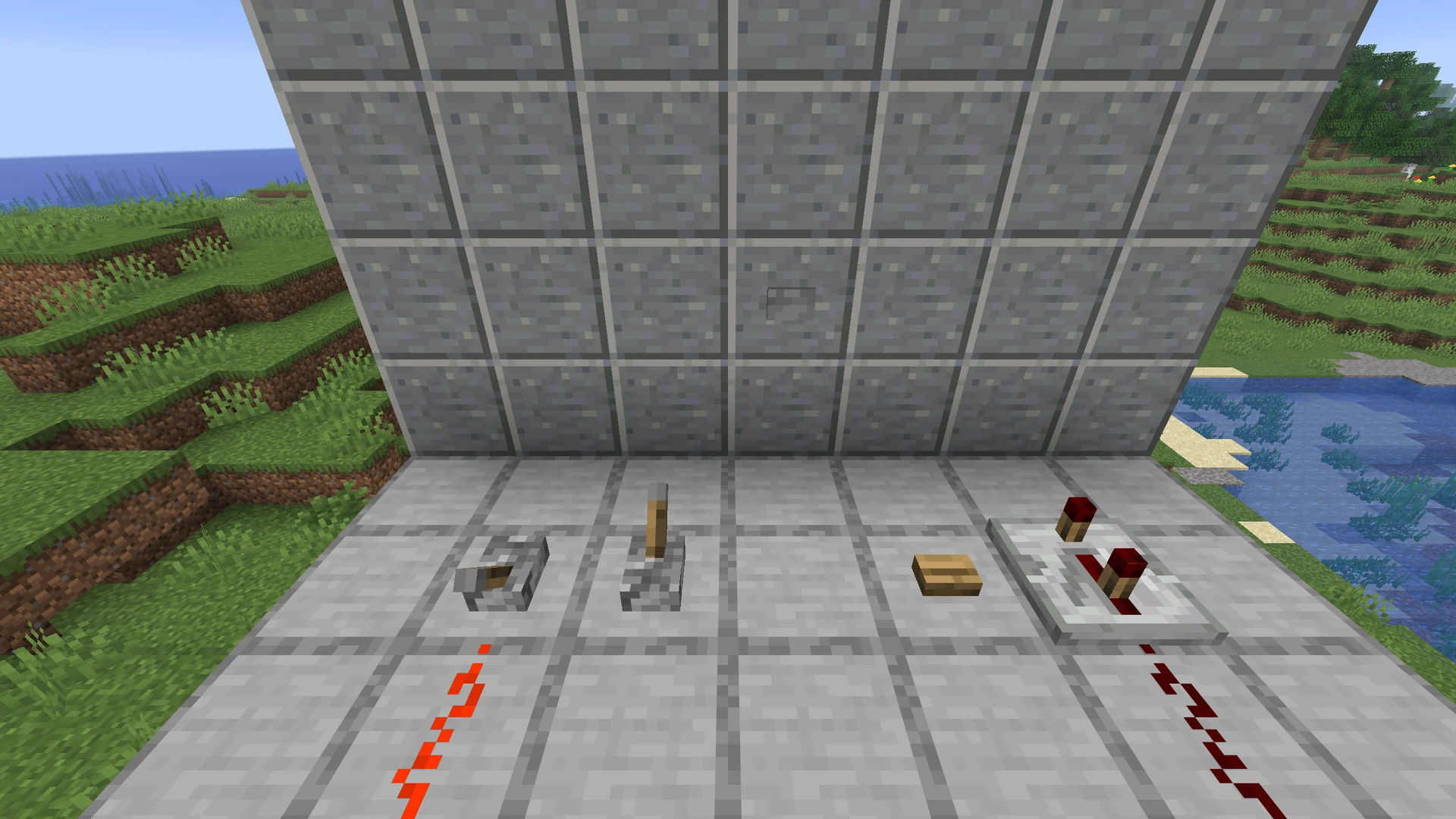
Redstone contraptions and control panels often suffer from jarring visual feedback. FWA applies smooth motion to common control surfaces:
- Levers: Instead of snapping between upright and flipped angles, levers pivot through smooth intermediate rotations, clearly showing their throw direction.
- Buttons: Stone and wooden buttons compress into the block face before releasing smoothly back outward.
- Repeaters: The delay adjustment torch slides along its rail smoothly rather than teleporting to the next notch.
- Cauldrons and Composters: Water level changes and composting layers rise and settle with fluid step transitions.
Interactive Study and Storage Furniture
Modern Minecraft building relies heavily on interactive utility blocks. FWA enhances study and living spaces with subtle details:
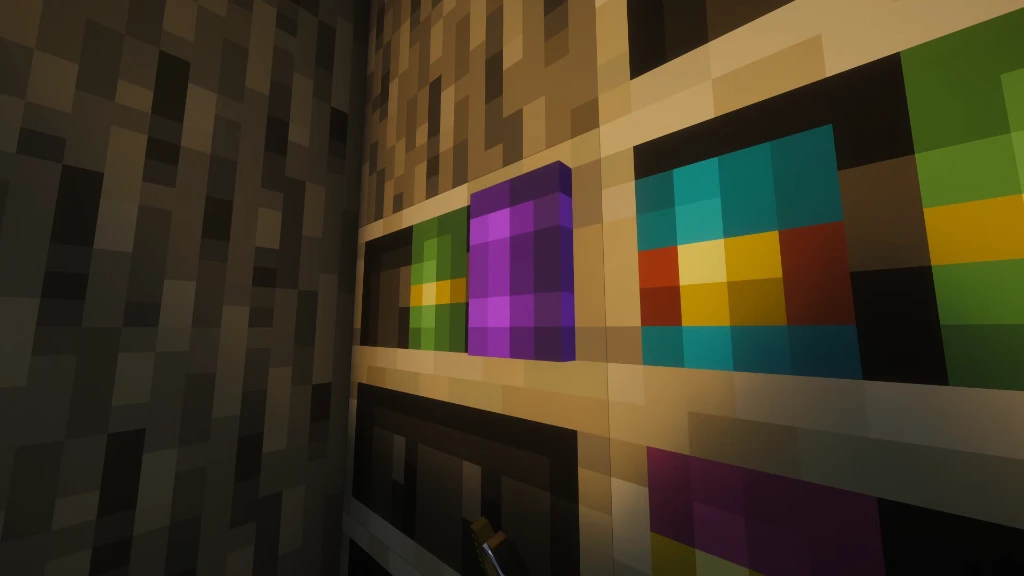
- Chiseled Bookshelves: Inserting a book animates the volume sliding cleanly into its specific compartment shelf slot. Removing a book pulls it outward toward the player.
- Jukeboxes: Inserting a music disc causes the vinyl record to lower gracefully into the top slot. When playing, the disc spins gently, giving clear visual confirmation that music is active.
- Lecterns: Book pages flip and turn with smooth transitions as players interact with recorded lore or coordinate logs.
- Vaults and Containers: Trial chamber vaults and interactive storage blocks feature animated unlocking and opening sequences.
In-Game Configuration and Performance Tuning
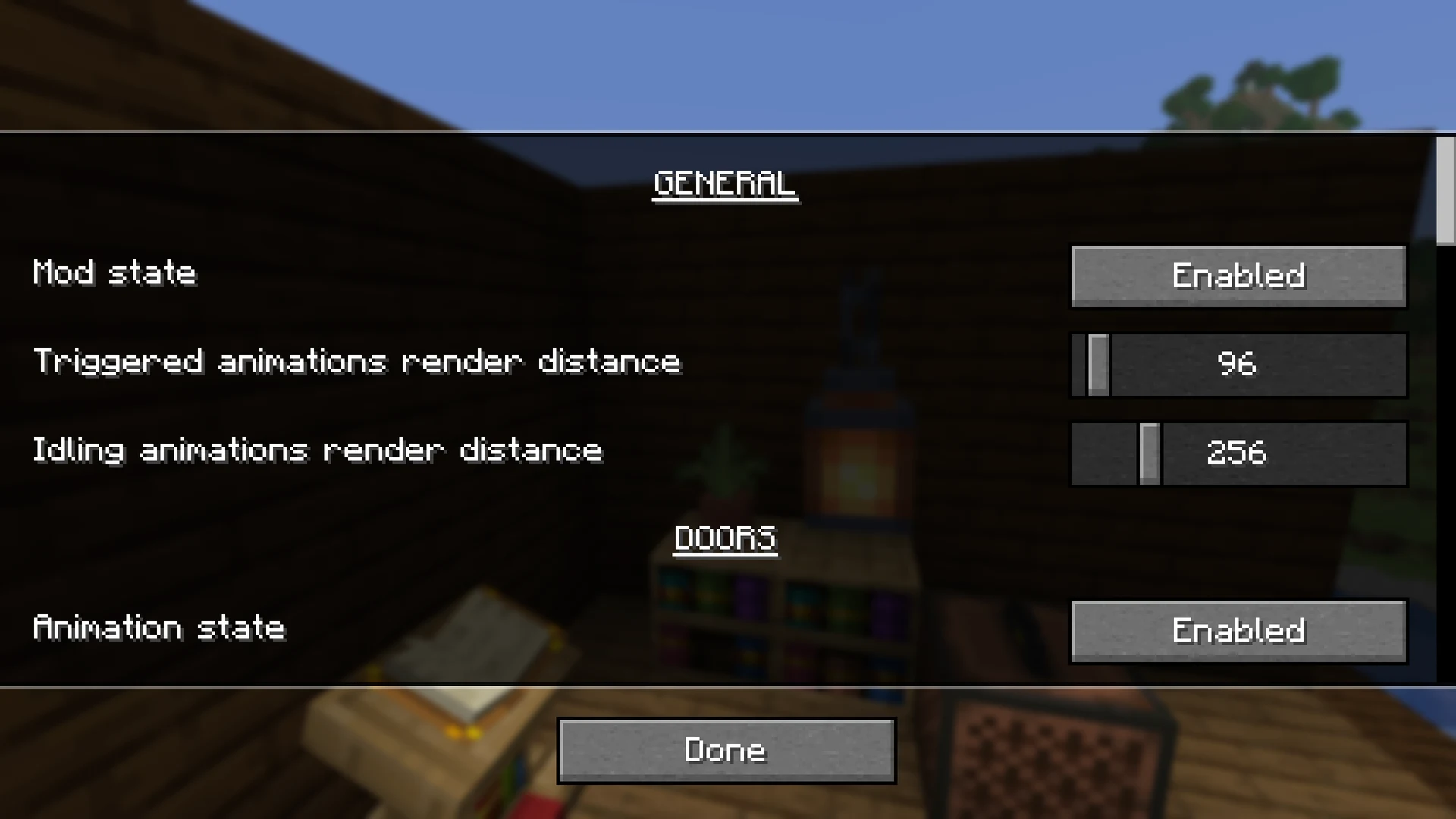
FWA includes an extensive configuration screen accessible in-game via Mod Menu or the /fwaConfig command. Players can adjust animation distances, toggle specific block categories, or disable animations for compatibility with custom modded blocks.
| Setting Option | Default Value | Description |
|---|---|---|
| Mod State | Enabled | Master toggle to enable or disable all procedural animations globally |
| Triggered Render Distance | 96 blocks | Maximum distance from the camera at which triggered block animations like doors and levers will play |
| Idling Render Distance | 256 blocks | Maximum distance at which ambient idling animations like swinging lanterns and chains remain active |
| Doors Animation | Enabled | Toggles smooth rotational swing for wooden and iron doors |
| Trapdoors and Gates | Enabled | Controls animation for trapdoors and fence gate opening sequences |
| Redstone Components | Enabled | Toggles smooth mechanical transitions for levers, buttons, and repeaters |
| Lantern Physics | Enabled | Enables ambient pendulum swinging and tilt for hanging lanterns |
Modpack Compatibility and Blacklist Control
Because FWA is purely client-side, you can join any vanilla, Paper, or Fabric multiplayer server without the host needing to install the mod. Your animations are rendered locally and do not alter block collision boxes or trigger anti-cheat movement checks.
For heavily modded environments with custom block models (such as large tech machinery or custom animated doors), FWA provides a fwa-blacklist.json file in your .minecraft/config folder. Adding a mod namespace or specific block ID to the blacklist cleanly bypasses FWA interpolation for those blocks, preventing visual clipping or conflict with custom block entity renderers.
Installation Requirements
To install Fancy World Animations, place the mod file into your .minecraft/mods folder. Ensure you have the following companions installed:
- Fabric Loader: Running Minecraft 26.2, 1.21, or 1.20.
- Fabric API: Required core library for client-side event hooking.
- Mod Menu (Optional): Recommended for accessing the configuration screen directly from the pause menu.
- Performance Mods: FWA is fully compatible with Sodium, Lithium, and Iris shaders. Shaders with waving foliage will cleanly complement FWA lantern swinging.
Official Downloads
Created by madu59Client-side procedural block animations
FANCY WORLD ANIMATIONS [FWA]
We do not host any Minecraft mod files directly on this site. We link to official sources to ensure mod developers receive proper credit and support for their work.