








Guide Index5 sections
A Fabric mod may ask you to install Fabric API before it will launch. Put the downloaded .jar in the same mods folder as that mod. Fabric Loader and Fabric API are separate downloads: installing the loader does not add the API.
When Do You Need Fabric API?
Check the dependencies listed for the mod file you are installing. Many Fabric mods require Fabric API, but it is not required by every Fabric mod.
Will Fabric API Improve My FPS?
Fabric API provides shared modding features; it is not an FPS optimization mod.
Installing Fabric API does not promise an FPS increase or guarantee zero CPU overhead. If a modpack runs poorly, check the complete mod list and the circumstances in which the slowdown occurs before blaming a dependency.
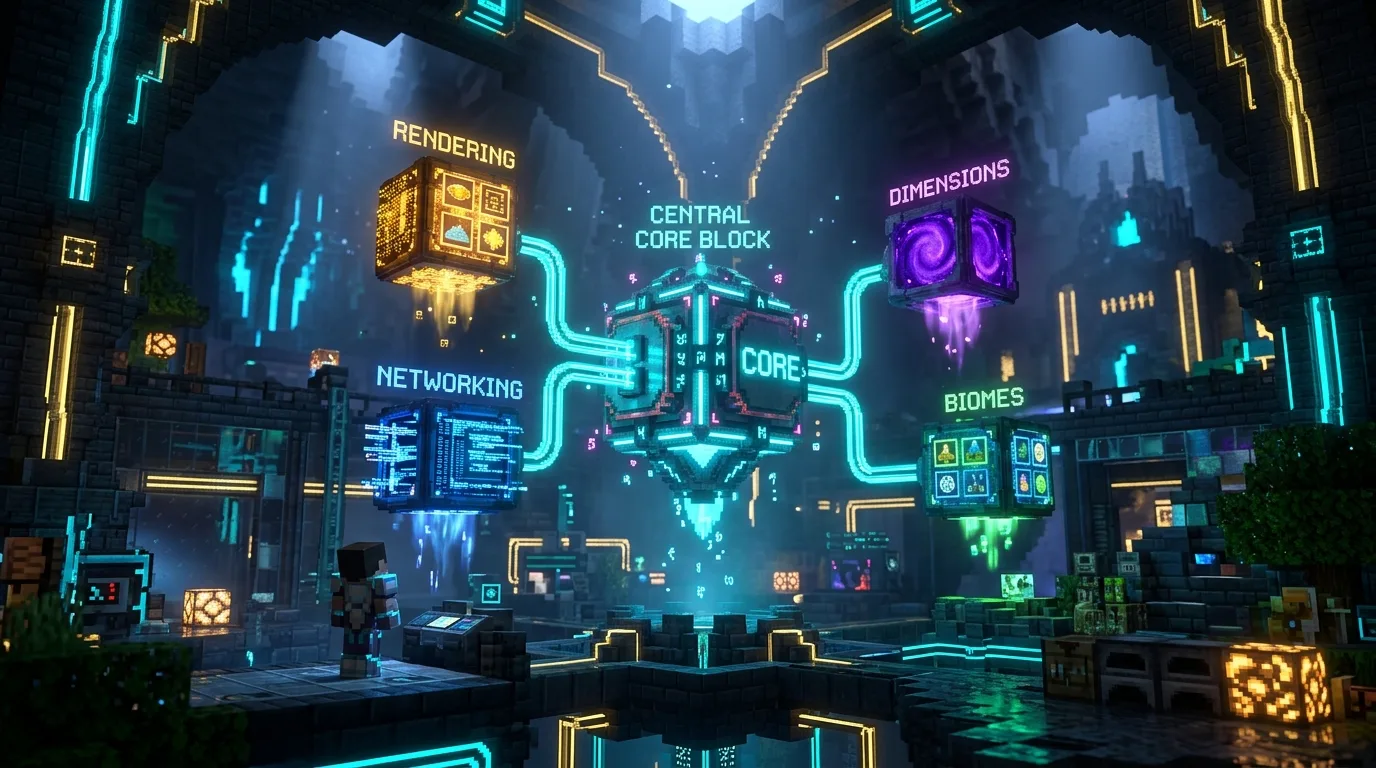
The download bundles separate modules for tasks such as rendering, networking and resource loading. The module list changes between releases, so an old list of module names is not a reliable way to choose your download.
For a normal Fabric setup, install the Fabric API release listed as compatible with your Minecraft version and required by your mods. Fabric API by itself does not make Forge or NeoForge mods run on Fabric.
What the Modules Provide
Different mods use different parts of the library.
- Rendering: hooks used by mods that change how game content is drawn.
- Networking: tools for communication between a modded client and server.
- Events: callbacks that let mods respond to game events.
- Resources and registries: support for loading mod content and working with game registries.
You normally install the complete Fabric API .jar, rather than picking modules out of it. Leave the archive intact and follow the dependency requirements for the particular mod file you downloaded.
Troubleshooting Common Fabric API Crashes & Errors
Start with the missing or incompatible dependency named in the error message.
If the game stops before the title screen, read the dependency error first:
- Fabric API is missing: install it in the
modsfolder for the instance you actually launch. Installing Fabric Loader alone is not enough. - The installed release is incompatible: choose a Fabric API file whose supported Minecraft versions and dependency version satisfy the error message. A single file may support more than one game version; use its compatibility listing rather than assuming every update needs a different file.
- The mod uses a different loader: choose the Fabric download of the mod. Adding Fabric API will not load a Forge or NeoForge file.
After replacing a file: remove the incompatible copy from that instance's mods folder, keep the new .jar unextracted, and restart Minecraft. If another dependency error appears, follow the mod and version named in that message.