








Guide Index10 sections
Daytime cloud overhaul
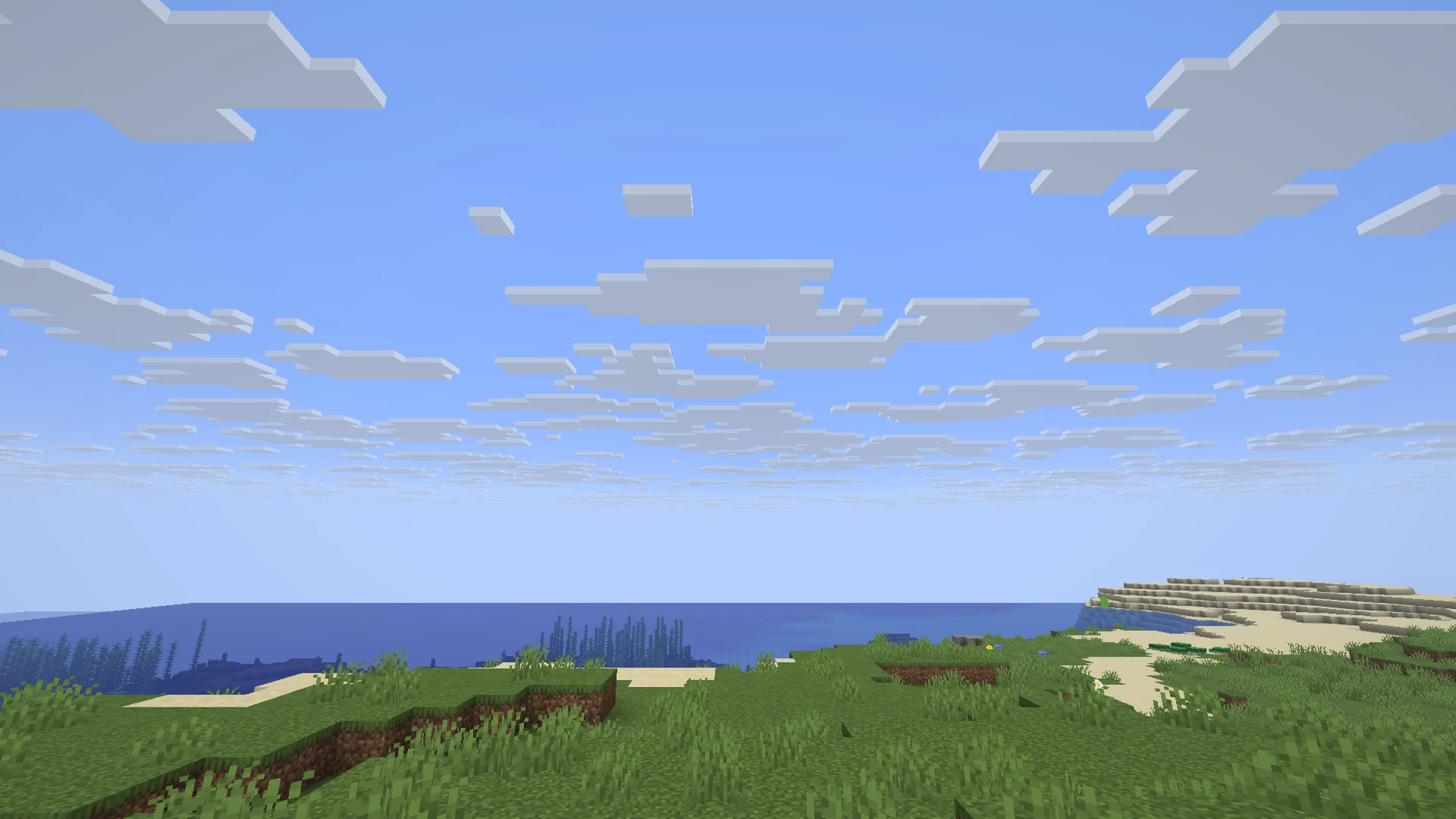
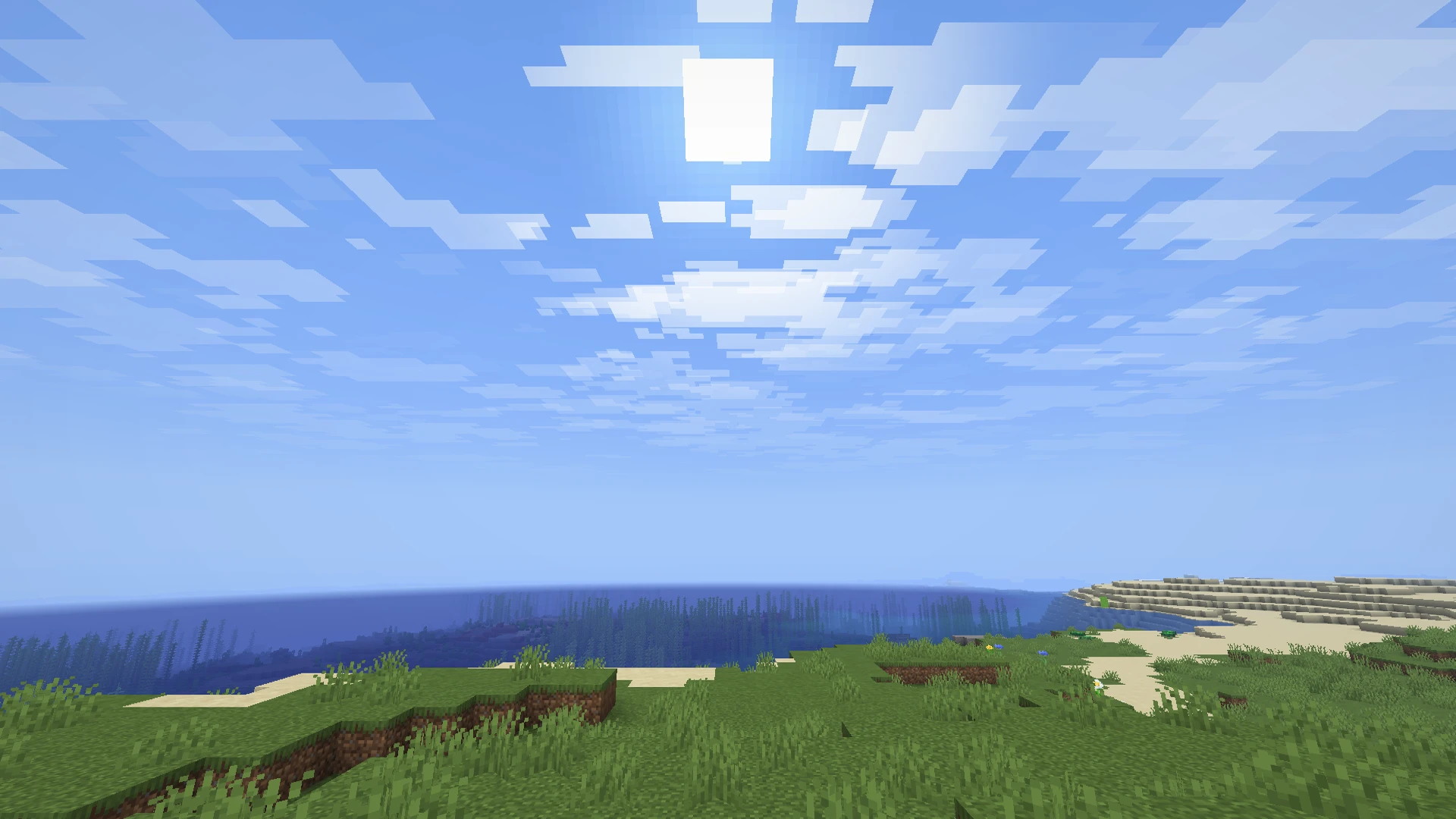
Vanilla Minecraft draws a single flat cloud grid at Y=192. Cirrus replaces that static grid with a multi-layered vanilla-styled skybox featuring three independent cloud strata, each with its own height, wind speed, opacity, and render distance. Overlapping translucent cloud sheets build depth across the noon sky, thickening near the sun and tapering gently toward the horizon.
The drift is as slow as vanilla clouds, so the layers read as depth rather than wind.
Installation and loader support
Cirrus 1.4.1 for Minecraft 26.2 requires Fabric API and YetAnotherConfigLib (YACL). Distant Horizons is an optional dependency. Fabric builds cover 1.21.1, 1.21.10, 1.21.11 and 26.1 through 26.3, while the NeoForge build is for 1.21.1 only. Cirrus is client-side only, so it works on vanilla servers and nobody else on the server needs it.
Framerate Impact and Performance
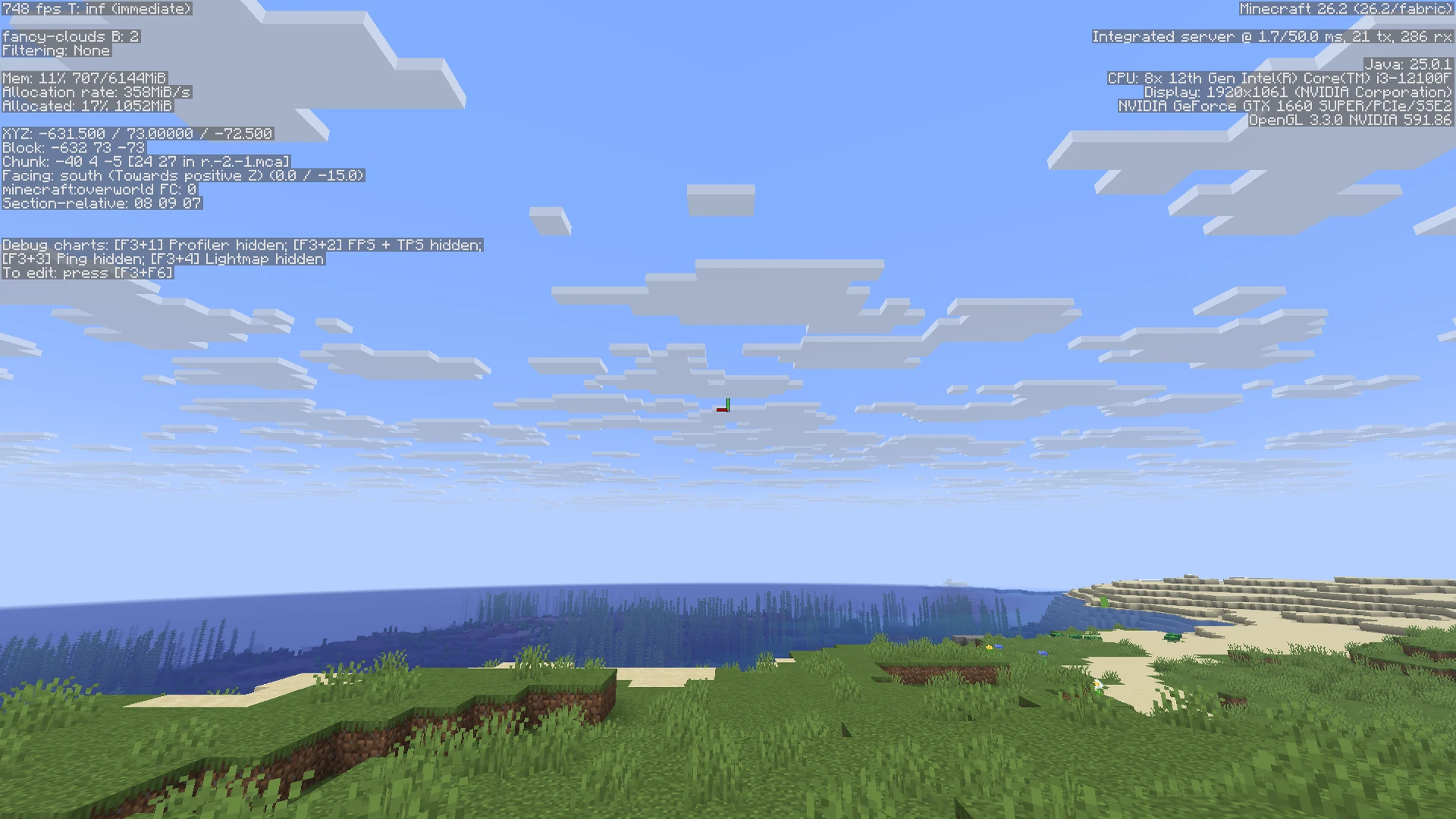
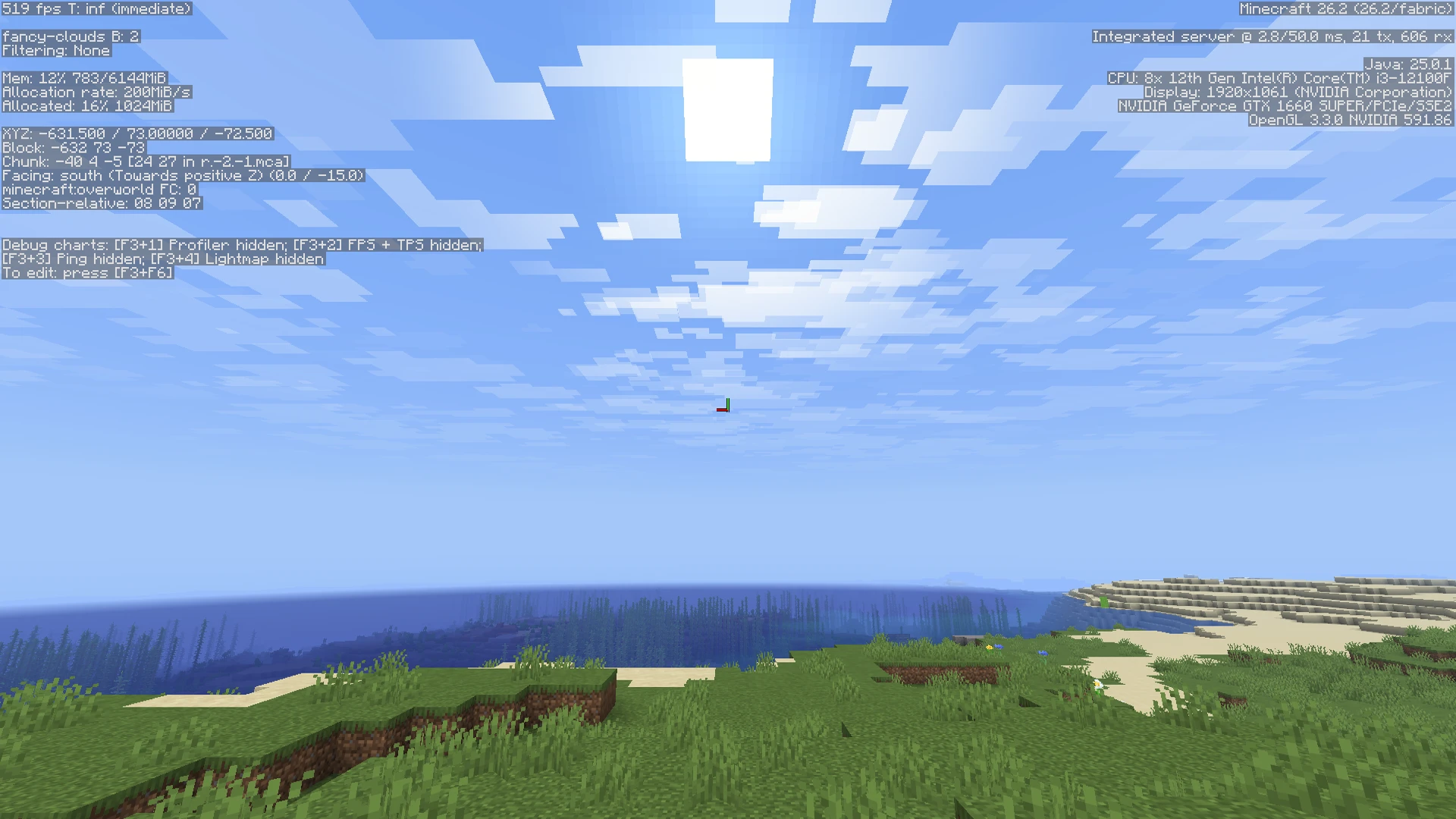
Because Cirrus renders its three cloud layers and sky gradients through lightweight custom shaders without shadow-mapping terrain, it keeps framerates high even across wide open horizons.
Comparative frame rate performance between vanilla sky rendering and Cirrus procedural clouds.
| Run | Instance | 30s | 40s | 50s | Average |
|---|---|---|---|---|---|
| A1 | Vanilla 26.2 | 1008 FPS | 962 FPS | 981 FPS | 983.7 FPS |
| B1 | Cirrus 1.4.1 | 649 FPS | 567 FPS | 644 FPS | 620.0 FPS |
| A2 | Vanilla 26.2 | 805 FPS | 805 FPS | 817 FPS | 809.0 FPS |
| B2 | Cirrus 1.4.1 | 636 FPS | 675 FPS | 671 FPS | 660.7 FPS |
At 1080p with a 12-chunk world render distance, vanilla averaged 896.3 FPS compared to 640.3 FPS with Cirrus active (about a 28.6% reduction while remaining well above 500 FPS). By default, Cirrus sets Cloud Render Distance to 64 chunks so cloud formations reach all the way to the horizon; lowering that slider in the Clouds tab is the fastest way to reclaim frames on integrated or older GPUs.
Sunset and evening sky gradients
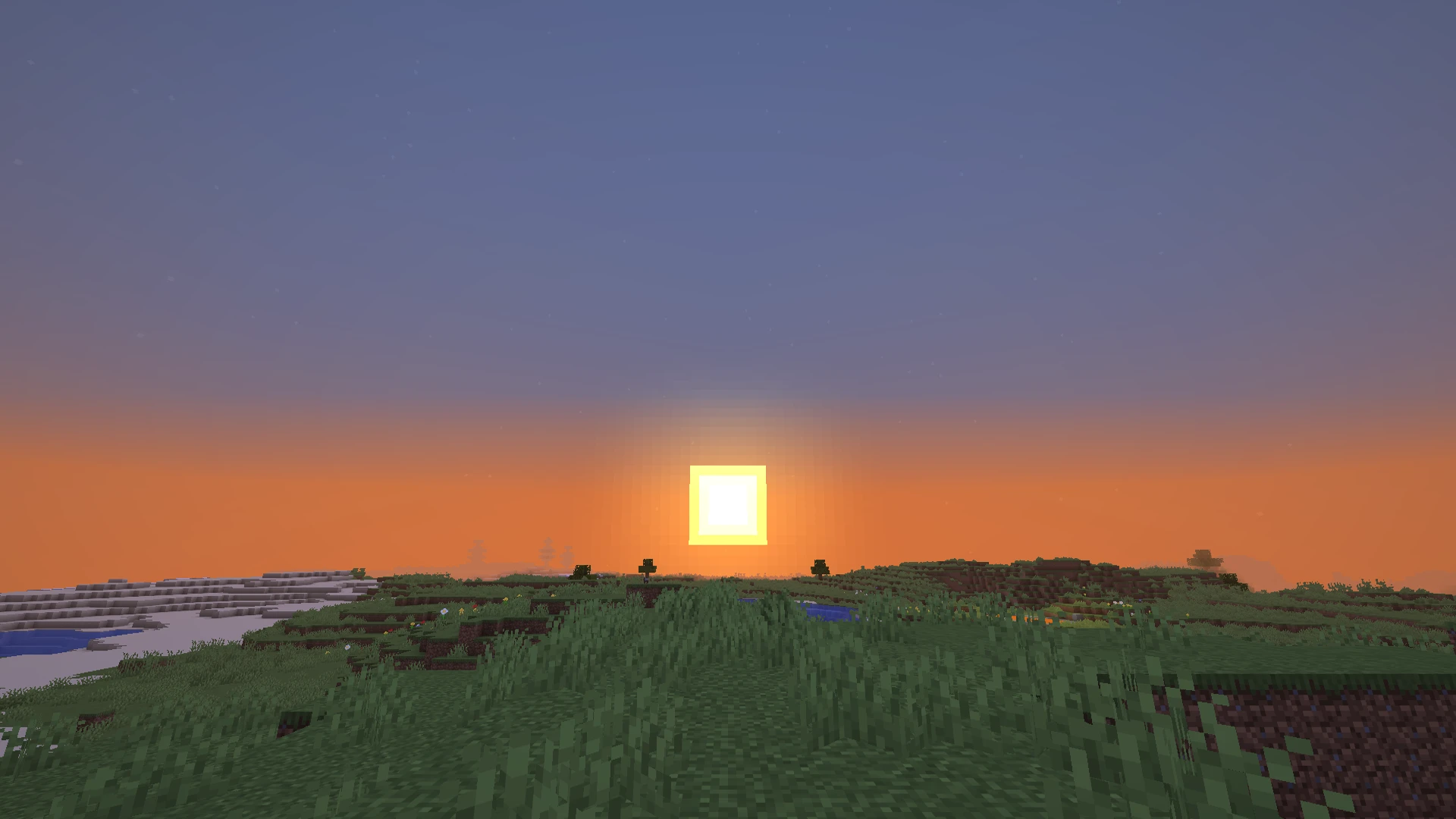
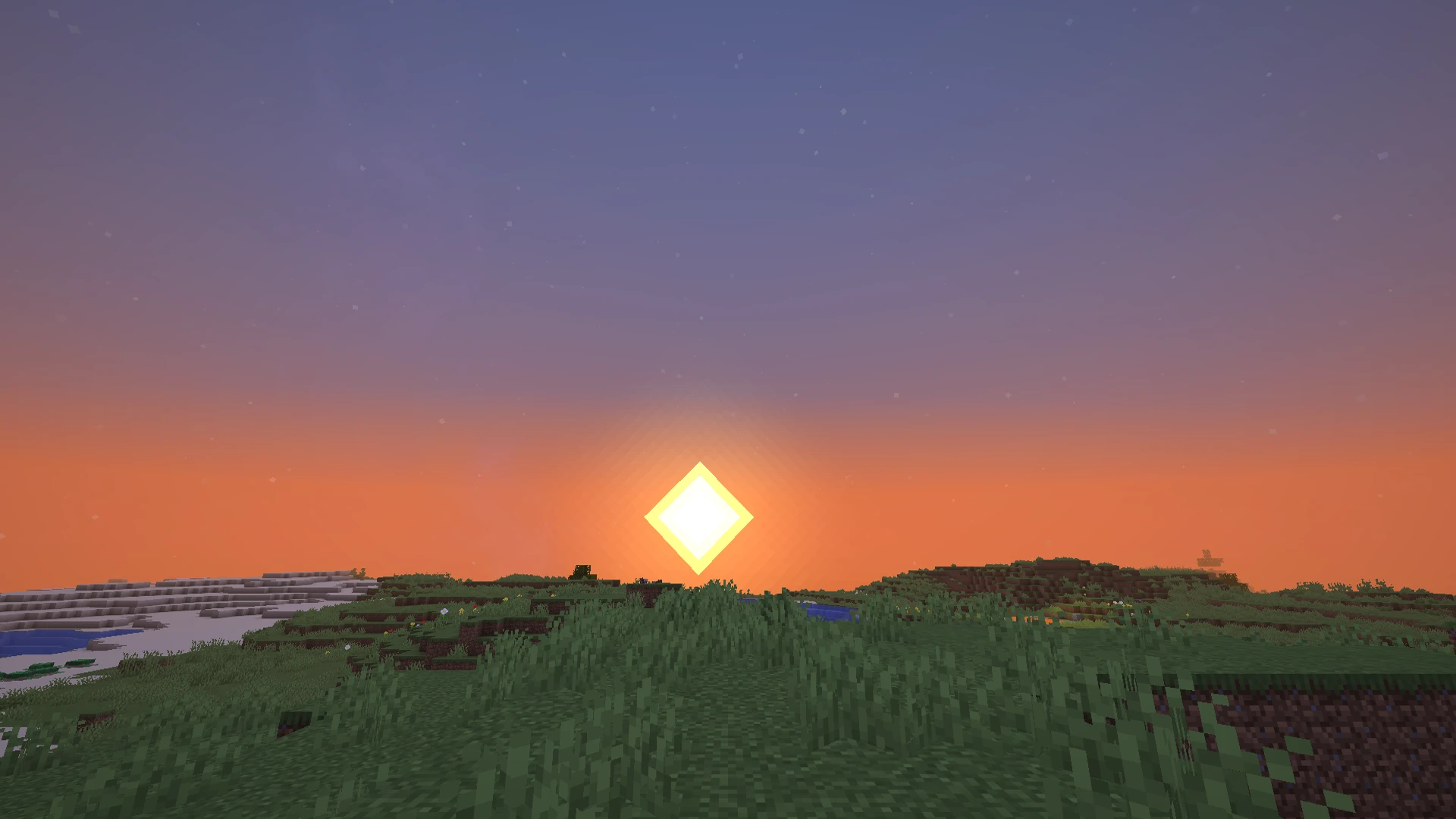
Cirrus introduces smooth color transitions across morning, day, evening, and night. At dusk (time 12500) looking west, the tilted solar orbit angles the sun into a diamond silhouette while warm horizon amber blends upward into deep violet as the first evening stars fade in.
Night sky, stars, and the Milky Way
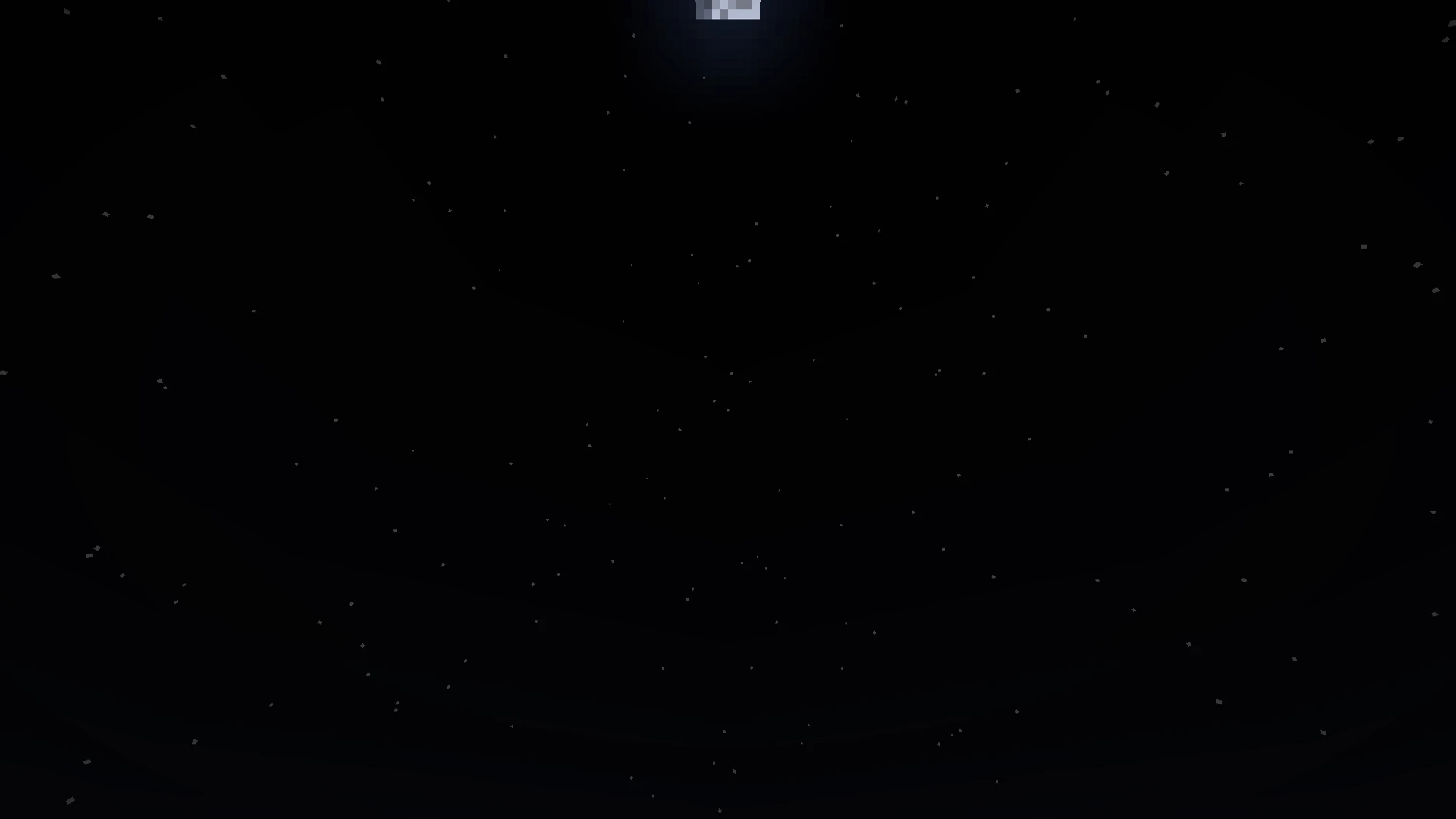
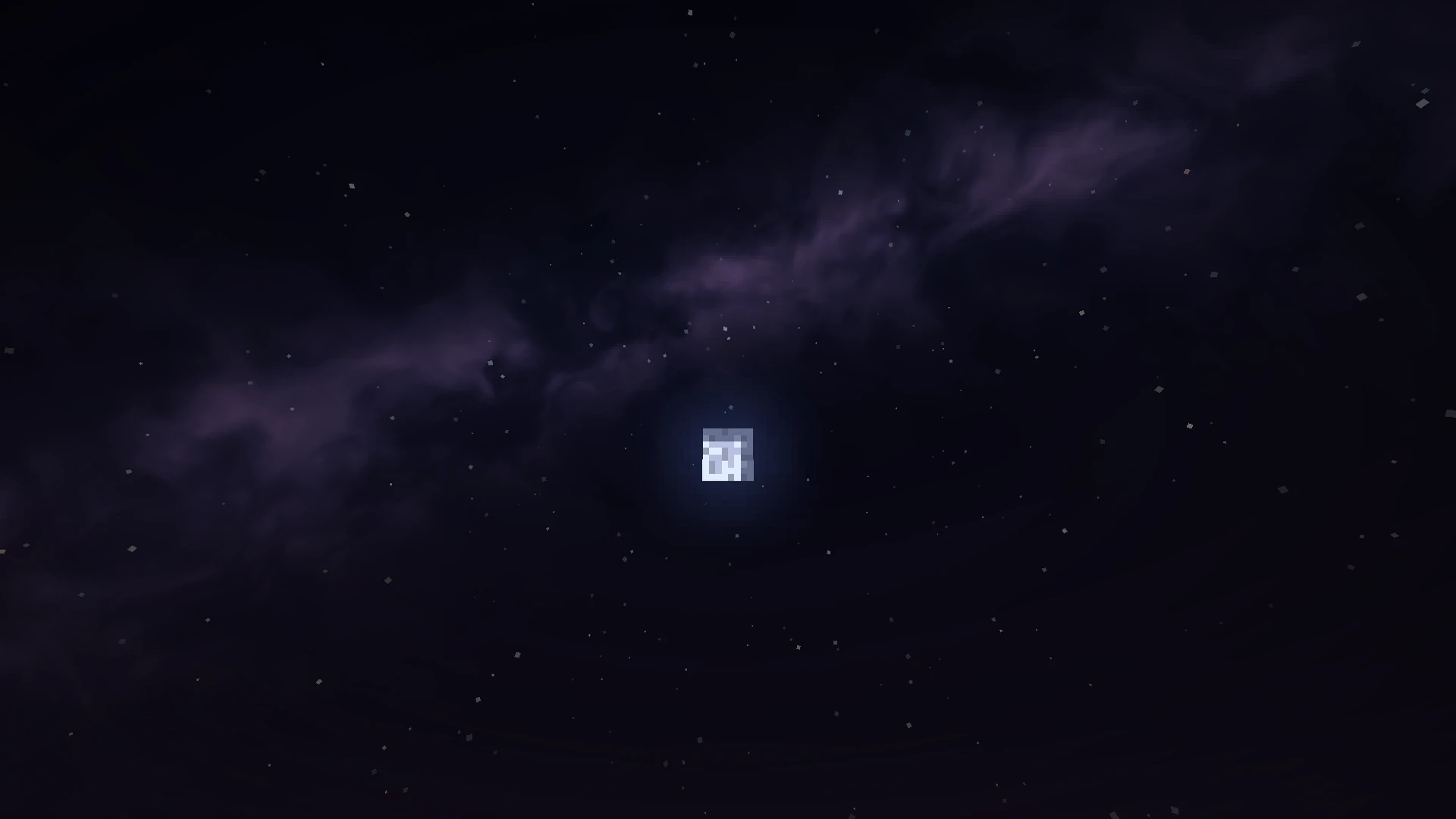
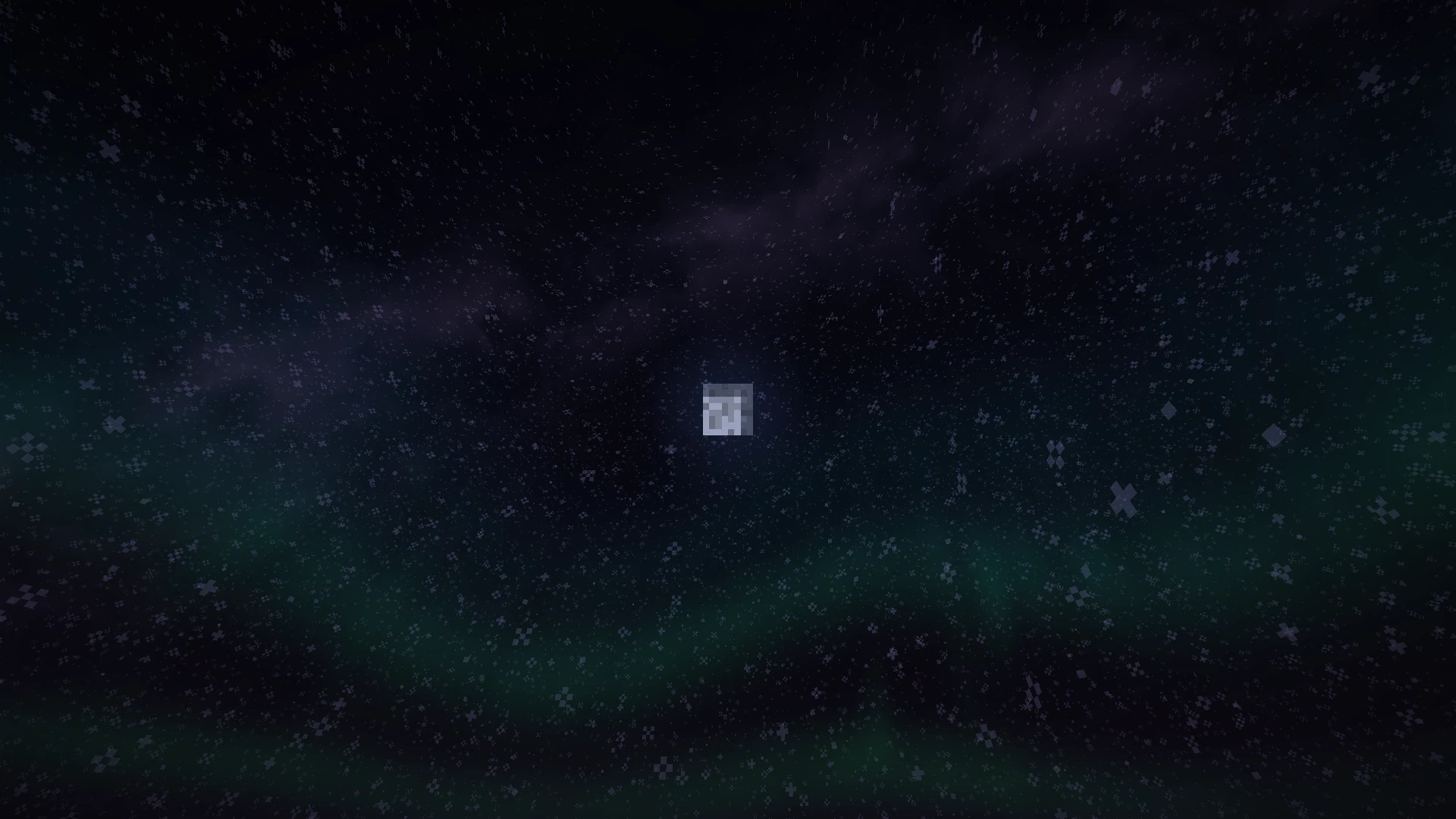
At midnight (time 18000), Cirrus replaces vanilla's uniform white star pixels with a rotating purple Milky Way band, multi-sized stars with subtle color variation and twinkle, a fixed North Star, and occasional shooting stars streaking across the zenith.
Storms and northern lights
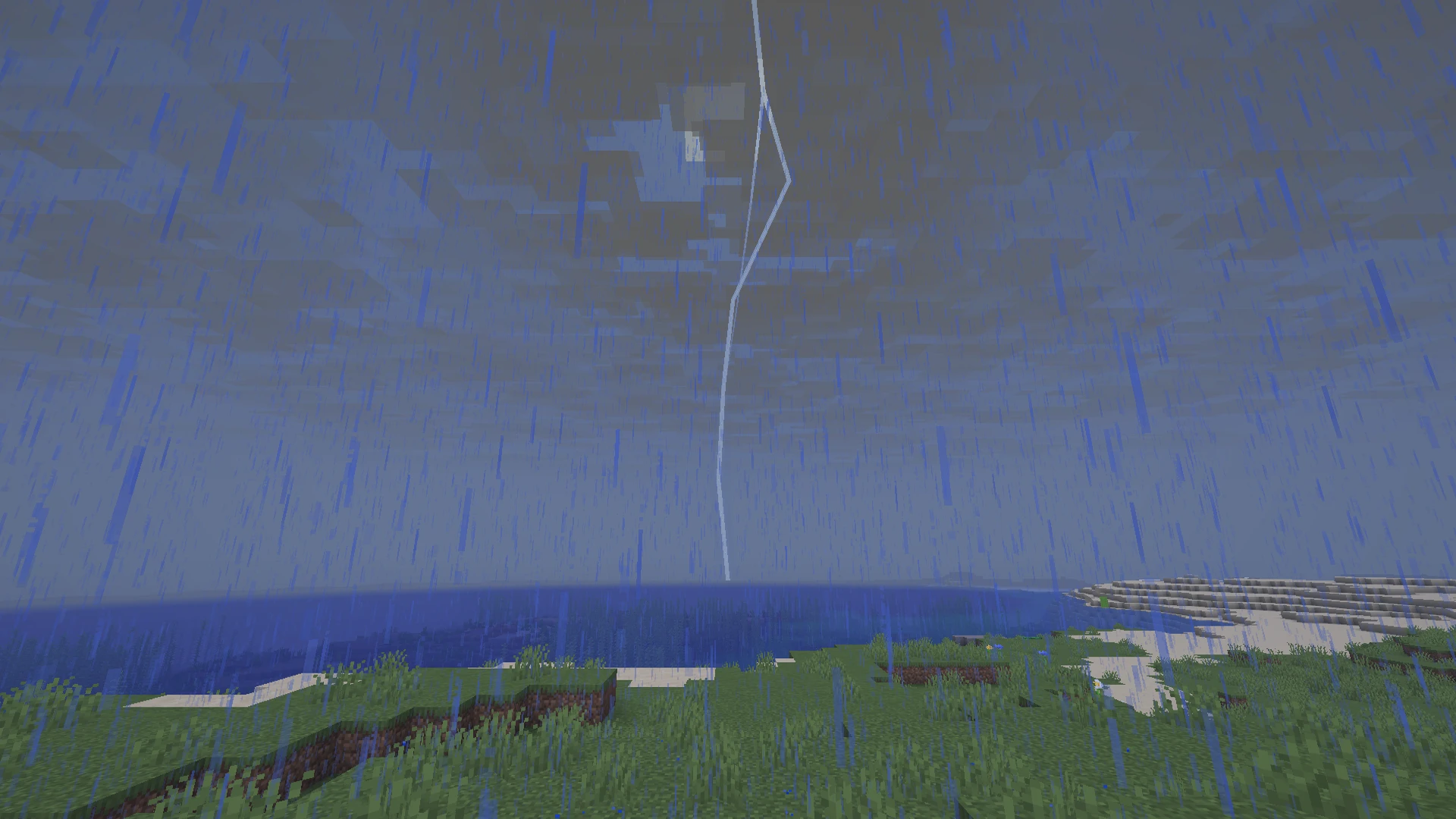
During thunderstorms, the multi-layer clouds thicken into a dark slate ceiling that flashes internally whenever lightning strikes, accompanied by jagged multi-branched lightning bolts reaching from the cloud base to the ground. You can tune storm overcast density in the Weather Coverage section of the Clouds tab.
In snowy and cold biomes, Cirrus renders northern lights after nightfall. With Nightly Variation set to 100% by default in the Aurora tab, aurora intensity shifts organically from a subtle green horizon glow on quiet nights to brighter ribbons on peak nights.
The End sky overhaul
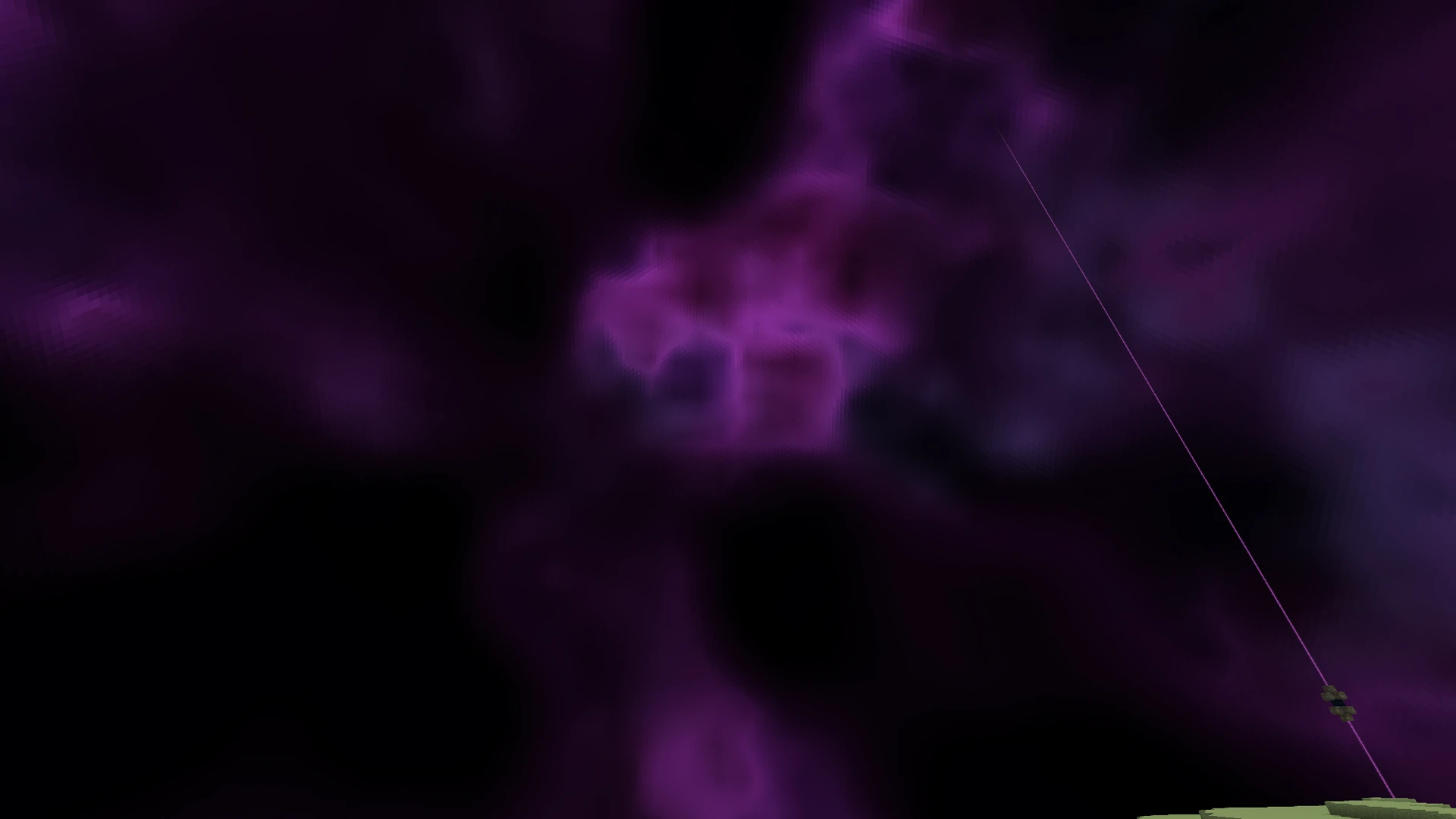
In the End dimension, Cirrus replaces the repetitive static noise texture with sweeping violet nebula clouds across the void. The End configuration tab lets you adjust nebula quality, brightness, and pixel-grid snapping.
Configuration and options
Every visual layer in Cirrus can be customized or toggled off individually through its seven-tab YetAnotherConfigLib (YACL) screen:
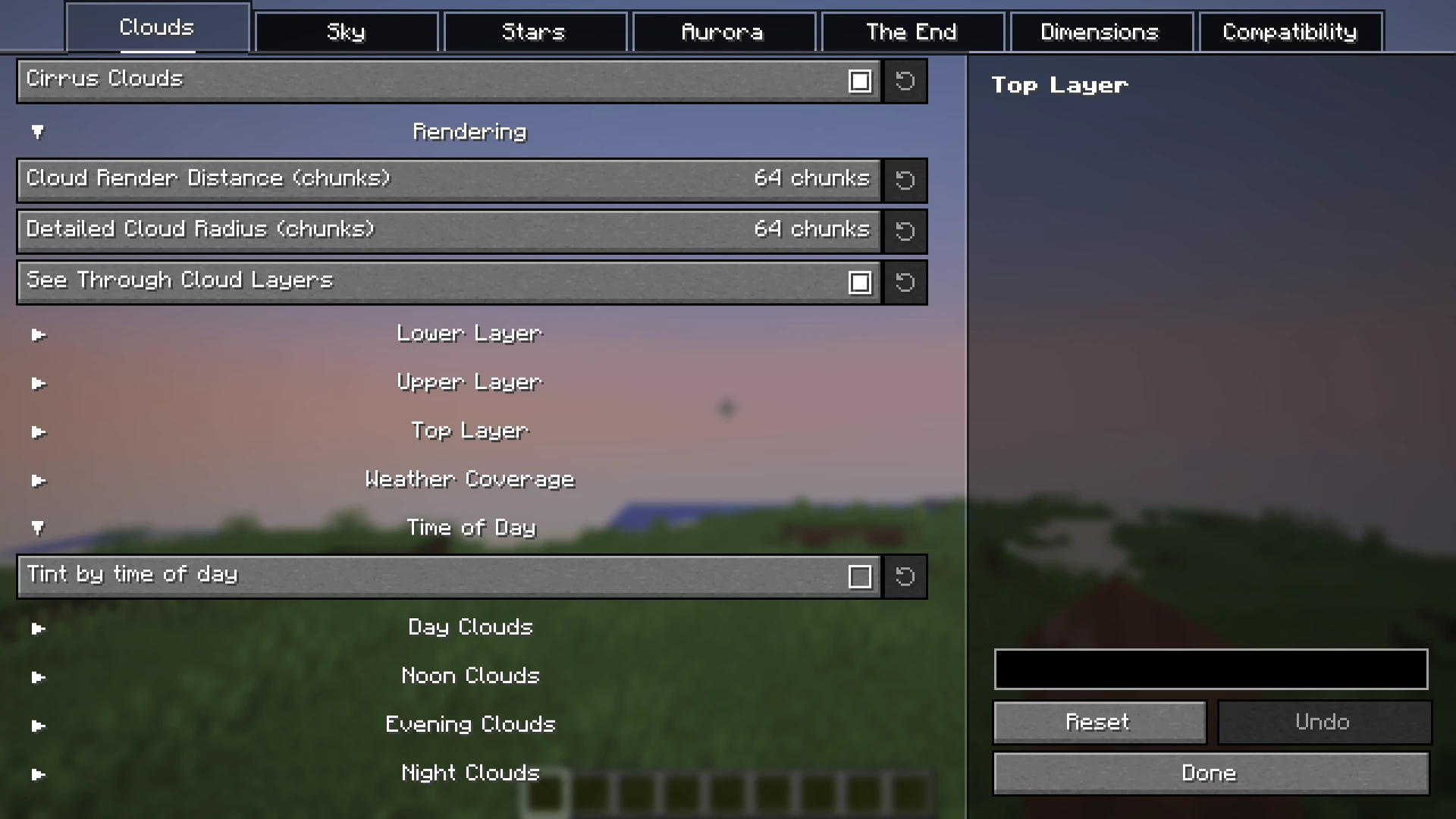
Clouds: Cloud Render Distance and Detailed Cloud Radius were both at 64 chunks, and See Through Cloud Layers was on. The Lower, Upper and Top layers each have their own group, followed by Weather Coverage. Tint by time of day was off, so the Day, Noon, Evening and Night cloud colors only apply once you turn it on.
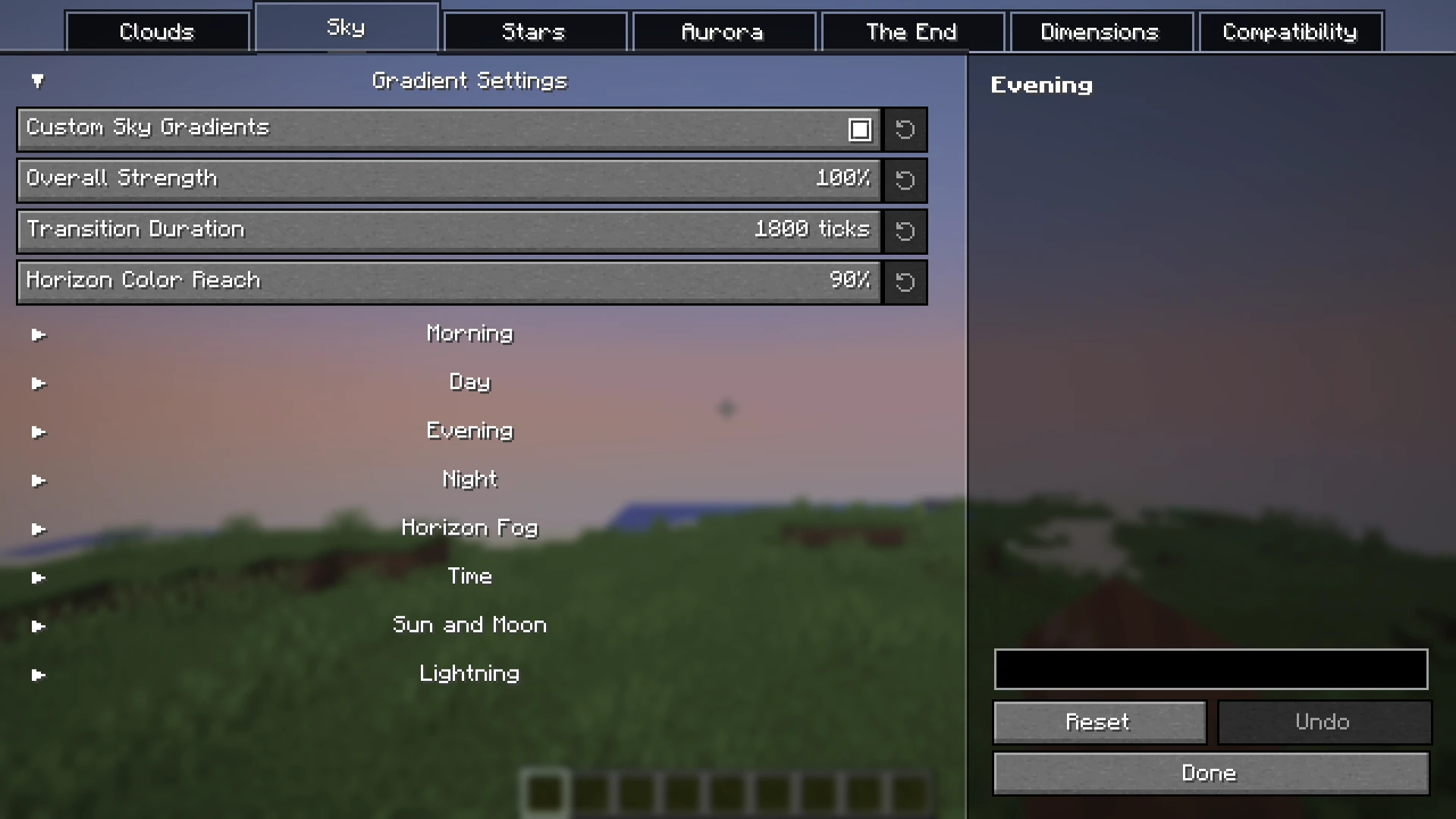
Sky: Custom Sky Gradients was on at 100 percent Overall Strength, with an 1,800-tick (90-second) Transition Duration and 90 percent Horizon Color Reach. Morning, Day, Evening and Night each have a color group, and Horizon Fog, Time, Sun and Moon, and Lightning have groups of their own.
- Stars: Star Density was 2,000 stars, Angled Star Orbit was on, and there are groups for Star Appearance, Twinkling, Shooting Stars and the Milky Way.
- Aurora: Cold Biomes Only was on, with opacity and Nightly Variation both at 100 percent, plus Shape and Detail, Colors and Movement groups.
- The End: the End Sky Quality preset was Balanced, brightness 100 percent, and Pixelated End Sky on with a 480-cell grid. Animation, Voids, Lightning and Surges have their own groups.
- Dimensions: Cirrus clouds were on in the Overworld and off in the End and the Nether. The panel notes that unlisted dimensions are off by default and that resource packs can set dimension defaults.
- Compatibility: Shader Pack Warnings and Distant Horizons Compatibility were on, and Sync Cloud Distance was off.
Shader compatibility note
Official Downloads
Created by jvn75K+ downloads
CIRRUS SKYBOX MOD GUIDE: MULTI-LAYER CLOUDS, AURORAS & SETTINGS
We do not host any Minecraft mod files directly on this site. We link to official sources to ensure mod developers receive proper credit and support for their work.