








Guide Index6 sections
3D Skin Layers replaces the flat second layer of Minecraft player skins and head items with extruded 3D voxel models. In vanilla Minecraft, outer skin layers like jacket collars, sleeves, pant cuffs, and hat details are flat textured planes hovering slightly above the base model. This mod scans every pixel on that outer layer and extrudes it into a volumetric voxel mesh with physical depth. The result gives clothing edges, hair strands, and cuffs real volume without altering the original skin textures or requiring changes to server data.
3D Skin Layers runs on Fabric (with Fabric API and optional Mod Menu for in-game settings), NeoForge, and Forge. Because it is purely client-side, it works on all multiplayer servers while keeping vanilla hitboxes unchanged.
What the mod changes on player skins
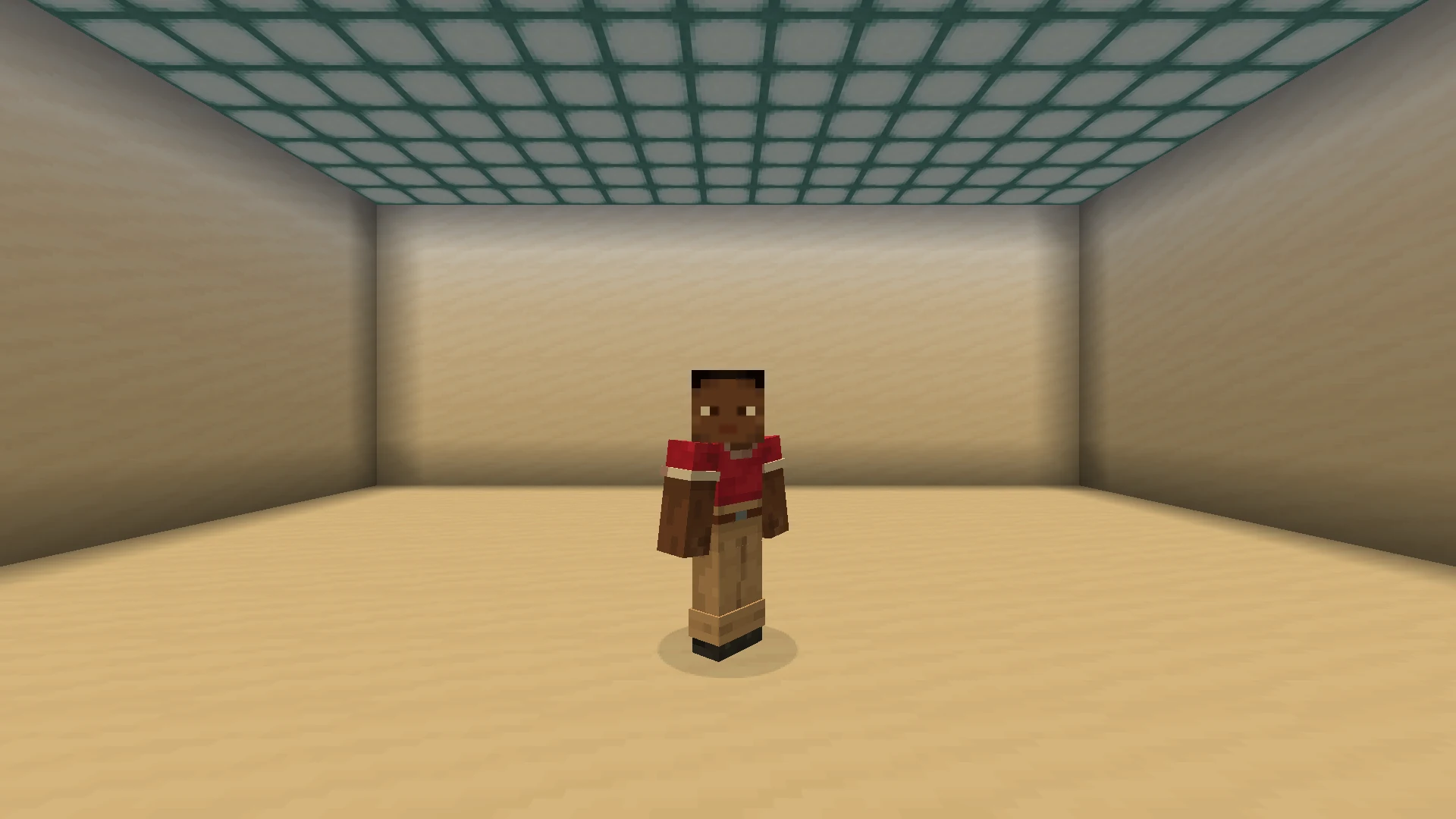
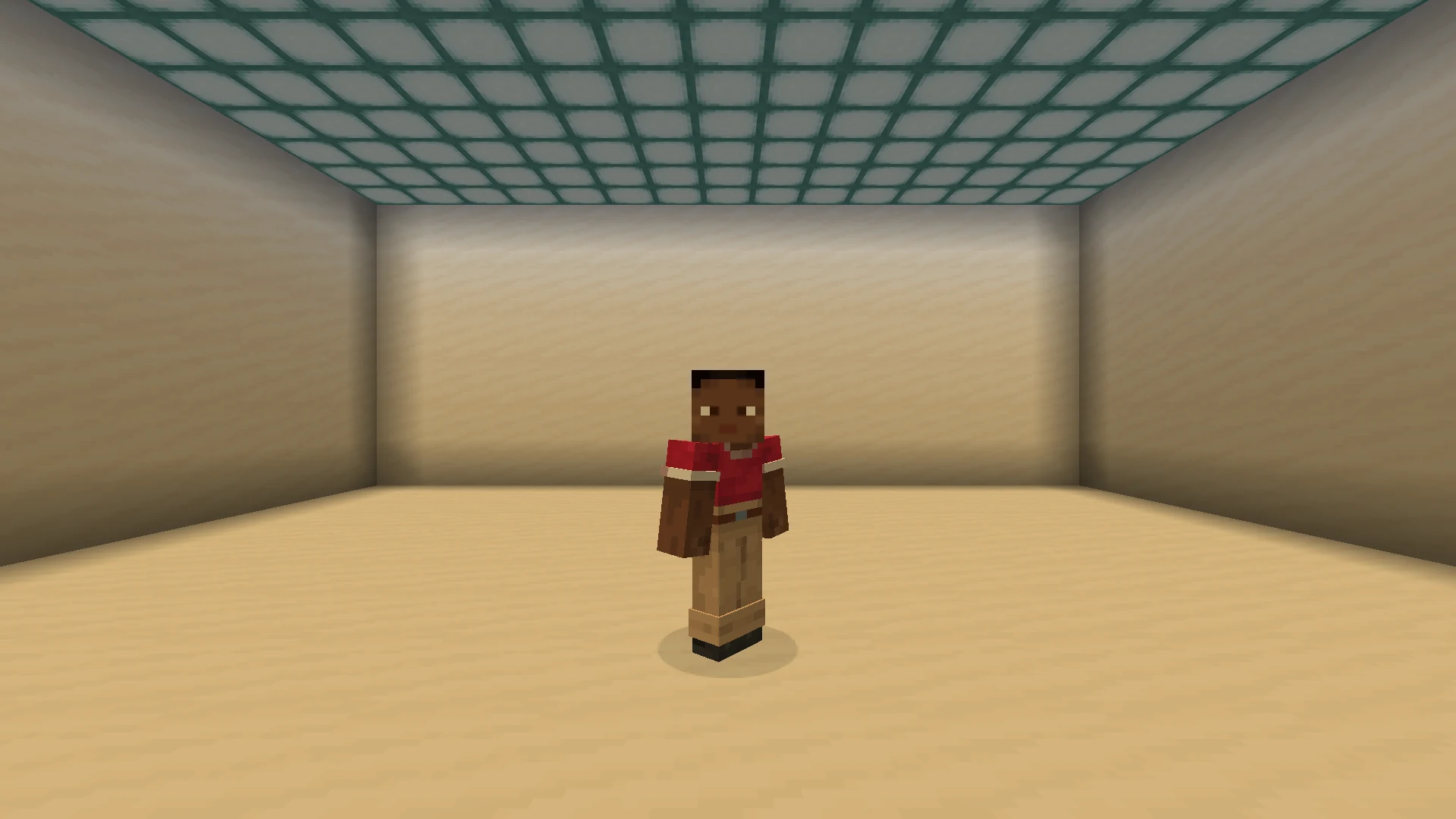
To verify how the mod alters a character model, we used the default skin the game gave our offline account, which has an outer layer on the collar, sleeve cuffs, hair and pant cuffs. In third-person front view (F5), the transformation is immediately apparent. Instead of flat floating sheets, the collar and the sleeve and pant cuffs gain visible thickness. Each pixel on the second layer is drawn as a tiny cube with its own side faces, giving clothing items noticeable depth.
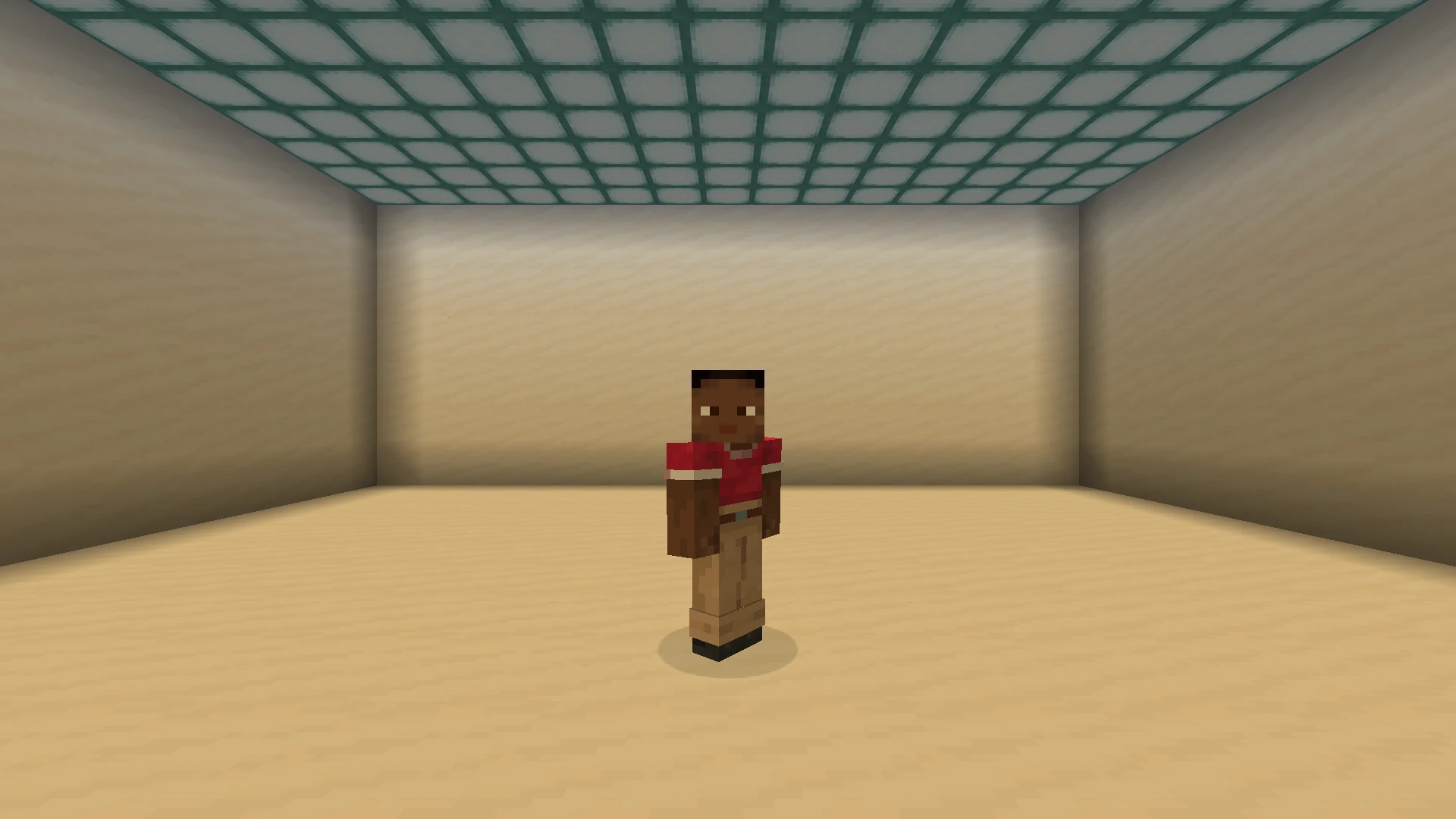
3D Skin Layers leaves the inner player model untouched while extruding the outer skin overlay into solid 3D voxel geometry, including support for semi-transparent skin pixels used on glasses, visors, and hair accessories.
Player heads and entity boundaries
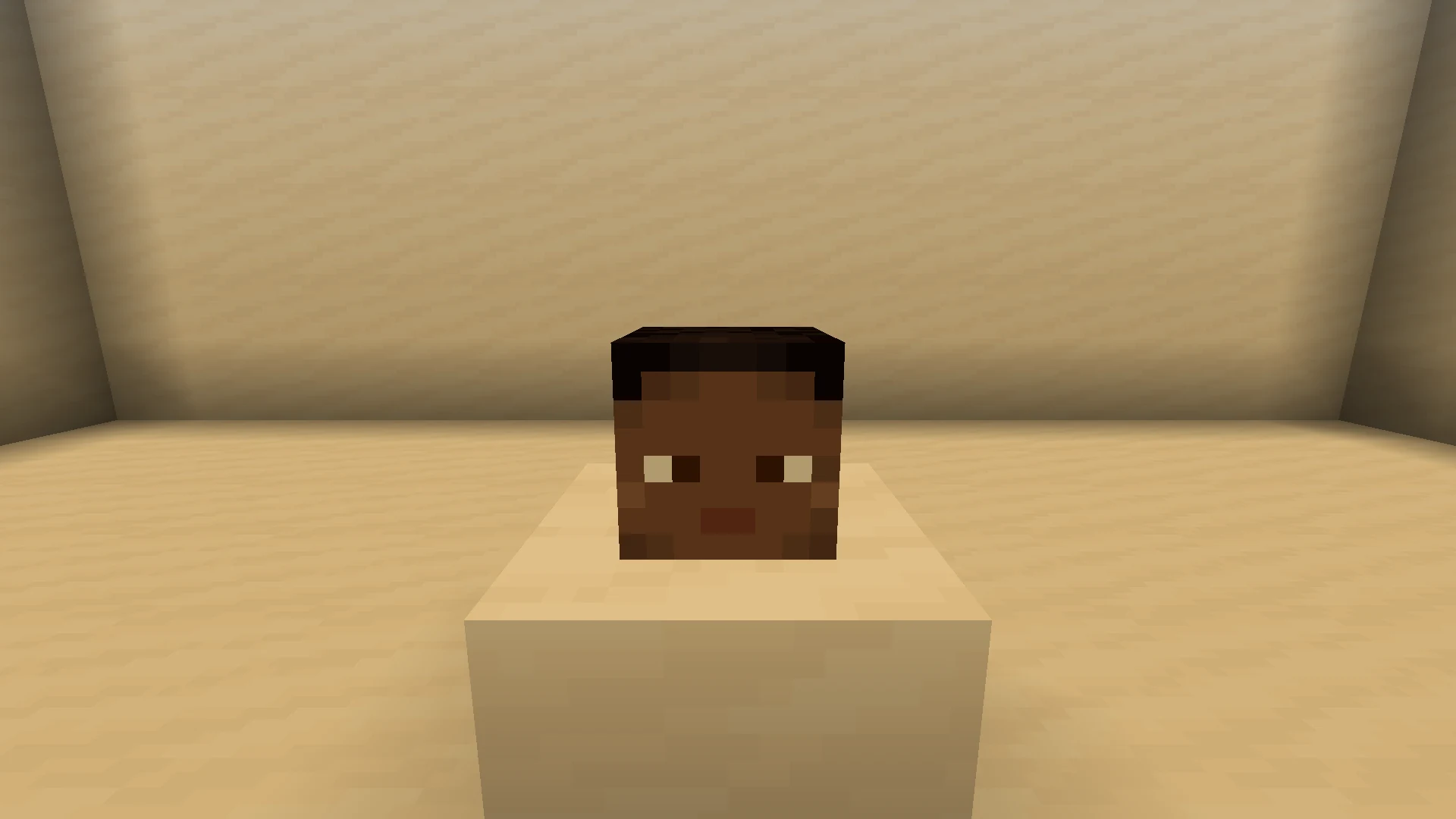
The mod does not limit itself to live characters. Player heads placed as blocks in the world also benefit from 3D voxel extrusion if the skull settings are active. We placed a player head with an outer hair layer on a pedestal. With 3D Skulls enabled, the hair layer projected outward as a distinct 3D shell around the skull block. Toggling the setting off flattened the hair back onto the block surface, demonstrating that the extrusion logic applies to block entities as well as moving player models.
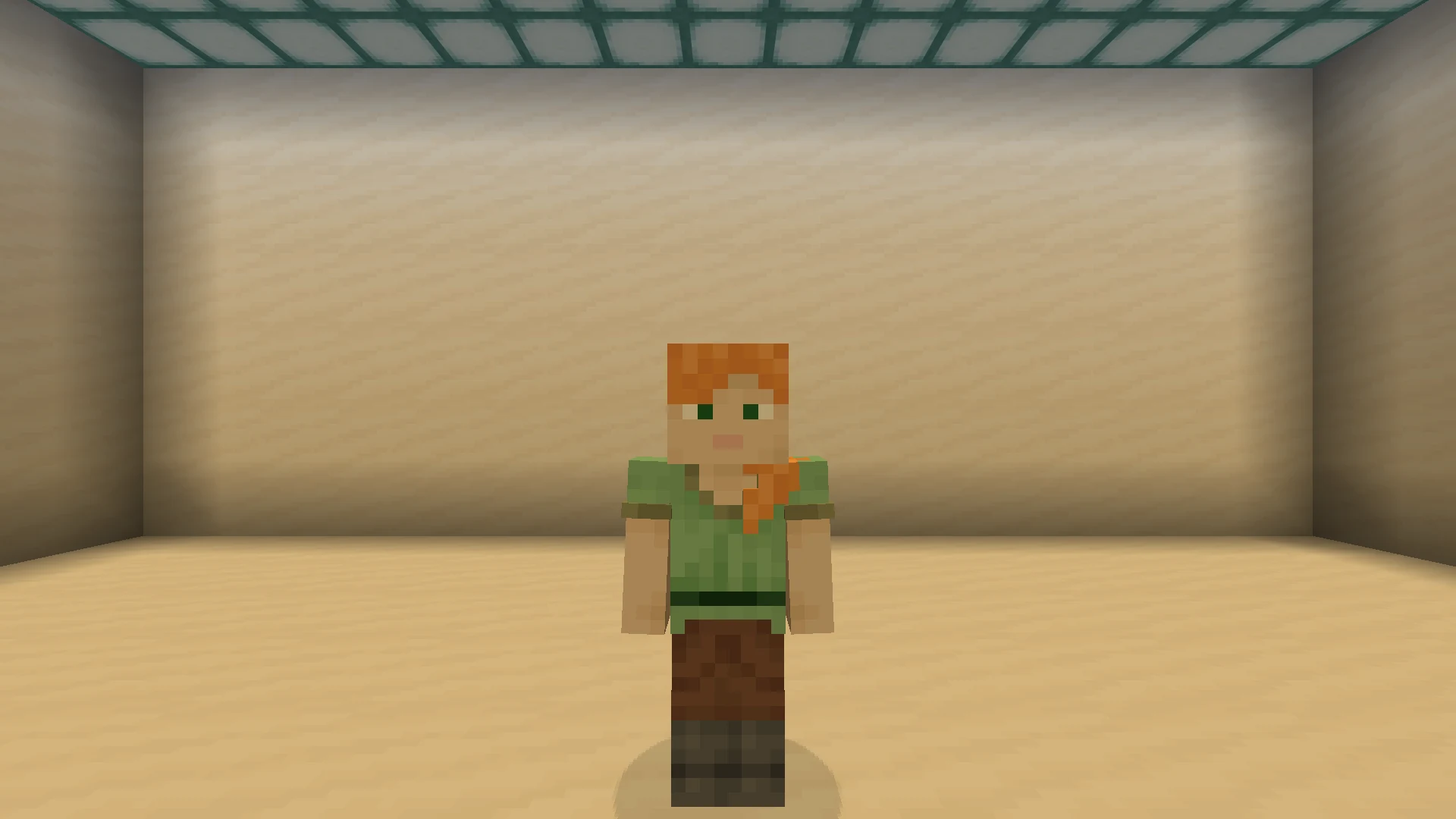
Humanoid entities such as mannequins summoned with player profiles (/summon mannequin ~ ~ ~ {profile:{name:Alex}}) render standard flat skin textures without 3D extrusion. 3D Skin Layers specifically targets player characters, skulls, and heads, leaving custom non-player entities on default rendering.
The distance switch and performance cutoff
Generating volumetric meshes for dozens of players in a busy area could quickly impact rendering performance. To prevent slowdowns, the mod includes a built-in level of detail cutoff. In the official mod description on Modrinth, this is described as a 12-block switch. In the actual configuration file and settings screen of version 1.11.3, the default setting is 14 blocks (renderDistanceLOD: 14). The slider allows players to adjust this cutoff anywhere between 5 blocks and 40 blocks.
To protect framerate in crowded multiplayer lobbies, 3D Skin Layers uses a default 14-block Level of Detail (LOD) cutoff. Within 14 blocks, player skins and placed heads render with full 3D extruded voxels; at 15 blocks and beyond, they automatically revert to standard flat 2D layers without visual flicker.
Settings and configuration options
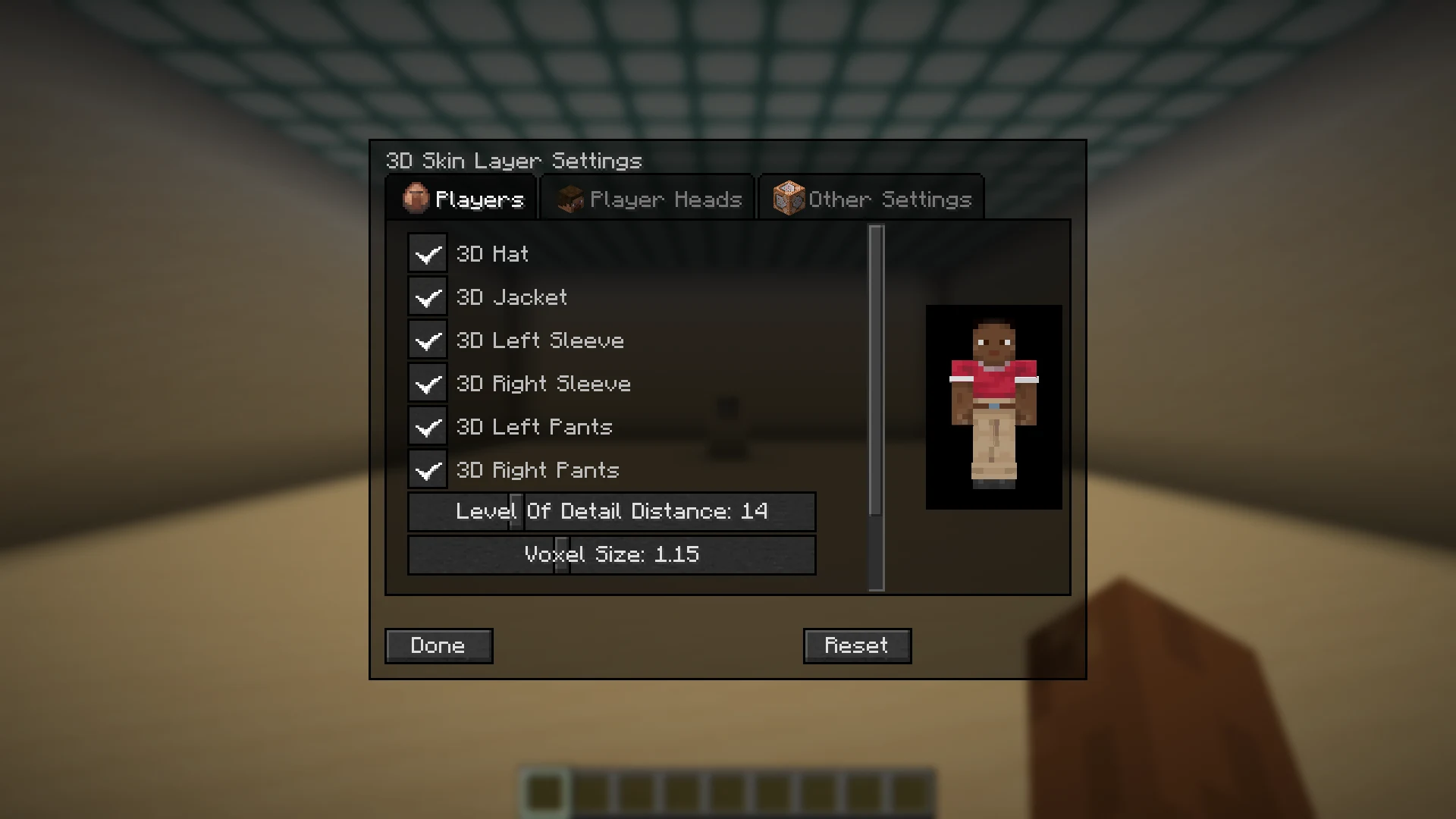
The mod stores its options in config/skinlayers.json. Opening the configuration screen through Mod Menu reveals three tabs with extensive customization options. Players can toggle 3D rendering per limb, tweak extrusion thickness, or adjust rendering workarounds for specific setups:
| Tab | Setting | Default | Description |
|---|---|---|---|
| Players | 3D Hat, Jacket, Sleeves, Pants | Enabled | Separate toggles to turn 3D extrusion on or off for specific body parts. |
| Players | Level Of Detail Distance | 14 | Distance in blocks where 3D meshes revert to flat 2D rendering (slider 5 to 40). |
| Players | Voxel Size | 1.15 | Base extrusion scale for outer layer voxels (slider 1.001 to 1.4). |
| Players | Head Voxel Size | 1.18 | Independent voxel scale for the player head layer (slider 1.001 to 1.25). |
| Players | Body Voxel Width Size | 1.05 | Width scaling factor applied across body voxels (slider 1.001 to 1.4). |
| Player Heads | 3D Skulls / Skull Items | Enabled | Controls 3D voxel rendering on placed skulls and skull inventory items. |
| Player Heads | Skull Voxel Size | 1.1 | Extrusion scale for placed player head outer layers (slider 1.001 to 1.2). |
| Other Settings | Fast Render | Enabled | Optimizes mesh extraction and rendering pipelines. |
| Other Settings | Iris / Sodium Workaround | Disabled | Compatibility switches for shader pipelines and rendering optimizations. |
| Other Settings | First Person Voxel Size | 1.1 | Scaling factor for hands and sleeves in first-person view (slider 1.02 to 1.3). |
Server use and compatibility
3D Skin Layers operates entirely on the client side. The official project page notes that servers do not need the mod installed. You can join any vanilla or modded multiplayer server, and the mod will read standard skin data sent by the server to construct 3D layers on your screen. Other players without the mod will continue to see your skin in ordinary flat 2D, and server administrators do not need to install or configure any server-side plugins.
According to the official project page, several common mods are supported out of the box. These include Essential, Shoulder Surfing Reloaded, and Player Animator, which is used by animation mods such as Better Combat and Emotecraft. CustomSkinLoader requires a separate bridge mod to function correctly. Lunar Client is explicitly not supported.
Keep a few technical limits in mind: HD skins above the standard 64x64 resolution are not supported. On skins where outer layer details feature tight zigzag diagonal lines, corner voxels may join into small continuous bridges. In addition, modded armor pieces can sometimes clip through thicker outer layers. When clipping occurs, the developer recommends lowering the Voxel Size setting in the Players tab until the armor clears the outer geometry. The Voxel Size default is 1.15.
Official Downloads
Created by tr7zw80M+ downloads
3D SKIN LAYERS
We do not host any Minecraft mod files directly on this site. We link to official sources to ensure mod developers receive proper credit and support for their work.