 official
 Minecraft skin
Sunny Minecraft Skin
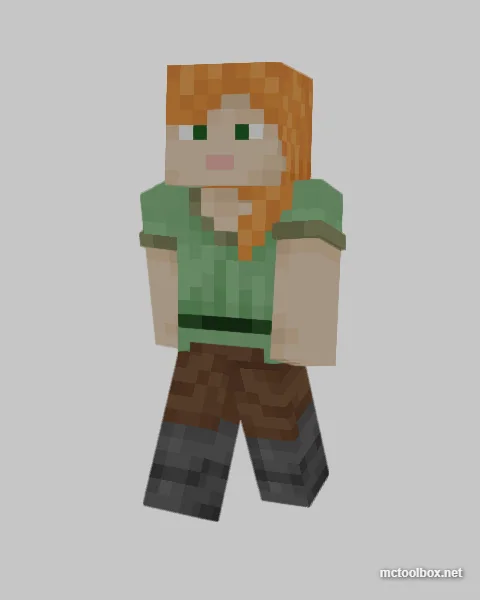
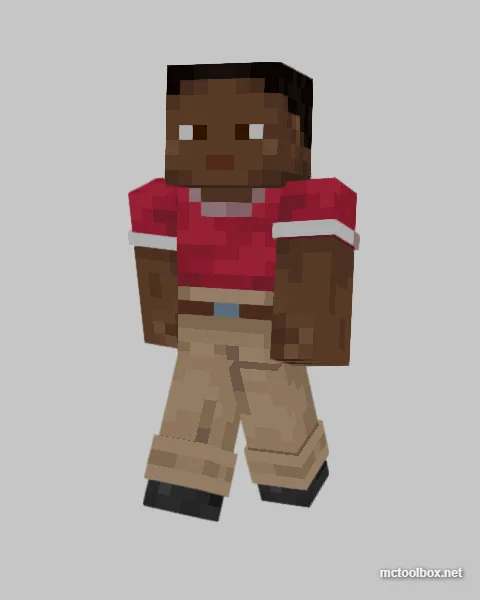
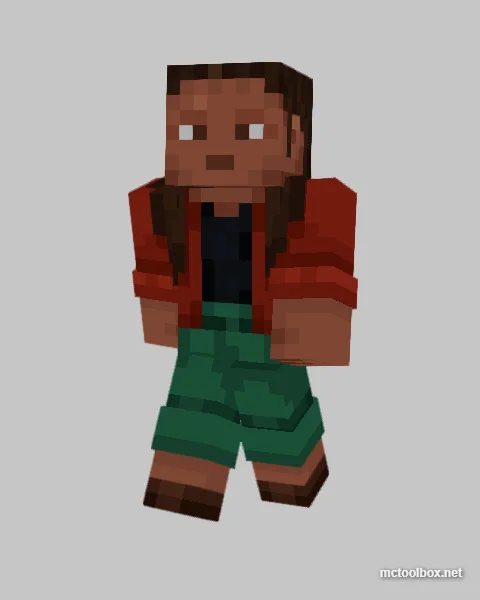
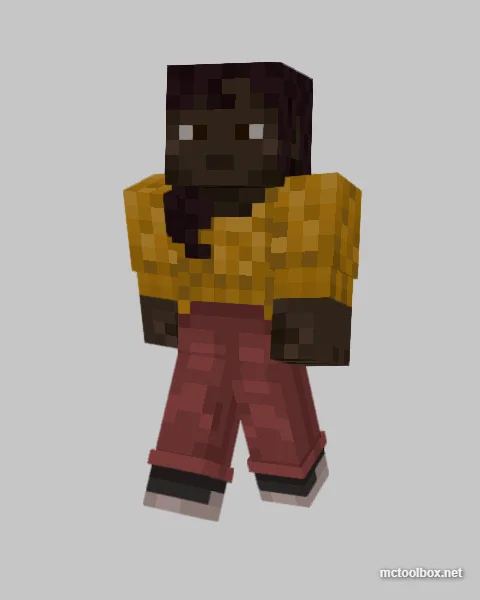
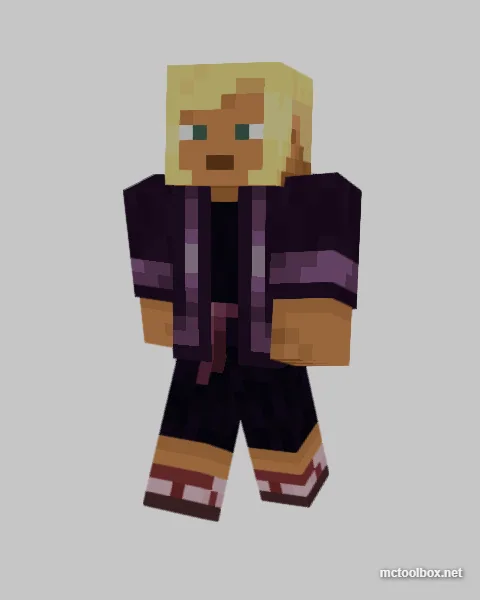
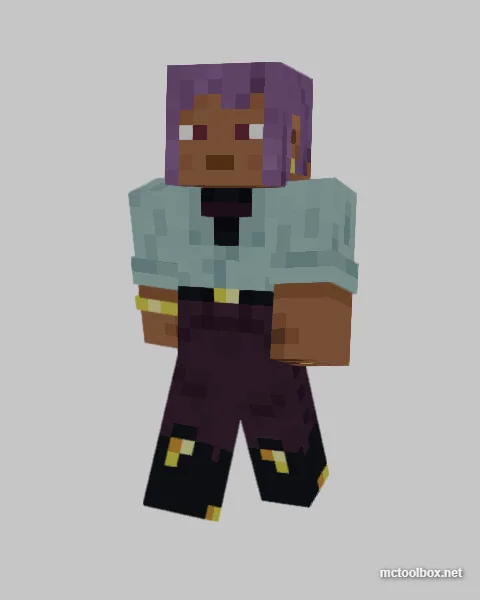
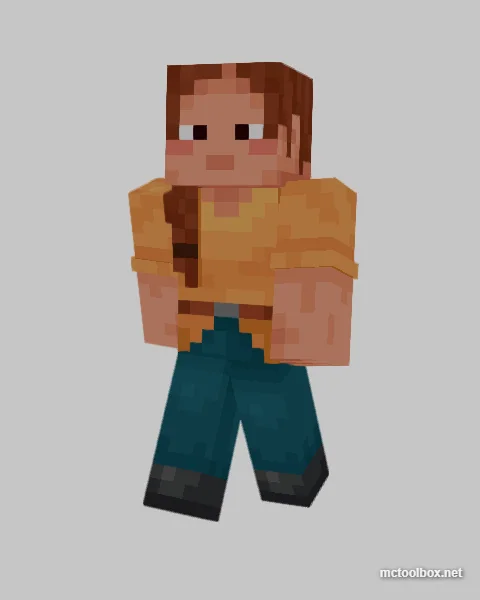
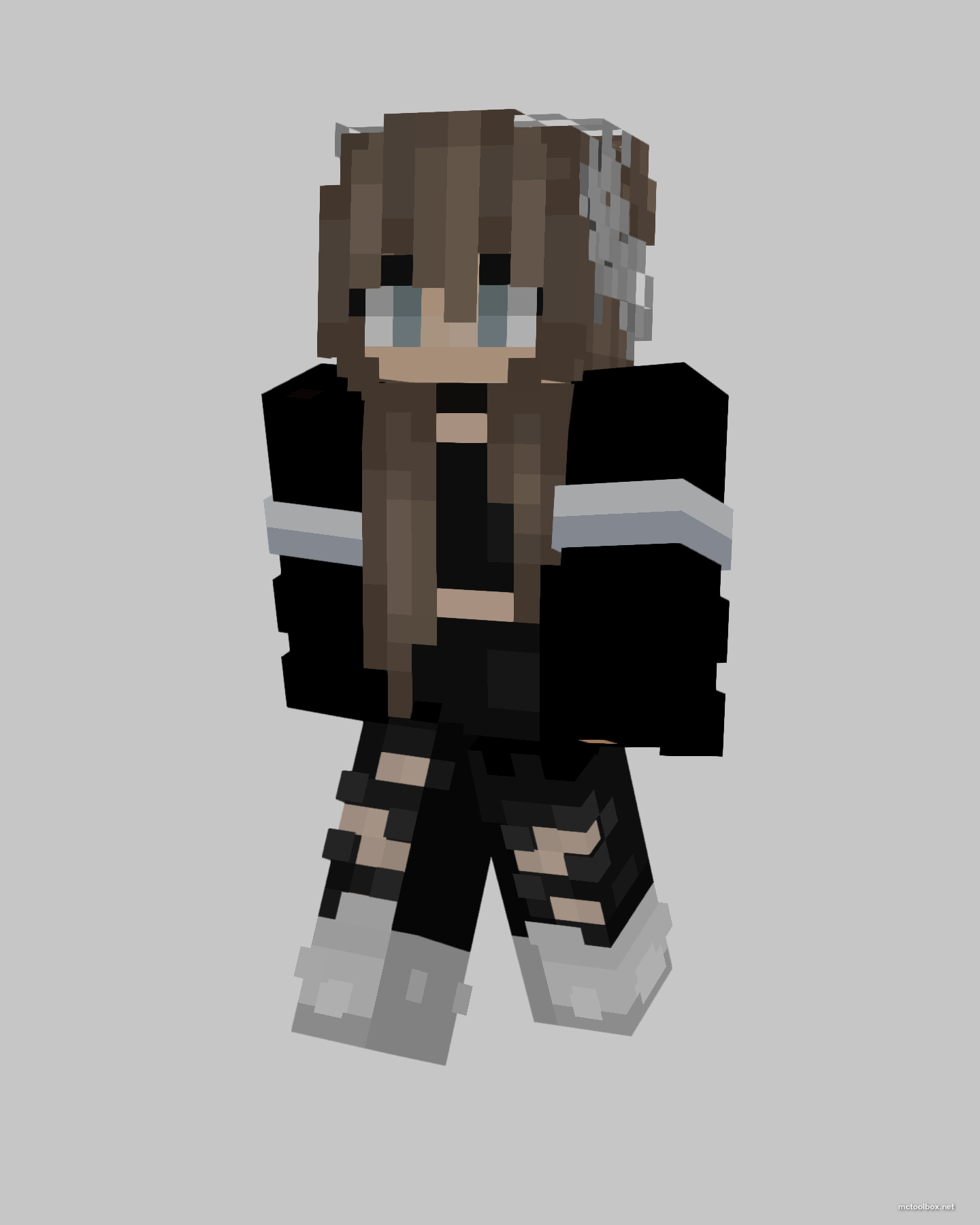
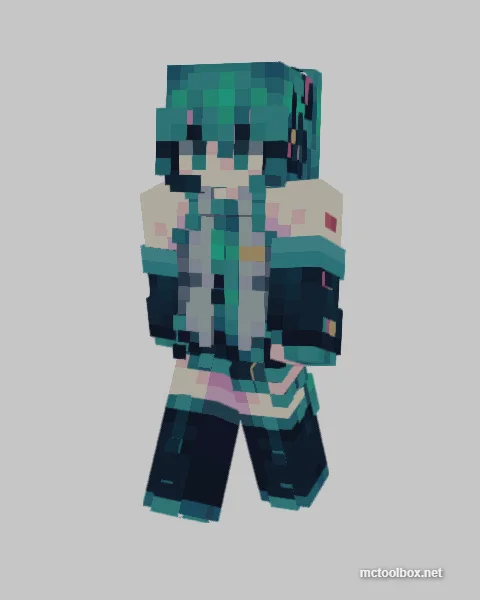
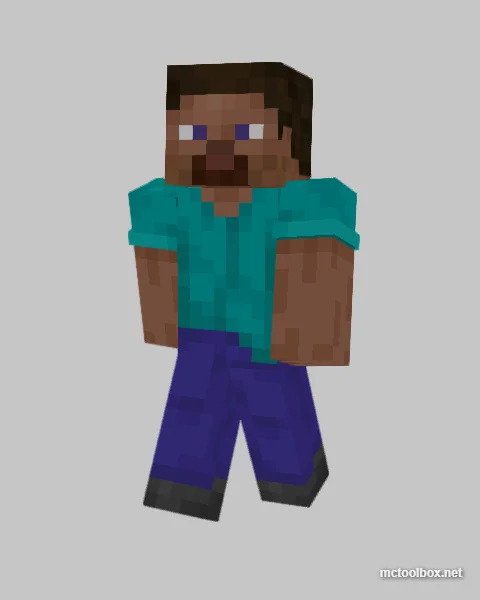
Sunny is an official Minecraft default character whose blue-and-yellow clothing gives the design one of the brightest silhouettes in the modern vanilla lineup. The outfit is easy to distinguish from a distance, but it remains built from clean, deliberate pixel blocks rather than unnecessary texture noise. This page supplies the official Sunny 64×64 PNG for the classic player model. It is ready to install in Java or Bedrock, and it is a convenient starting point if you want a bright, recognizable template for a custom skin. Sunny works well as an editing base because the major clothing areas are clearly separated. A small color change can produce a new jacket, sports kit, uniform, or themed outfit without requiring a full redraw. The live 3D preview is particularly helpful for checking the back panel, sleeves, hair, and shoe details after you edit. It shows how the full texture wraps around the player model, making it easier to detect a misplaced pixel before the file reaches Minecraft. Download the PNG unchanged when you want the official character, or open it in the editor to create a variation while keeping the original body map. Maintain the 64×64 size and use hard-edged pixel tools so every block stays sharp. Sunny uses classic four-pixel-wide arms, so select Classic during the skin import process in either edition. That setting ensures the texture aligns as intended and avoids narrow-arm gaps caused by choosing Slim. The bright base is particularly effective for a flag, team-color, seasonal, or outdoor-themed variation because a few changed pixels remain easy to read. Use the preview as a final visual check, especially after editing outer-layer clothing where a small shifted pixel can be obvious in motion. The official 64×64 file remains a clean fallback whenever an experimental version needs to be reset or compared.
Continue browsing