 official
 Minecraft skin
Noor Minecraft Skin
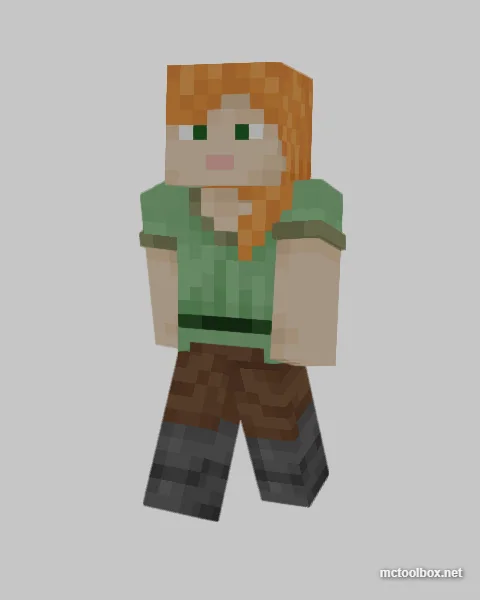
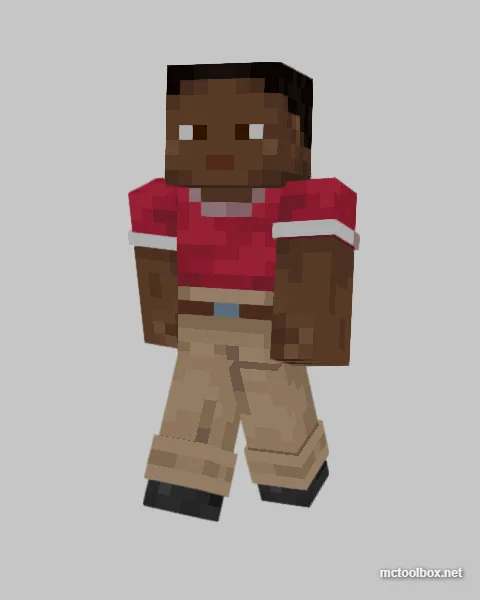
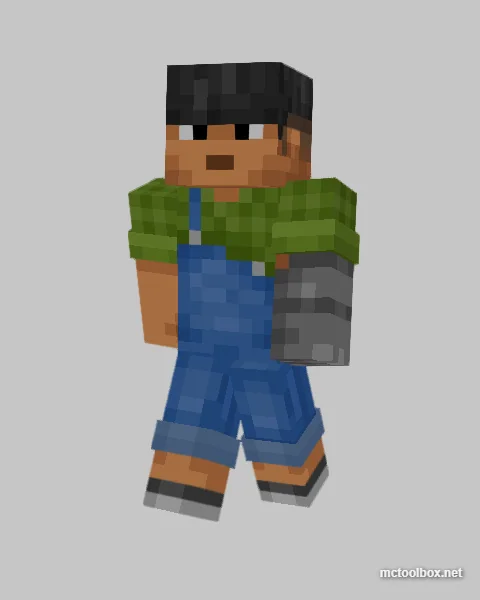
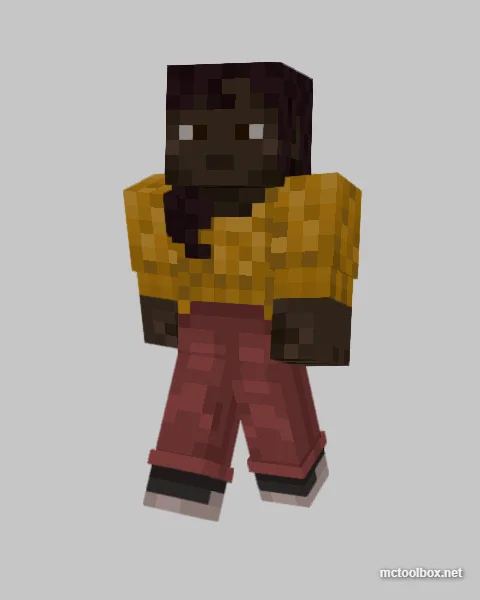
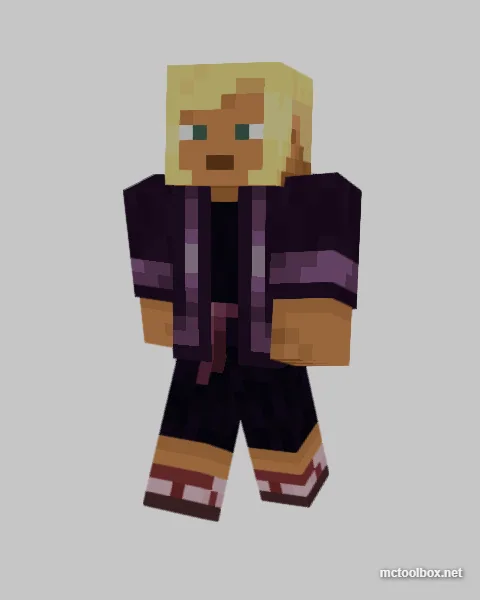
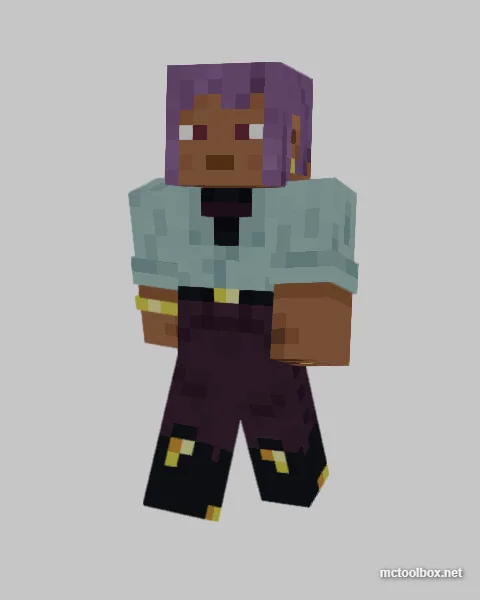
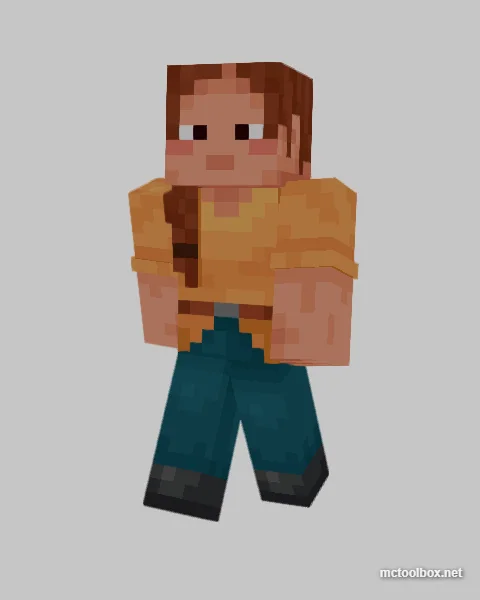
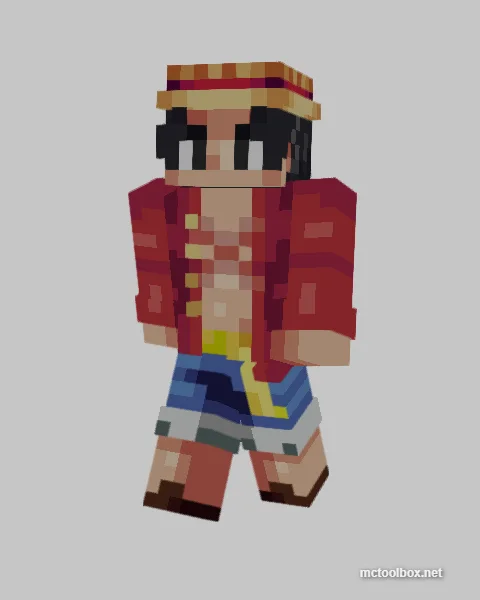
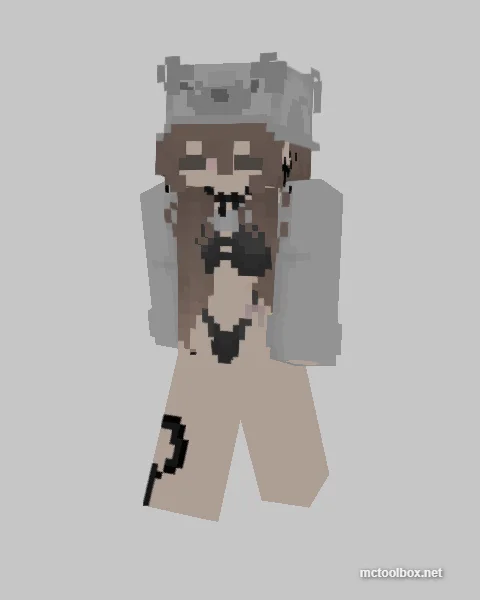
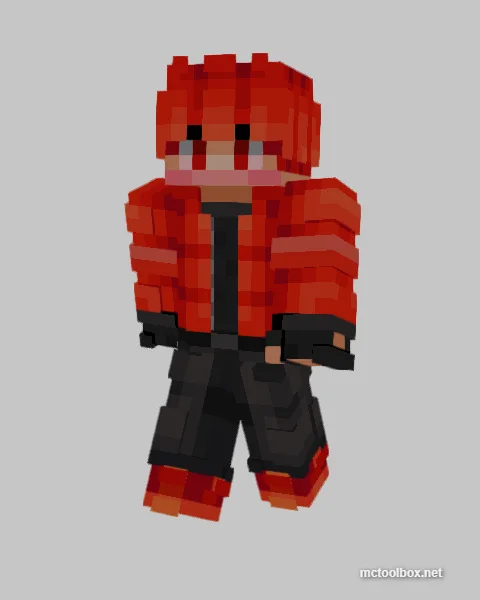
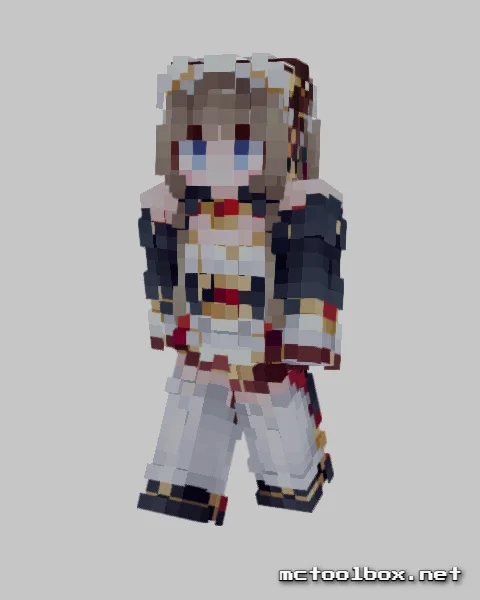
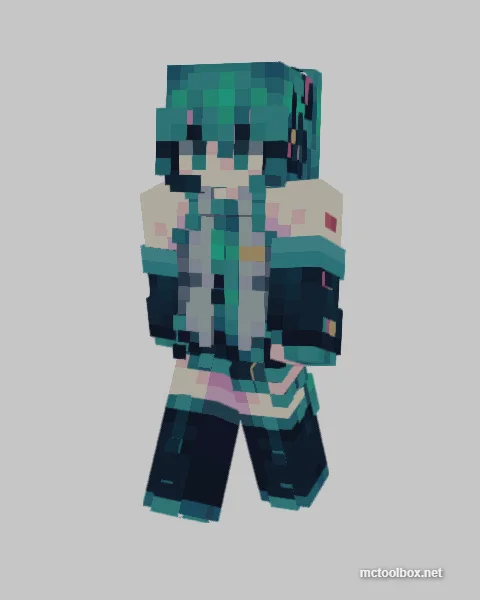
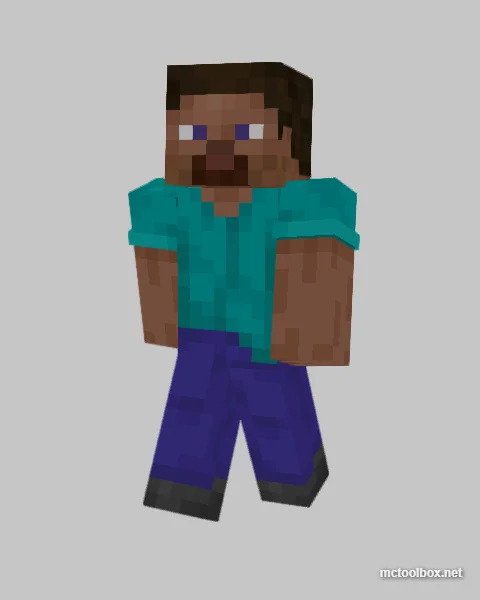
Noor is an official Minecraft default character with dark hair and a vivid red-and-green outfit. The broad color blocks make the design easy to recognize in survival play, server lobbies, and screenshots, while the details stay clean enough to match Minecraft's own visual language. This page keeps the original 64×64 Noor PNG available for normal Java and Bedrock imports. It uses the classic player model, which means four-pixel-wide arms and the standard wider body mapping used by Steve and several other official defaults. Noor also makes a useful foundation for a custom skin because the design separates its main colors clearly. You can change the top, alter the hair, add a jacket, or create a themed variation without losing track of the underlying body faces. Use the rotating 3D preview before saving an edit: it shows whether a shirt color continues across the back, whether arm pixels line up on both sleeves, and whether the outer layer has stayed intact. These checks matter more than a large flat preview when the final skin is worn by a moving player. For installation, download the original PNG and choose Classic when the game asks for a model. Do not resize the texture or apply image smoothing, because both can soften pixels or misalign a layer. Noor is an official, compatible default skin first, but it is also a practical low-friction base for players building their first custom Minecraft character. For custom work, the contrasting colors make it especially easy to compare a changed front panel against the matching sleeves and back before publishing. The official file is a dependable reference when you want the end result to look intentionally pixel-made rather than automatically filtered. That gives the skin lasting value as both an official download and a reference for future edits you make yourself.
Continue browsing