 official
 Minecraft skin
Kai Minecraft Skin
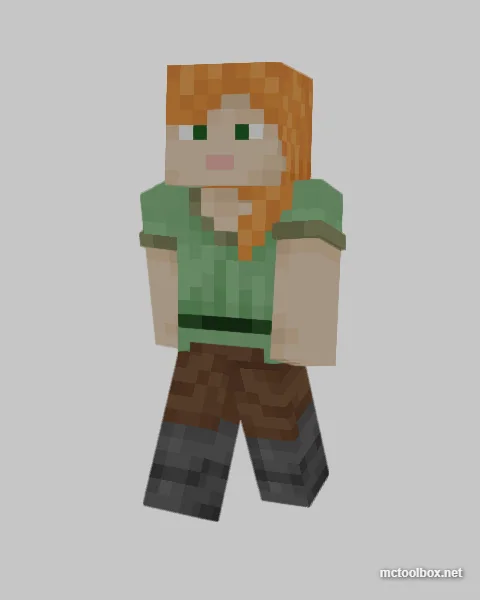
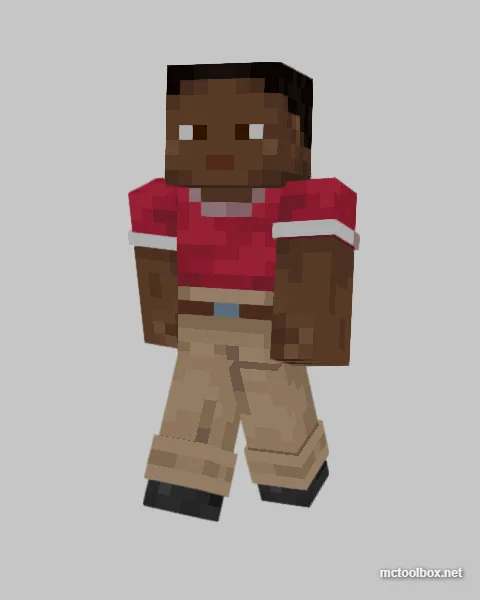
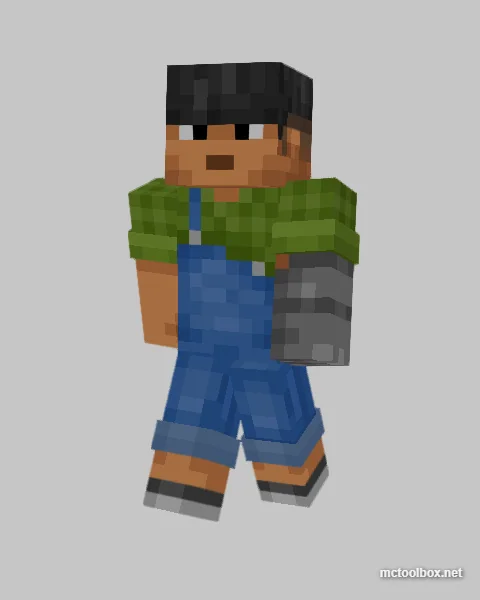
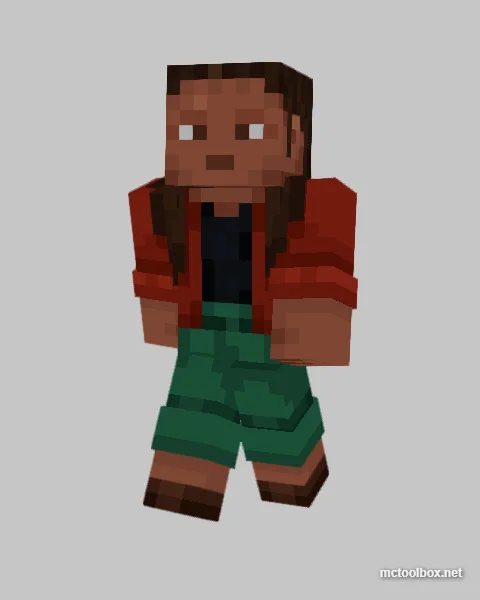
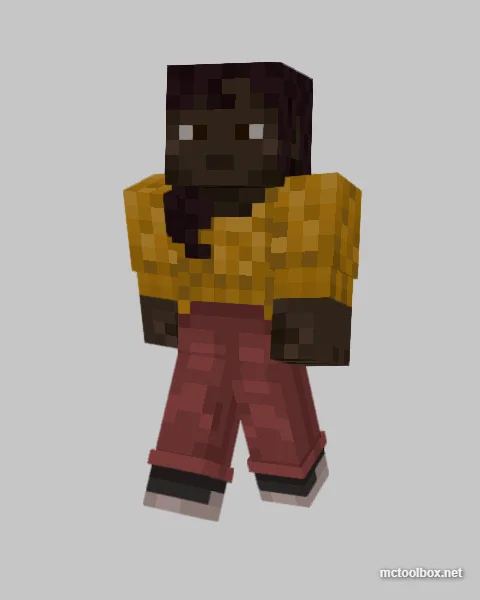
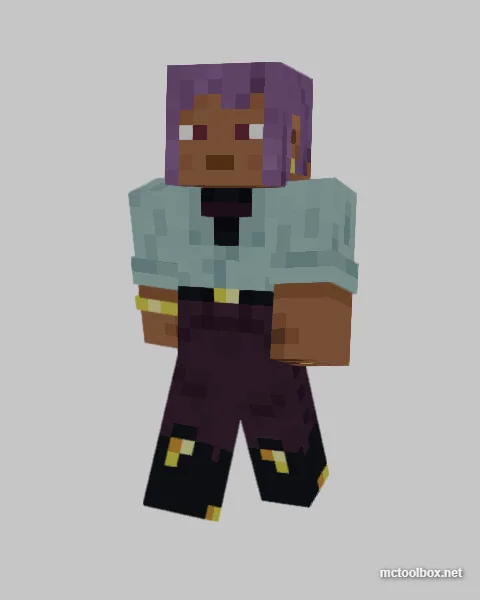
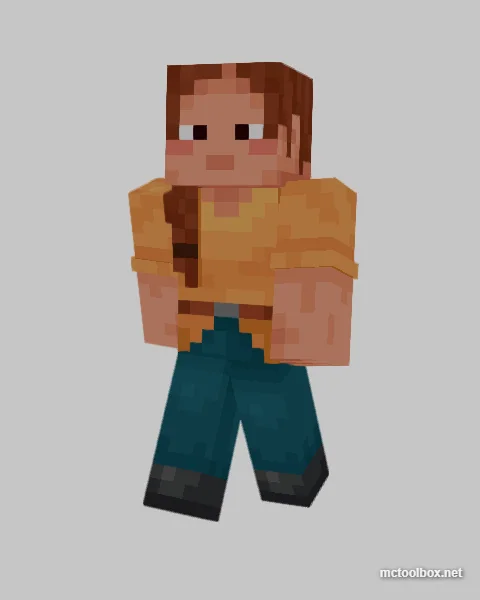
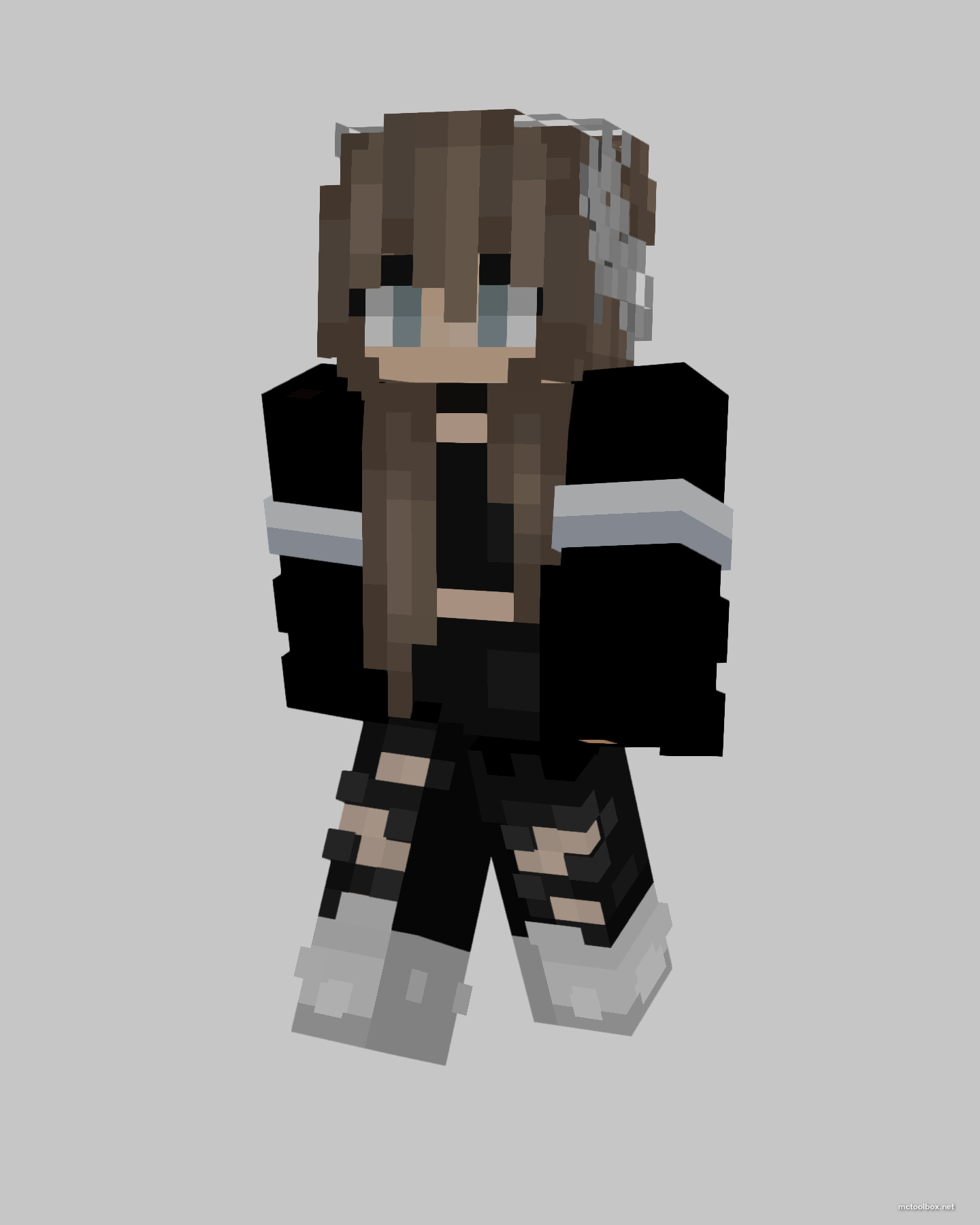
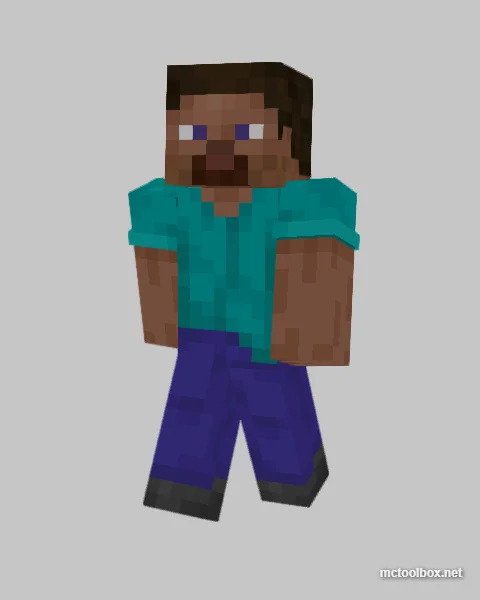
Kai is an official Minecraft default character whose blond hair and deep purple outfit create a clear, high-contrast vanilla appearance. The design is noticeable in a busy multiplayer world but remains grounded in the simple color blocks that make Minecraft skins work at every viewing distance. This page contains the official 64×64 Kai texture for the classic player model. It is ready to download for Java or Bedrock, and it provides a clean, correctly mapped base if you want to create a custom character without starting from a blank UV sheet. Kai is especially friendly to small edits. The lighter hair and darker clothing make it easy to test a new accent color, add a hoodie edge, build a team uniform, or change the footwear while still seeing exactly where each part of the model begins and ends. Before exporting a variation, use the 3D preview to examine the front, back, arms, and legs. This catches common issues such as a jacket pixel wrapping onto the wrong side, an asymmetrical sleeve, or a transparent outer-layer square that is invisible on the flat sheet. For normal installation, keep the PNG at 64×64 and choose the Classic model. Java and Bedrock both accept the standard skin format through their regular import screens. Kai offers an official alternative to the oldest defaults while also acting as a practical canvas for a personal vanilla-plus design that stays clean, readable, and compatible. It is a useful example of how a few deliberate high-contrast areas can create a recognizable Minecraft character without excessive shading. Keep that clarity as you edit: the best variations preserve the simple hierarchy of hair, outfit, and small highlights. The official PNG remains available here whenever you want to return to a known-good starting point after experimenting.
Continue browsing