 official
 Minecraft skin
Alex Minecraft Skin
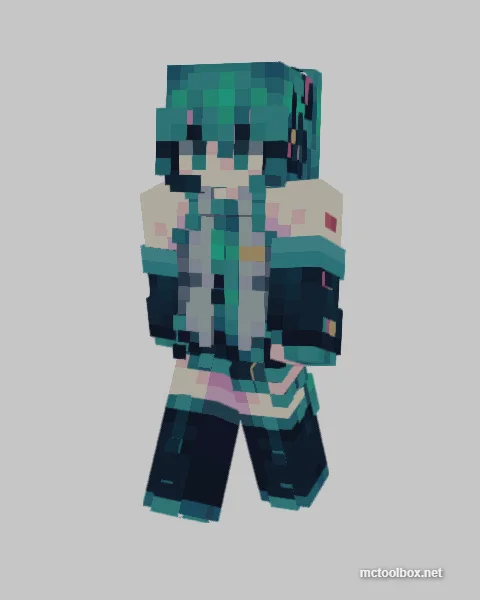
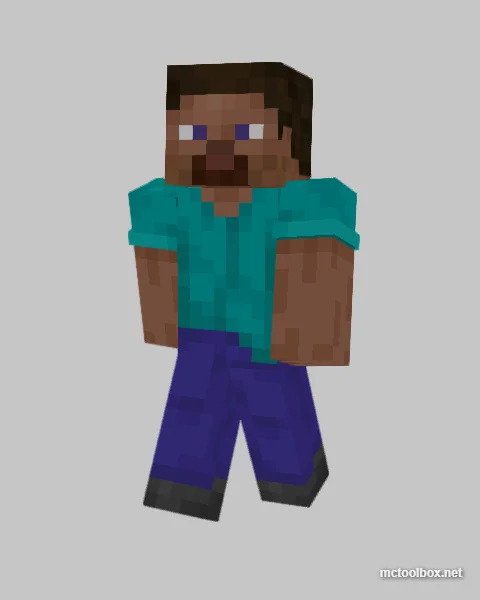
Alex is Minecraft's official slim-arm default character, identified by orange hair, a green shirt, brown trousers, and boots. The important technical difference is the arm width: Alex uses three-pixel-wide arms rather than Steve's four-pixel classic arms. That makes this official 64×64 PNG useful for players who want a ready-made slim model, need a dependable reference while creating their own skin, or simply prefer Alex's familiar vanilla appearance. The texture remains readable at Minecraft scale, while the 3D preview reveals how the hair, sleeves, torso, and outer layers continue around the full player model. For a straightforward default look, download the PNG unchanged and select Slim during import. For an edit, Alex is a good foundation for changing the shirt palette, adding a hoodie, creating a uniform, or adjusting hair details while keeping the proven body mapping. Preserve the transparent outer layer and the 64×64 canvas: enlarging the image, applying blur, or choosing the wrong body type can create arm gaps and mismatched pixels in game. Alex works through the usual skin selection flow on both Java Edition and Bedrock Edition. It is not just a nostalgic default; the slim layout remains one of the most useful clean templates for custom Minecraft skins. The clean green-and-brown palette also gives beginners obvious regions to modify, such as the shirt, boots, or hair, without touching every face at once. Review the arms in the live preview after each edit, since slim-model alignment is the one detail that flat skin sheets make hardest to judge. It also provides a reliable reference when you need to confirm that a modified design still fits the three-pixel slim-arm body without gaps. Use the original file as a visual control whenever an edited sleeve, hand, or outer jacket no longer lines up correctly.
Continue browsing