








Minecraft shader review
Vanilla Plus Shader 1.21 - 26.3
Authentic vanilla colors, dynamic sun shadows, volumetric 3D clouds, and subtle waving vegetation
Download FilesVanilla Plus by RRe36 enhances Minecraft with real-time dynamic shadows, 3D volumetric blocky clouds, and gentle plant waving while keeping the original game colors intact.
Shader Index9 sections
For players who love the classic aesthetic of Minecraft, choosing a shader pack often comes with an unwanted trade-off: most packs dramatically alter the game's color grading, wash out custom builds in intense orange sunset glows, or introduce heavy cinematic bloom. Vanilla Plus Shader, crafted by veteran shader developer RRe36 (also known for Nostalgia and Kappa shaders), takes a strictly purist approach. Its mission is simple: keep Mojang's exact vanilla color palette untouched while adding the modern visual depth of real-time shadows, volumetric clouds, and moving vegetation.
Because Vanilla Plus avoids aggressive color grading filters and heavy ray-traced global illumination, it runs exceptionally light on GPU resources while maintaining complete visual harmony with default resource packs. I tested Vanilla Plus v3.3 on Minecraft 26.3 using Fabric Loader 0.19.3, Iris 1.11.2, and Sodium 0.9.1. Every comparison slider in this review uses identical camera coordinates, time of day, and weather states across varied biomes.
True vanilla color preservation and dynamic sun shadows
Natural contact shadows without altering block hue, saturation, or sky blue
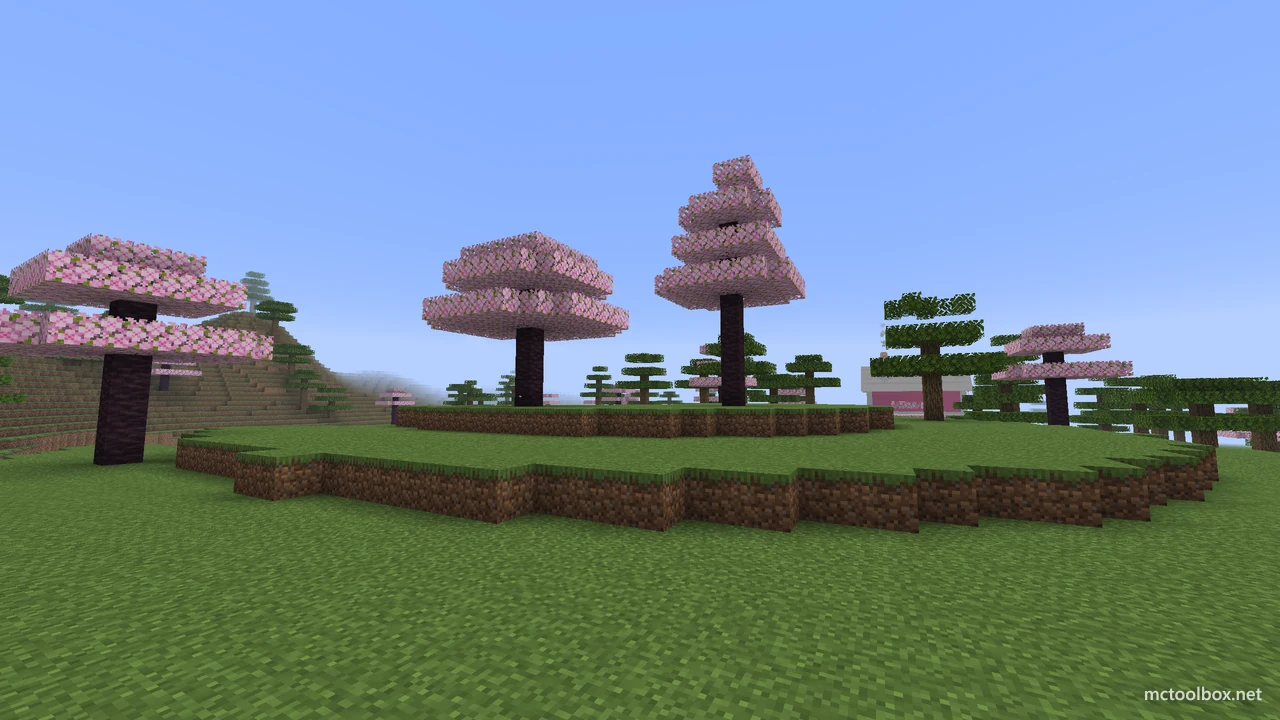
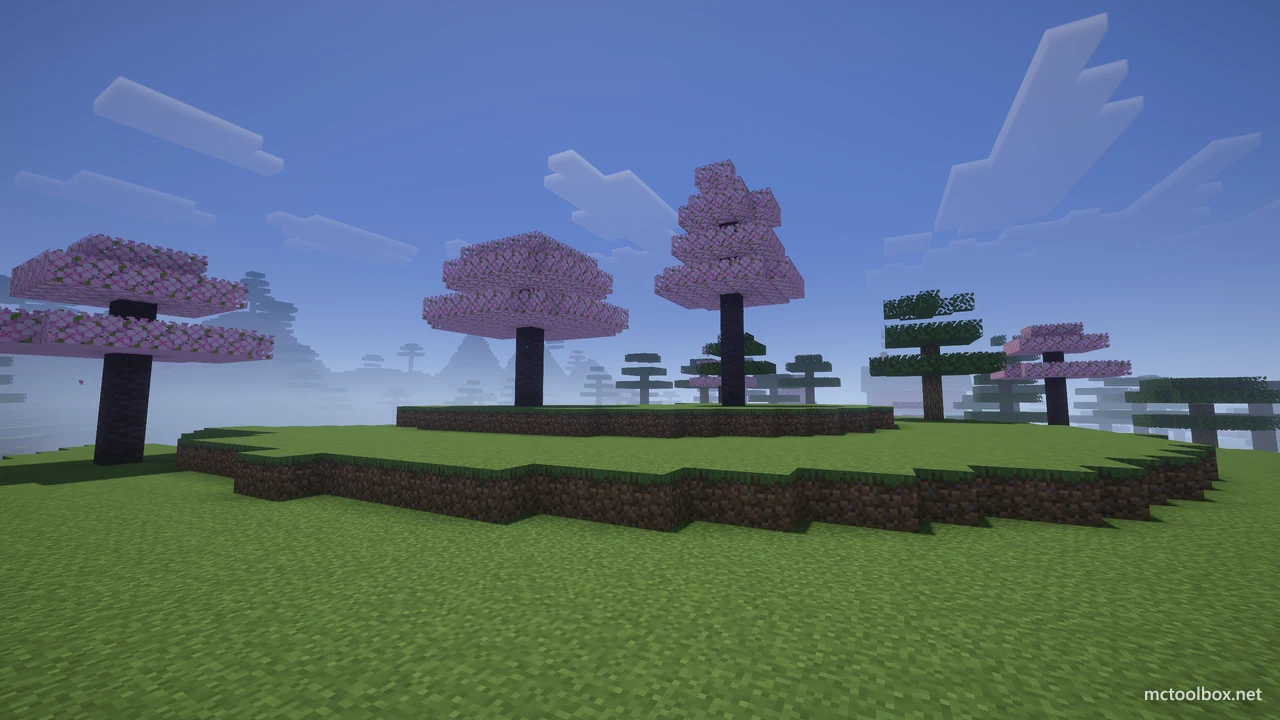
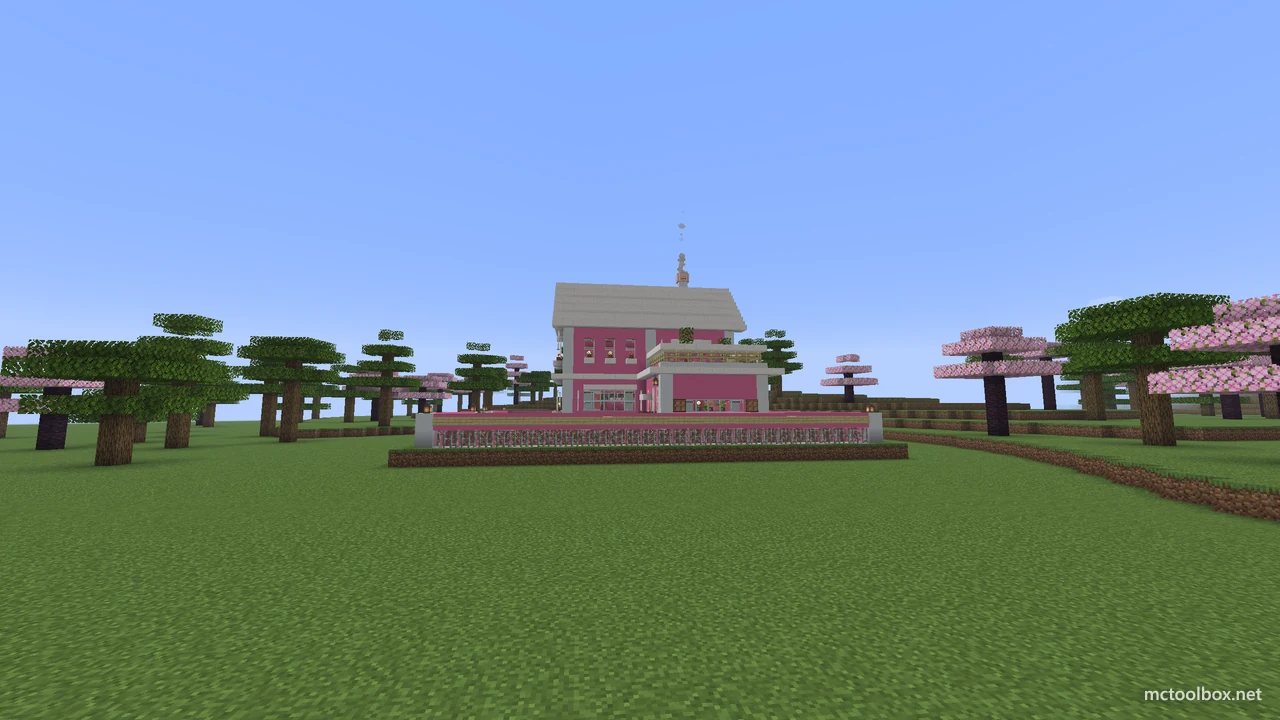
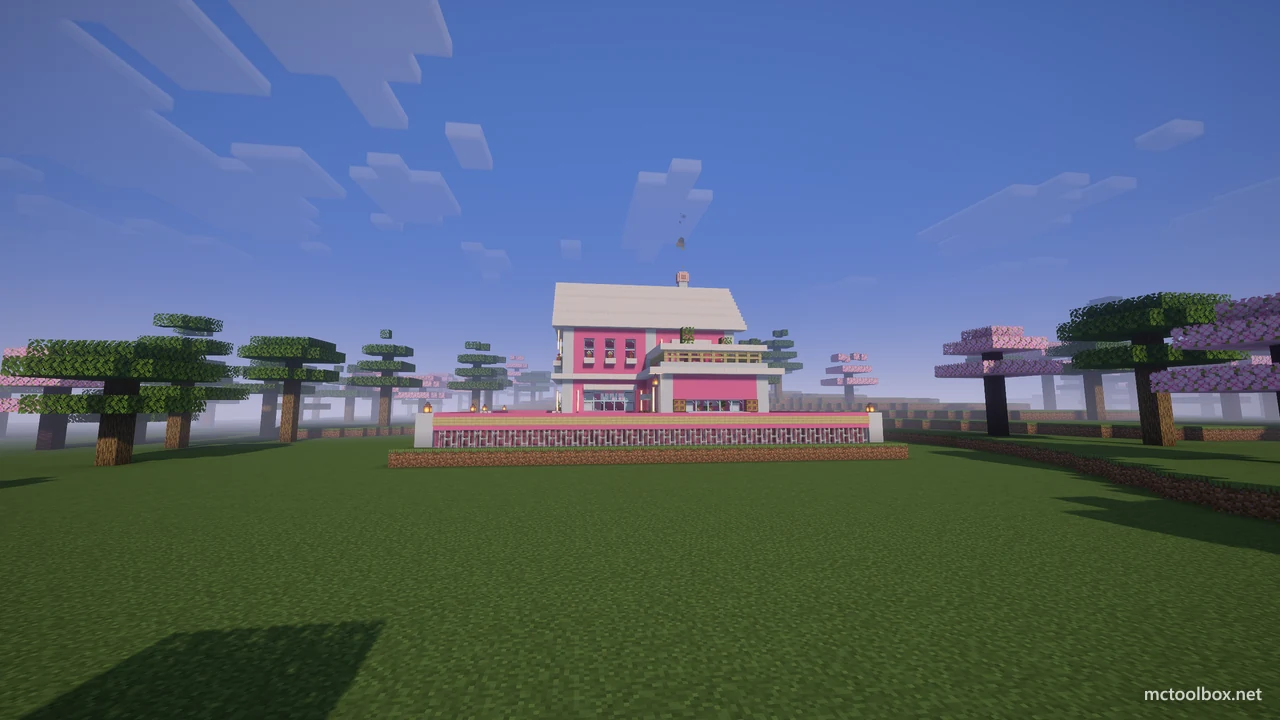
The standout trait of Vanilla Plus is color accuracy. When you build with pink cherry wood, deep green moss, or terracotta, the blocks retain their exact intended RGB shades under sunlight. Vanilla Plus does not force an artificial yellow tint over daytime scenes.
Instead, the visual enhancement comes entirely from geometry-aware lighting. Tree canopies, hillsides, and player builds cast crisp contact shadows across the terrain. Ambient occlusion in corners and beneath eaves gains natural depth, preventing large outdoor areas from looking flat while keeping default textures familiar.
Subtle water ripples and transparent shoreline visibility
Gentle wave motion that preserves underwater exploration
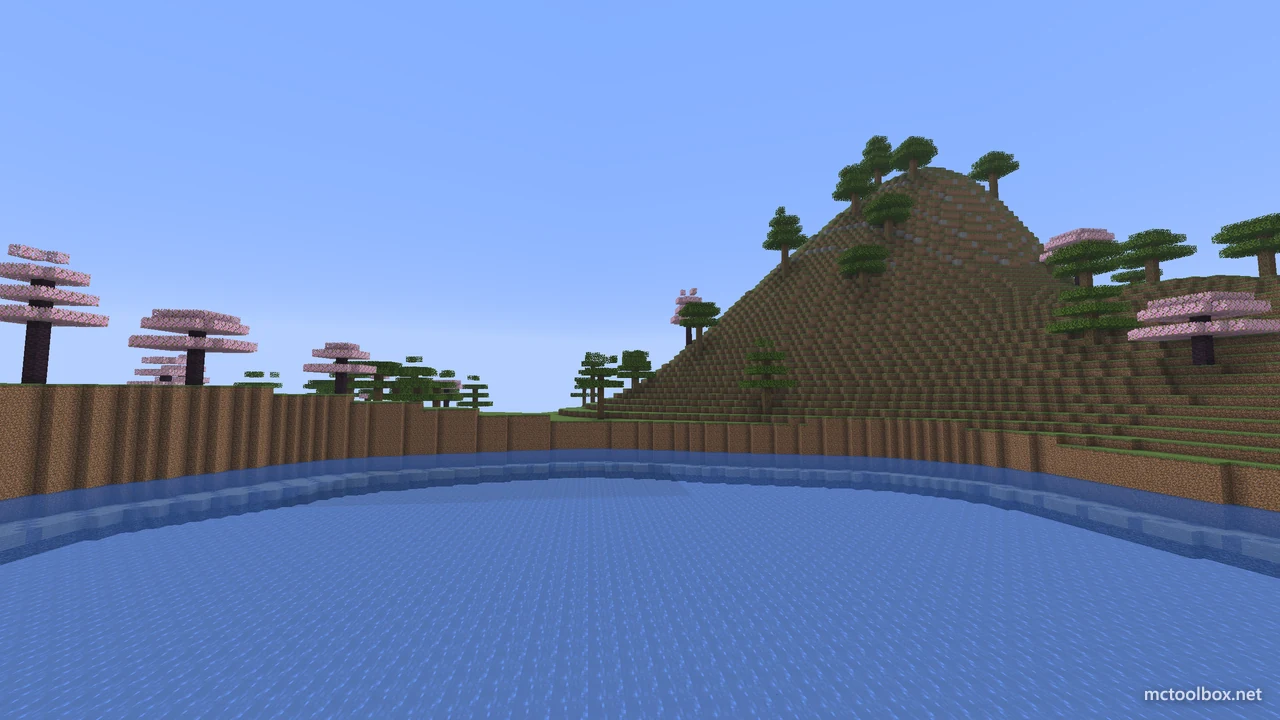
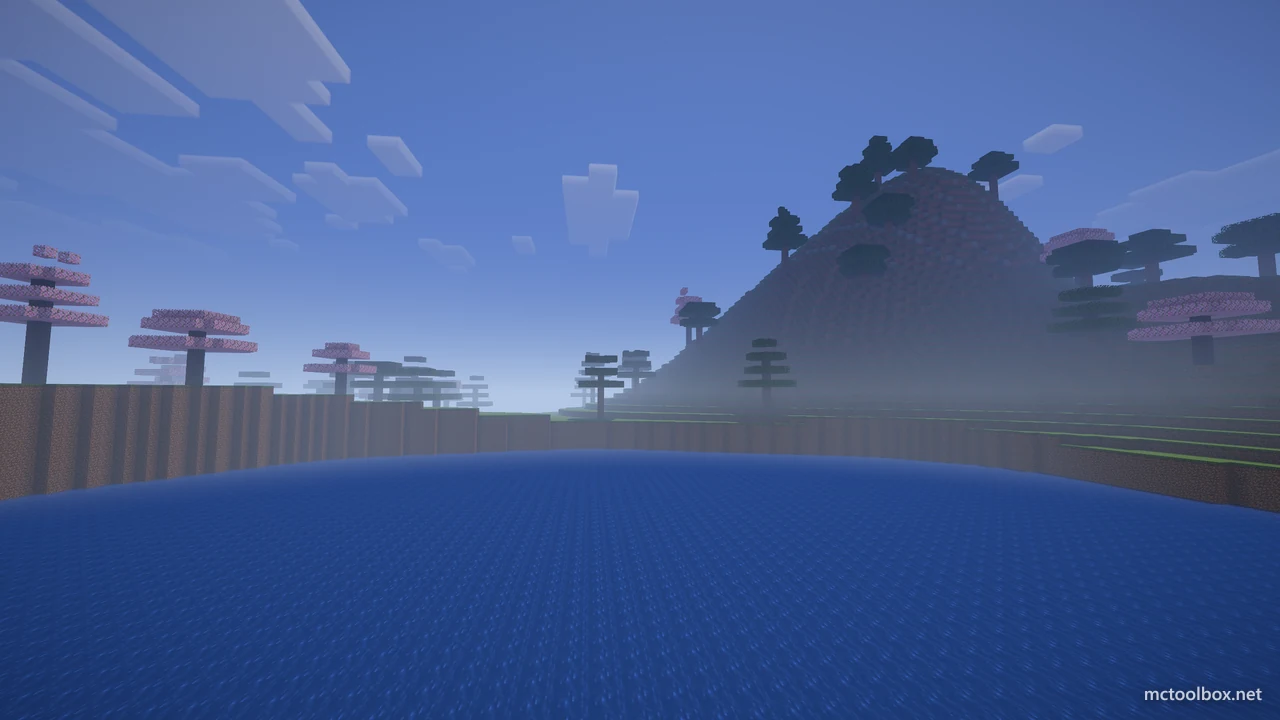
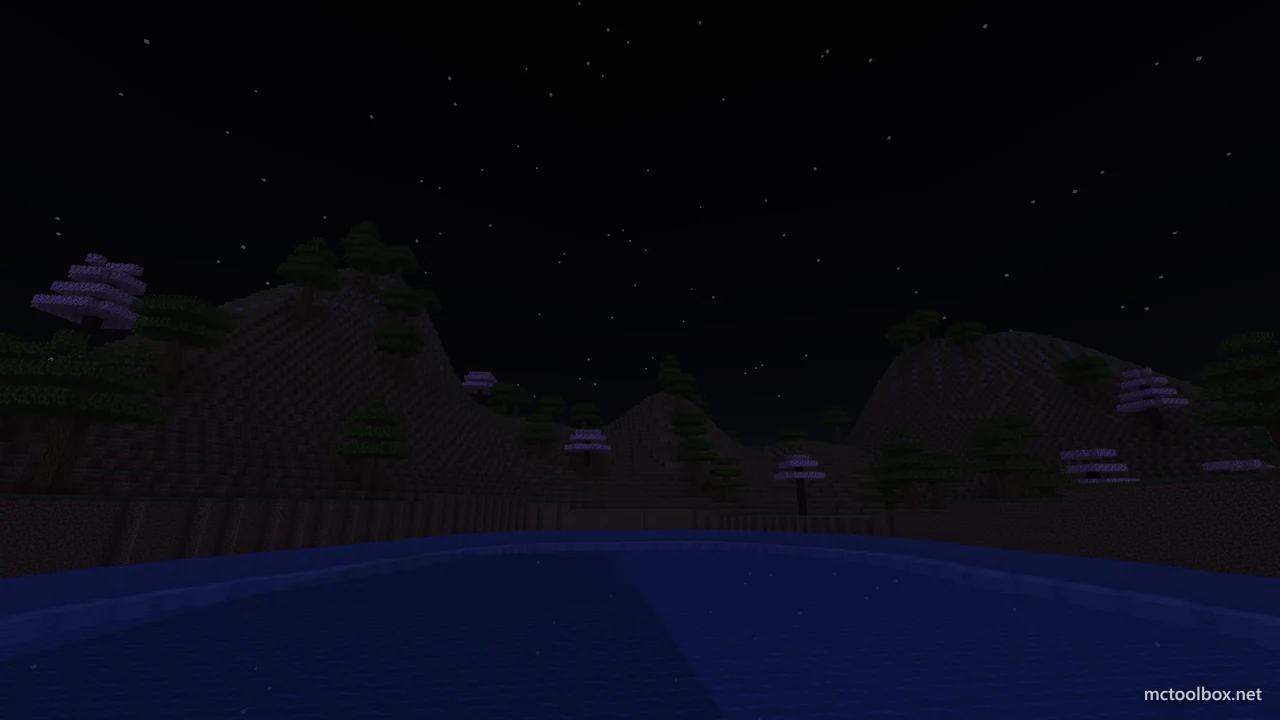
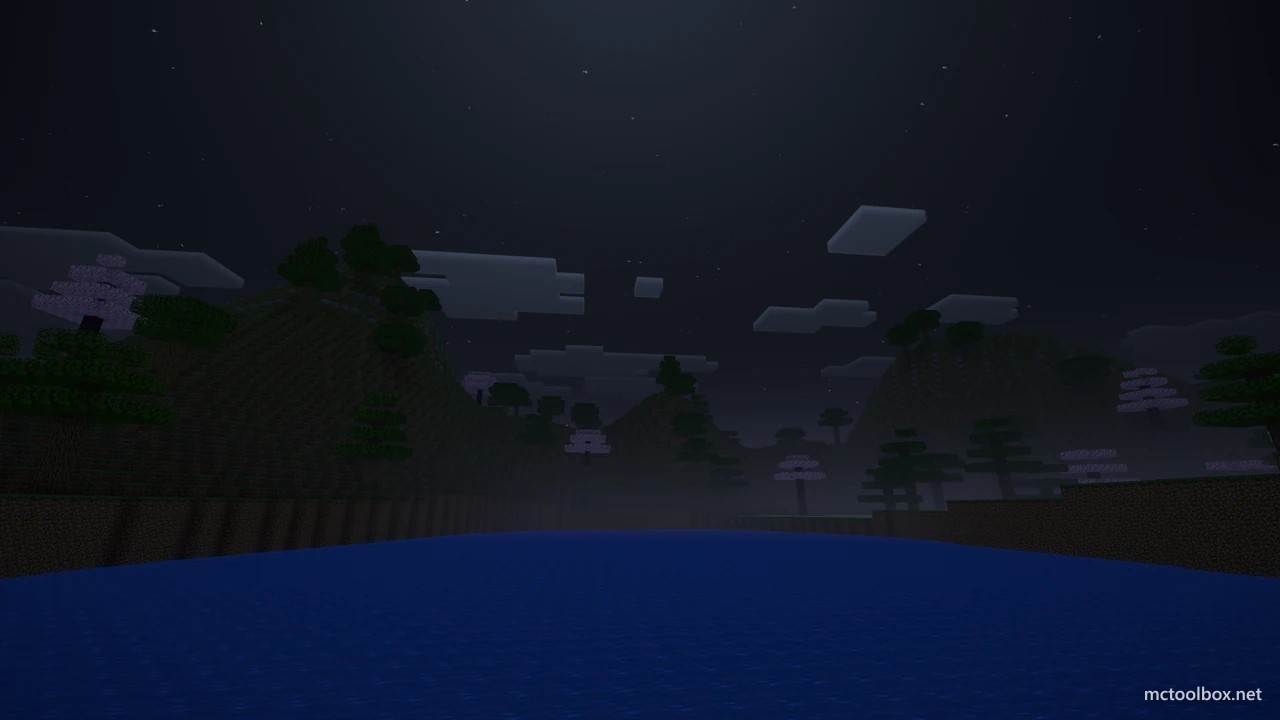
Water in Vanilla Plus stays true to the iconic blue tone of default Minecraft while adding fine wave displacement and soft sky reflections. It deliberately avoids opaque mirror surfaces that block your view of the seafloor.
Standing along a lake shore or sailing in a boat, you can easily inspect underwater gravel beds, submerged ruins, and sea life through the surface. The wave animation is subtle and periodic, providing a sense of gentle current without causing visual distraction during building projects.
Authentic sunset transitions and structural warmth
Soft golden hour light on facades without over-saturating building materials
During sunset, Vanilla Plus transitions smoothly from daytime brightness to twilight without washing the world in exaggerated red or purple haze. Sunlight gently warms white concrete, pink walls, and iron fences on modern builds like Casita Coquette.
Long low-angle shadows stretch across front lawns, while distant hills fade into a gentle atmospheric haze. Because lighting calculations remain grounded in vanilla mathematics, window glass and decorative lanterns remain clearly visible rather than getting lost in blinding bloom.
Clear starry nights and 3D volumetric cloud blocks
Readable survival night sky with authentic blocky cloud geometry
At night, Vanilla Plus delivers a clean, dark sky dotted with crisp stars and 3D volumetric cloud blocks that retain the classic Minecraft cubic shape. The volumetric clouds cast subtle ambient shadows on the terrain below, adding atmospheric variety as they drift across the moon.
Night visibility is tuned specifically for survival navigation. You can easily spot mob silhouettes against the horizon and navigate terrain without needing constant artificial lighting, while placed torches and lanterns provide warm focal points around base perimeters.
Measured performance and test environment
Real frame rates recorded on Minecraft 26.2 at 2K resolution
Vanilla Plus Test Environment & FPS Benchmarks
| Hardware / Software Spec | Observed Measurement |
|---|---|
| Minecraft Version | 26.3 (Java Edition) |
| Mod Loader | Fabric Loader 0.19.3 |
| Optimization Stack | Sodium 0.9.1 + Iris 1.11.2 |
| Shader Build | Vanilla Plus v3.3 |
| Render & Sim Distance | 10 Chunks / 6 Chunks |
| Resolution | 2560 x 1440 (2K native) |
| Vanilla Sodium Baseline | ~240 FPS average |
| Vanilla Plus Active FPS | ~180 - 205 FPS average (over 80% baseline retained!) |
Recommended settings for Vanilla Plus
How to customize volumetric clouds, waving vegetation, and shadows
Customization & Performance Settings
| Setting Option | Recommended Value | Visual & Performance Impact |
|---|---|---|
| Volumetric Clouds | Enabled (Vanilla Style) | Gives clouds real 3D block volume and subtle terrain shadows. |
| Waving Plants | Enabled (Low / Medium) | Adds gentle swaying motion to leaves, tall grass, and crops. |
| Shadow Quality | Medium (1024) | Casts clean contact shadows with maximum FPS retention. |
| Dynamic Handheld Light | Enabled | Torches and lanterns illuminate caves when held in hand. |
| Water Waves | Subtle | Keeps lake surfaces looking natural without excessive ripple distortion. |
How to install Vanilla Plus Shaders
Step-by-step setup with Fabric, Sodium, and Iris
- 1
Install Fabric & Fabric API
Download and run the official Fabric Installer for your Minecraft version, then place
fabric-api.jarinto your.minecraft/modsfolder. - 2
Add Sodium and Iris Shaders
Download compatible versions of Sodium and Iris Shaders from Modrinth and place both JAR files in
.minecraft/mods. - 3
Download Vanilla Plus
Download
VanillaPlus_v3.3.zipfrom the official Modrinth project page. Keep the file compressed as a ZIP. - 4
Move to Shaderpacks
Drop
VanillaPlus.zipdirectly into your.minecraft/shaderpacksdirectory. - 5
Enable In-Game
Launch Minecraft, open Options -> Video Settings -> Shader Packs, select Vanilla Plus from the menu, and click Apply.
Who should choose Vanilla Plus Shader?
The ideal pack for builders, purists, and high-FPS survival
If your goal is to enhance Minecraft without altering its fundamental character, Vanilla Plus Shader is an outstanding choice. It respects your block palette, preserves default lighting color values, and adds just enough shadow and atmospheric depth to make the world feel alive.
Combined with its lightweight performance profile that easily maintains over 180 FPS on mid-range hardware, Vanilla Plus delivers the cleanest, most authentic vanilla-faithful shader experience available.
Test setup and performance
| minecraft Version | 26.3 |
|---|---|
| shader Version | v3.3 |
| loader | Fabric + Iris + Sodium |
| loader Version | Fabric Loader 0.19.3 / Iris 1.11.2 / Sodium 0.9.1 |
| gpu | NVIDIA GeForce RTX / GTX / Modern GPU |
| cpu | Modern Multi-Core Processor |
| ram | 16 GB system RAM |
| render Distance | 10 chunks; simulation distance 6 chunks |
| preset | Vanilla Plus default profile with 3D clouds |
Questions and compatibility
Does Vanilla Plus change block texture colors?
No. Vanilla Plus is specifically engineered to preserve default vanilla RGB block colors and saturation without applying tint filters.
Does Vanilla Plus work on both Iris and OptiFine?
Yes. Vanilla Plus supports both Iris Shaders and OptiFine, though Iris + Sodium is recommended for superior frame rates and stability.
Can I customize or turn off the waving leaves and grass?
Yes. In Video Settings -> Shader Packs -> Shader Pack Settings -> Animations, you can toggle waving vegetation on, off, or adjust the waving speed.
How does Vanilla Plus perform compared to heavy shader packs?
Vanilla Plus retains over 80% of vanilla Sodium frame rates, making it significantly faster and less demanding than heavy cinematic packs.
Does Vanilla Plus work on multiplayer servers?
Yes. Vanilla Plus operates purely client-side on your local graphics card, allowing you to join any server or Realm without issues.
Download links
We do not host Minecraft shader files directly. Download links go to the creator's official project pages.
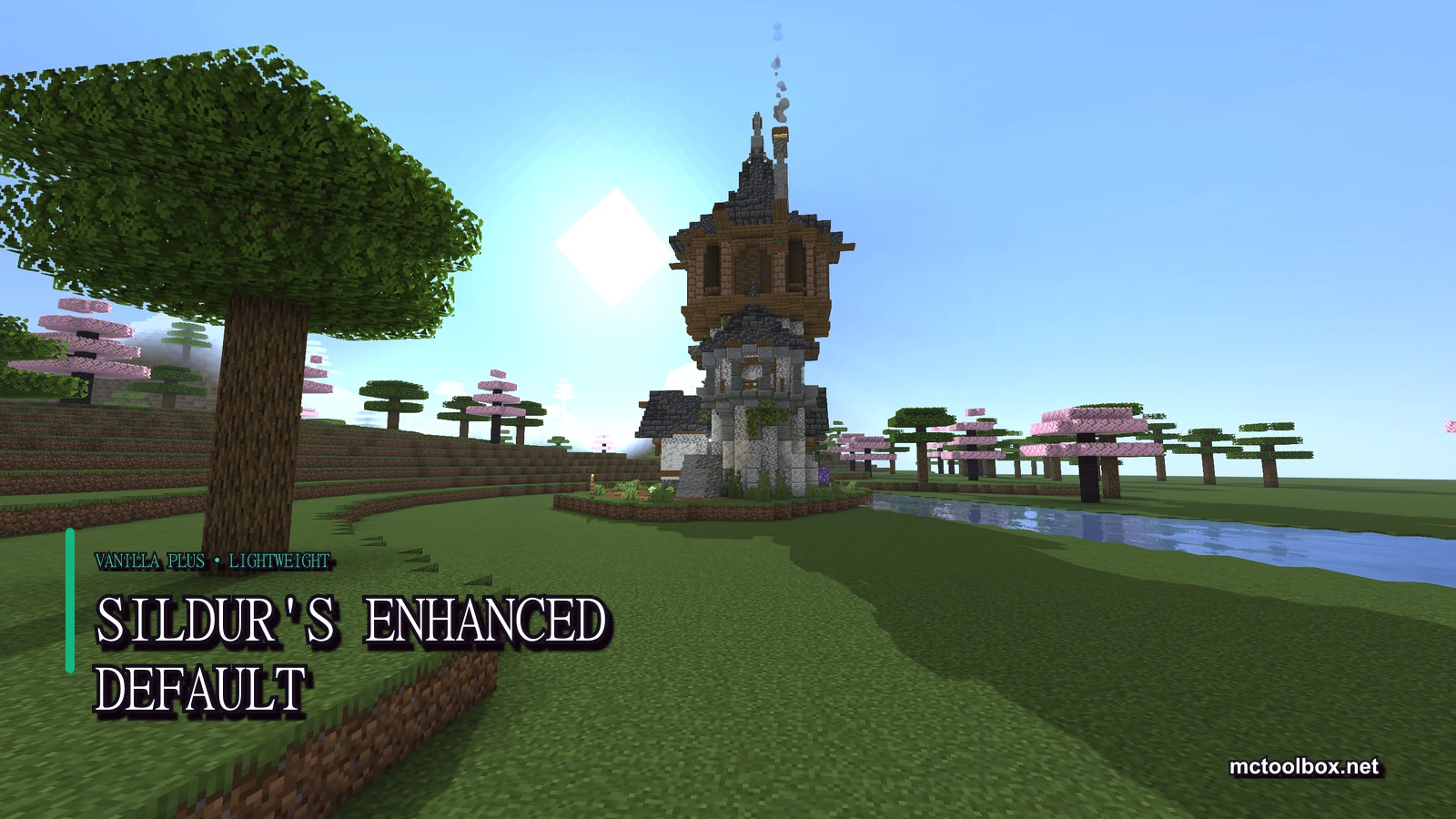
Sildur's Enhanced Default 1.20 - 26.3
Sildur's Enhanced Default by SildurFX upgrades Minecraft's lighting with real-time shadows and water reflections while preserving the game's original color palette and delivering exceptional framerates.
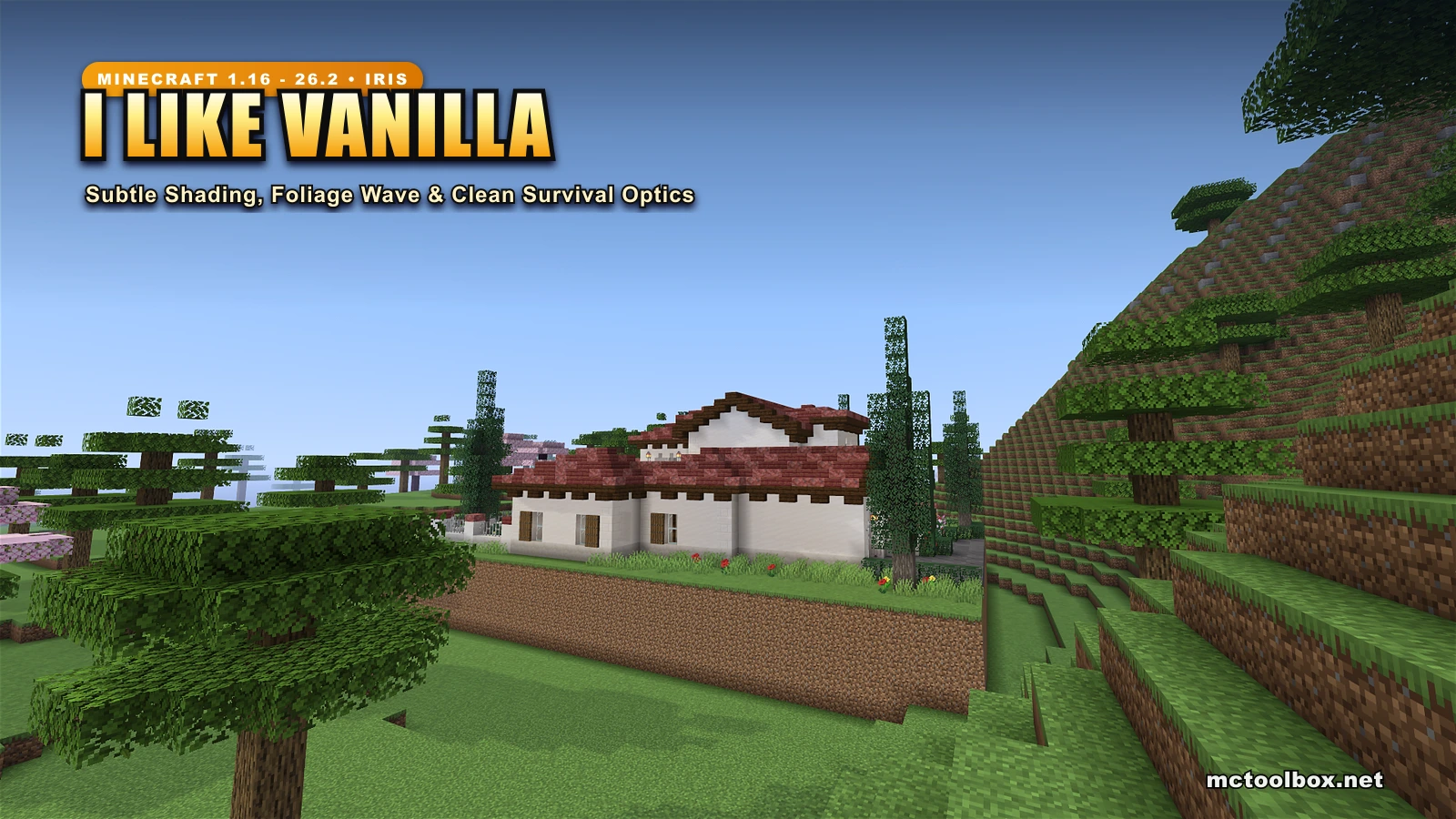
I Like Vanilla Shaders 1.16 - 26.3
I Like Vanilla by What42Pizza enhances Minecraft with subtle waving plants, clear water caustics, and soft ambient lighting while preserving the classic blocky art style.
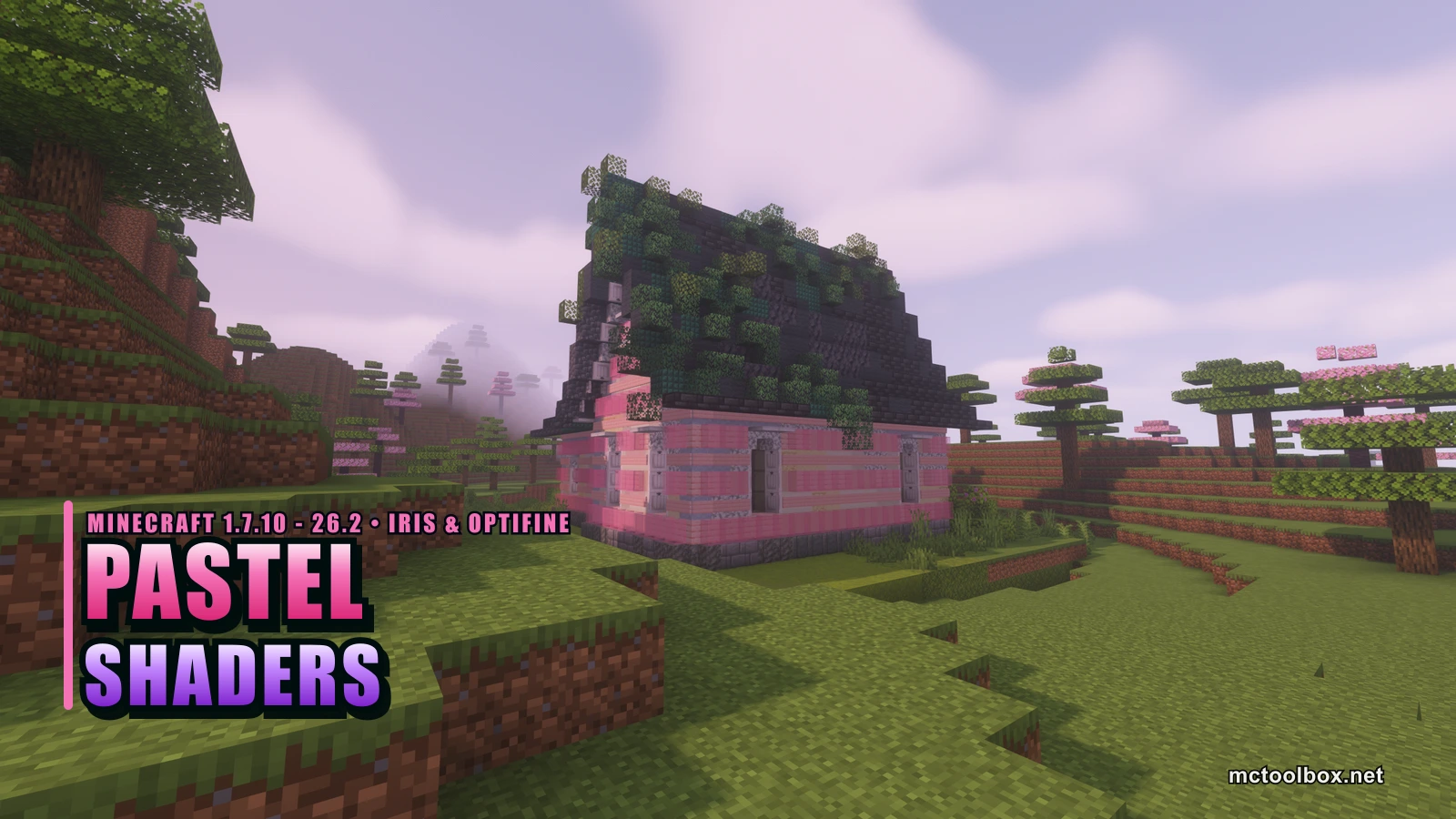
Pastel Shaders 1.7.10 - 26.3
Pastel Shaders turns harsh Minecraft lighting into a soft storybook world with customizable color palettes, gentle shadows, and outstanding frame rates.