








Minecraft shader review
Sildur's Enhanced Default 1.20 - 26.3
Pure vanilla aesthetics elevated with lightweight dynamic shadows, crisp reflections, and effortless 150+ FPS by SildurFX
Download FilesSildur's Enhanced Default by SildurFX upgrades Minecraft's lighting with real-time shadows and water reflections while preserving the game's original color palette and delivering exceptional framerates.
Shader Index8 sections
Subtle shadow mapping and readable water surfaces allow Sildur's Enhanced Default to improve depth without altering core block colors. It operates as a clean graphics layer for players who want authentic vanilla saturation alongside dynamic lighting.
Sildur's Enhanced Default, created by SildurFX with over 15 million combined downloads, takes the opposite approach. Instead of redesigning the game's look, it asks a simpler question: What if vanilla Minecraft simply had proper dynamic shadows and subtle water reflections?
By keeping Minecraft's authentic skybox, block saturation, and clear visibility intact, Enhanced Default offers one of the most comfortable, distraction-free shader experiences available. We loaded version 1.19 into our isolated Minecraft 26.3 test environment on Fabric with Iris and Sodium to evaluate its visual balance and performance.
Authentic daytime lighting: shadows without color distortion
How Enhanced Default adds depth while preserving true block saturation
The defining strength of Enhanced Default is its restraint. Where heavy cinematic shaders coat grass in warm amber washes and tint stone in deep cool blues, Sildur's pack leaves vanilla texture colors untouched. A spruce log retains its familiar bark tone, and cherry blossom leaves maintain their pure pink hue.
Depth is introduced purely through real-time shadow projection. Sunlight passing through dense tree canopies casts sharp, natural shadow footprints on the terrain below, giving structures, terrain elevations, and foliage grounded dimension without darkening the overall scene.
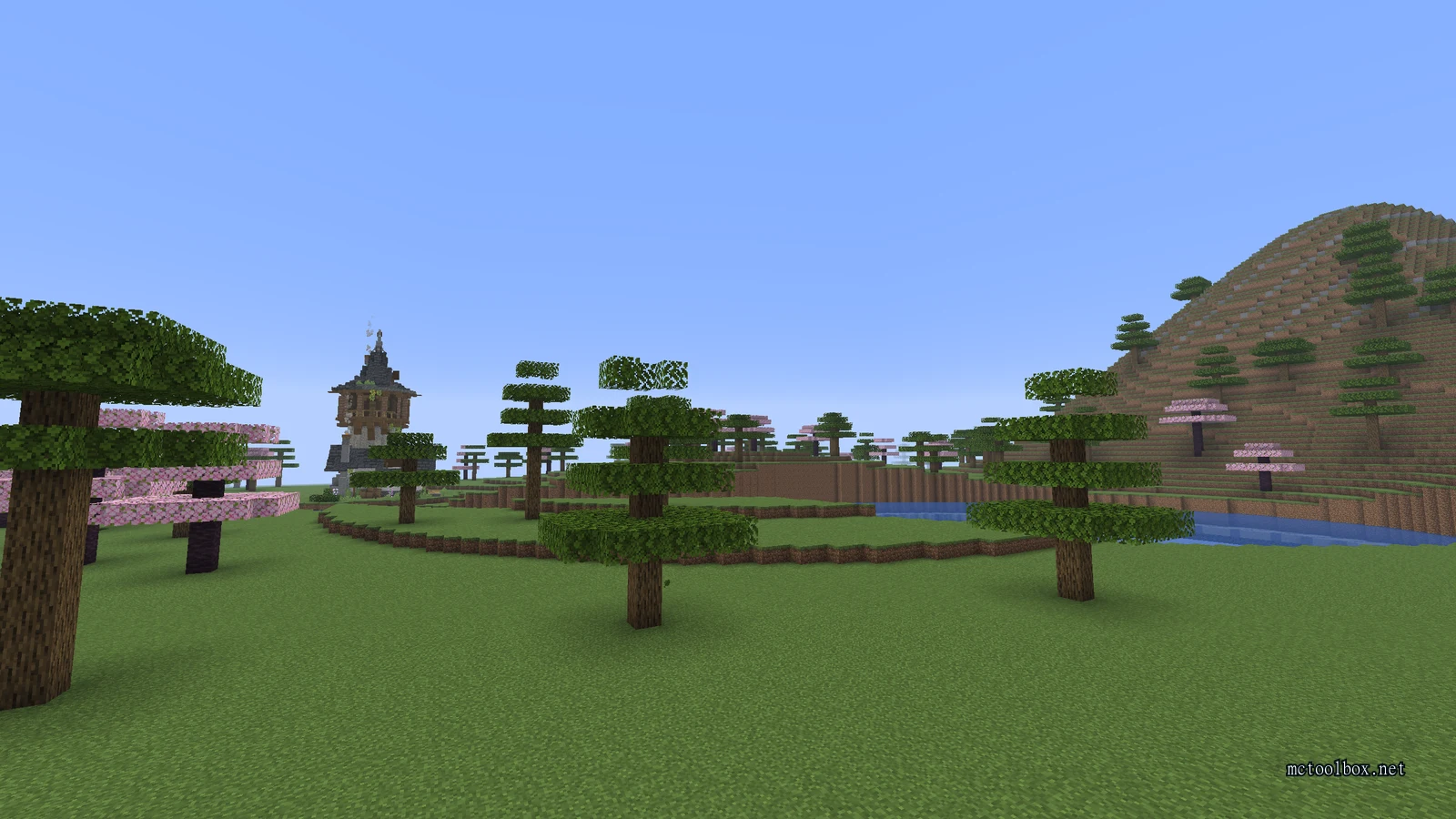
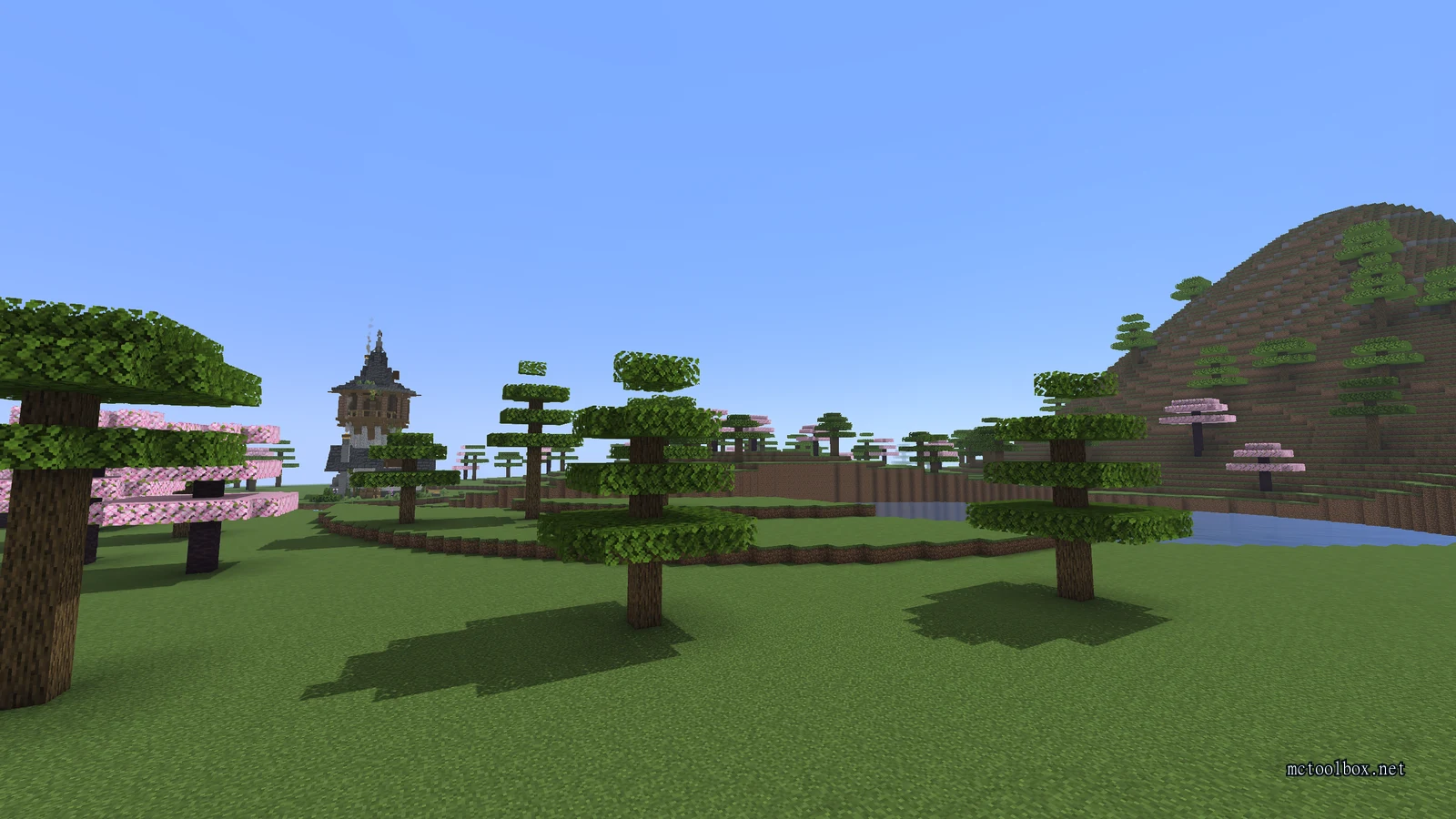
Subtle aquatic surface and terrain reflections
Transparent water rendering that keeps underwater gameplay readable
One frequent frustration with realistic shader water is opacity: dark, wavy oceans look great from a cliffside but make spotting underwater ruins, kelp, or shipwrecks difficult when swimming.
Enhanced Default solves this by keeping water surfaces clear and responsive to biome colors. On the Fancy profile, screen-space reflections subtly mirror surrounding shorelines, mountains, and the skybox onto lake surfaces, accompanied by a gentle surface ripple. Submerged blocks remain fully visible through the water column, making river navigation and underwater mining as straightforward as in unmodded Minecraft.
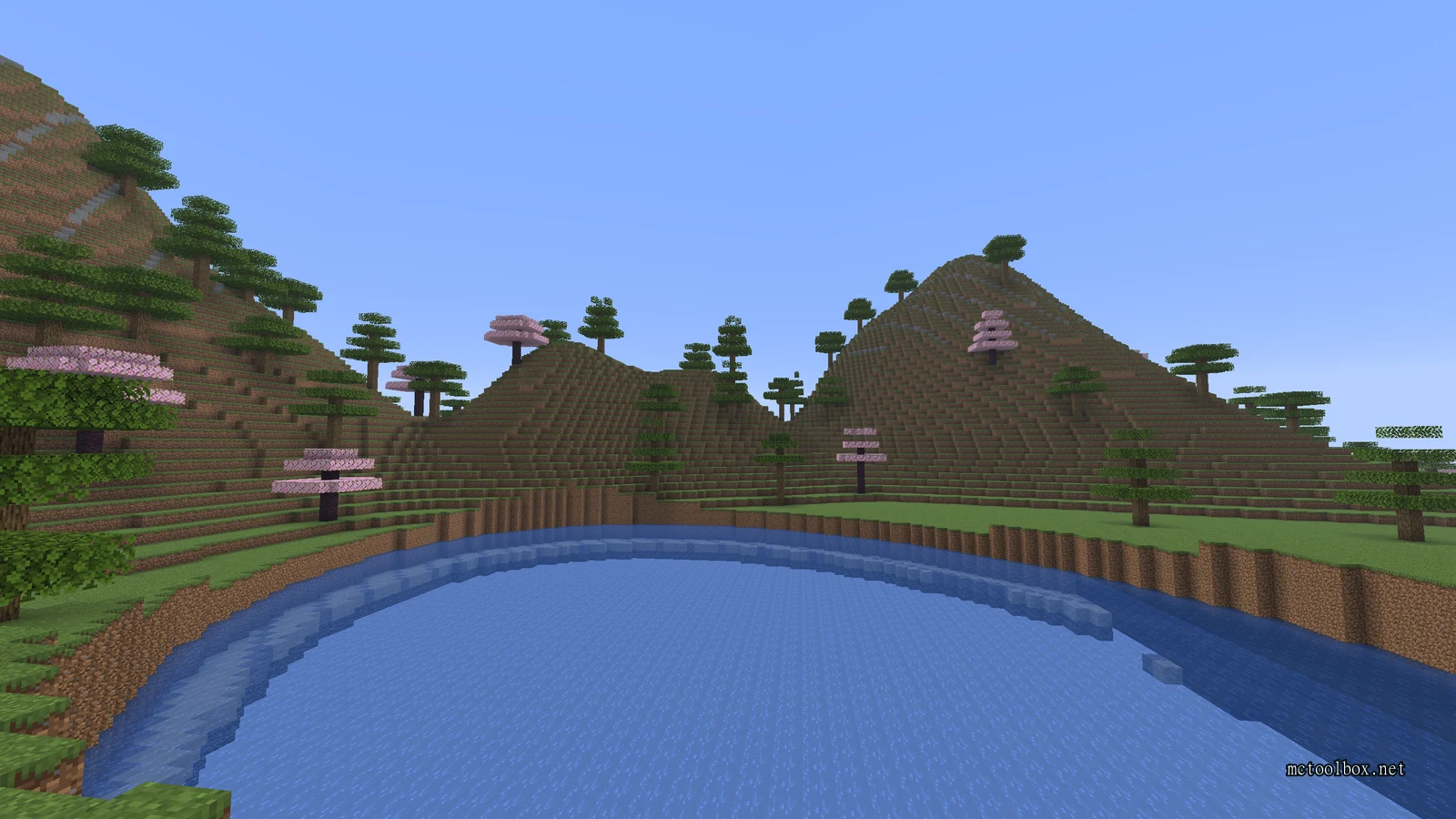
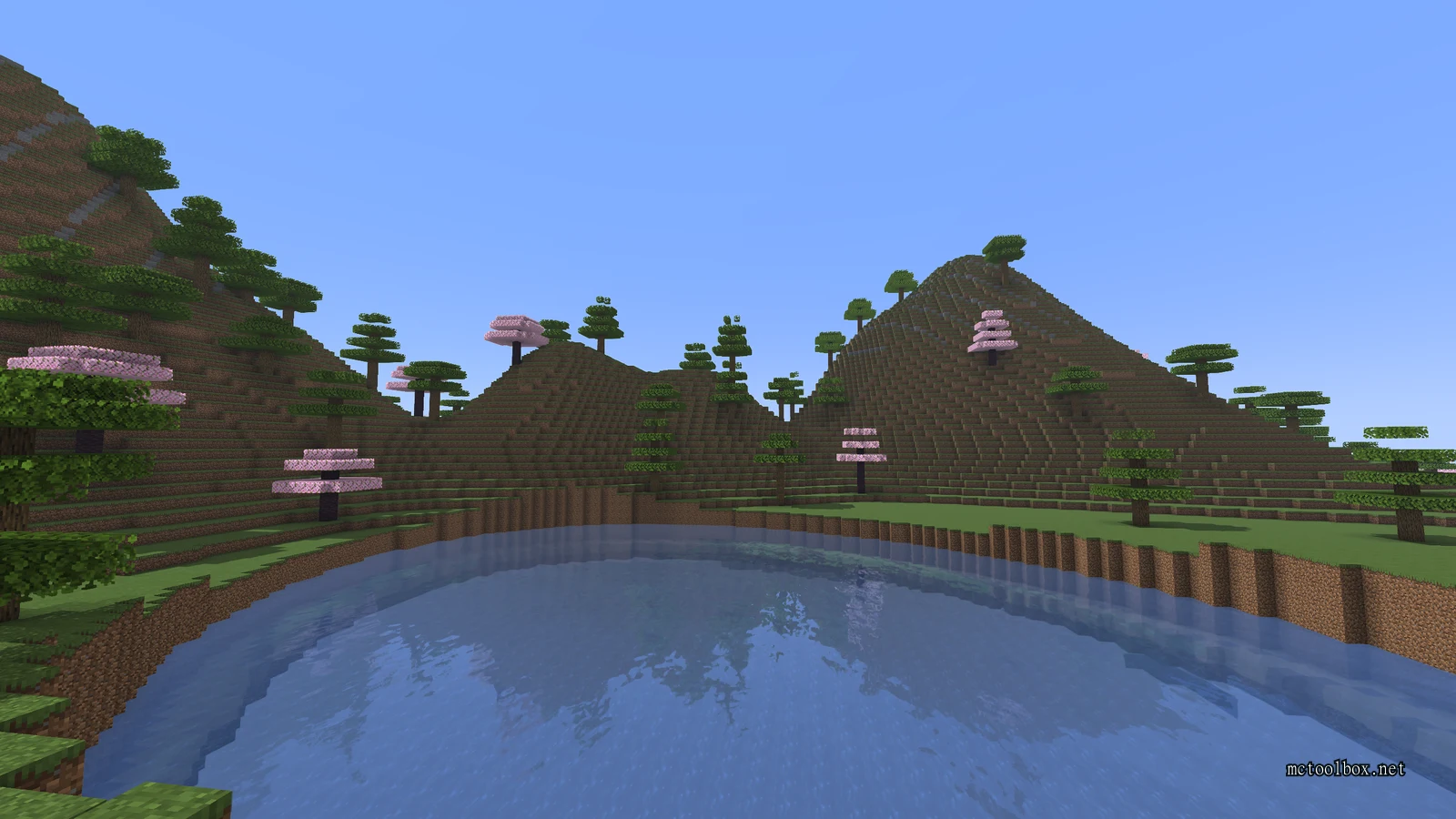
Warm sunset transitions and architectural shadows
Low-angle sunlight casting long diagonal shadows without oversaturating the sky
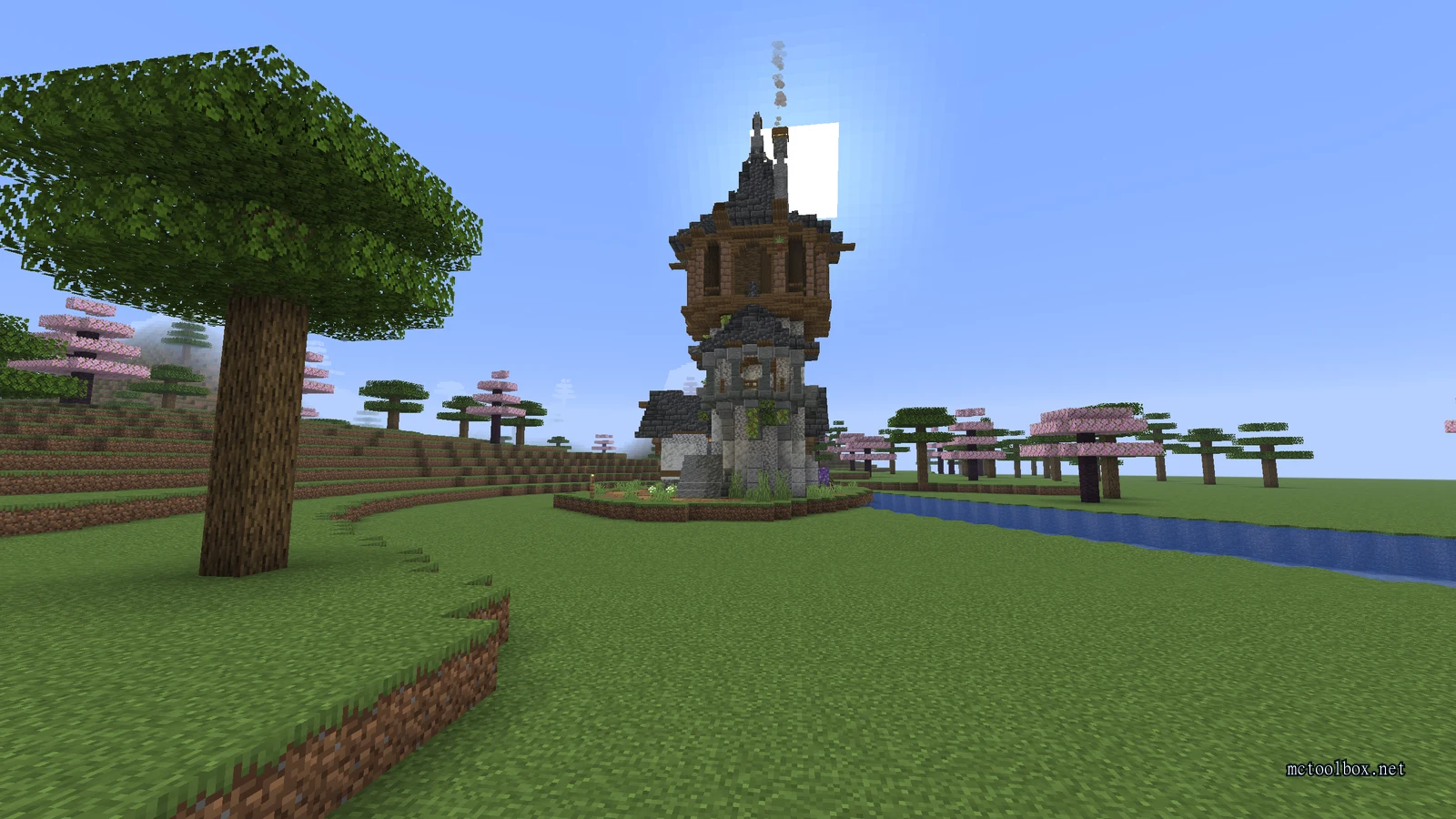
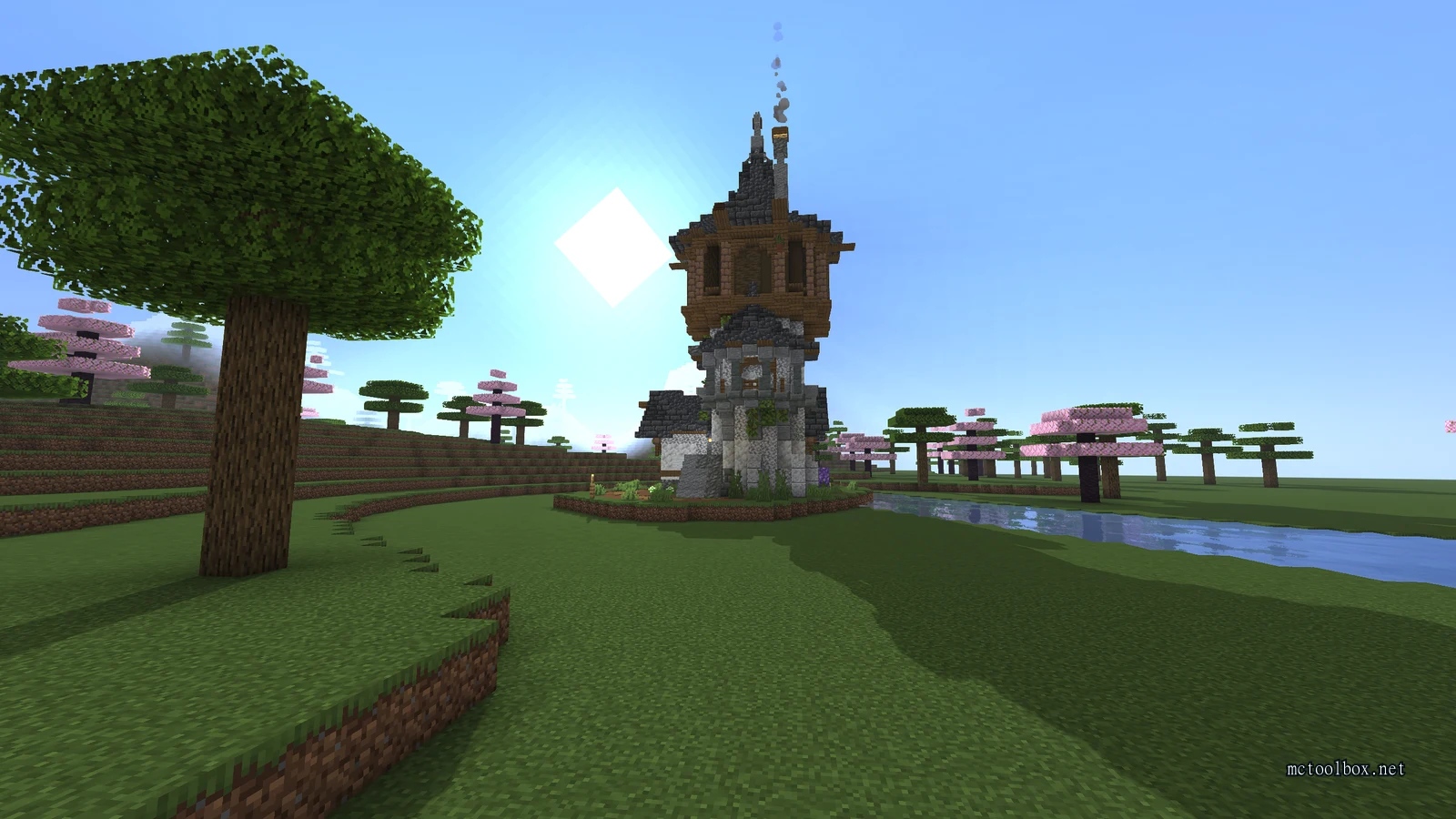
At dusk, many shaders aggressively wash the entire screen in neon orange or intense bloom that obscures details. Enhanced Default keeps the transition gentle: the square sun descends with a soft glow, projecting long diagonal shadows across stone towers, timber roofs, and waterways without compromising block visibility.
Survival-friendly nights and cave navigation
Preserving essential visibility for hostile mob tracking and exploration
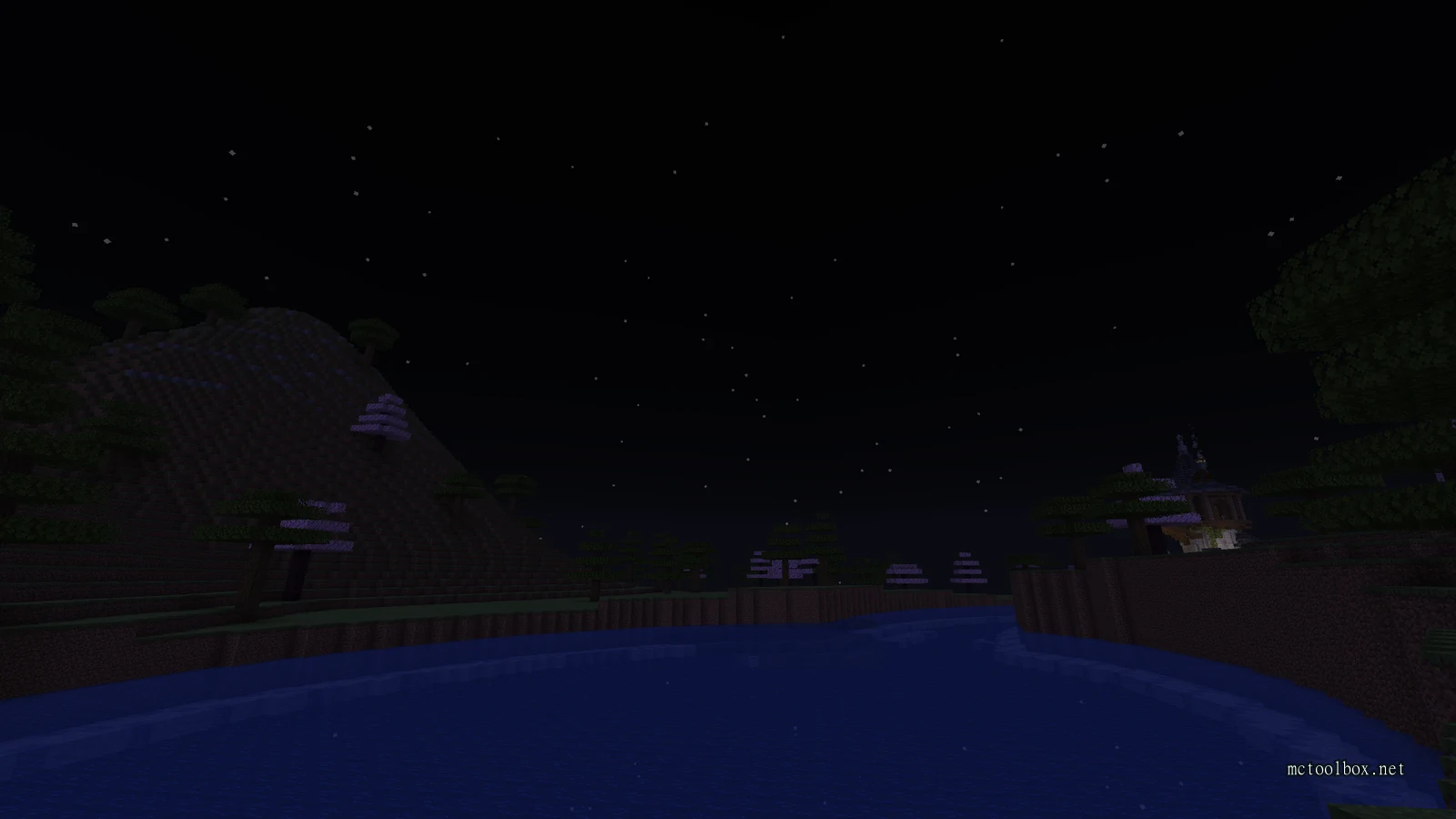
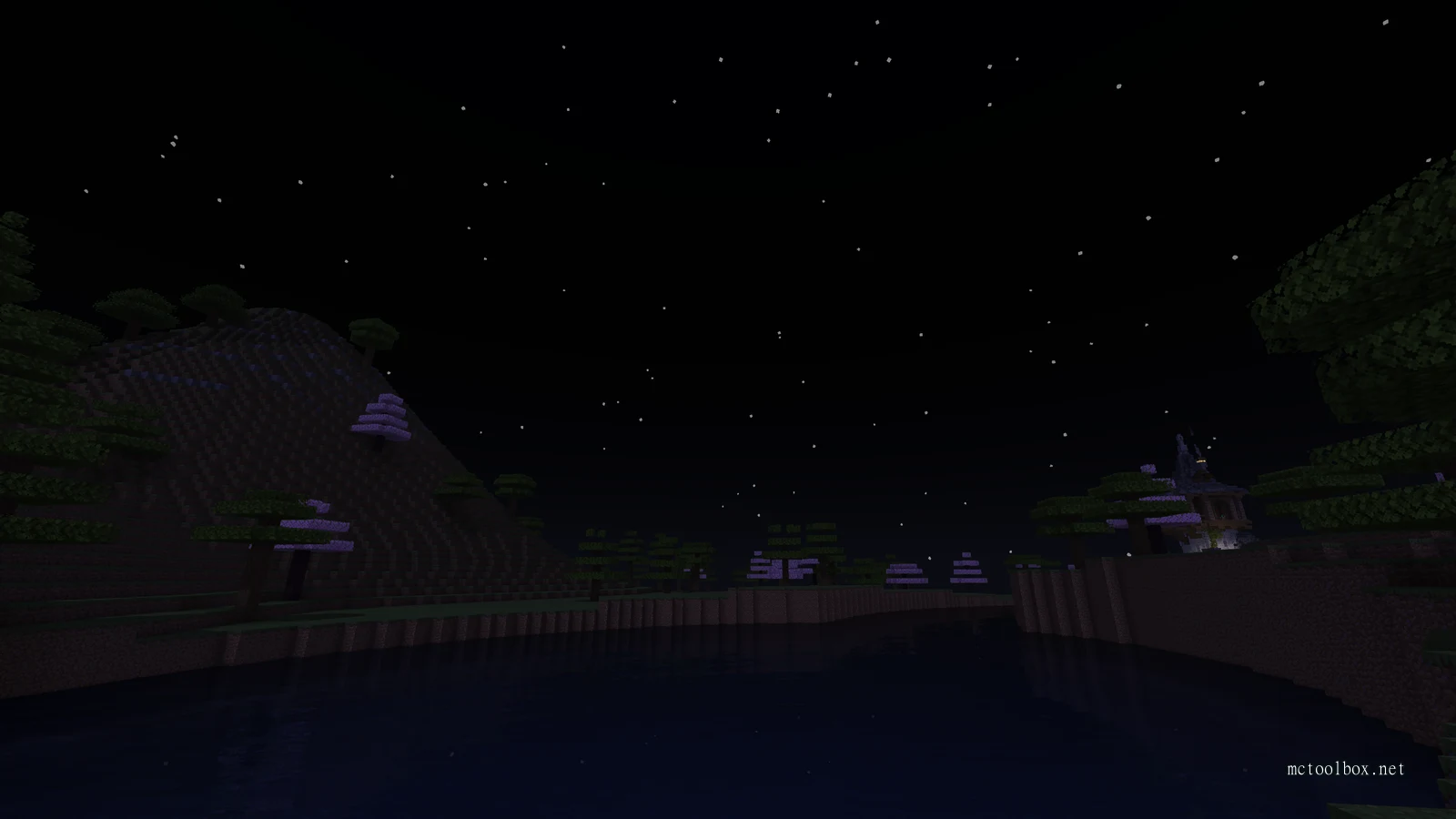
Many shaders make nighttime pitch-black, forcing players to spam torches every few paces or risk complete blindness. Enhanced Default preserves Minecraft's gentle ambient moonlight, ensuring hostile mobs, cliffs, and shelter outlines remain legible across wide distances.
Torches, lanterns, and campfire lighting cast warm local glow without washing out surrounding details, providing comfortable visibility whether you are navigating deep underground ravine systems or patrolling base perimeters after dark.
Profile presets and unique customization options
Fast vs Fancy modes, waving vegetation, and optional cel-shading outlines
The shader pack ships with two primary presets accessible in your video settings:
- Fast Preset: Focuses strictly on essential dynamic shadow mapping. It disables screen-space water reflections and colored glass shadows, maximizing framerate for entry-level GPUs and integrated graphics.
- Fancy Preset: Enables full screen-space reflections on water and translucent blocks, colored light filtering through stained glass and ice, and subtle depth of field.
Beyond the default profiles, SildurFX includes several thoughtful configuration toggles. You can toggle gentle waving animations for leaves, tall grass, crops, and lily pads, or enable Cel-Shading under Shader Options -> Misc, which outlines block edges and mobs in thin comic-book borders for a playful graphic novel look.
Benchmark results and hardware compatibility
Measured frame rates across 2560x1440 resolution on modern Fabric setups
We tested Sildur's Enhanced Default v1.19 in an isolated render environment running Minecraft 26.3 at native 2560×1440 resolution with a 12-chunk render distance. Thanks to its lightweight shader pipeline, the pack retains over 60% of unshaded Sodium performance, making it one of the easiest shader packs to maintain high refresh rates with.
| Specification / Benchmark | Observed Value |
|---|---|
| Minecraft Version | 26.3 |
| Mod Loader | Fabric 0.19.3 |
| Optimization Engine | Sodium 0.9.1 |
| Shader Pipeline | Iris 1.11.2 |
| Shader Version | Sildur's Enhanced Default v1.19 |
| Active Preset | Fancy (Reflections & Shadows ON) |
| Resolution & Render Distance | 2560×1440 (2K Native), 12 Chunks |
| Vanilla + Sodium Baseline | ~245 - 260 FPS |
| Enhanced Default (Fancy) | ~155 - 168 FPS |
| Enhanced Default (Fast) | ~180 - 195 FPS |
How to install Sildur's Enhanced Default on Iris and OptiFine
Step-by-step setup for modern Fabric, NeoForge, and legacy setups
Installing Sildur's Enhanced Default takes less than a minute. For best performance, we recommend the modern Fabric stack with Iris and Sodium:
- Download and install the Fabric Loader for your Minecraft version.
- Place Iris, Sodium, and Fabric API into your
.minecraft/modsfolder. - Download the official
Sildur's Enhanced Default v1.19 Fancy.zip(or Fast) from Modrinth. - Place the downloaded
.zipfile directly into your.minecraft/shaderpacksfolder without extracting it. - Launch Minecraft, open Options → Video Settings → Shader Packs, select Sildur's Enhanced Default, and click Apply.
Download links
We do not host Minecraft shader files directly. Download links go to the creator's official project pages.
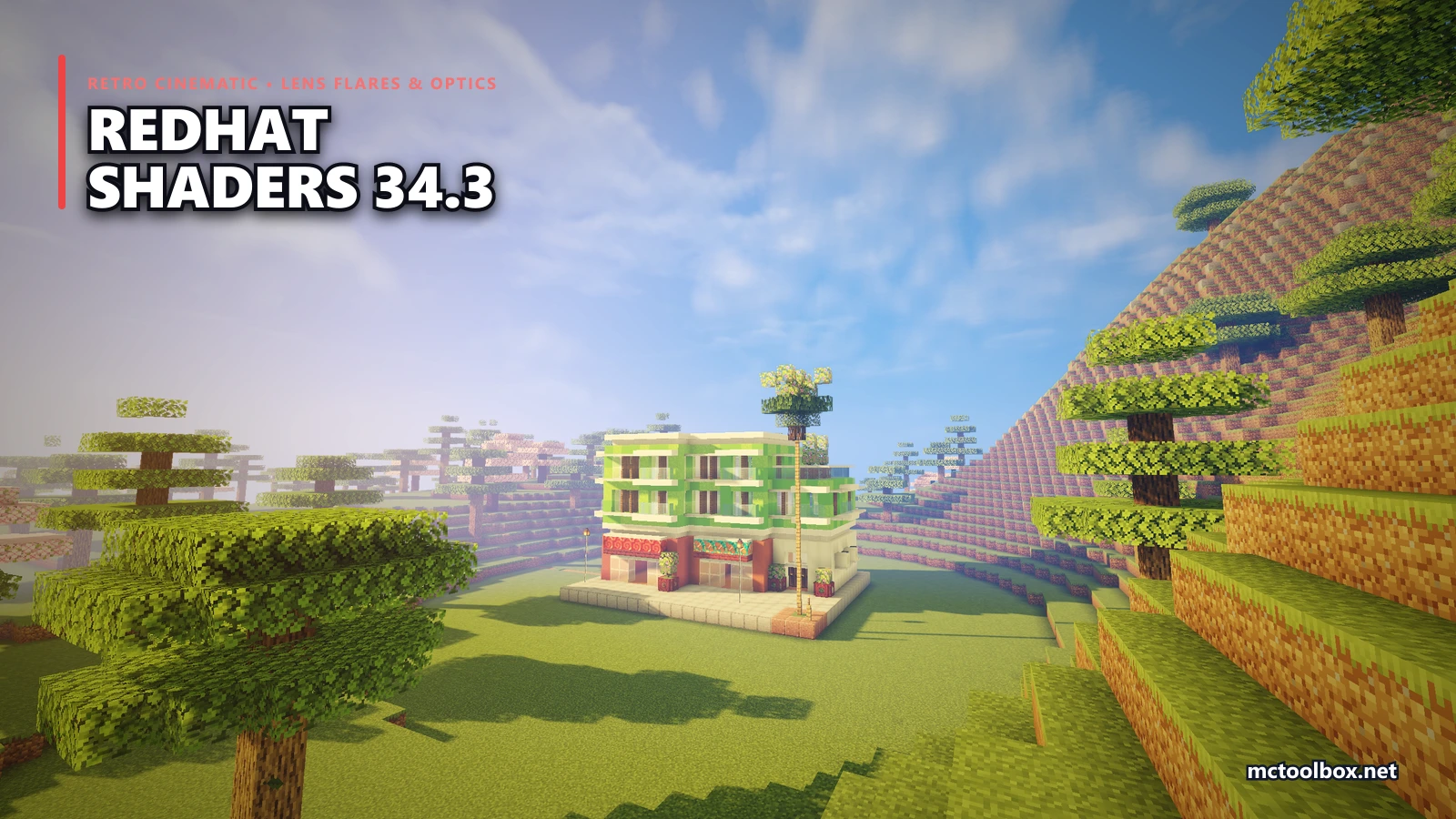
RedHat Shaders 34.3 for Minecraft 26.3
RedHat Shaders by MorganFreeguy delivers a vintage cinematic aesthetic featuring anamorphic lens flares, autumn warmth, dynamic cloud physics, and glassy river reflections.
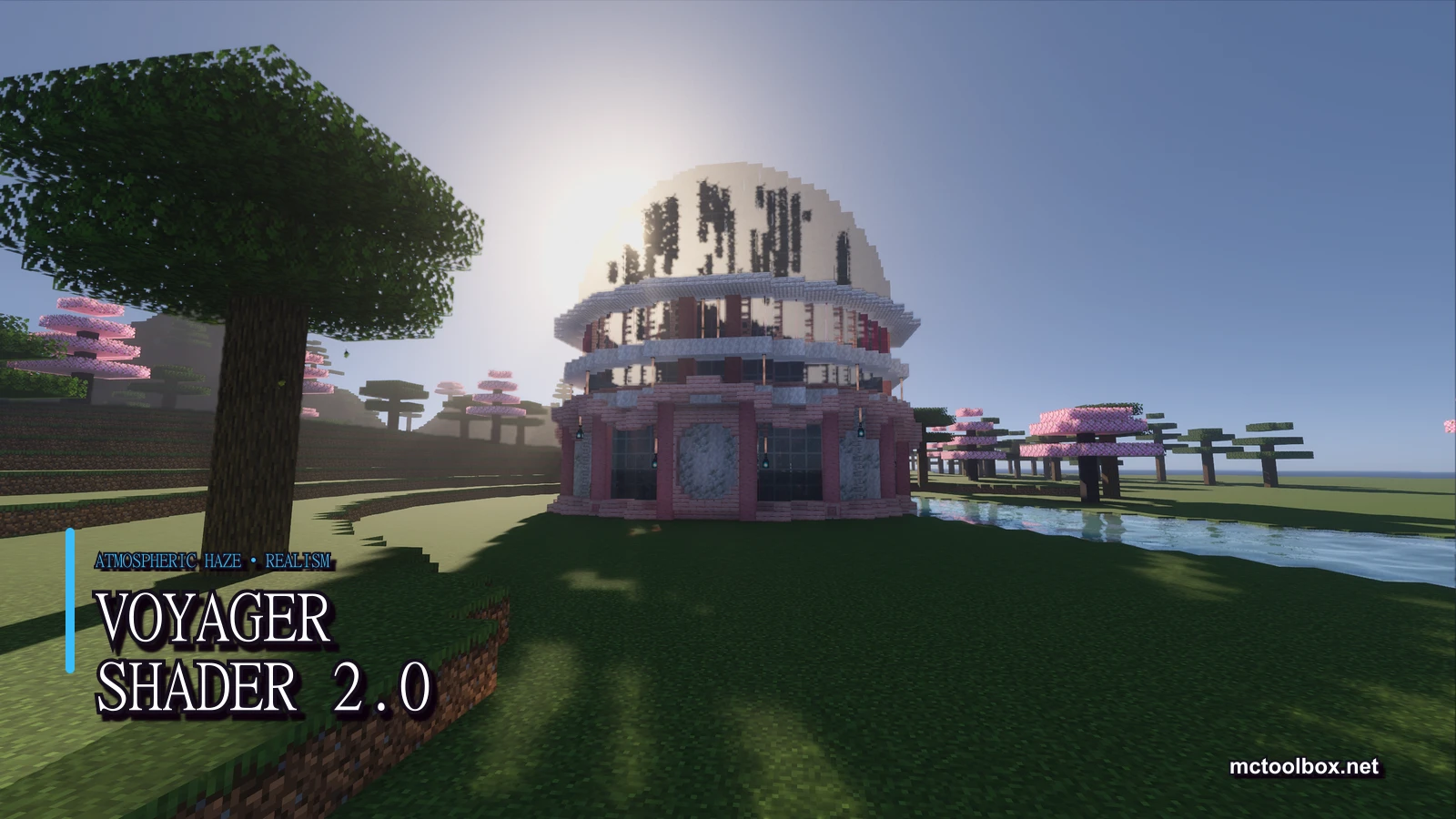
Voyager Shader 2.0 - 26.3
Voyager Shader 2.0 by 6ix7even elevates Minecraft with soft atmospheric scattering, natural sunlight bloom, crystal-clear water reflections, and a stunning star-filled night sky.

MakeUp Ultra Fast Shaders 1.21 - 26.3
MakeUp Ultra Fast 9.5d is a configurable everyday shader that adds directional light, shadows, volumetric clouds, reflective water, bloom, and exposure controls without aiming for the cost of a cinematic pack.