








Minecraft shader review
RedHat Shaders 34.3 for Minecraft 26.3
Retro cinema optics, anamorphic lens flares, autumn warmth, and vibrant aquatic physics by MorganFreeguy
Download FilesRedHat Shaders by MorganFreeguy delivers a vintage cinematic aesthetic featuring anamorphic lens flares, autumn warmth, dynamic cloud physics, and glassy river reflections.
Shader Index8 sections
Grain, subtle chromatic fringing, and warm lens exposure give RedHat Shaders the distinct texture of 35mm film footage. Instead of chasing clinical physical accuracy, it creates the moody visual character of a classic travel documentary.
By incorporating analog optical phenomena, such as horizontal anamorphic lens flares, subtle chromatic aberration, soft edge vignetting, and warm autumn color grading, RedHat gives everyday survival worlds an evocative, nostalgic mood. We deployed RedHat Shaders version 34.3.1 onto an isolated Minecraft 26.3 test instance running Iris 1.11.2 and Sodium 0.9.1 to benchmark its optical effects and frame rate stability.
Vintage lens optics, camera vignetting, and feathered skies
How analog camera physics turn flat voxel horizons into movie scenes
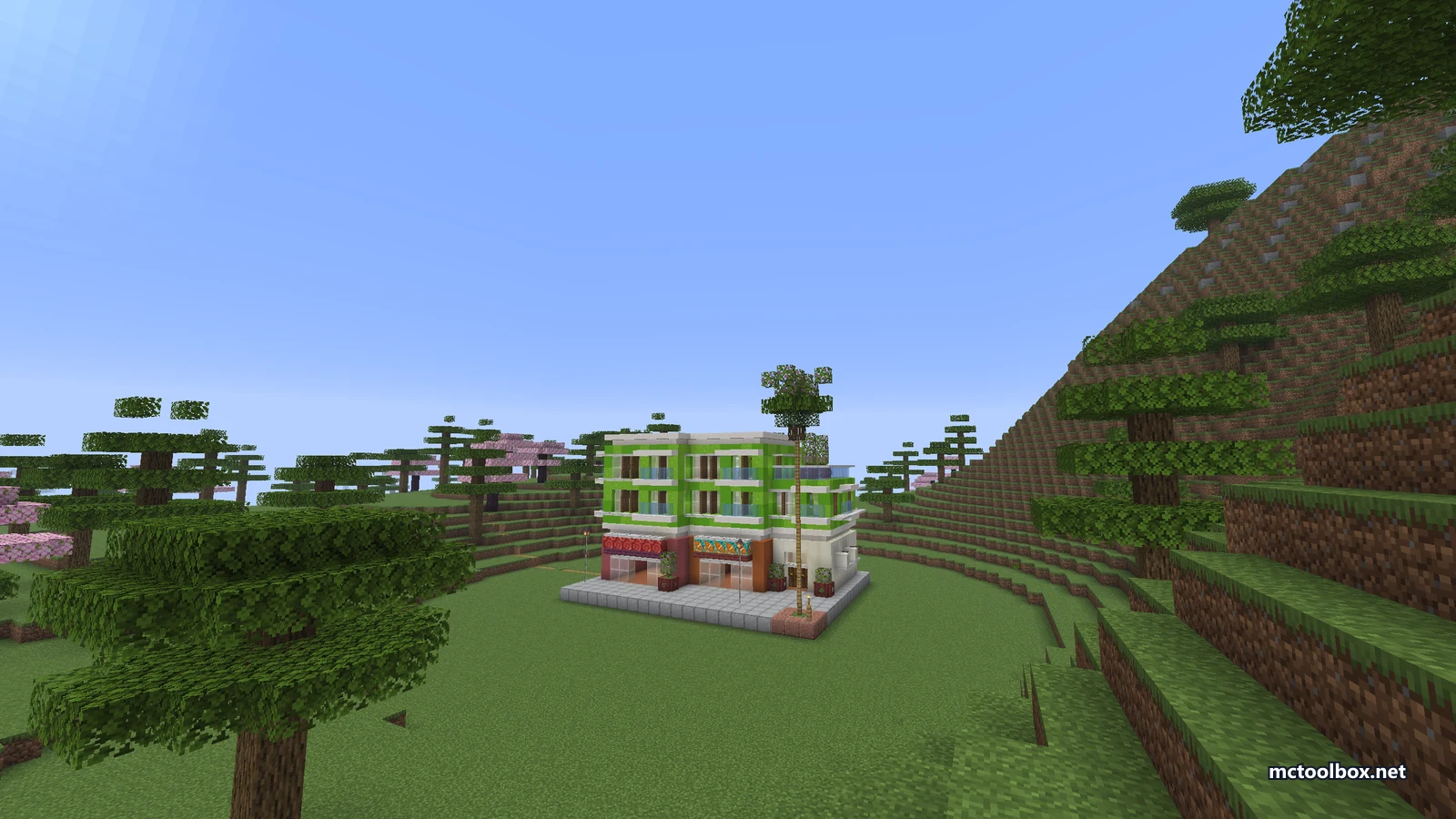
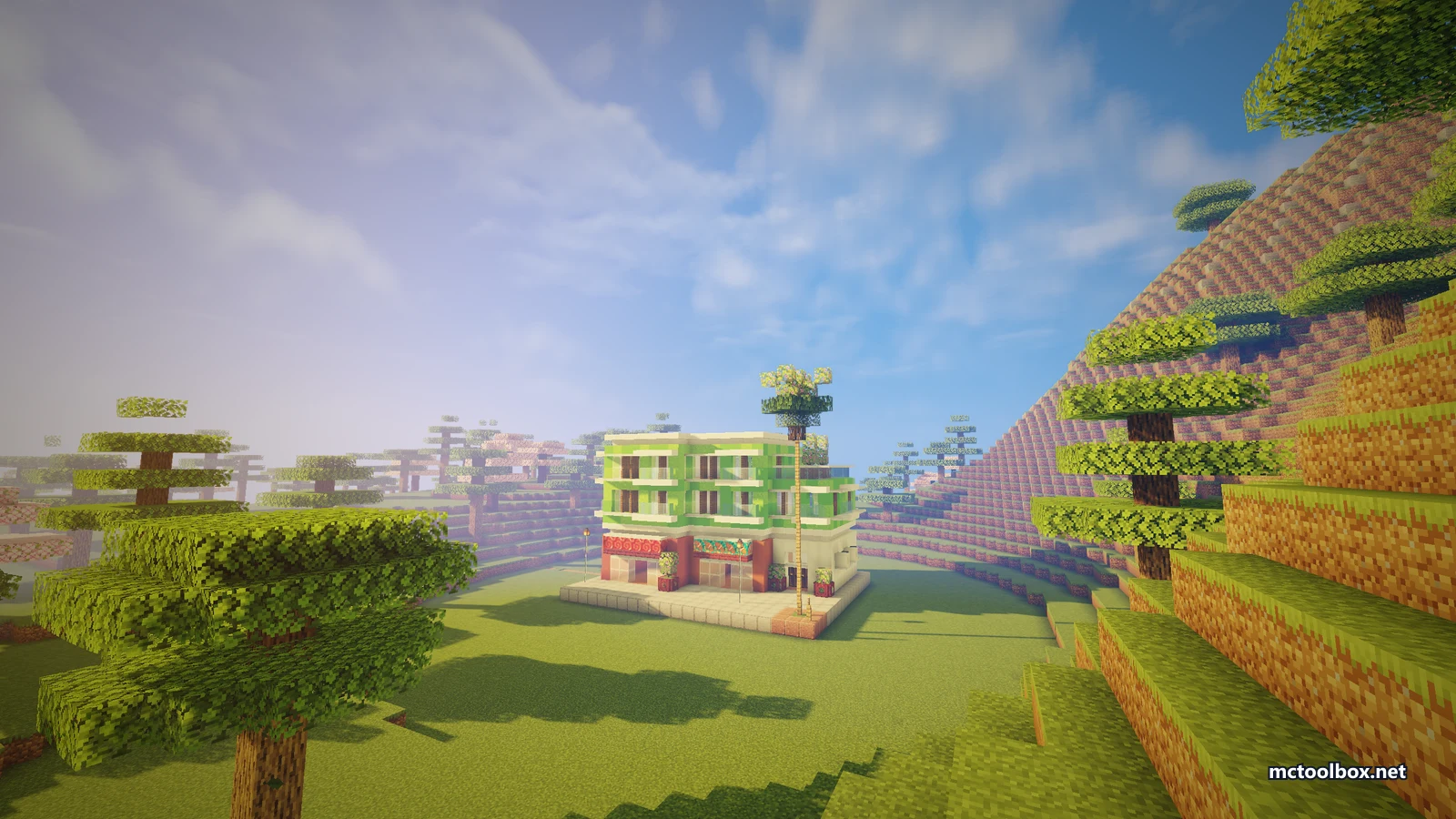
The moment you load into a world with RedHat Shaders, the visual treatment is immediately recognizable. The screen borders are gently framed by a subtle vignette that naturally draws your focus toward the center of the frame. In the sky, wispy feathered cirrus clouds drift across a vibrant azure atmosphere, catching soft light diffusion as the sun moves.
Rather than washing out block textures, RedHat's color curve boosts green foliage vibrancy and soil warmth, giving rolling plains, cherry groves, and spruce forests a rich, inviting saturation reminiscent of Kodak film stock.
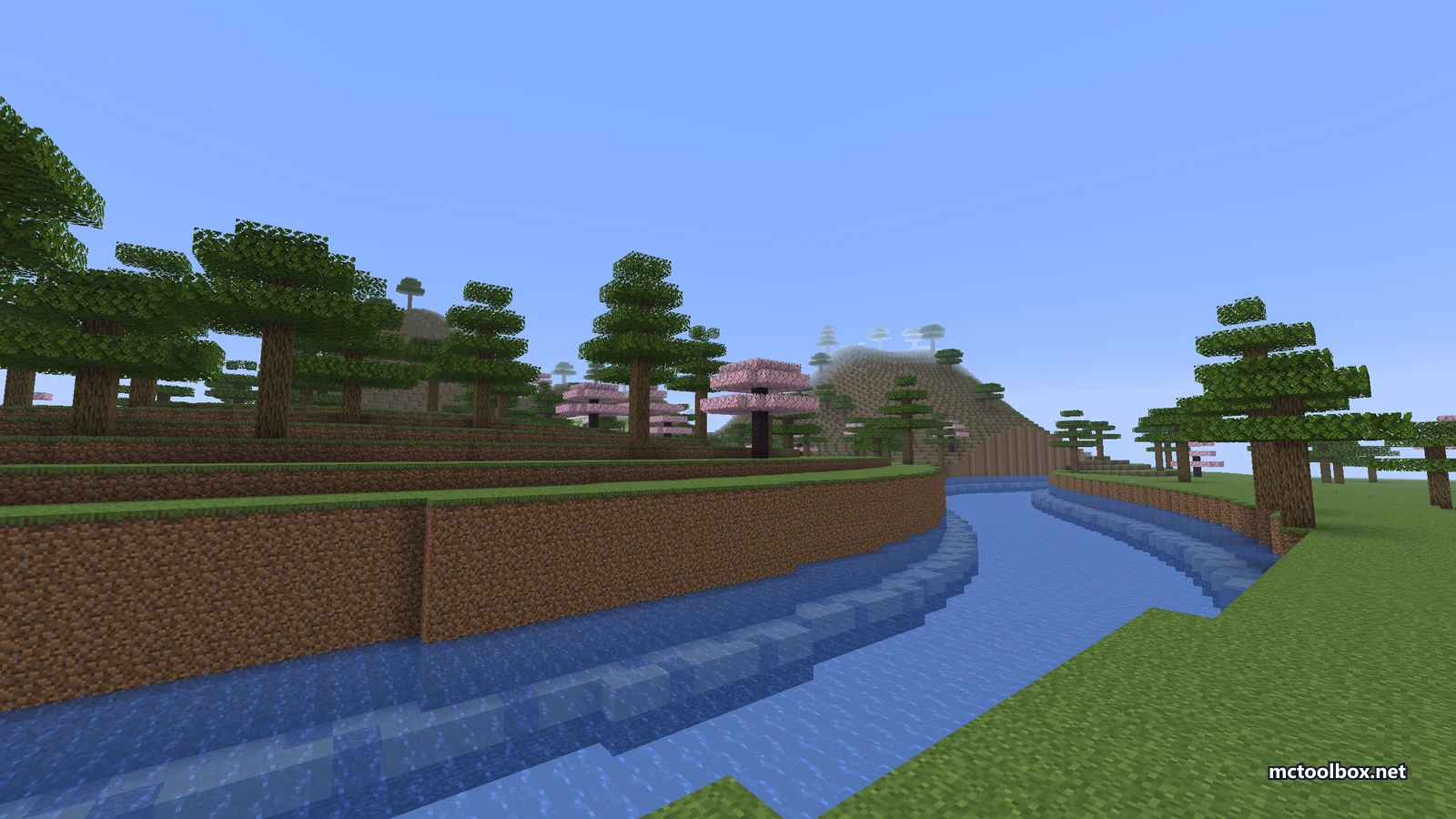
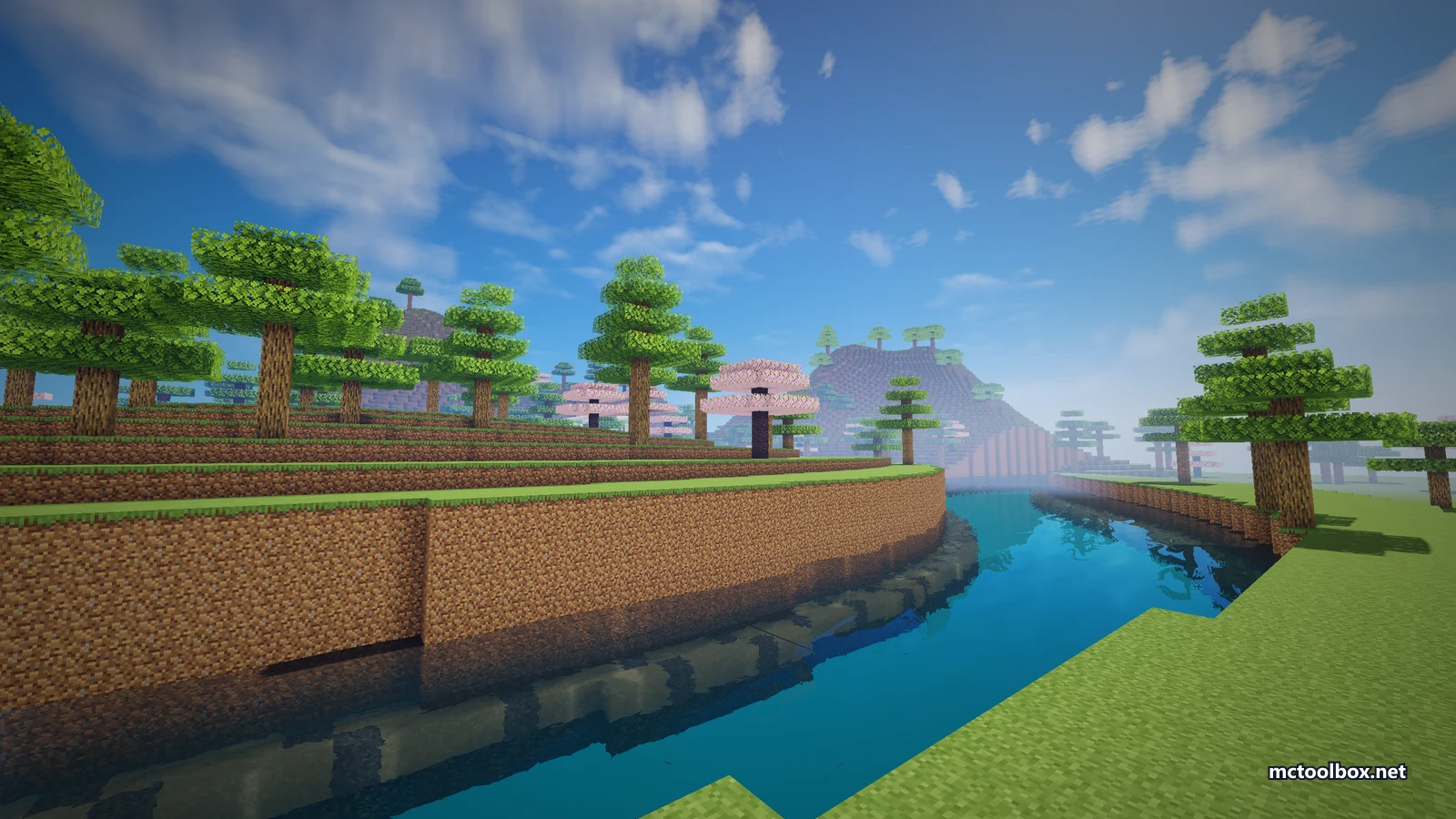
Aquatic clarity and luminous river reflections
Crystal-clear water surfaces that mirror sky colors without muddying riverbeds
Water in RedHat Shaders 34.3 is tuned for crisp optical readability. The water surface features gentle, undulating waves that mirror the bright sky and overhead clouds via screen-space reflections (SSR). Riverbeds and shallow coastal embankments remain distinctly visible, making boating, bridge building, and underwater navigation smooth and intuitive.
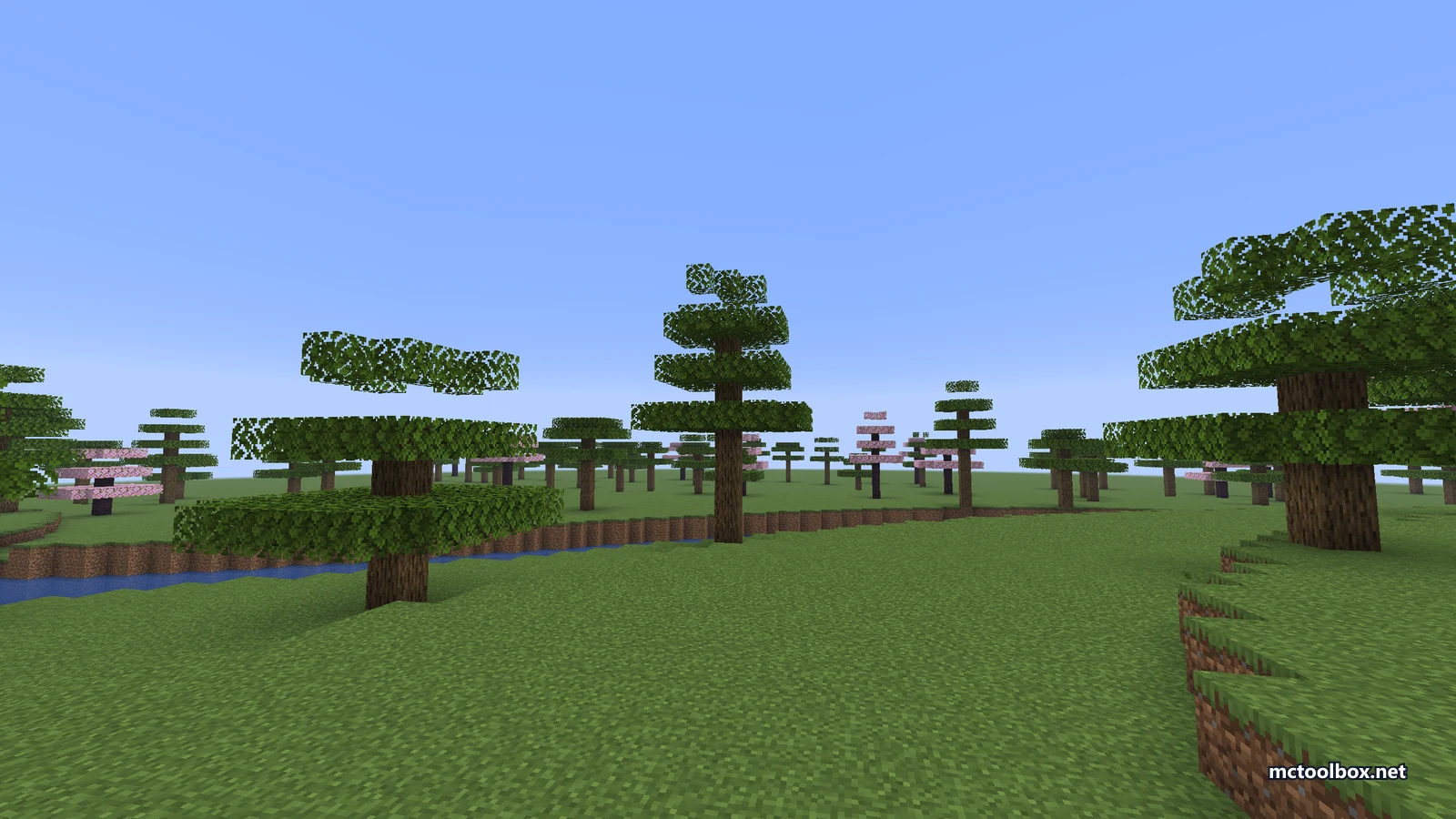
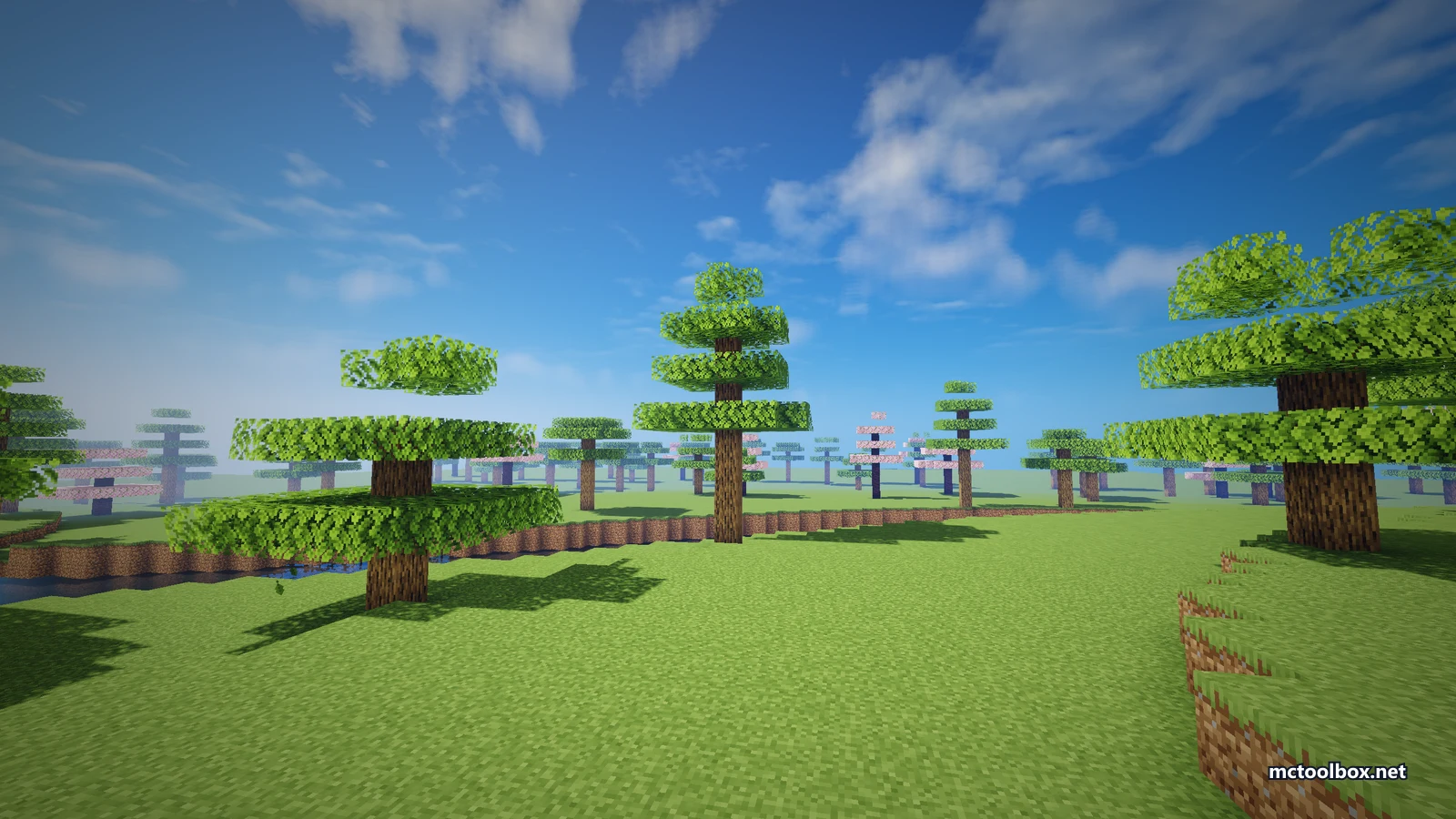
Golden hour anamorphic bloom and architectural drama
Low-angle solar flares cutting through trees and illuminating modern builds
Dusk is where RedHat's cinematic heritage truly commands attention. When the sun descends toward the horizon, low-angle rays trigger soft optical lens flares and warm atmospheric bloom across the screen. Modern structures, glass balconies, and garden courtyards are bathed in warm golden light, casting long diagonal shadows that give intricate architecture immense three-dimensional weight.
Nocturnal atmosphere: moonlit water ribbons and dark valleys
Atmospheric midnight darkness with high-contrast water reflection lines
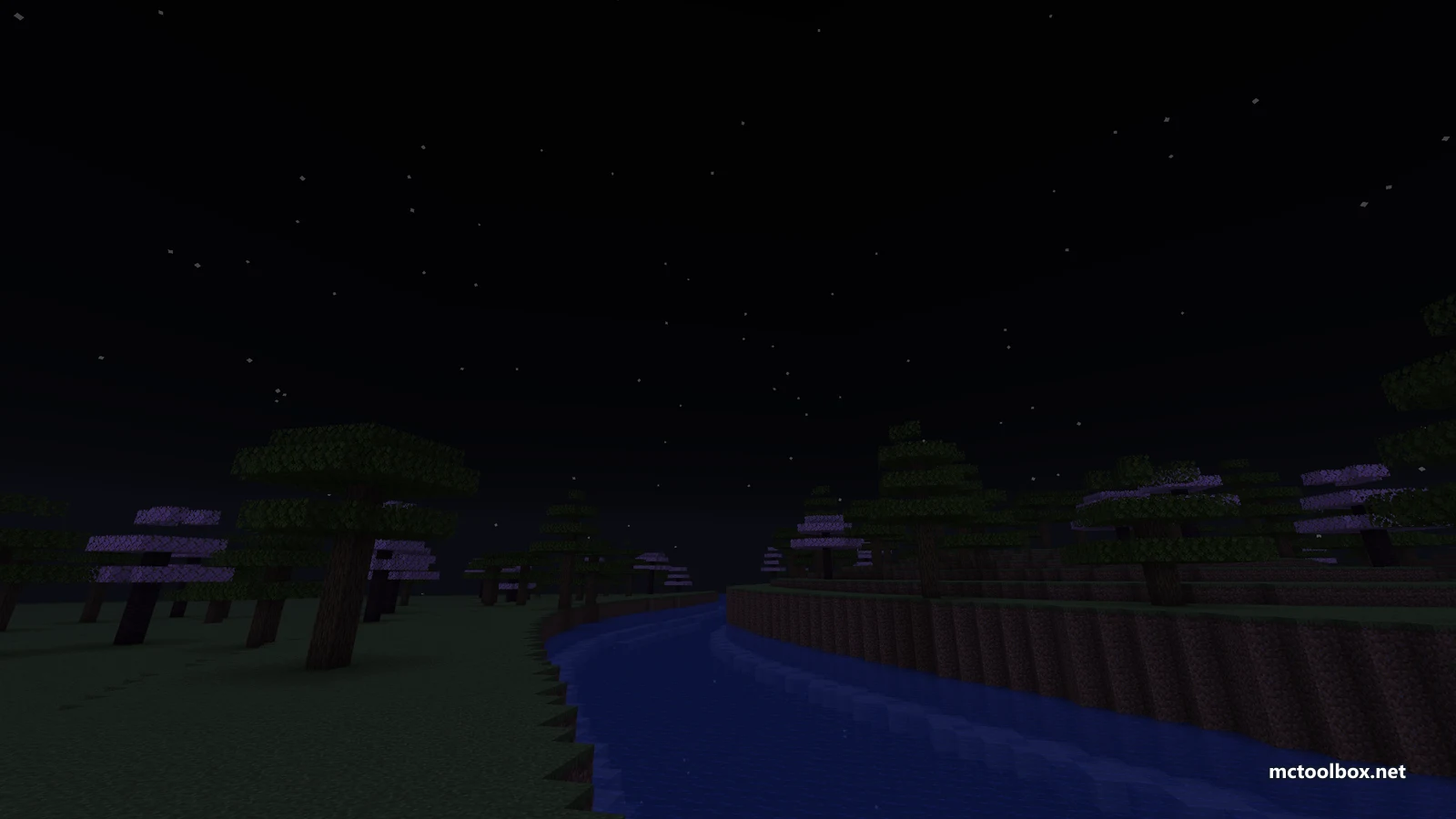
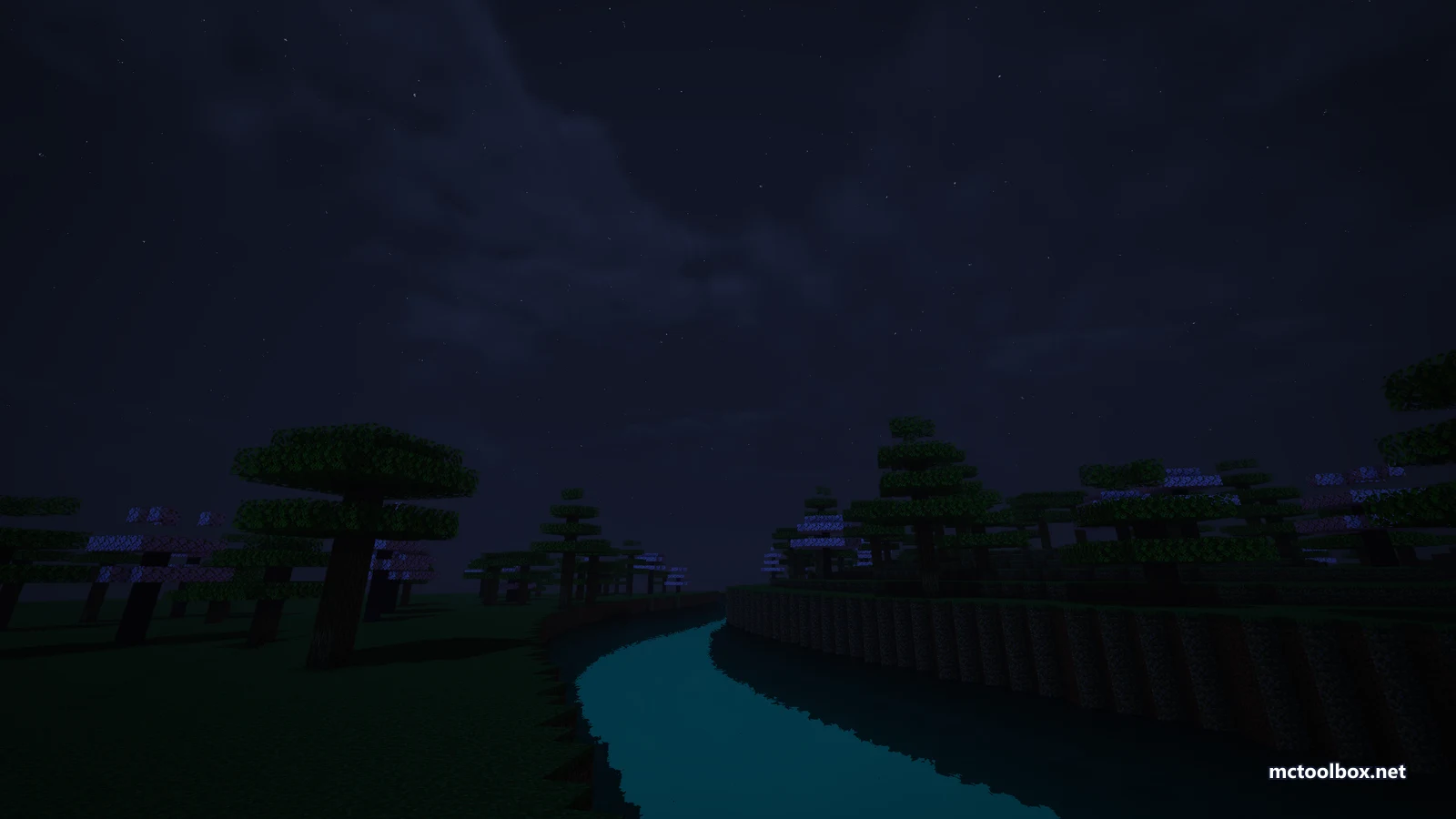
Nighttime in RedHat Shaders embraces a dramatic, moody aesthetic. The deep navy sky is populated by soft, drifting cloud banks and a scattered field of distant stars. Mountain slopes and unlit forests recede into authentic dark silhouettes, while waterways catch the overhead moonlight, transforming rivers into luminous turquoise ribbons that cut through the dark landscape.
Customization guide: optimizing RedHat for gameplay vs filmmaking
How to tailor optical effects for long-term survival comfort or video capture
Hardware benchmark results on modern Iris + Sodium setups
Measured frame rates recorded at native 2560x1440 resolution on Fabric 0.19.3
We evaluated RedHat Shaders 34.3.1 on an isolated Minecraft 26.2 test instance at native 1440p (2K) resolution with a 12-chunk render distance on Fabric 0.19.3 + Sodium 0.9.1 + Iris 1.11.2:
| Configuration / Shader Profile | Measured Frame Rate |
|---|---|
| Vanilla + Sodium Baseline (Unshaded) | 245 to 260 FPS |
| RedHat Shaders 34.3 (Default Profile) | 140 to 155 FPS |
| RedHat Shaders 34.3 (Lite / Low Mode) | 170 to 190 FPS |
| RedHat Shaders 34.3 (Full Cinema: Lens Flare + DoF ON) | 120 to 135 FPS |
How to install RedHat Shaders on Iris and OptiFine
Quick installation walkthrough for modern Fabric and mod loaders
Setting up RedHat Shaders takes less than two minutes on modern installations:
- Ensure you have Fabric Loader installed with Iris, Sodium, and Fabric API in your
.minecraft/modsfolder. - Download
RedHat_v34.3.1.zipfrom the official Modrinth or CurseForge release page. - Place the downloaded
.zipfile directly into your.minecraft/shaderpacksdirectory. - Launch Minecraft, open Options → Video Settings → Shader Packs.
- Select RedHat Shaders from the menu and click Apply.
Download links
We do not host Minecraft shader files directly. Download links go to the creator's official project pages.
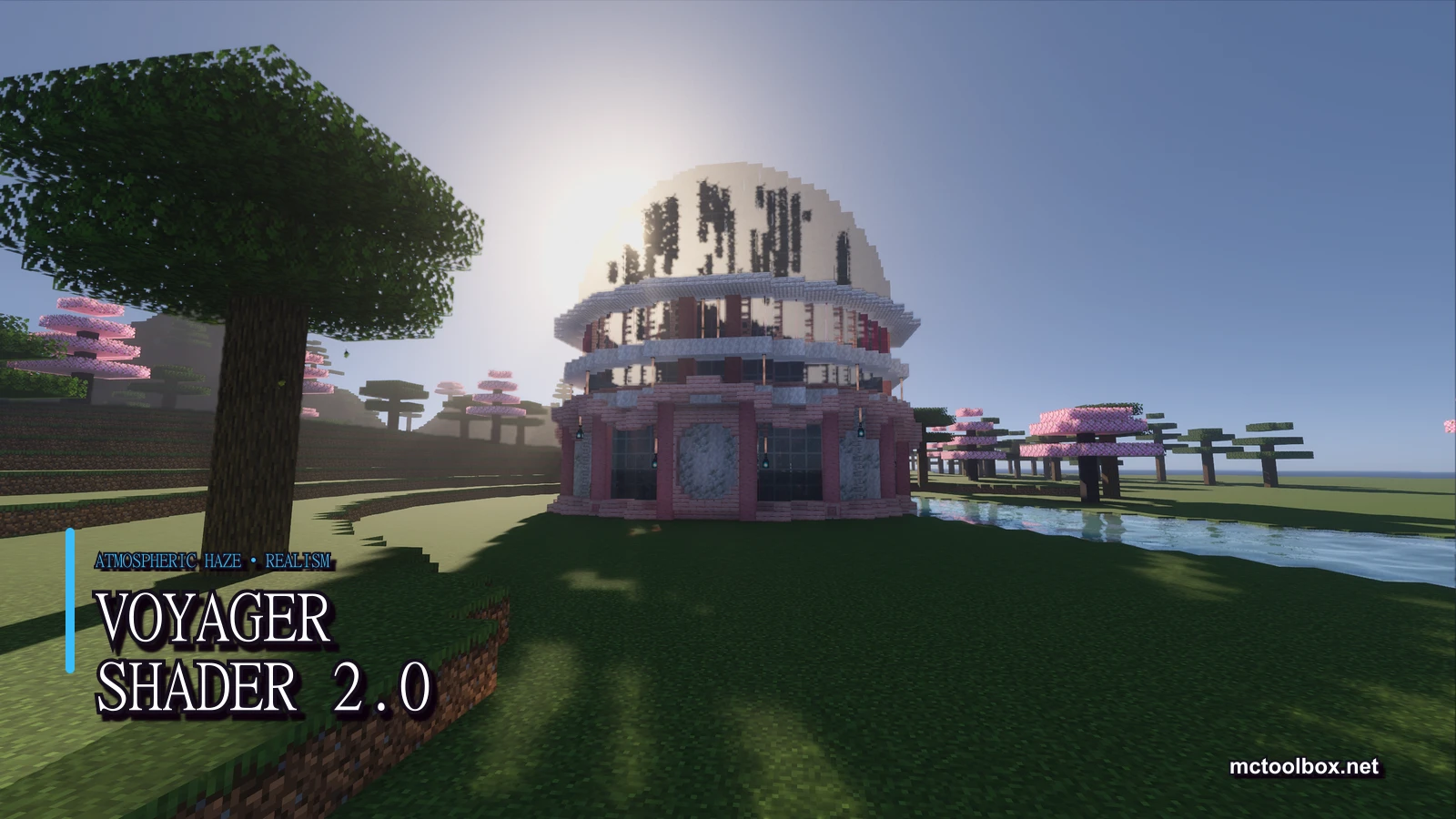
Voyager Shader 2.0 - 26.3
Voyager Shader 2.0 by 6ix7even elevates Minecraft with soft atmospheric scattering, natural sunlight bloom, crystal-clear water reflections, and a stunning star-filled night sky.
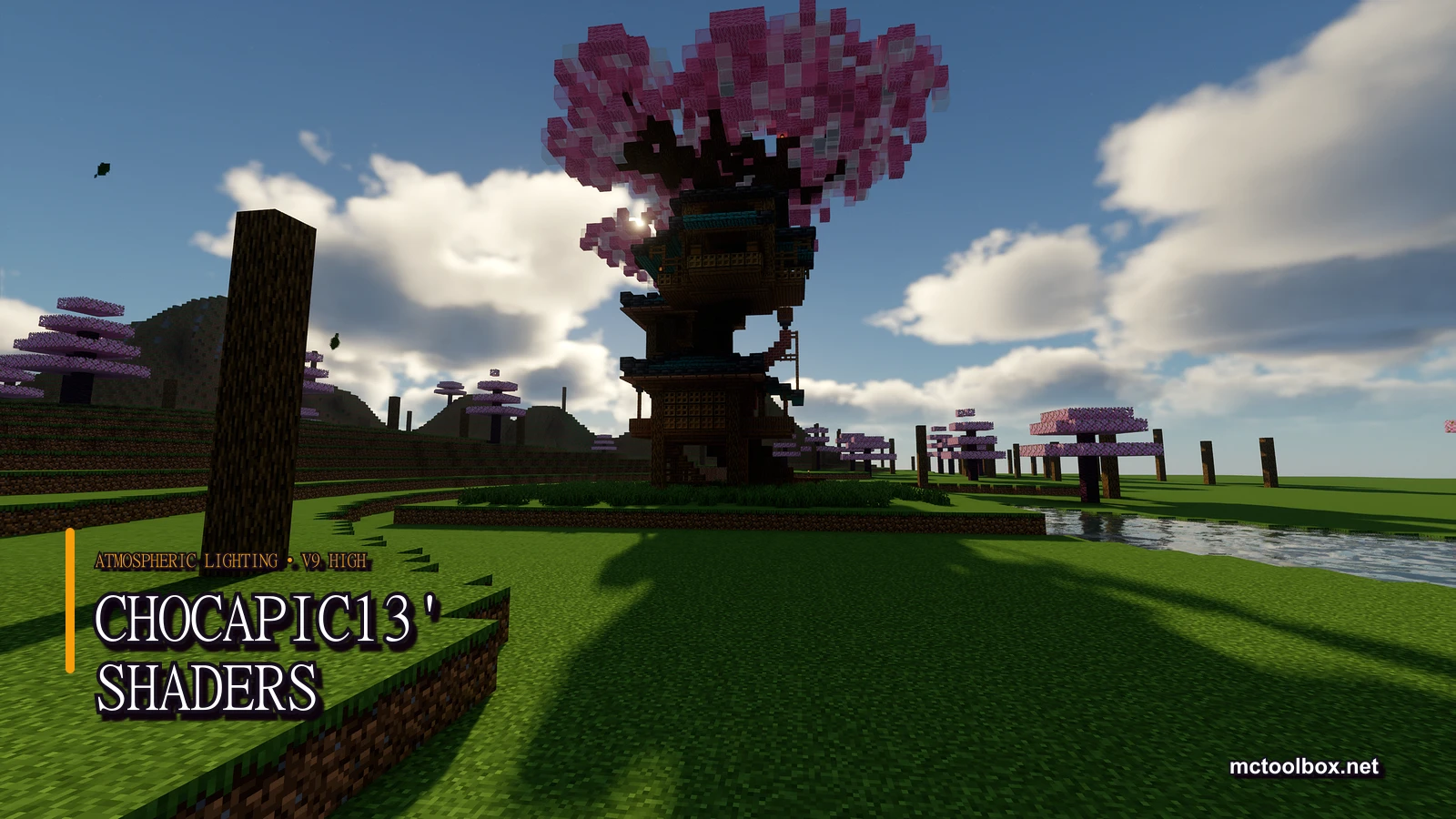
Chocapic13' Shaders 1.20 - 26.2
Chocapic13' Shaders by Choca_13 delivers cinematic golden lighting, realistic waving water, and fluffy volumetric clouds with preset options scaling from budget laptops to high-end GPUs.
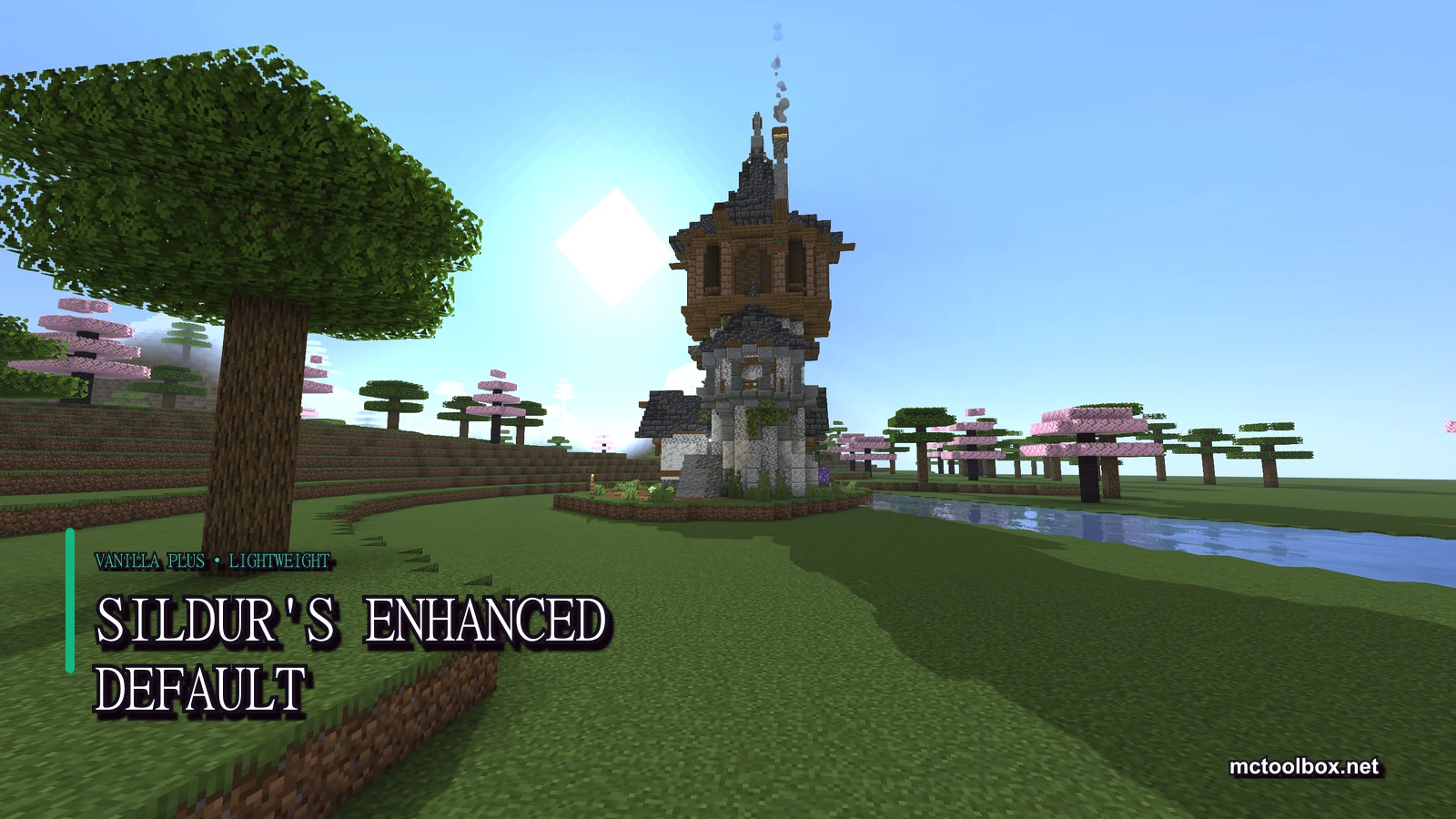
Sildur's Enhanced Default 1.20 - 26.3
Sildur's Enhanced Default by SildurFX upgrades Minecraft's lighting with real-time shadows and water reflections while preserving the game's original color palette and delivering exceptional framerates.