








Minecraft shader review
Chocapic13' Shaders 1.20 - 26.2
Warm golden sunlight, volumetric clouds, realistic water waves, and multi-tier performance by Choca_13
Download Files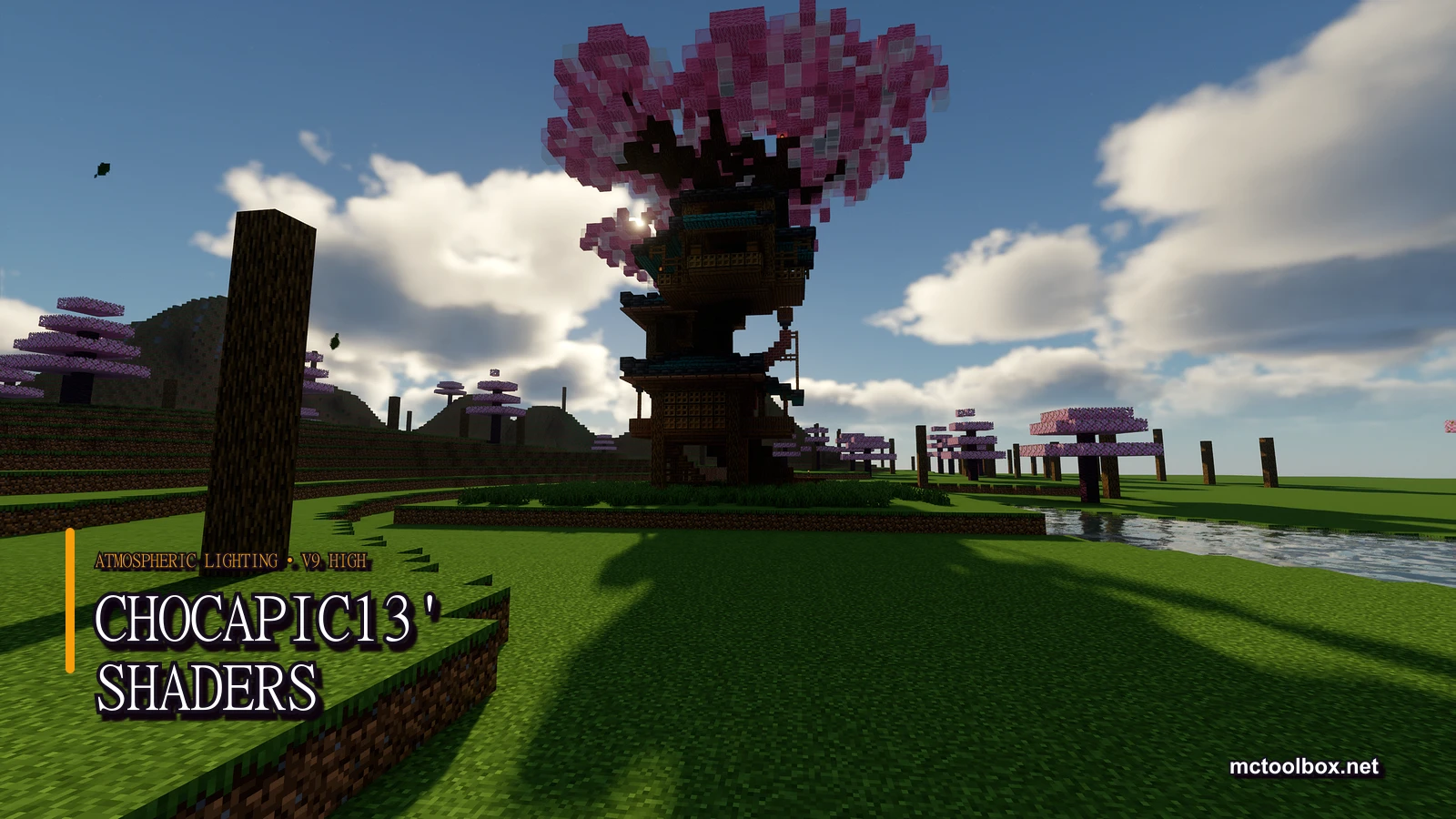
Chocapic13' Shaders by Choca_13 delivers cinematic golden lighting, realistic waving water, and fluffy volumetric clouds with preset options scaling from budget laptops to high-end GPUs.
Shader Index8 sections
In the history of Minecraft shader development, few names carry as much weight as Chocapic13' Shaders. Developed by Choca_13 and boasting over 12 million downloads on CurseForge alone, this legendary shaderpack laid the architectural foundation for dozens of modern classics, including Bliss, Sildur's Vibrant, and countless community edits.
What has kept Chocapic13 popular for over a decade is its distinct visual warmth. Rather than aiming for sterile photorealism or harsh color grading, Chocapic delivers a cozy, cinematic world illuminated by soft golden sunlight, drifting volumetric cloud banks, and gentle water swells. With releases structured across granular tiers - from the ultra-light Toaster edition to the lush V9 Extreme - it remains one of the most versatile shader options available. We loaded Chocapic13' V9 High into our isolated Minecraft 26.2 test environment to benchmark its visual depth and frame rate stability.
Golden sunlight, ambient occlusion, and volumetric clouds
How V9 transforms flat block worlds into living, breathing landscapes
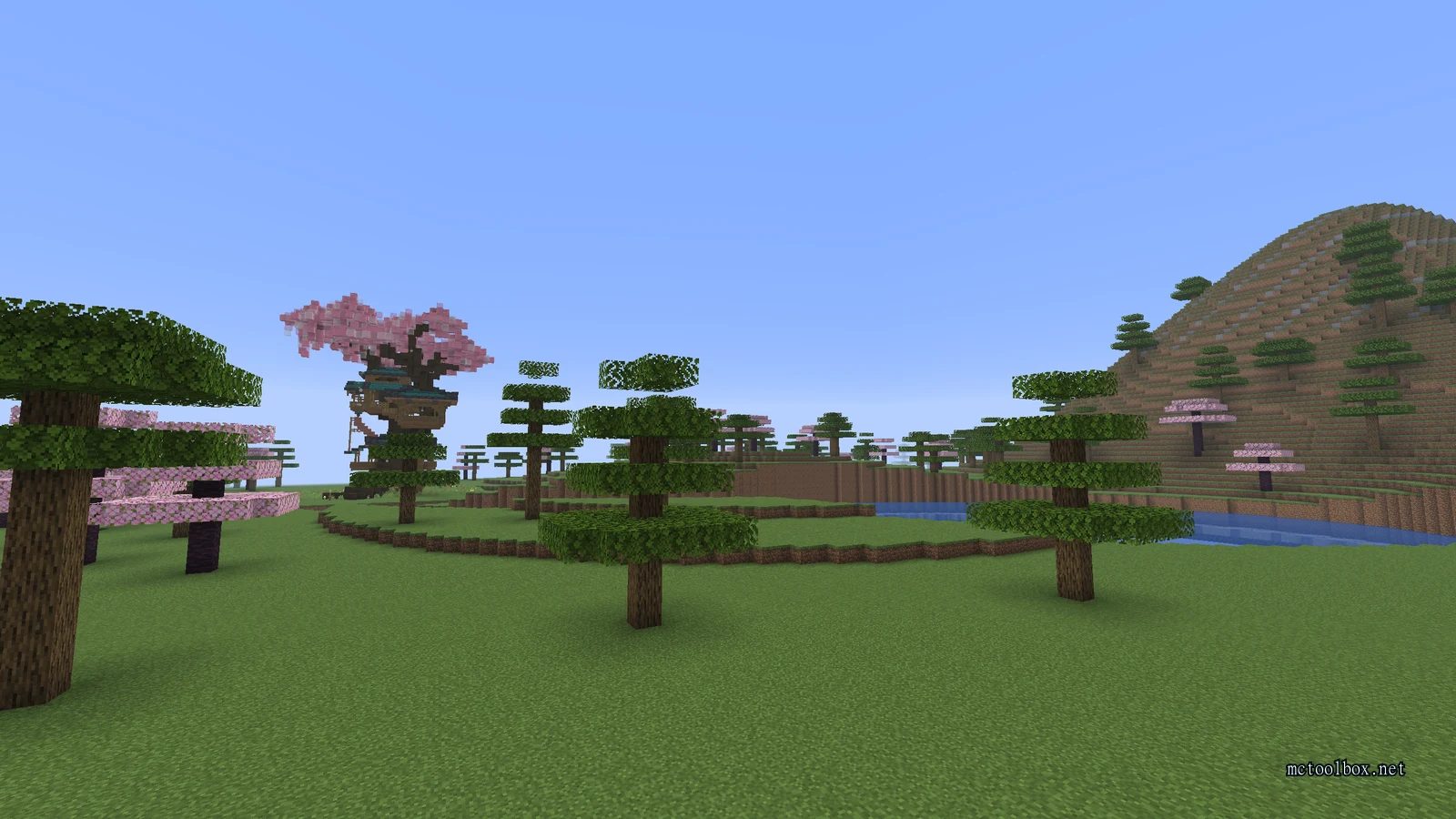
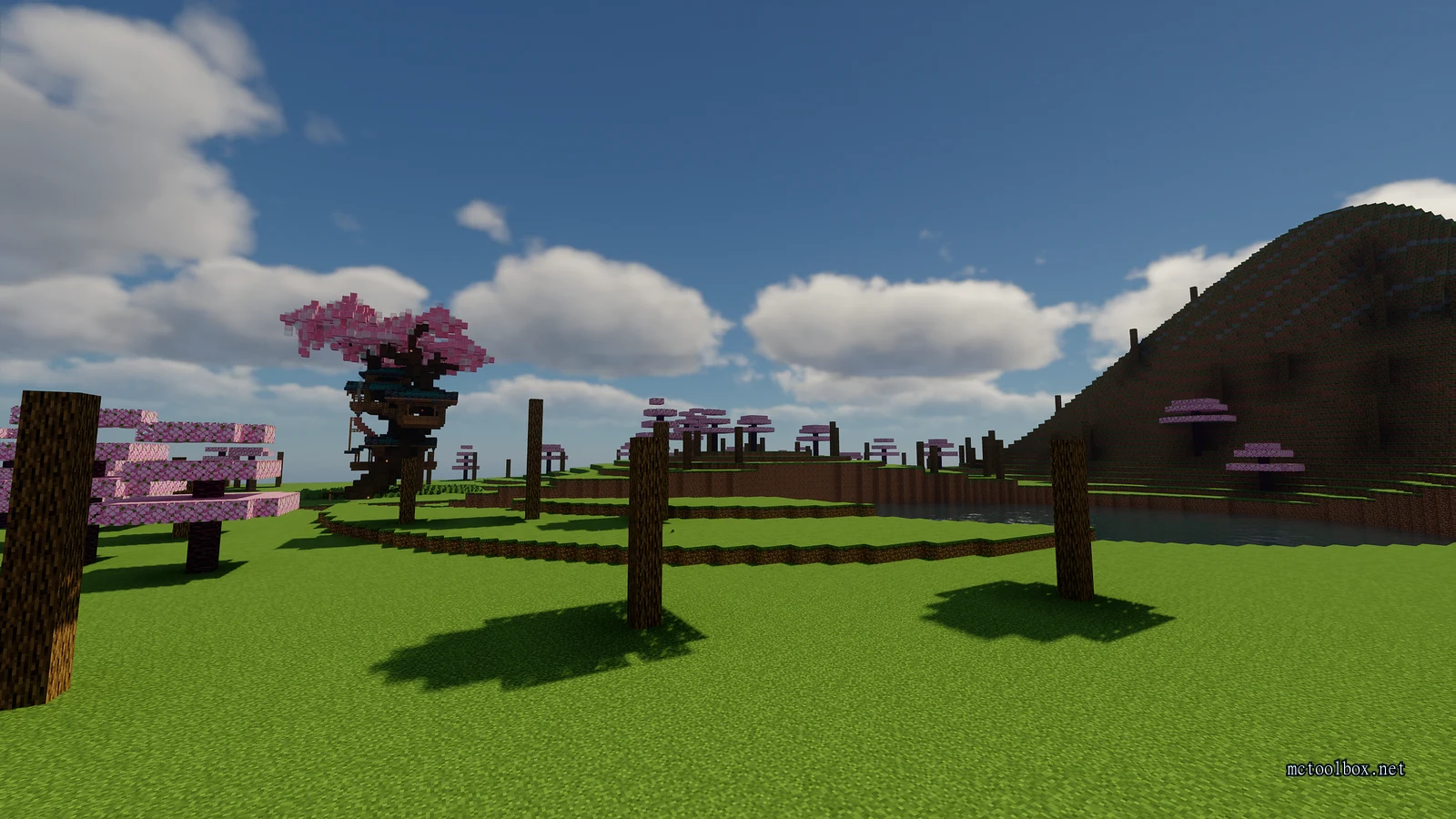
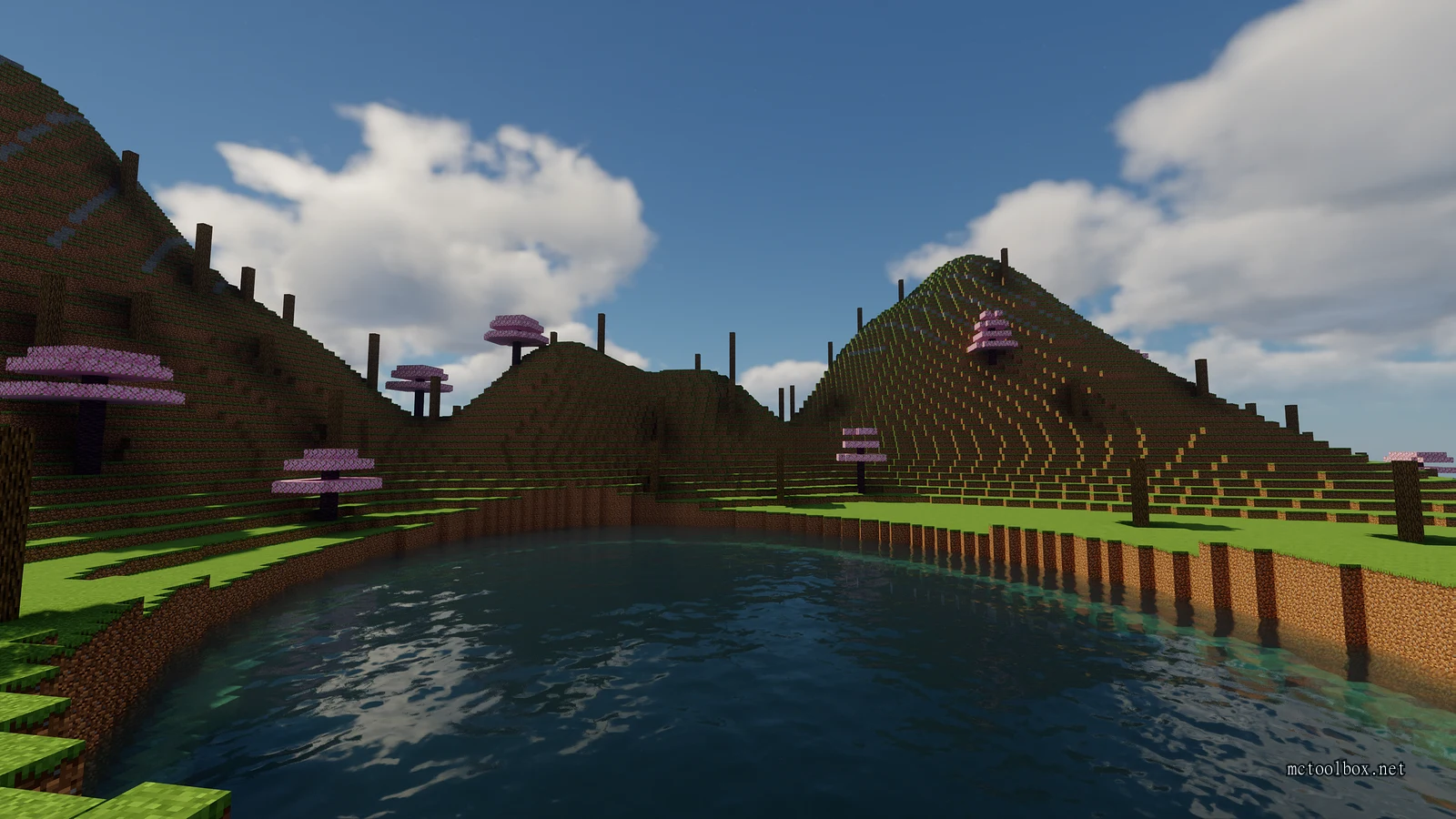
The moment you enter a world with Chocapic13' V9, the shift in atmosphere is unmistakable. The sky is populated by soft, multi-layered 3D volumetric clouds that catch light according to the sun's position. On the ground, direct sunlight casts deep, natural shadows through tree foliage, while ambient occlusion softens corners where walls meet lawns.
The overall color temperature leans into a rich, inviting amber hue during midday, giving wooden cabins, stone towers, and blooming cherry groves an organic warmth that feels like a fantasy painting.
Aquatic optics: surface swells, reflections, and caustics
Physics-inspired water shaders that react dynamically to sun angles
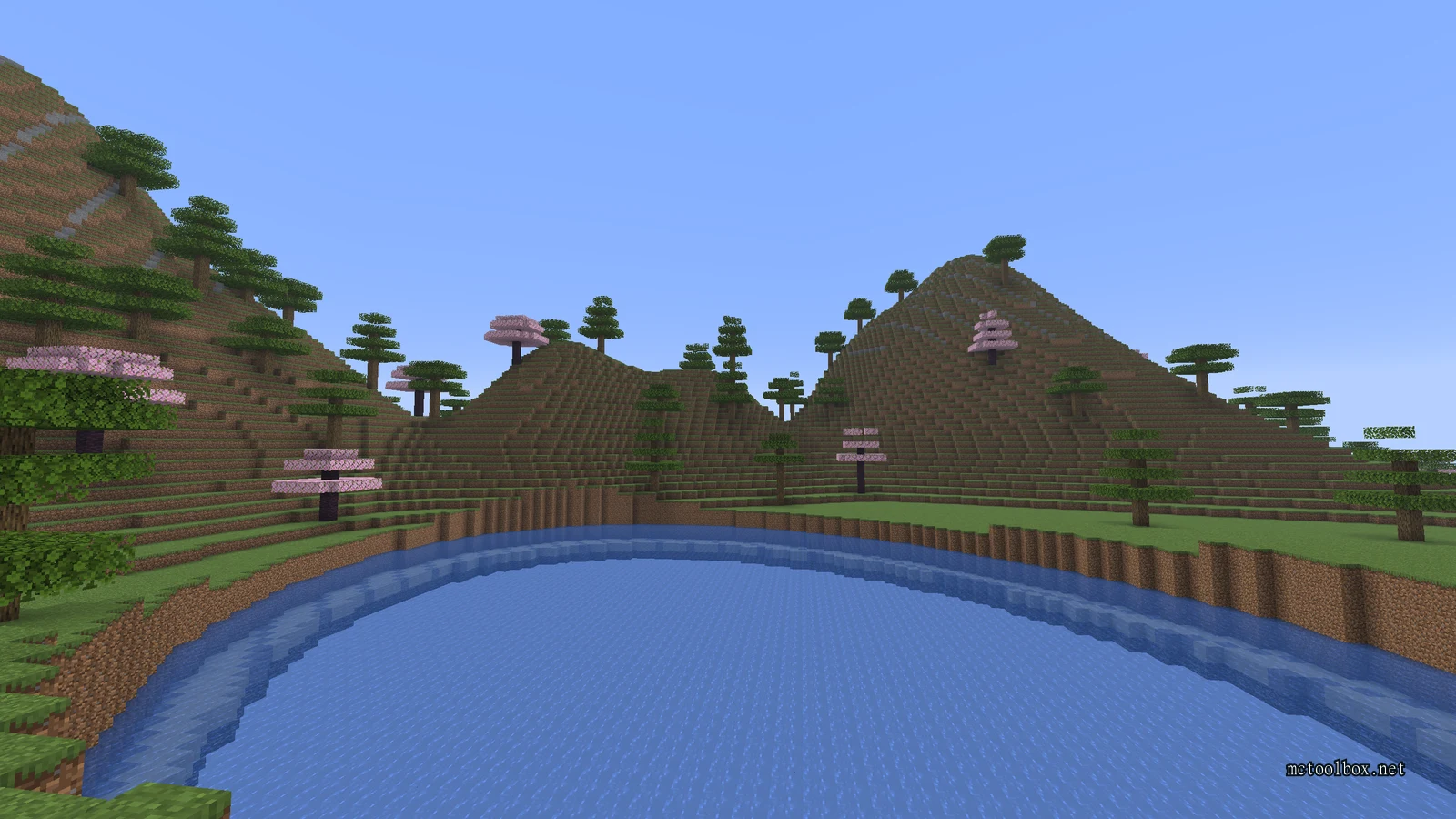
Water rendering has always been one of Chocapic13's crowning achievements. The shader replaces flat vanilla water blocks with dynamic surface normals that simulate undulating waves. On High and Ultra presets, screen-space reflections (SSR) mirror surrounding trees, cliffs, and clouds across rivers and oceans.
Beneath the surface, sunlight filters down to create moving caustic light patterns on riverbeds and ocean floors, making swimming and coastal builds feel significantly more immersive without obscuring underwater visibility.
Golden hour transitions and architectural depth
Low-angle sun flares casting dramatic shadows across complex structures
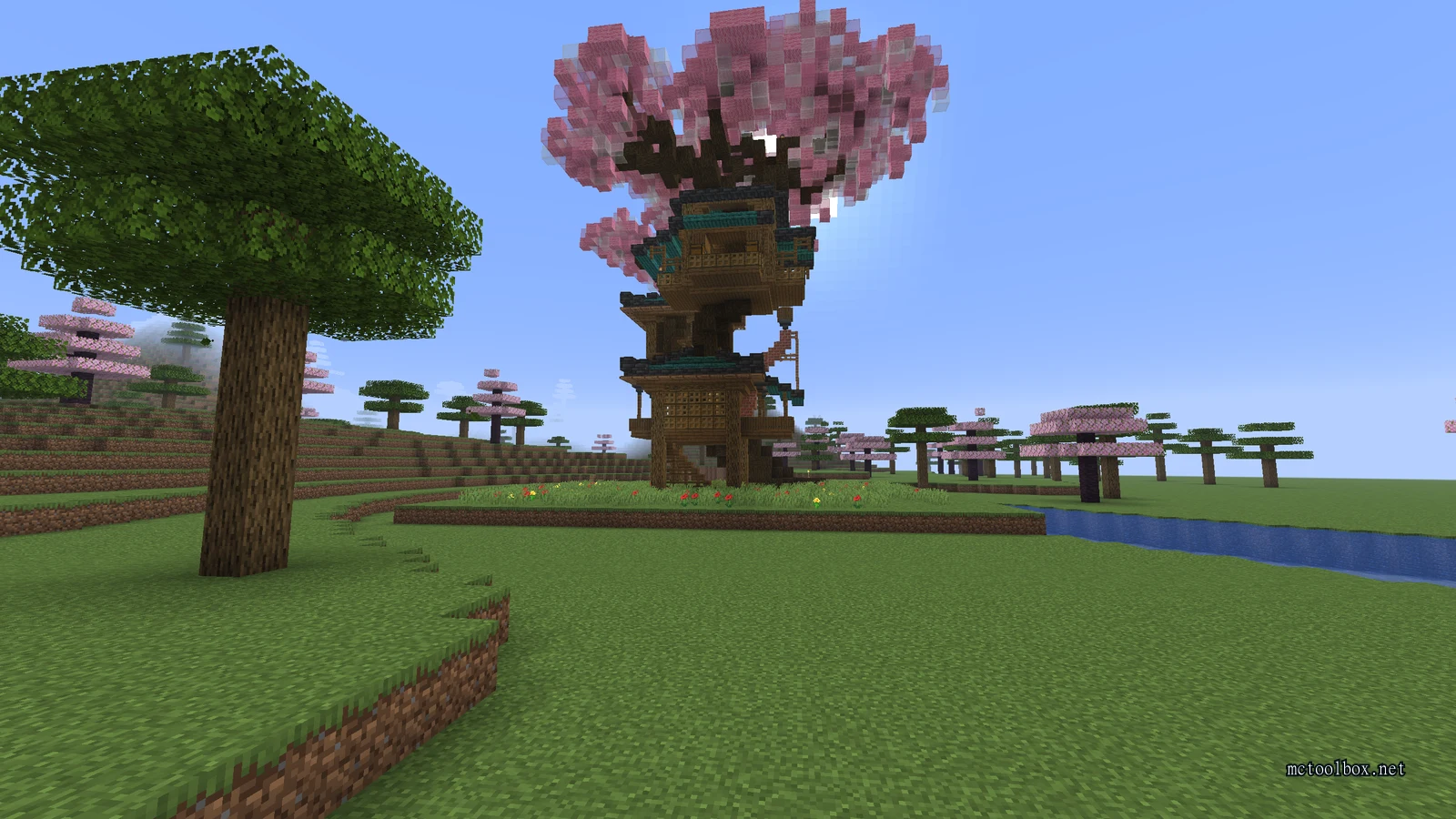
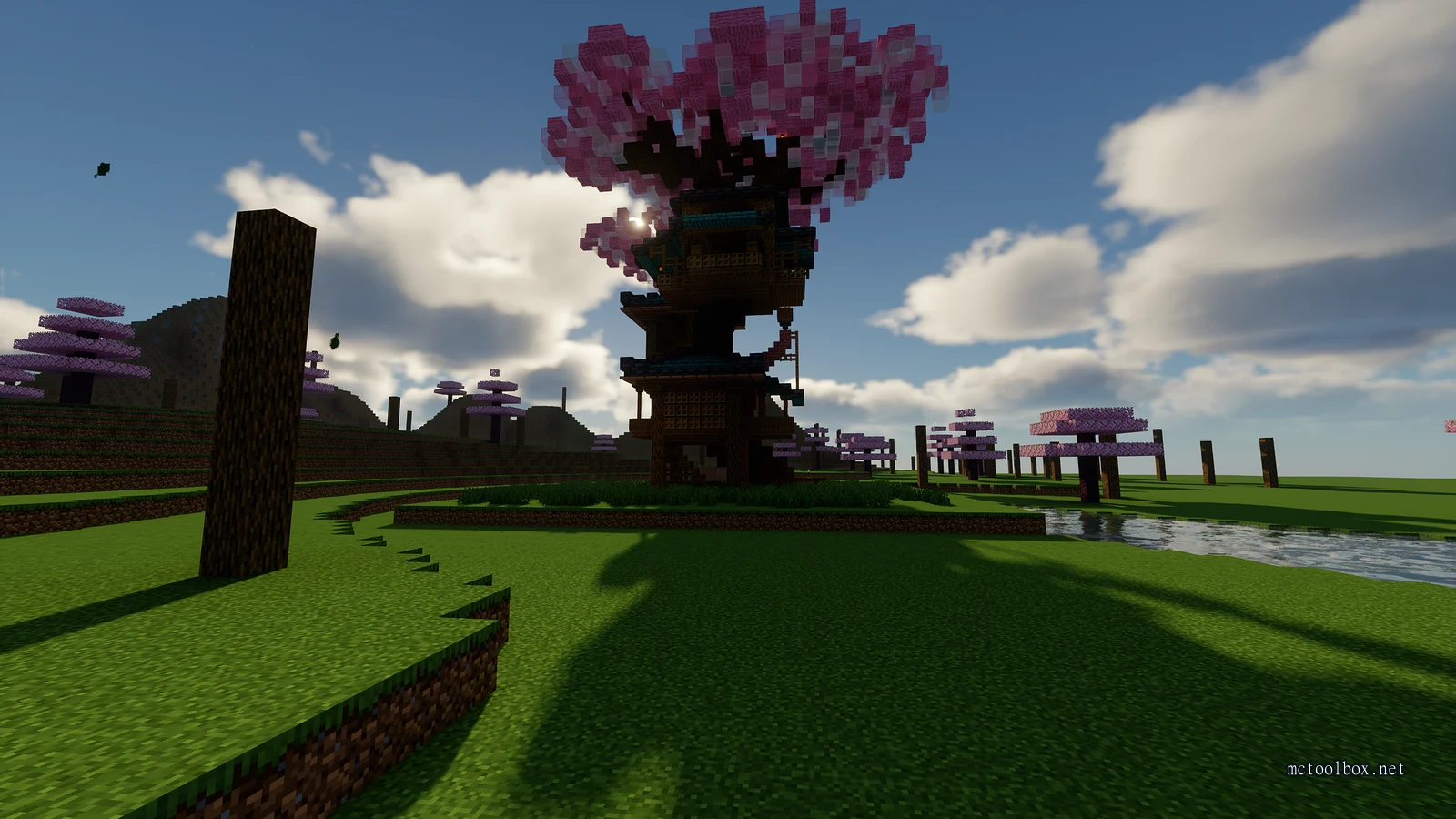
Dusk is where Chocapic13 truly shines. As the sun dips toward the horizon, warm orange rays cut through tree crowns and roof eaves, projecting long, dramatic shadows across the landscape. The sky transitions from rich azure into soft coral and gold gradients, while volumetric fog gathers in low-lying valleys to create natural atmospheric haze.
Nocturnal atmosphere and emissive torchlight
Balanced midnight darkness with warm, flickering local illumination
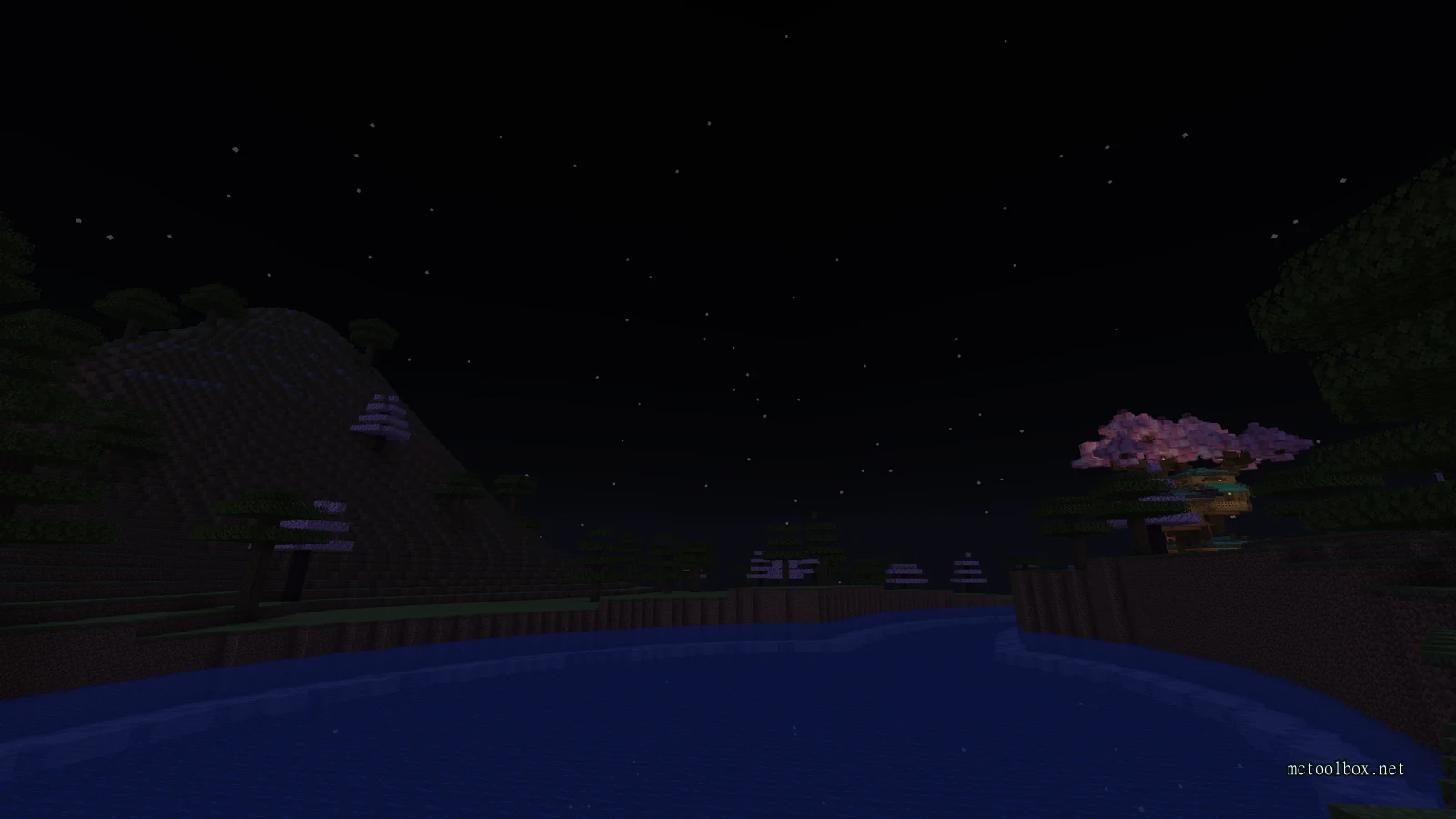
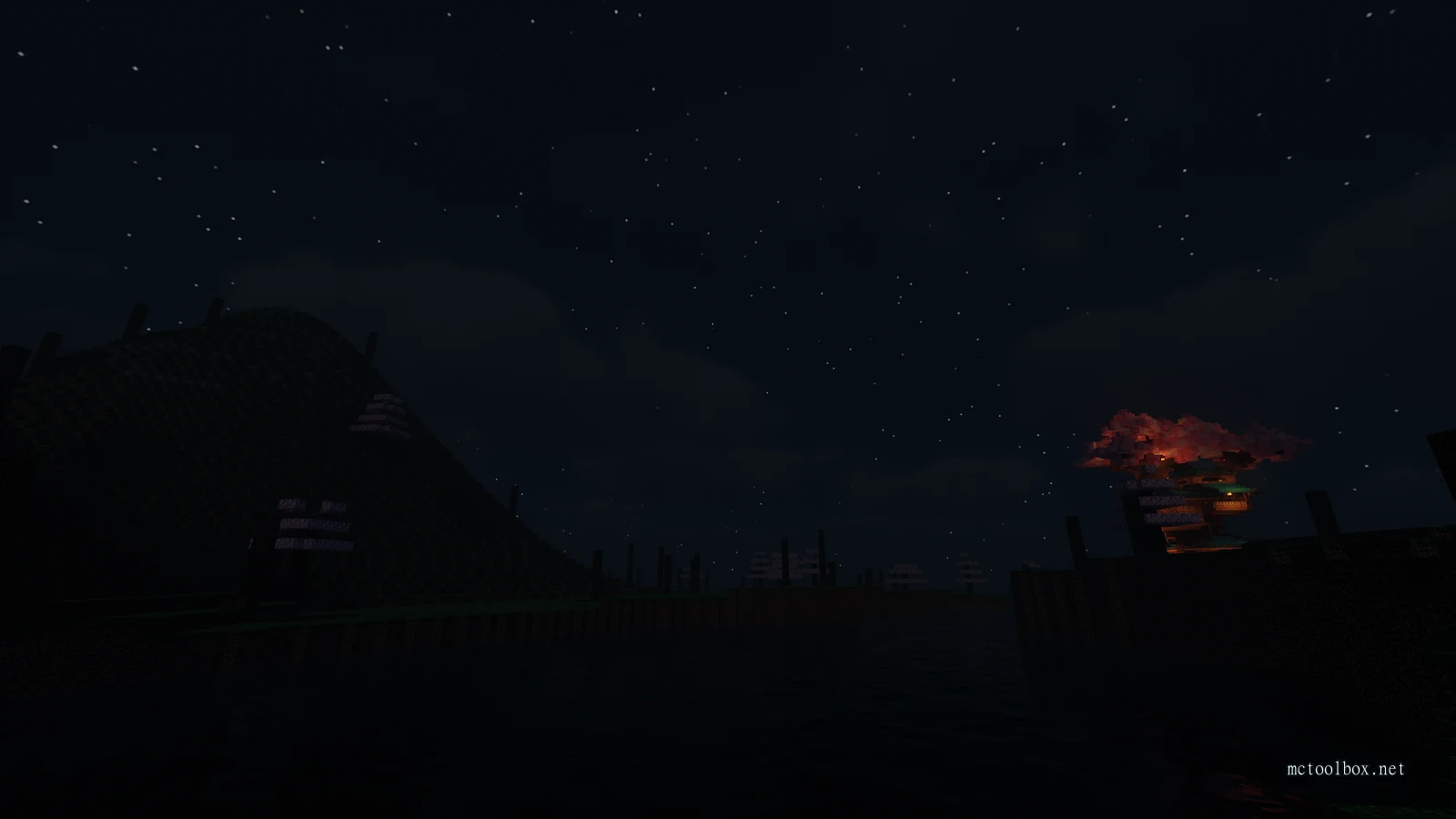
Nighttime in Chocapic13 strikes a comfortable middle ground between realism and survival practicality. The sky transforms into a dense canopy of twinkling stars set against deep navy clouds. While unlit wilderness areas are authentically dark, mountain silhouettes and water shorelines retain enough ambient moonlight to keep navigation intuitive.
Emissive blocks like torches, lanterns, and glowstone cast warm, flickering light with a wide falloff radius, turning bases and mountain outposts into inviting beacons in the dark.
Preset scaling: choosing between Toaster, High, and Extreme
How to select the right Chocapic13 version for your specific GPU
One of the reasons Chocapic13 remains so popular is its modular preset structure:
- Toaster / Lite Edition: Strips out volumetric clouds and heavy reflections to deliver basic dynamic shadows and waving vegetation at 200+ FPS on integrated Intel/AMD graphics and older laptops.
- Low / Medium: Enables crisp shadow mapping, refined water textures, and basic volumetric lighting with modest hardware requirements.
- High (Tested Default): The sweet spot for most dedicated GPUs. Enables full volumetric cloud rendering, screen-space reflections, atmospheric fog, and depth of field.
- Ultra / Extreme: Pushes shadow map resolution to 4096+, enables advanced shadow filtering, and maxes out volumetric ray-marching samples for screenshot-grade visuals.
Benchmark results and hardware compatibility
Measured frame rates across 2560x1440 resolution on modern Fabric setups
Running Chocapic13' V9 High at native 2560x1440 resolution with a 12-chunk render distance on Iris and Sodium delivers balanced lighting, high-contrast shadows, and smooth 135 to 150 FPS even with volumetric clouds and dynamic water enabled.
| Specification / Benchmark | Observed Value |
|---|---|
| Minecraft Version | 26.2 |
| Mod Loader | Fabric 0.19.3 |
| Optimization Engine | Sodium 0.9.1 |
| Shader Pipeline | Iris 1.11.2 |
| Shader Version | Chocapic13' Shaders V9 |
| Active Preset | High (Volumetric Clouds & SSR ON) |
| Resolution & Render Distance | 2560×1440 (2K Native), 12 Chunks |
| Vanilla + Sodium Baseline | ~245 - 260 FPS |
| Chocapic13' V9 (High) | ~135 - 150 FPS |
| Chocapic13' V9 (Medium / Low) | ~165 - 185 FPS |
| Chocapic13' High Performance (Toaster) | ~210 - 230 FPS |
How to install Chocapic13' Shaders on Iris and OptiFine
Quick installation walkthrough for Fabric and modern mod loaders
Setting up Chocapic13' Shaders takes less than two minutes on modern versions:
- Ensure you have the Fabric Loader (or NeoForge) installed along with Iris and Sodium.
- Download the official
Chocapic13_V9.zip(or High Performance Edition) from CurseForge. - Open the downloaded archive and extract the specific preset
.zip(e.g.,Chocapic13_V9_High.zip) directly into your.minecraft/shaderpacksdirectory. - Launch Minecraft, navigate to Options → Video Settings → Shader Packs, select Chocapic13, and click Apply.
Download links
We do not host Minecraft shader files directly. Download links go to the creator's official project pages.
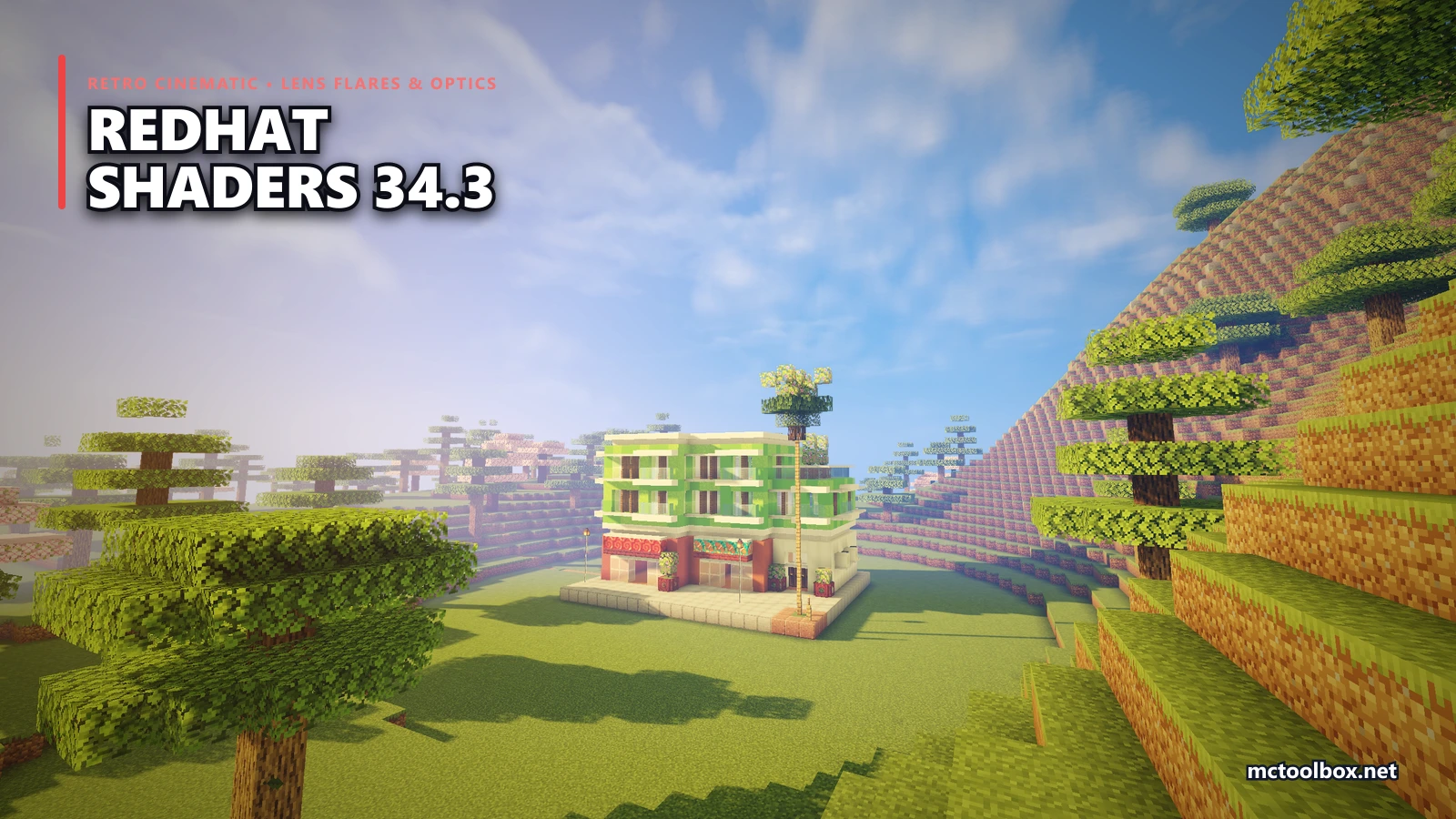
RedHat Shaders 34.3 for Minecraft 26.3
RedHat Shaders by MorganFreeguy delivers a vintage cinematic aesthetic featuring anamorphic lens flares, autumn warmth, dynamic cloud physics, and glassy river reflections.
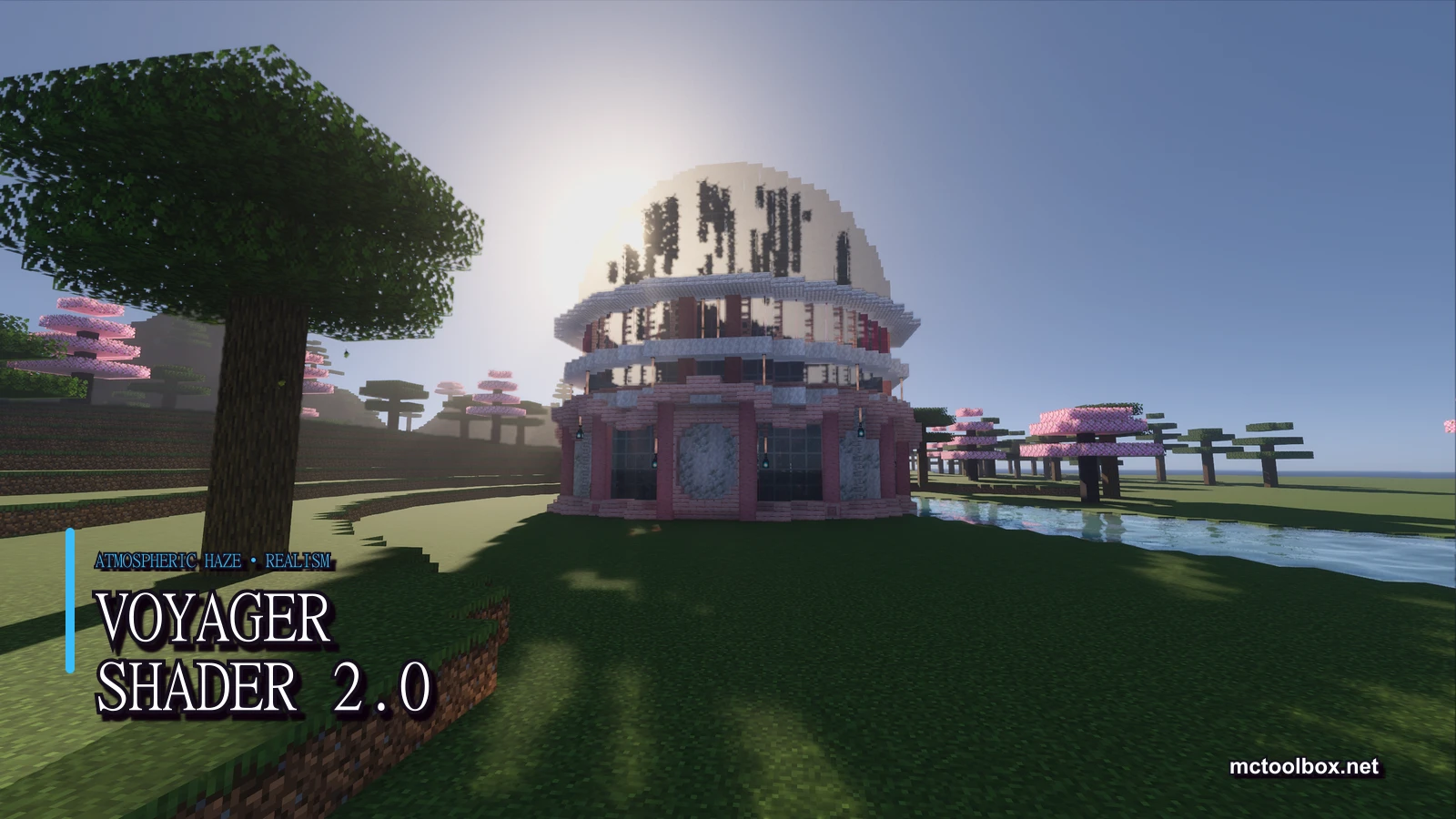
Voyager Shader 2.0 - 26.3
Voyager Shader 2.0 by 6ix7even elevates Minecraft with soft atmospheric scattering, natural sunlight bloom, crystal-clear water reflections, and a stunning star-filled night sky.
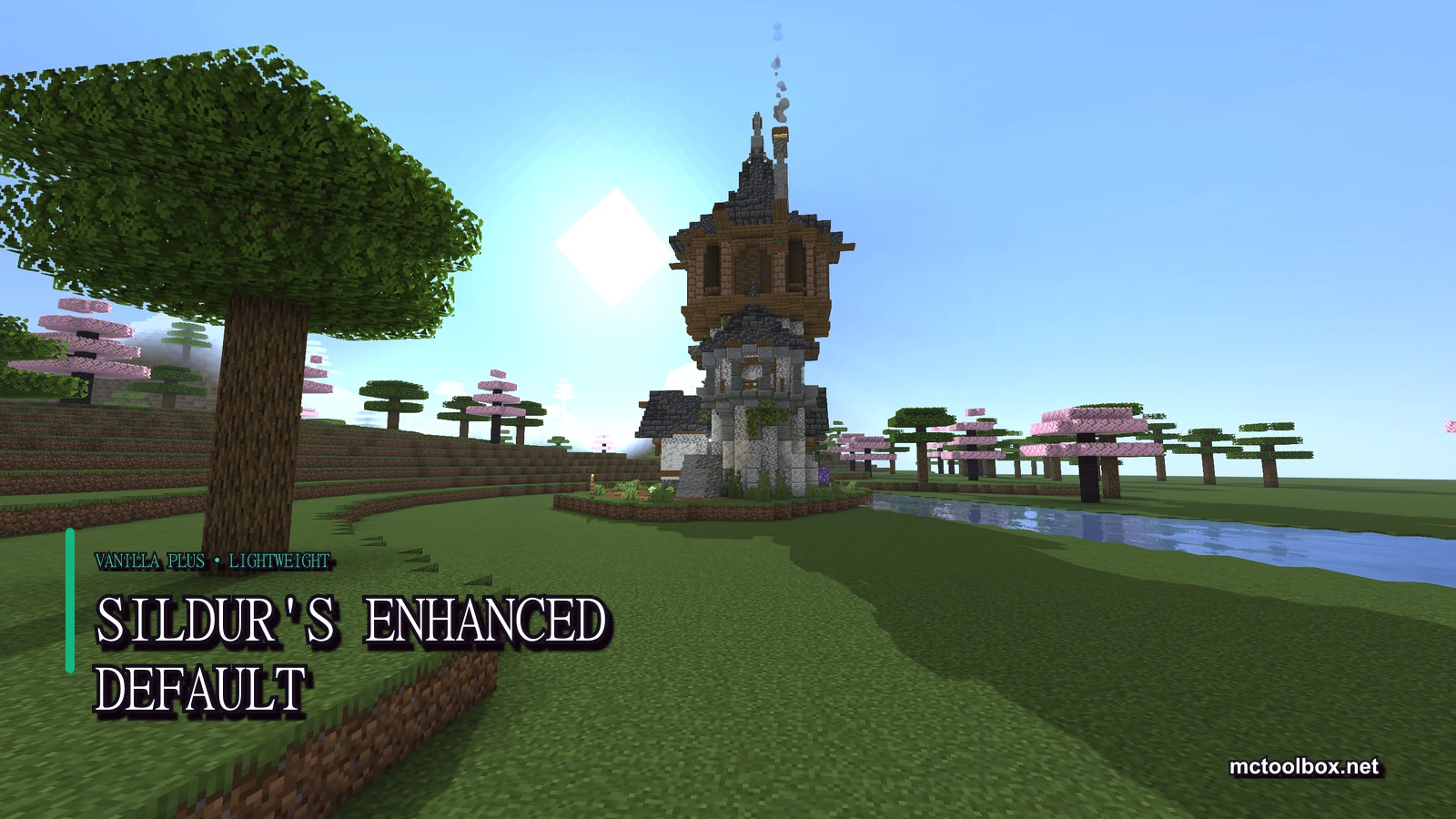
Sildur's Enhanced Default 1.20 - 26.3
Sildur's Enhanced Default by SildurFX upgrades Minecraft's lighting with real-time shadows and water reflections while preserving the game's original color palette and delivering exceptional framerates.