








Minecraft shader review
Voyager Shader 2.0 - 26.3
Atmospheric distance haze, natural sunlight scattering, glassy water optics, and starry cosmos by 6ix7even
Download FilesVoyager Shader 2.0 by 6ix7even elevates Minecraft with soft atmospheric scattering, natural sunlight bloom, crystal-clear water reflections, and a stunning star-filled night sky.
Shader Index8 sections
Many photorealistic shader packs achieve cinematic visuals by heavily tinting the world in warm amber hues, boosting contrast to extreme levels, or applying aggressive lens flares. While visually striking in screenshots, high-contrast grading can quickly cause eye fatigue during long survival sessions and make subtle building materials look unnaturally harsh.
Voyager Shader 2.0, developed by 6ix7even (symbiome67) with over 1.2 million downloads across Modrinth and CurseForge, was engineered with a more grounded philosophy: authentic optical physics and clean, neutral daylight. By focusing on physical light scattering, soft distance haze, and balanced bloom, Voyager creates an expansive world that feels airy and deeply atmospheric without altering the authentic colors of your blocks.
We benchmarked Voyager Shader version 2.0.8 in our isolated Minecraft 26.3 test environment using Fabric 0.19.3, Iris 1.11.2, and Sodium 0.9.1. Below is our in-depth analysis with matched 2K slider comparisons.
Atmospheric Rayleigh scattering and natural daytime haze
How physics-based light diffusion creates genuine landscape scale
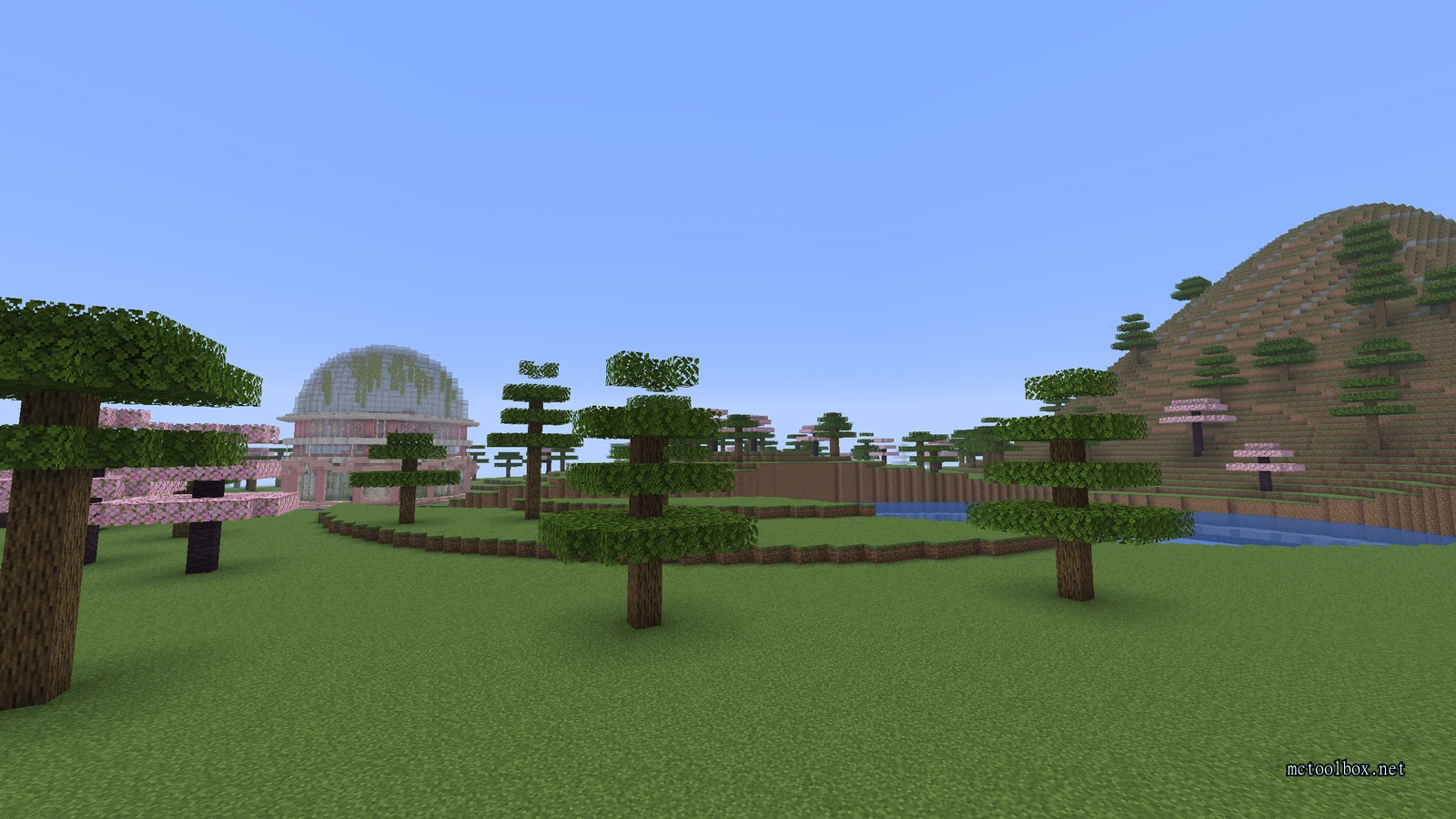
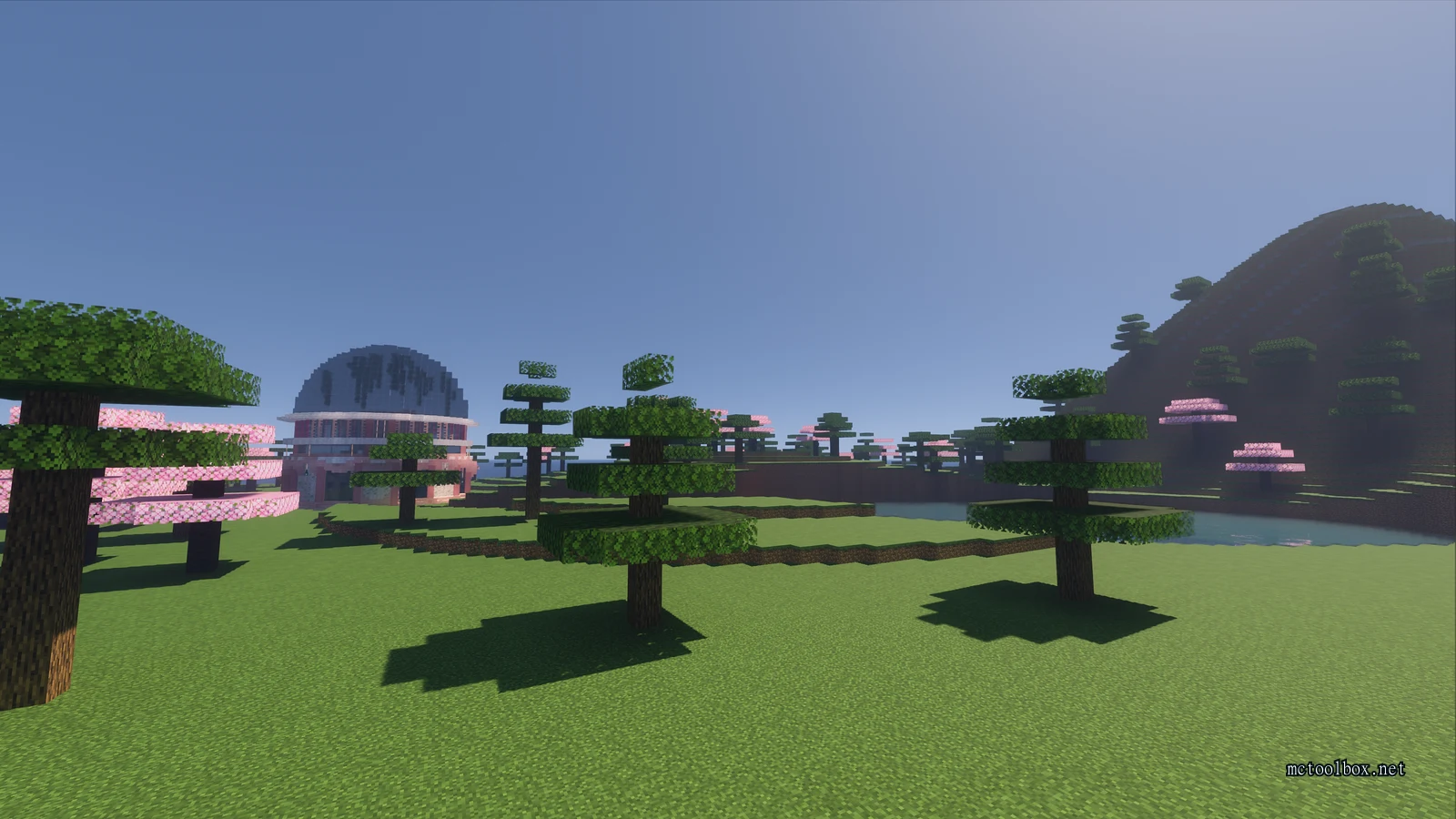
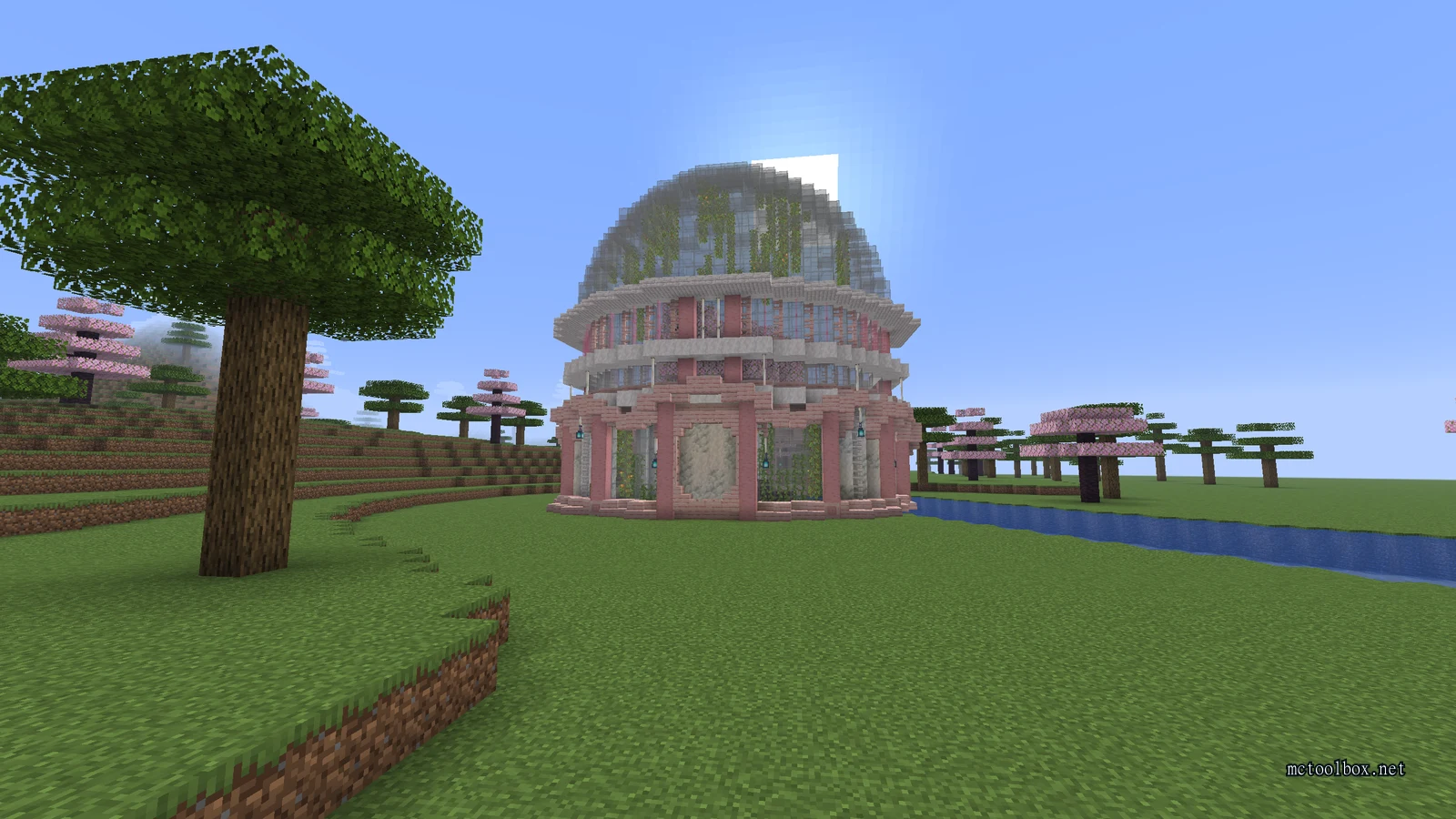
The defining hallmark of Voyager Shader is its sky and distance rendering. Instead of abruptly cutting off render chunks at the horizon, Voyager simulates Rayleigh and Mie atmospheric scattering. Distant mountain peaks and forest ridges soften into a subtle pale blue haze that mimics real-world atmospheric perspective.
Direct sunlight casts sharp yet naturally softened shadow contours on terrain and foliage, while subtle ambient bloom gently diffuses around sunlit tree crowns and glass surfaces without washing out textures or blinding the player.
Glassy aquatic optics and shoreline clarity
Deep blue water surfaces with realistic sky mirroring and underwater transparency
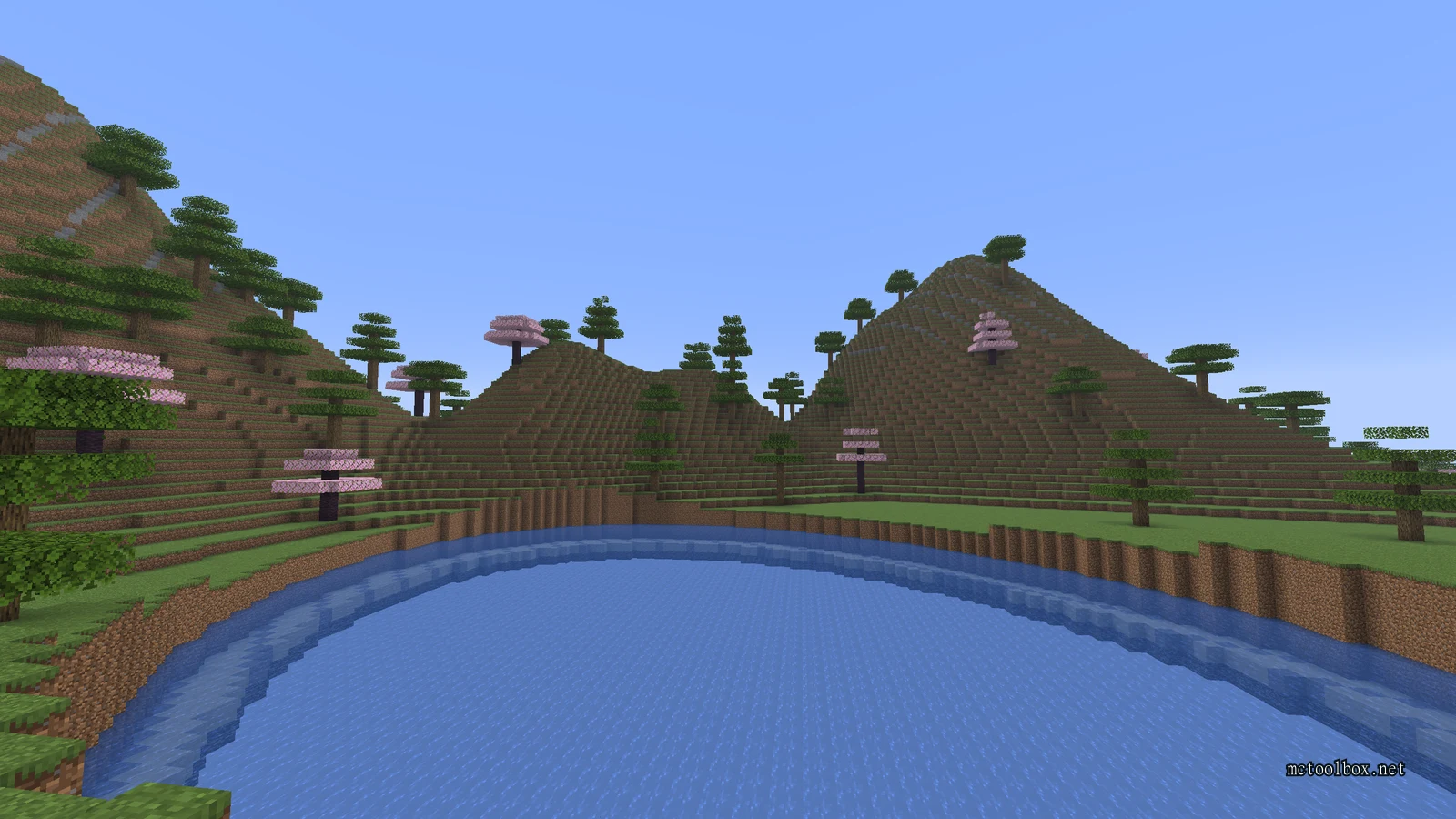
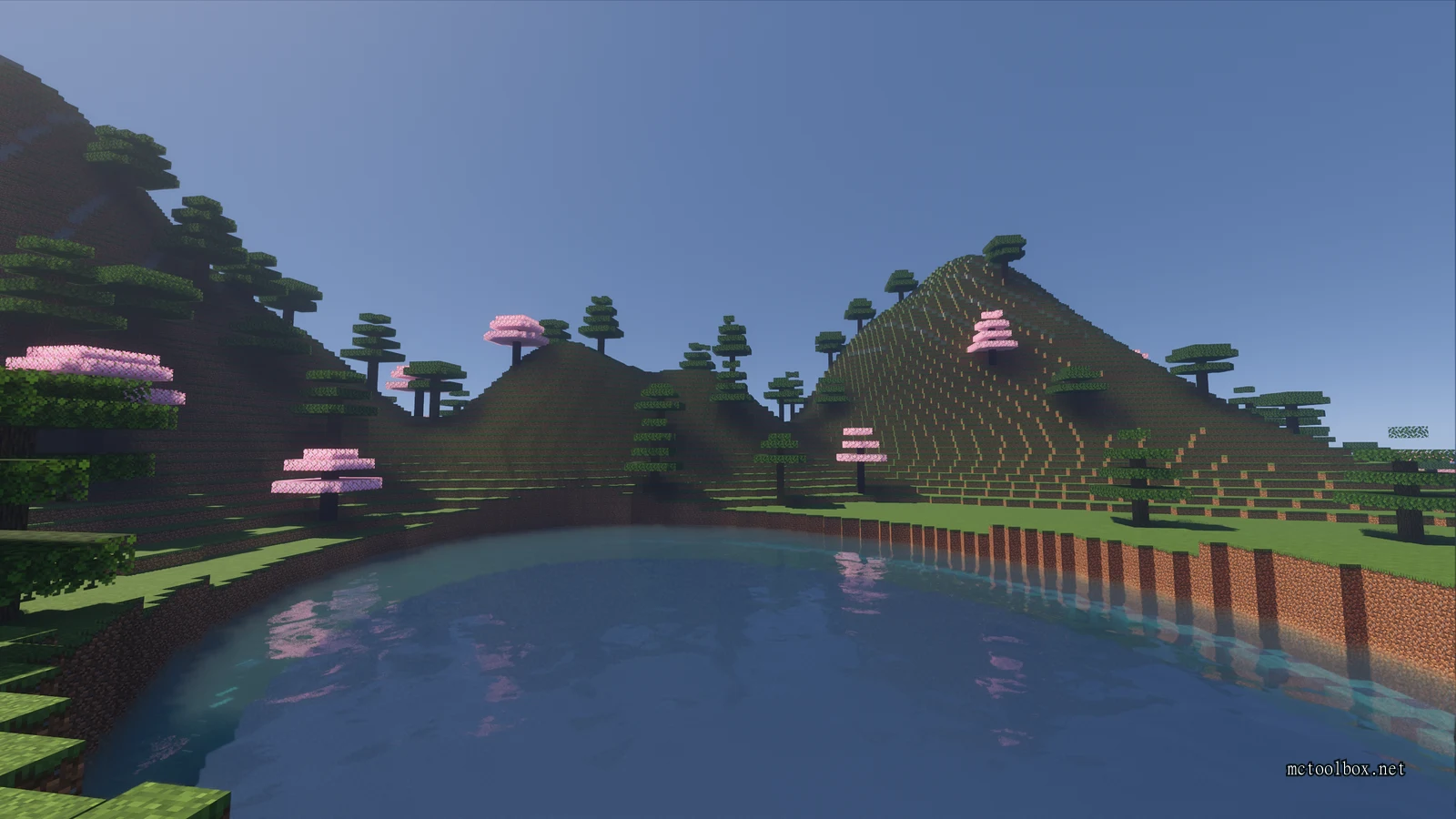
Water in Voyager Shader 2.0 is designed for both visual elegance and gameplay practicality. Lakes and rivers feature smooth, glassy surface normals with subtle micro-ripples that mirror surrounding mountain slopes, pink cherry blossoms, and the open sky via screen-space reflections (SSR).
Near shorelines, water depth attenuation transitions gracefully from crystal-clear shallows into deep navy blues, preserving full visibility for underwater exploring, kelp harvesting, and boat travel without murky color artifacts.
Low-angle sunlight and curved glass reflections
Warm evening glow casting long architectural shadows across greenhouse domes
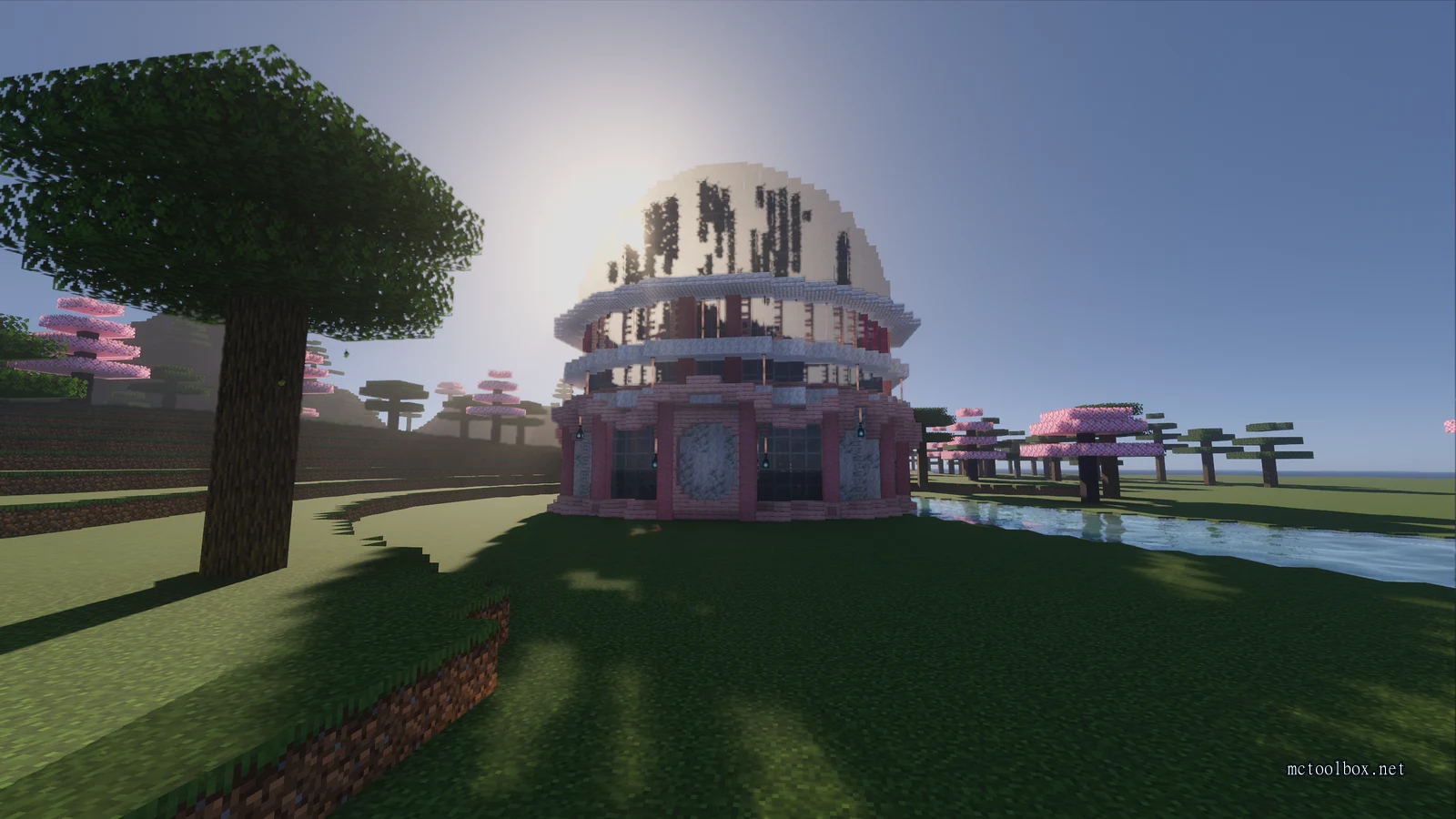
During dusk and golden hour, Voyager Shader transitions into a warm, luminous spectacle. Low-angle solar rays pass behind structures, creating soft backlighting and illuminating curved glass domes with subtle specular reflections.
Long, diagonal shadows stretch across lawns and water channels, adding immense three-dimensional depth to complex architectural builds while keeping window interiors clearly visible.
Expansive starry cosmos and cozy porch illumination
Dense celestial starfields combined with warm emissive lantern lighting
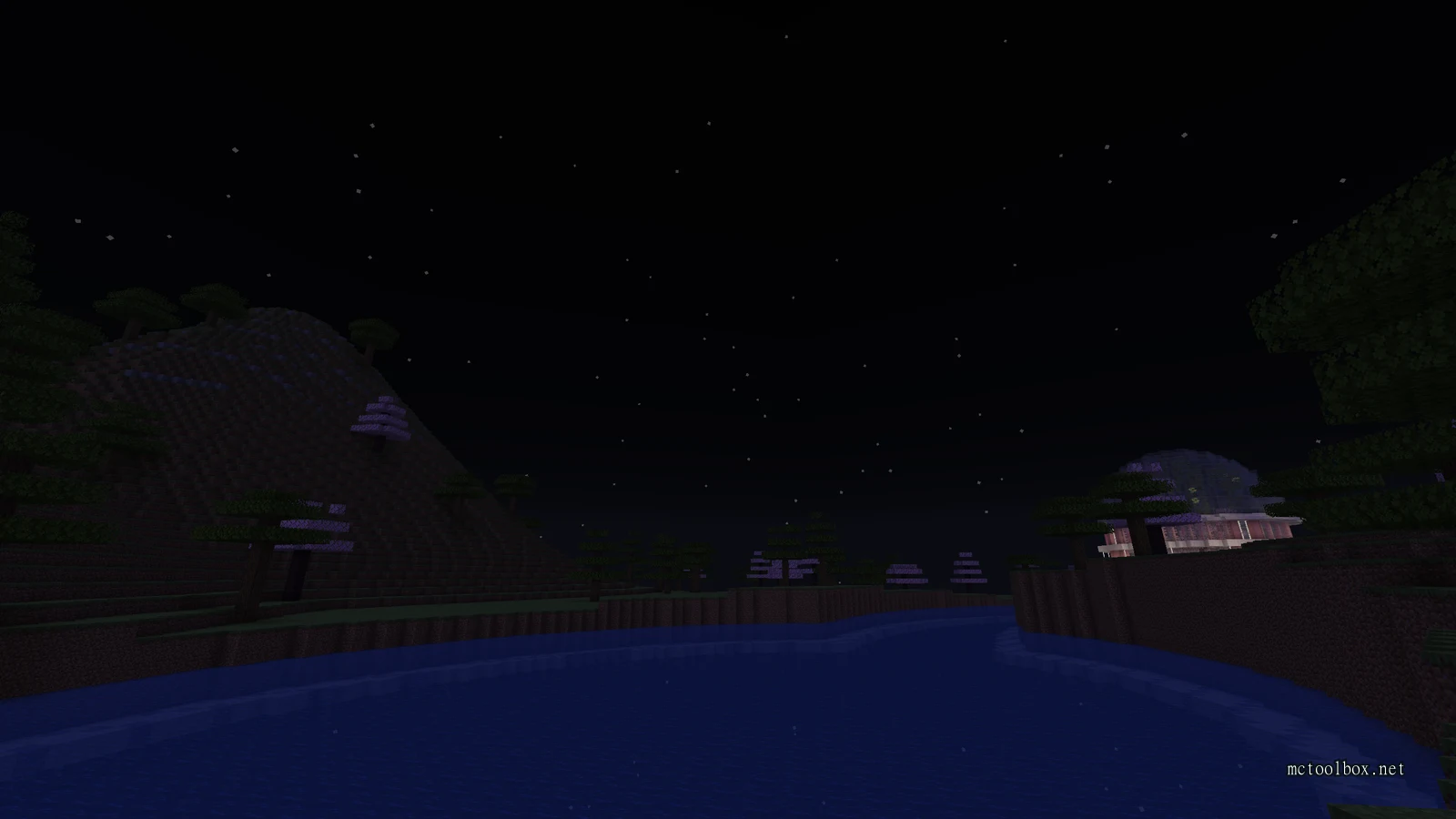
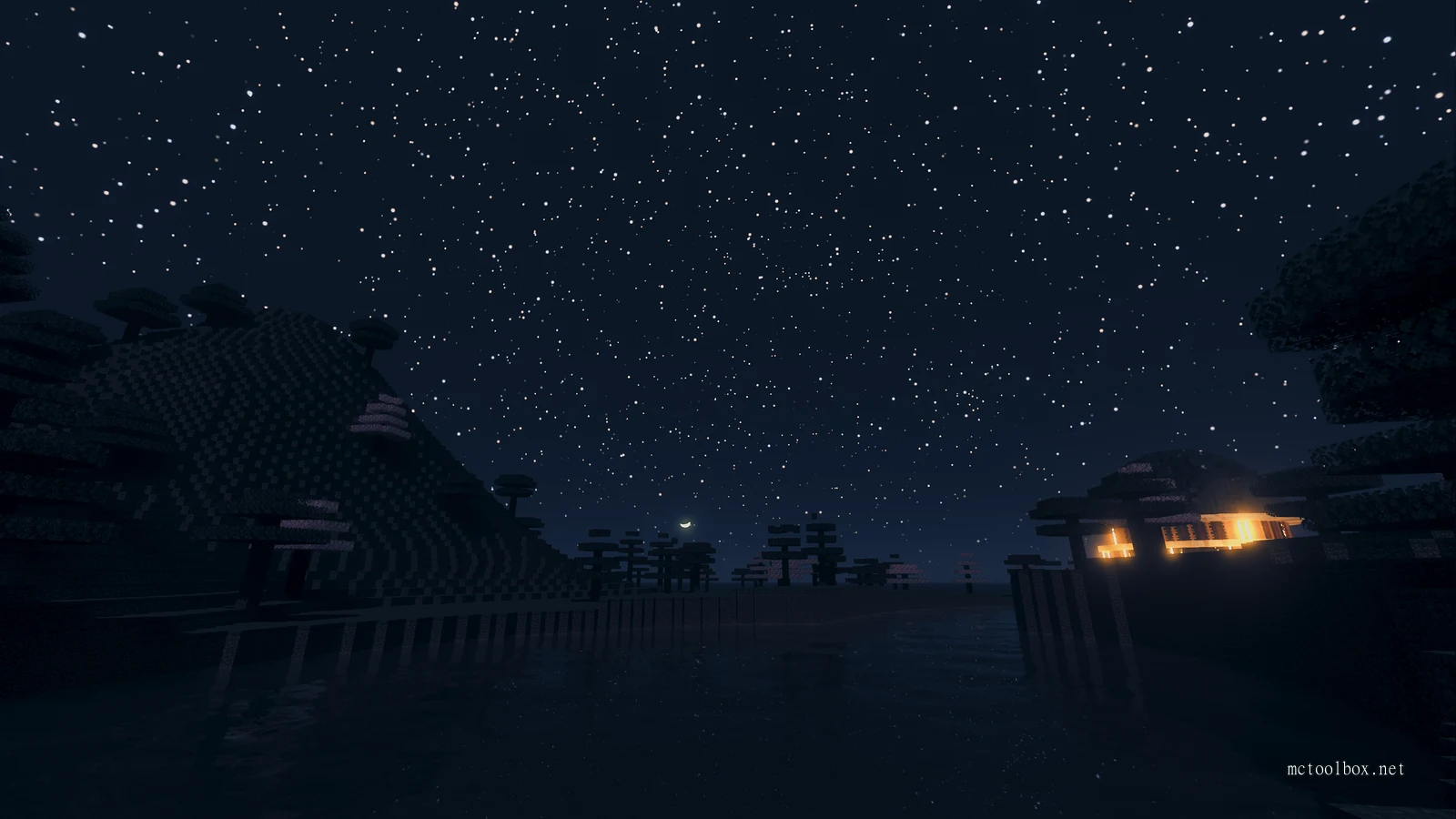
Nighttime in Voyager Shader 2.0 is one of the most stunning in the shader ecosystem. The sky is transformed into a breathtaking astronomical panorama featuring thousands of procedural pin-point stars and a subtle crescent moon against deep space.
On the ground, emissive light sources such as lanterns, campfires, and sea lanterns emit a warm, golden radiance that illuminates porches and walkways, creating a cozy contrast against the tranquil, dark wilderness while keeping hostile mobs clearly legible.
Essential settings to tweak for long-term survival gameplay
Practical adjustments to maximize comfort, visibility, and frame rate
Hardware benchmark results on modern Iris + Sodium setups
Measured frame rates recorded at 2560x1440 resolution on Fabric 0.19.3
We recorded in-game frame rates on an isolated Minecraft 26.3 test instance at native 1440p (2K) resolution with a 12-chunk render distance on Fabric 0.19.3 + Sodium 0.9.1 + Iris 1.11.2:
| Configuration / Shader Profile | Measured Frame Rate |
|---|---|
| Vanilla + Sodium Baseline (Unshaded) | ~245 - 260 FPS |
| Voyager Shader 2.0 (Default Preset) | ~125 - 140 FPS |
| Voyager Shader 2.0 (Lite / Low Mode) | ~150 - 165 FPS |
| Voyager Shader 2.0 (Depth of Field & Motion Blur ON) | ~115 - 128 FPS |
How to install Voyager Shader 2.0 on Iris and OptiFine
Quick installation steps for Fabric, NeoForge, and legacy setups
Voyager Shader 2.0 is fully compatible with modern Iris (v1.4+) and legacy OptiFine:
- Ensure you have Fabric Loader installed with Iris, Sodium, and Fabric API in your
.minecraft/modsfolder. - Download
Voyager shader 2.0.8.zipfrom the official Modrinth or CurseForge project page. - Move the downloaded
.zipfile into your.minecraft/shaderpacksdirectory without unzipping. - Launch Minecraft, navigate to Options → Video Settings → Shader Packs, select Voyager Shader 2.0, and click Apply.
Download links
We do not host Minecraft shader files directly. Download links go to the creator's official project pages.
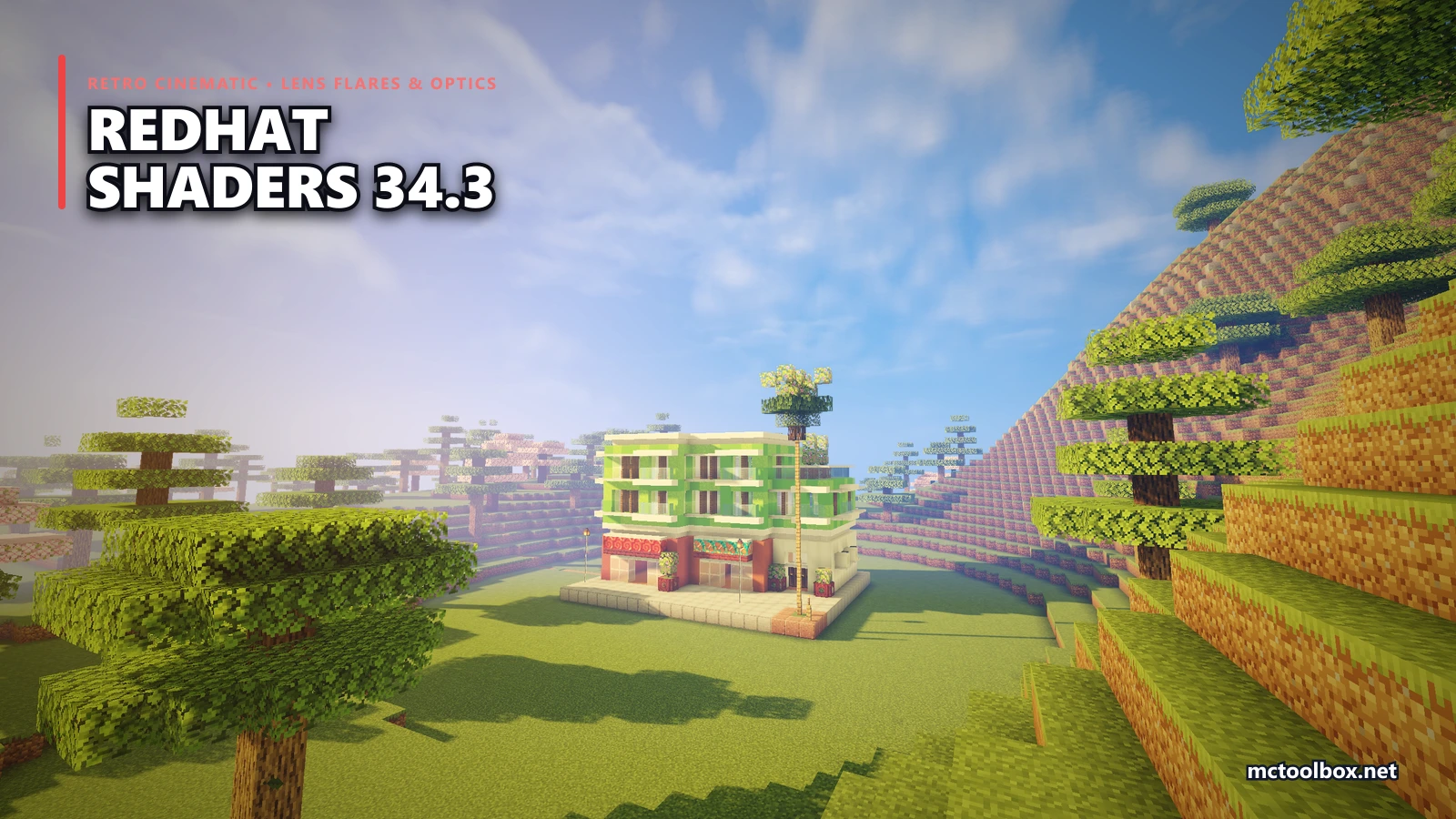
RedHat Shaders 34.3 for Minecraft 26.3
RedHat Shaders by MorganFreeguy delivers a vintage cinematic aesthetic featuring anamorphic lens flares, autumn warmth, dynamic cloud physics, and glassy river reflections.
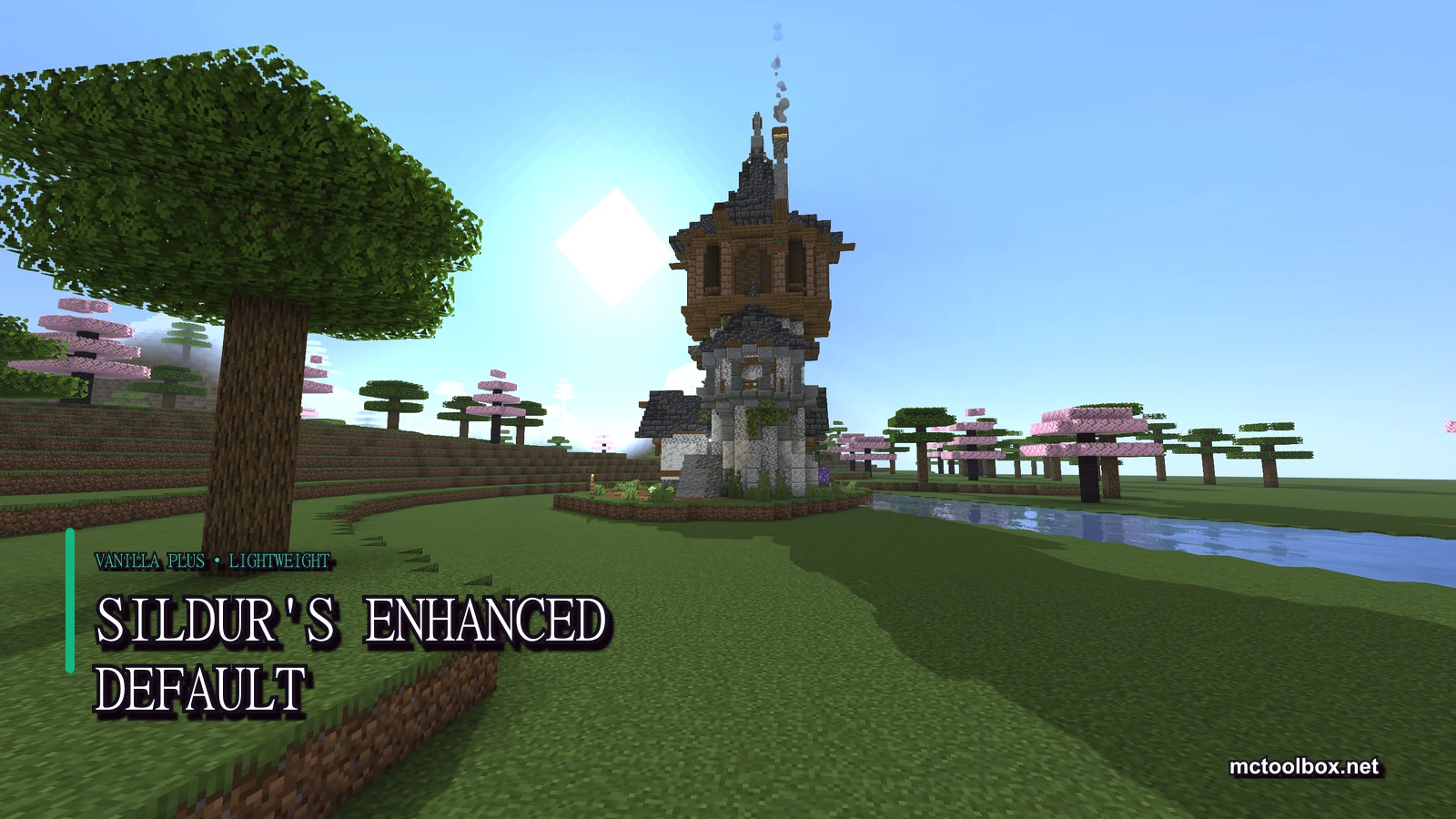
Sildur's Enhanced Default 1.20 - 26.3
Sildur's Enhanced Default by SildurFX upgrades Minecraft's lighting with real-time shadows and water reflections while preserving the game's original color palette and delivering exceptional framerates.

MakeUp Ultra Fast Shaders 1.21 - 26.3
MakeUp Ultra Fast 9.5d is a configurable everyday shader that adds directional light, shadows, volumetric clouds, reflective water, bloom, and exposure controls without aiming for the cost of a cinematic pack.