








Minecraft shader review
Pastel Shaders 1.7.10 - 26.3
A soft cottagecore aesthetic with customizable color profiles, gentle shadows, and 150+ FPS performance
Download FilesPastel Shaders turns harsh Minecraft lighting into a soft storybook world with customizable color palettes, gentle shadows, and outstanding frame rates.
Shader Index8 sections
Not every Minecraft survival world needs realistic PBR reflections, heavy raymarched fog, or high-contrast sunbeams. If you spend your time designing flower gardens, building timber cottages, or cultivating cherry blossom orchards, the intense contrast of conventional shaders can feel overwhelming.
Pastel Shaders takes the opposite design direction: it replaces stark lighting with creamy pastel grading, soft atmospheric haze, and non-intrusive shadow penumbra. With over 4.6 million downloads, it has become the gold standard for cozy and cottagecore players. I tested Pastel Shaders v1.200 Universal on Minecraft 26.3 with Iris 1.11.2 and Sodium 0.9.1. Here is how it performs in practice.
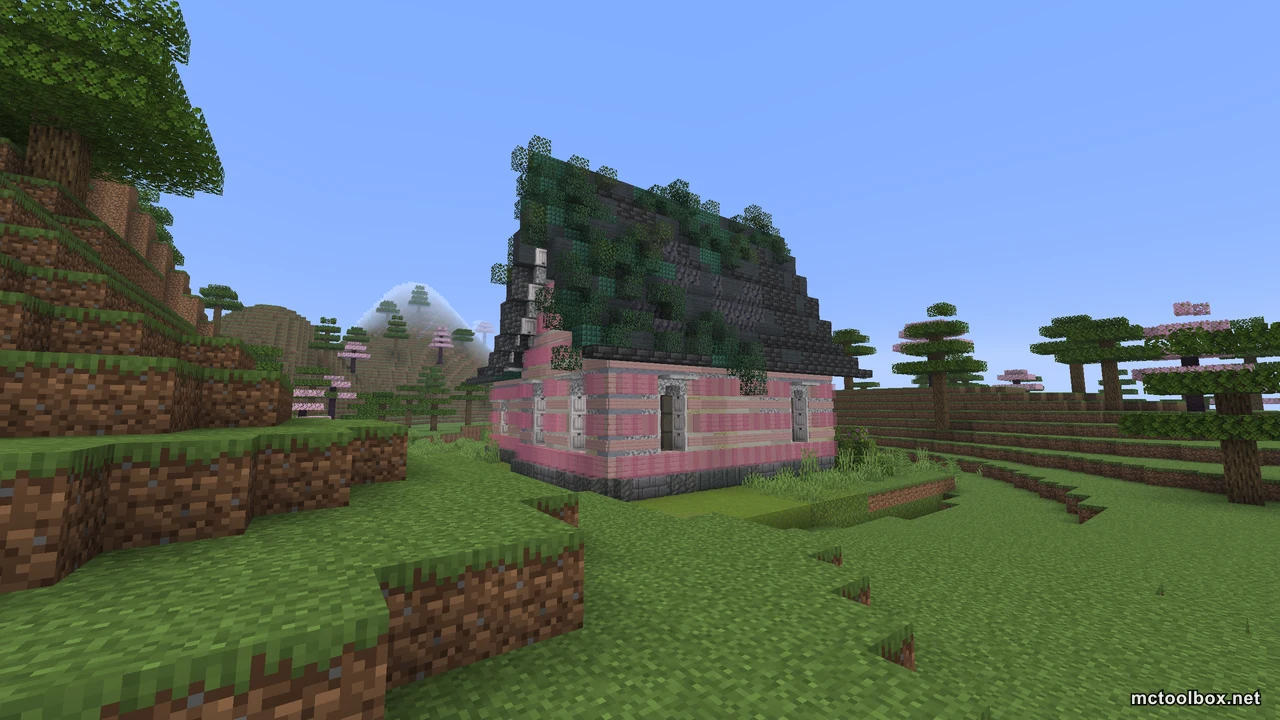
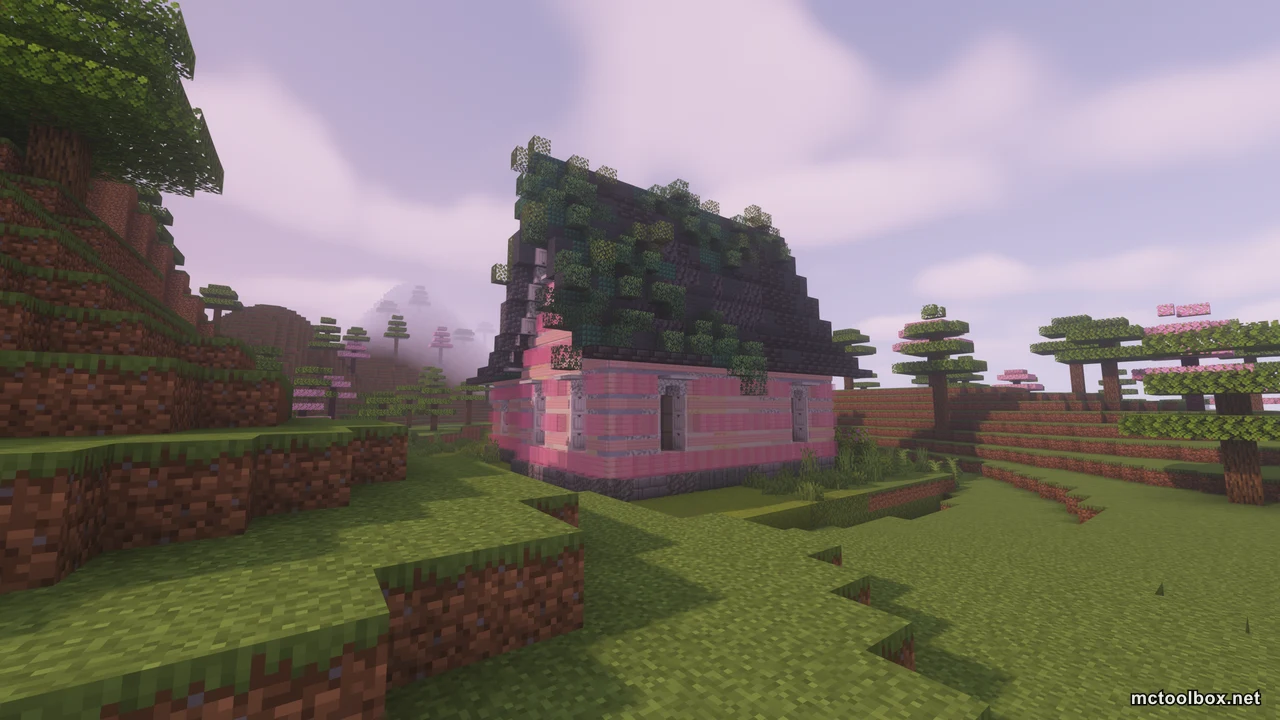
Sunset ambiance across the Cherry Grove and Pink Cottage
Warm rose gold lighting and gentle atmospheric haze on decorative timber builds
The defining showcase of Pastel Shaders occurs during late afternoon and sunset. Throughout the Pink Cottage grounds (nearly 8,000 blocks surrounded by cherry blossoms), pink wood planks and deepslate shingles catch a warm, rose-gold ambient glow rather than an aggressive blinding glare.
A gentle atmospheric mist settles across the rolling hills behind the cottage, adding visual depth to the horizon without obscuring distant builds.
Customizing the color mood: Pinkish, Bluish, and Yellowish presets
Switching tone grading inside the shader settings menu
One of Pastel Shaders’ best features is its built-in palette switcher located under Shader Pack Settings > Color Profile:
- Classic Pastel: Balanced creamy greens and soft sky tones; ideal for general survival exploration.
- Pinkish / Cherry: Intensifies magenta, pink, and peach tones; designed specifically for cherry blossom biomes and whimsical builds.
- Bluish / Frost: Cools the lighting for snowy biomes, ocean bases, and mountain peaks.
- Yellowish / Honey: Warm golden hour tone reminiscent of autumn afternoons.
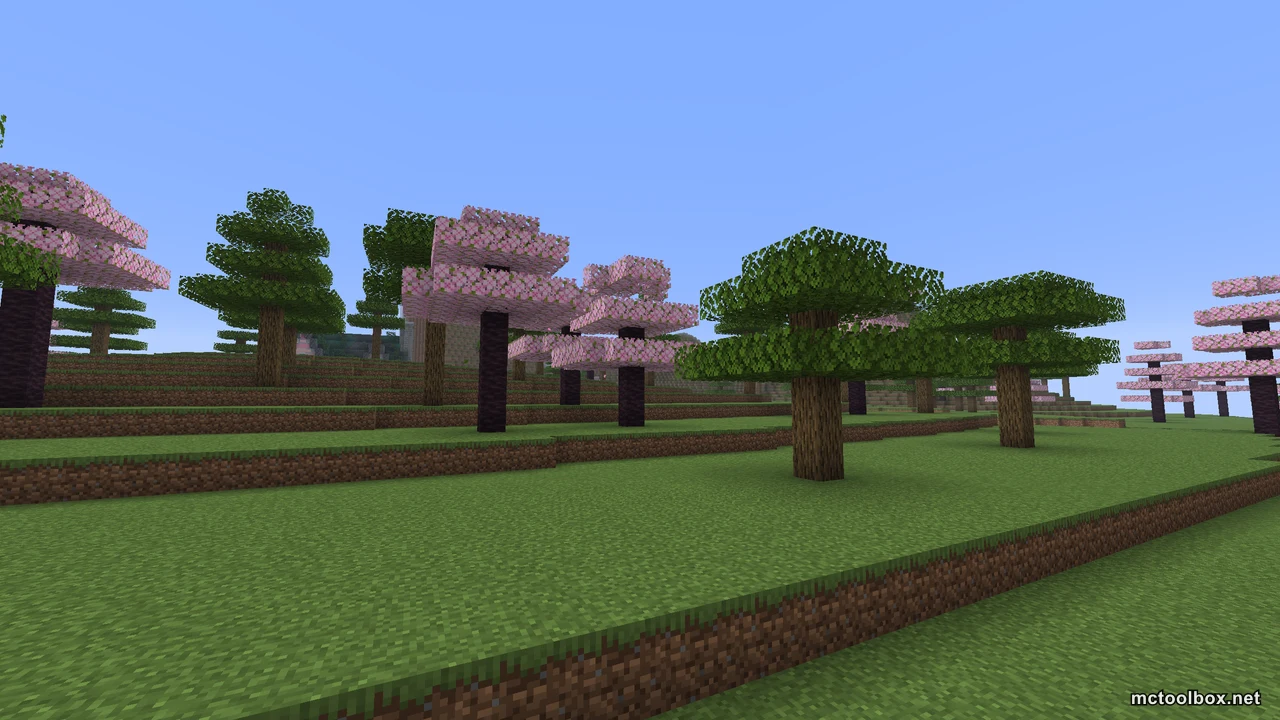
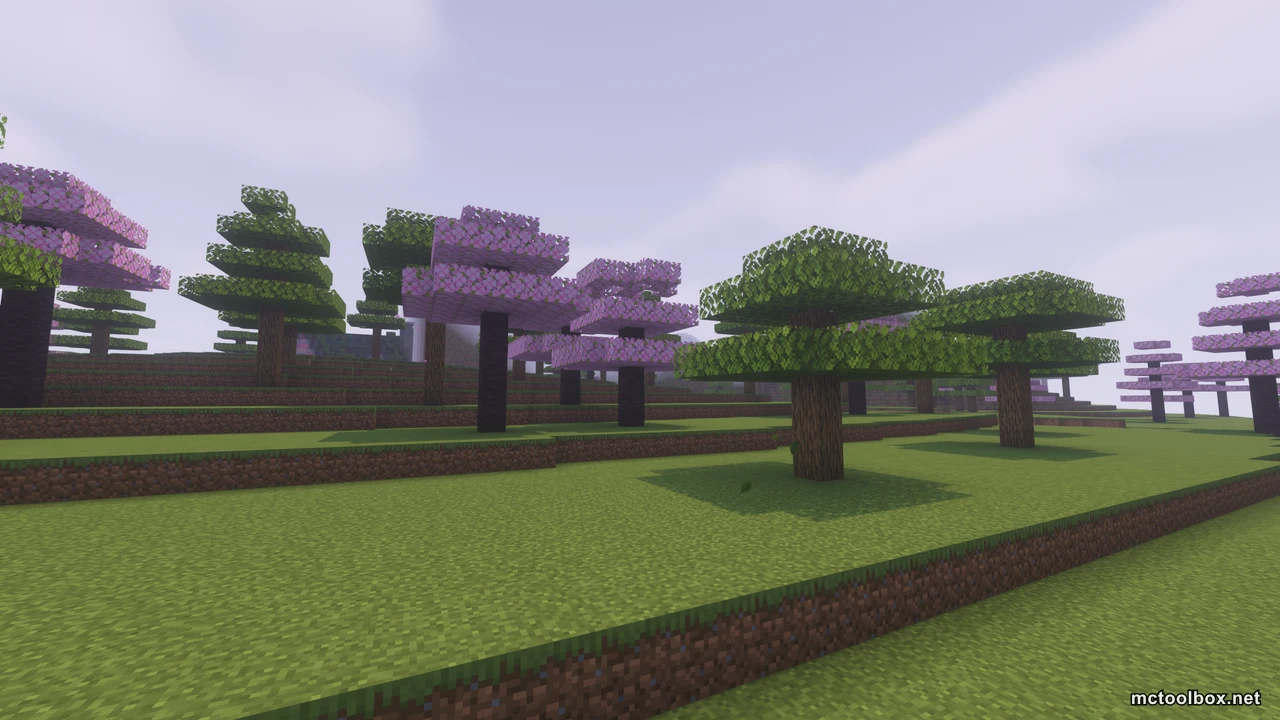
Soft daylight diffusion and storybook sky clouds
Creamy meadow illumination with gentle lavender cloud shading
Under standard midday sun, Pastel Shaders softens harsh terrain contrast. Grass blocks take on a vibrant yet gentle green tone, while shadows cast by oak and cherry trees blend smoothly into the surrounding meadow.
The sky features soft, painterly clouds with delicate lavender tints along their underside, creating a relaxing, picture-book backdrop during survival building sessions.
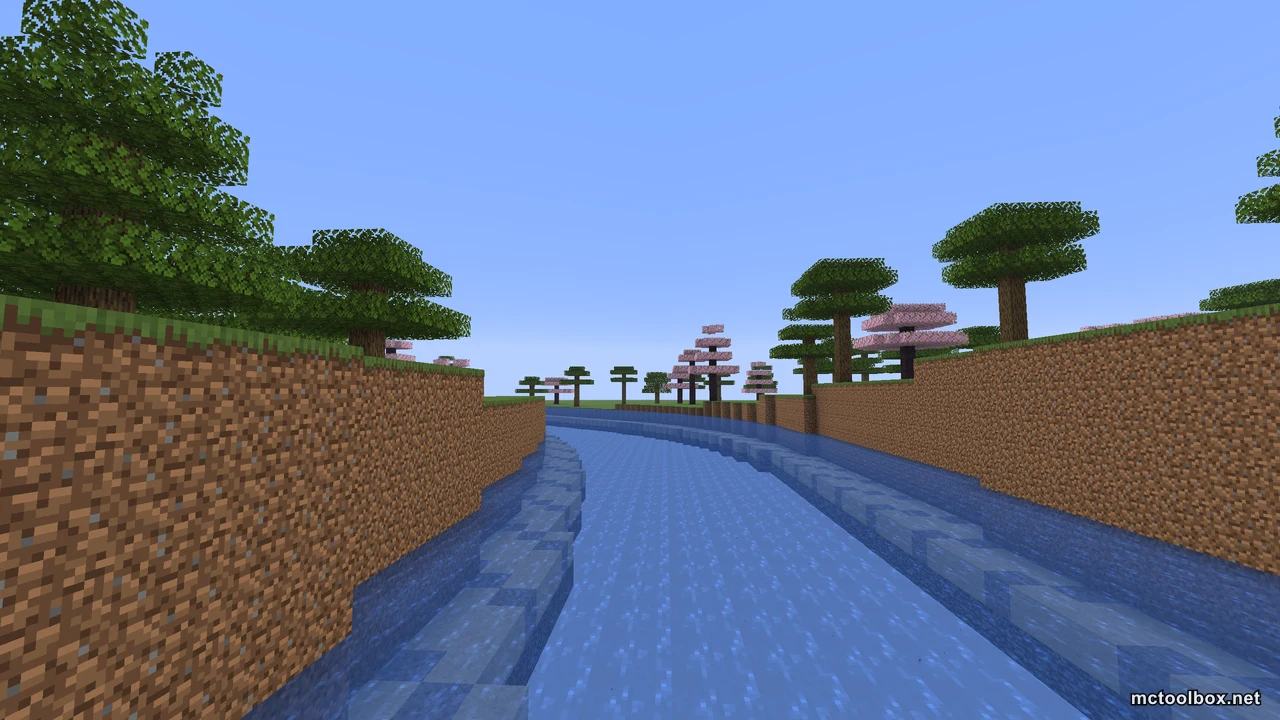
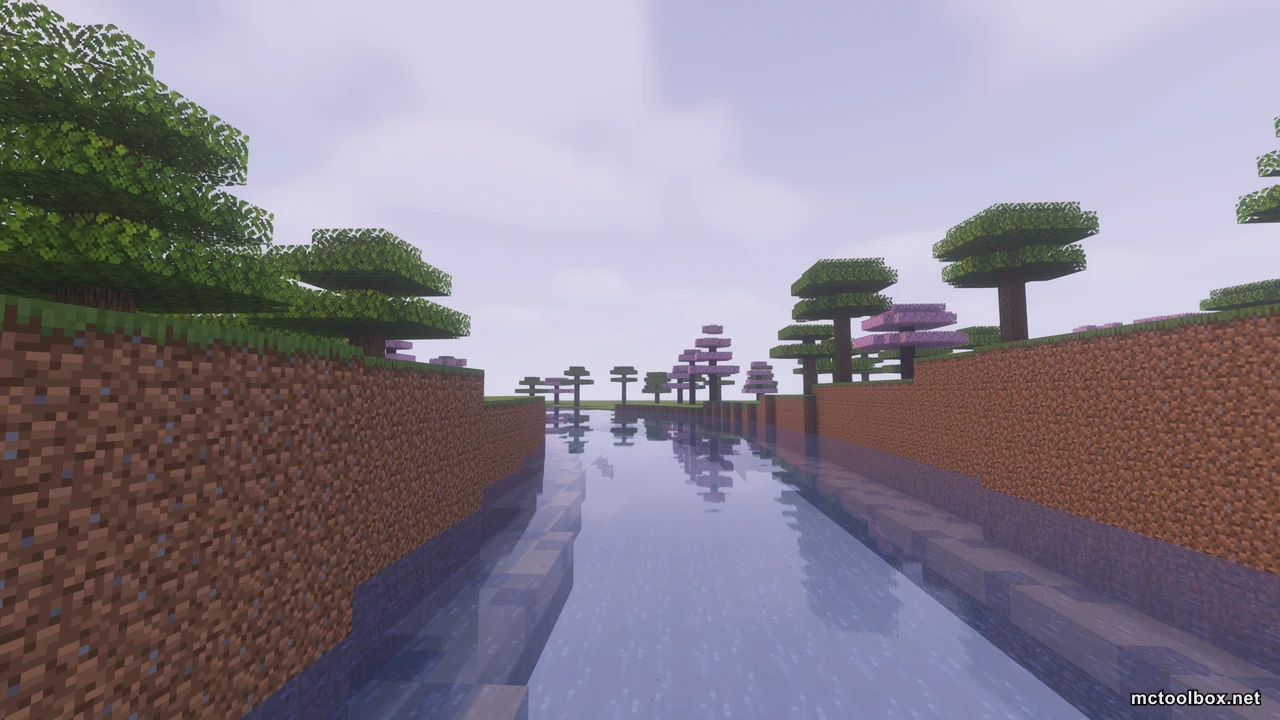
High-visibility aqua water and surface ripples
Crystal-clear lakebeds, subtle surface sheen, and effortless underwater navigation
Many realistic shaders make water dark and opaque, which hinders underwater farming and boat travel. Pastel Shaders opts for a translucent aqua-cyan surface with gentle geometric ripples.
Looking into lakes and rivers, the riverbed sand, gravel, and submerged vegetation remain completely clear and easy to navigate.
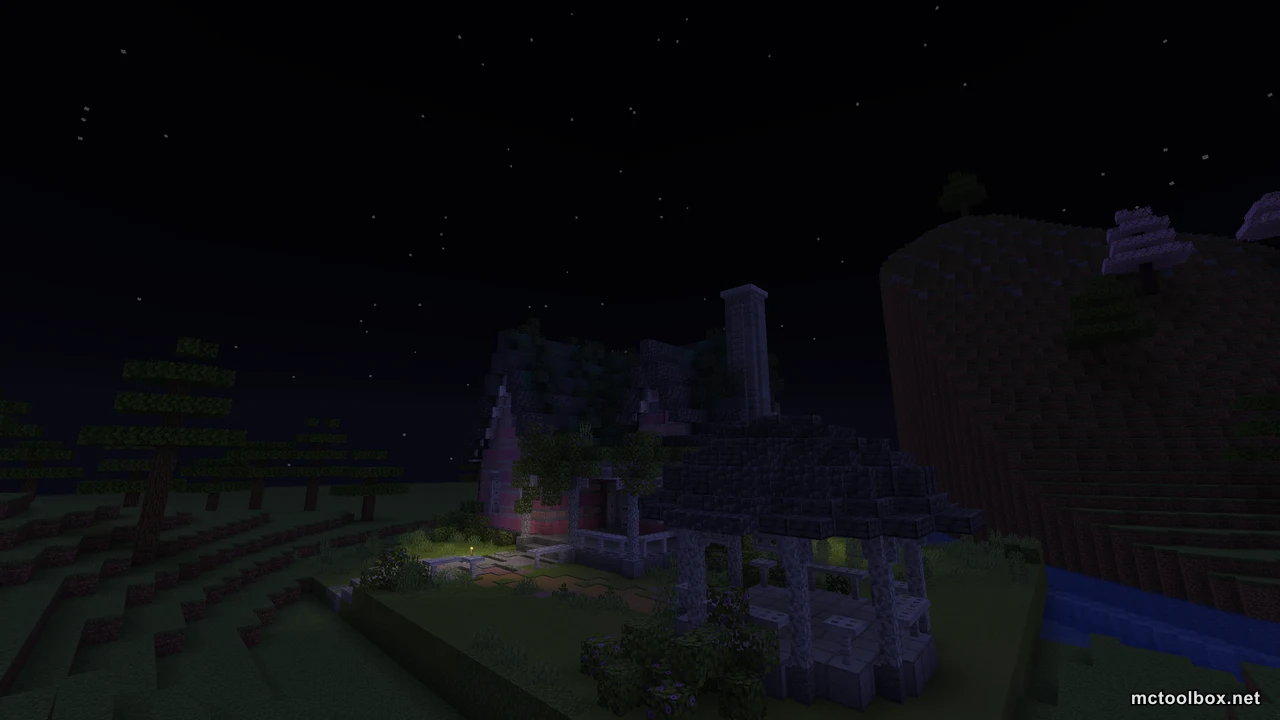
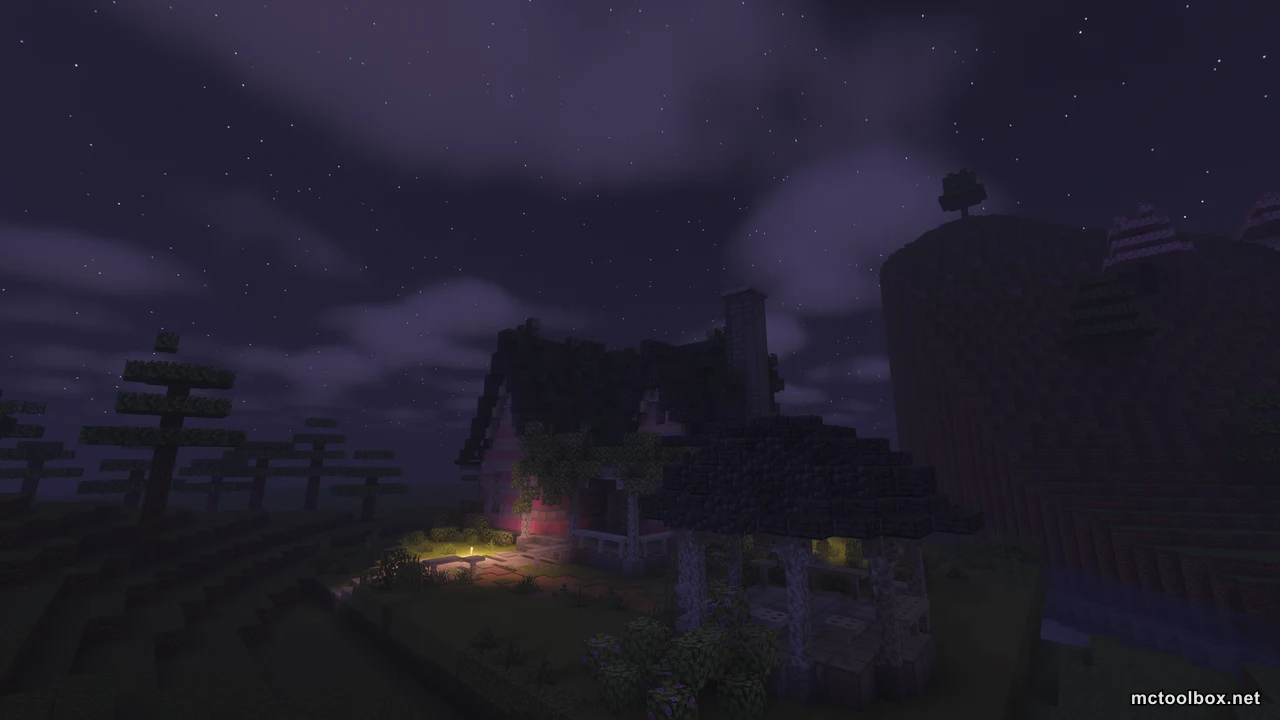
Lavender night canopy and cozy perimeter lighting
Gentle violet night sky, bright starfield, and warm lantern radiance around the gazebo
At night, Pastel Shaders trades pitch-black darkness for a serene lavender-violet sky filled with twinkling stars.
Torches and lanterns cast a warm amber glow around pathways and gazebo seating areas. The surrounding terrain remains comfortably readable, so you can tend your crops and wander your base at night without getting surprised by creeping mobs.
150+ FPS performance on mid-range hardware
Measured frame rates on GTX 1660 SUPER at 2560x1440 resolution
Because Pastel Shaders relies on efficient post-processing filters rather than compute-heavy raymarched volumetric grids, it runs circles around heavy shaders in frame rate tests on Minecraft 26.2:
| Configuration / Preset | Average FPS | Visual Characteristics & Recommendations |
|---|---|---|
| Vanilla Baseline (No Shader) | 248 FPS | 1440p resolution, 12 chunks render distance |
| Pastel Shaders (Default Preset) | 158 FPS | Creamy color grading, soft bloom, pastel sky clouds, and aqua water |
| Pastel Shaders (Enhanced Soft Fog) | 142 FPS | Extended atmospheric distance mist and increased shadow softness |
How to install Pastel Shaders with Iris
Step-by-step installation for Fabric and Iris
- 1
Install Fabric & Iris
Install Fabric Loader for Minecraft 26.2 along with Sodium and Iris Shaders.
- 2
Download Pastel Shaders
Download the official Pastel Shaders ZIP file from the primary download button above. Keep the archive intact without extracting.
- 3
Place in Shaderpacks Folder
Open your
.minecraftdirectory and copy the ZIP file into.minecraft/shaderpacks. - 4
Select Pastel in Video Settings
Launch Minecraft, navigate to Options > Video Settings > Shader Packs, choose Pastel Shaders, and click Apply.
Test setup and performance
| minecraft Version | 26.3 |
|---|---|
| shader Version | v1.200 Universal |
| loader | Fabric + Iris + Sodium |
| loader Version | Fabric Loader 0.19.3 / Iris 1.11.2 / Sodium 0.9.1 |
| gpu | NVIDIA GeForce GTX 1660 SUPER |
| cpu | Intel Core i3-12100F |
| ram | 32 GB system RAM |
| render Distance | 12 chunks; simulation distance 6 chunks |
| preset | Default Pastel Profile |
| Scene / preset | Average FPS | 1% low | Notes |
|---|---|---|---|
| Vanilla Baseline (No Shader) | 248 FPS | 195 FPS | 1440p resolution, 12 chunks render distance |
| Pastel Shaders (Default Preset) | 158 FPS | 130 FPS | Soft color grading, pastel clouds, aqua water |
| Pastel Shaders (Enhanced Soft Fog) | 142 FPS | 118 FPS | Extended atmospheric mist and increased shadow softness |
Questions and compatibility
What aesthetic style does Pastel Shaders specialize in?
Pastel Shaders specializes in a cozy, cottagecore aesthetic with soft creamy colors, gentle lavender and pink sky tones, translucent aqua water, and non-intrusive soft shadows.
Does Pastel Shaders support different color presets?
Yes. Inside Video Settings > Shader Pack Settings > Color Profile, you can switch between several distinct color presets including Pinkish, Bluish, Yellowish, and Classic Pastel.
Does Pastel Shaders work on Minecraft 26.3?
Yes. Pastel Shaders v1.200 Universal was tested and verified on Minecraft 26.3 using Fabric Loader 0.19.3, Iris 1.11.2, and Sodium 0.9.1.
Is Pastel Shaders suitable for low-end PCs and laptops?
Yes. Because Pastel Shaders relies on efficient post-processing and lightweight rasterization rather than heavy raymarched voxel pipelines, it runs exceptionally well at 140-160+ FPS on budget GPUs.
Can I use Pastel Shaders with OptiFine as well as Iris?
Yes. Pastel Shaders Universal is cross-compatible with both OptiFine and Iris shader loaders across versions ranging from 1.7.10 to modern releases.
Where can I download the official Pastel Shaders build?
Download the verified release archive directly using the primary download button above, which connects to the official release distribution.
Download links
We do not host Minecraft shader files directly. Download links go to the creator's official project pages.

BSL Shaders 1.7.10 - 26.3
BSL Shaders by CaptTatsu offers signature warm daylight, customizable volumetric clouds, smooth water refraction, and well-balanced performance for long-term survival.
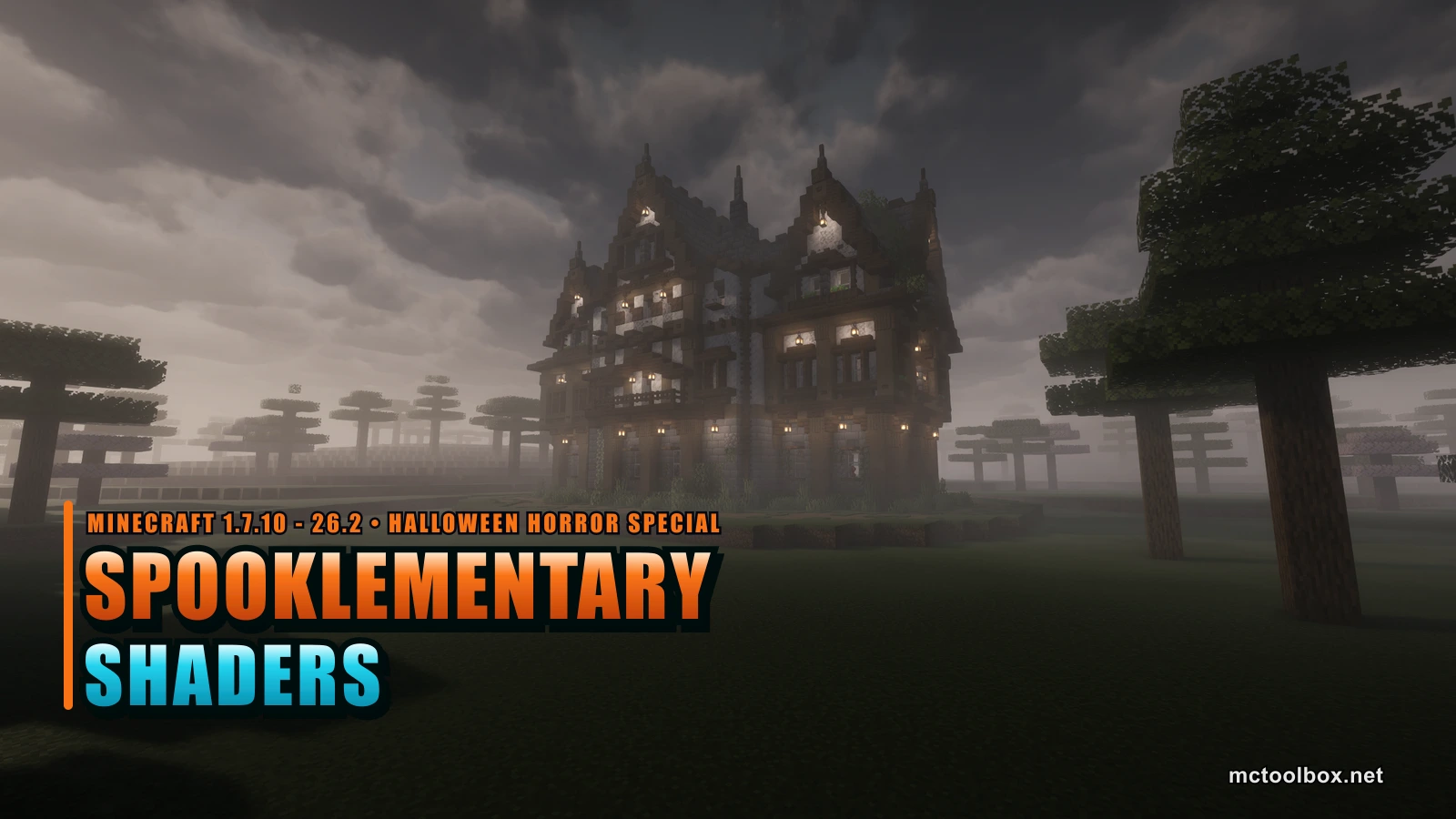
Spooklementary Shaders 1.7.10 - 26.2
Spooklementary by EminGT is the official Halloween horror edition of Complementary Shaders, adding creeping ground mist, floating specters, and haunted visual effects.
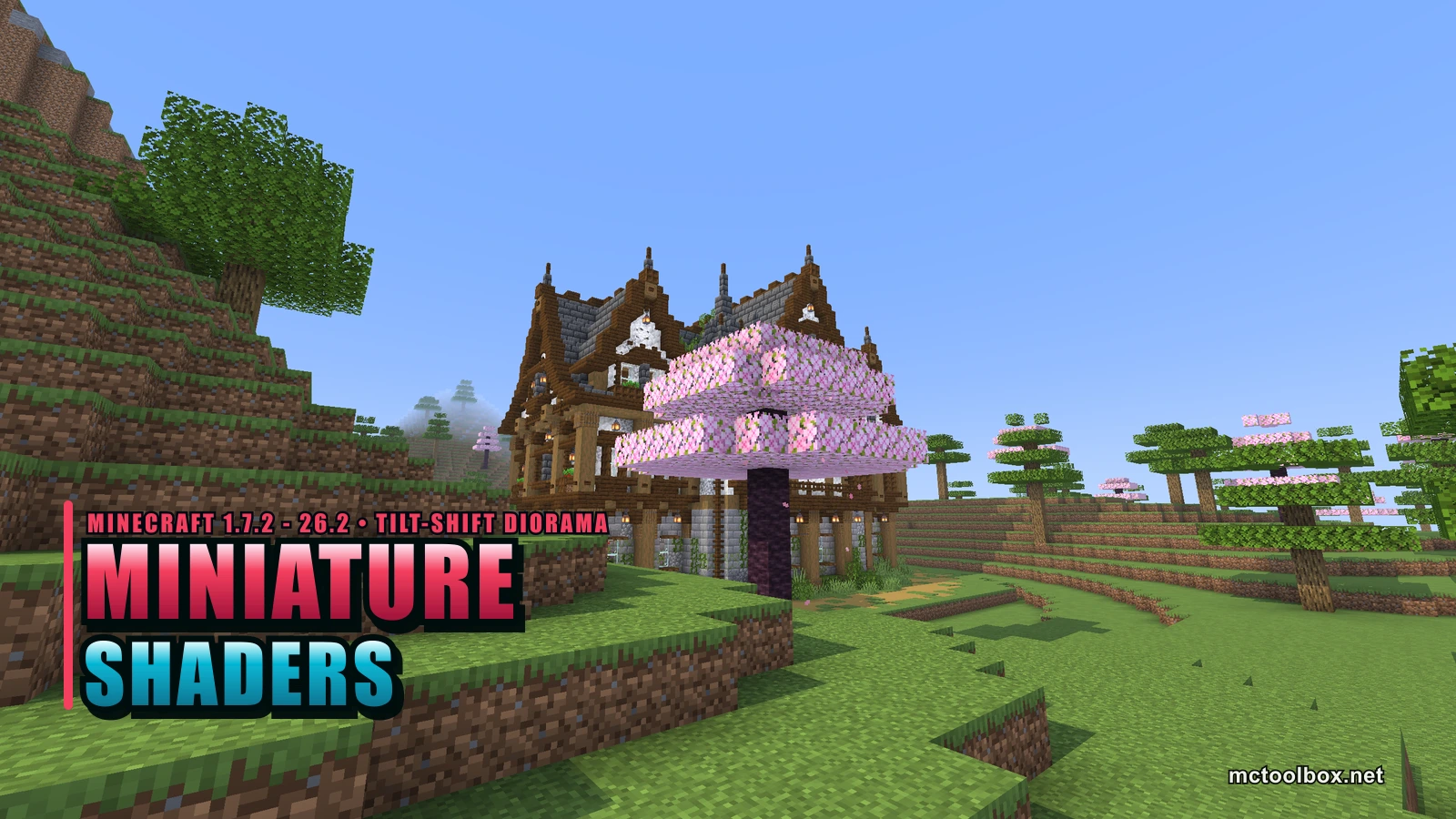
Miniature Shader 1.7.2 - 26.2
Miniature Shader by gri573 simulates a tilt-shift camera lens, transforming full-scale Minecraft worlds into toy-like tabletop dioramas.