








Minecraft shader review
Miniature Shader 1.7.2 - 26.2
Tilt-shift optical depth of field, tabletop diorama perspectives, and high-contrast toy world rendering for Iris
Download Files
Miniature Shader by gri573 simulates a tilt-shift camera lens, transforming full-scale Minecraft worlds into toy-like tabletop dioramas.
Shader Index8 sections
In real-world photography, tilt-shift lenses restrict the depth of field to a narrow horizontal plane, tricking the human brain into perceiving full-sized landscapes as tiny miniature models. Miniature Shader, created by gri573, brings this exact optical illusion directly into Minecraft.
With over 4.2 million downloads on Modrinth, Miniature Shader ranks as one of the most distinctive visual packs available. Rather than chasing photorealism, it shifts your perspective into that of a tabletop hobbyist examining a detailed toy diorama.
I tested the latest Miniature Shader v2.19 on Minecraft 26.2 using Fabric Loader 0.19.3, Iris 1.11.2, and Sodium 0.9.1. Below is a technical examination of how its tilt-shift blur operates, 2K comparison sliders, and verified hardware benchmarks.
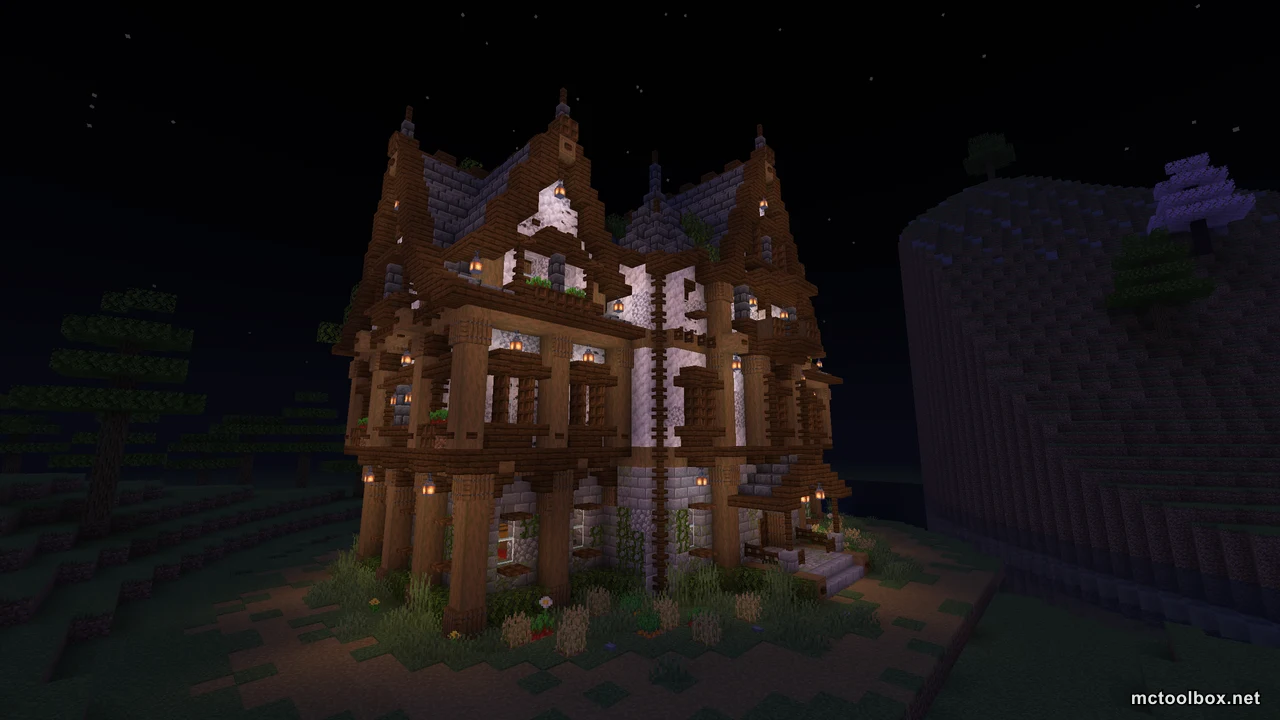
The Autumnvale Mansion as a tabletop toy diorama
How selective focal bands transform a 10,000-block estate into a miniature figurine model
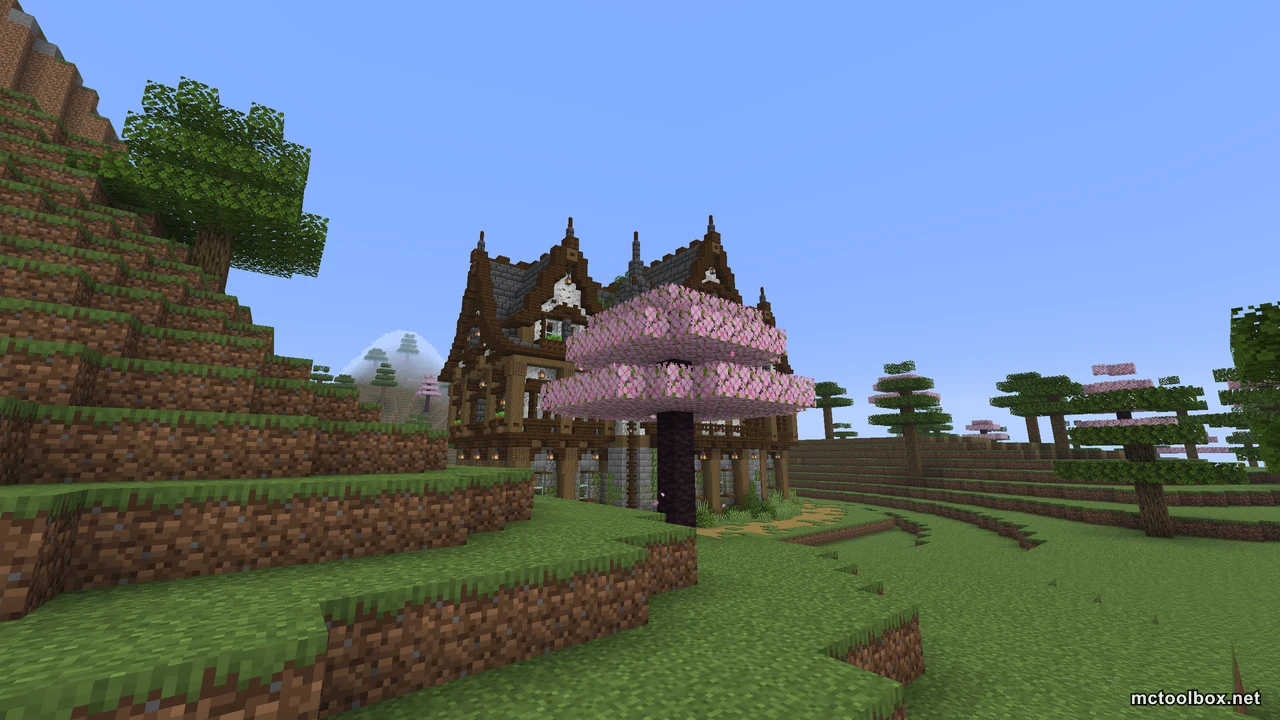
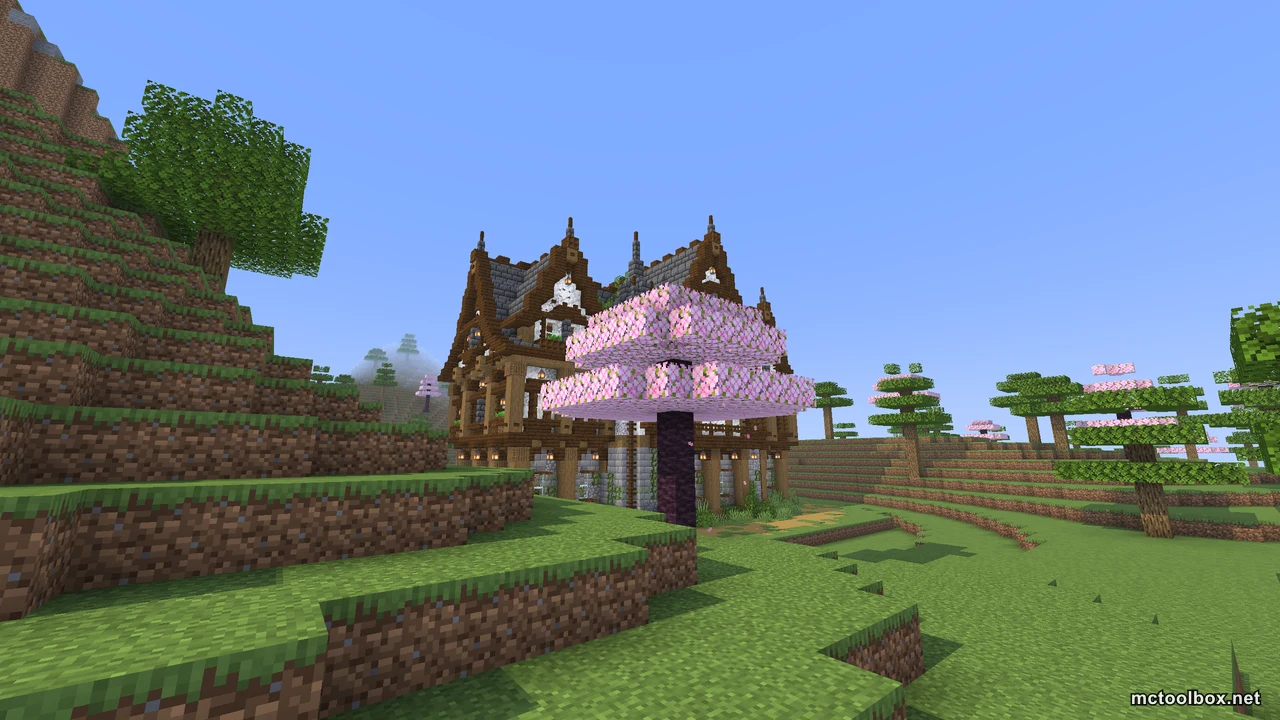
Overlooking the Autumnvale Medieval Mansion, notice how the tilt-shift algorithm establishes a sharp central focal band across the timber gables and pink cherry blossom leaves.
The foreground grass slope and the distant mountain ridge are progressively blurred. Combined with heightened color saturation, the entire structure looks like a physical wood-and-clay model resting on a tabletop.
Midday terrain and peripheral depth blur
Clear focal centering that draws attention to points of interest
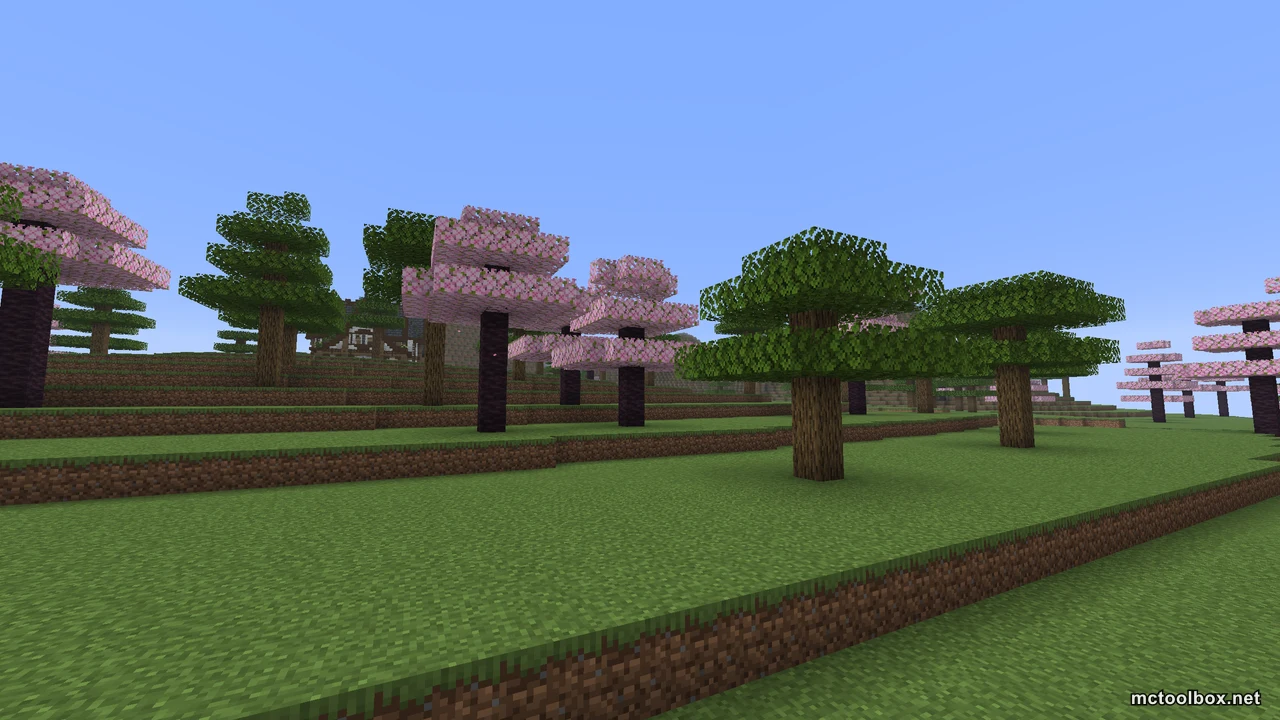
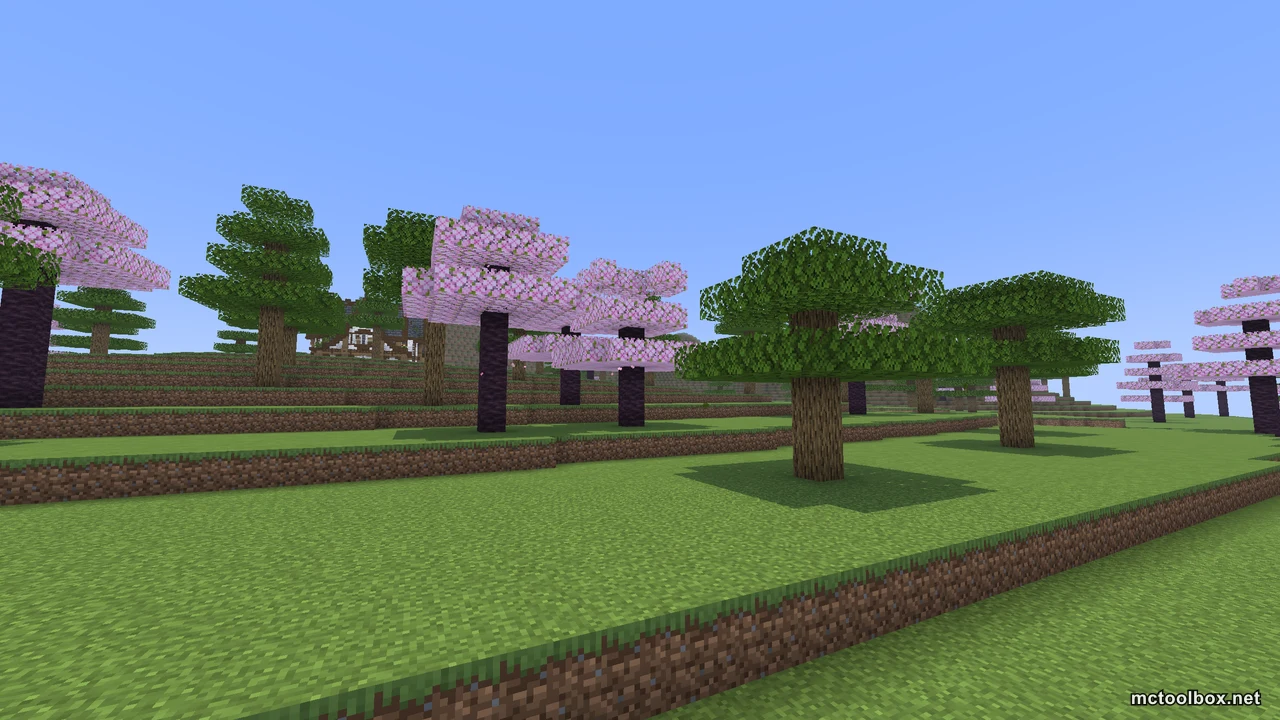
Under broad daylight, Miniature Shader increases the vibrancy of grass blocks and tree foliage. When you look toward the horizon, the top third of your display receives a progressive Gaussian blur.
This depth mask naturally isolates whatever object or building occupies the center of your screen, making ordinary hills and forests look like handcrafted miniature scenery.
Reflective riverbeds and water surface clarity
Crisp shoreline reflections beneath a softly blurred sky canopy
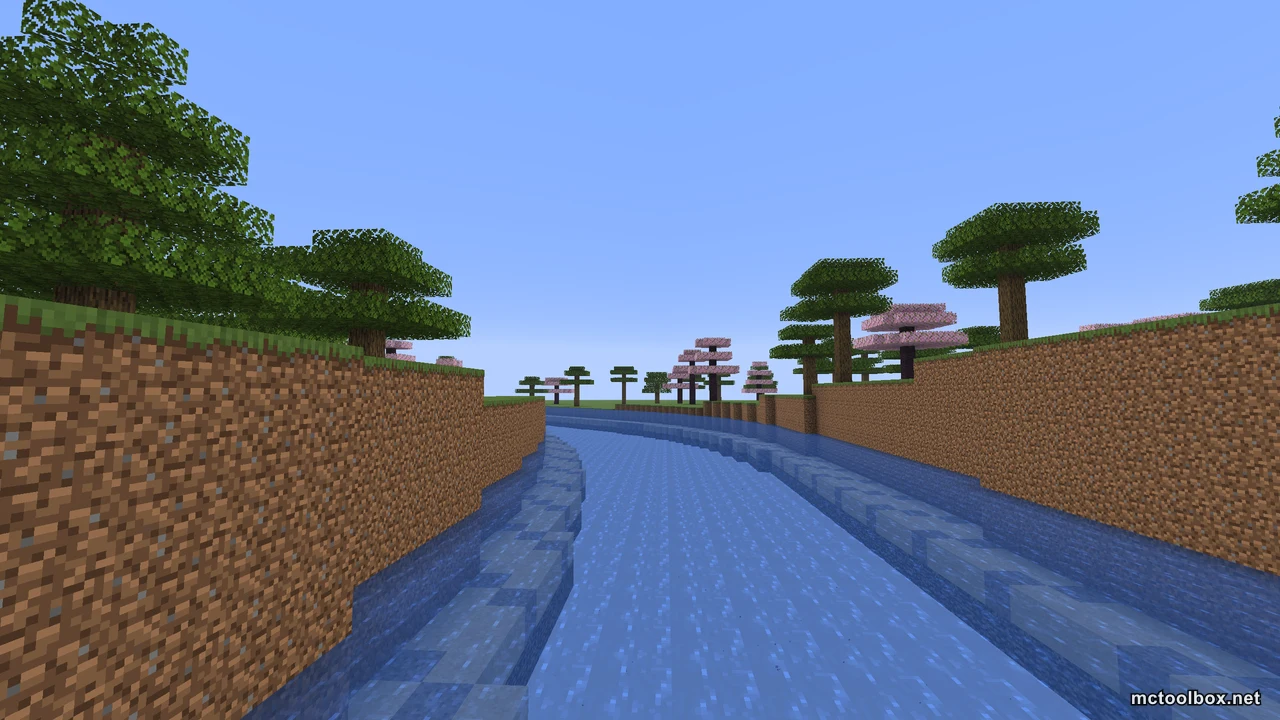
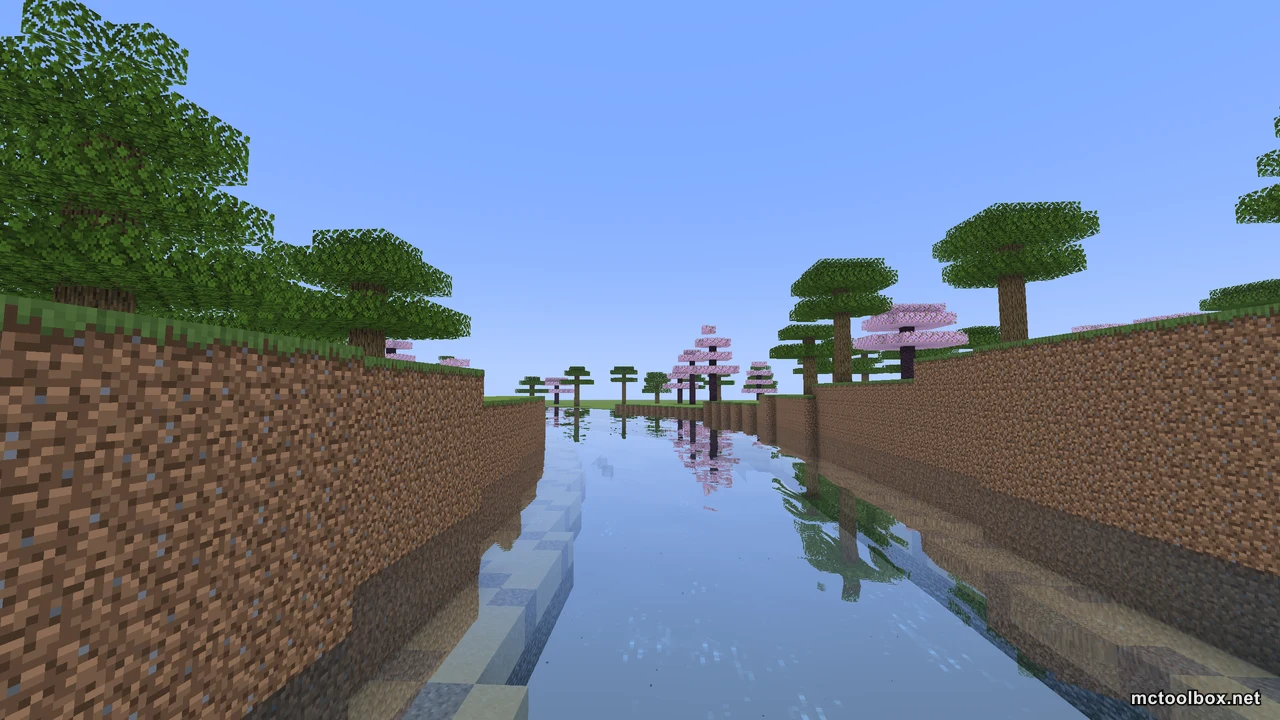
Water rendering in Miniature Shader is tuned to complement the diorama look. Water surfaces feature gentle, glassy reflections of bordering dirt cliffs and trees.
Because the upper tree canopies are softly blurred by the tilt-shift pass while the water surface remains in sharp focus, water channels resemble acrylic resin pours used in miniature terrain crafting.
Nighttime illumination on miniature settlements
Warm lantern points glowing against a dark, defocused backdrop
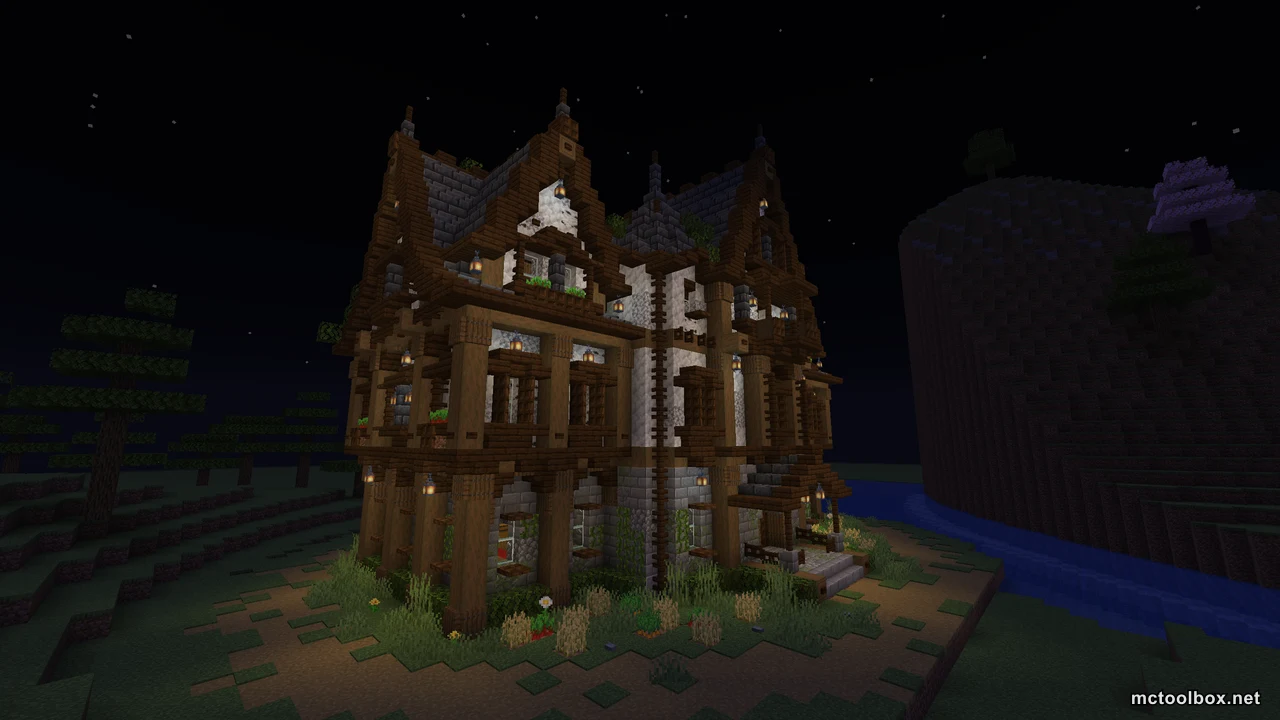
At night, the miniature effect is particularly striking around illuminated villages or player bases. Individual torches and lanterns stand out as distinct points of warm light, while the dark perimeter falls into soft focus.
The ambient night sky remains deep blue, keeping monsters and terrain readable while maintaining the feeling of looking down into an illuminated dollhouse.
Hardware performance benchmarks across PC configurations
Measured frame rates on GTX 1660 SUPER at 2560x1440 and multi-tier scaling estimates
Miniature Shader uses efficient post-processing depth passes rather than multi-bounce ray tracing. As a result, performance remains exceptionally high across all hardware tiers:
| Hardware Class & Configuration | Target Resolution | Expected FPS | Recommended Settings |
|---|---|---|---|
| Integrated / Budget GPU (Intel Iris Xe / AMD Vega / GTX 1050) | 1080p (FHD) | 85 - 120 FPS | Default Profile, 12 Chunks |
| Mid-Range Test Rig (GTX 1660 SUPER / RTX 3050) | 1440p (2K) | 170 - 200 FPS | Default Profile (Tested: 182 FPS average) |
| High-End Gaming PC (RTX 4070 / RX 7800 XT+) | 1440p / 4K | 240 - 320+ FPS | Default Profile with high render distance (24+ chunks) |
| Vanilla Baseline (Our Test Rig) | 1440p (2K) | 248 FPS | 12 chunks render distance, no shaders |
How to install Miniature Shader with Iris
Step-by-step setup for Fabric and Iris on Minecraft 26.2
- 1
Install Fabric Loader & Iris
Install Fabric Loader for Minecraft 26.2 along with Sodium and Iris Shaders.
- 2
Download Miniature Shader
Download the official
miniature-shader-2.19.ziparchive directly from the primary download button above. Keep the archive intact without unzipping. - 3
Place in Shaderpacks Folder
Open your
.minecraftdirectory and copy the ZIP file into.minecraft/shaderpacks. - 4
Activate in Video Settings
Launch Minecraft, navigate to Options > Video Settings > Shader Packs, select Miniature Shader, and click Apply.
Choosing Miniature for screenshots and creative builds
A distinctive tilt-shift perspective that stands apart from conventional shaders
Miniature Shader v2.19 offers a unique artistic perspective in a modding landscape dominated by standard realism shaders. By recreating the tilt-shift depth effect with minimal performance cost, it turns base tours, city showcases, and timelapse videos into charming toy dioramas.
While intense combat survival players may prefer edge-to-edge sharpness, builders and content creators will appreciate the distinctive visual flair that Miniature Shader provides.
Test setup and performance
| minecraft Version | 26.2 |
|---|---|
| shader Version | v2.19 |
| loader | Fabric + Iris + Sodium |
| loader Version | Fabric Loader 0.19.3 / Iris 1.11.2 / Sodium 0.9.1 |
| gpu | NVIDIA GeForce GTX 1660 SUPER |
| cpu | Intel Core i3-12100F |
| ram | 32 GB system RAM |
| render Distance | 12 chunks; simulation distance 6 chunks |
| preset | Default Profile |
| Scene / preset | Average FPS | 1% low | Notes |
|---|---|---|---|
| Vanilla Baseline (No Shader) | 248 FPS | 195 FPS | 1440p resolution, 12 chunks render distance |
| Miniature Shader (Default Profile) | 182 FPS | 145 FPS | Tilt-shift optical blur, enhanced saturation, reflective water |
Questions and compatibility
What is the tilt-shift effect in Miniature Shader?
Tilt-shift is an optical photography technique where upper and lower portions of the frame are blurred while the center remains sharp. This creates a shallow depth of field that makes full-scale objects appear as tiny tabletop figurines.
Can I adjust the focal blur intensity in Miniature Shader?
Yes. Inside Video Settings > Shader Pack Settings, you can adjust the blur radius, focal band width, and color saturation levels to customize the miniature effect.
Does Miniature Shader support Minecraft 26.2?
Yes. Miniature Shader v2.19 was tested and verified on Minecraft 26.2 using Fabric Loader 0.19.3, Iris 1.11.2, and Sodium 0.9.1.
Is Miniature Shader compatible with OptiFine and Iris?
Yes. Miniature Shader officially supports both OptiFine and Iris shader loaders across versions from Minecraft 1.7.2 through 26.2.
Is Miniature Shader suitable for competitive PvP gameplay?
Because the tilt-shift effect blurs peripheral areas of the screen, it is primarily intended for building showcases, photography, and casual survival rather than fast-paced competitive PvP.
Where can I download the official Miniature Shader release?
Download the verified release archive directly using the primary download button above, which connects to gri573's official distribution on Modrinth.
Download links
We do not host Minecraft shader files directly. Download links go to the creator's official project pages.
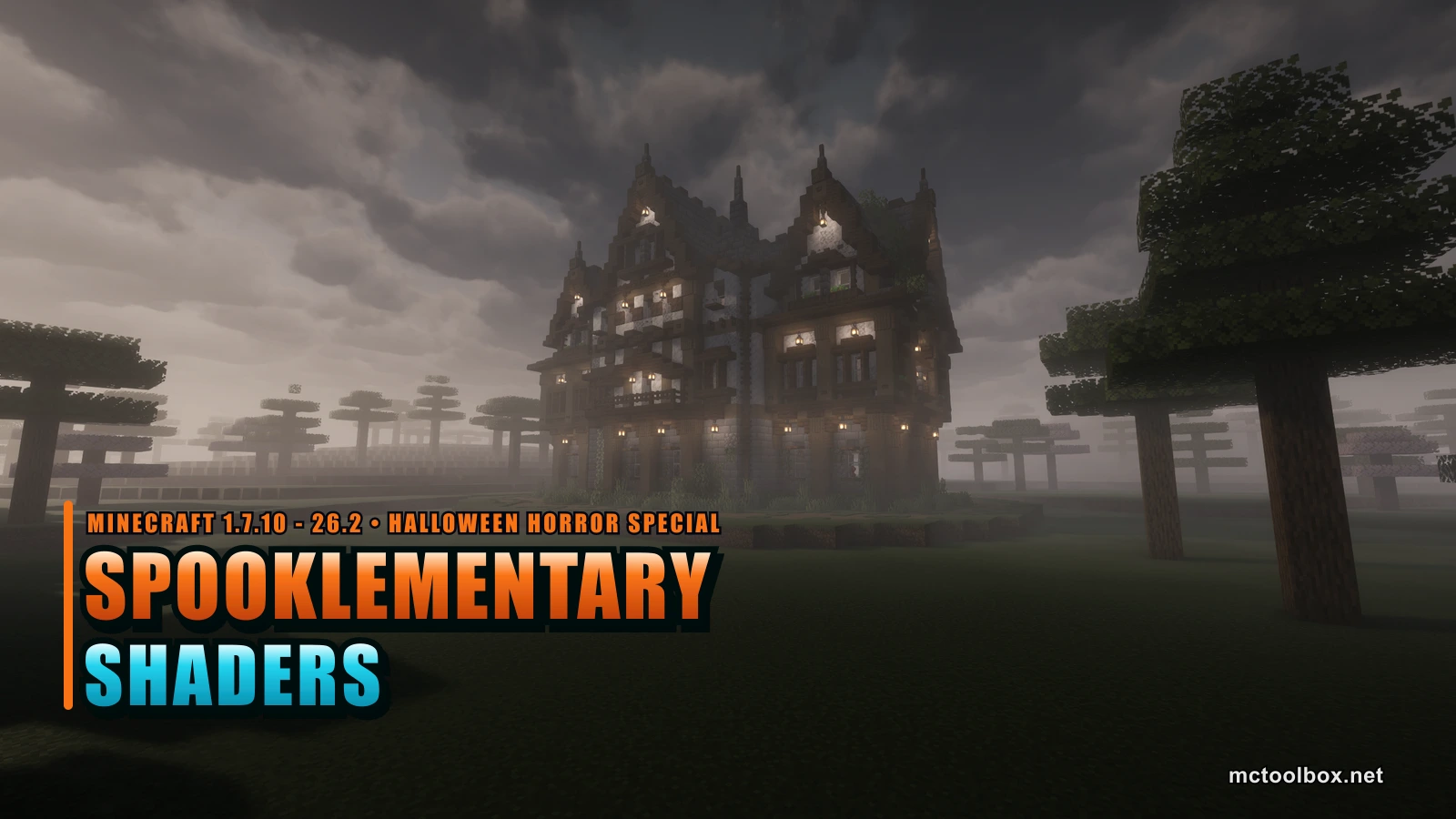
Spooklementary Shaders 1.7.10 - 26.2
Spooklementary by EminGT is the official Halloween horror edition of Complementary Shaders, adding creeping ground mist, floating specters, and haunted visual effects.
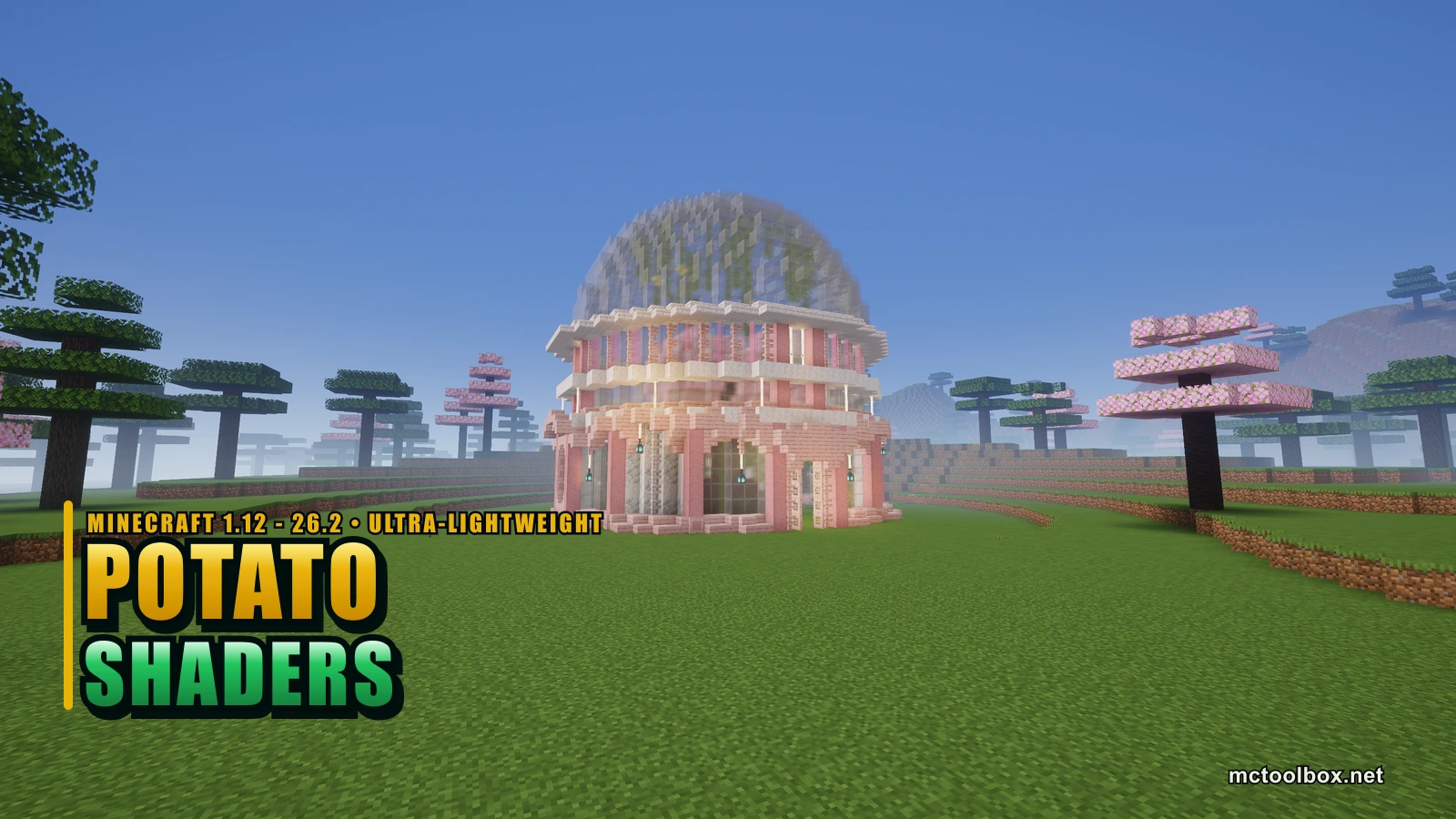
Potato Shaders 1.12 - 26.2
Potato Shaders by RRe36 provides lightweight dynamic lighting, soft tonemapping, and clean water with virtually zero impact on frame rates.
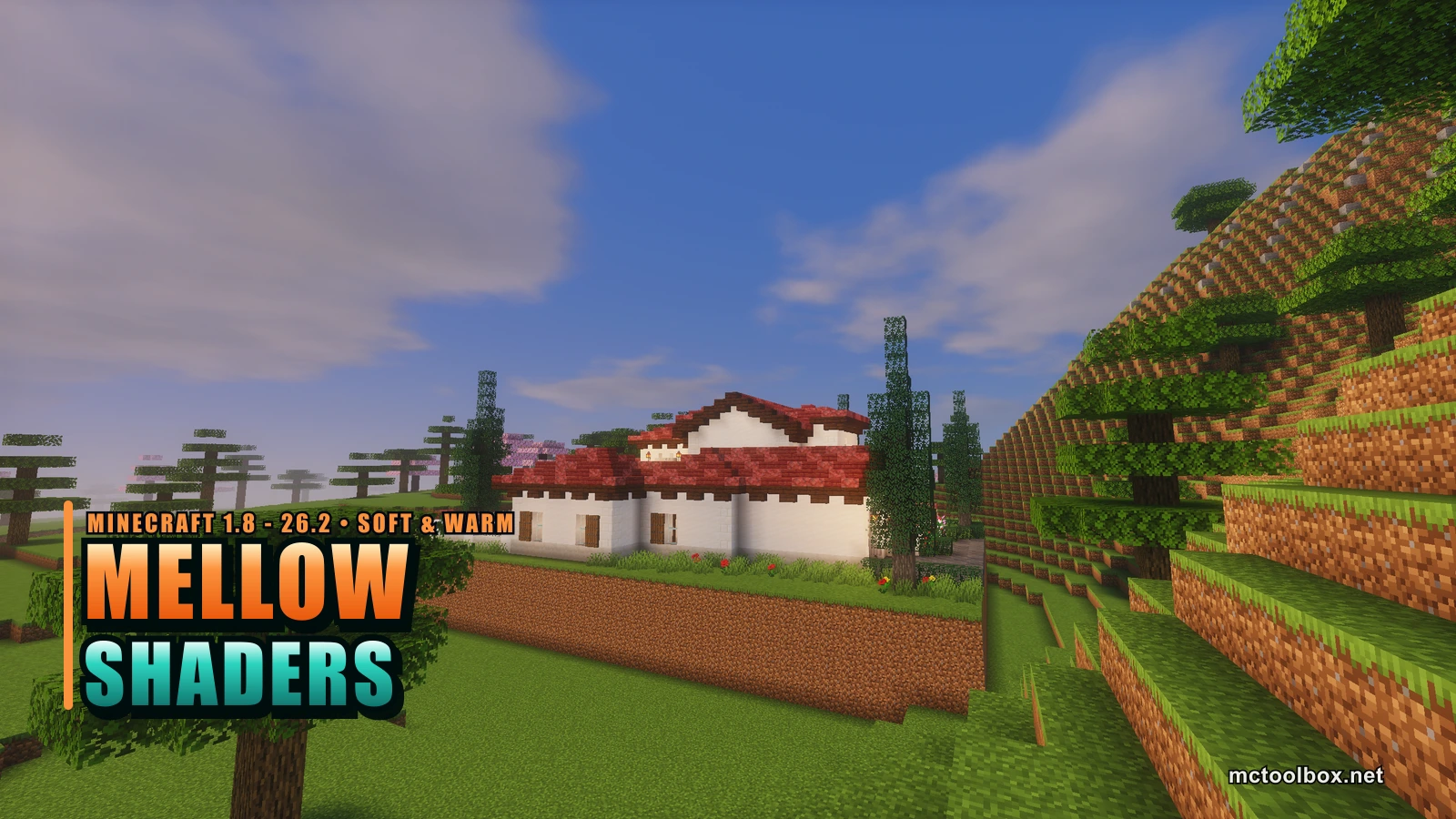
Mellow Shaders 1.8 - 26.2
Mellow Shaders by gri573 provides warm sunlight tonemapping, clean water ripples, and high frame rates for everyday survival.