








Minecraft shader review
Spooklementary Shaders 1.7.10 - 26.2
Halloween horror atmosphere, floating specters, eerie glowing eyes, and haunted seasonal visuals by EminGT
Download Files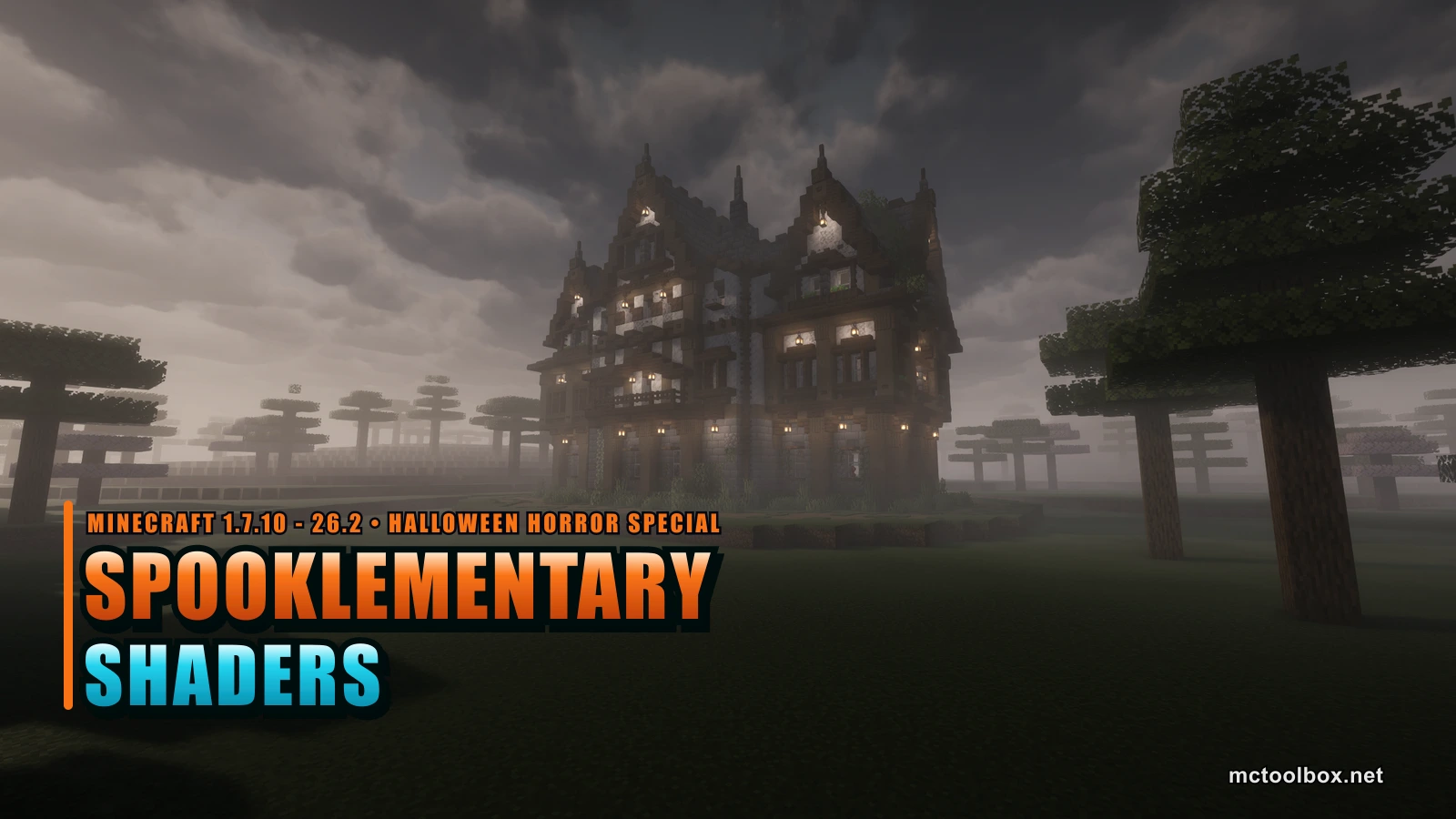
Spooklementary by EminGT is the official Halloween horror edition of Complementary Shaders, adding creeping ground mist, floating specters, and haunted visual effects.
Shader Index8 sections
When October arrives and players search for the ultimate Halloween Minecraft shader pack, one project stands above all others: Spooklementary. Created by EminGT (the renowned author behind Complementary Reimagined and Complementary Unbound), Spooklementary transforms the bright blocky sandbox into a thrilling autumn haunted house experience.
Unlike generic dark shaders that simply turn down brightness, Spooklementary introduces dedicated horror mechanics: floating ghostly apparitions drifting across the night sky, creepy glowing red eyes staring out from dark caves and unlit foliage, swirling thunderous storm clouds, and dense ground fog that clings to forest floors.
With over 2.8 million downloads, Spooklementary is the benchmark choice for Halloween events, haunted survival servers, and seasonal map playthroughs. I tested official Spooklementary v2.0.4 on Minecraft 26.2 using Fabric Loader 0.19.3, Iris 1.11.2, and Sodium 0.9.1. Below is a full breakdown of its spooky features, 2K comparison sliders, and verified hardware benchmarks.
Haunted Gothic architecture and rolling storm clouds
How desaturated autumn tones and thick ground mist envelop large estates
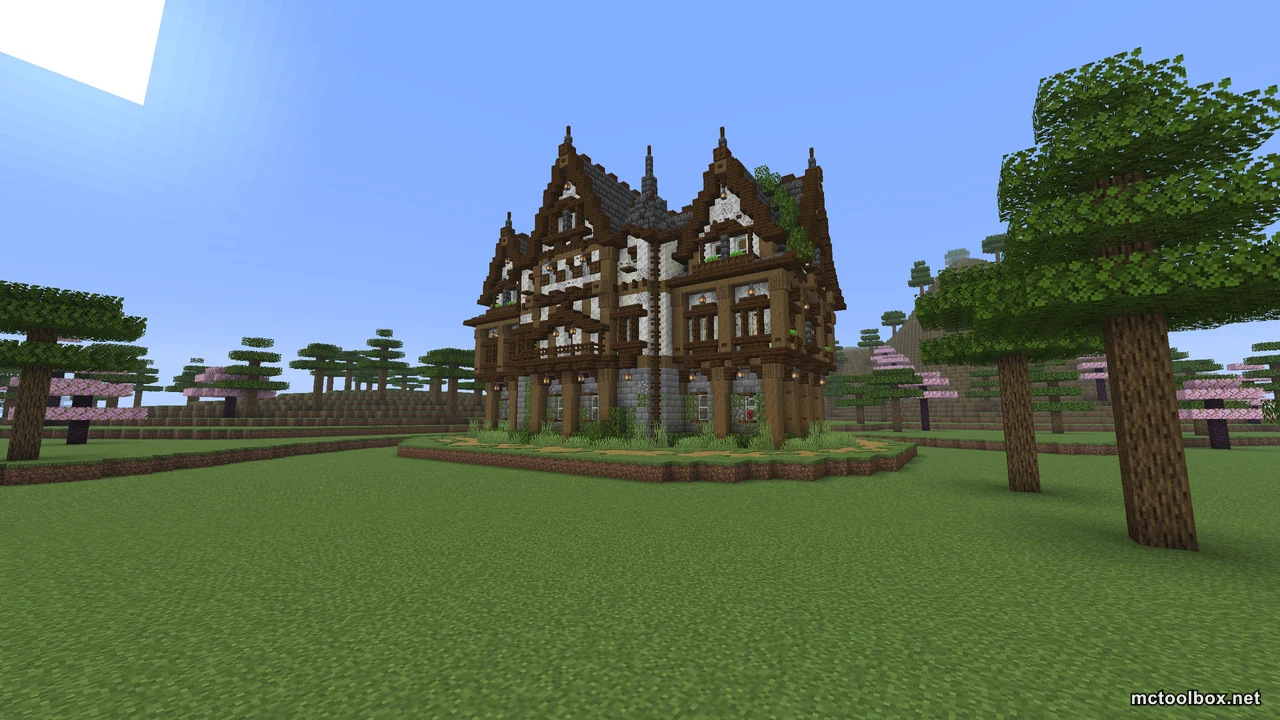
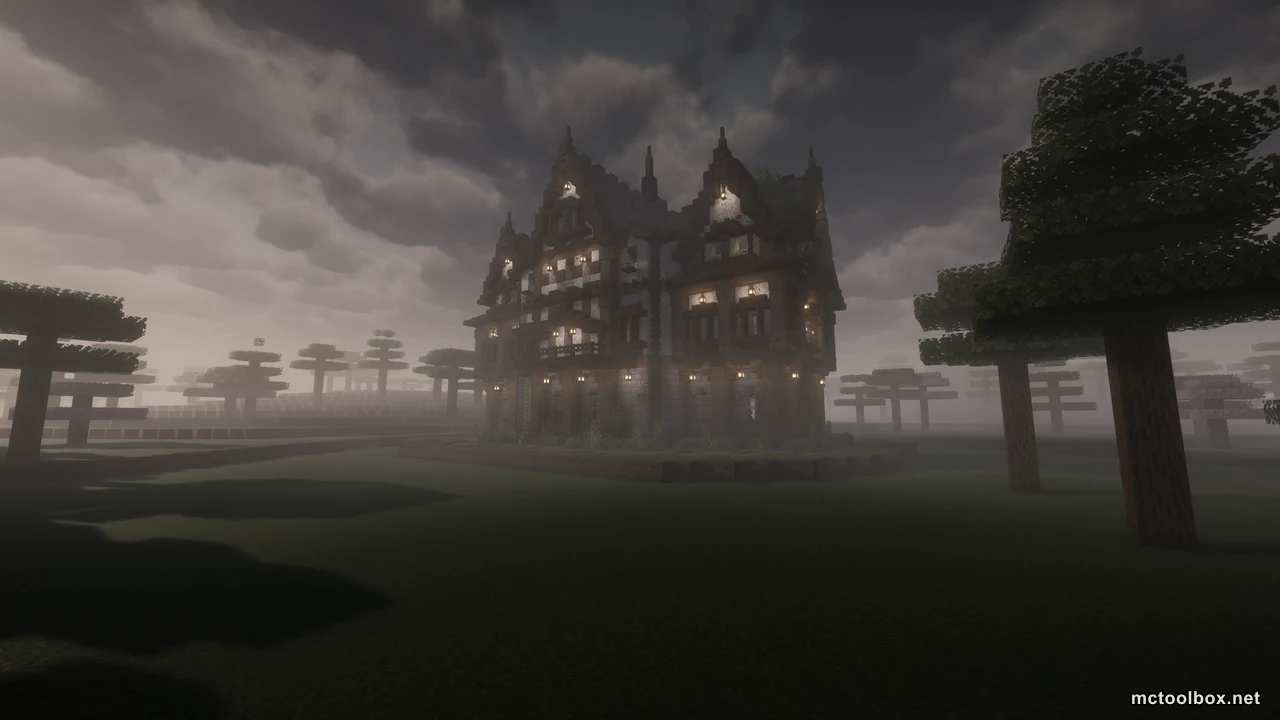
Across the Autumnvale Medieval Mansion, Spooklementary replaces the clear blue sky with dramatic, swirling dark overcast clouds. A thick layer of low-hanging mist blankets the estate grounds, partially obscuring tree trunks and courtyard pathways.
Lanterns attached to timber beams cast a flickering warm amber glow that pierces through the fog, giving any survival base the atmosphere of a classic horror movie setting.
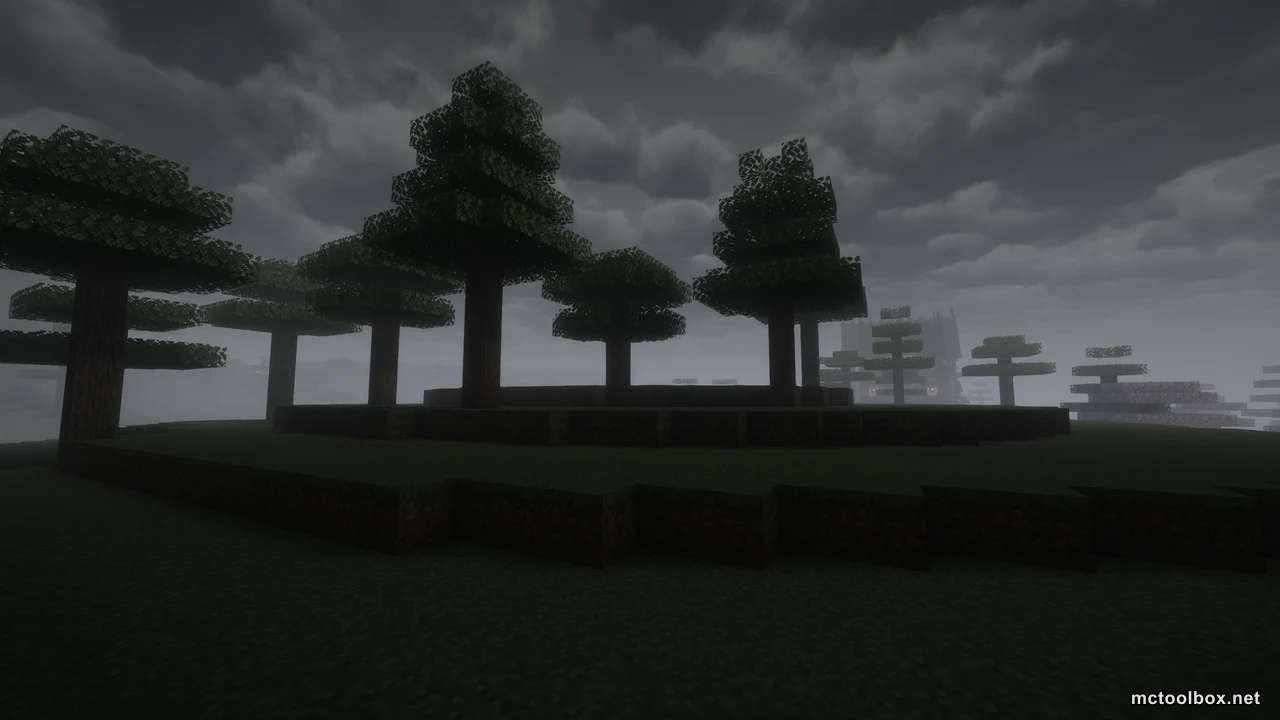
Desaturated autumn landscape and gloomy daylight
Muted woodland palettes with enhanced silhouette depth
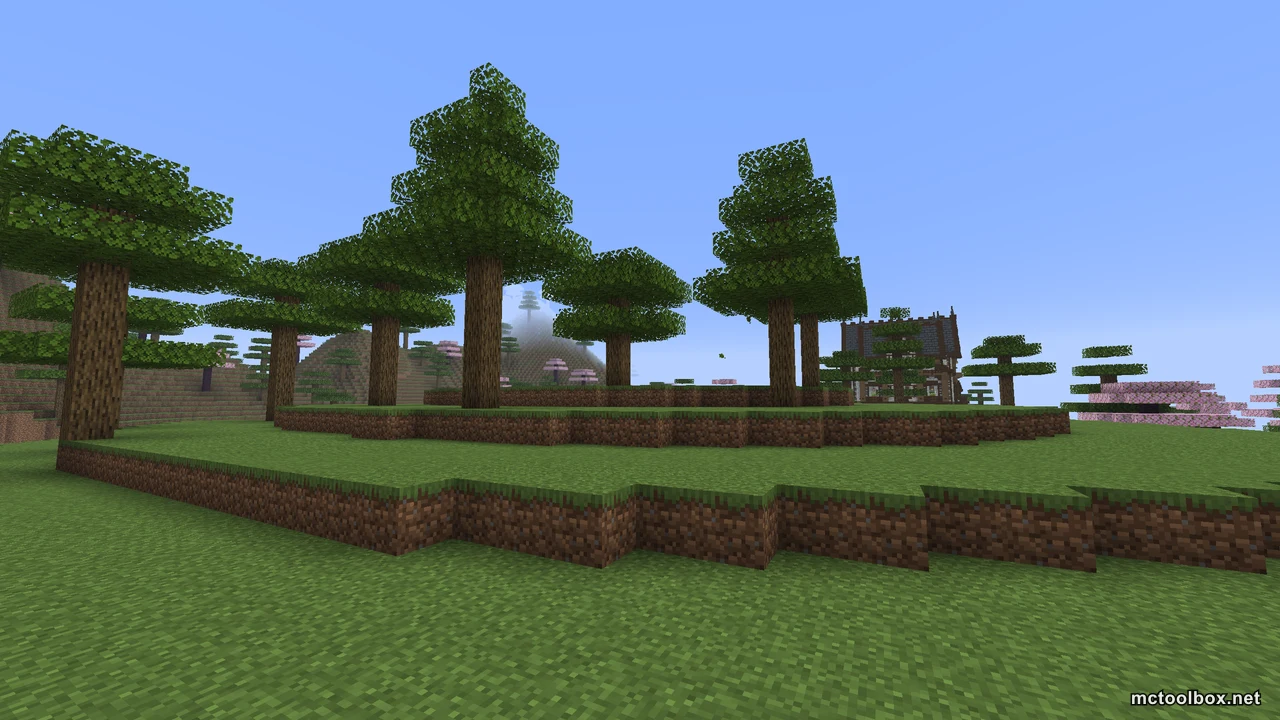
During daytime, Spooklementary applies a cold, desaturated color grading that mimics late autumn overcast weather. Cherry blossoms and oak leaves take on muted pastel hues, while distant hills fade into soft atmospheric haze.
This aesthetic keeps gameplay readable for regular crafting and mining tasks while maintaining a continuous sense of suspense.
Murky water bodies and eerie surface reflection
Dark stagnant water physics tailored for horror atmospheres
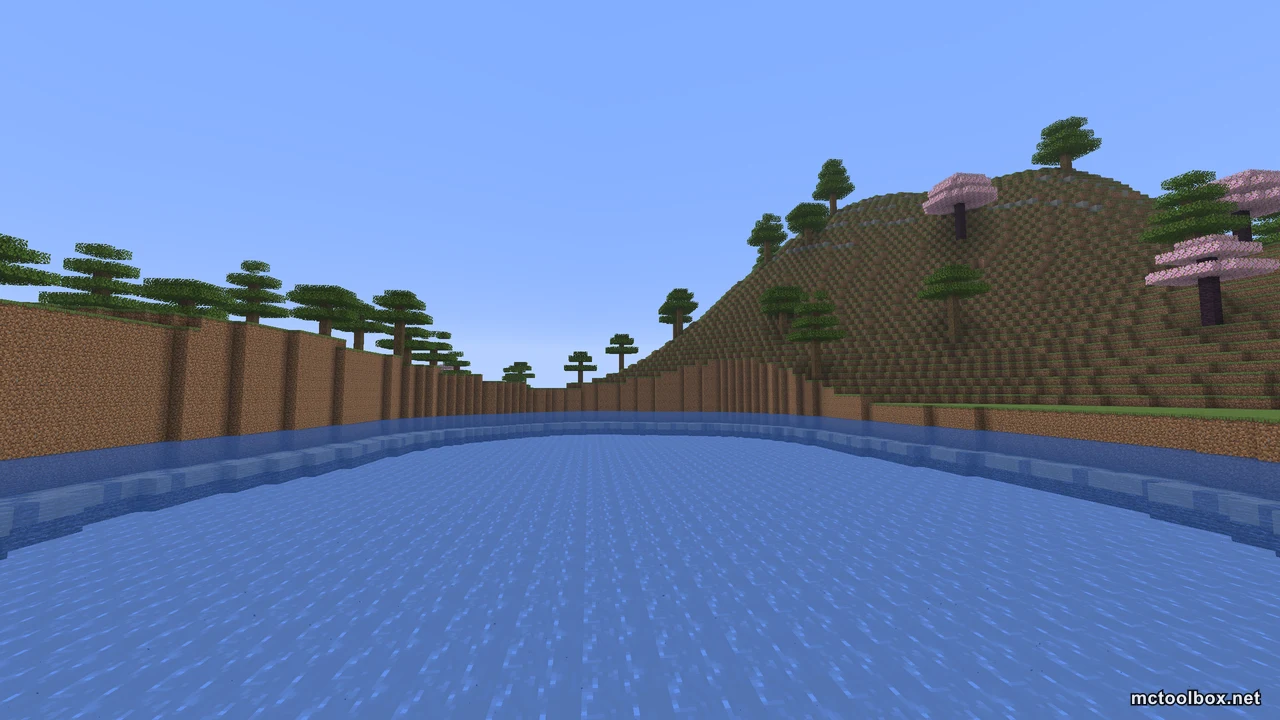
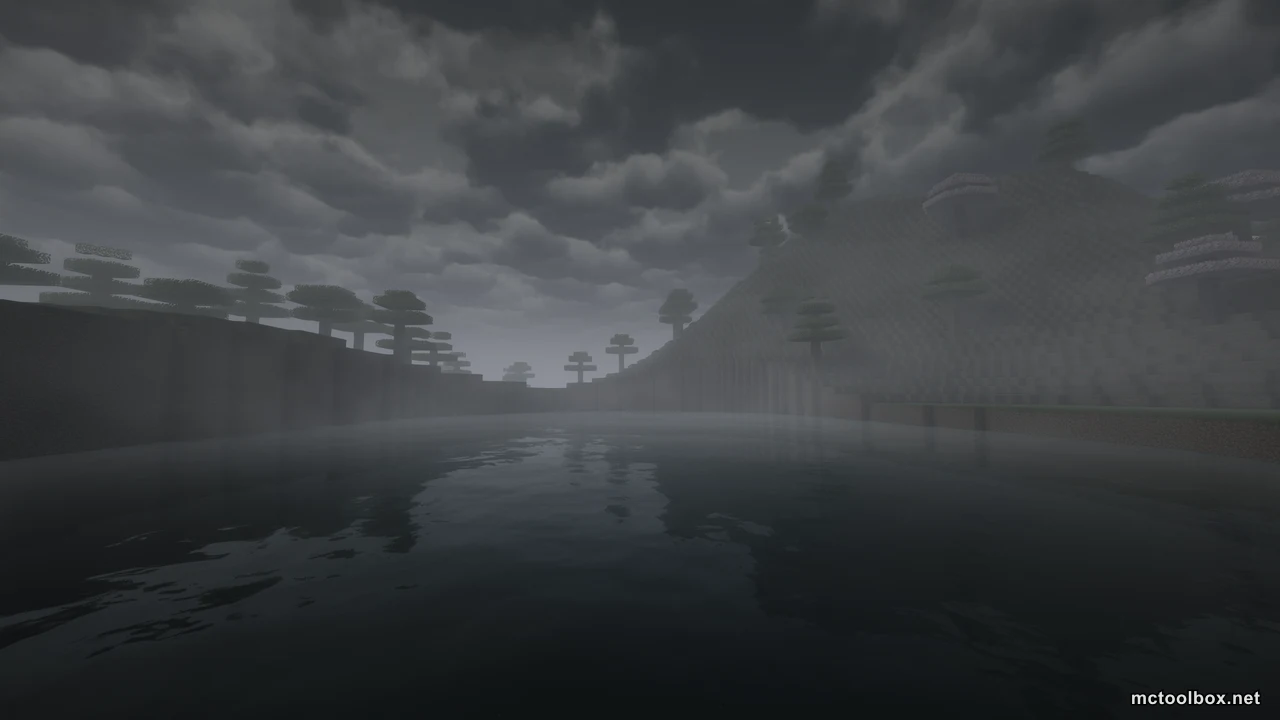
Water in Spooklementary trades tropical clarity for murky, dark teal tones with subtle organic ripples. Refraction distortion conceals submerged riverbeds and lurking drowned mobs, making crossing lakes at twilight a calculated risk.
The surface reflects the gloomy grey sky and dark tree canopies along riverbanks.
Pitch-black Halloween nights with floating specters
Ghostly apparitions and isolated point light survival
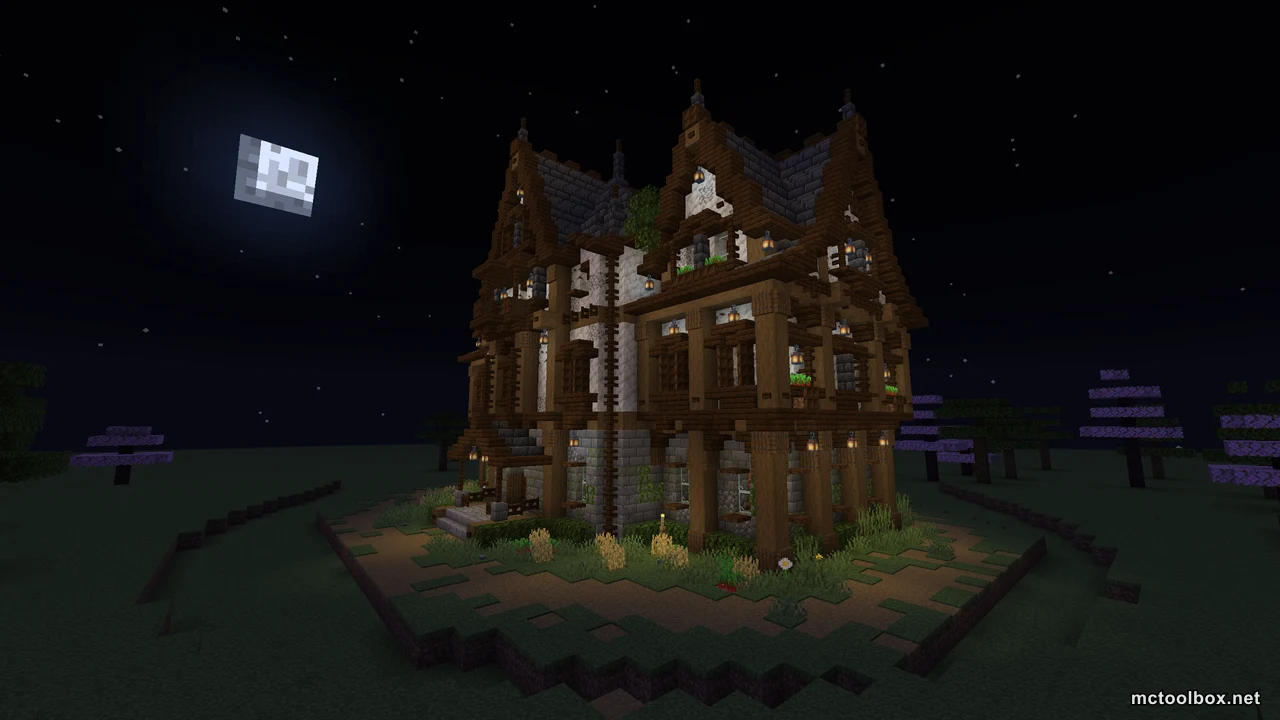
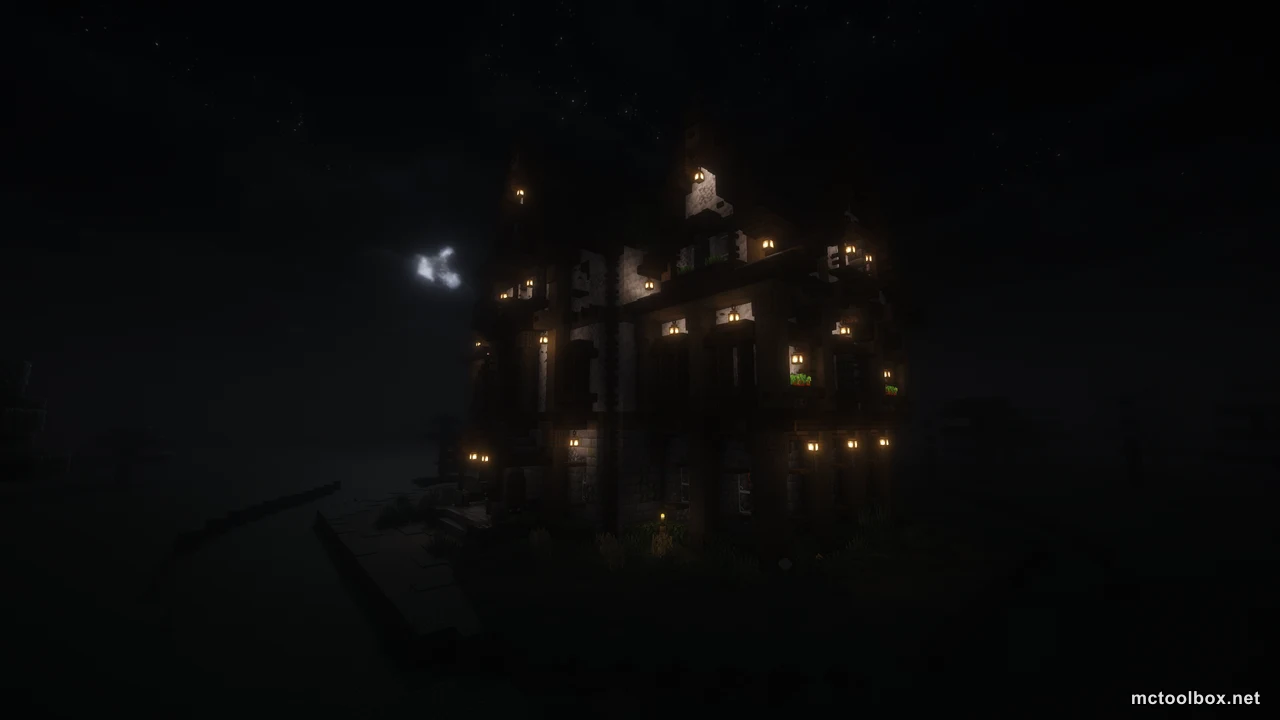
Nighttime in Spooklementary is where the shader's Halloween identity shines brightest. As seen in our nocturnal test capture, unlit terrain is swallowed in deep darkness while translucent ghostly specters float across the night sky above haunted buildings.
Only blocks directly adjacent to torches, soul lanterns, or jack-o'-lanterns remain illuminated, making strategic lighting essential for surviving the night.
Hardware performance benchmarks across PC configurations
Measured frame rates on GTX 1660 SUPER at 2560x1440 and multi-tier scaling estimates
Because Spooklementary inherits the highly refined rendering engine of Complementary, it delivers exceptional frame rates even with dynamic fog and custom particle shaders enabled. Below are our measured benchmark figures alongside estimated performance targets across PC tiers:
| Hardware Class & Configuration | Target Resolution | Expected FPS | Recommended Settings |
|---|---|---|---|
| Integrated / Budget GPU (Intel Iris Xe / AMD Vega / GTX 1050) | 1080p (FHD) | 75 - 105 FPS | Medium Profile, 10 Chunks, Fog Quality Medium |
| Mid-Range Test Rig (GTX 1660 SUPER / RTX 3050) | 1440p (2K) | 150 - 180 FPS | High Profile (Tested: 162 FPS average) |
| High-End Gaming PC (RTX 4070 / RX 7800 XT+) | 1440p / 4K | 220 - 300+ FPS | Ultra Profile with max render distance (24+ chunks) |
| Vanilla Baseline (Our Test Rig) | 1440p (2K) | 248 FPS | 12 chunks render distance, no shaders |
How to install Spooklementary with Iris
Step-by-step setup for Fabric and Iris on Minecraft 26.2
- 1
Install Fabric Loader & Iris
Install Fabric Loader for Minecraft 26.2 along with Sodium and Iris Shaders.
- 2
Download Spooklementary
Download the official
Spooklementary_v2.0.4.ziparchive directly from the primary download button above, which leads straight to the releases portal. Keep the archive intact without unzipping. - 3
Place in Shaderpacks Folder
Open your
.minecraftdirectory and copy the ZIP file into.minecraft/shaderpacks. - 4
Activate in Video Settings
Launch Minecraft, navigate to Options > Video Settings > Shader Packs, select Spooklementary, and click Apply.
Setting the mood for seasonal horror survival
Spooky atmosphere, floating ghosts, and top-tier optimization in a single package
Spooklementary v2.0.4 is widely recognized as the benchmark for Halloween Minecraft graphics. EminGT took the solid optimization of Complementary and injected it with genuine horror flair, from floating ghost apparitions to ominous storm skies.
Whether you are hosting an annual October community event, playing horror adventure maps, or simply enjoying cozy autumn survival, Spooklementary is an essential seasonal download.
Test setup and performance
| minecraft Version | 26.2 |
|---|---|
| shader Version | v2.0.4 |
| loader | Fabric + Iris + Sodium |
| loader Version | Fabric Loader 0.19.3 / Iris 1.11.2 / Sodium 0.9.1 |
| gpu | NVIDIA GeForce GTX 1660 SUPER |
| cpu | Intel Core i3-12100F |
| ram | 32 GB system RAM |
| render Distance | 12 chunks; simulation distance 6 chunks |
| preset | High Profile |
| Scene / preset | Average FPS | 1% low | Notes |
|---|---|---|---|
| Vanilla Baseline (No Shader) | 248 FPS | 195 FPS | 1440p resolution, 12 chunks render distance |
| Spooklementary (High Profile) | 162 FPS | 130 FPS | Desaturated autumn lighting, rolling storm clouds, floating specters, ground mist |
Questions and compatibility
Who created Spooklementary?
Spooklementary is created by EminGT, the developer behind the Complementary Shaders project.
How do I toggle the floating ghosts and glowing eyes?
Navigate to Video Settings > Shader Pack Settings > Spookiness Settings to customize or disable specific horror effects like floating specters, red eyes, and blood moons.
Does Spooklementary support Minecraft 26.2?
Yes. Spooklementary v2.0.4 has been tested and confirmed fully compatible with Minecraft 26.2 running on Fabric with Iris 1.11.2 and Sodium 0.9.1.
Can I use Spooklementary with OptiFine?
Yes. Spooklementary supports both Iris and OptiFine across modern and legacy Minecraft versions from 1.7.10 to 26.2.
Is Spooklementary suitable for normal survival gameplay?
Yes. While it features spooky horror effects, daytime visibility remains clean and clear for regular building and mining tasks.
Where can I download the official Spooklementary release?
Download the verified release archive directly using the primary download button above, which connects straight to the official distribution portal on Modrinth.
Download links
We do not host Minecraft shader files directly. Download links go to the creator's official project pages.
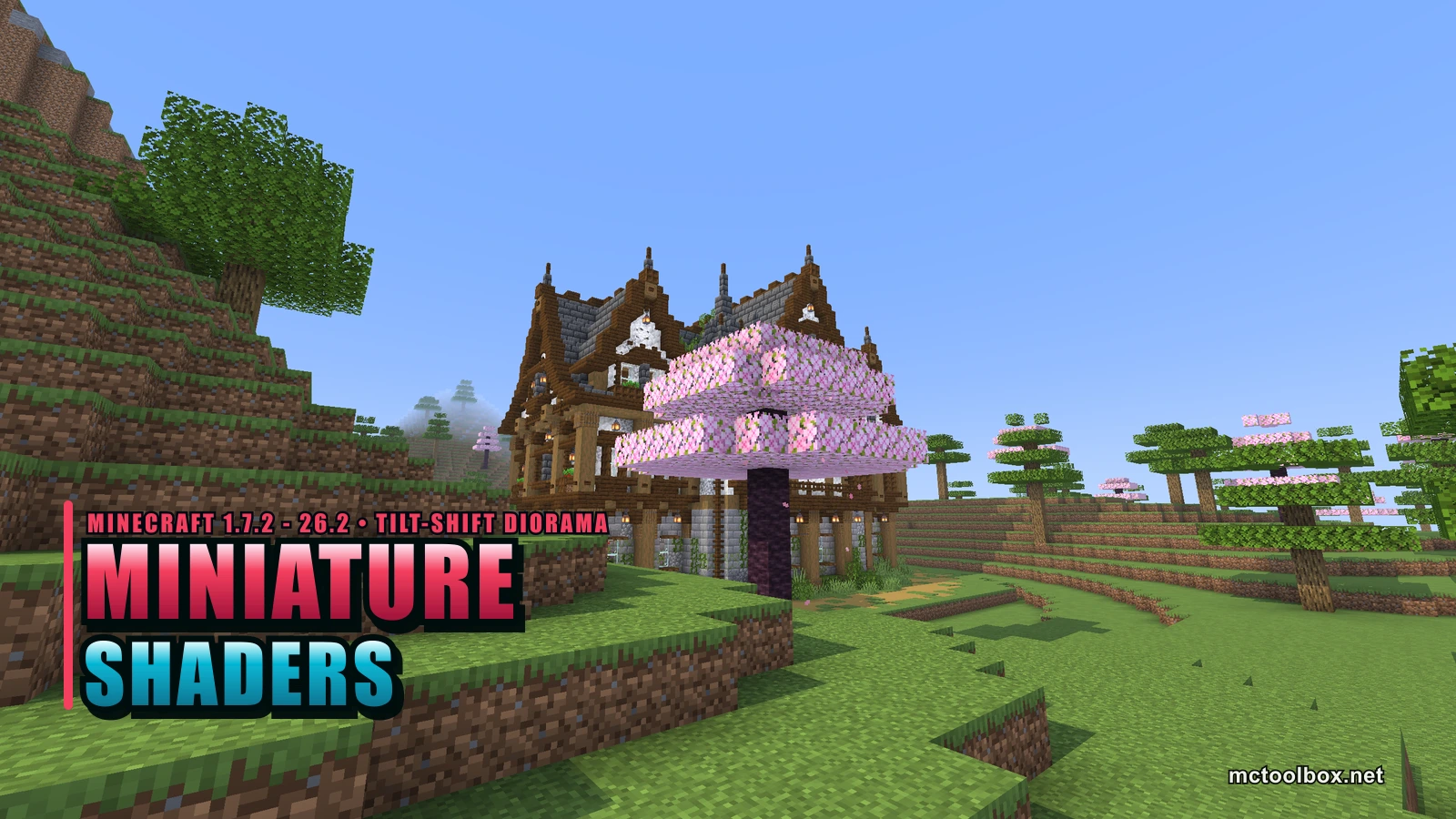
Miniature Shader 1.7.2 - 26.2
Miniature Shader by gri573 simulates a tilt-shift camera lens, transforming full-scale Minecraft worlds into toy-like tabletop dioramas.
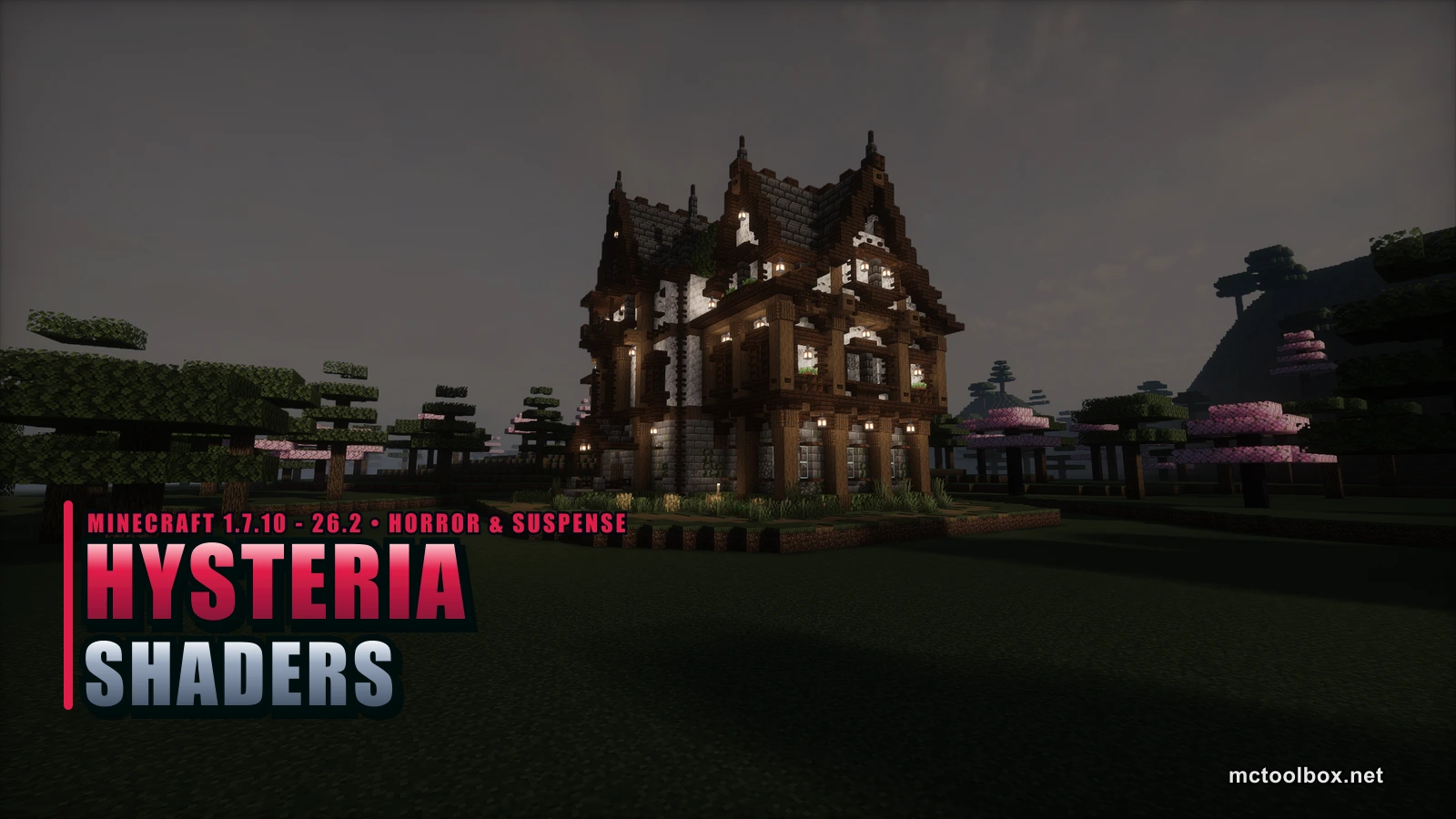
Hysteria Shaders 1.7.10 - 26.3
Hysteria Shaders by ElocinDev and nvb-uy delivers atmospheric volumetric fog, desaturated horror color grading, and suspenseful survival lighting.
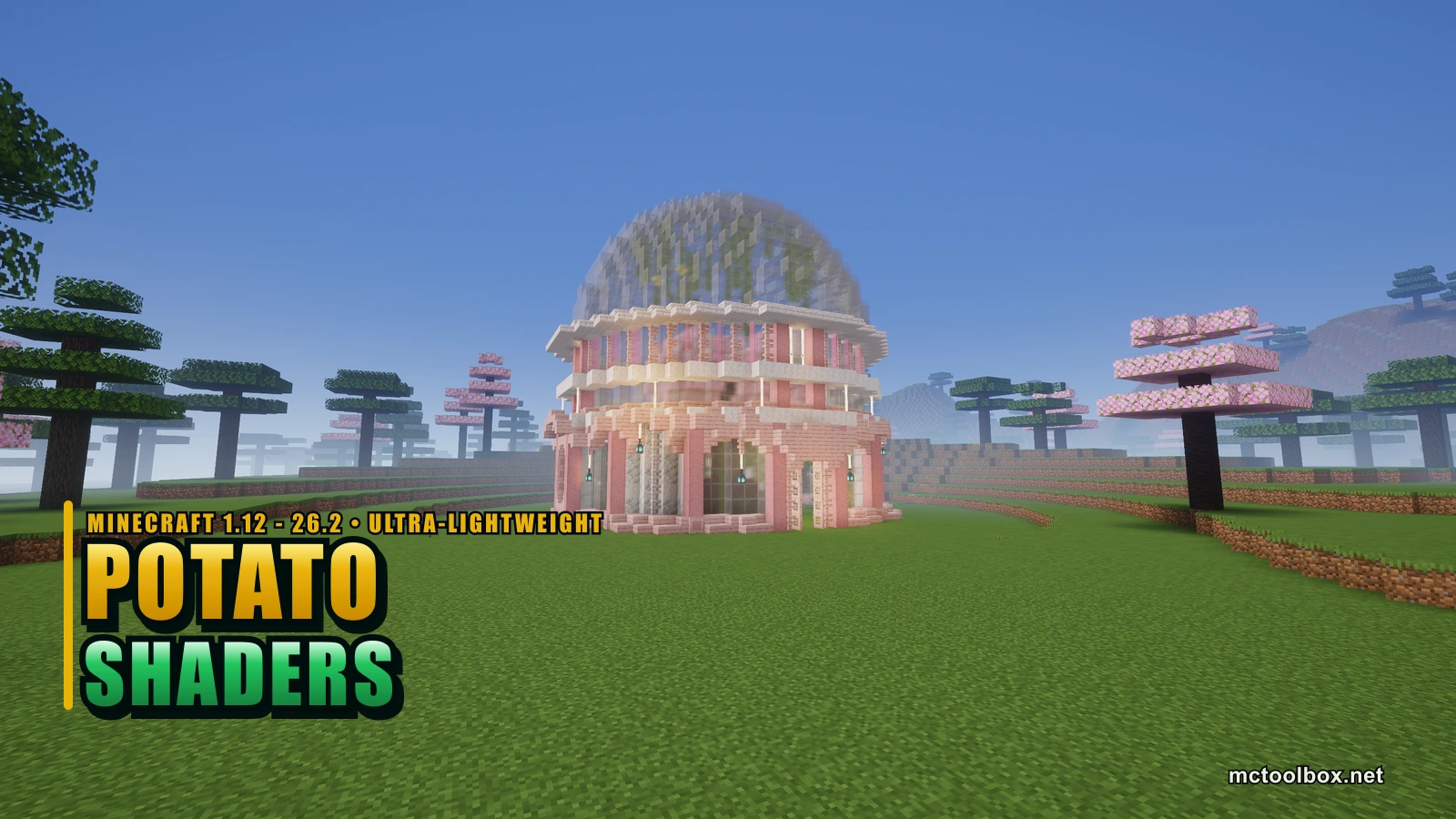
Potato Shaders 1.12 - 26.2
Potato Shaders by RRe36 provides lightweight dynamic lighting, soft tonemapping, and clean water with virtually zero impact on frame rates.