








Minecraft shader review
Hysteria Shaders 1.7.10 - 26.3
Volumetric fog, desaturated atmospheric lighting, and psychological horror suspense for Iris
Download FilesHysteria Shaders by ElocinDev and nvb-uy delivers atmospheric volumetric fog, desaturated horror color grading, and suspenseful survival lighting.
Shader Index8 sections
Bleached sunlight and thick rolling mist turn Minecraft into a gothic thriller under Hysteria Shaders. Instead of welcoming tropical waters, it envelops forests, old manors, and open plains in an oppressive autumnal gloom tailored for dark fantasy.
With over 3.2 million downloads on Modrinth, Hysteria Shaders is one of the most popular horror-themed visual packs in the Minecraft modding community. I tested the latest Hysteria Shaders v1.2.1 [Universal] on Minecraft 26.3 using Fabric Loader 0.19.3, Iris 1.11.2, and Sodium 0.9.1. Below is an objective look at its eerie lighting behavior, 2K comparison sliders, and verified hardware benchmarks.
The Autumnvale Gothic estate under overcast horror skies
How desaturated ambient tonemapping turns cheerful timber builds into grim Victorian manors
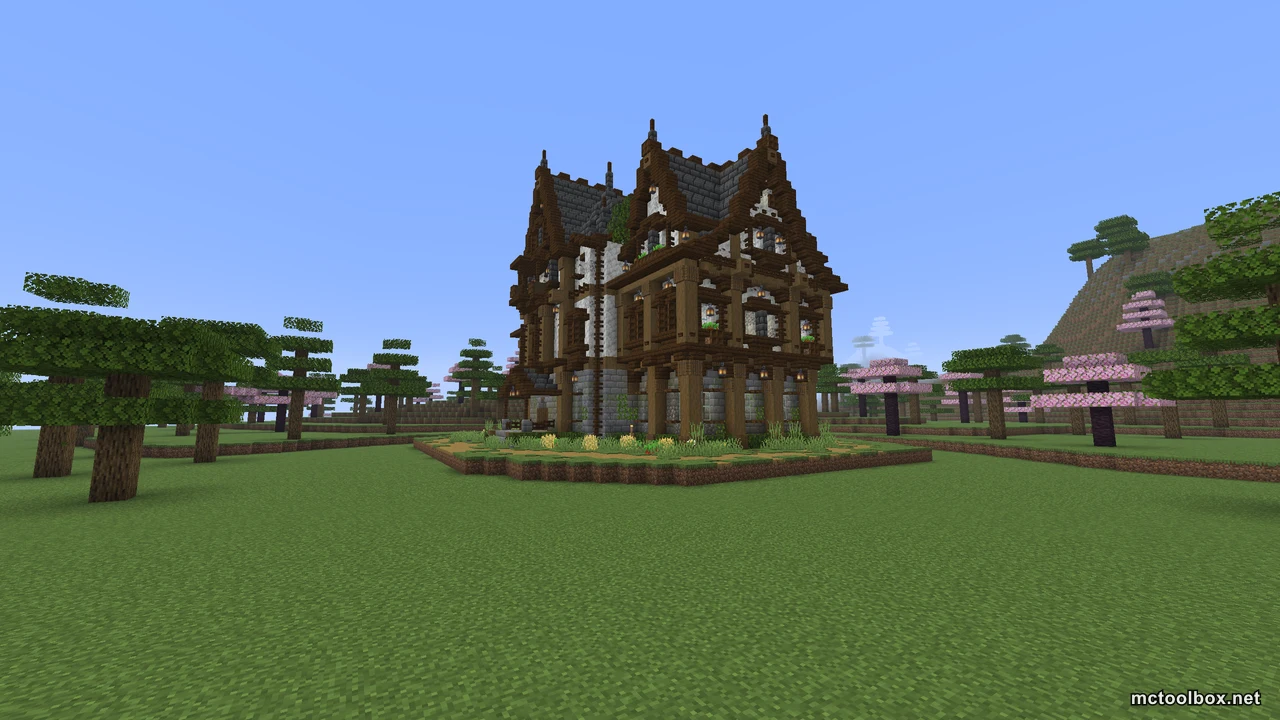
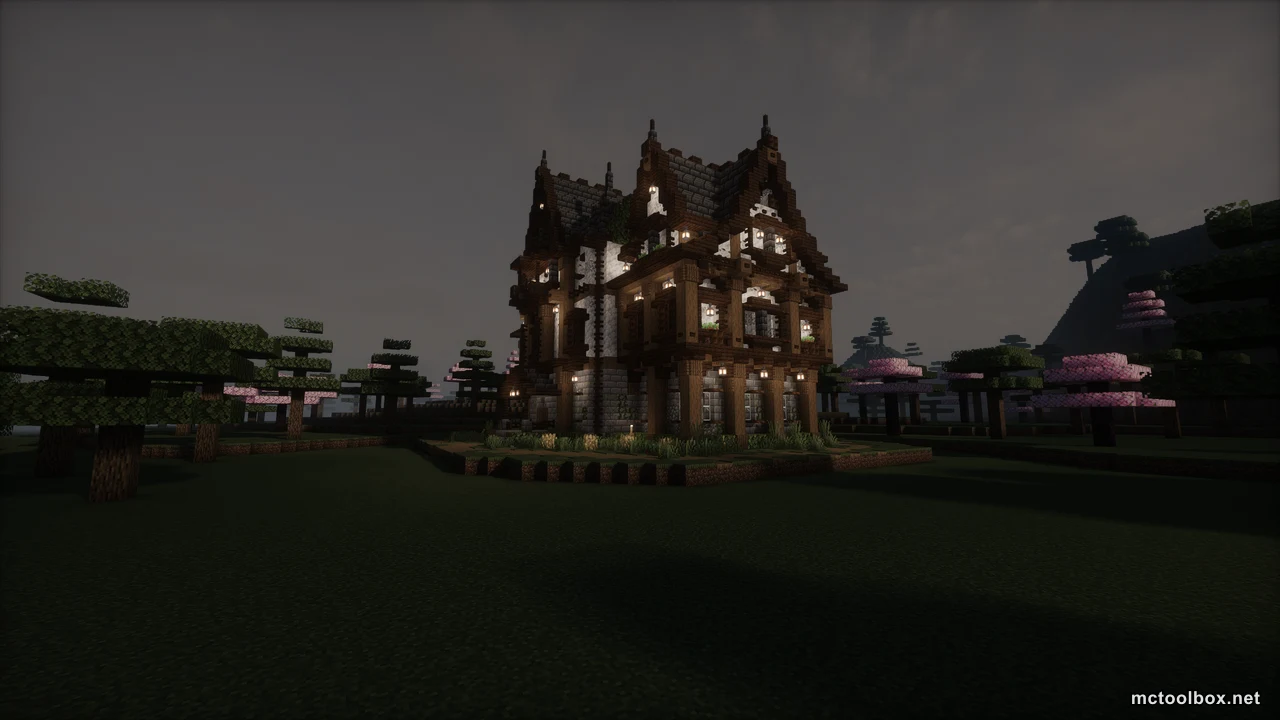
Across the Autumnvale Medieval Mansion, Hysteria Shaders strips away bright yellow sunlight in favor of an ominous, overcast grey sky. Timber pillars and cobblestone foundations darken dramatically, while warm lantern light inside the windows stands out in sharp relief against the surrounding gloom.
Shadows fall deeply across the courtyard, giving ordinary survival bases an isolated, haunted mansion aesthetic.
Desaturated landscape and creeping atmospheric fog
Muted biome color palettes that enhance survival tension
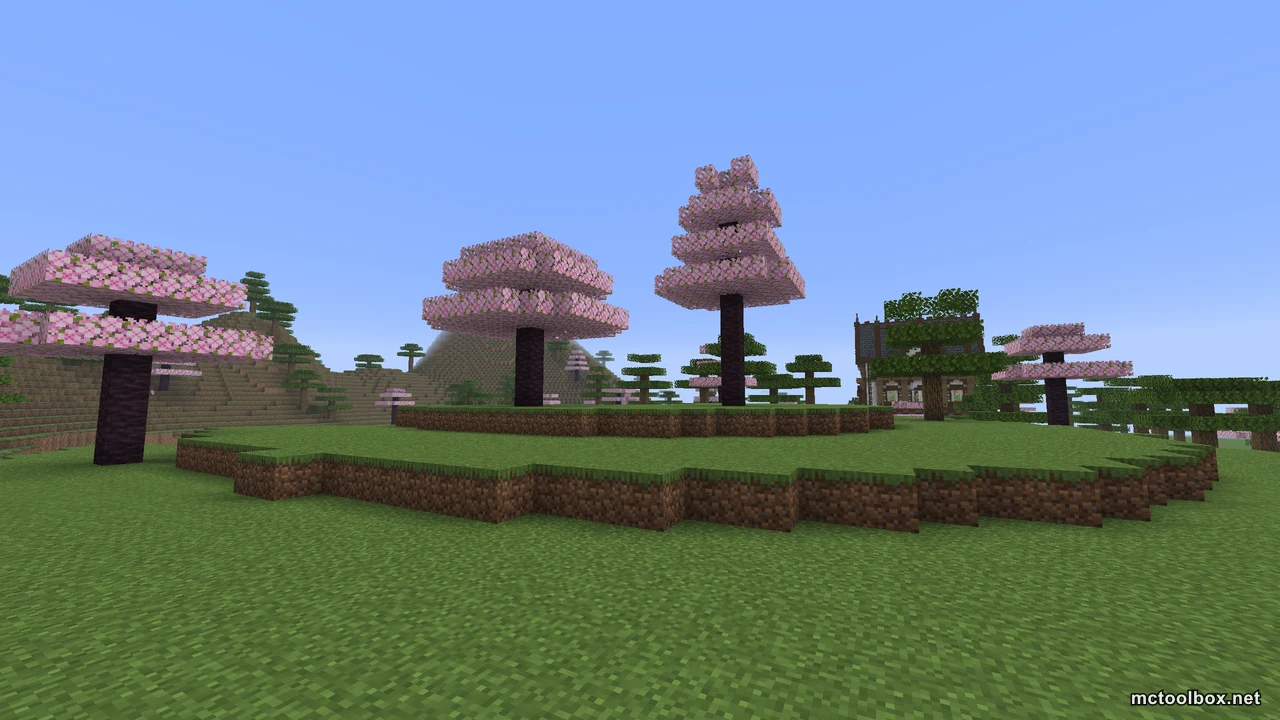
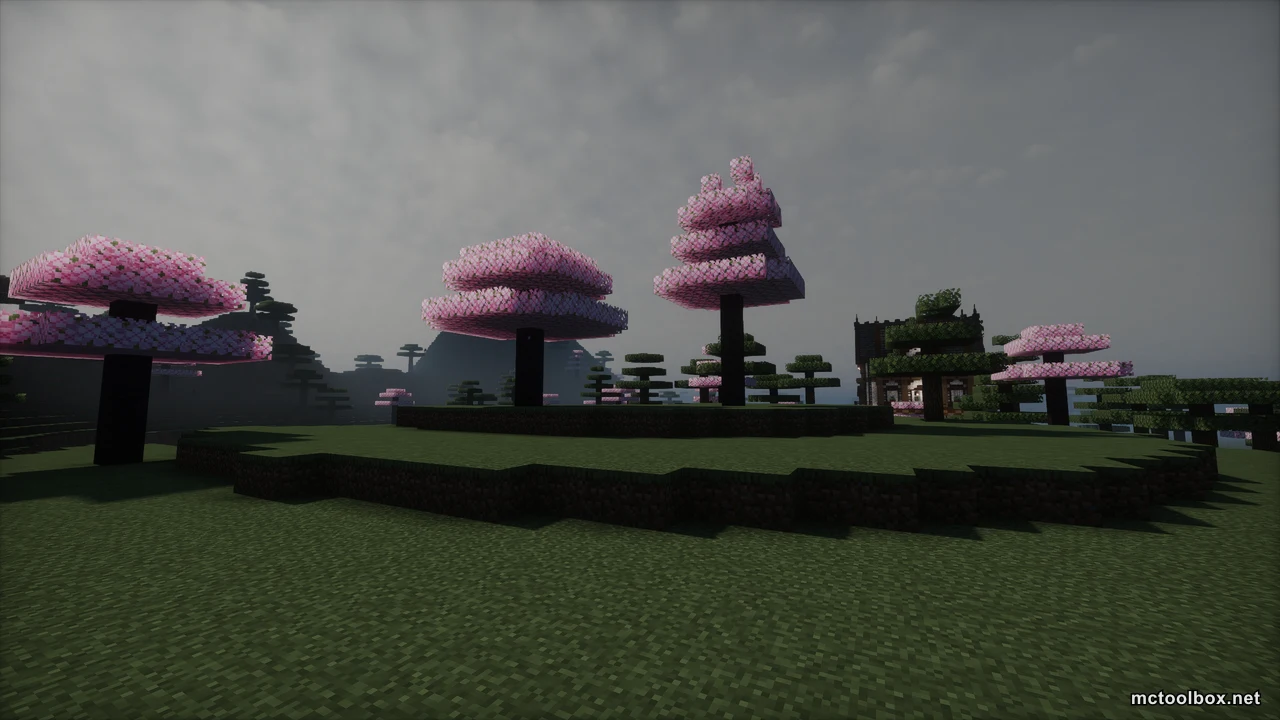
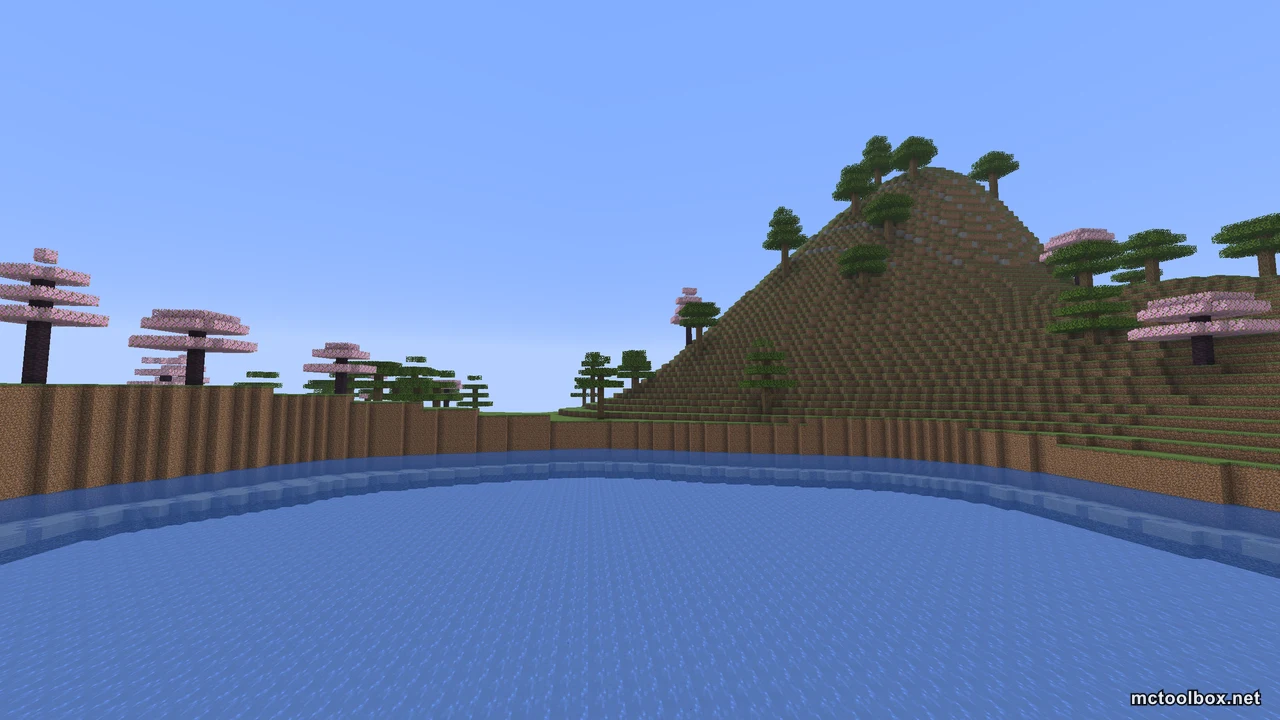
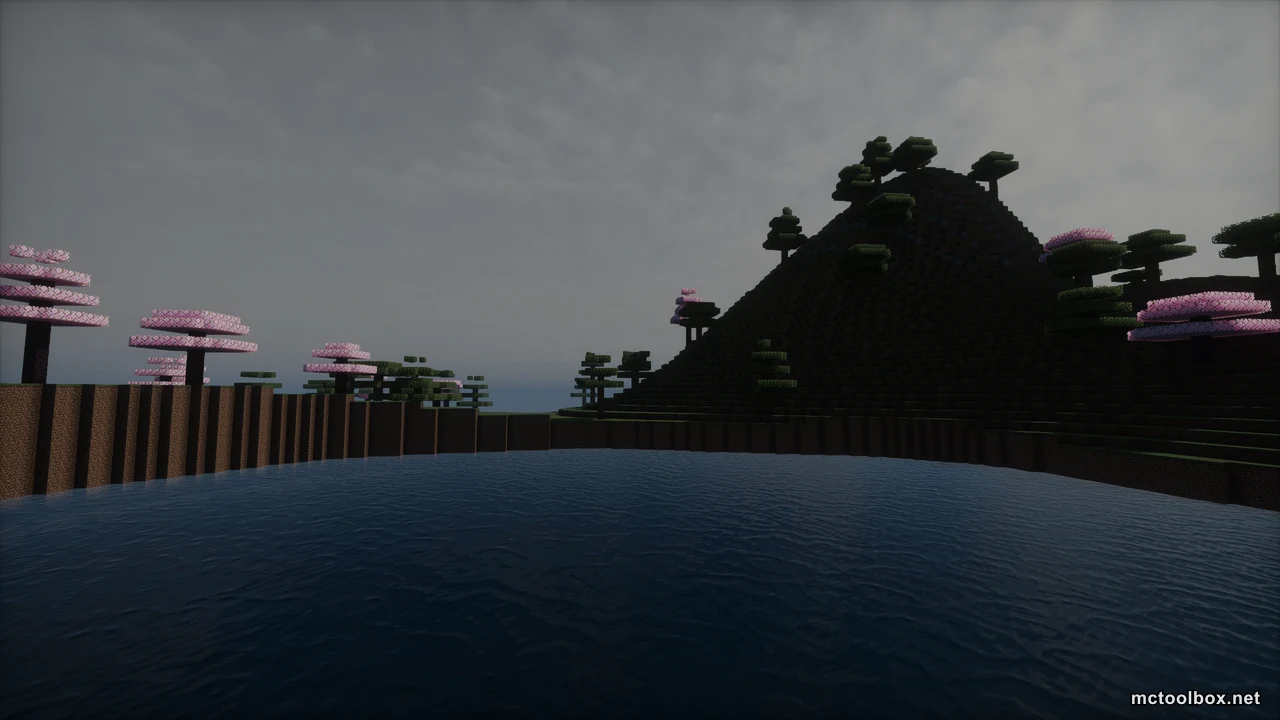
Under daylight, Hysteria Shaders reduces green vegetation saturation by roughly 40%, giving grass blocks and tree leaves an aged, autumnal tone. Distant terrain is swallowed by low-hanging volumetric haze that limits your sightline.
This restricted visibility shifts survival gameplay from casual exploration into cautious navigation, as hostile mobs can emerge unexpectedly from the dense perimeter mist.
Obsidian waters and dark shoreline reflections
Deep navy water rendering that conceals depths beneath subtle ripple animations
Water in Hysteria Shaders is rendered as a deep, opaque navy blue. Unlike tropical shaders where you can see straight down to coral reefs, Hysteria's water reflects the dark sky and silhouetted mountain ridges.
Looking out over large lakes or oceans conveys a sense of deep, cold water where lurking drowned mobs remain hidden until you get close.
Pitch-black nocturnal atmosphere and torchlight survival
High-contrast nighttime rendering where light sources become essential lifelines
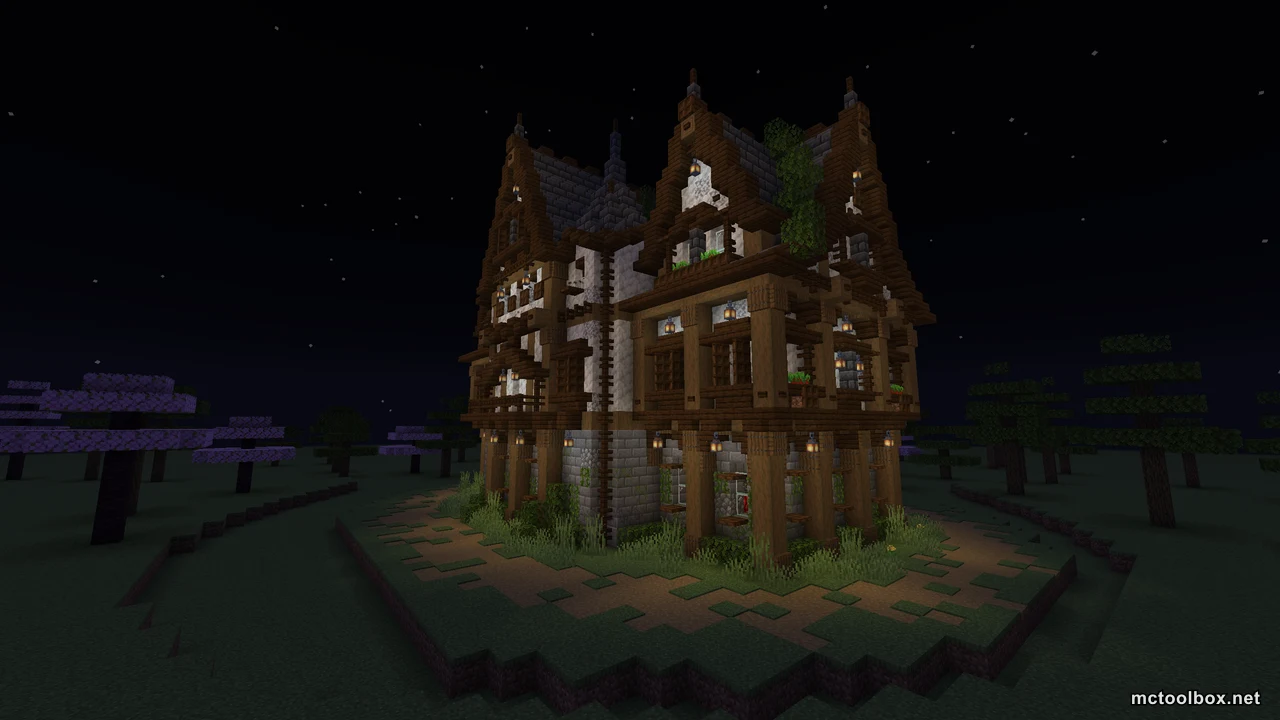
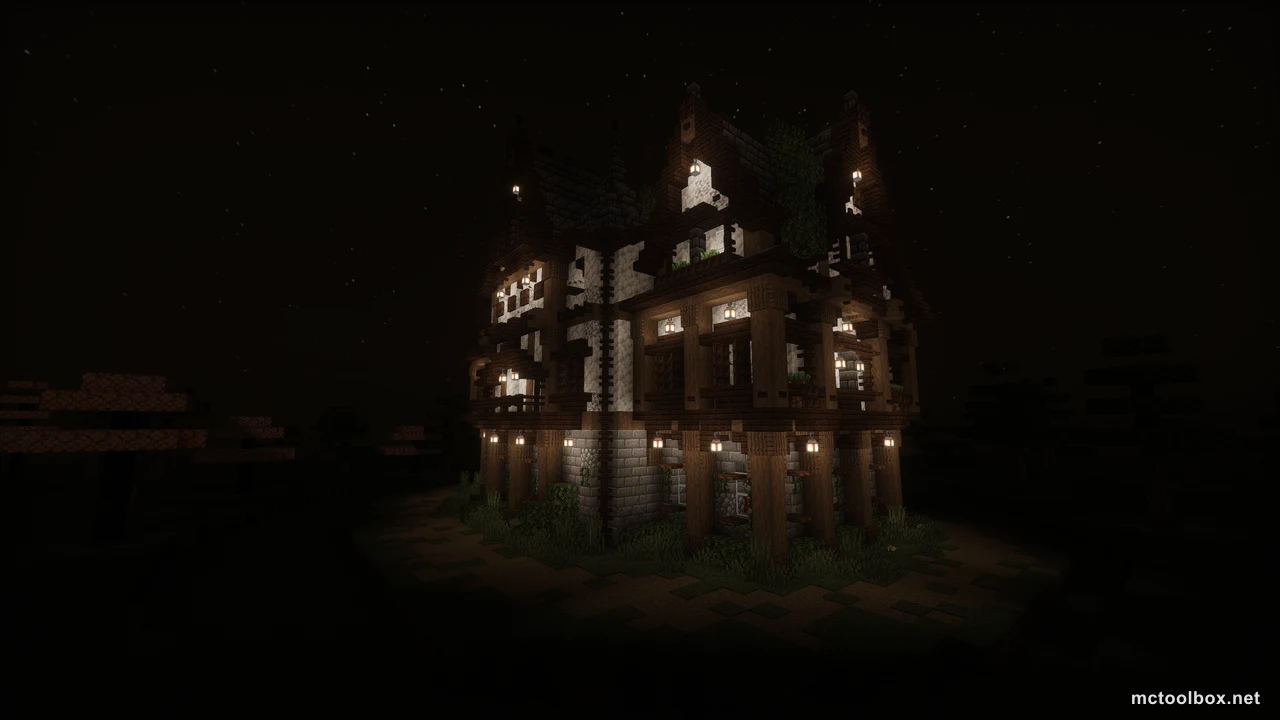
At night, Hysteria Shaders plunges unlit biomes into pitch darkness. The moon provides only faint ambient illumination, making torches, lanterns, and campfires your sole defense against the dark.
Torches cast a tight, amber radius with sharp falloff borders, making night excursions outside your base genuinely suspenseful.
Hardware performance benchmarks across PC configurations
Measured frame rates on GTX 1660 SUPER at 2560x1440 and multi-tier scaling estimates
Despite its heavy atmospheric mood, Hysteria Shaders relies on efficient post-processing passes and smart fog calculations rather than multi-bounce ray tracing. Below are our measured benchmark figures alongside estimated performance targets across PC tiers:
| Hardware Class & Configuration | Target Resolution | Expected FPS | Recommended Settings |
|---|---|---|---|
| Integrated / Budget GPU (Intel Iris Xe / AMD Vega / GTX 1050) | 1080p (FHD) | 70 - 95 FPS | Default Profile, Fog Quality Medium, 10 Chunks |
| Mid-Range Test Rig (GTX 1660 SUPER / RTX 3050) | 1440p (2K) | 145 - 175 FPS | Default Profile (Tested: 156 FPS average) |
| High-End Gaming PC (RTX 4070 / RX 7800 XT+) | 1440p / 4K | 210 - 280+ FPS | High Profile with extended render distance (24+ chunks) |
| Vanilla Baseline (Our Test Rig) | 1440p (2K) | 248 FPS | 12 chunks render distance, no shaders |
How to install Hysteria Shaders with Iris
Step-by-step setup for Fabric and Iris on Minecraft 26.2
- 1
Install Fabric Loader & Iris
Install Fabric Loader for Minecraft 26.2 along with Sodium and Iris Shaders.
- 2
Download Hysteria Shaders
Download the official
Hysteria-Shaders-Universal-v1.2.1.ziparchive directly from the primary download button above. Keep the archive intact without unzipping. - 3
Place in Shaderpacks Folder
Open your
.minecraftdirectory and copy the ZIP file into.minecraft/shaderpacks. - 4
Activate in Video Settings
Launch Minecraft, navigate to Options > Video Settings > Shader Packs, select Hysteria Shaders, and click Apply.
Where Hysteria belongs in a horror playthrough
Moody, desaturated visuals that turn ordinary Minecraft into a psychological thriller
Hysteria Shaders v1.2.1 succeeds in creating a distinct, tense atmosphere without dragging down hardware performance. By pairing desaturated color palettes with dense fog and obsidian water, it delivers an immersive horror setting that pairs perfectly with survival horror modpacks like Fear Nightfall and The Graveyard.
If you are tired of overly bright, cheerful shaders and want an experience with genuine suspense, Hysteria Shaders is an outstanding pick.
Test setup and performance
| minecraft Version | 26.3 |
|---|---|
| shader Version | v1.2.1 |
| loader | Fabric + Iris + Sodium |
| loader Version | Fabric Loader 0.19.3 / Iris 1.11.2 / Sodium 0.9.1 |
| gpu | NVIDIA GeForce GTX 1660 SUPER |
| cpu | Intel Core i3-12100F |
| ram | 32 GB system RAM |
| render Distance | 12 chunks; simulation distance 6 chunks |
| preset | Default Profile |
| Scene / preset | Average FPS | 1% low | Notes |
|---|---|---|---|
| Vanilla Baseline (No Shader) | 248 FPS | 195 FPS | 1440p resolution, 12 chunks render distance |
| Hysteria Shaders (Default Profile) | 156 FPS | 125 FPS | Desaturated color grading, dense atmospheric fog, dark water reflections |
Questions and compatibility
What makes Hysteria Shaders different from Insanity Shader?
Hysteria Shaders is the modernized successor to Insanity Shader, built by LunaPixel Studios with updated shader pipelines, better Iris compatibility, and refined fog customization.
Can I adjust the darkness level in Hysteria Shaders?
Yes. Inside Video Settings > Shader Pack Settings, you can configure the fog density, ambient night brightness, and saturation levels to match your preference.
Does Hysteria Shaders support Minecraft 26.2?
Yes. Hysteria Shaders v1.2.1 Universal was tested and verified on Minecraft 26.3 using Fabric Loader 0.19.3, Iris 1.11.2, and Sodium 0.9.1.
Is Hysteria Shaders compatible with OptiFine and Iris?
Hysteria Shaders is primarily designed and optimized for the Iris shader loader, where it achieves full feature compatibility and high frame rates.
What modpacks work well with Hysteria Shaders?
Hysteria Shaders pairs exceptionally well with horror and dark fantasy modpacks such as Fear Nightfall, DawnCraft, and The Graveyard.
Where can I download the official Hysteria Shaders release?
Download the verified release archive directly using the primary download button above, which connects to LunaPixel Studios' official distribution on Modrinth.
Download links
We do not host Minecraft shader files directly. Download links go to the creator's official project pages.
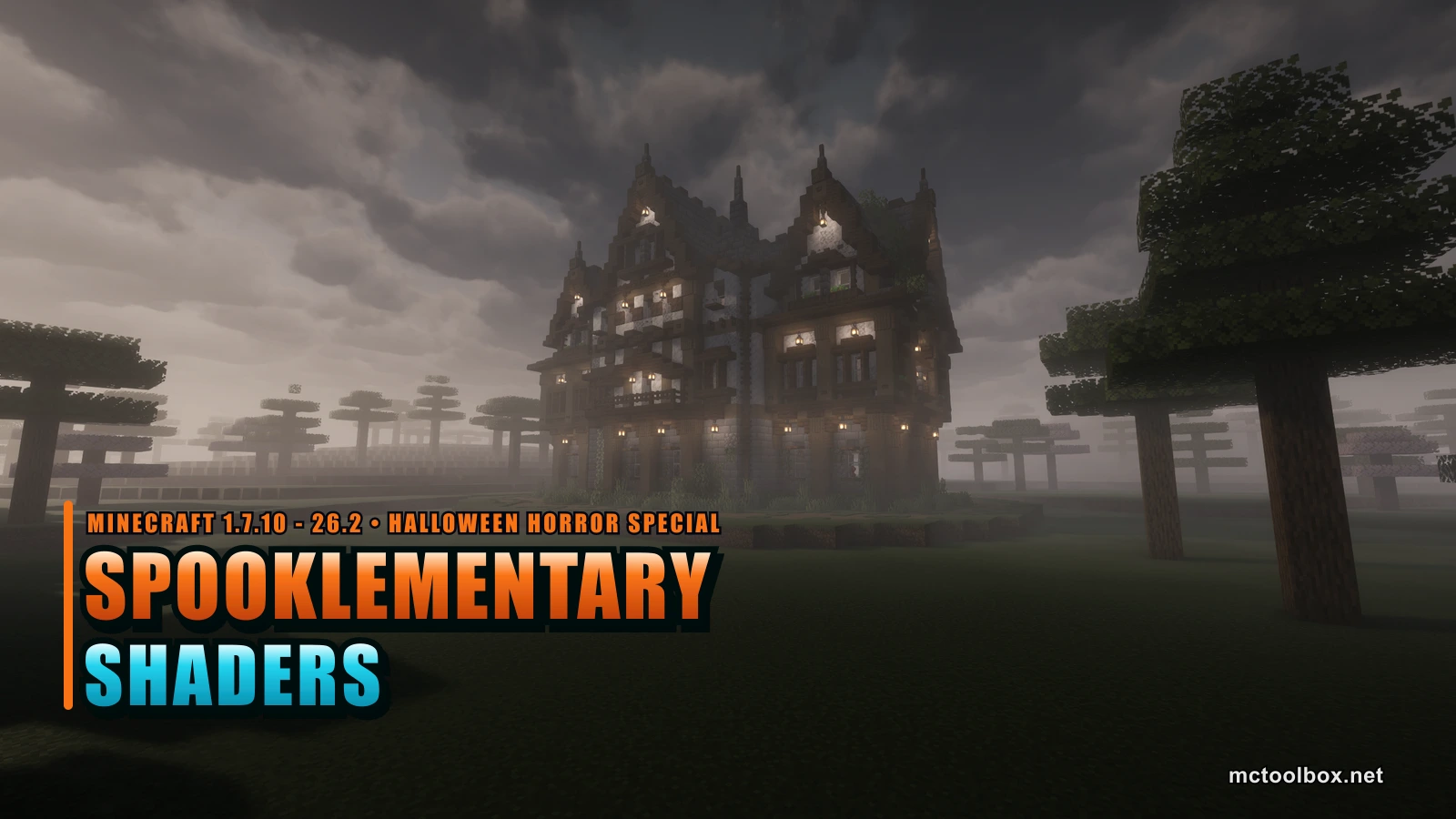
Spooklementary Shaders 1.7.10 - 26.2
Spooklementary by EminGT is the official Halloween horror edition of Complementary Shaders, adding creeping ground mist, floating specters, and haunted visual effects.
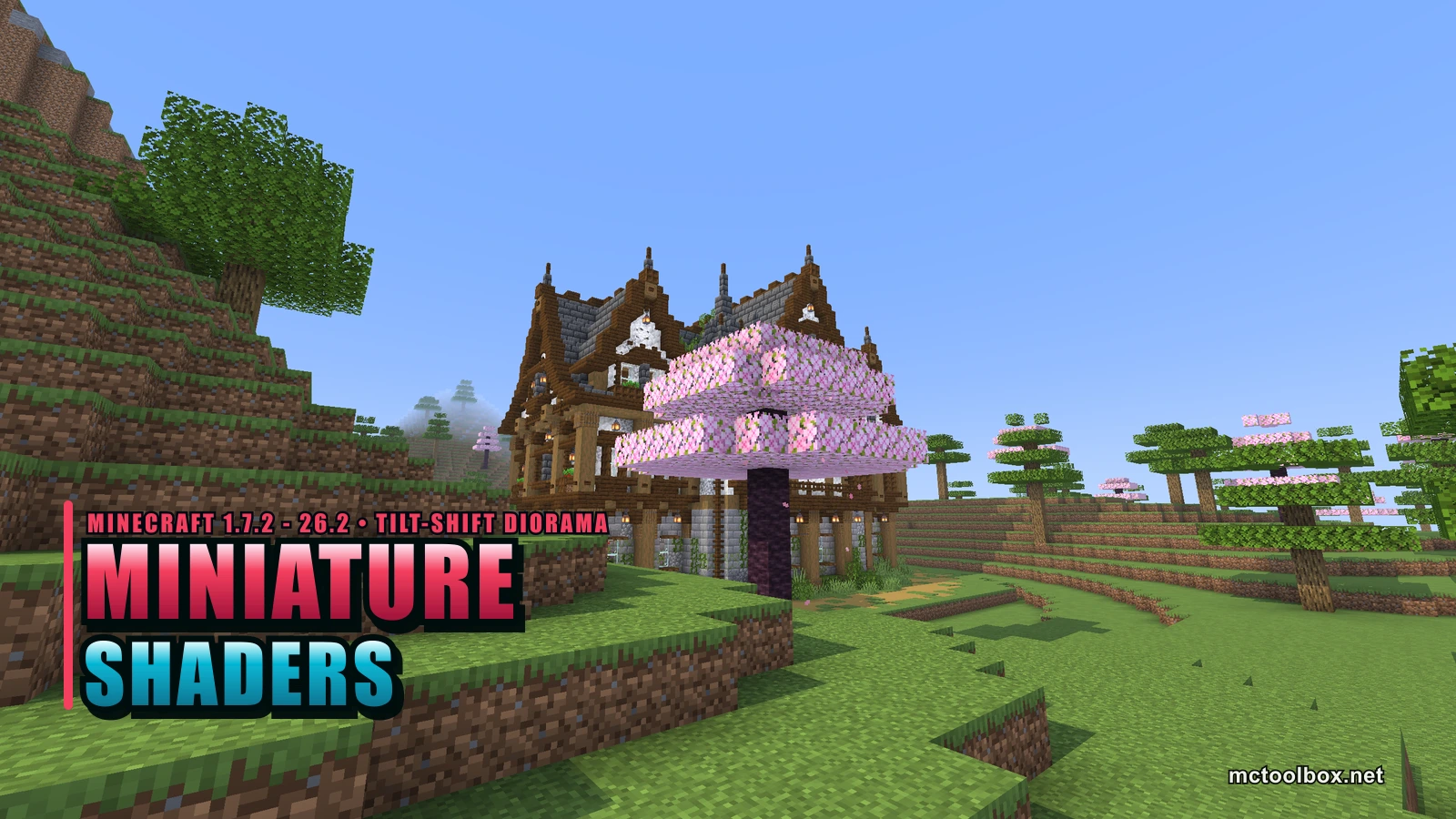
Miniature Shader 1.7.2 - 26.2
Miniature Shader by gri573 simulates a tilt-shift camera lens, transforming full-scale Minecraft worlds into toy-like tabletop dioramas.
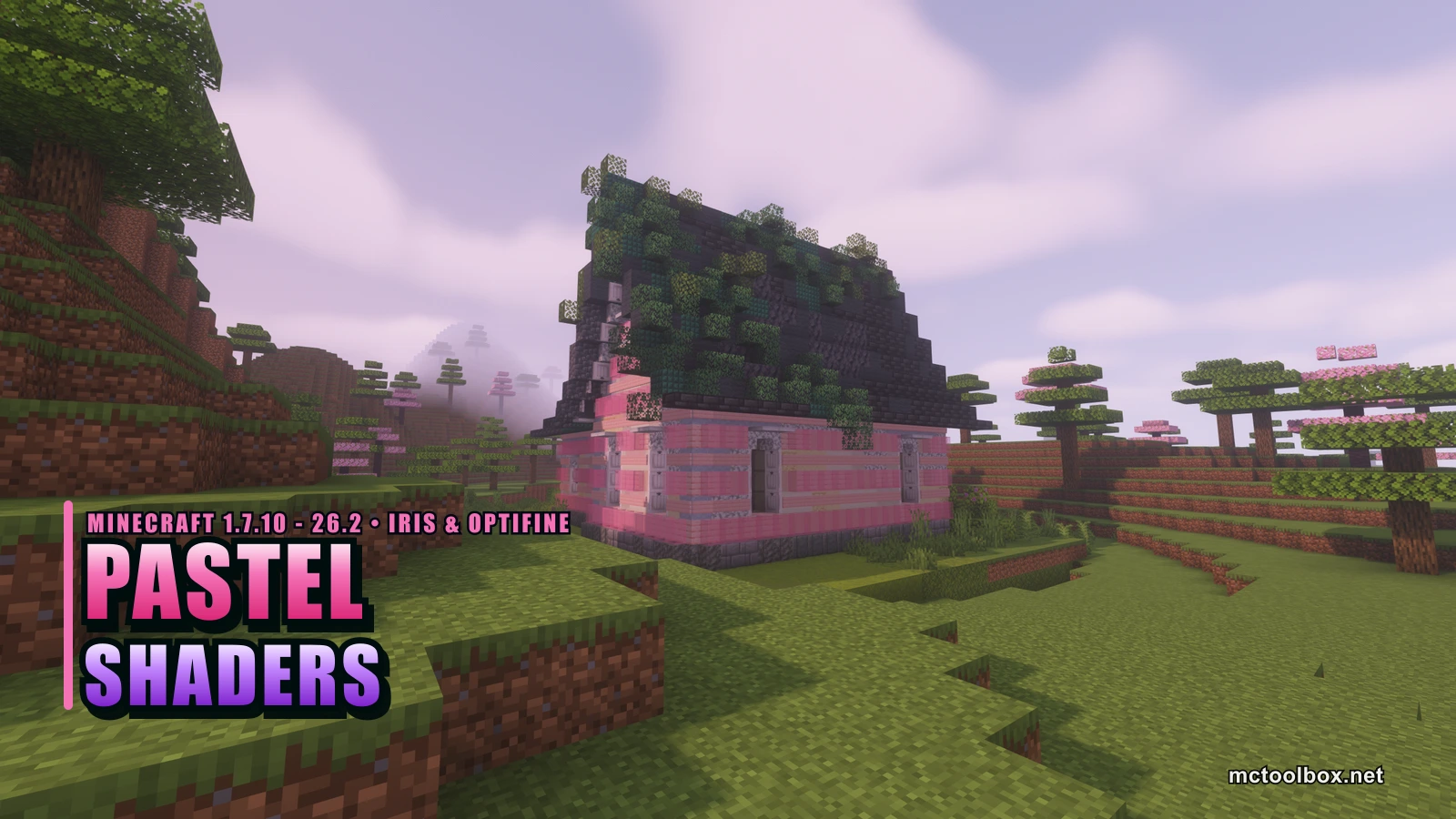
Pastel Shaders 1.7.10 - 26.3
Pastel Shaders turns harsh Minecraft lighting into a soft storybook world with customizable color palettes, gentle shadows, and outstanding frame rates.