








Minecraft shader review
Potato Shaders 1.12 - 26.2
Zero-lag dynamic lighting, soft vanilla-style tonemapping, and lightweight fog for low-end PCs and Iris
Download Files
Potato Shaders by RRe36 provides lightweight dynamic lighting, soft tonemapping, and clean water with virtually zero impact on frame rates.
Shader Index8 sections
Running shaders on integrated graphics or an older laptop usually means accepting unplayable frame rates. Potato Shaders, created by RRe36, was specifically engineered to bypass heavy post-processing passes while still delivering ambient color, clean water tinting, and soft horizon blending.
With over 2.7 million downloads on Modrinth, Potato Shaders is a trusted staple for low-spec hardware. I tested the latest Potato Shaders v1.0d on Minecraft 26.2 using Fabric Loader 0.19.3, Iris 1.11.2, and Sodium 0.9.1. Below is an objective look at its visual improvements, 2K comparison sliders, and measured performance across hardware tiers.
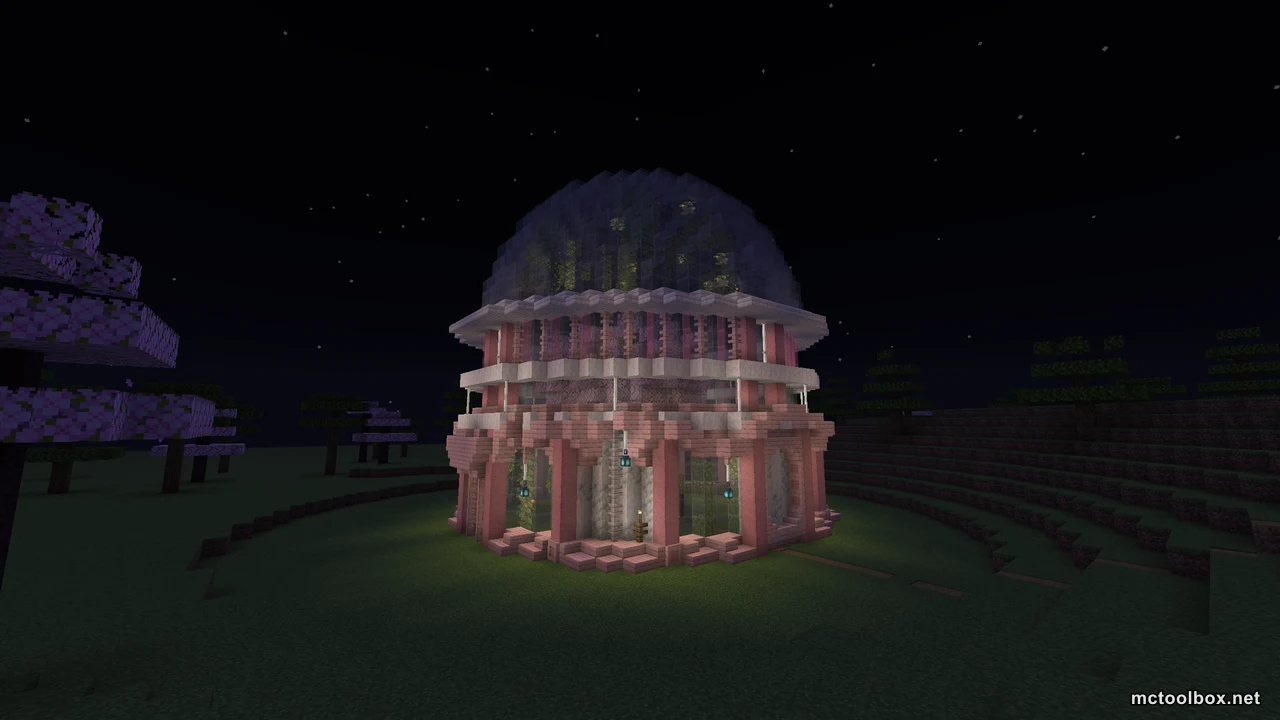
Sunlight grading on the Botanical Greenhouse Dome
How lightweight tonemapping softens curved glass structures without expensive ray tracing passes
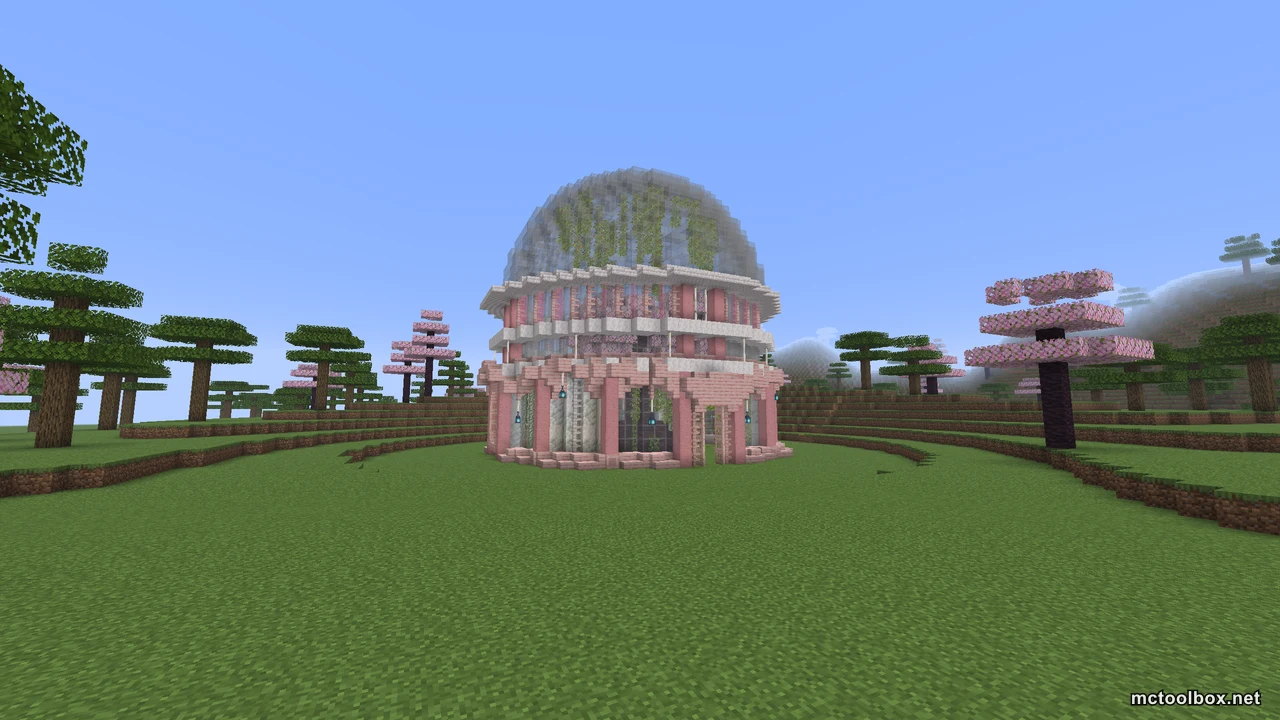
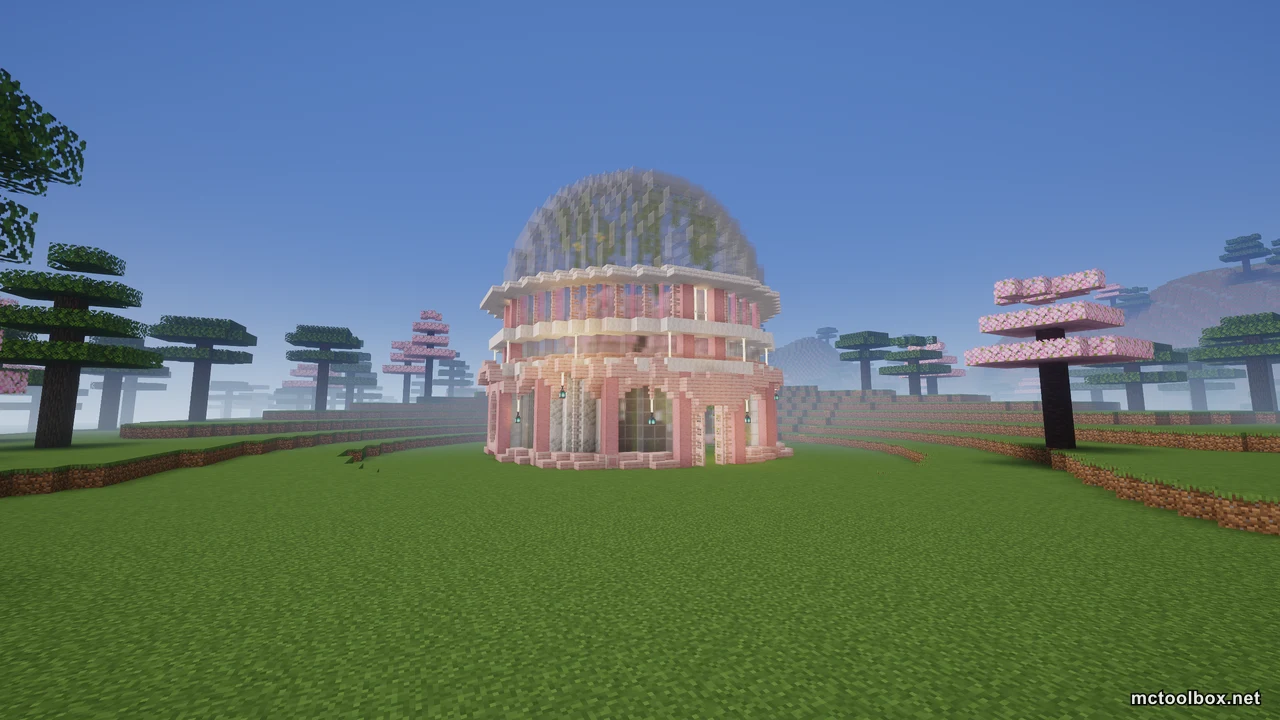
Across the Botanical Greenhouse Dome (constructed with pink terracotta, white quartz framing, and thousands of glass panels), Potato Shaders applies a warm amber sun gradient across curved exterior surfaces.
Instead of calculating heavy shadow cascades that drag down frame rates, it uses simplified directional shading to maintain block depth while keeping the GPU workload minimal.
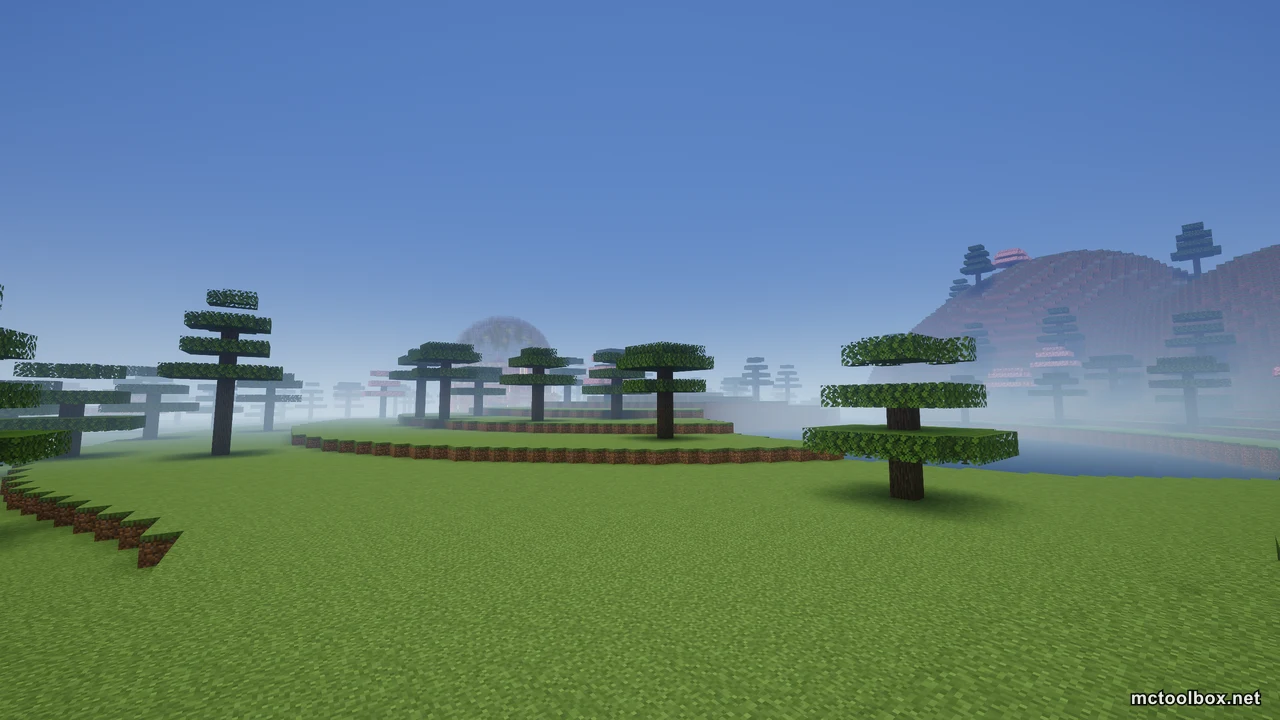
Open meadow landscape and atmospheric fog
Soft horizon blending that masks distant chunk borders smoothly
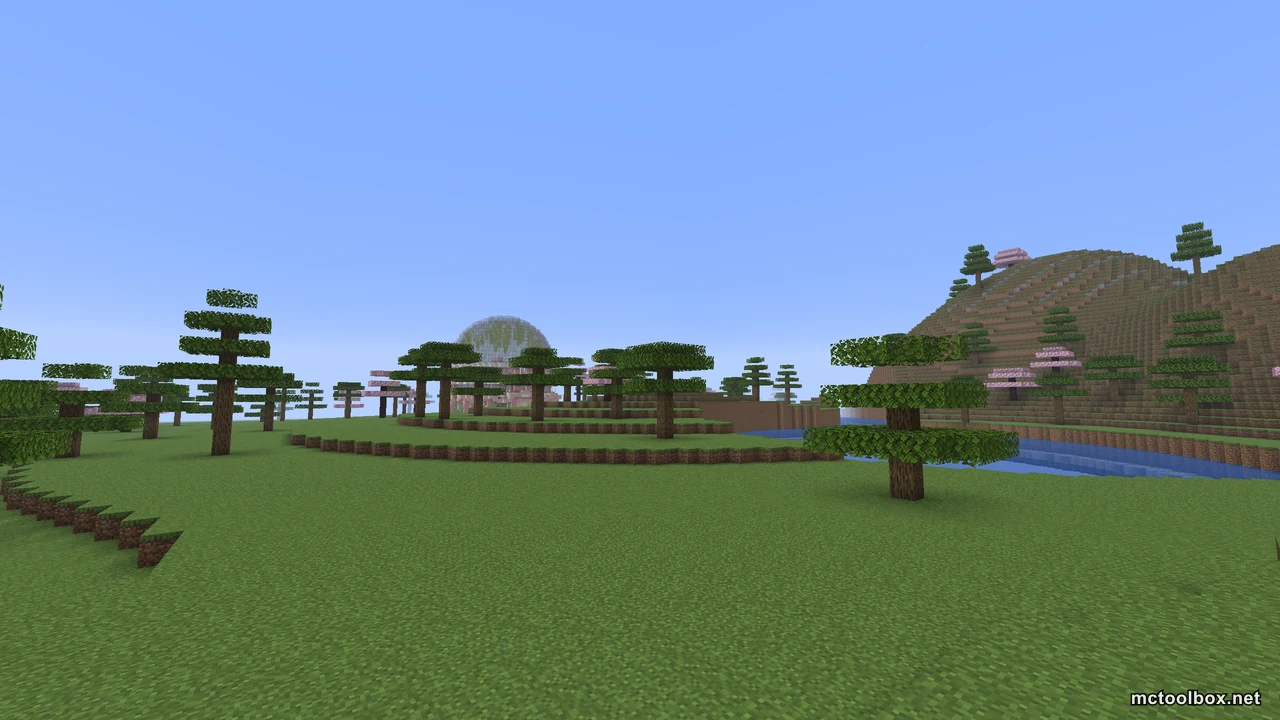
Under midday clear skies, Potato Shaders blends distant terrain into a gentle blue haze. This eliminates the harsh, abrupt cutoffs of vanilla render distance without requiring heavy volumetric calculations.
Grass blocks and cherry blossoms retain their clean vanilla colors while benefiting from balanced ambient exposure.
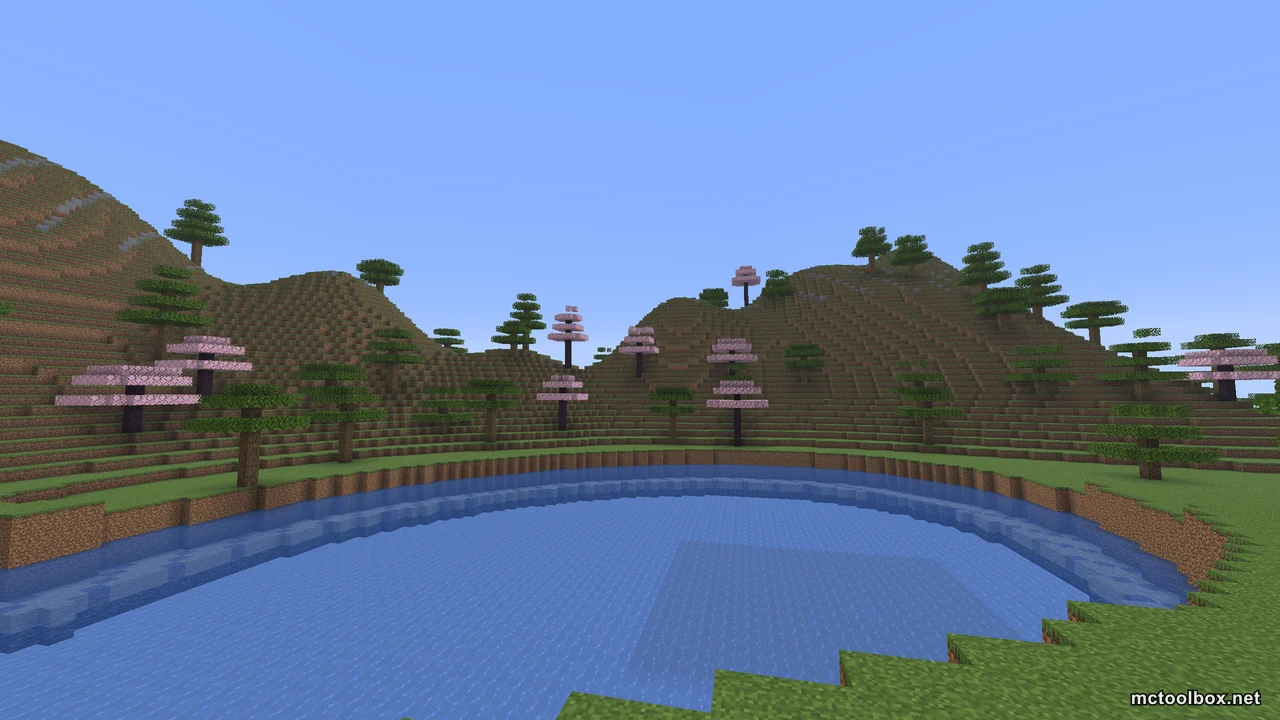
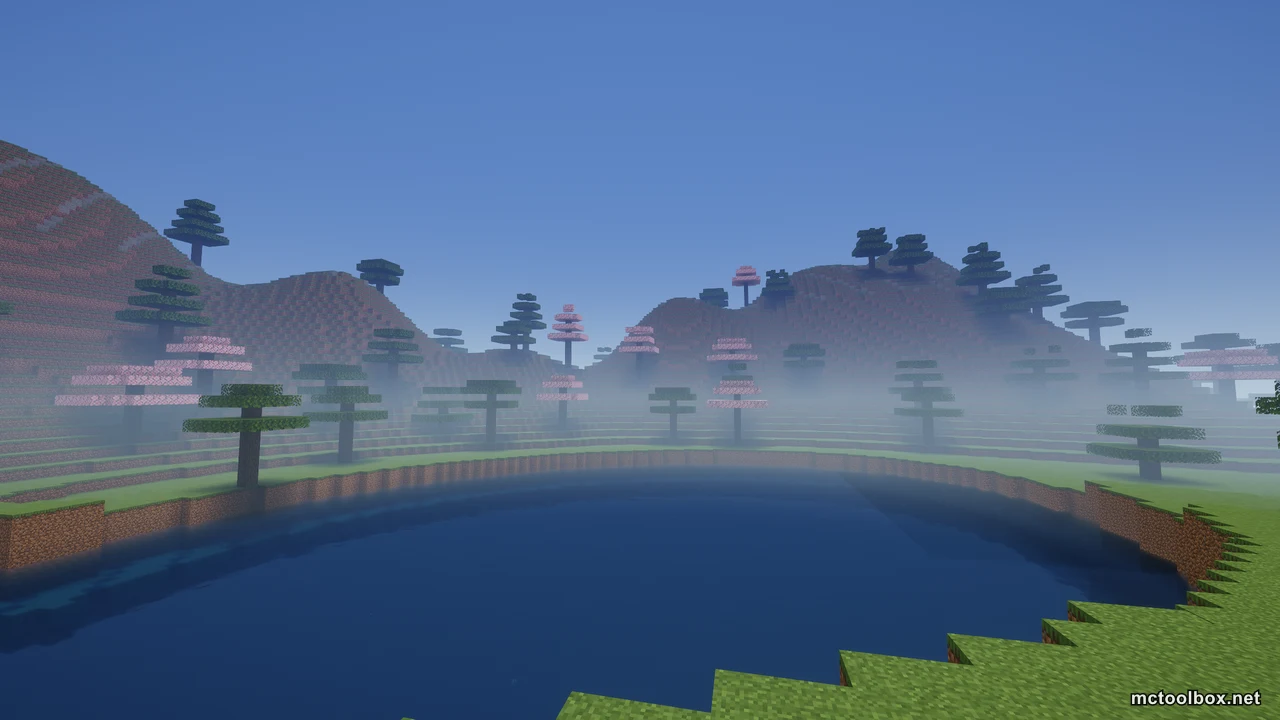
Clean lake transparency and subtle water tinting
Lightweight water shading optimized for functional survival gameplay
Water in Potato Shaders avoids computationally heavy screen-space reflections. Instead, it renders clean, transparent blue surfaces that let you look straight down to lakebeds and submerged flora.
This makes navigating waterways, exploring ocean monuments, and spotting underwater resources effortless during survival sessions.
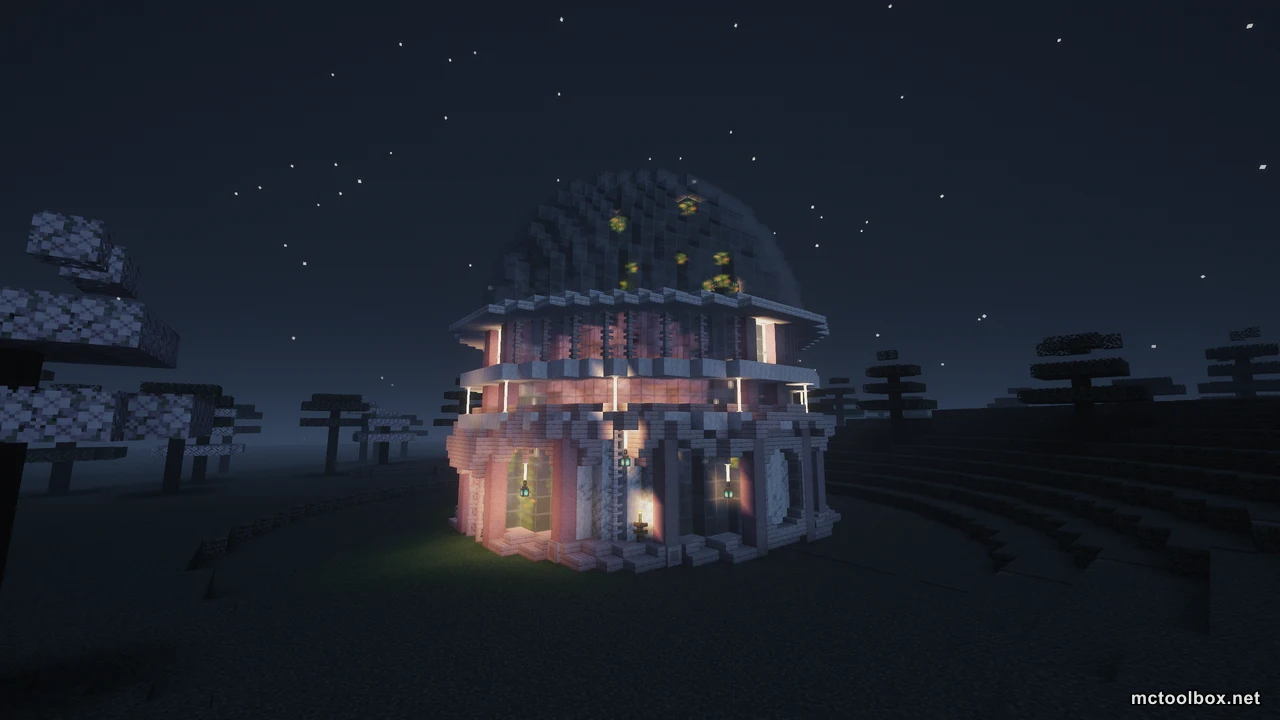
Night sky visibility and warm lantern radius
Comfortable nocturnal lighting designed to prevent eye strain
Nighttime in Potato Shaders avoids pitch-black darkness. The ambient environment retains a deep indigo tone, allowing you to identify hostile mobs, terrain hazards, and paths without relying exclusively on night vision potions.
Torches and lanterns emit a warm golden glow that spreads smoothly across nearby blocks, creating an inviting look for illuminated bases.
Performance scaling across hardware tiers
Measured 2K benchmarks on GTX 1660 SUPER and estimated frame rates across PC configurations
Because Potato Shaders avoids heavy post-processing passes, frame rates remain remarkably close to vanilla performance. Below are our measured benchmark figures alongside estimated performance targets for different hardware classes:
| Hardware Class & Configuration | Target Resolution | Expected FPS | Recommended Settings |
|---|---|---|---|
| Older Laptop / Integrated GPU (Intel HD 620 / UHD 630 / AMD Vega 3) | 720p / 1080p | 60 - 90 FPS | Default Profile, 8 - 10 Chunks |
| Modern Integrated GPU (Intel Iris Xe / AMD Radeon 680M / 780M) | 1080p (FHD) | 110 - 150 FPS | Default Profile, 12 Chunks |
| Mid-Range Test Rig (GTX 1660 SUPER / RTX 3050) | 1440p (2K) | 190 - 230 FPS | Default Profile (Tested: 215 FPS average) |
| High-End Gaming PC (RTX 4070 / RX 7800 XT+) | 1440p / 4K | 260 - 350+ FPS | Default Profile with max render distance (32 chunks) |
| Vanilla Baseline (Our Test Rig) | 1440p (2K) | 248 FPS | 12 chunks render distance, no shaders |
How to install Potato Shaders with Iris
Step-by-step setup for Fabric and Iris on Minecraft 26.2
- 1
Install Fabric Loader & Iris
Install Fabric Loader for Minecraft 26.2 along with Sodium and Iris Shaders.
- 2
Download Potato Shaders
Download the official
PotatoShaders_v1.0d.ziparchive directly from the primary download button above. Keep the archive intact without unzipping. - 3
Place in Shaderpacks Folder
Open your
.minecraftdirectory and copy the ZIP file into.minecraft/shaderpacks. - 4
Activate in Video Settings
Launch Minecraft, navigate to Options > Video Settings > Shader Packs, select Potato Shaders, and click Apply.
Running shaders on budget laptops and integrated graphics
Dynamic lighting enhancements without the heavy performance penalty
Potato Shaders v1.0d delivers exactly what its name promises: a reliable, lightweight graphics upgrade built specifically for systems that struggle with traditional shaders. With barely a 13% performance drop compared to vanilla Minecraft, it allows players on modest laptops to enjoy warm lighting, clear water, and soft fog without stutter or overheating.
If you want a dependable, hassle-free visual enhancement that prioritizes high frame rates above all else, Potato Shaders is an easy recommendation.
Test setup and performance
| minecraft Version | 26.2 |
|---|---|
| shader Version | v1.0d |
| loader | Fabric + Iris + Sodium |
| loader Version | Fabric Loader 0.19.3 / Iris 1.11.2 / Sodium 0.9.1 |
| gpu | NVIDIA GeForce GTX 1660 SUPER |
| cpu | Intel Core i3-12100F |
| ram | 32 GB system RAM |
| render Distance | 12 chunks; simulation distance 6 chunks |
| preset | Default Profile |
| Scene / preset | Average FPS | 1% low | Notes |
|---|---|---|---|
| Vanilla Baseline (No Shader) | 248 FPS | 195 FPS | 1440p resolution, 12 chunks render distance |
| Potato Shaders (Default Profile) | 215 FPS | 180 FPS | Warm sunlight grading, soft horizon fog, transparent water |
Questions and compatibility
Why is Potato Shaders so fast compared to other shaders?
Potato Shaders replaces heavy volumetric raymarching and complex screen-space reflections with efficient single-pass color grading and simple directional shading, resulting in minimal GPU overhead.
Can Potato Shaders run on an old laptop with Intel HD Graphics?
Yes. Potato Shaders is specifically designed for integrated GPUs such as Intel HD 620, Intel UHD 630, and AMD Vega, achieving 60-90 FPS at 720p or 1080p.
Does Potato Shaders support Minecraft 26.2?
Yes. Potato Shaders v1.0d was tested and verified on Minecraft 26.2 using Fabric Loader 0.19.3, Iris 1.11.2, and Sodium 0.9.1.
Is Potato Shaders compatible with OptiFine and Iris?
Yes. Potato Shaders officially supports both OptiFine and Iris shader loaders across versions from Minecraft 1.12 through 26.2.
Can I use Potato Shaders in competitive PvP servers?
Yes. Because Potato Shaders does not obscure vision with heavy blur or blinding glare, it is well suited for PvP minigames and competitive servers.
Where can I download the official Potato Shaders release?
Download the verified release archive directly using the primary download button above, which connects to RRe36's official distribution on Modrinth.
Download links
We do not host Minecraft shader files directly. Download links go to the creator's official project pages.
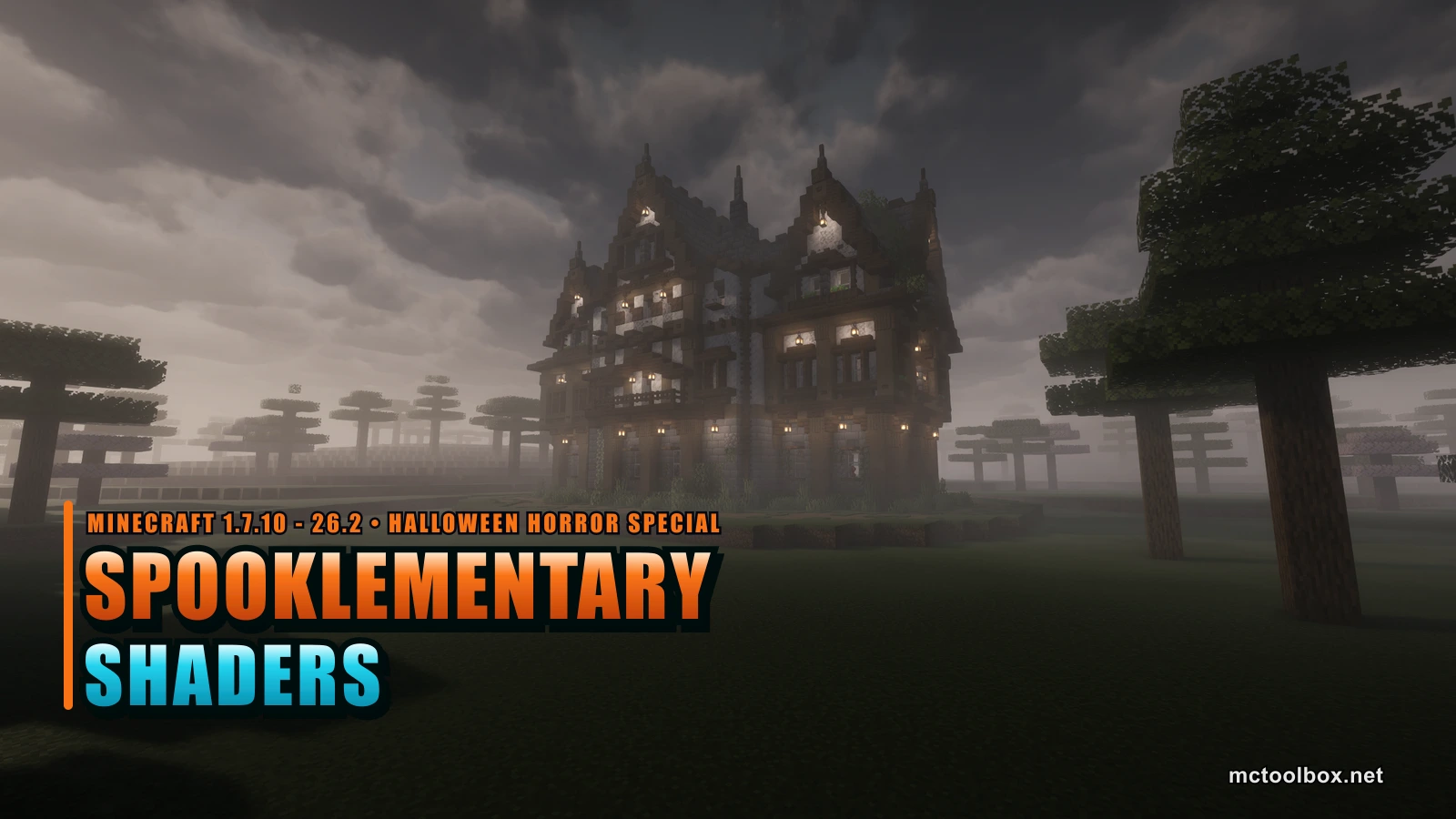
Spooklementary Shaders 1.7.10 - 26.2
Spooklementary by EminGT is the official Halloween horror edition of Complementary Shaders, adding creeping ground mist, floating specters, and haunted visual effects.
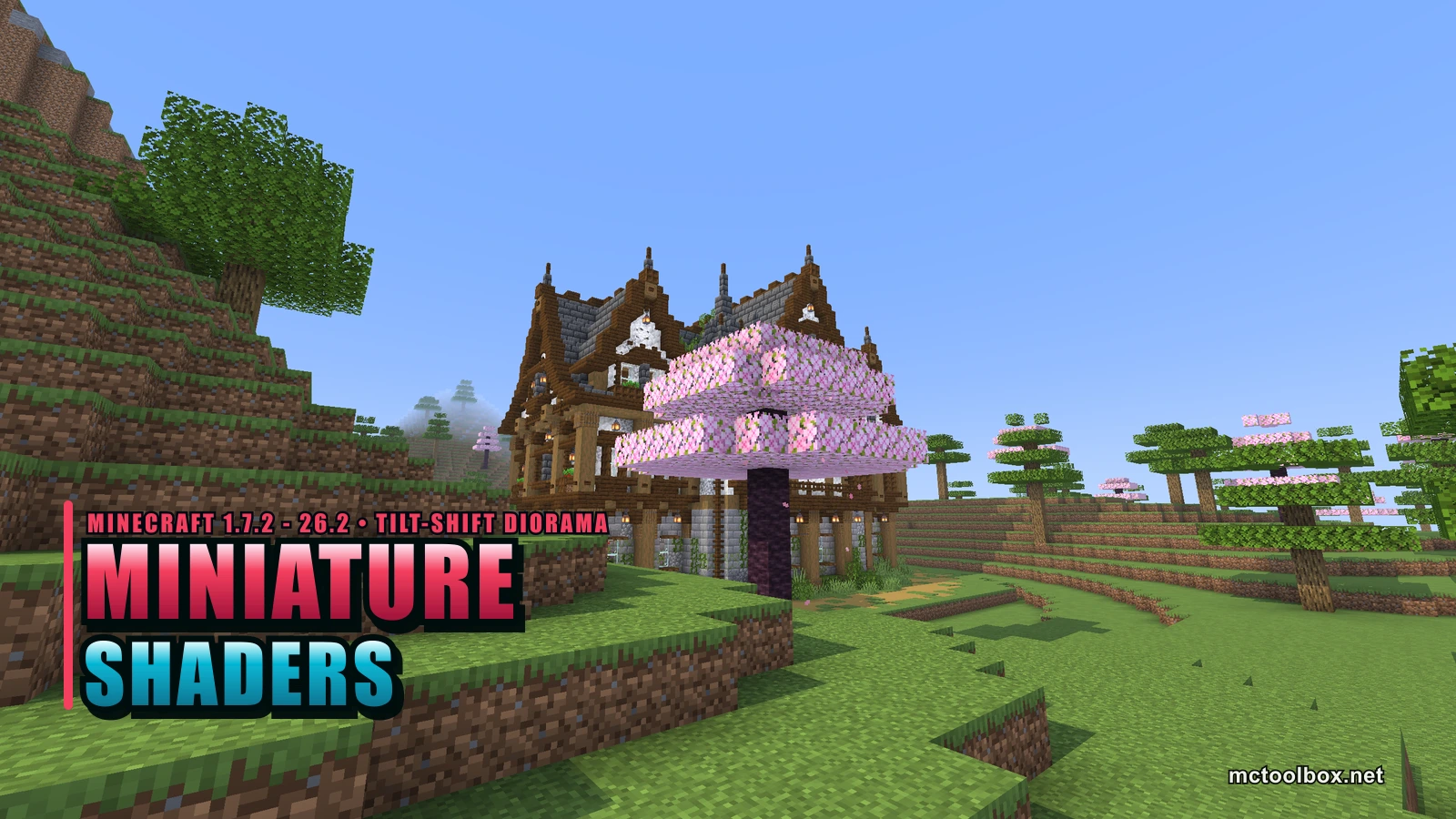
Miniature Shader 1.7.2 - 26.2
Miniature Shader by gri573 simulates a tilt-shift camera lens, transforming full-scale Minecraft worlds into toy-like tabletop dioramas.
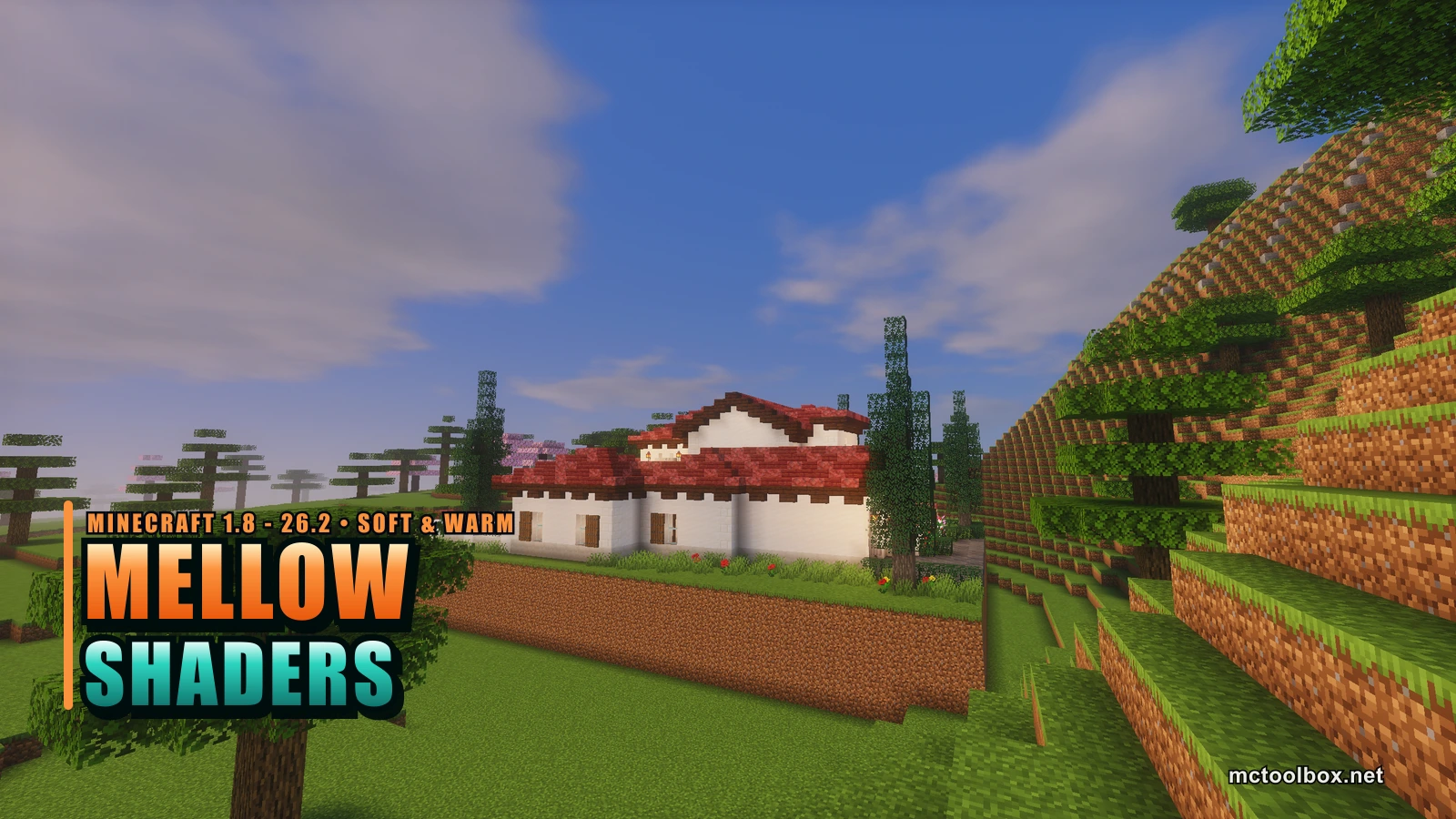
Mellow Shaders 1.8 - 26.2
Mellow Shaders by gri573 provides warm sunlight tonemapping, clean water ripples, and high frame rates for everyday survival.