








Minecraft shader review
Mellow Shaders 1.8 - 26.2
Warm sunlight tonemapping, soft 2D cloud layers, and lightweight survival lighting for Iris and OptiFine
Download Files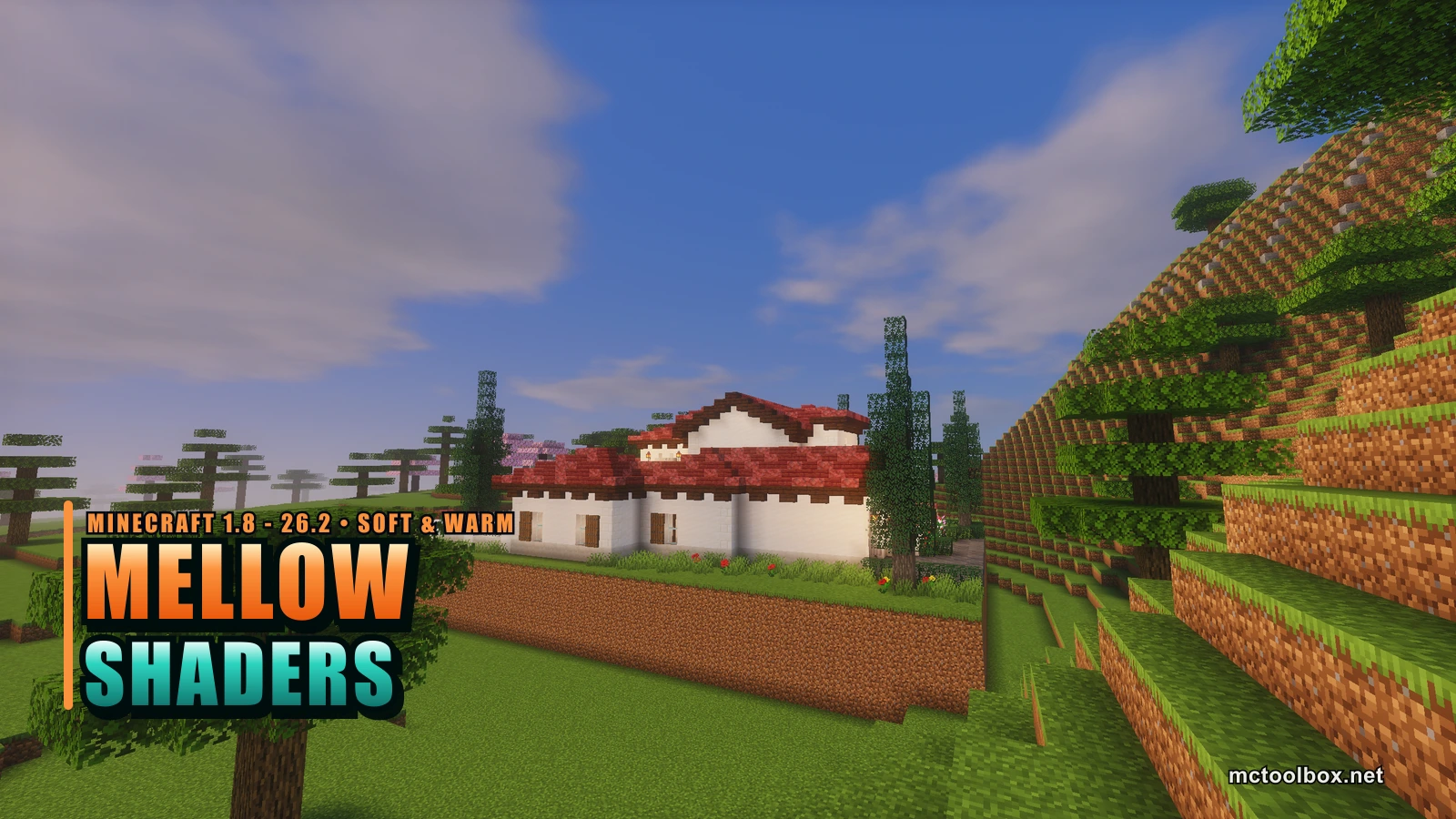
Mellow Shaders by gri573 provides warm sunlight tonemapping, clean water ripples, and high frame rates for everyday survival.
Shader Index8 sections
For long-term survival worlds, heavy ray-traced shaders with blinding lens flares and deep volumetric fog can quickly cause visual fatigue. Mellow Shaders, developed by gri573, focuses on a cleaner aesthetic: gentle warm tonemapping, soft sky gradients, subtle water ripples, and exceptionally high frame rates.
With over 5.8 million downloads on Modrinth, Mellow ranks as one of the most widely used lightweight shader packs in the community. I tested the latest Mellow Shaders v3.3 on Minecraft 26.2 using Fabric Loader 0.19.3, Iris 1.11.2, and Sodium 0.9.1. Below is an objective look at its visual changes, 2K comparison sliders, and measured performance across hardware tiers.
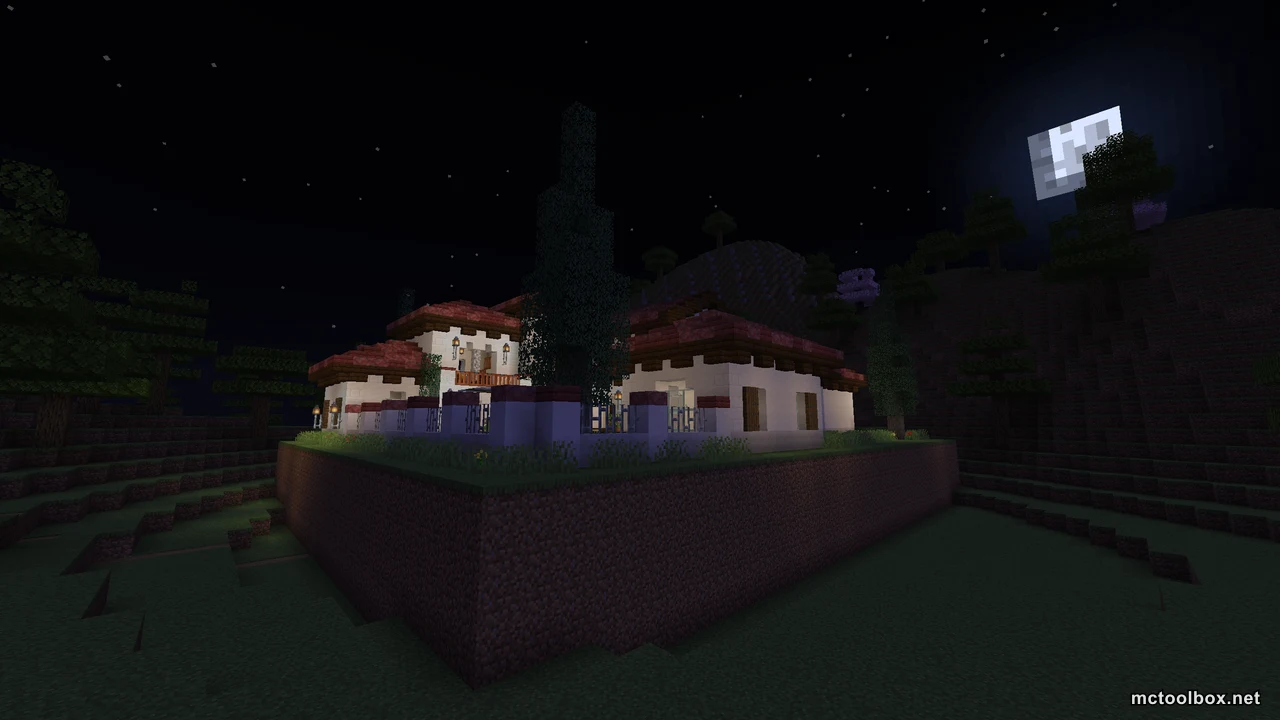
Warm afternoon lighting on the Spanish Villa
How soft sunlight tonemapping preserves block texture details across terracotta roofs
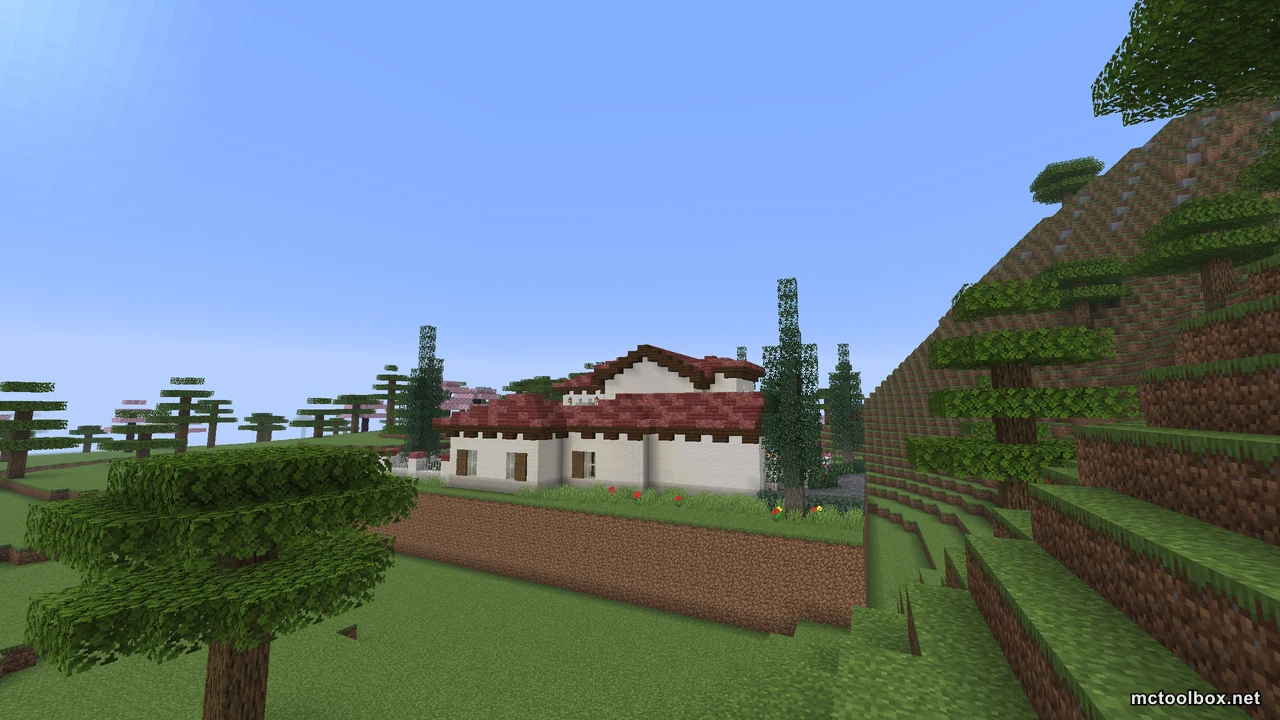
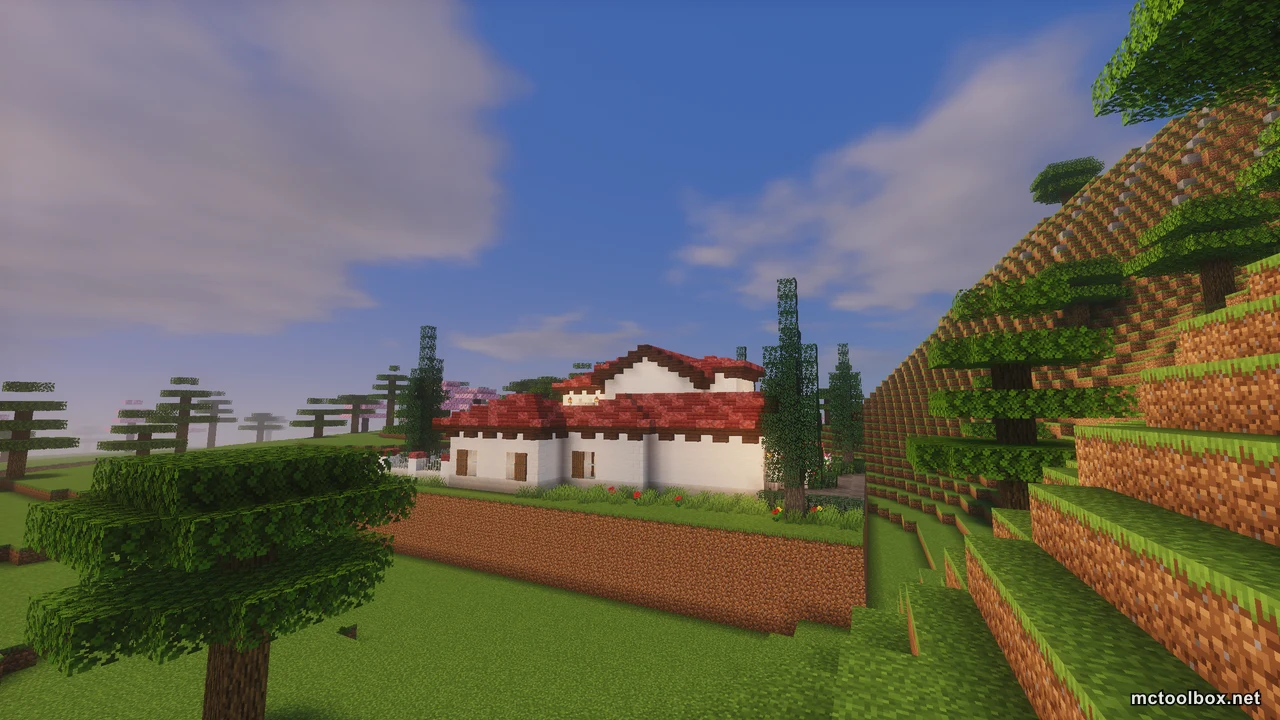
In warm Mediterranean architectural scenes featuring the Spanish Villa (situated on a terraced hill with white masonry and clay tile roofs), Mellow Shaders applies a warm amber tint to direct sunlight without blowing out white stucco blocks.
Shadows remain soft and transparent, allowing you to clearly see window frames, potted flowers, and garden pathways even under roof overhangs.
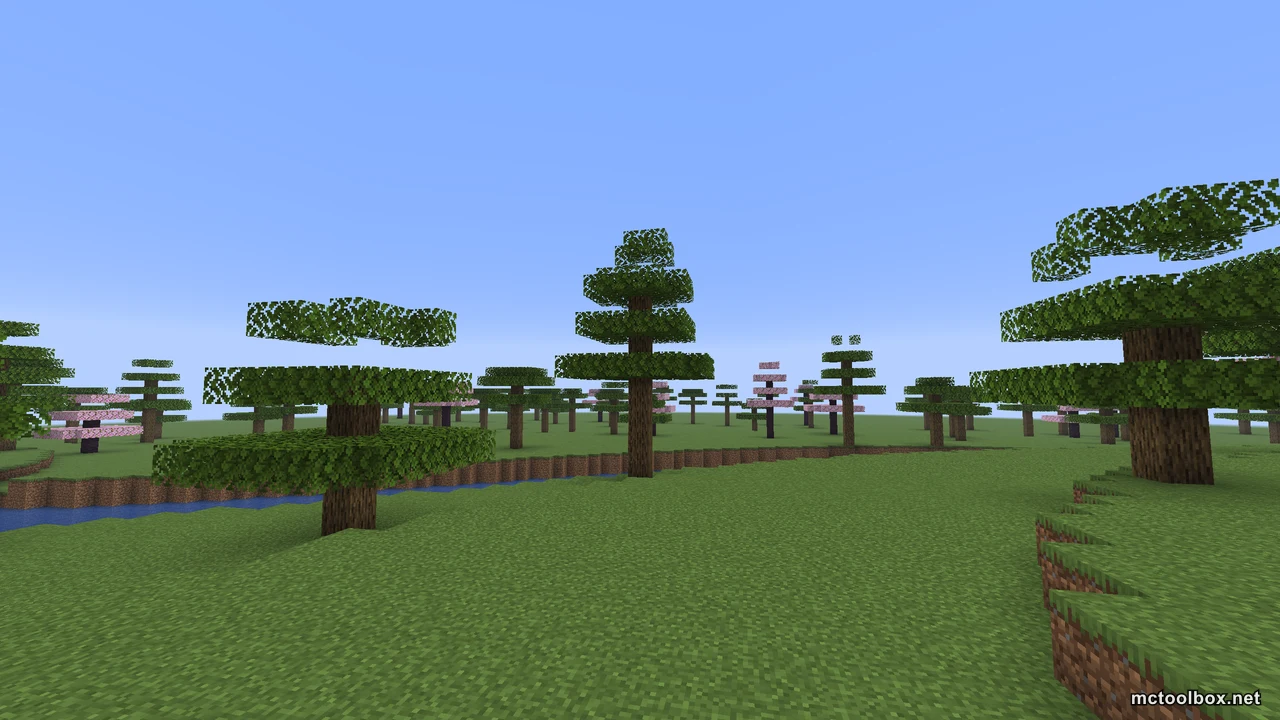
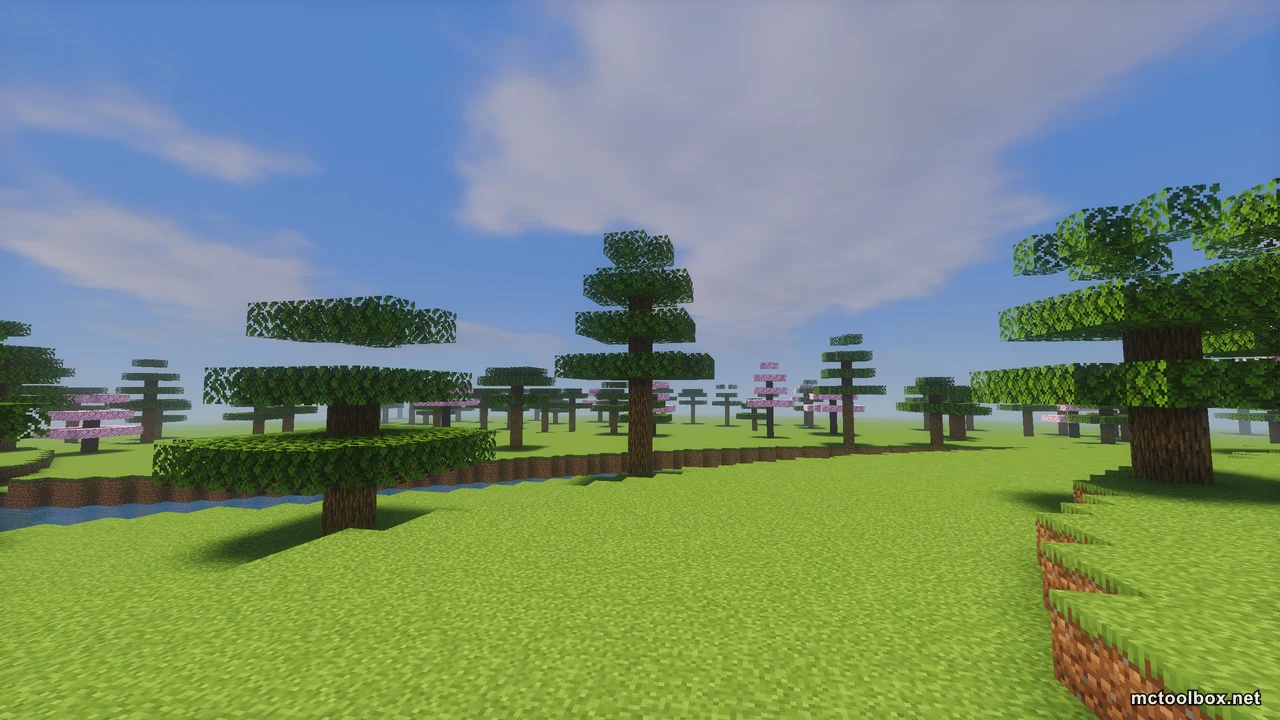
Open meadow landscape and sky gradients
Soft cumulus cloud layers and clean horizon visibility
Under clear midday weather, Mellow Shaders replaces vanilla's harsh overhead light with a gentle sky gradient and stylized 2D cloud layers. Foliage and grass blocks retain their natural green hues without aggressive oversaturation.
Because Mellow avoids heavy volumetric fog calculations, distant terrain chunks remain crisp and readable, making it ideal for scouting new biomes or building expansive bases.
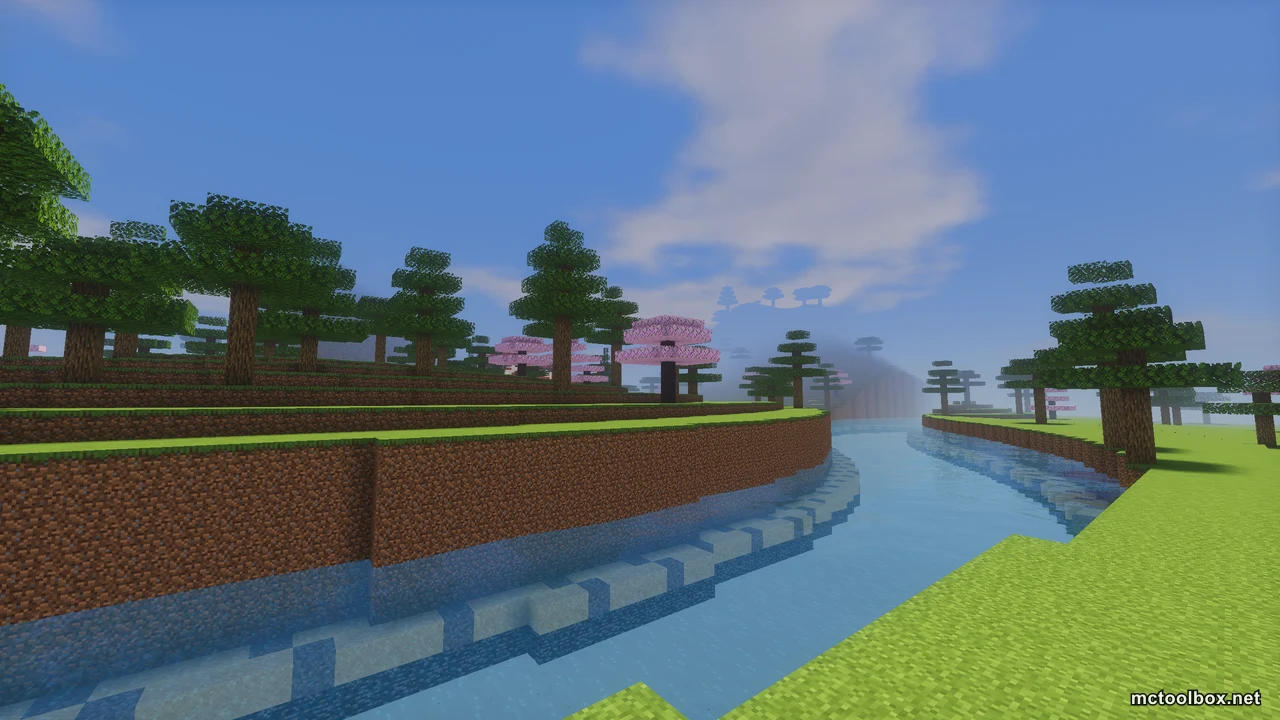
Subtle water ripples and clean riverbed visibility
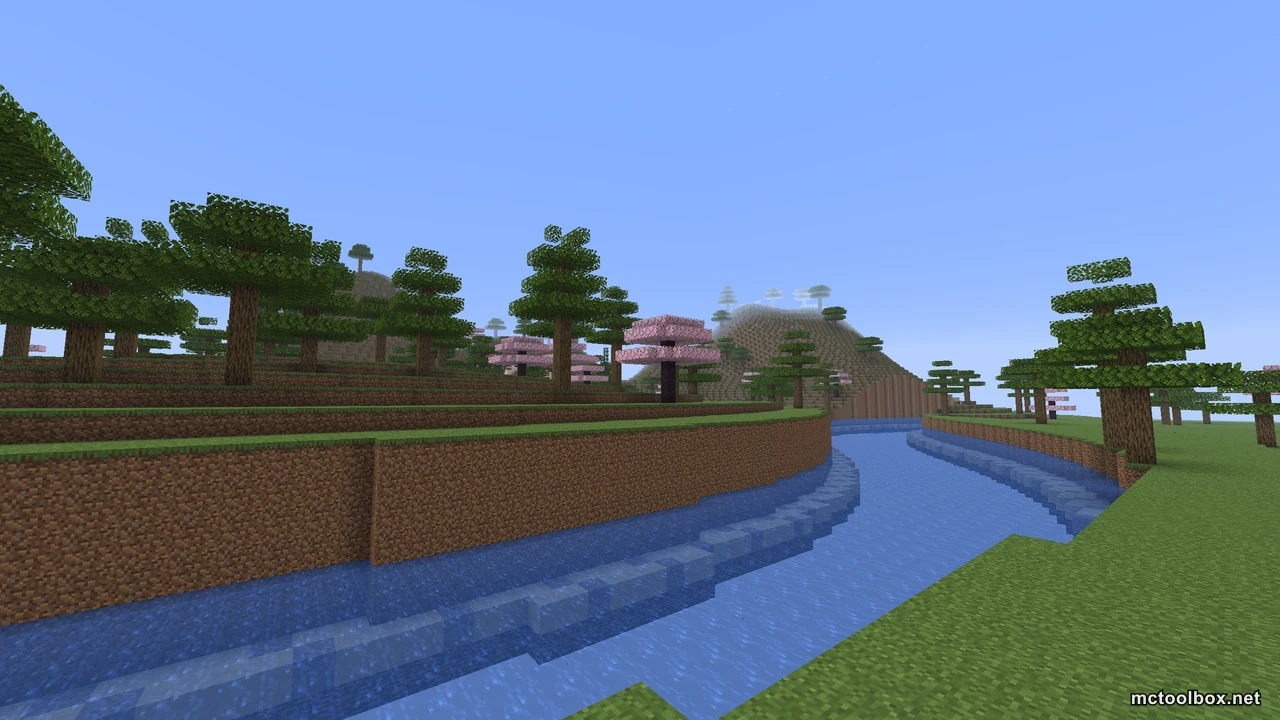
Lightweight surface waves without heavy Screen Space Reflection performance penalties
Water in Mellow Shaders is designed for functional survival play. Rather than rendering opaque mirror-like reflections that obscure what lies underneath, riverbeds and ocean shores remain semi-transparent with a light surface wave animation.
You can easily spot underwater ruins, shipwrecks, and submerged ores while boating across bodies of water.
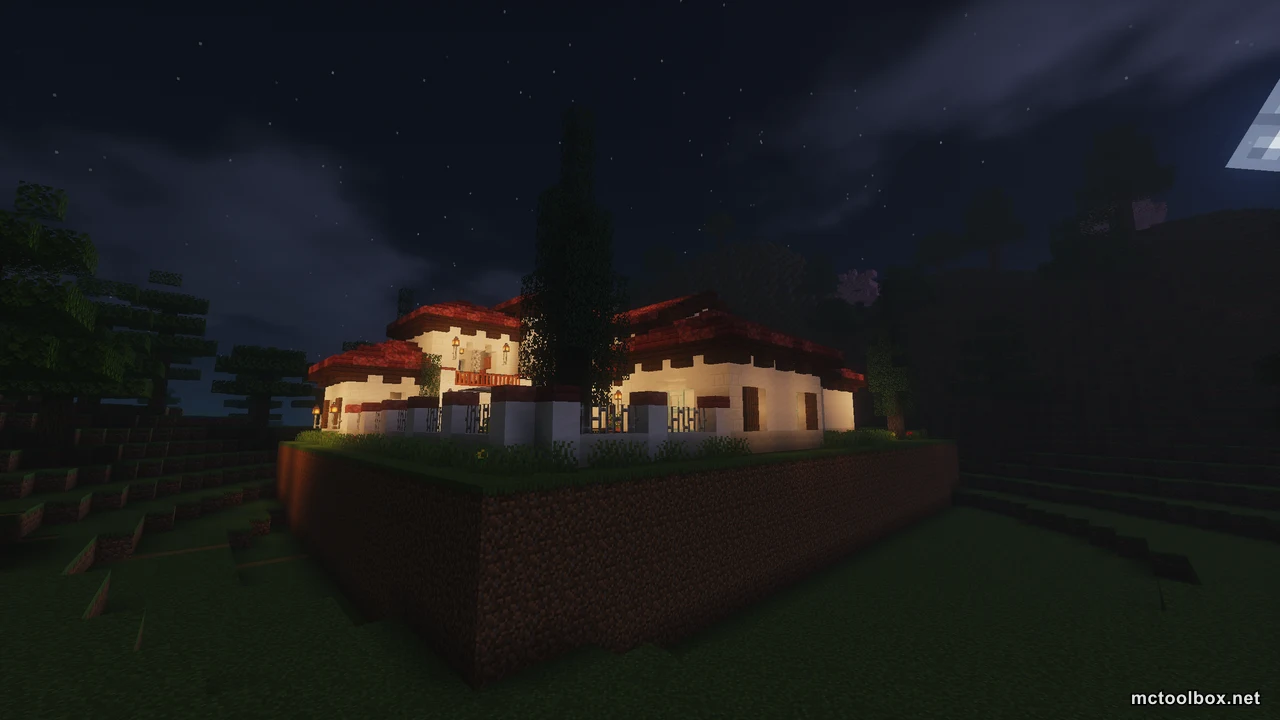
Night sky illumination and torchlight warmth
Balanced night brightness that prevents pitch-black eye strain
Nighttime in Mellow Shaders maintains a dark navy ambient tone. Unlike realistic shaders that turn unlit terrain pitch black, Mellow keeps the immediate landscape readable under moonlight.
Torches and lanterns cast a warm amber glow that blends smoothly into surrounding blocks, providing practical illumination for base building and night farming.
Performance scaling across hardware tiers
Measured 2K benchmarks on GTX 1660 SUPER and estimated frame rates across PC configurations
Because Mellow Shaders prioritizes lightweight rasterization over heavy raymarching, it runs smoothly on integrated graphics and older budget cards. Below are our measured benchmark figures alongside estimated performance targets for different hardware classes:
| Hardware Class & Configuration | Target Resolution | Expected FPS | Recommended Settings |
|---|---|---|---|
| Integrated / Budget GPU (Intel Iris Xe / AMD Vega / GTX 1050) | 1080p (FHD) | 75 - 110 FPS | Default Profile, 12 Chunks |
| Mid-Range Test Rig (GTX 1660 SUPER / RTX 3050) | 1440p (2K) | 150 - 185 FPS | Default Profile (Tested: 168 FPS average) |
| High-End Gaming PC (RTX 4070 / RX 7800 XT+) | 1440p / 4K | 220 - 300+ FPS | Default Profile with high render distance (24+ chunks) |
| Vanilla Baseline (Our Test Rig) | 1440p (2K) | 248 FPS | 12 chunks render distance, no shaders |
How to install Mellow Shaders with Iris
Step-by-step setup for Fabric and Iris on Minecraft 26.2
- 1
Install Fabric Loader & Iris
Install Fabric Loader for Minecraft 26.2 along with Sodium and Iris Shaders.
- 2
Download Mellow Shaders
Download the official
Mellow Shader v3.3.ziparchive directly from the primary download button above. Keep the archive intact without unzipping. - 3
Place in Shaderpacks Folder
Open your
.minecraftdirectory and copy the ZIP file into.minecraft/shaderpacks. - 4
Activate in Video Settings
Launch Minecraft, navigate to Options > Video Settings > Shader Packs, select Mellow Shader, and click Apply.
Everyday survival comfort without performance compromise
Warm visual enhancements without the performance cost of heavy shaders
Mellow Shaders v3.3 achieves a practical balance between visual warmth and performance efficiency. By focusing on soft sunlight tonemapping and clean water transparency rather than demanding volumetric raymarching, it delivers a comfortable survival aesthetic that runs smoothly across almost any gaming setup.
If you want an easy-on-the-eyes graphics upgrade that keeps your fans quiet and your frame rates consistently high, Mellow Shaders is a solid choice.
Test setup and performance
| minecraft Version | 26.2 |
|---|---|
| shader Version | v3.3 |
| loader | Fabric + Iris + Sodium |
| loader Version | Fabric Loader 0.19.3 / Iris 1.11.2 / Sodium 0.9.1 |
| gpu | NVIDIA GeForce GTX 1660 SUPER |
| cpu | Intel Core i3-12100F |
| ram | 32 GB system RAM |
| render Distance | 12 chunks; simulation distance 6 chunks |
| preset | Default Profile |
| Scene / preset | Average FPS | 1% low | Notes |
|---|---|---|---|
| Vanilla Baseline (No Shader) | 248 FPS | 195 FPS | 1440p resolution, 12 chunks render distance |
| Mellow Shaders (Default Profile) | 168 FPS | 135 FPS | Warm sunlight tonemapping, soft sky gradients, transparent water |
Questions and compatibility
What makes Mellow Shaders different from heavy shaders like Kappa or Solas?
Mellow Shaders uses lightweight rasterized lighting and soft color tonemapping instead of resource-intensive volumetric raymarching. This delivers high frame rates and a clean aesthetic with minimal GPU load.
Can Mellow Shaders run on low-end laptops with integrated graphics?
Yes. Mellow Shaders is designed to be potato-friendly and easily achieves 75-110 FPS at 1080p on modern integrated graphics such as Intel Iris Xe and AMD Vega.
Does Mellow Shaders support Minecraft 26.2?
Yes. Mellow Shaders v3.3 was tested and verified on Minecraft 26.2 using Fabric Loader 0.19.3, Iris 1.11.2, and Sodium 0.9.1.
Is Mellow Shaders compatible with OptiFine and Iris?
Yes. Mellow Shaders officially supports both OptiFine and Iris shader loaders across versions from Minecraft 1.8 through 26.2.
Does Mellow Shaders support Distant Horizons?
Yes. Version 3.3 integrates smoothly with Distant Horizons LOD chunks for high view-distance rendering without visual seam glitches.
Where can I download the official Mellow Shaders release?
Download the verified release archive directly using the primary download button above, which connects to gri573's official distribution on Modrinth.
Download links
We do not host Minecraft shader files directly. Download links go to the creator's official project pages.
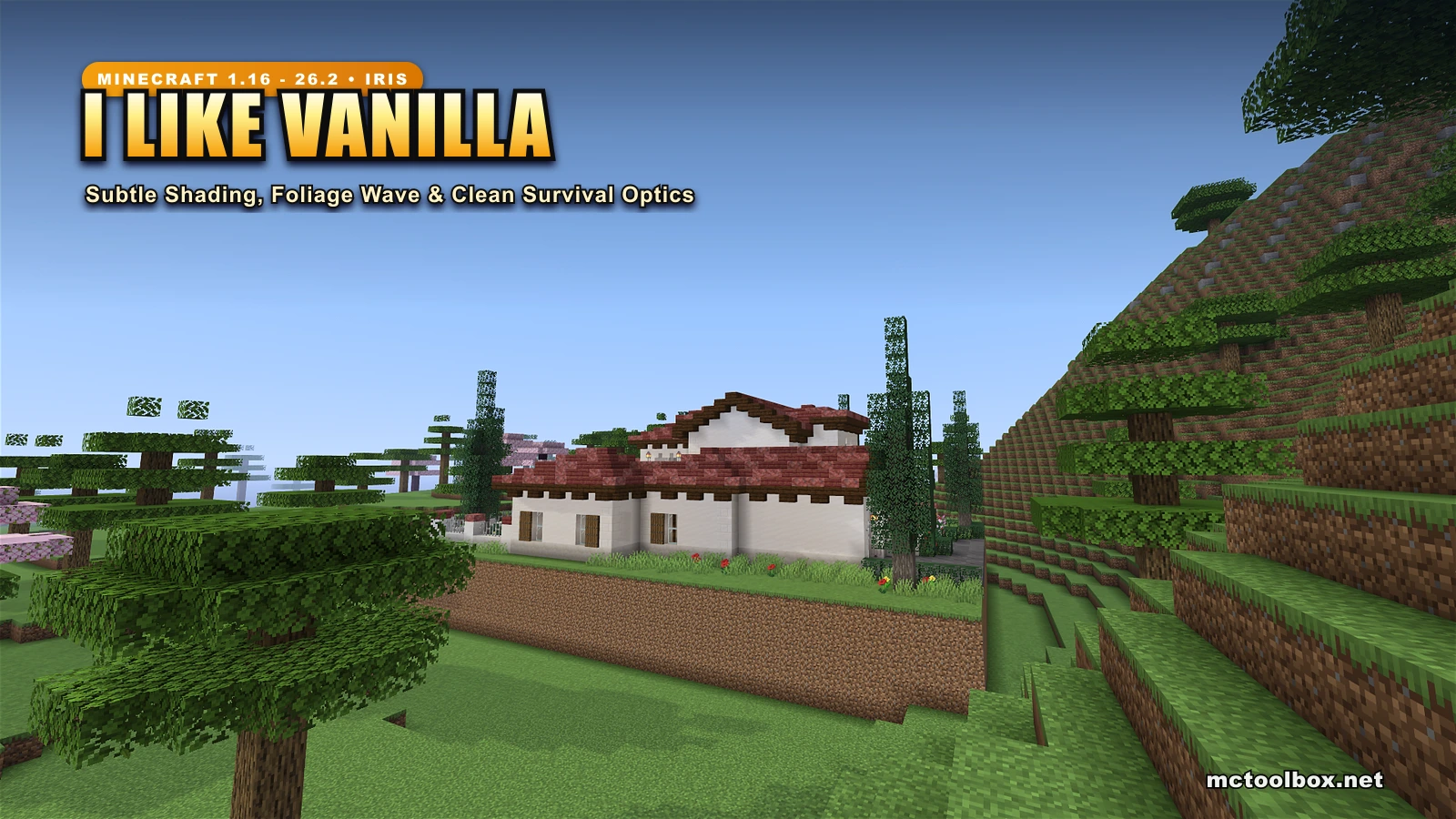
I Like Vanilla Shaders 1.16 - 26.3
I Like Vanilla by What42Pizza enhances Minecraft with subtle waving plants, clear water caustics, and soft ambient lighting while preserving the classic blocky art style.
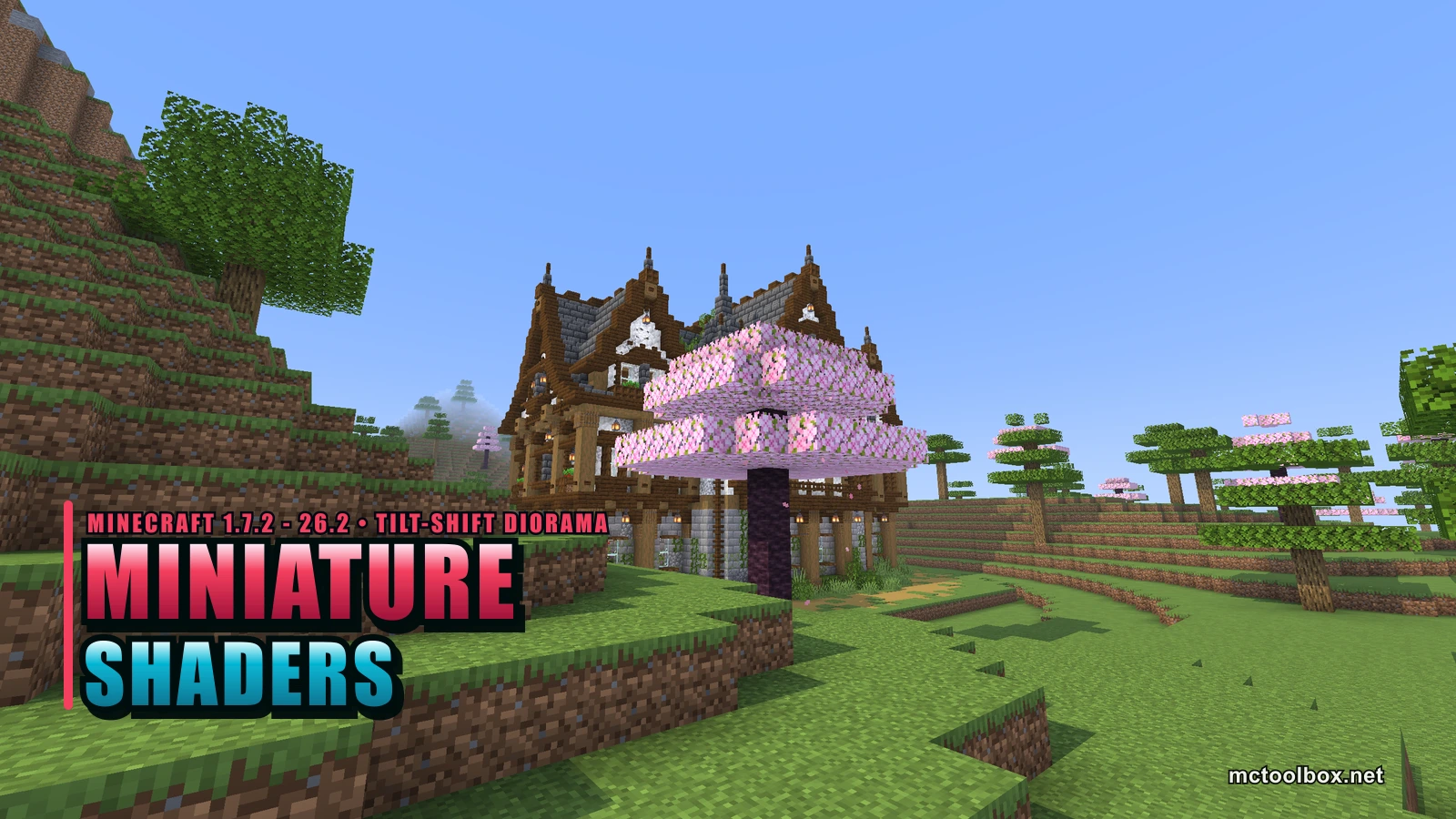
Miniature Shader 1.7.2 - 26.2
Miniature Shader by gri573 simulates a tilt-shift camera lens, transforming full-scale Minecraft worlds into toy-like tabletop dioramas.
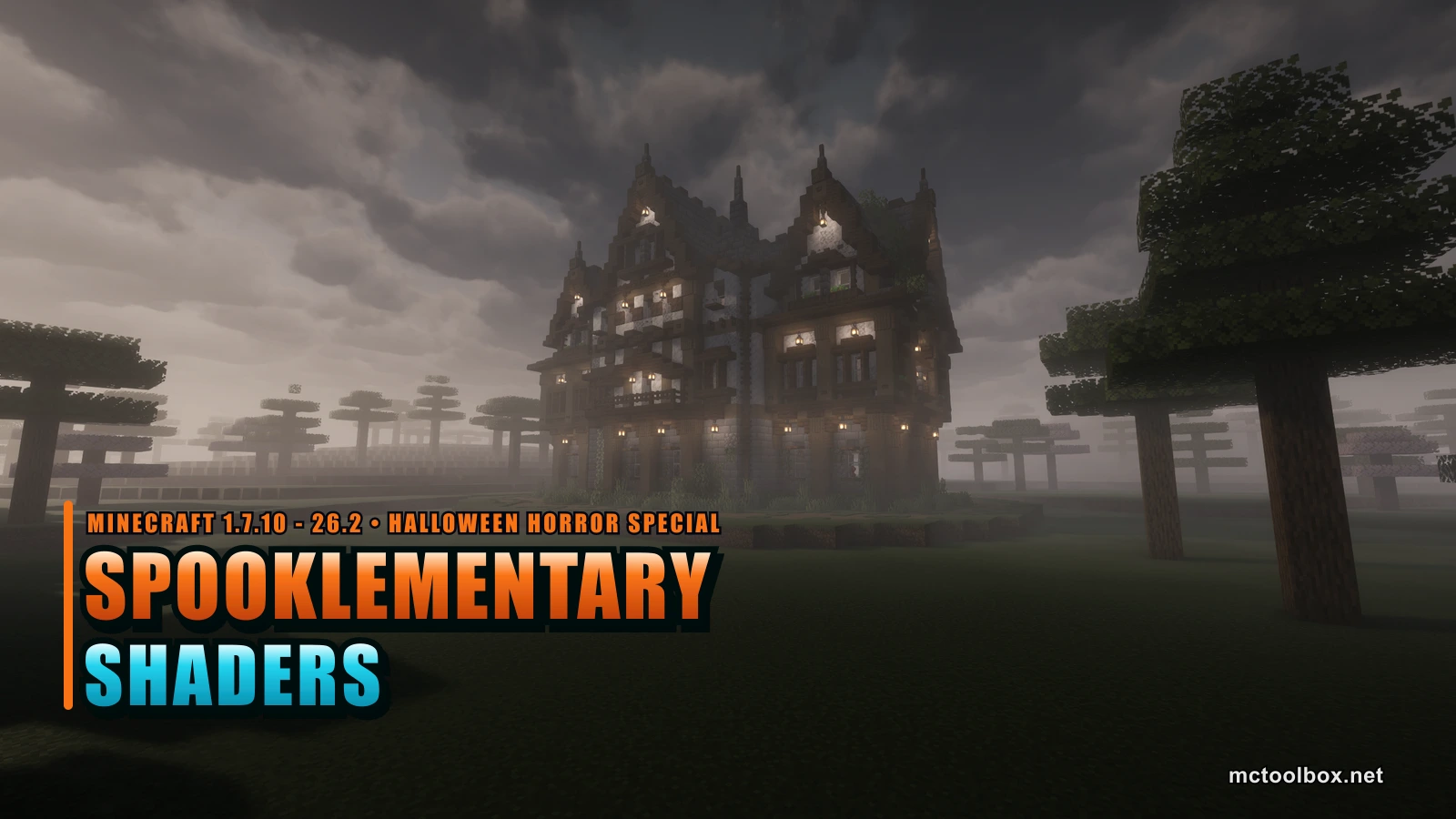
Spooklementary Shaders 1.7.10 - 26.2
Spooklementary by EminGT is the official Halloween horror edition of Complementary Shaders, adding creeping ground mist, floating specters, and haunted visual effects.