








Minecraft shader review
BSL Shaders 1.7.10 - 26.3
A survival-focused classic offering customizable bloom, cel-shading outlines, warm lighting, and rock-solid frame rates
Download FilesBSL Shaders by CaptTatsu offers signature warm daylight, customizable volumetric clouds, smooth water refraction, and well-balanced performance for long-term survival.
Shader Index8 sections
If you ask experienced Minecraft players to name one shader pack that reliably delivers great visuals without causing eye fatigue or tanking your frame rate, BSL Shaders is almost always at the top of the list. Created by CaptTatsu, BSL has served as the foundational pillar for dozens of modern derivative shaders while continually refining its own distinctive warm, cinematic aesthetic.
I tested the latest BSL Shaders v10.1.3 on Minecraft 26.3 using Fabric Loader 0.19.3, Iris 1.11.2, and Sodium 0.9.1. Below is a comprehensive look at what makes BSL such an enduring favorite, its key configuration settings, and verified 2K performance benchmarks.
Why BSL remains the benchmark for long-term survival
Warm color temperature, high block readability, and lightweight volumetric cloud layers
Many graphics packs look impressive in static screenshots but prove difficult to play during fast-paced survival sessions due to pitch-black caves or blinding bloom. BSL avoids these pitfalls by balancing aesthetic warmth with high functional readability.
Under daylight, sunlight filters gently through tree canopies, projecting directional shadows onto terrain blocks while keeping shaded undergrowth naturally visible.
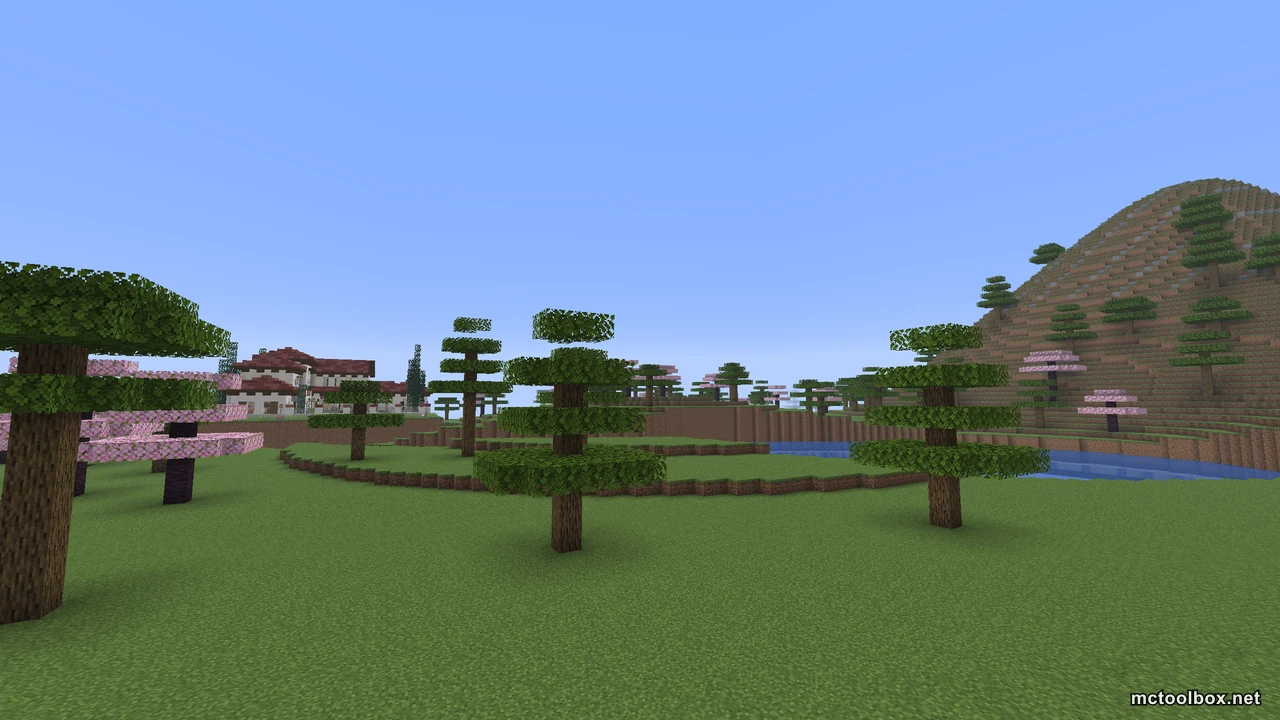

Fine-tuning Bloom and Outlines for custom visuals
Dialing in your preferred aesthetic inside the BSL Shader settings menu
BSL’s configuration menu is among the most versatile in the community. Two settings worth exploring immediately are:
- Post Effects > Bloom: Lowering the Bloom slider from
1.0to0.6creates a crisper, more grounded look during bright sunny afternoons without haze. - World > Outline: Enabling the Cel Shading Outline (
0.5px) adds clean dark borders around character models and blocks, producing a stylish comic-book or anime look.
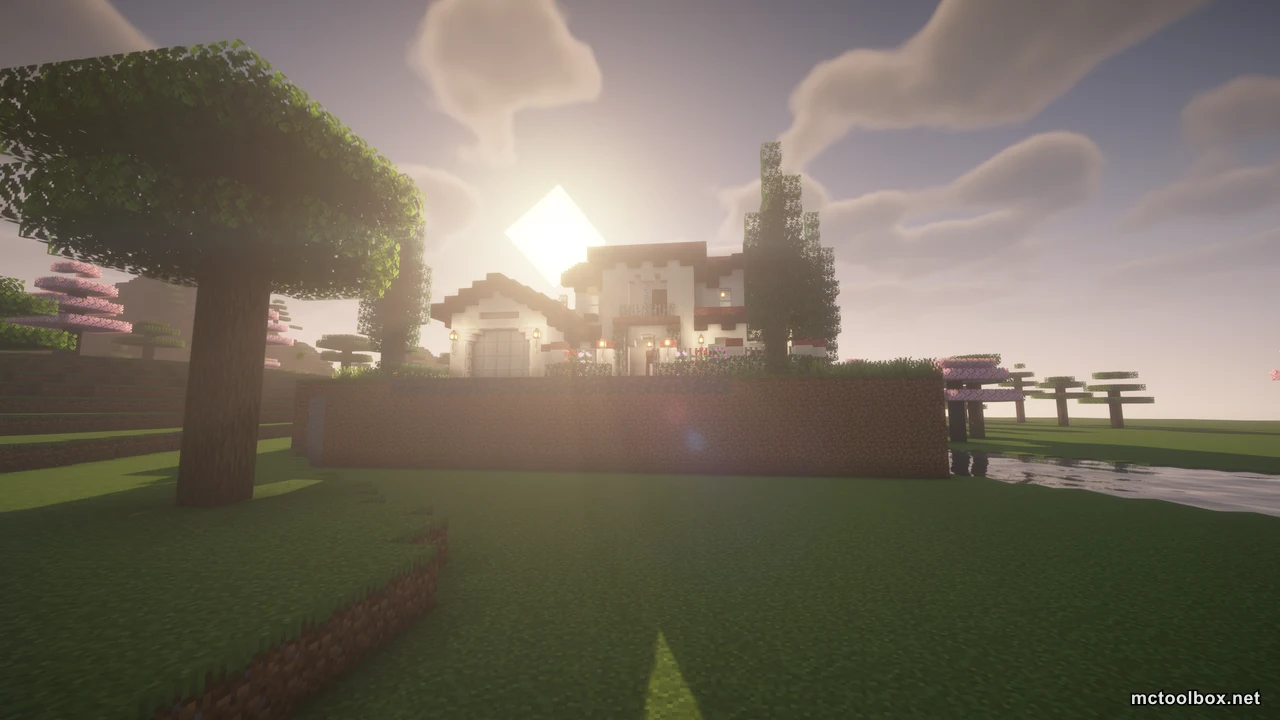
Sunset bloom on the Spanish Villa
Warm golden hour gradients and architectural shadow projection
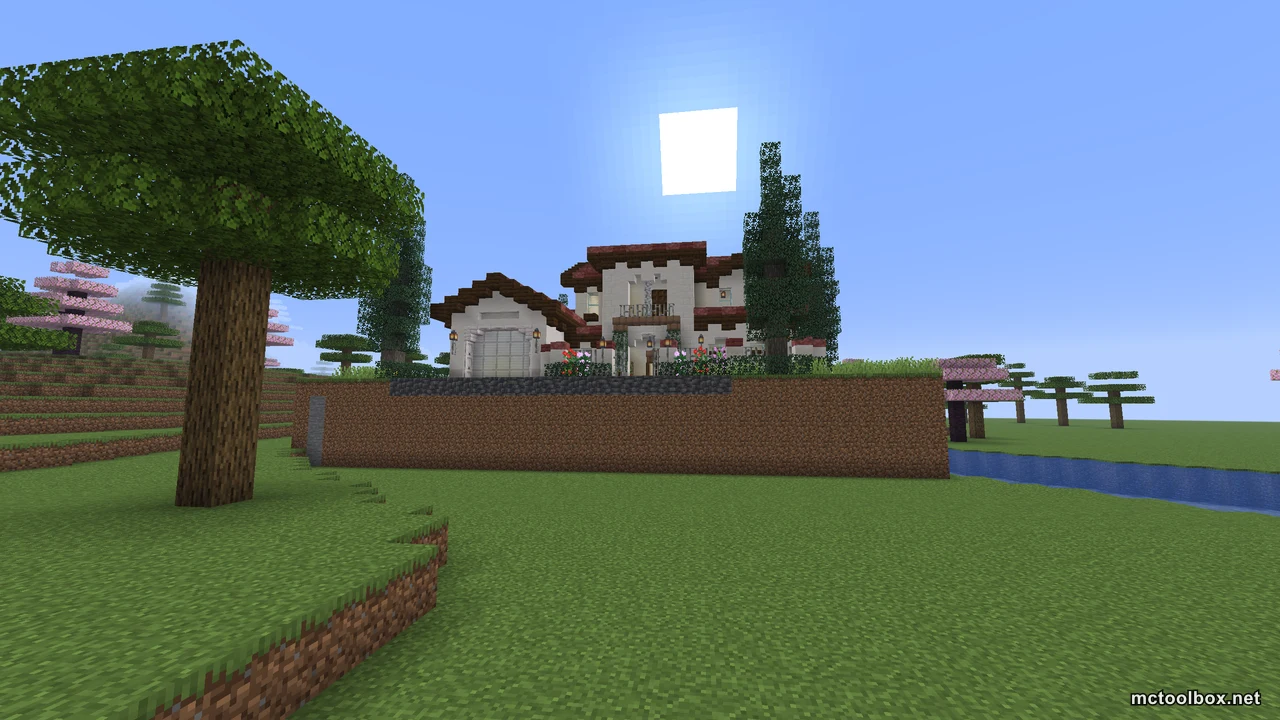
During sunset, BSL produces a rich golden hour atmosphere with soft ambient bloom around the sun disc. Across Mediterranean architecture like the Spanish Villa, observe how the terracotta roof tiles and white plaster walls catch direct directional sunlight while courtyard alcoves remain softly lit by ambient skylight.
Water transparency and riverbed refraction
Screen Space Reflections, subtle wave distortion, and clear shoreline visibility
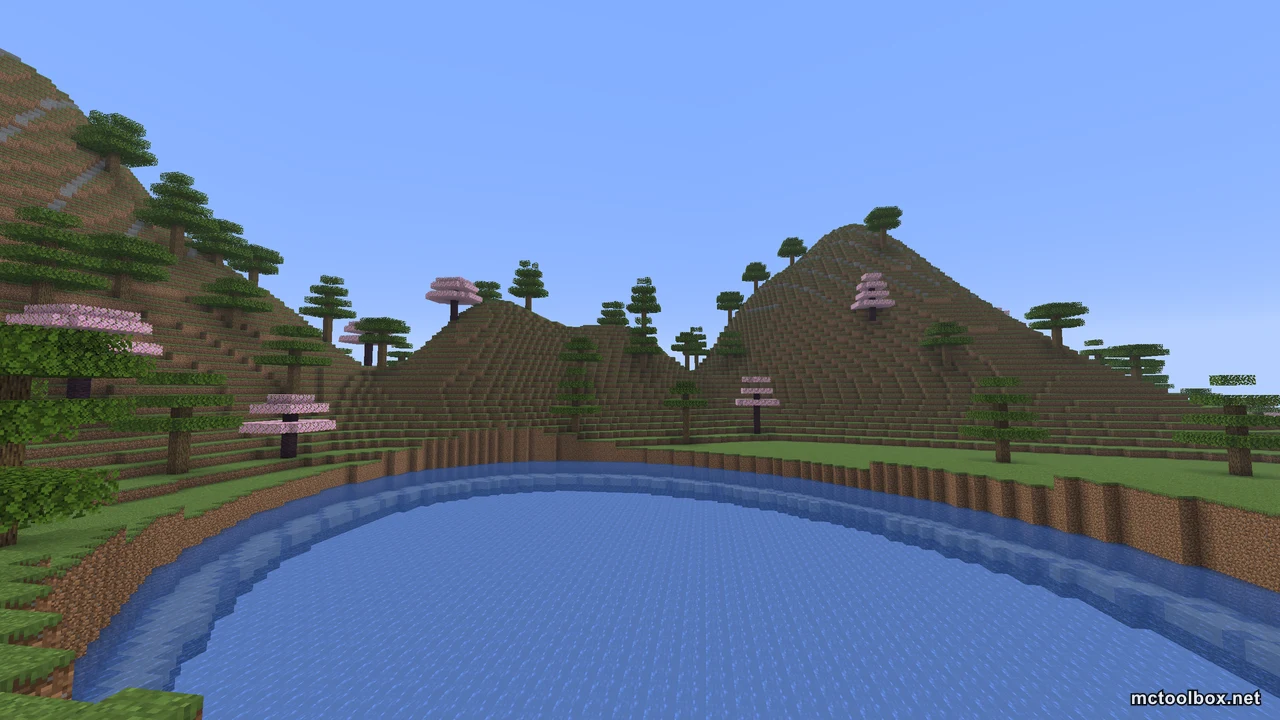
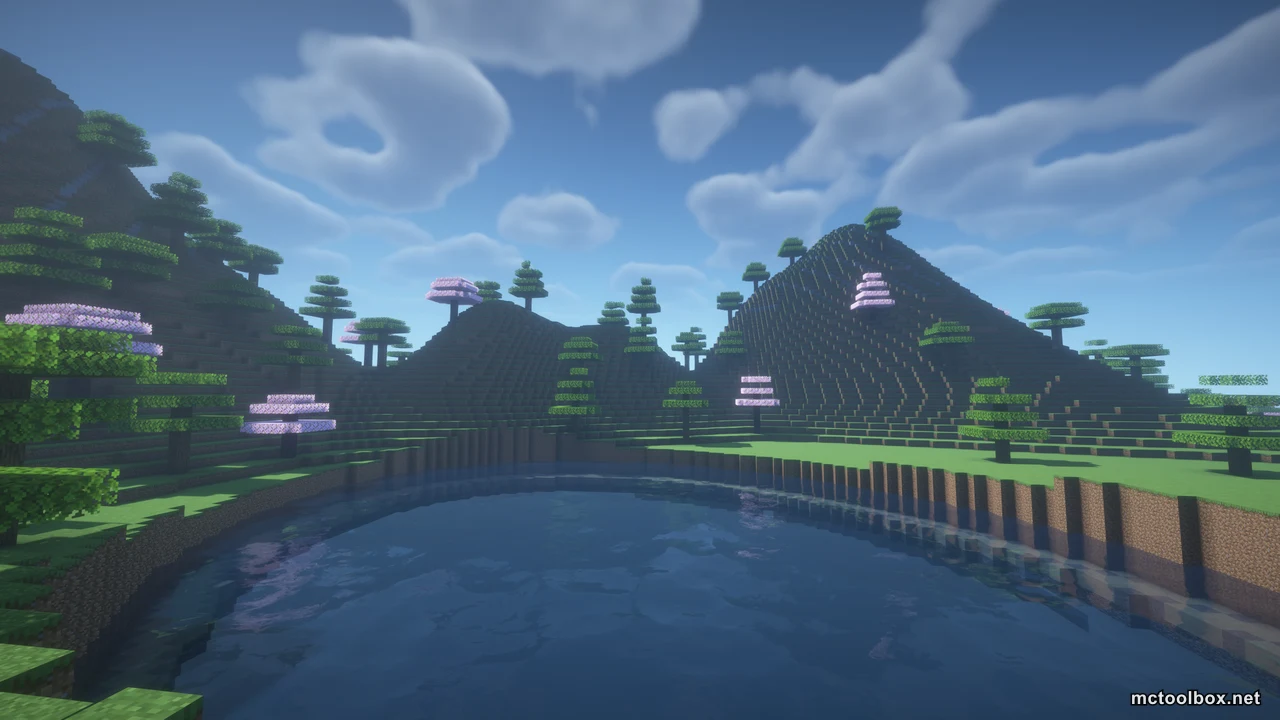
Water rendering in BSL balances realistic wave displacement with practical gameplay utility. The surface mirrors adjacent shoreline cliffs and clouds using Screen Space Reflections (SSR), while shallow waters retain high transparency for underwater exploration.
Night sky rendering and perimeter torch light
Dark navy atmosphere, celestial star canopy, and warm lantern point lighting
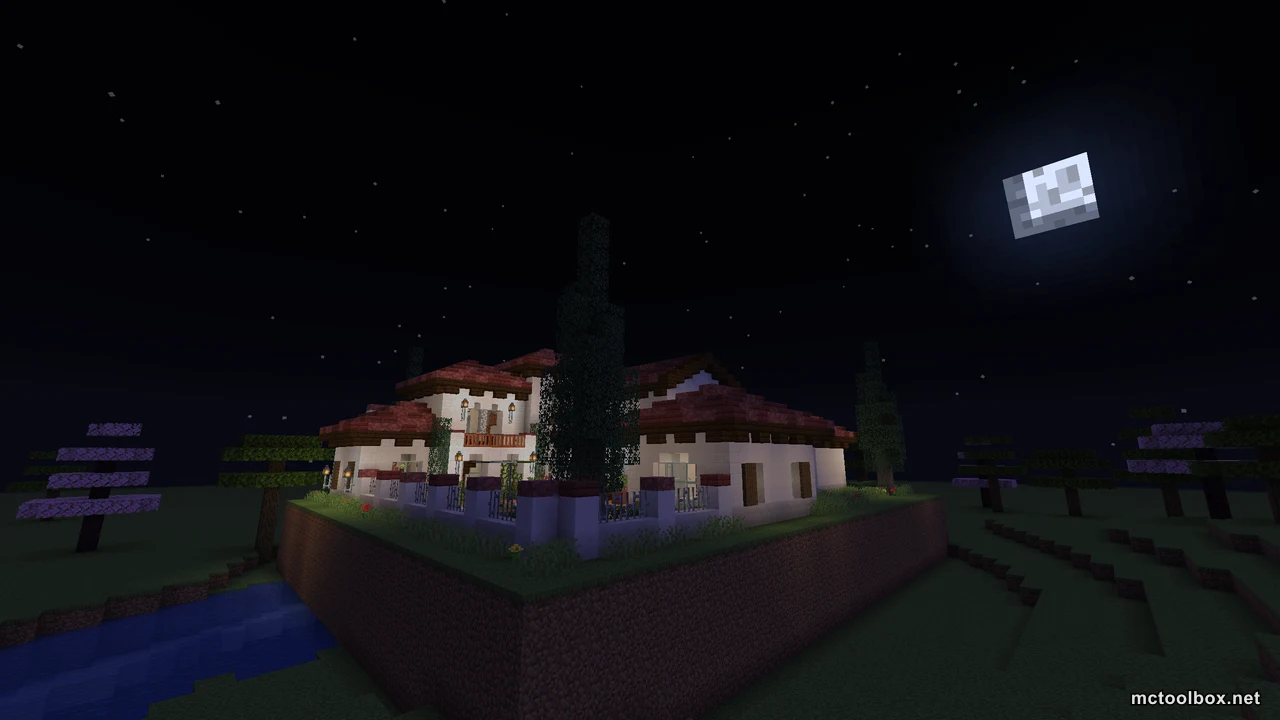
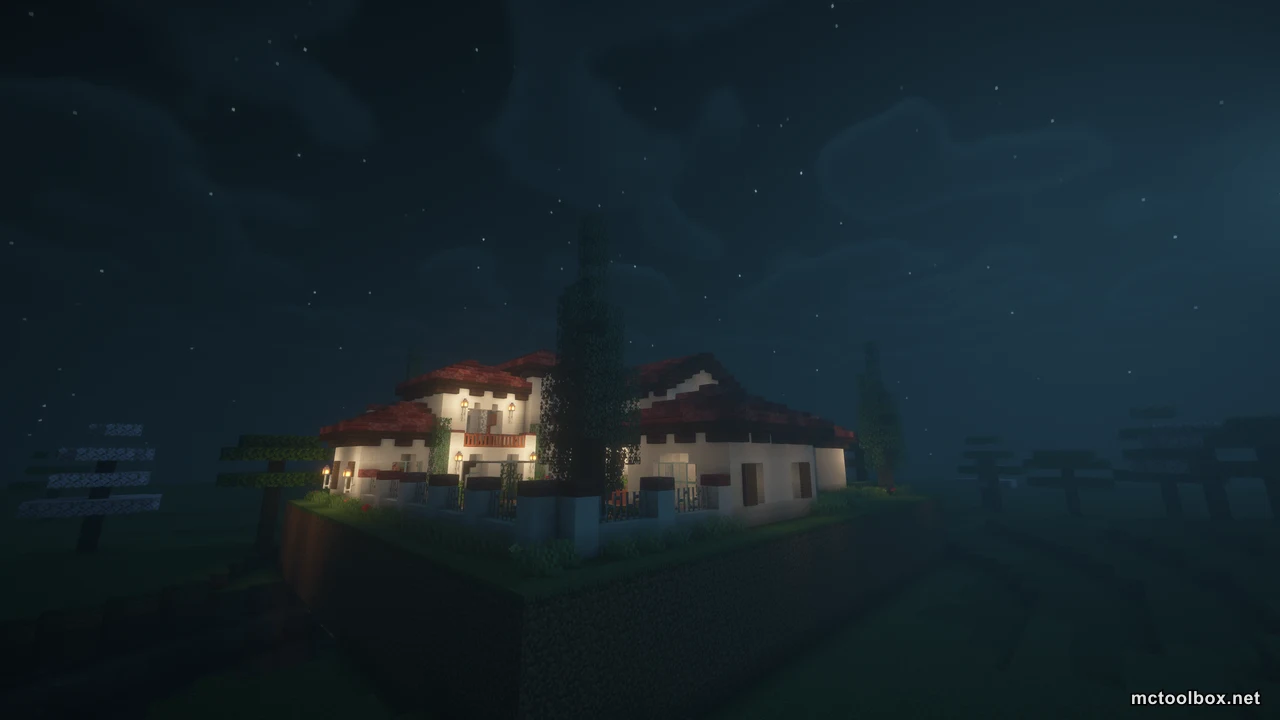
Nighttime in BSL strikes a practical balance between atmosphere and survival visibility. Lanterns and torches cast a warm orange radius with natural quadratic distance falloff, making the villa courtyard comfortable to navigate without requiring Night Vision potions.
Tested hardware setup and performance benchmarks
Measured frame rates on GTX 1660 SUPER at 2560x1440 resolution
| Component / Configuration | Test Specification & Benchmark |
|---|---|
| Minecraft Version | 26.3 (Java Edition) |
| Mod Loader | Fabric Loader 0.19.3 |
| Optimization Stack | Sodium 0.9.1 + Iris 1.11.2 |
| Shader Build | BSL Shaders v10.1.3 |
| Resolution & Render Distance | 2560 × 1440 (2K), 12 Chunks (Sim: 6) |
| Test Hardware | Intel Core i3-12100F, NVIDIA GTX 1660 SUPER, 32GB RAM |
| Vanilla Baseline FPS | 220 - 280 FPS (Average: 248 FPS) |
| BSL Shaders Default Profile | 92 - 115 FPS (Smooth 60+ FPS lock with high headroom) |
| BSL Shaders Performance Tuned | 115 - 135 FPS (Bloom 0.5x, Shadow Res 1024) |
How to install BSL Shaders with Iris
Step-by-step installation for Fabric and Iris
- 1
Install Fabric Loader & Iris
Install Fabric Loader for Minecraft 26.3 and place Sodium and Iris Shaders into your
.minecraft/modsdirectory. - 2
Download BSL Shaders
Download the official BSL Shaders release ZIP from the download button above. Keep the archive intact without extracting.
- 3
Place in Shaderpacks Folder
Open
.minecraftand move theBSL_v10.1.3.zipfile directly into.minecraft/shaderpacks. - 4
Select BSL in Video Settings
Launch Minecraft, open Options > Video Settings > Shader Packs, select BSL Shaders, and apply.
Overall, BSL Shaders v10.1.3 remains a reliable, well-balanced choice for players seeking warm daylight, subtle water reflections, and steady frame pacing during survival gameplay without overworking mid-range hardware.
Test setup and performance
| minecraft Version | 26.3 |
|---|---|
| shader Version | v10.1.3 |
| loader | Fabric + Iris + Sodium |
| loader Version | Fabric Loader 0.19.3 / Iris 1.11.2 / Sodium 0.9.1 |
| gpu | NVIDIA GeForce GTX 1660 SUPER |
| cpu | Intel Core i3-12100F |
| ram | 32 GB system RAM |
| render Distance | 12 chunks; simulation distance 6 chunks |
| preset | BSL Shaders v10.1.3 default profile |
| Scene / preset | Average FPS | 1% low | Notes |
|---|---|---|---|
| Vanilla Baseline (No Shader) | 248 FPS | 195 FPS | 1440p resolution, 12 chunks render distance |
| BSL Shaders (Default Profile) | 104 FPS | 84 FPS | Default volumetric clouds, soft bloom, and SSR reflections |
| BSL Shaders (Optimized Settings) | 124 FPS | 102 FPS | Bloom reduced to 0.6x, 2D clouds, shadow map 1024 |
Questions and compatibility
Can I use BSL Shaders on Minecraft 26.3?
Yes. BSL Shaders v10.1.3 is fully compatible with Minecraft 26.3 using Fabric Loader 0.19.3, Iris 1.11.2, and Sodium 0.9.1.
How is BSL Shaders different from Complementary Shaders?
Complementary Shaders originally started as an edit of BSL. BSL emphasizes a warmer, slightly stylized aesthetic with soft bloom and custom outlines, while Complementary focuses on maximum vanilla texture fidelity and advanced PBR materials.
How do I turn down the hazy bloom effect during daytime?
Open Video Settings > Shader Pack Settings > Post Effects > Bloom, and lower the Bloom Strength slider to 0.5 - 0.7.
Can I run BSL Shaders on OptiFine as well as Iris?
Yes. BSL Shaders officially supports both OptiFine and Iris shader loaders across versions ranging from 1.7.10 to modern releases.
How do I enable block outlines / cel shading in BSL?
Go to Shader Pack Settings > World > Outline, and switch Outline from OFF to Black Outline or Colored Outline.
Where is the official download source for BSL Shaders?
Download official release archives directly using the primary download button above, which points to the verified release distribution.
Download links
We do not host Minecraft shader files directly. Download links go to the creator's official project pages.
Sildur's Vibrant Shaders 1.7.10 - 26.3
Sildur's Vibrant Shaders v2.01 delivers signature warm golden lighting, PCSS contact shadows, waving foliage, and modular performance tiers from Lite to Extreme.
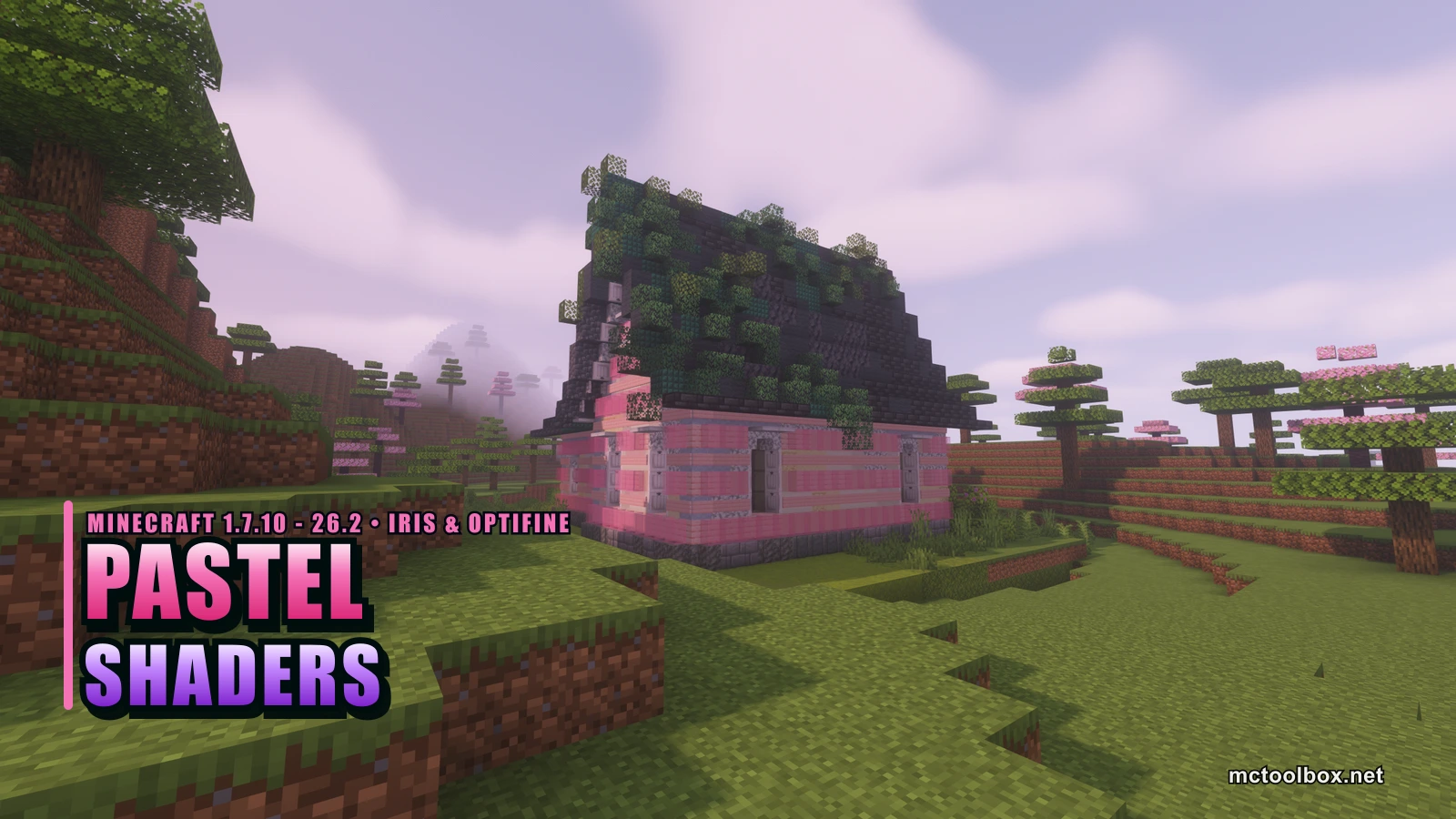
Pastel Shaders 1.7.10 - 26.3
Pastel Shaders turns harsh Minecraft lighting into a soft storybook world with customizable color palettes, gentle shadows, and outstanding frame rates.
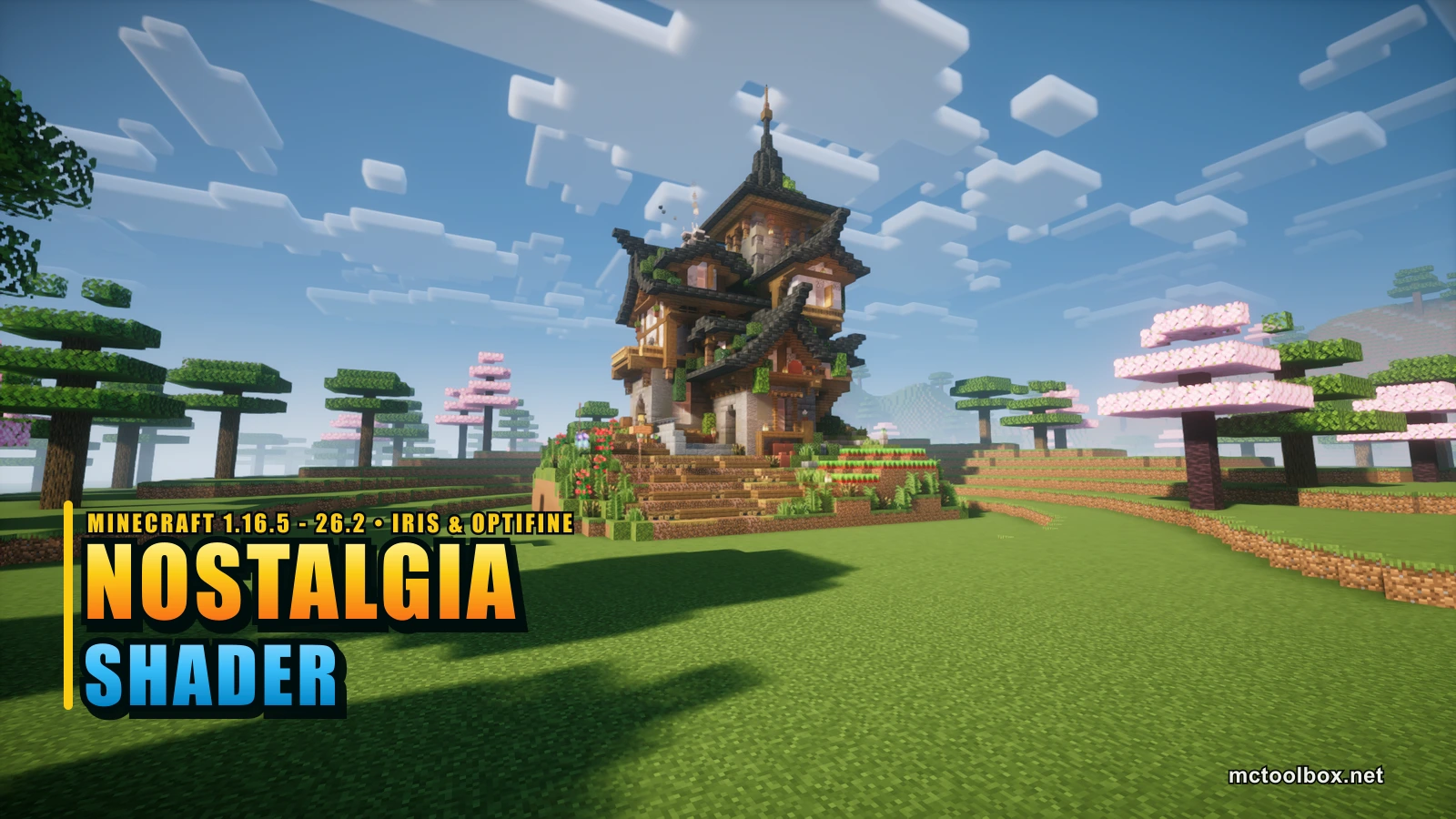
Nostalgia Shader 1.16.5 - 26.3
Nostalgia Shader by RRe36 recreates the beloved golden era look of early 2012-2015 shaders while utilizing modern Iris rendering optimizations.