








Minecraft shader review
Nostalgia Shader 1.16.5 - 26.3
A modern homage to first-generation shaders with 3D voxel box clouds, warm golden horizons, and Iris optimization
Download FilesNostalgia Shader by RRe36 recreates the beloved golden era look of early 2012-2015 shaders while utilizing modern Iris rendering optimizations.
Shader Index8 sections
Between 2012 and 2015, the first wave of Minecraft shader packs (such as SEUS v08 and early Chocapic13 builds) established an aesthetic that captivated millions of players: warm sepia sunlight, rolling boxy clouds, and shimmering water. However, those legacy shaders were notoriously heavy and plagued by compatibility glitches on modern graphics drivers.
Developed by RRe36, Nostalgia Shader bridges that gap by capturing the soul of first-generation shaders using modern, lightweight GLSL pipelines. I tested Nostalgia Shader v5.1 on Minecraft 26.2 using Fabric Loader 0.19.3, Iris 1.11.2, and Sodium 0.9.1. Below is an authentic look at its visual identity, measured frame rates, and settings configuration.
Why 3D volumetric box clouds belong in Minecraft
Stylized voxel clouds that cast dynamic terrain shadows without breaking visual cohesion
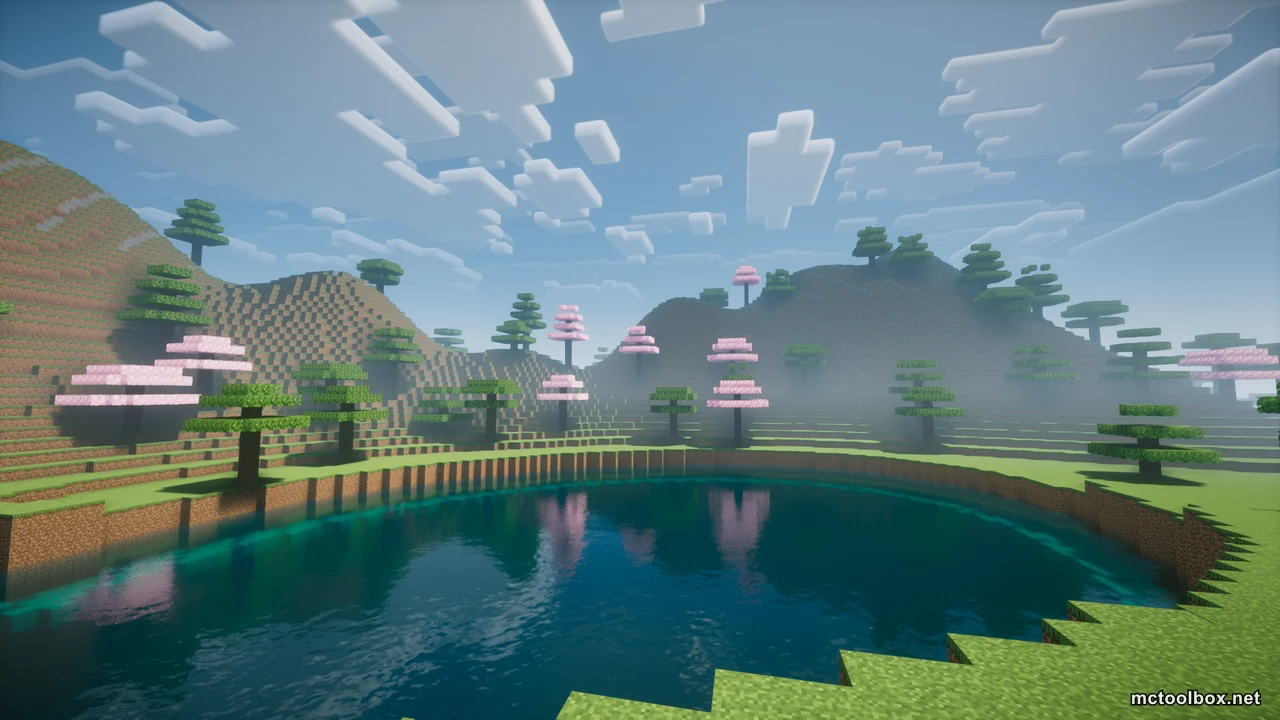
Many modern shaders implement hyper-realistic wispy cirrus or raymarched smoke clouds that clash with Minecraft’s cubic world. Nostalgia takes a distinct route with its dual-layer 3D volumetric box clouds.
These clouds match the blocky geometry of the game while casting moving cloud shadows across hills and meadows. In our daylight test scene, notice how the warm directional sun creates soft, natural ground shadows while the sky retains its distinctive voxel cloud canopy.
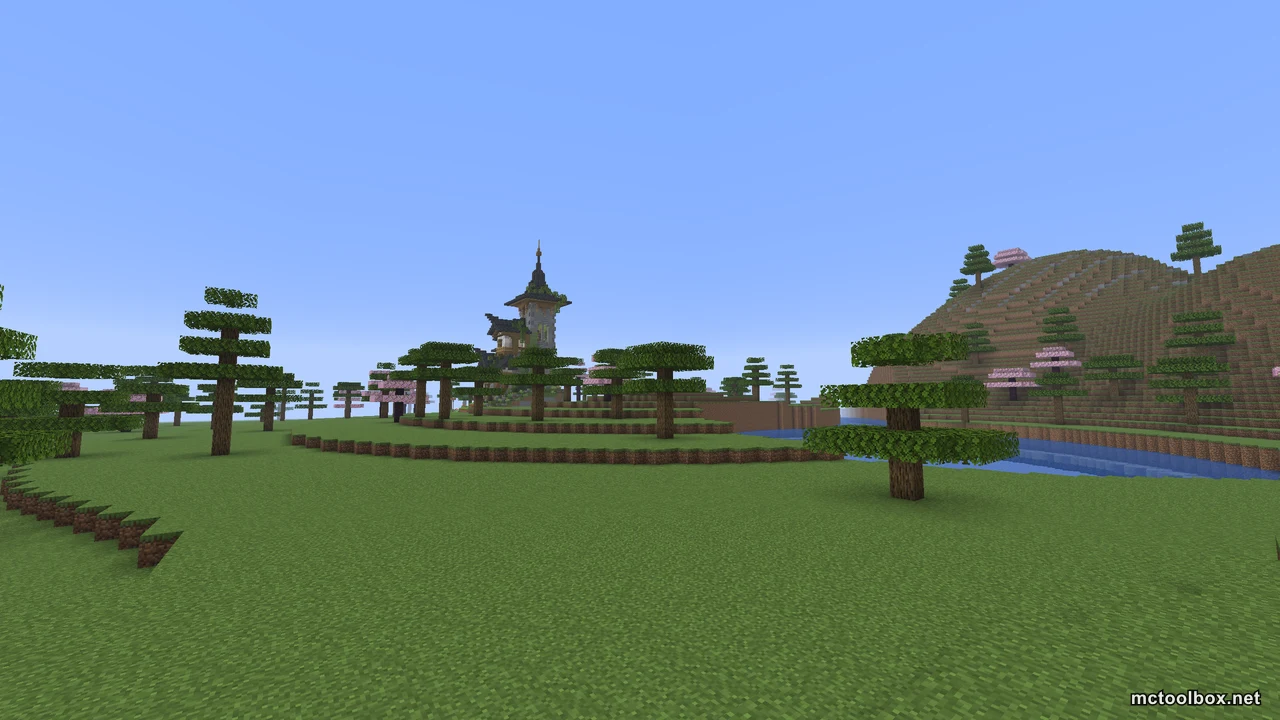
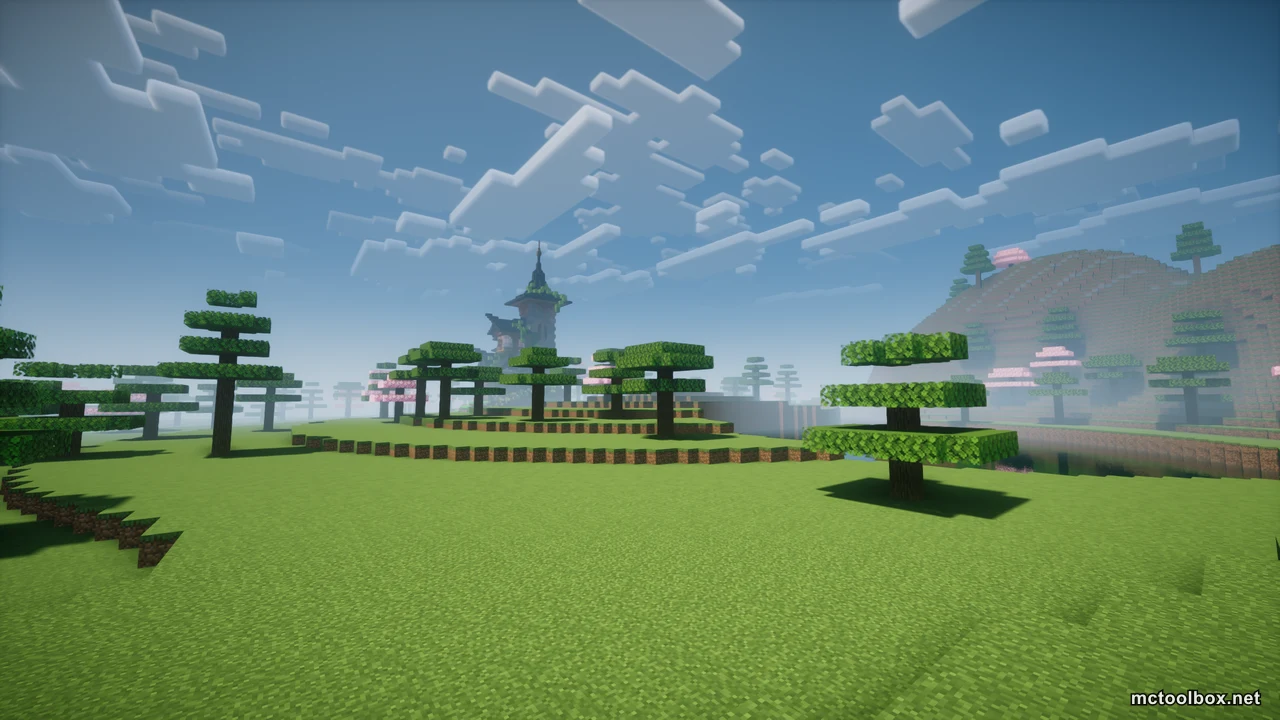
Sunset over the Willowspire Castle Tower
Golden-amber horizon gradients and deep structural shadow relief on complex architecture
Sunset reveals Nostalgia Shader’s signature golden-era atmosphere. Across the Willowspire Haven spire castle (over 8,500 blocks), observe how the multi-tiered dark roof gables and stone masonry catch warm golden highlights while recessed balconies and stairs sit in natural contact shadows.
The horizon develops a warm amber gradient that seamlessly transitions into blue atmospheric fog, evoking memories of classic Minecraft cinematic trailers.
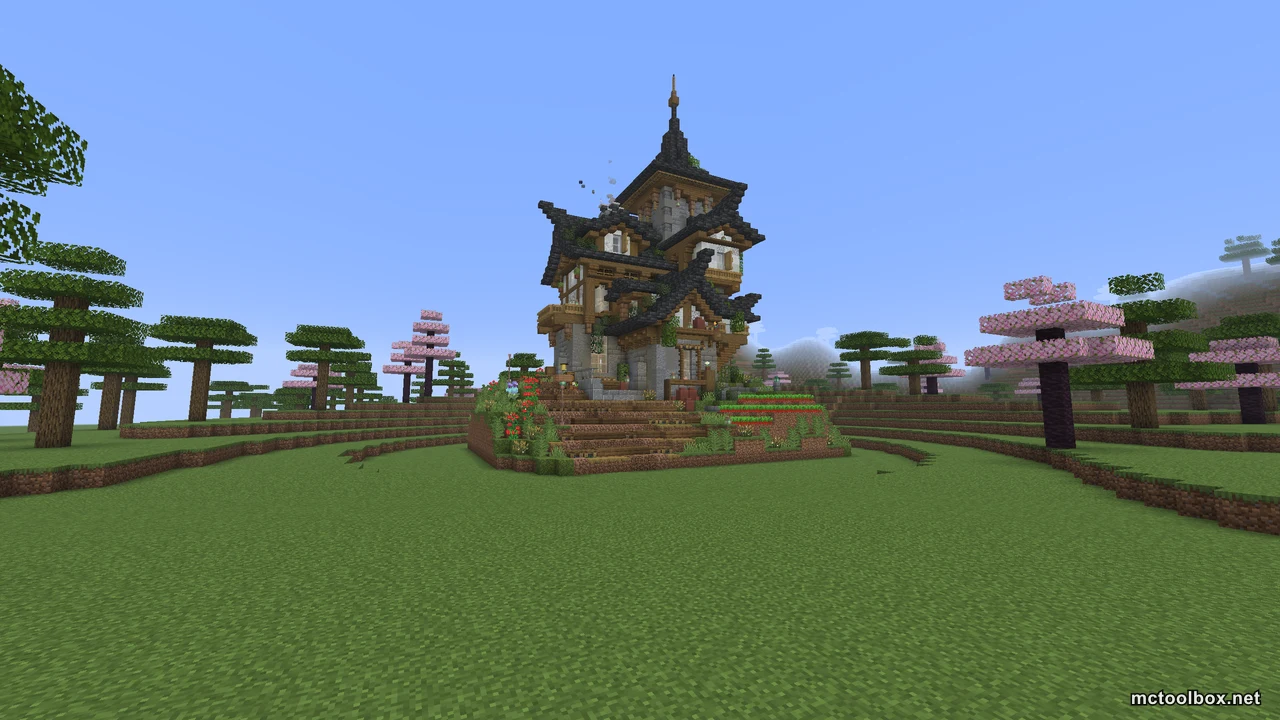
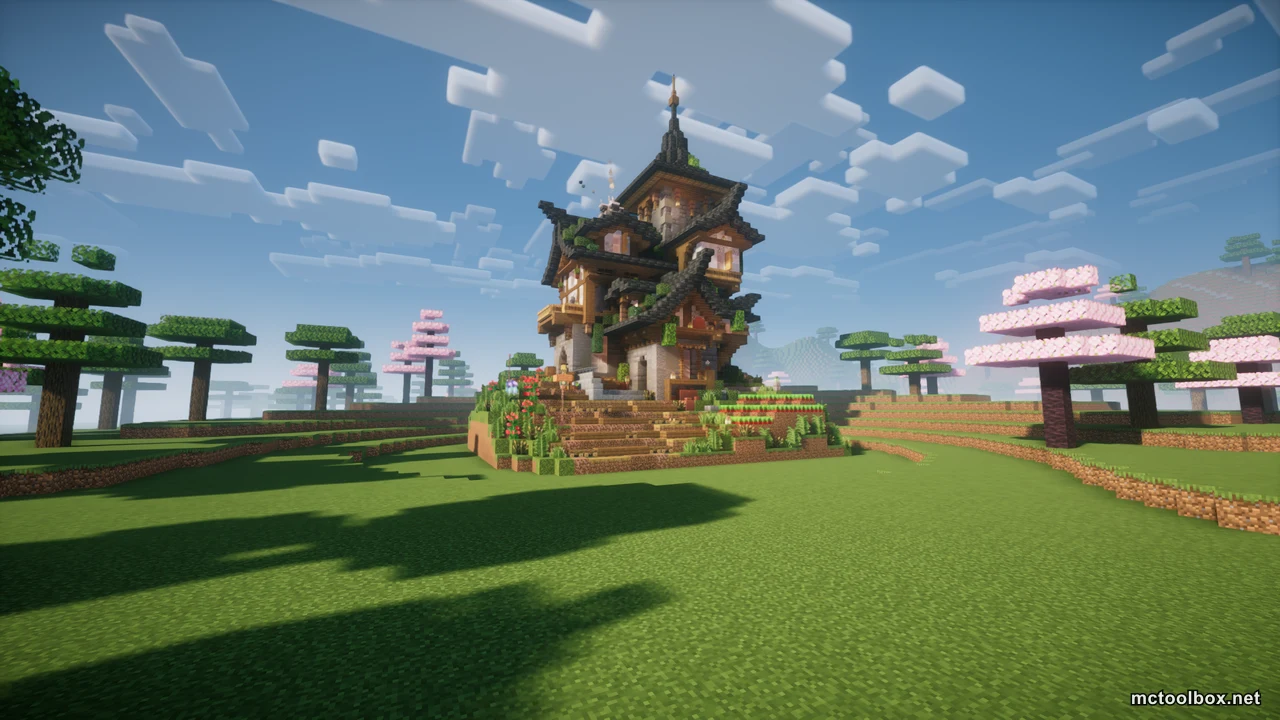
Vintage water reflections and clear lakebed exploration
Gentle wave displacement with Screen Space Reflections and high shoreline clarity
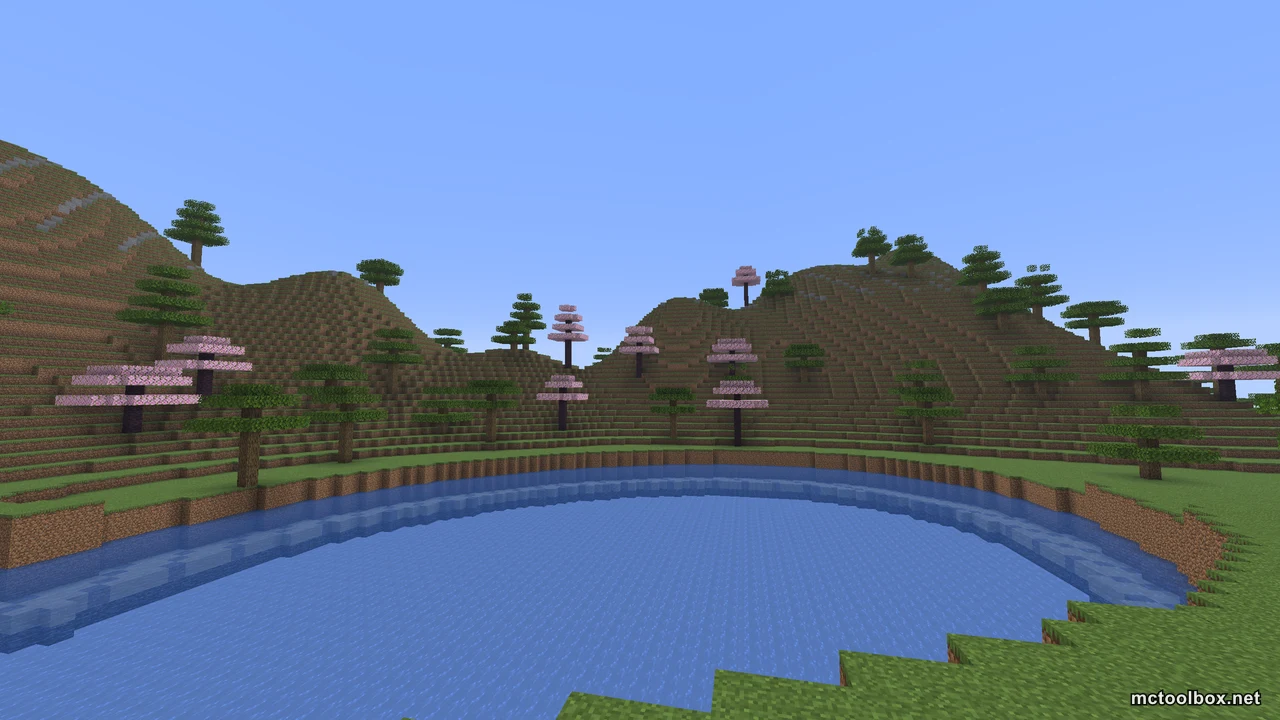
Water in Nostalgia Shader balances nostalgia with modern usability. It employs subtle geometric surface ripples combined with Screen Space Reflections (SSR) that mirror adjacent hills and sky clouds.
Shallow riverbeds and lakes maintain high transparency, allowing players to spot submerged ores, sunken ruins, and clay deposits without murky visual interference.
Cyan night atmosphere and warm tower lanterns
Dark navy atmosphere, celestial star canopy, and warm lantern point lighting
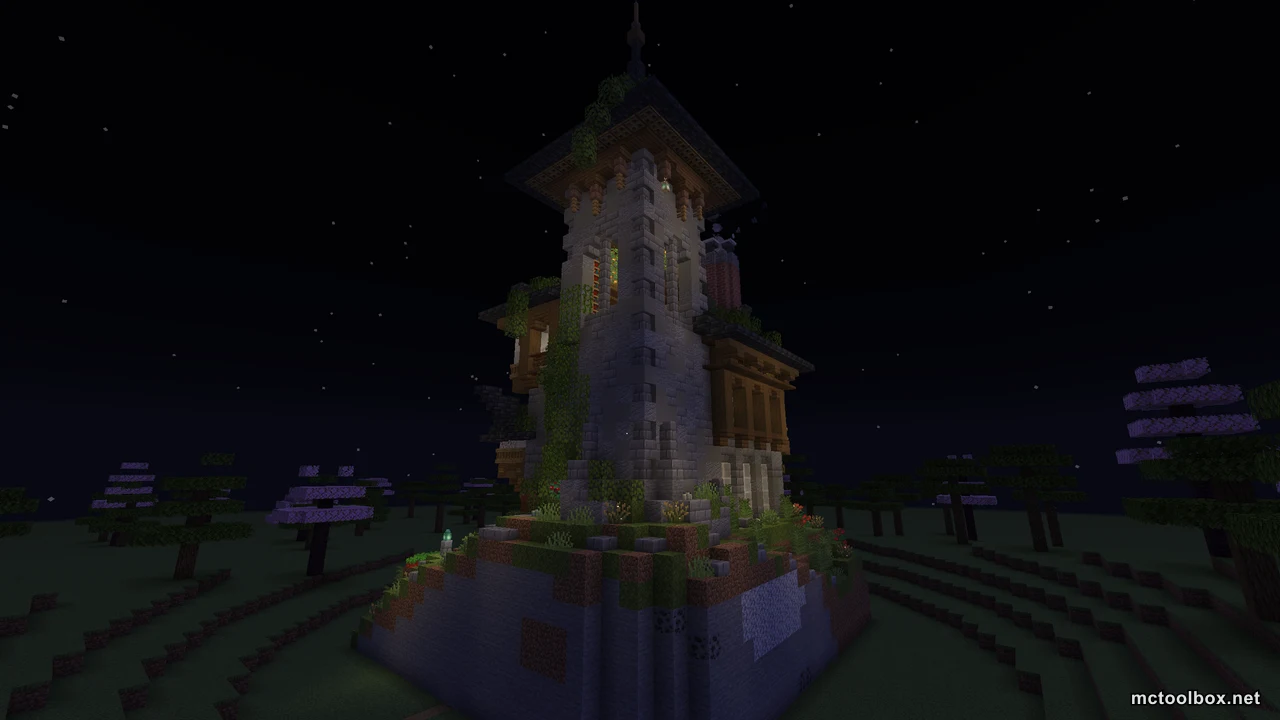
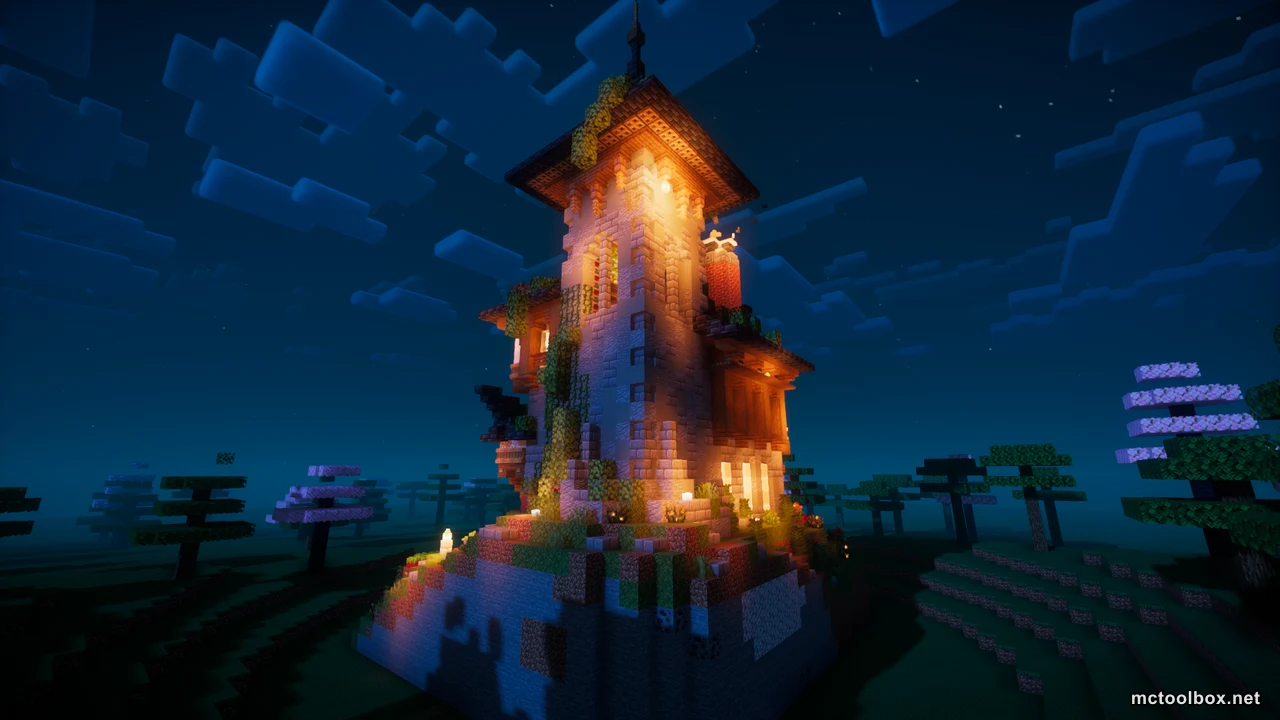
Nighttime in Nostalgia Shader avoids pitch-black darkness, opting for a dark cyan-navy atmospheric sky filled with dark box clouds and a sparkling star canopy.
Lanterns, torches, and campfires emit a vibrant amber glow that lights up stone masonry and wooden battlements with smooth quadratic falloff. Navigating your base at night feels cozy without making unlit wilderness impossible to traverse.
Performance scaling from Lite to Ultra presets
Measured frame rates on GTX 1660 SUPER at 2560x1440 resolution
Nostalgia Shader includes four built-in quality profiles: Lite, Medium, High, and Ultra. All tests were recorded on Minecraft 26.2 on dedicated mid-range hardware:
| Preset / Configuration | Average FPS | Visual Features & Recommended Use |
|---|---|---|
| Vanilla Baseline (No Shader) | 248 FPS | 1440p resolution, 12 chunks render distance |
| Nostalgia Lite | 152 FPS | Basic shadows and simple 2D clouds; ideal for budget laptops and handheld PCs |
| Nostalgia Medium | 122 FPS | 3D box clouds, standard shadows, and SSR reflections; very smooth 120 FPS target |
| Nostalgia High (Default) | 102 FPS | Dual-layer volumetric clouds, godrays, waving foliage, and soft shadow penumbra |
| Nostalgia Ultra | 78 FPS | High-resolution shadow maps, full volumetric fog, and enhanced water caustics |
How to install Nostalgia Shader with Iris
Step-by-step setup for Fabric and Iris
- 1
Install Fabric & Iris
Install Fabric Loader for Minecraft 26.2 along with Sodium and Iris Shaders.
- 2
Download Nostalgia Shader
Download the official Nostalgia Shader ZIP file from the download button above. Keep the archive intact without extracting.
- 3
Place in Shaderpacks Folder
Open your
.minecraftdirectory and copy the ZIP file into.minecraft/shaderpacks. - 4
Select Nostalgia in Video Settings
Launch Minecraft, navigate to Options > Video Settings > Shader Packs, choose Nostalgia Shader, and click Apply.
Final thoughts: Retro soul on a modern engine
Why Nostalgia Shader remains an essential pick in 2026
Nostalgia Shader v5.1 succeeds because it doesn’t try to make Minecraft look like an Unreal Engine showcase. By celebrating the game’s voxel roots with 3D box clouds, warm golden horizons, and rock-solid 100+ FPS frame rates, it delivers an experience that feels both familiar and refreshed.
Whether you are nostalgic for early 2012 YouTube let's plays or simply appreciate a distinctive, stylized visual upgrade, Nostalgia Shader is one of the most character-rich packs available today.
Test setup and performance
| minecraft Version | 26.3 |
|---|---|
| shader Version | v5.1 |
| loader | Fabric + Iris + Sodium |
| loader Version | Fabric Loader 0.19.3 / Iris 1.11.2 / Sodium 0.9.1 |
| gpu | NVIDIA GeForce GTX 1660 SUPER |
| cpu | Intel Core i3-12100F |
| ram | 32 GB system RAM |
| render Distance | 12 chunks; simulation distance 6 chunks |
| preset | High Profile (Default Volumetric Clouds) |
| Scene / preset | Average FPS | 1% low | Notes |
|---|---|---|---|
| Vanilla Baseline (No Shader) | 248 FPS | 195 FPS | 1440p resolution, 12 chunks render distance |
| Nostalgia Lite | 152 FPS | 126 FPS | Basic shadows, 2D clouds; optimal for low-end laptops |
| Nostalgia Medium | 122 FPS | 98 FPS | Standard 3D box clouds and SSR reflections |
| Nostalgia High (Default) | 102 FPS | 82 FPS | Dual-layer volumetric box clouds and godrays |
| Nostalgia Ultra | 78 FPS | 64 FPS | High-res shadow maps and full volumetric fog |
Questions and compatibility
What makes Nostalgia Shader different from modern realistic shaders?
Nostalgia Shader specifically recreates the visual style of early 2012-2015 shaders (such as SEUS v08 and Chocapic13 v3) featuring iconic 3D volumetric box clouds, warm sepia daylight, and classic water ripples instead of hyper-realistic PBR materials.
How do I customize or toggle the 3D volumetric box clouds?
Open Video Settings > Shader Pack Settings > Atmosphere > Clouds. You can toggle between 3D Volumetric Box Clouds, 2D Classic Clouds, or Vanilla Clouds, as well as adjust cloud layer height and density.
Does Nostalgia Shader support Minecraft 26.3?
Yes. Nostalgia Shader v5.1 was tested and verified on Minecraft 26.3 using Fabric Loader 0.19.3, Iris 1.11.2, and Sodium 0.9.1.
Can I use Nostalgia Shader with Distant Horizons?
Yes. Nostalgia Shader includes built-in support for Distant Horizons LOD rendering, extending fog and atmospheric scattering into distant chunks.
What is the difference between Nostalgia and NostalgiaVX?
Nostalgia is the standard, lightweight rasterized shader pack available for free. NostalgiaVX is a separate ray-traced / path-traced edition that adds real-time voxel ray tracing for dynamic indirect global illumination.
Is Nostalgia Shader compatible with OptiFine and Iris?
Yes. Nostalgia Shader officially supports both OptiFine and Iris shader loaders across versions ranging from Minecraft 1.16.5 through 26.3.
Download links
We do not host Minecraft shader files directly. Download links go to the creator's official project pages.
Kappa Shader 1.16.5 - 26.3
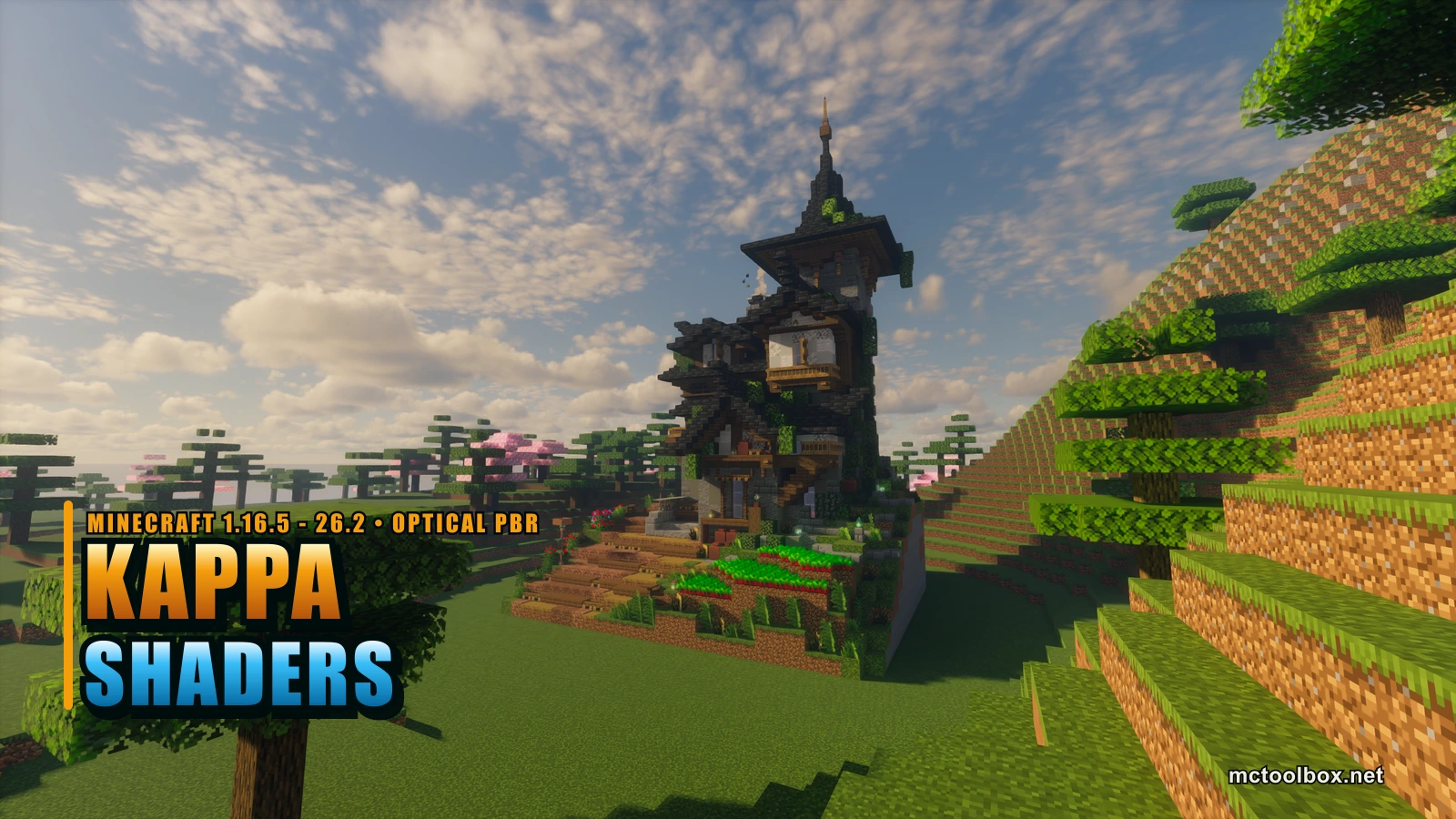
Kappa Shader by RRe36 delivers scientifically grounded optical lighting, physically based atmospheric scattering, and multi-layer volumetric clouds.

BSL Shaders 1.7.10 - 26.3
BSL Shaders by CaptTatsu offers signature warm daylight, customizable volumetric clouds, smooth water refraction, and well-balanced performance for long-term survival.

SEUS Renewed 1.14 - 26.3
SEUS Renewed by Sonic Ether delivers cinematic sunlight scattering, physical water wave refraction, and natural ambient shadowing.