








Minecraft shader review
Kappa Shader 1.16.5 - 26.3
Physically based atmospheric scattering, dynamic volumetric cloud layers, and labPBR material rendering for Iris
Download FilesKappa Shader by RRe36 delivers scientifically grounded optical lighting, physically based atmospheric scattering, and multi-layer volumetric clouds.
Shader Index8 sections
In the world of graphics engineering, there is a stark divide between stylized post-processing filters and genuine Physically Based Rendering (PBR). While many shaders rely on arbitrary color tints to mimic sunlight, Kappa Shader, engineered by graphics developer RRe36, simulates actual atmospheric physics, including Rayleigh and Mie solar light scattering, multi-layered volumetric cloud formations, and labPBR material roughness.
The result is a visual presentation that feels grounded, cinematic, and remarkably photorealistic. I tested the latest Kappa Shader v5.3 on Minecraft 26.3 using Fabric Loader 0.19.3, Iris 1.11.2, and Sodium 0.9.1. Below is a detailed look at its physical rendering pipeline, 2K comparison sliders, and measured hardware benchmarks.
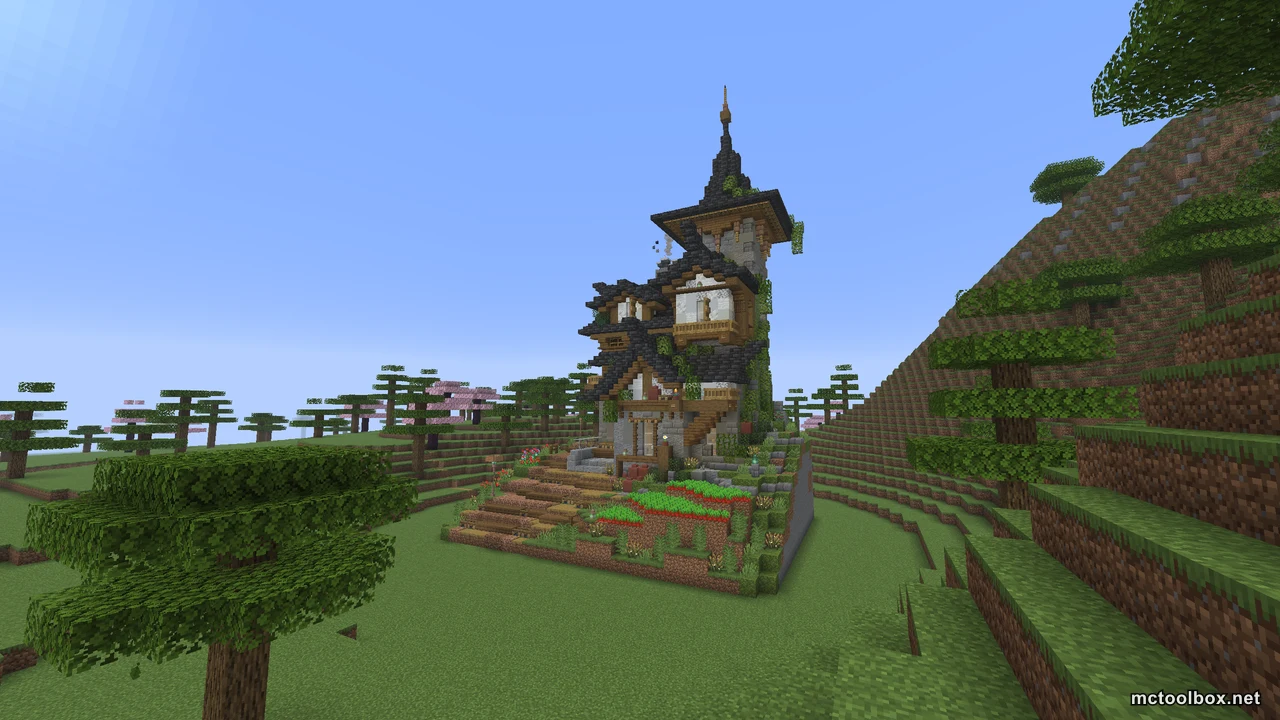
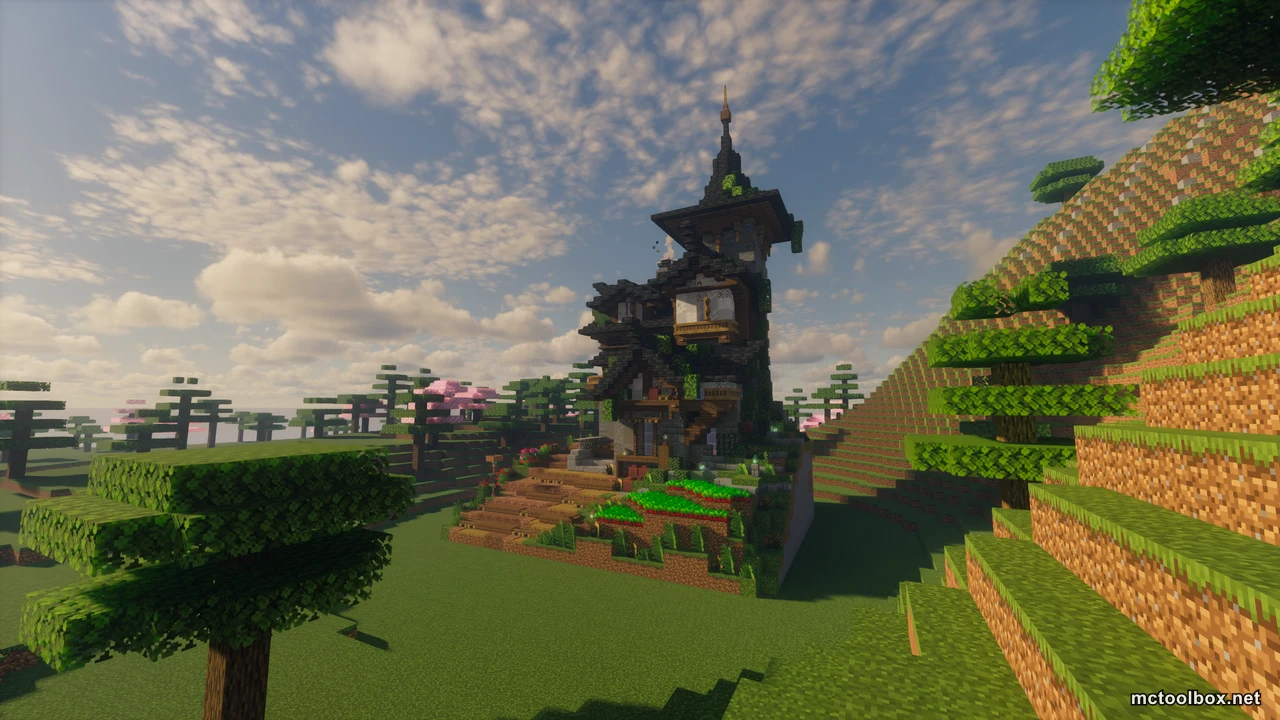
Sunset over the Willowspire Haven Spire Castle
How physically modeled sun angles create soft contact penumbra across 8,500 blocks of masonry
Sunset in Kappa Shader is calculated based on true solar altitude and ozone light absorption. Across the Willowspire Haven spire fortress, observe how the multi-tiered dark roof gables and stone masonry catch warm, directional solar highlights on west-facing surfaces.
Recessed balconies and stairwells receive soft ambient occlusion and indirect sky bounce light, avoiding the unnatural pitch-black crevices common in simpler rasterized shaders.
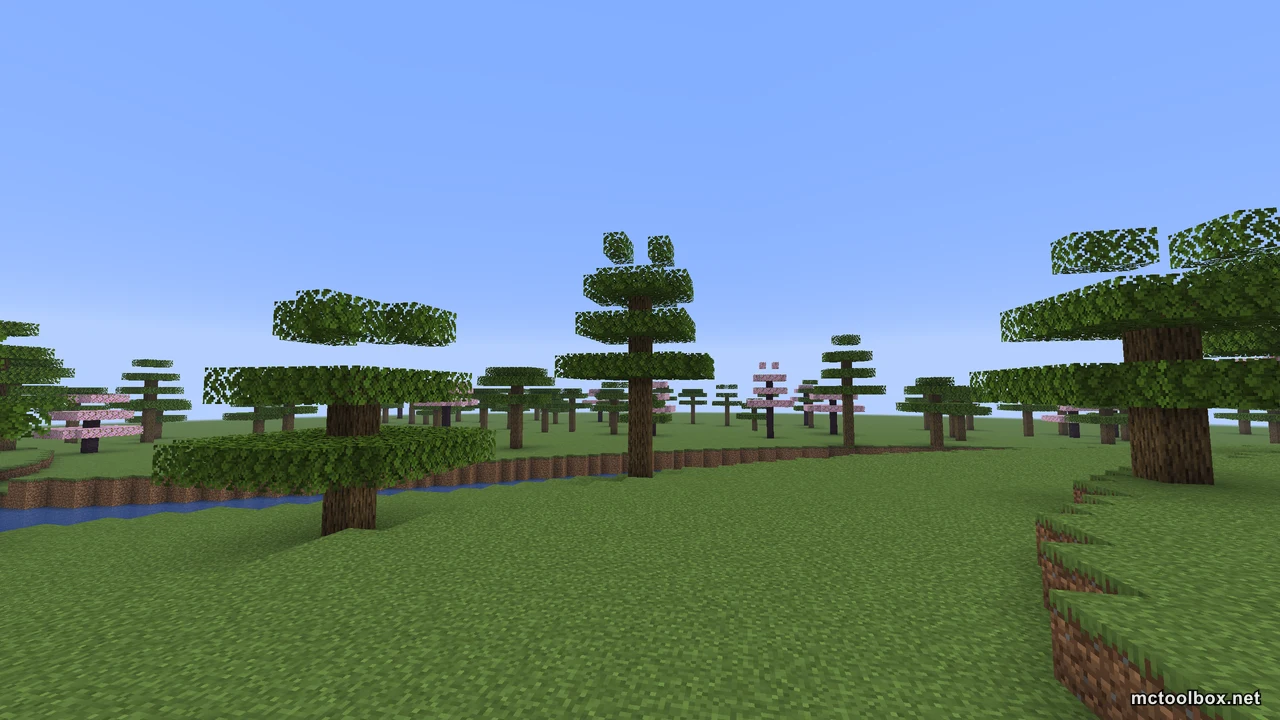
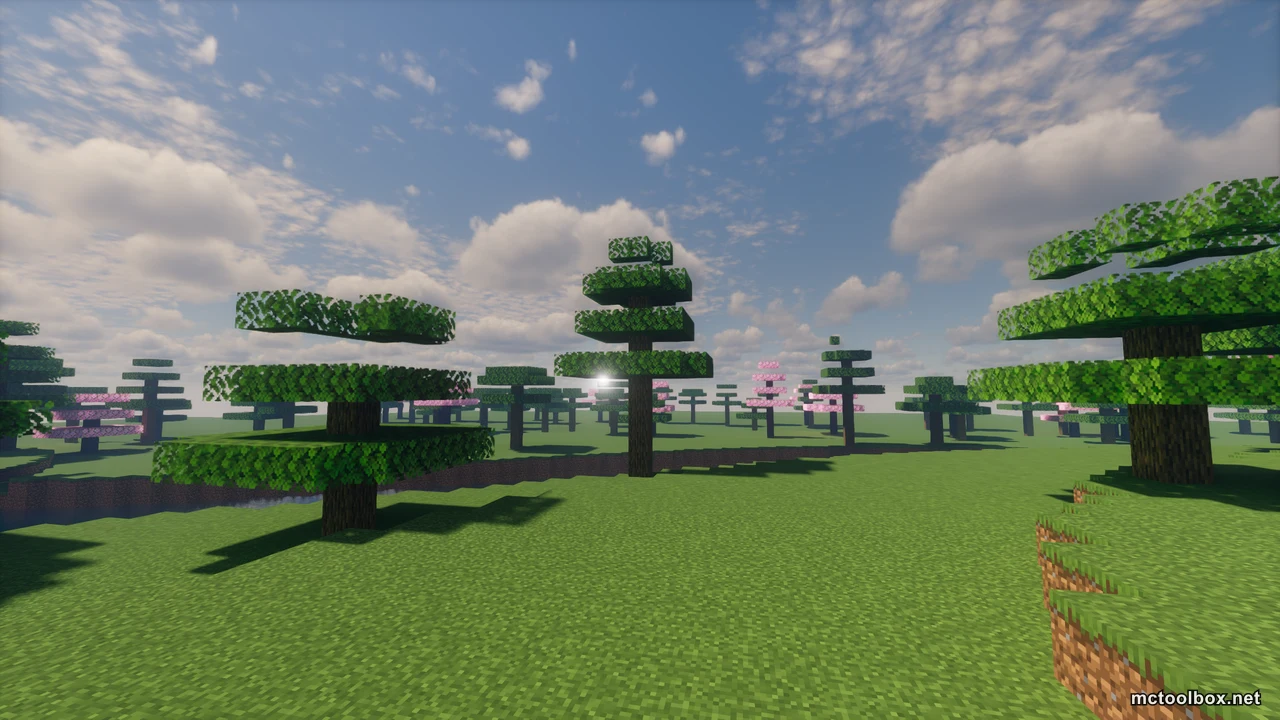
Multi-layer volumetric clouds and daylight atmospheric scattering
Raymarched cloud tiers with real-time shadow projection across terrain
Kappa Shader’s cloud simulation is among the most sophisticated in Minecraft modding. It renders distinct atmospheric layers (from low-altitude cumulus puffs to high-altitude wispy cirrocumulus clouds) using real-time raymarching.
These clouds actively intercept sunlight, casting soft volumetric cloud shadows across meadows, hills, and waterways. Under midday sun, terrain colors remain balanced and natural without overblown bloom.
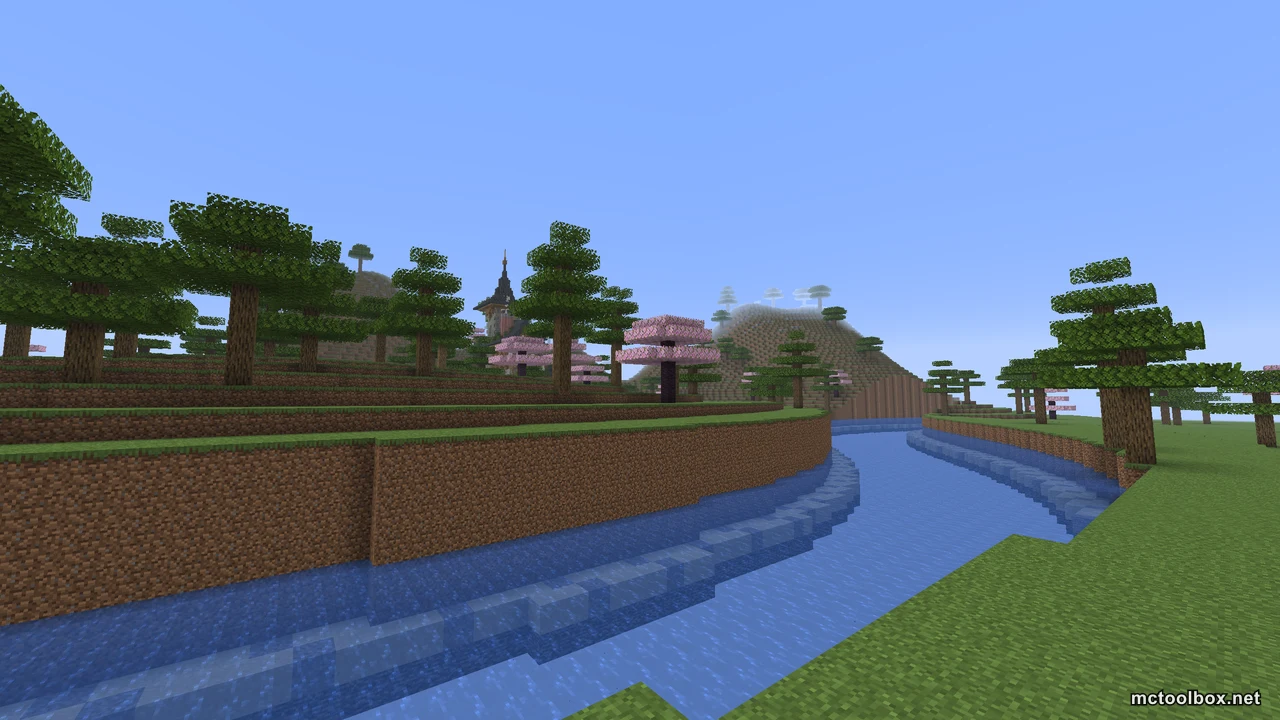
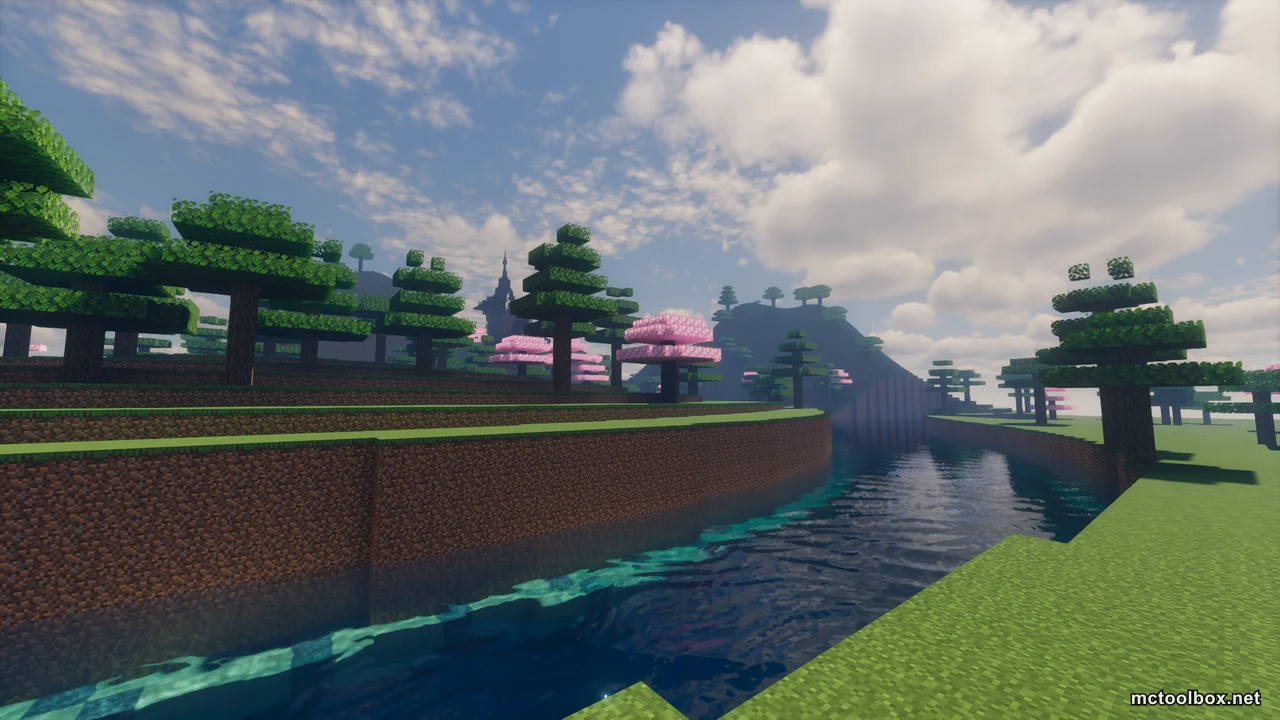
Water optics: Fresnel reflections, wave displacement, and caustics
Accurate water refraction index, Screen Space Reflections, and shoreline transparency
Water in Kappa Shader adheres strictly to physical optics. Surface reflectance is calculated using the Fresnel equations, meaning water is nearly transparent when viewed from directly above and increasingly mirror-like at shallow grazing angles.
Subtle geometric wave displacement mirrors adjacent terrain cliffs and volumetric clouds, while underwater visibility remains clean for navigating riverbeds and ocean trenches.
Night sky rendering and lantern light propagation
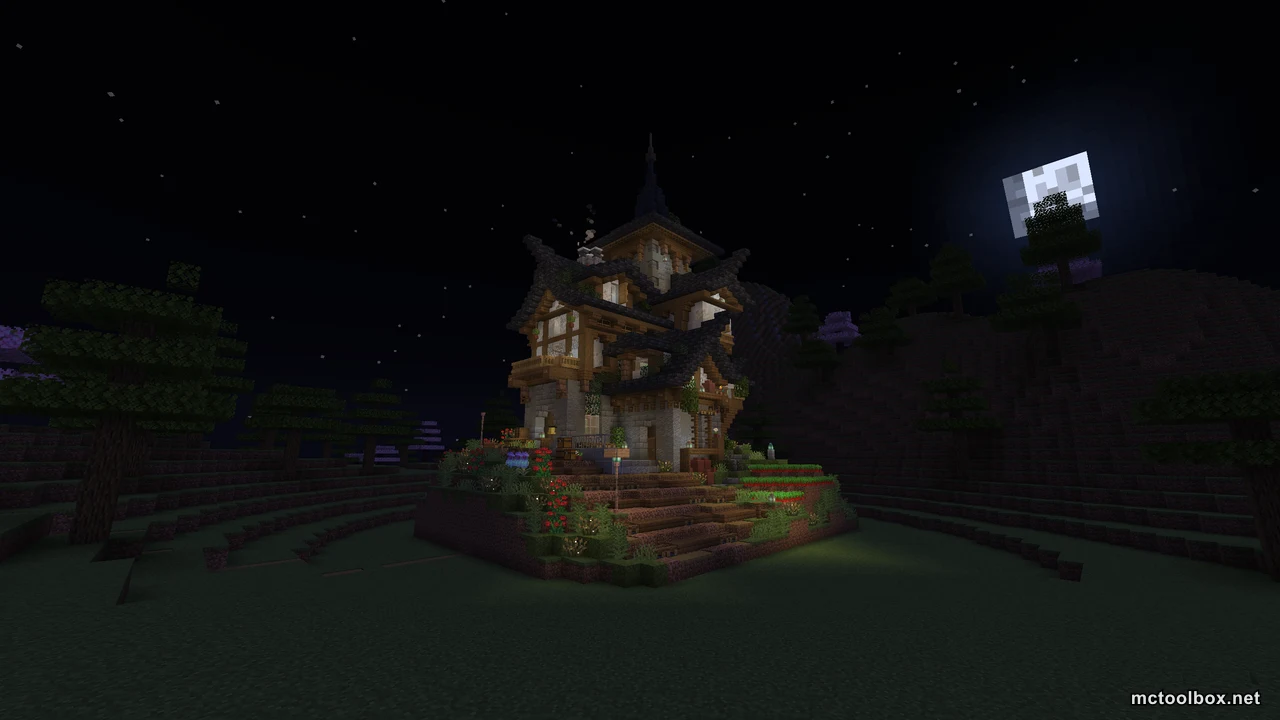
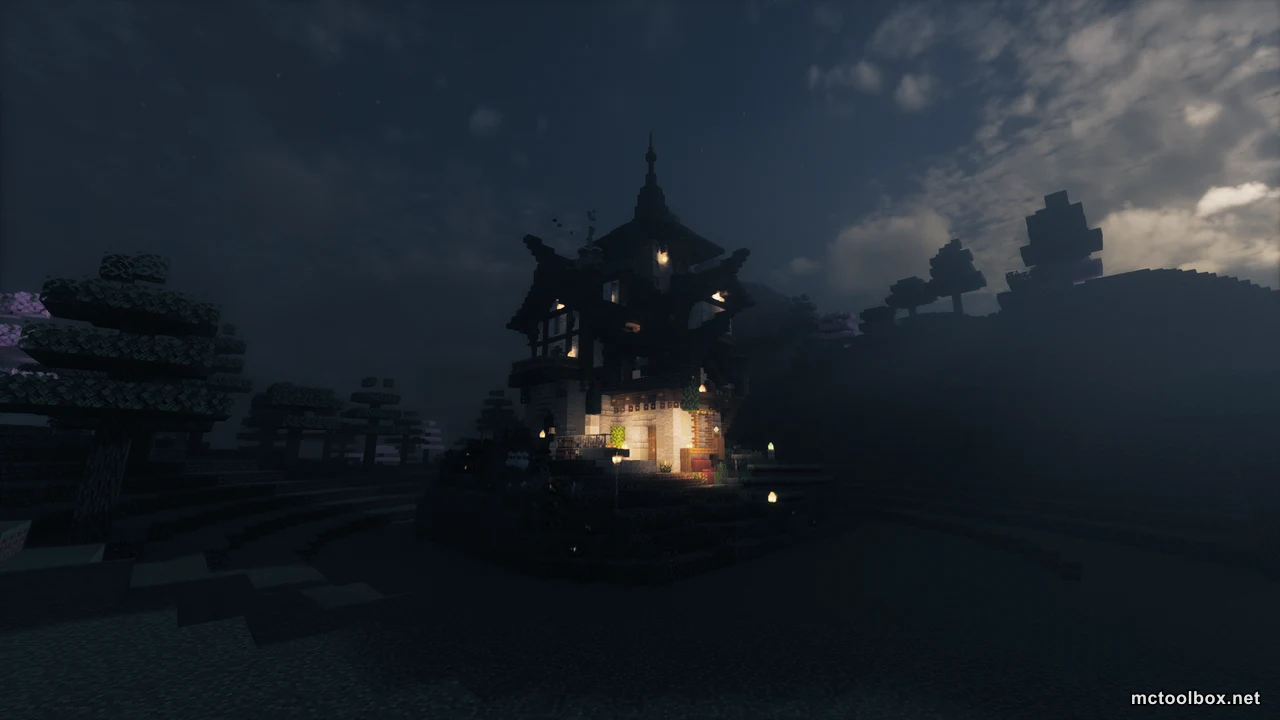
Dark navy atmospheric sky, moonlit cloud backlighting, and warm inverse-square block lighting
At night, Kappa Shader calculates lunar illumination based on atmospheric ozone and cloud coverage. High-altitude clouds catch soft silver rim lighting from the moon, casting a gentle glow over the darkened landscape.
Lanterns and torches emit an authentic warm amber radiance that attenuates following the physical inverse-square law, lighting up wooden walkways and stone arches while preserving survival visibility.
Performance scaling across hardware tiers
Measured 2K benchmarks on GTX 1660 SUPER and estimated frame rates across PC configurations
Because Kappa Shader employs raymarched volumetric cloud algorithms and physical light calculations, it demands more GPU power than lightweight post-processing shaders. Below are our measured benchmark figures alongside estimated performance targets for different hardware classes:
| Hardware Class & Configuration | Target Resolution | Expected FPS | Recommended Settings |
|---|---|---|---|
| Integrated / Budget GPU (Intel Iris Xe / GTX 1050) | 1080p (FHD) | 45 - 60 FPS | Low Profile, Volumetric Clouds Medium |
| Mid-Range Test Rig (GTX 1660 SUPER / RTX 3050) | 1440p (2K) | 78 - 92 FPS | Medium/High Profile, Default Volumetrics (Tested: 84 FPS average) |
| High-End Gaming PC (RTX 4070 / RX 7800 XT+) | 1440p / 4K | 120 - 165+ FPS | Ultra Profile, Max Raymarched Clouds & labPBR |
| Vanilla Baseline (Our Test Rig) | 1440p (2K) | 248 FPS | 12 chunks render distance, no shaders |
How to install Kappa Shader with Iris
Step-by-step setup for Fabric and Iris on Minecraft 26.2
- 1
Install Fabric Loader & Iris
Install Fabric Loader for Minecraft 26.2 along with Sodium and Iris Shaders.
- 2
Download Kappa Shader
Download the official
Kappa_v5.3.ziparchive directly from the primary download button above. Keep the archive intact without unzipping. - 3
Place in Shaderpacks Folder
Open your
.minecraftdirectory and copy the ZIP file into.minecraft/shaderpacks. - 4
Activate in Video Settings
Launch Minecraft, navigate to Options > Video Settings > Shader Packs, choose Kappa Shader, and apply.
When physical accuracy justifies the GPU demand
Physical light calculations and raymarched clouds for mid-to-high-end hardware
Kappa Shader v5.3 delivers consistent optical realism through its physical light scattering and raymarched cloud pipeline. The trade-off is higher GPU overhead compared to lightweight packs like Pastel or MakeUp, making it best suited for players with dedicated graphics hardware who prefer a grounded, natural survival world over stylized filters.
Test setup and performance
| minecraft Version | 26.3 |
|---|---|
| shader Version | v5.3 |
| loader | Fabric + Iris + Sodium |
| loader Version | Fabric Loader 0.19.3 / Iris 1.11.2 / Sodium 0.9.1 |
| gpu | NVIDIA GeForce GTX 1660 SUPER |
| cpu | Intel Core i3-12100F |
| ram | 32 GB system RAM |
| render Distance | 12 chunks; simulation distance 6 chunks |
| preset | Default Profile (Volumetric Clouds Enabled) |
| Scene / preset | Average FPS | 1% low | Notes |
|---|---|---|---|
| Vanilla Baseline (No Shader) | 248 FPS | 195 FPS | 1440p resolution, 12 chunks render distance |
| Kappa Shader (Default Profile) | 84 FPS | 68 FPS | Volumetric clouds, physical sunlight, Fresnel water |
| Kappa Shader (Performance Tuned) | 108 FPS | 86 FPS | Cloud sample steps reduced, standard shadow map |
Questions and compatibility
What makes Kappa Shader different from other realistic shaders?
Kappa Shader calculates lighting using real-world physical optics (Rayleigh/Mie atmospheric scattering and ozone absorption) rather than artistic color grading. It features multi-layered raymarched volumetric clouds and labPBR material support.
Does Kappa Shader support Resource Packs with labPBR textures?
Yes. Kappa Shader fully supports labPBR 1.3 standards for normal mapping, height displacement (POM), and specular roughness.
Does Kappa Shader support Minecraft 26.3?
Yes. Kappa Shader v5.3 was tested and verified on Minecraft 26.3 using Fabric Loader 0.19.3, Iris 1.11.2, and Sodium 0.9.1.
What is the difference between Kappa and KappaPT?
Kappa is the standard rasterized shader pack with volumetric lighting and SSR reflections. KappaPT is a path-traced edition that uses hardware ray tracing to calculate dynamic multi-bounce indirect global illumination.
Is Kappa Shader compatible with Distant Horizons?
Yes. Version 5.3 includes built-in support for Distant Horizons LOD rendering, extending atmospheric fog and sky scattering seamlessly into distant terrain.
Where can I download the official Kappa Shader release?
Download the verified release archive directly using the primary download button above, which connects to RRe36's official release distribution on Modrinth.
Download links
We do not host Minecraft shader files directly. Download links go to the creator's official project pages.
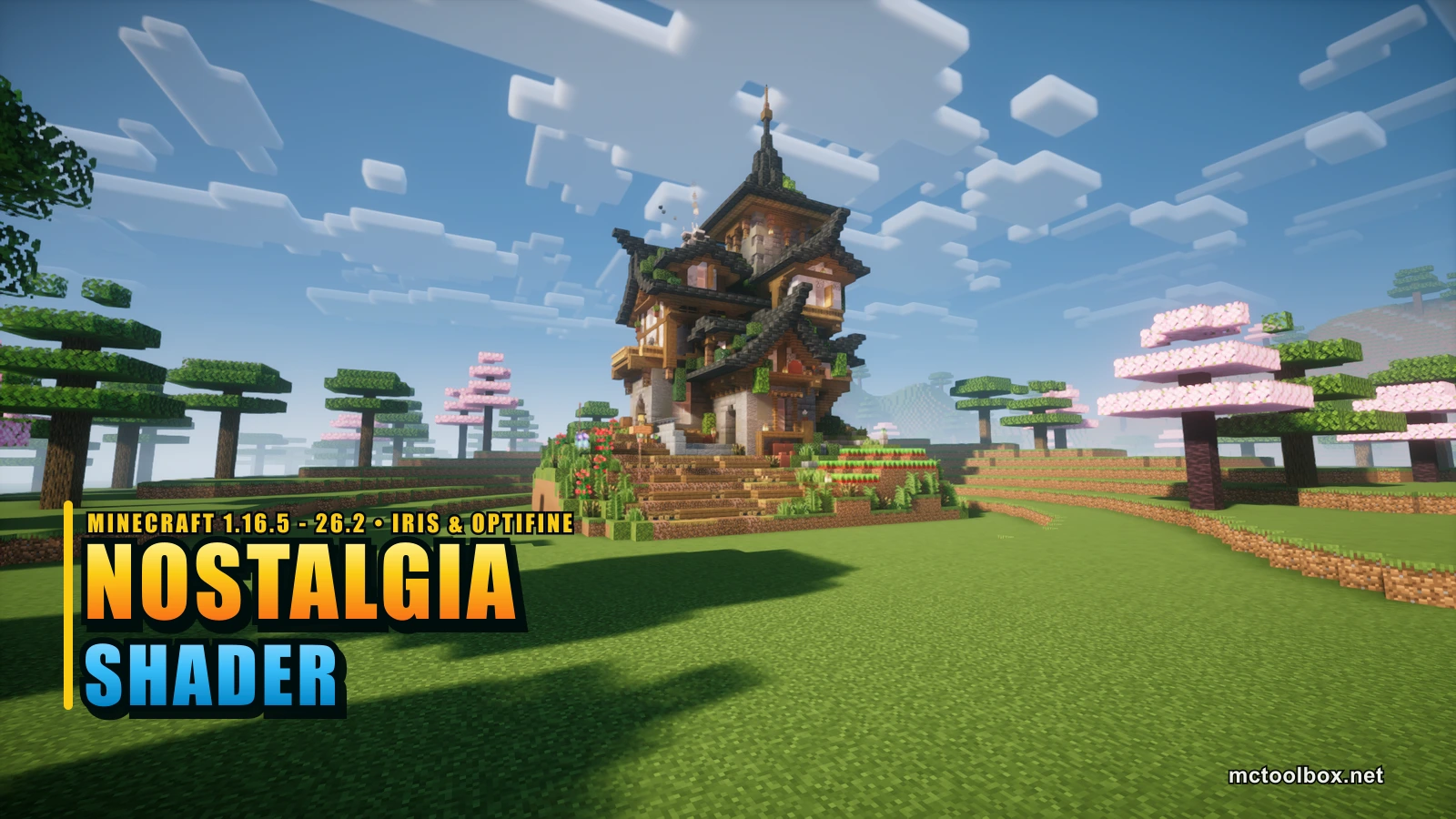
Nostalgia Shader 1.16.5 - 26.3
Nostalgia Shader by RRe36 recreates the beloved golden era look of early 2012-2015 shaders while utilizing modern Iris rendering optimizations.

SEUS Renewed 1.14 - 26.3
SEUS Renewed by Sonic Ether delivers cinematic sunlight scattering, physical water wave refraction, and natural ambient shadowing.
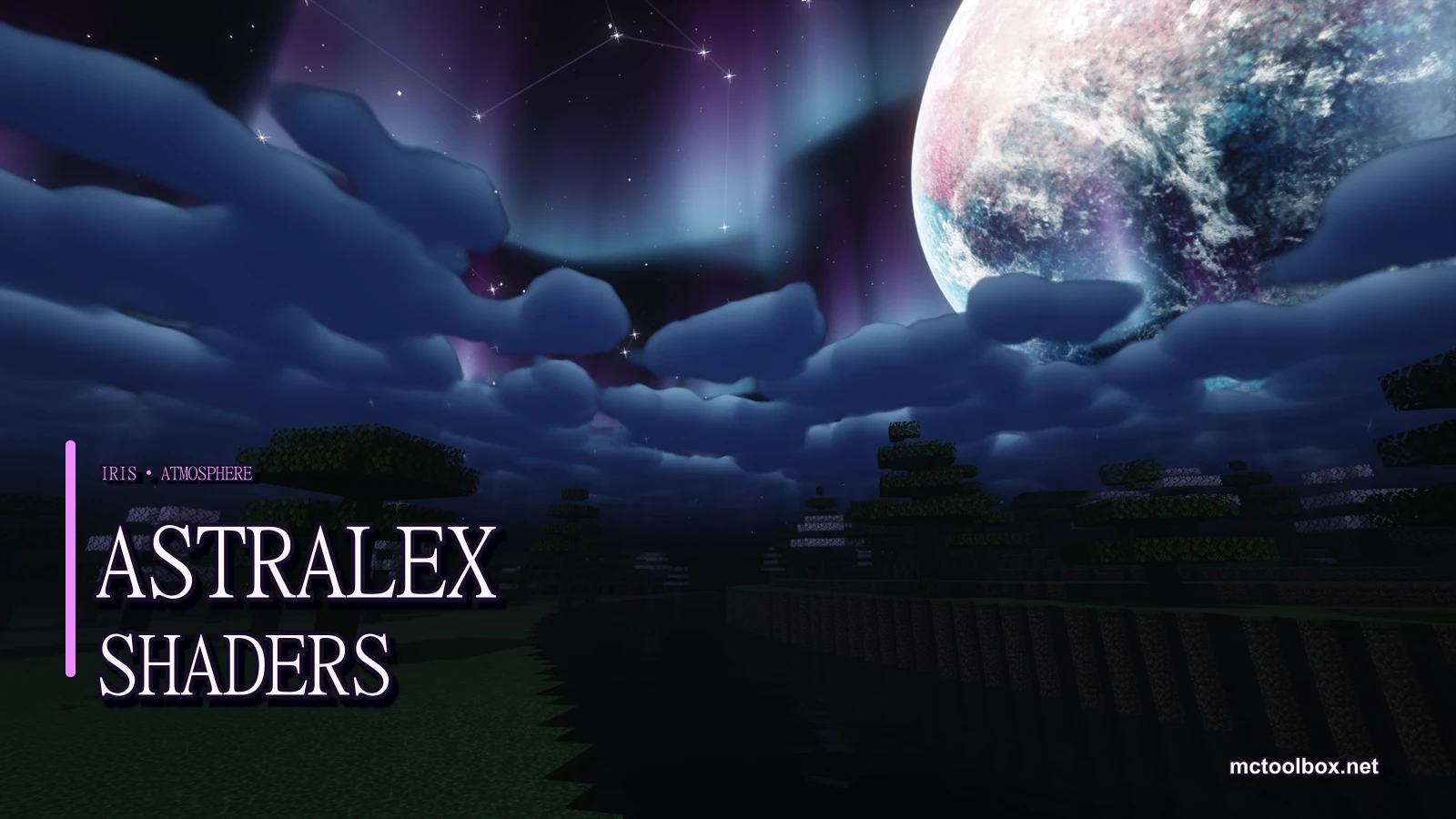
AstraLex Shaders 1.16.5 - 26.3
AstraLex is a highly configurable Minecraft shader pack with stylised skies, coloured lighting, reflections, aurora effects, and a strong cinematic night profile.