








Minecraft shader review
Rethinking Voxels Shaders 1.19.2 - 26.3
Real-time voxel path tracing, colored block lighting, and sharp local shadows for Minecraft worlds
Download FilesRethinking Voxels extends the Complementary engine with real-time voxelized path tracing, per-pixel colored block lights, and sharp geometric shadows without requiring RTX hardware.
Shader Index10 sections
Most Minecraft shaders simulate lighting globally across the sky dome and terrain. Rethinking Voxels, developed by gri573 as a heavy fork of Complementary Reimagined, takes an entirely different computational approach: it constructs a real-time 3D voxel grid around your player and calculates per-pixel ray marching for local block light sources.
Rather than treating lanterns, redstone lamps, or windows as flat ambient glow, Rethinking Voxels makes every light source cast sharp geometric contact shadows and bounce colored light onto surrounding walls and floors. I tested Rethinking Voxels r0.1-beta9 on Minecraft 26.2 using Fabric Loader 0.19.3, Iris 1.11.2, and Sodium 0.9.1. Every comparison pair demonstrates identical camera coordinates and lighting states across intricate architectural builds. Below is an honest breakdown of its path-tracing mechanics, real hardware benchmarks, and the essential settings to adjust for smooth survival play.
How voxel path tracing transforms nighttime bases
Sharp local contact shadows and colored light emission across architectural structures
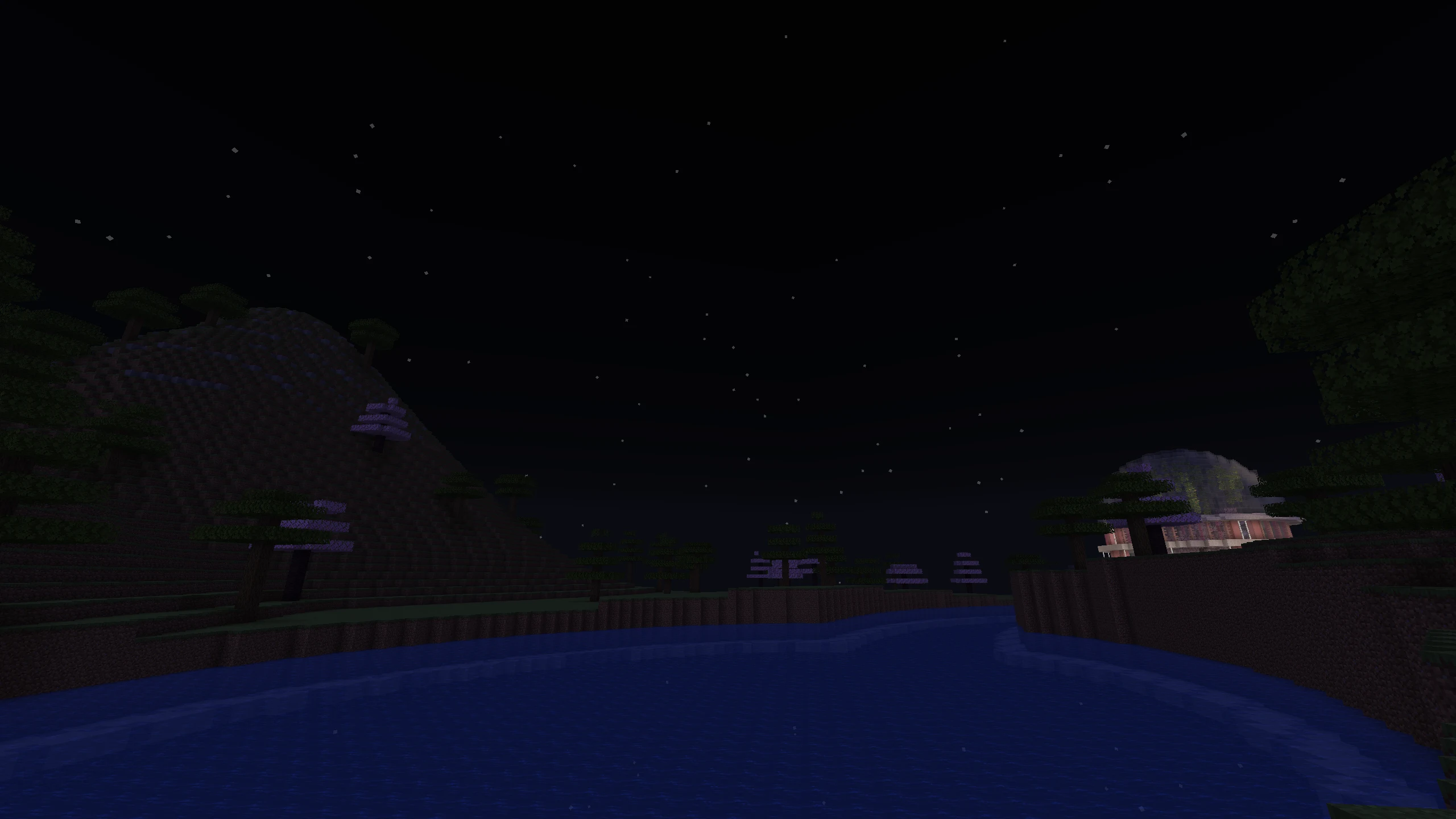
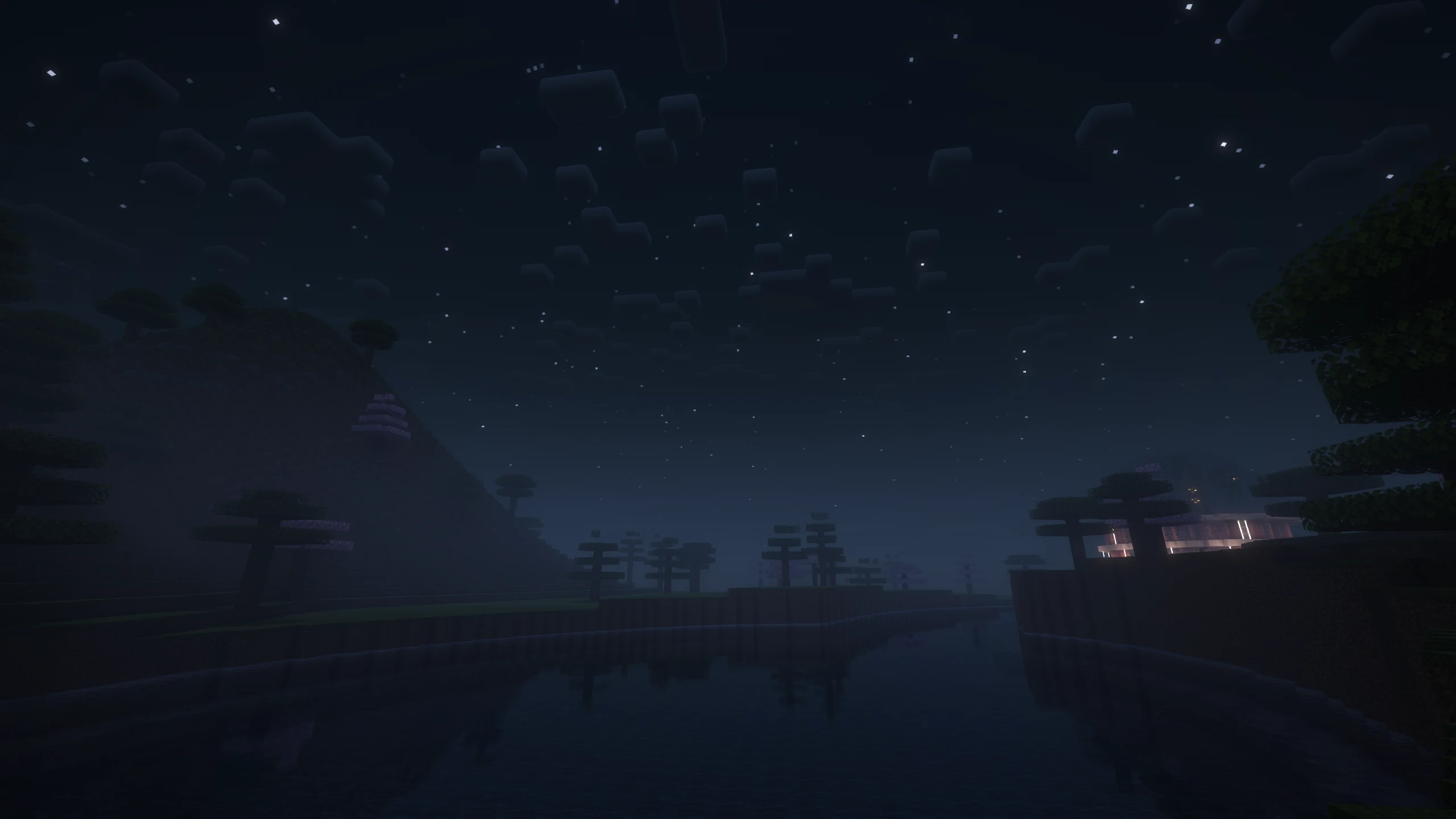
In vanilla Minecraft, placed torches provide spherical, step-based light levels without casting shadows from furniture, pillars, or fences. In the matched night view below, the difference is immediately apparent:
Rethinking Voxels casts crisp, ray-traced shadows behind building beams, stair steps, and roof overhangs. Light from interior windows spills naturally onto exterior paths and water surfaces, giving player bases structural depth and authentic perimeter illumination that conventional deferred shaders cannot match.
Daylight balance and terrain cohesion
Natural directional sunlight that preserves Minecraft's blocky aesthetic
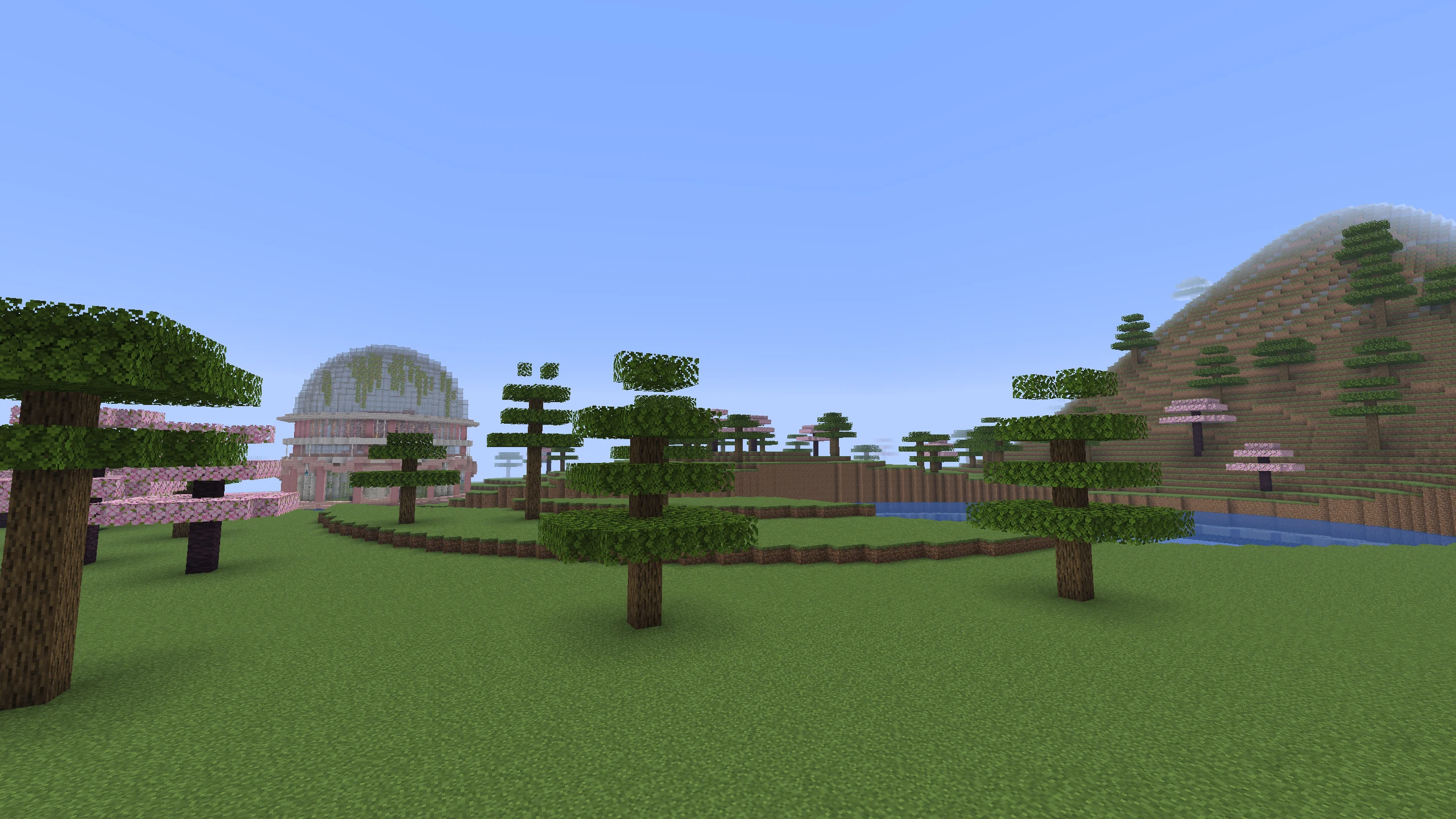
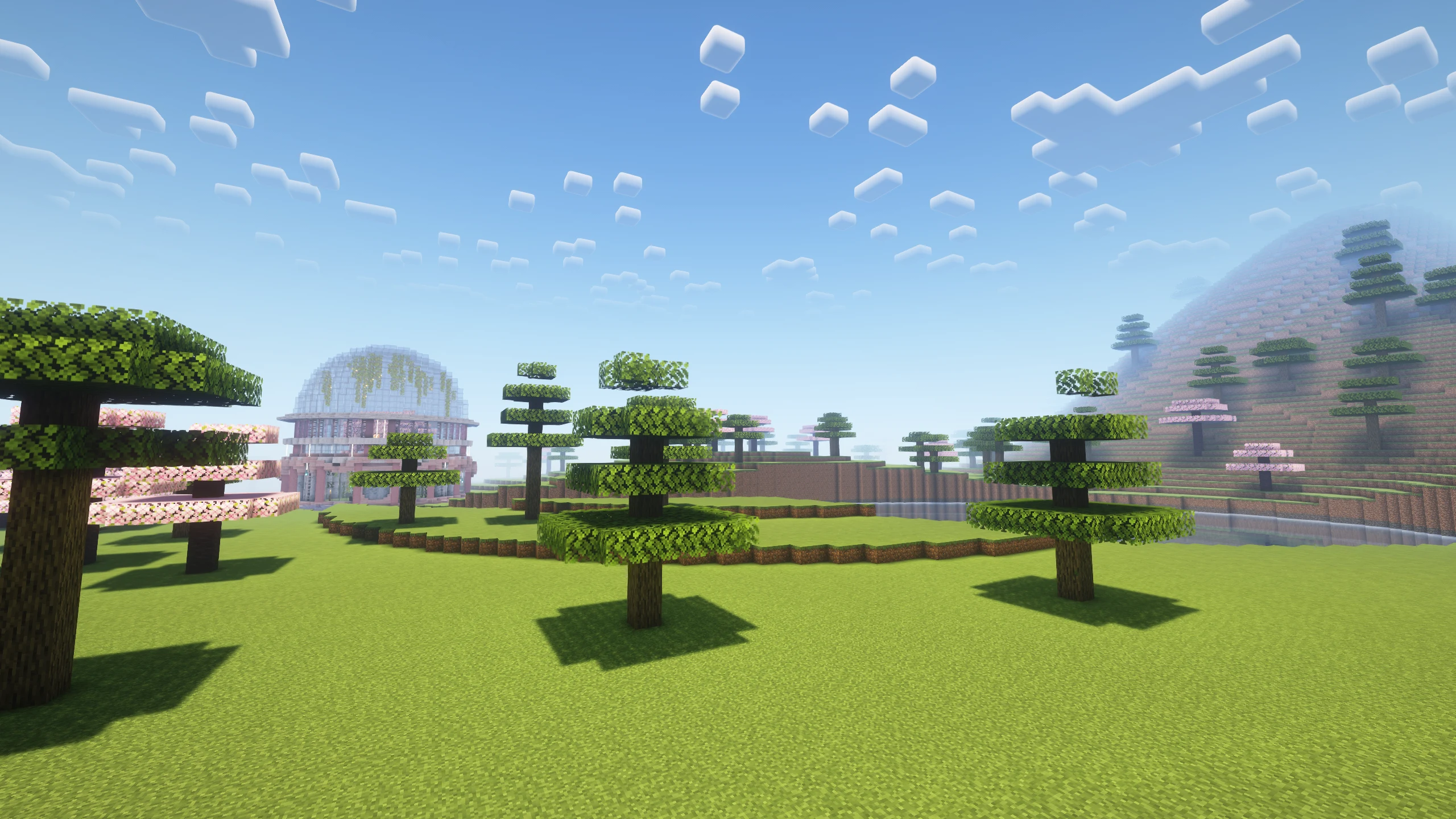
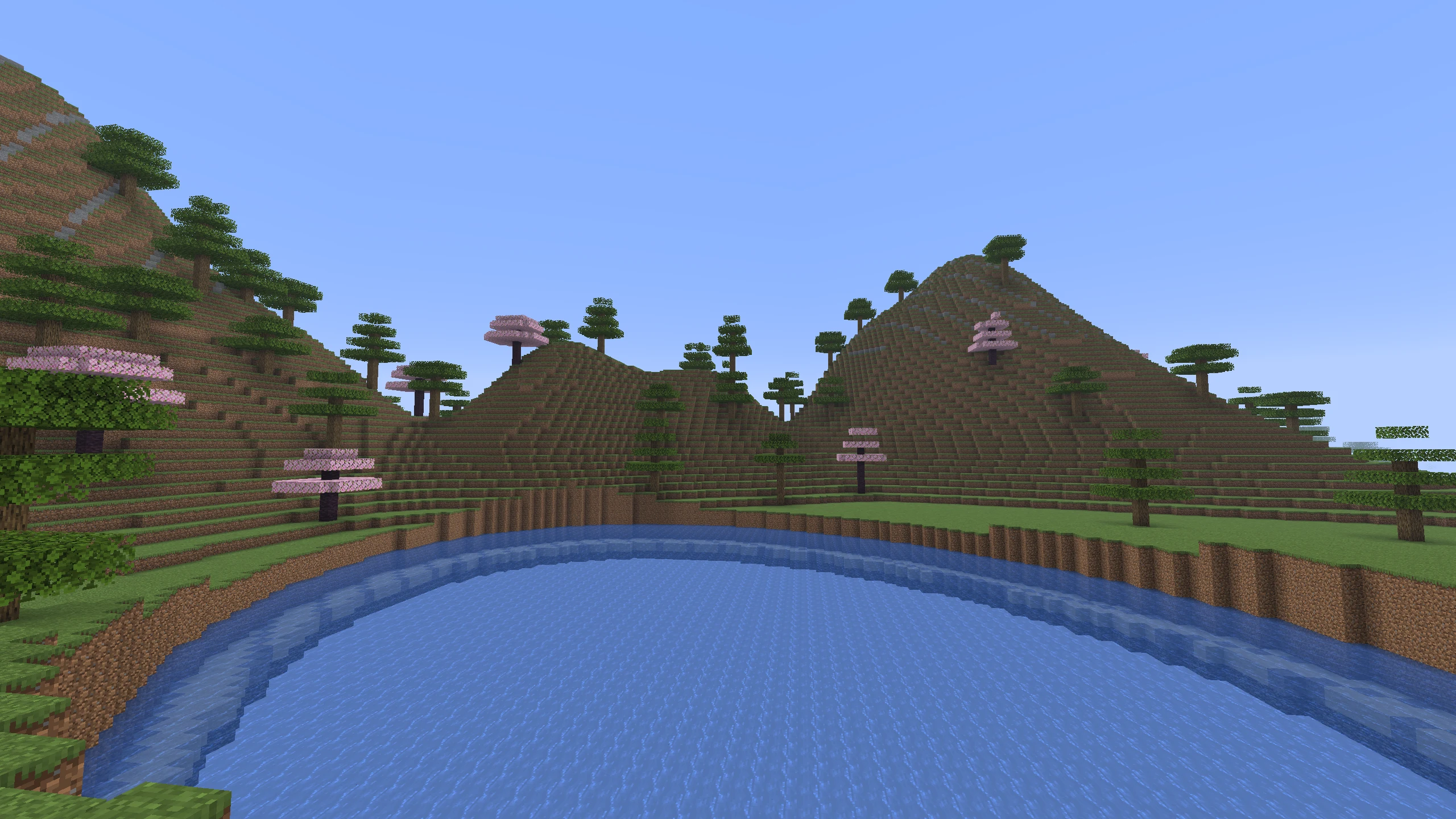
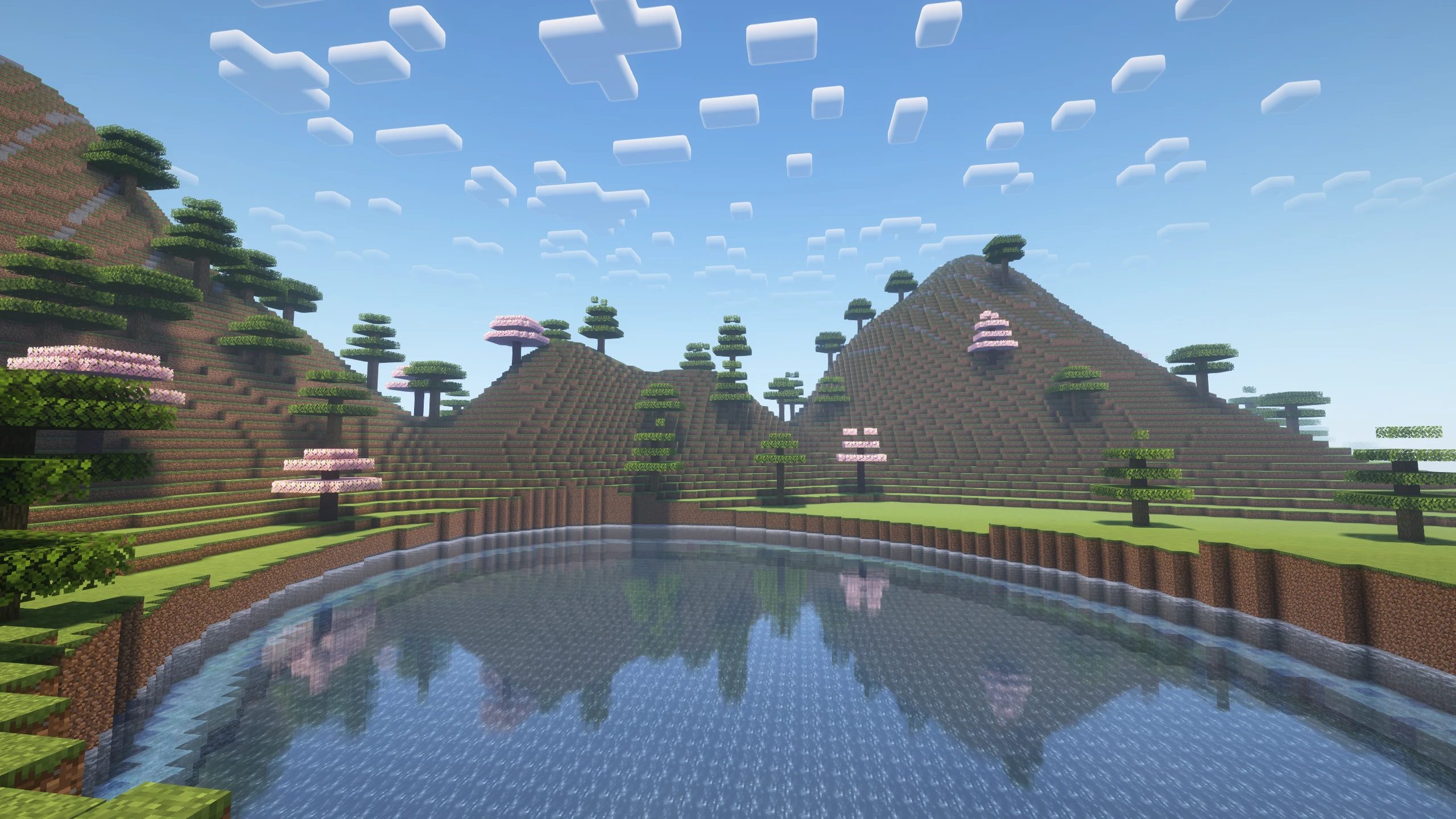
During the day, Rethinking Voxels retains the clean, vanilla-friendly look inherited from Complementary Reimagined. Grass, cherry blossom trees, and cloud volumes look crisp and readable rather than blurry or over-processed.
The key daylight benefit is directional ground shadowing: sunlight cuts across grass steps and hillsides at realistic angles, creating clear separation between individual terrain blocks and tree canopies. Because it avoids aggressive film grain or extreme bloom, you can leave the shader active for normal mining, farming, and building sessions.
Water reflections and shoreline transparency
Screen space reflections with wave physics and clear underwater visibility
Water in Rethinking Voxels balances visual polish with survival practicality. Surface reflections mirror the sky, distant hills, and nearby structures with subtle wave distortion, while shallow water remains clear enough to spot clay, gravel, and submerged blocks from the surface.
However, water rendering combined with voxel lighting is computationally demanding. If you encounter frame rate drops near large ocean biomes, lowering Screen Space Reflection quality or shadow resolution stabilizes frame times quickly.
Golden hour lighting on player builds
Warm sunset angles and geometric shadow mapping across multi-material architecture
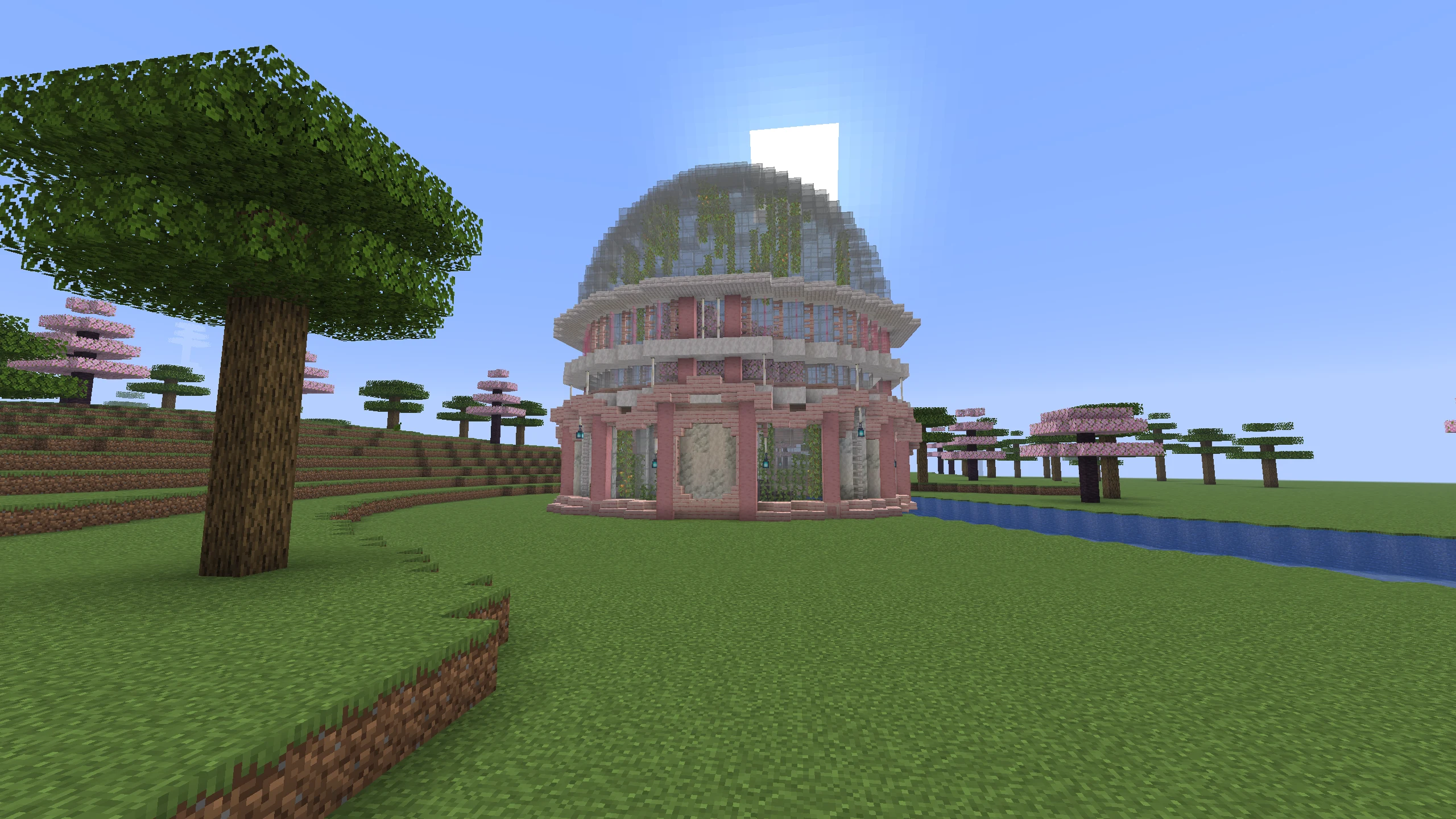
At sunset, the low sun angle casts long, precise contact shadows from roof overhangs, railings, and towers. Across the botanical greenhouse and wizard tower, wood grain textures catch warm specular reflections while shaded corners remain softly illuminated by ambient skylight.

Understanding exposure shifts and lighting quirks
Why brightness adapts when entering rooms and how to tune it
Because Rethinking Voxels calculates indirect light dynamically, stepping between a brightly lit interior and a pitch-black yard can trigger a brief exposure adaptation effect where the screen dims or brightens over half a second.
This behavior is an intentional photographic simulation rather than a bug. However, if rapid adaptation feels jarring during fast-paced survival combat, open Shader Pack Settings > Camera and increase Exposure Speed or disable auto-exposure.
Hardware benchmarks and performance trade-offs
Measured frame rates on GTX 1660 SUPER at 2560x1440 resolution
Voxel ray marching requires significant GPU shader compute. Here is how Rethinking Voxels compares against vanilla baseline in standard test scenes:
| Configuration Profile | Average FPS (1440p / 12 Chunks) | Relative Performance | Visual Characteristics |
|---|---|---|---|
| Vanilla Minecraft (Baseline) | 220 - 280 FPS | 100% | Flat block lighting, standard skybox |
| Rethinking Voxels (Default Profile) | 55 - 72 FPS | ~25% | Full per-pixel voxel ray tracing, sharp shadows |
| Rethinking Voxels (Medium / Low Shadow) | 70 - 85 FPS | ~32% | 8-chunk shadow distance, optimized voxel grid |
| Standard Complementary Reimagined | 75 - 95 FPS | ~35% | Standard deferred lighting without voxel grid |
Recommended settings to tune first for higher FPS
High-impact adjustments that preserve visual quality
Prioritized settings for recovering frame rates on mid-range GPUs
| Setting | Recommended Value | Performance Impact |
|---|---|---|
| Per-Pixel Lighting | Keep Enabled | Core visual feature; disabling it turns the pack back into basic deferred lighting. |
| Shadow Distance | 8 or 10 Chunks (down from 16) | Recovers 12-18% FPS with virtually no visible difference in normal gameplay. |
| Voxel Range / Quality | Medium or Fast | Reduces the voxel calculation radius in open terrain, smoothing 1% low frame times. |
| Screen Space Reflections (SSR) | Medium | Eases GPU load significantly when looking across large oceans or flooded rivers. |
How to install Rethinking Voxels with Iris
Step-by-step installation instructions for Fabric
- 1
Install Fabric Loader & Fabric API
Run the official Fabric Installer for your Minecraft version and place Fabric API in your
.minecraft/modsfolder. - 2
Install Sodium and Iris
Download matching builds of Sodium and Iris Shaders from Modrinth and place them in
mods. - 3
Download Rethinking Voxels
Grab the latest
rethinking-voxelsZIP archive from the official Modrinth Versions page. Do not extract the ZIP file. - 4
Activate in Shader Packs Screen
Launch Minecraft, navigate to Options > Video Settings > Shader Packs, add the ZIP to the list, and allow the initial shader compilation to complete.
When to choose Rethinking Voxels for your world
The definitive pack for builders who want authentic ray-traced interiors
Rethinking Voxels is one of the most technologically ambitious shader packs in the Minecraft community. By computing real-time voxel ray marching on standard graphics hardware, it delivers sharp interior contact shadows and colored light bounce that make built structures feel grounded and lived-in.
If you play primarily on large multiplayer servers with massive render distances, the extra computational overhead may favor standard Complementary Reimagined. But for singleplayer survival worlds, village builds, and subterranean bases where lighting defines the architecture, Rethinking Voxels delivers an unmatched lighting experience.
Test setup and performance
| minecraft Version | 26.3 |
|---|---|
| shader Version | r0.1-beta9 |
| loader | Fabric + Iris + Sodium |
| loader Version | Fabric Loader 0.19.3 / Iris 1.11.2 / Sodium 0.9.1 |
| gpu | NVIDIA GeForce GTX 1660 SUPER |
| cpu | Intel Core i3-12100F |
| ram | 32 GB system RAM |
| render Distance | 12 chunks; simulation distance 6 chunks |
| preset | Rethinking Voxels default profile |
| Scene / preset | Average FPS | 1% low | Notes |
|---|---|---|---|
| Vanilla Baseline (No Shader) | 248 FPS | 195 FPS | 1440p resolution, 12 chunks render distance |
| Rethinking Voxels (Default Profile) | 64 FPS | 51 FPS | Full per-pixel voxel path tracing enabled |
| Rethinking Voxels (8-Chunk Shadow) | 78 FPS | 63 FPS | Optimized shadow distance and medium voxel range |
Questions and compatibility
Can I run Rethinking Voxels on Minecraft 26.3?
Yes. Rethinking Voxels r0.1-beta9 runs cleanly on Minecraft 26.3 using Fabric Loader 0.19.3 with Iris 1.11.2 and Sodium 0.9.1.
Does Rethinking Voxels require an RTX or Ray Tracing GPU?
No. The voxel ray marching is computed in standard GLSL compute and fragment shaders. It runs on conventional NVIDIA GTX, AMD Radeon, and Intel Arc GPUs without needing hardware RT cores.
Why is the frame rate lower than standard Complementary Reimagined?
Rethinking Voxels calculates real-time indirect bounce lighting within a 3D voxel grid around the player. This extra math reduces FPS by roughly 25-35% compared to standard deferred shaders.
How do I fix abrupt brightness shifts or eye adaptation lag?
Open Shader Pack Settings > Camera and increase Exposure Adjustment Speed, or disable Auto Exposure entirely to keep brightness uniform when stepping between lit rooms and dark outdoor yards.
Which setting should I lower first to improve FPS?
Lower Shadow Distance to 8 or 10 chunks, and reduce Voxel Resolution or Voxel Range in Shader Pack Settings. These adjustments yield a 15-20 FPS improvement on mid-range GPUs.
Does it support modded light sources?
Yes. Iris passes block light and emissive metadata directly to the shader, allowing torches, lanterns, and luminescent blocks from most major content mods to cast accurate voxel lighting.
Download links
We do not host Minecraft shader files directly. Download links go to the creator's official project pages.
Visual Vibrance Shader 1.21 - 26.3
Visual Vibrance by Gri573 solves vanilla Minecraft's washed-out palette by boosting natural color saturation and specular water physics without the heavy yellow tints of traditional cinematic packs.
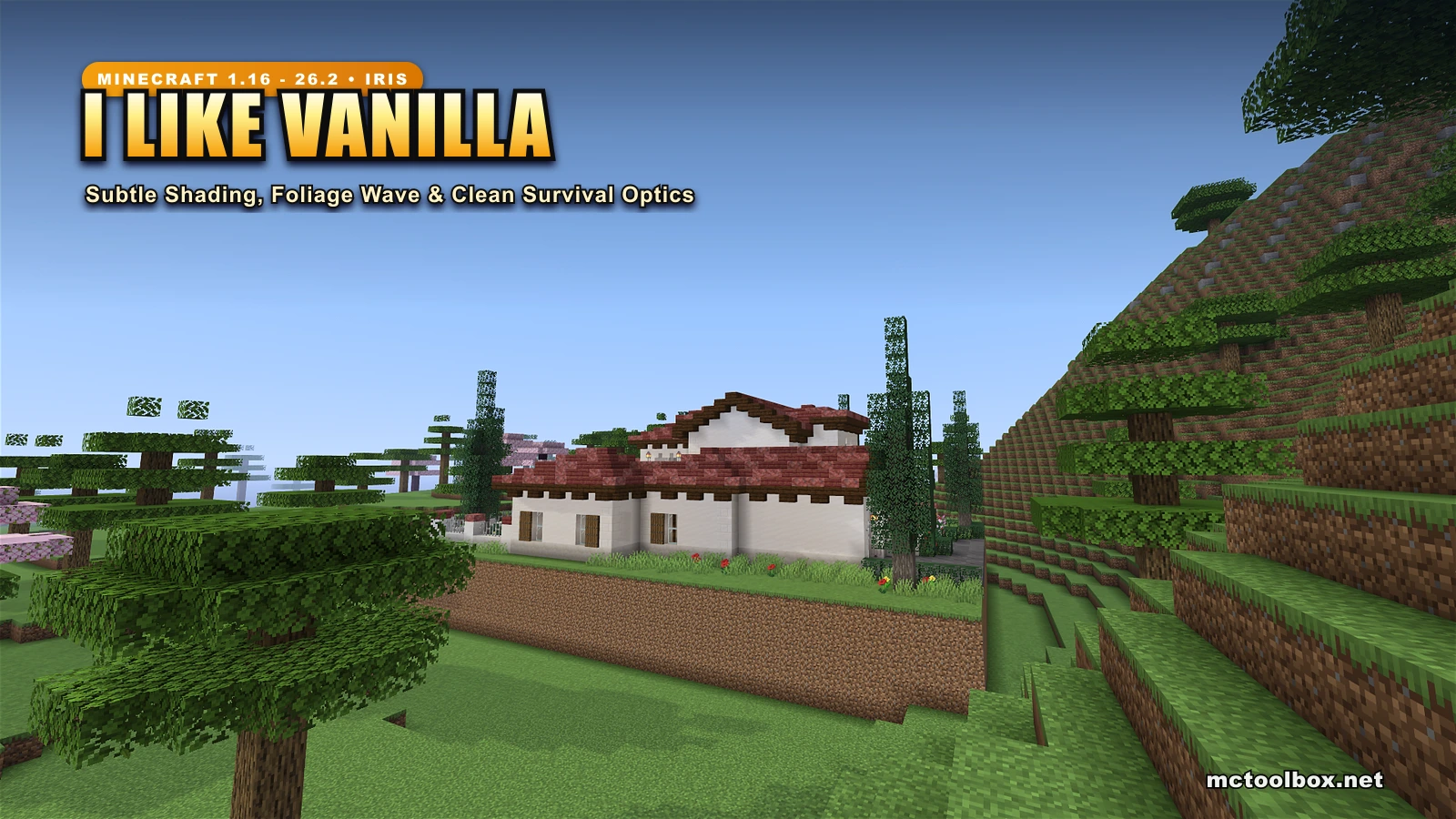
I Like Vanilla Shaders 1.16 - 26.3
I Like Vanilla by What42Pizza enhances Minecraft with subtle waving plants, clear water caustics, and soft ambient lighting while preserving the classic blocky art style.
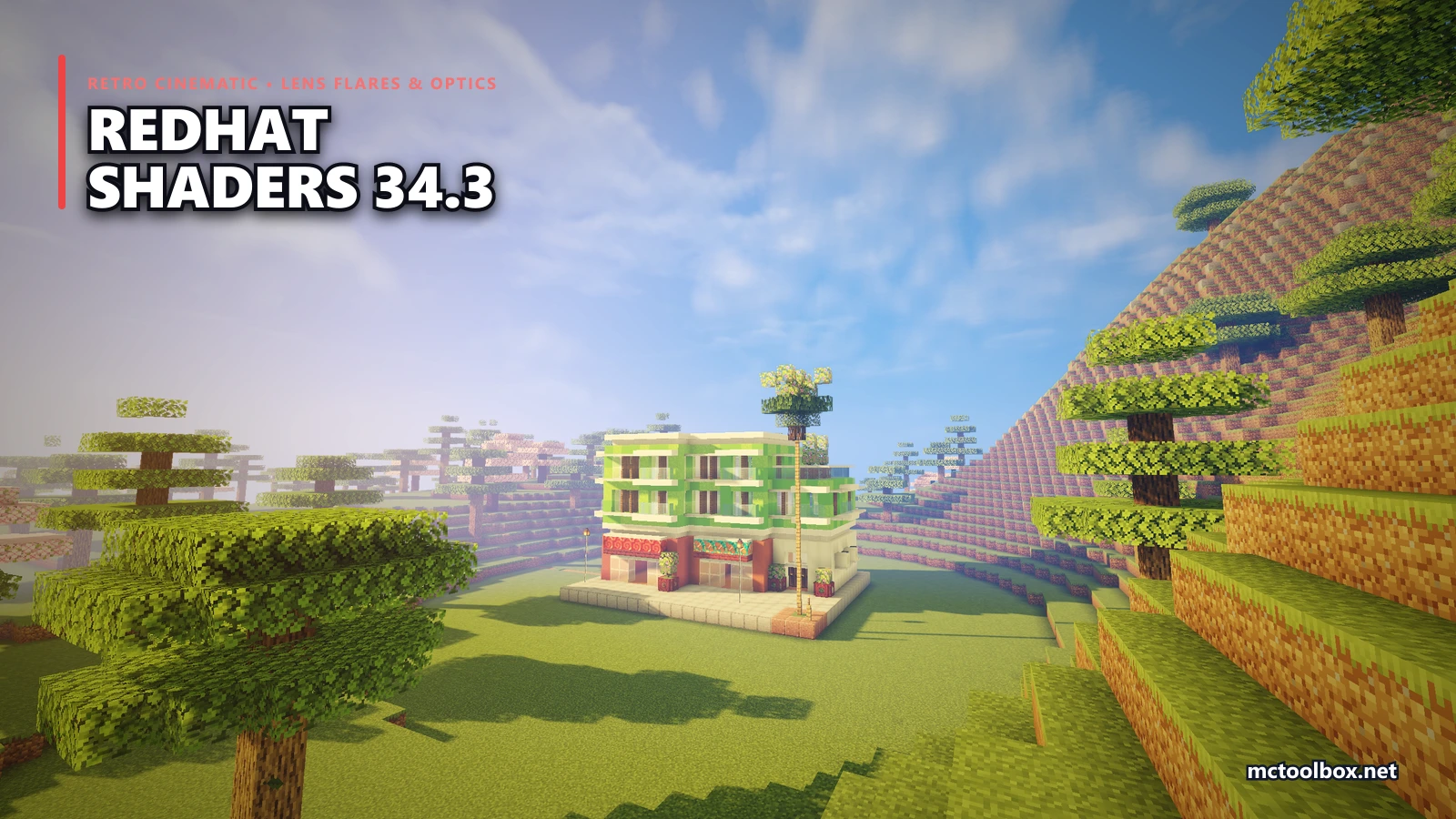
RedHat Shaders 34.3 for Minecraft 26.3
RedHat Shaders by MorganFreeguy delivers a vintage cinematic aesthetic featuring anamorphic lens flares, autumn warmth, dynamic cloud physics, and glassy river reflections.