








Minecraft shader review
RenderPearl Shader
Iris-exclusive compute shaderpack with AMD FidelityFX CAS, procedural LabPBR materials, and colored dynamic lighting by Luracasmus
Download FilesRenderPearl by Luracasmus is an Iris-exclusive compute shaderpack delivering crisp texture clarity with AMD FidelityFX CAS, procedural LabPBR materials, colored block light, and low-level driver optimization.
Shader Index7 sections
Most modern Minecraft shaderpacks rely on legacy OptiFine-compatible render loops that smooth away high-frequency pixel art through heavy temporal anti-aliasing. RenderPearl, engineered by Luracasmus, takes an uncompromisingly modern path. Built exclusively for Iris and OpenGL compute pipelines, RenderPearl draws its name from Bedrock's RenderDragon engine while delivering a focused Java Edition visual overhaul: crisp directional sunlight, real-time colored light propagation, and razor-sharp block textures running at fluid tick rates.
Rather than softening surfaces with blurry multi-frame accumulation passes, RenderPearl shifts critical image processing to GPU compute shaders. By pairing subpixel morphological anti-aliasing with AMD FidelityFX Contrast Adaptive Sharpening (CAS), stone bricks, tree leaves, and distant structures maintain pristine edge clarity even during rapid sprint-jumping.
Compute post-processing: Preserving pixel art over motion blur
AMD FidelityFX CAS and SMAA 1x replace blurry temporal accumulation
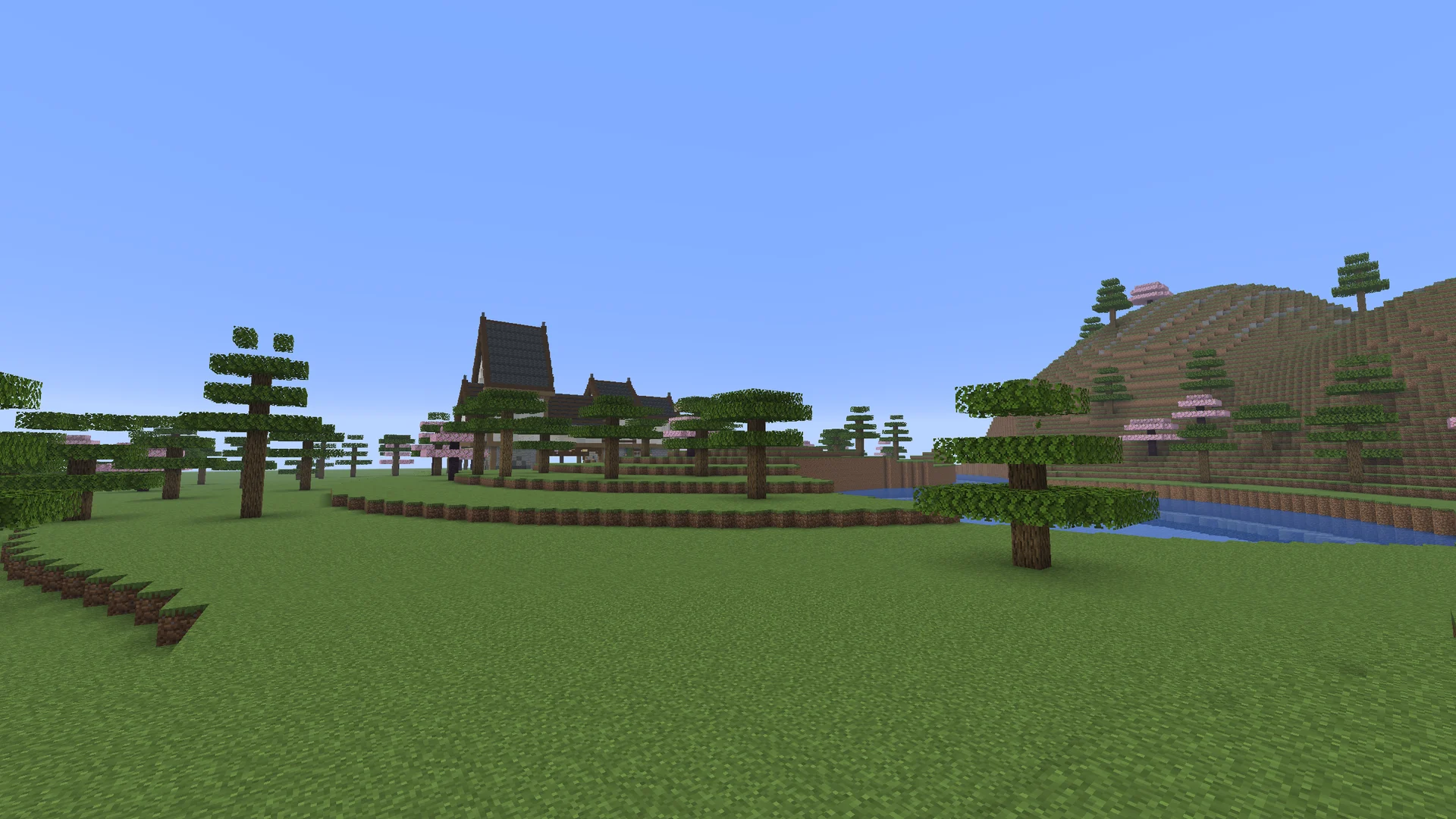
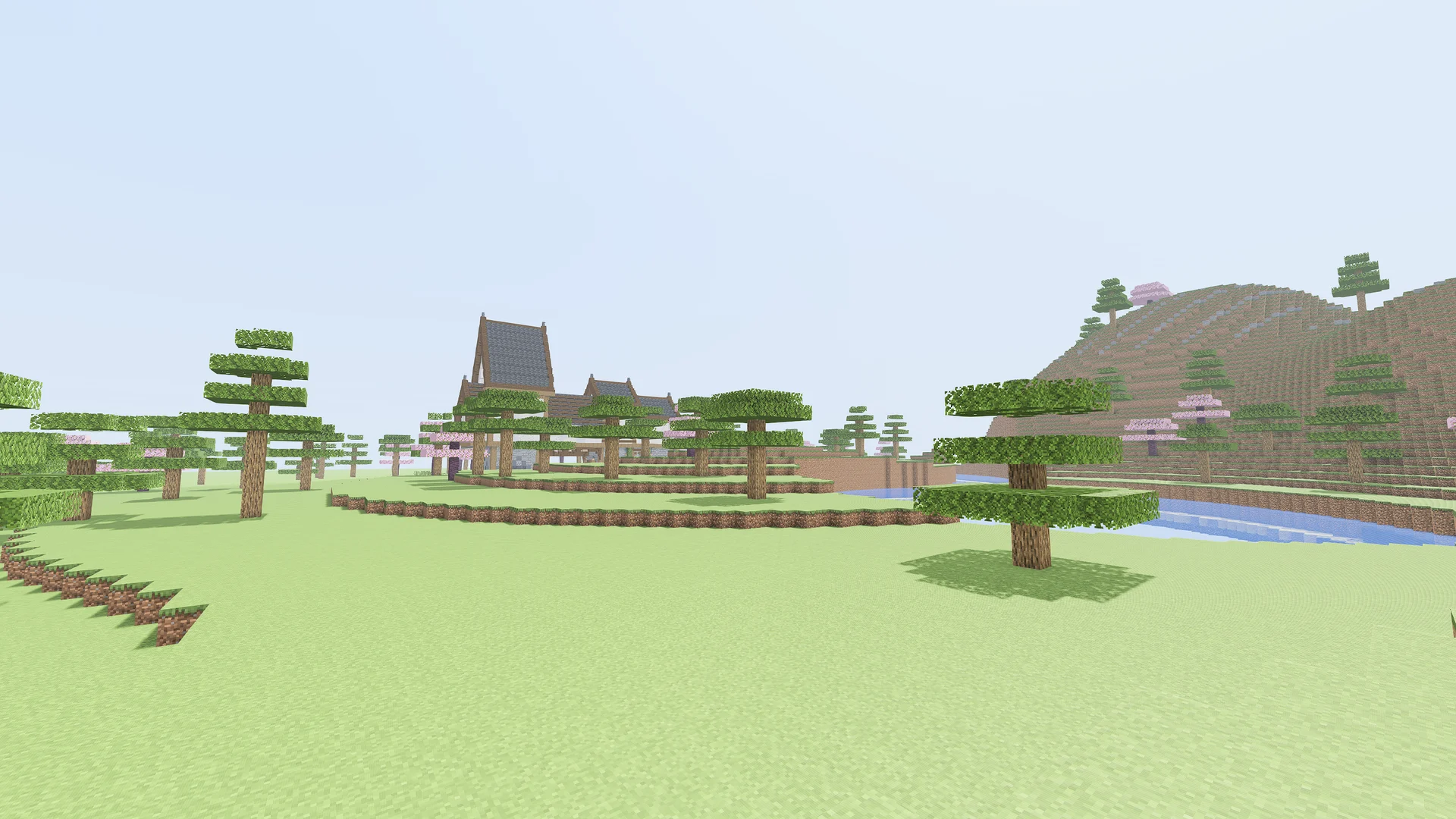
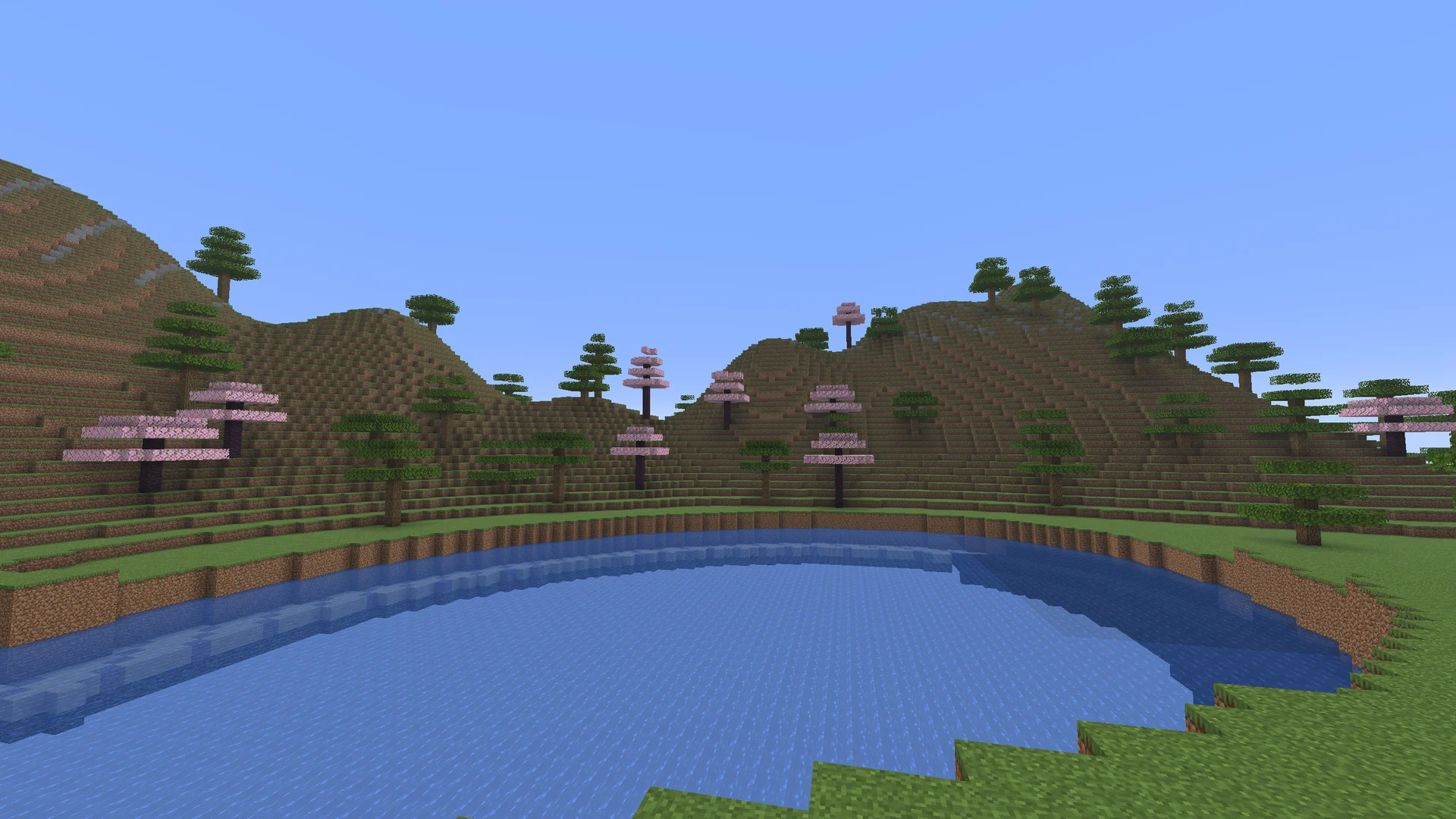
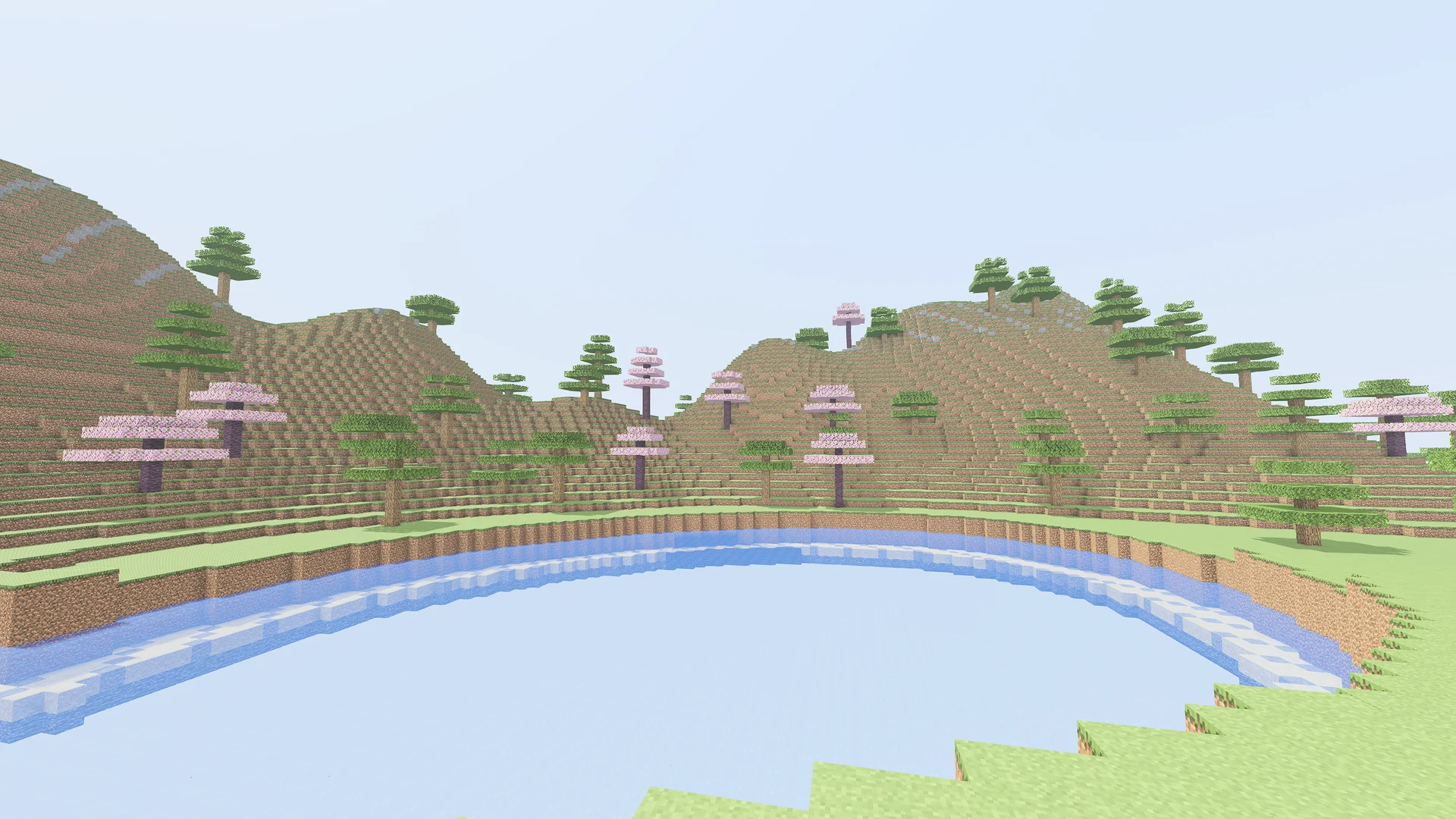
A primary drawback of conventional shaders in survival exploration is loss of texture readability. Fine block features like cherry blossom foliage, cobblestone mortar, and wood grains frequently blur into a smudged haze when swinging the player camera. RenderPearl tackles this directly by running AMD FidelityFX CAS after its tone-mapping pass.
CAS calculates local gradient contrast across each pixel cluster, sharpening high-frequency detail without introducing harsh halo artifacts around block edges. Paired with SMAA 1x, sunlight creates distinct contact shadows beneath trees and cliffs while the natural voxel aesthetic of Minecraft remains immediately recognizable.
Procedural LabPBR and real-time colored light lists
Surface roughness and dynamic illumination without heavy texture packs
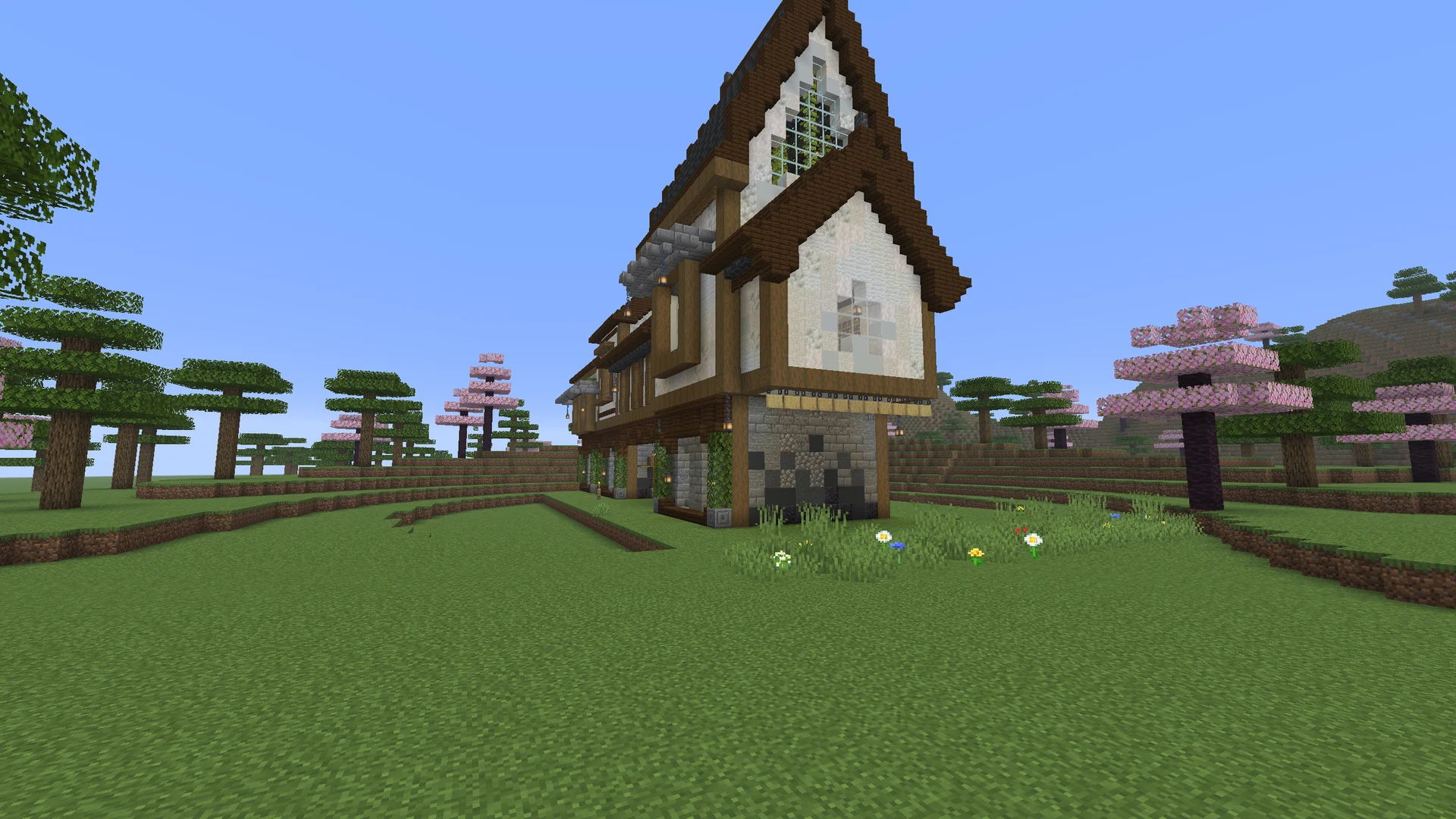
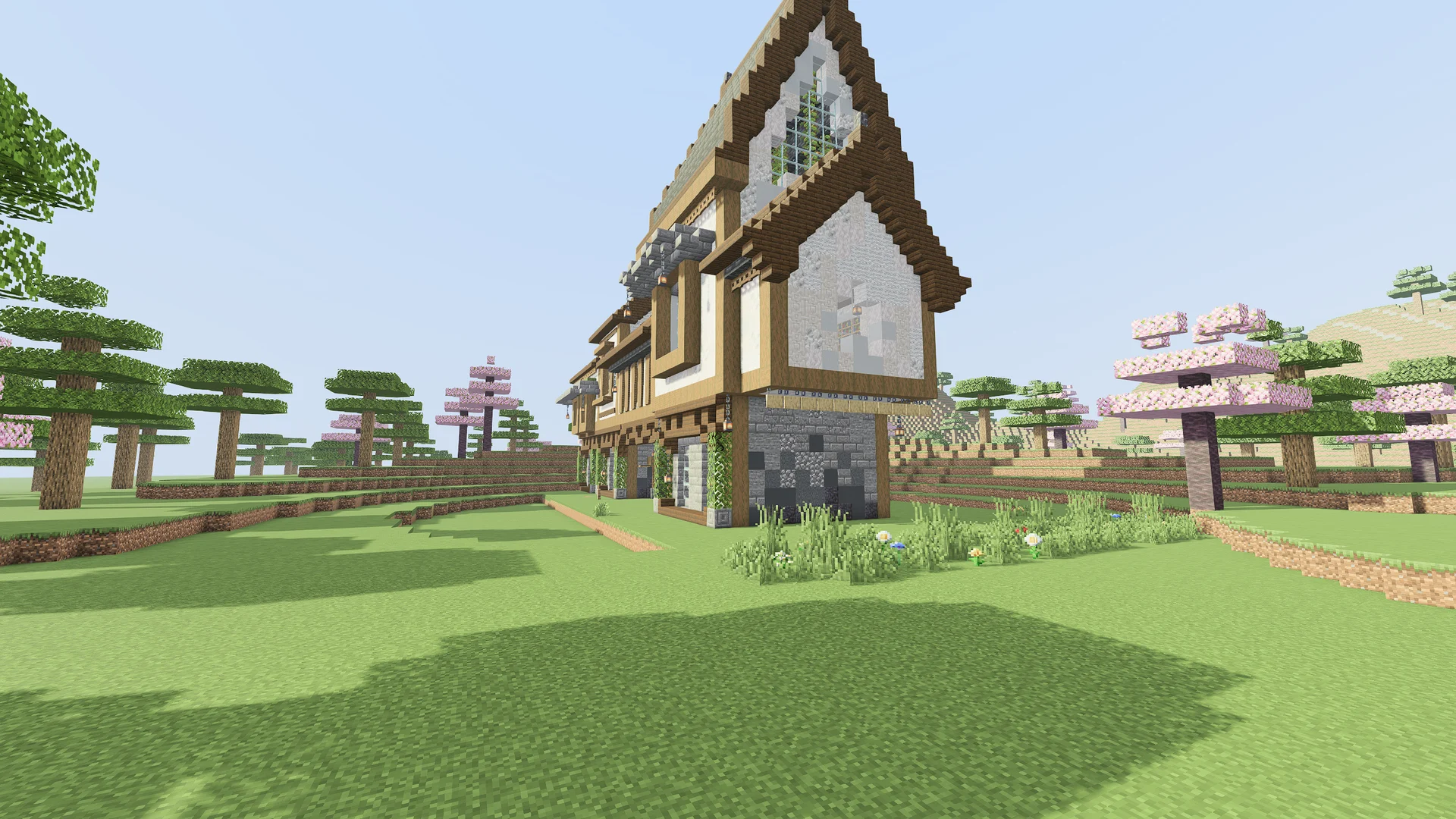
In standard shader setups, achieving physically based rendering (PBR) requires downloading bulky 256x or 512x resource packs that strain system memory. RenderPearl sidesteps this requirement by generating LabPBR 1.3 compliant normal maps, surface roughness, and block emissiveness procedurally.
Every default block receives calculated material depth out of the box, ensuring compatibility with vanilla assets as well as modded building blocks. Furthermore, illumination relies on a dynamic light list merged with average texture colors. Torches, soul lanterns, redstone lamps, and glowstone cast distinct colored ambient halos across walls and floors, complemented by ray-traced hand light for items held in either hand.
BRDF water physics and subsurface transparency
Clean Fresnel reflections without blinding glare or murky riverbeds
Water optics in RenderPearl utilize bidirectional reflectance distribution function (BRDF) models. Sky reflections and sunlight specular glints scale realistically with player viewing angles, producing natural wave highlights at shallow grazing perspectives.
Unlike heavy cinematic packs that turn rivers into dark mirrors, RenderPearl maintains high subsurface clarity. Survival divers can easily inspect river bottoms, sand deposits, and sunken monuments from above the waterline without excessive refractive distortion or murky dark color clipping.
One of the most distinctive aspects of RenderPearl is its in-depth Compatibility Menu, exposing low-level GLSL compiler flags that enthusiasts can tune according to their specific GPU architecture:
- 16/8-Bit Types: Utilizes half-precision and quarter-precision data types via OpenGL extensions. This significantly reduces register pressure, Local Data Share (LDS) usage, and VRAM memory bandwidth, particularly beneficial on modern AMD RDNA and Nvidia architectures.
- Trinary Min/Max: Leverages the
AMD_shader_trinary_minmaxhardware extension to execute triple-argument comparisons in single machine cycles, generating leaner instruction sequences on Radeon GPUs. - 32x16-Bit Multiplication: Utilizes
INTEL_shader_integer_functionson compatible Intel hardware to accelerate mixed-width integer arithmetic during compute shader dispatch. - Light List Capacity: Allows fine-tuning the active light buffer based on your GPU's available LDS per workgroup. If colored lights flicker in dense bases, increasing this value stabilizes the light cache.
Integrated survival HUD: In-shader light levels and compass
Built-in navigational aids eliminating redundant client mods
RenderPearl integrates practical gameplay utilities directly into its rendering pipeline, reducing the need for standalone client-side mods:
- Light Level Visualization: Renders a color-coded light level overlay directly onto block faces, allowing survival players to identify monster spawnable dark spots without installing external F7 light indicator mods.
- On-Screen Compass Overlay: Projects a clean directional compass onto the upper screen boundary, providing orientation during long-distance cave expeditions and nether travel.
Hardware prerequisites: Why OptiFine is unsupported
Modern OpenGL requirements and setup procedure
RenderPearl cannot run on OptiFine. The shaderpack strictly requires modern Iris on Fabric or NeoForge alongside graphics drivers supporting GLSL 4.60.8+ and compute shader extensions (SSBO, Block Emission Attributes, and Per-Buffer Blending).
To install RenderPearl:
- Confirm your Minecraft installation runs on Iris and Sodium with up-to-date GPU drivers.
- Download
RenderPearl.zipdirectly from Modrinth. - Open Minecraft, navigate to Options -> Video Settings -> Shader Packs, and click Open Shader Pack Folder.
- Place the downloaded ZIP into the folder without extracting its contents.
- Select RenderPearl from the menu, click Apply, and explore the in-game settings to tune FidelityFX CAS sharpening and hardware extensions.
Download links
We do not host Minecraft shader files directly. Download links go to the creator's official project pages.
Bloop Shaders
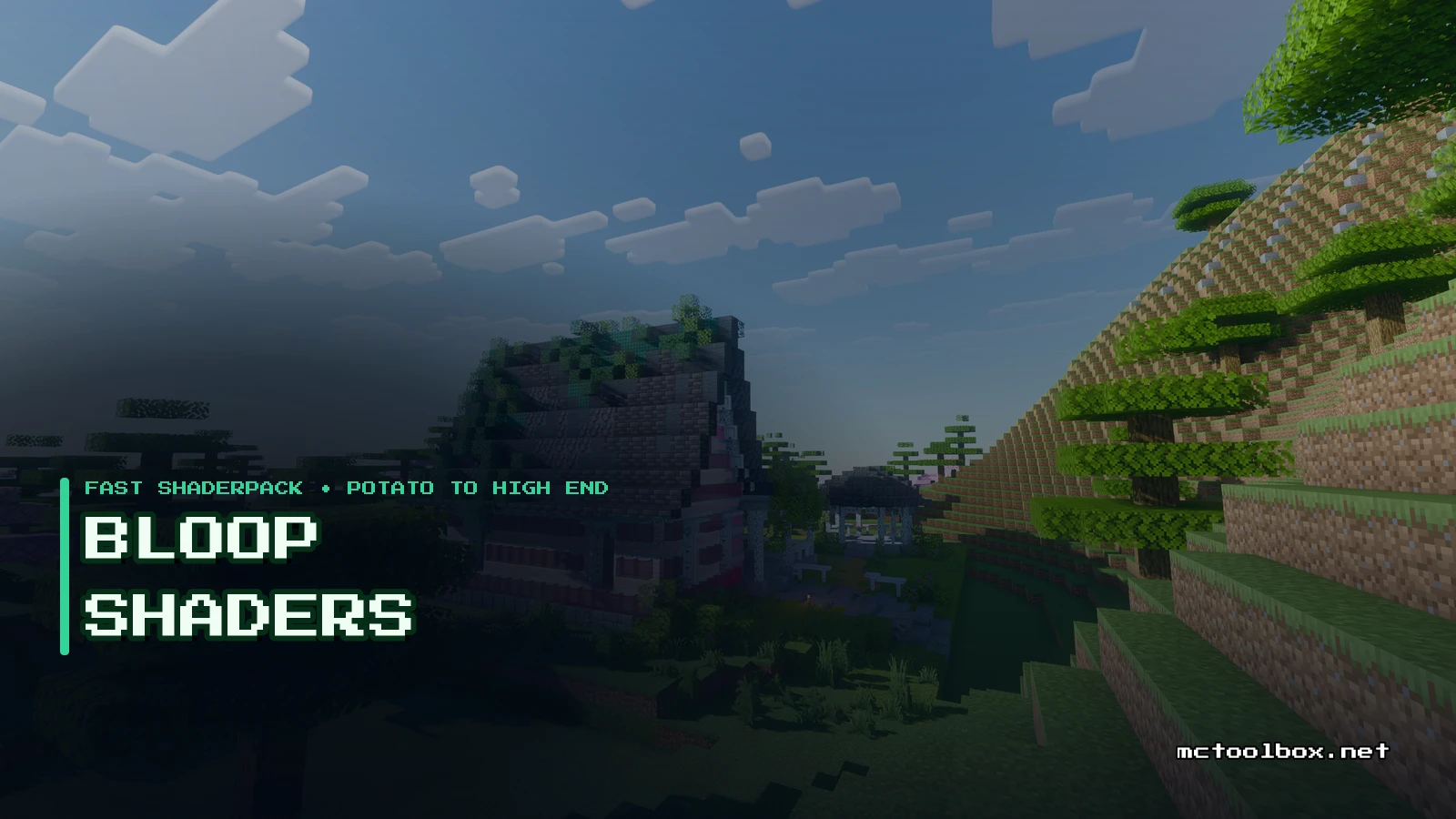
Bloop Shaders by espen96 is an optimized shaderpack engineered for smooth frame rates across diverse hardware. It delivers stylized blocky clouds, clean translucent water, balanced daytime vibrancy, and versatile performance presets ranging from Potato to Ultra.
Lux V1 Shader
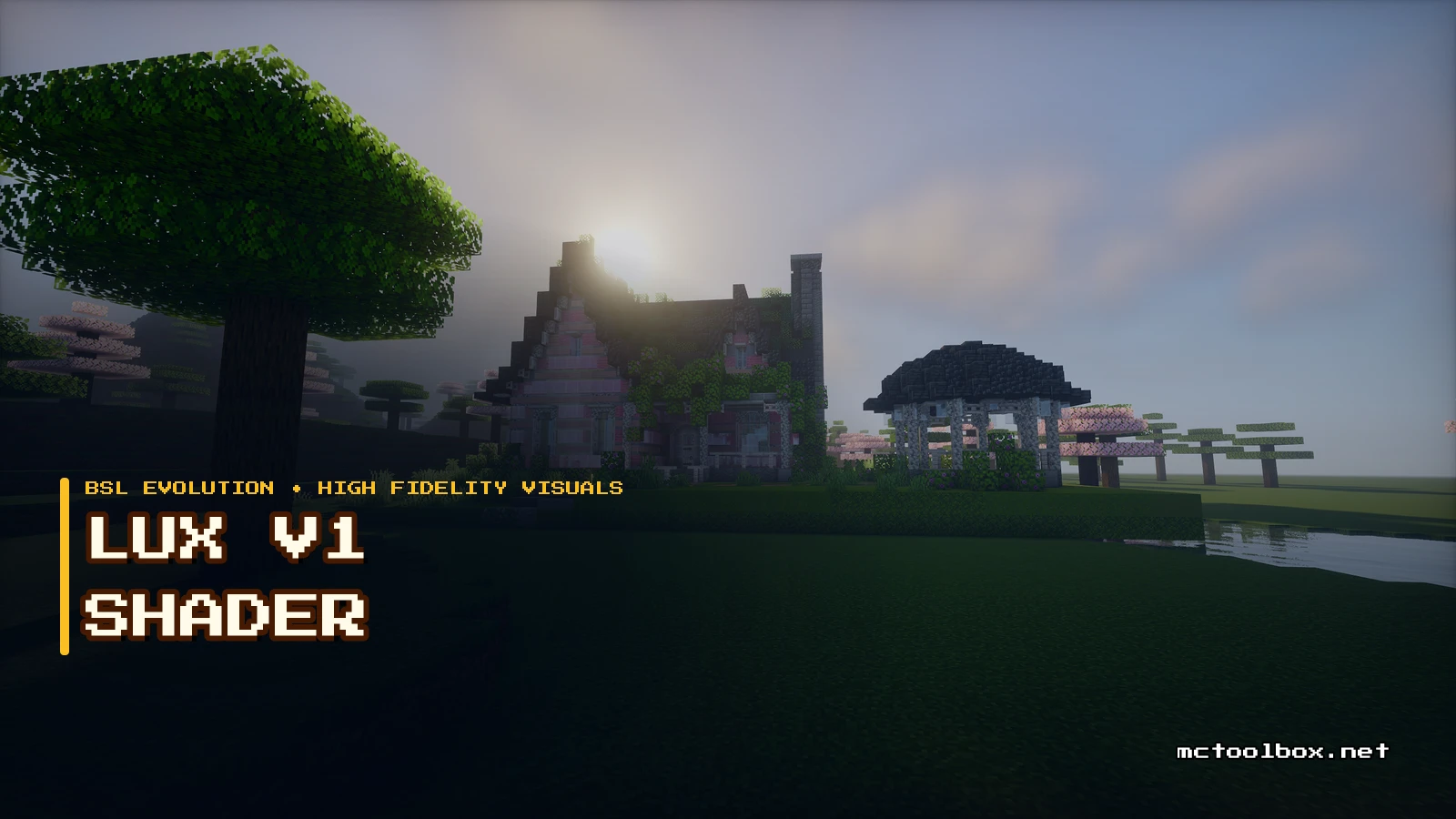
Lux V1 by TechTheDev is a high-fidelity visual expansion of Capt Tatsu's BSL Shaders, incorporating hybrid volumetric fog, sample-rejected depth of field, screen-space reflections on translucent blocks, and parallax self-shadowing.
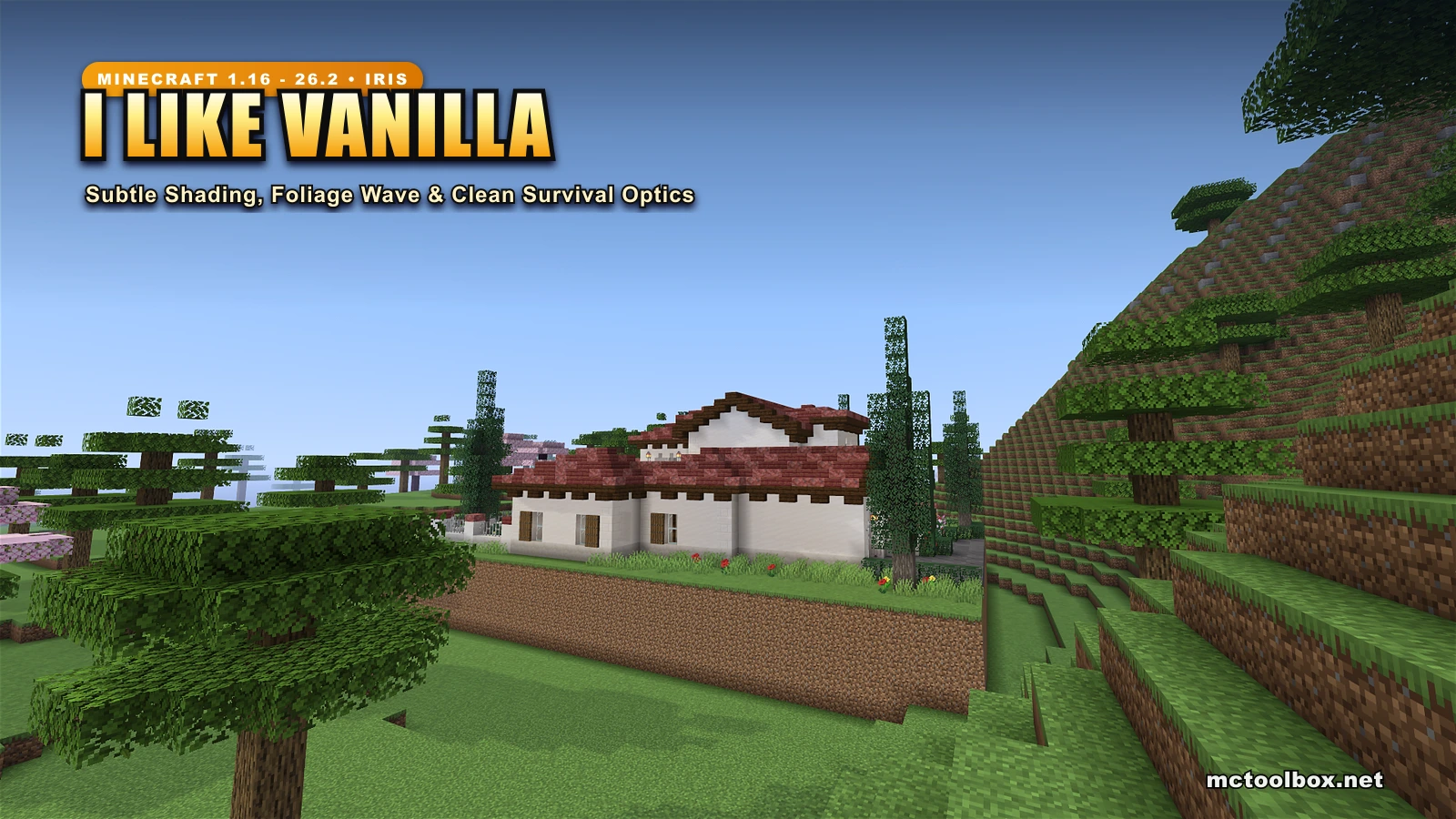
I Like Vanilla Shaders 1.16 - 26.3
I Like Vanilla by What42Pizza enhances Minecraft with subtle waving plants, clear water caustics, and soft ambient lighting while preserving the classic blocky art style.