








Minecraft shader review
Top Newb X Shaders for Minecraft Bedrock (MCPE 1.26+)
Hands-on comparison of Newb x Unwind, Dragon Reimagined, and Flamingo with 60 FPS mobile performance
Download Files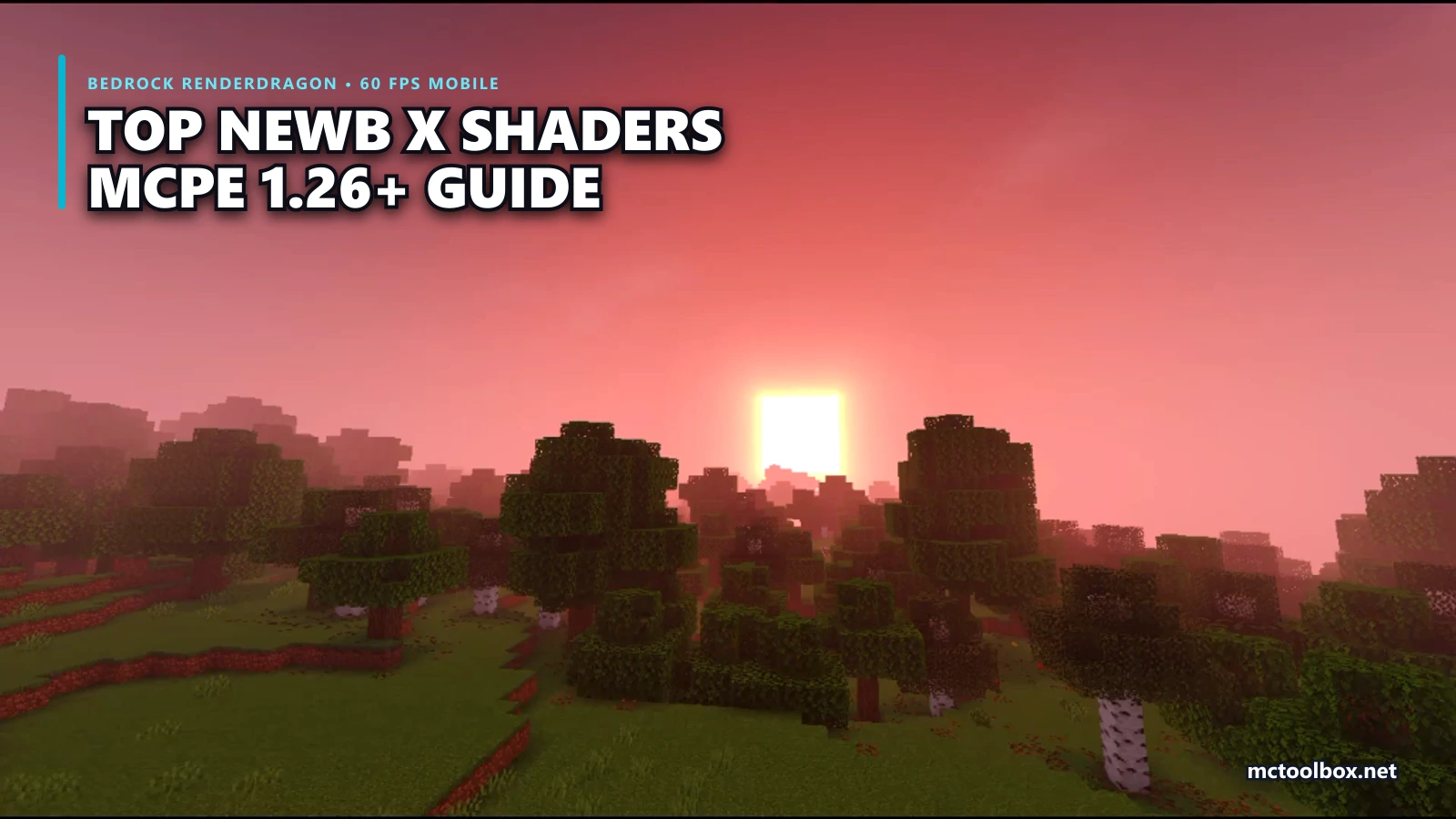
Comprehensive review of the top Newb X shader variants for Minecraft Bedrock: Unwind 6.3, Dragon Reimagined, and Flamingo 5.2.
Shader Index9 sections
If heavy deferred shaders like Mirai push your phone until it overheats, you are not alone. While volumetric raymarching looks spectacular in still screenshots, survival gameplay demands one thing above all else: a rock-solid 60 frames per second. That quest for high performance without sacrificing visual atmosphere is exactly why the Newb X family has become the undisputed champion of Minecraft Bedrock (MCPE) shaders.
Originally engineered by Deven (devendrn) as an open-source RenderDragon successor to the classic Newb Shader, the project sparked a creative wave of community variants. Browsing community showcases, players frequently debate which version reigns supreme: is it the serene mist of Newb x Unwind, the punchy colors of Newb X Dragon Reimagined, or the warm tones of Newb x Flamingo? To answer that question, I tested the leading Newb X builds side-by-side against vanilla Bedrock across identical scenes, measuring real mobile frame rates and evaluating their distinct visual personalities.
Birch riverfront: serene water and atmospheric distance fog
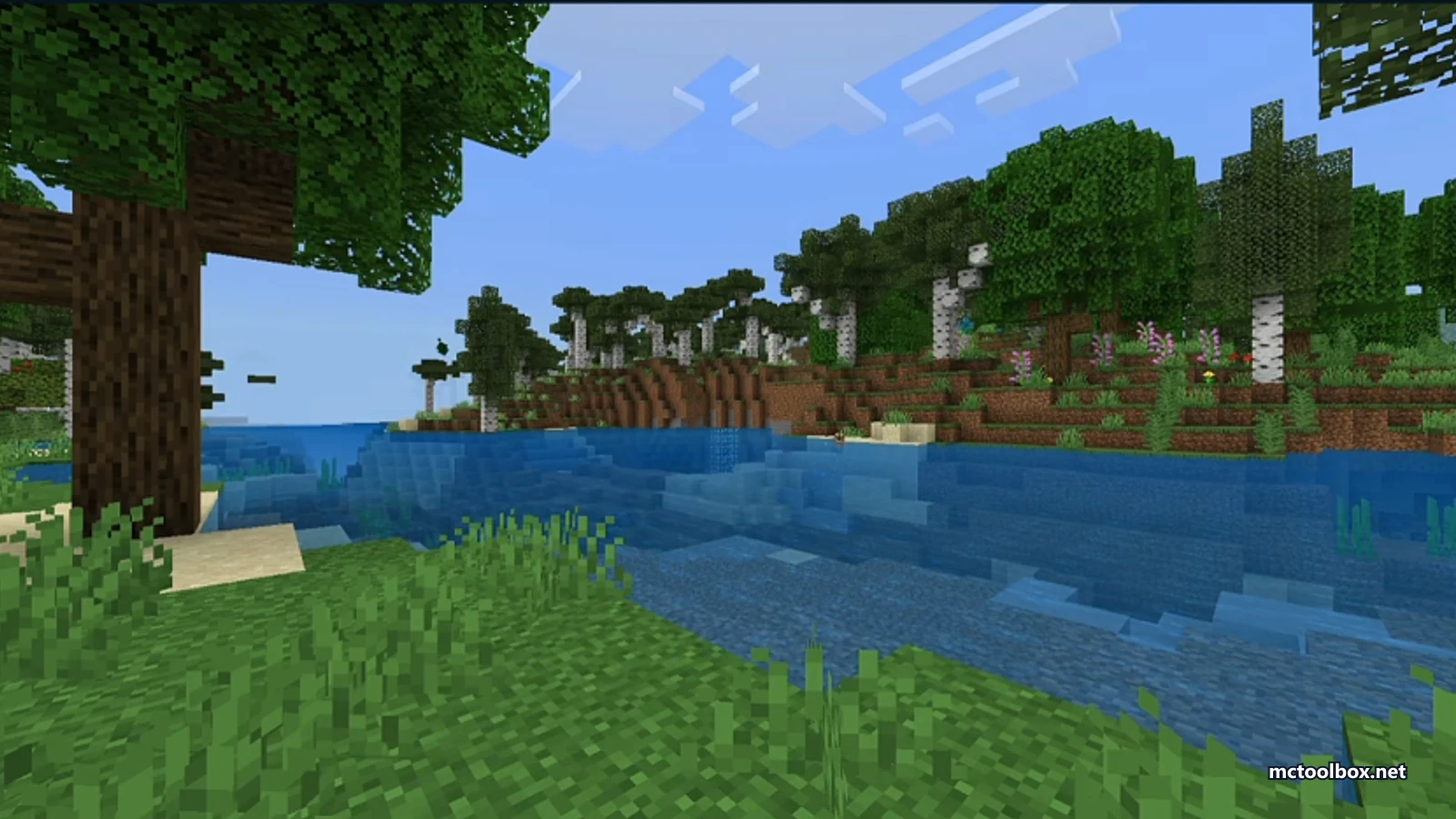
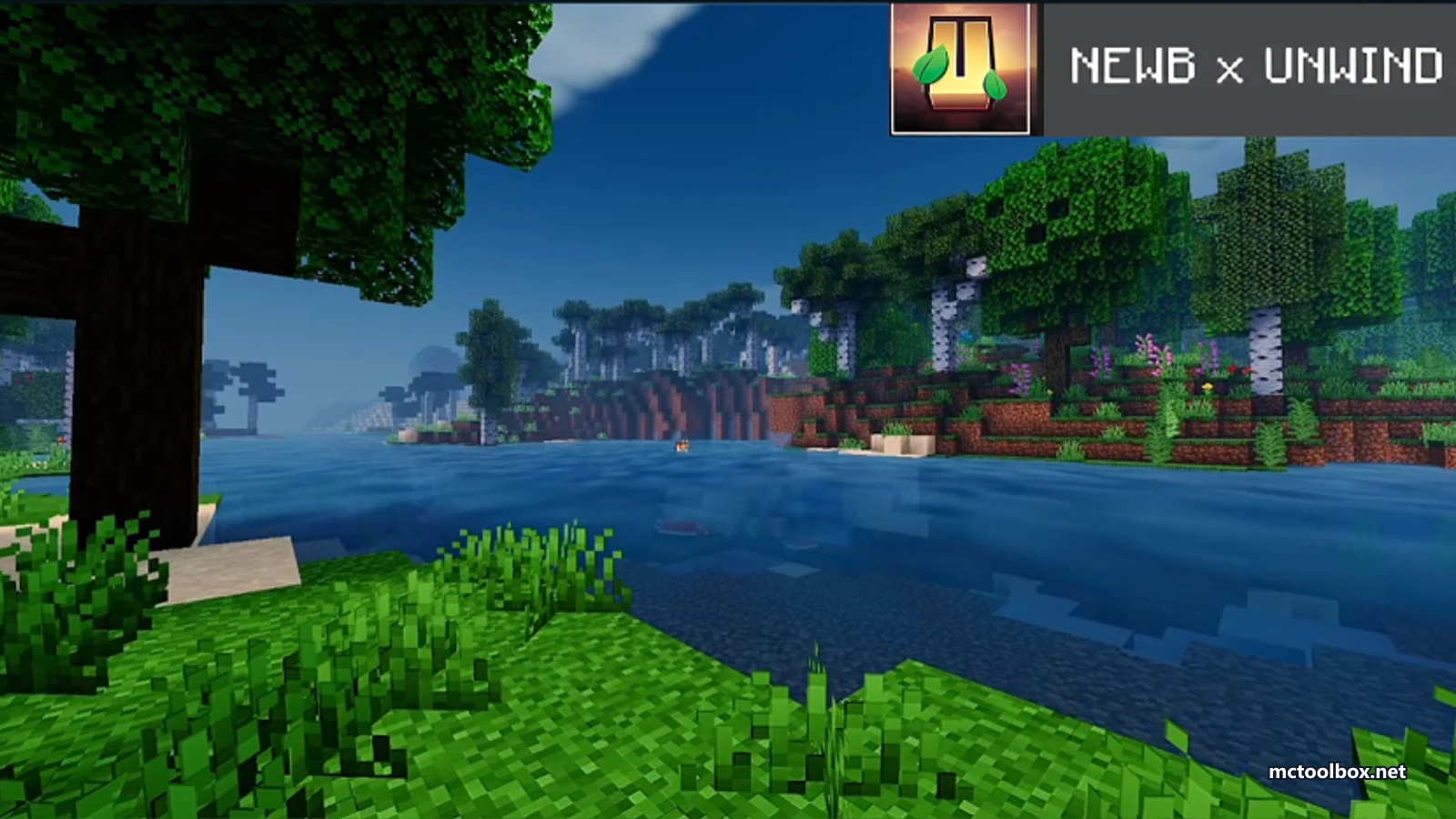
Comparing vanilla blue cellophane against Unwind's tranquil reflective lake surface
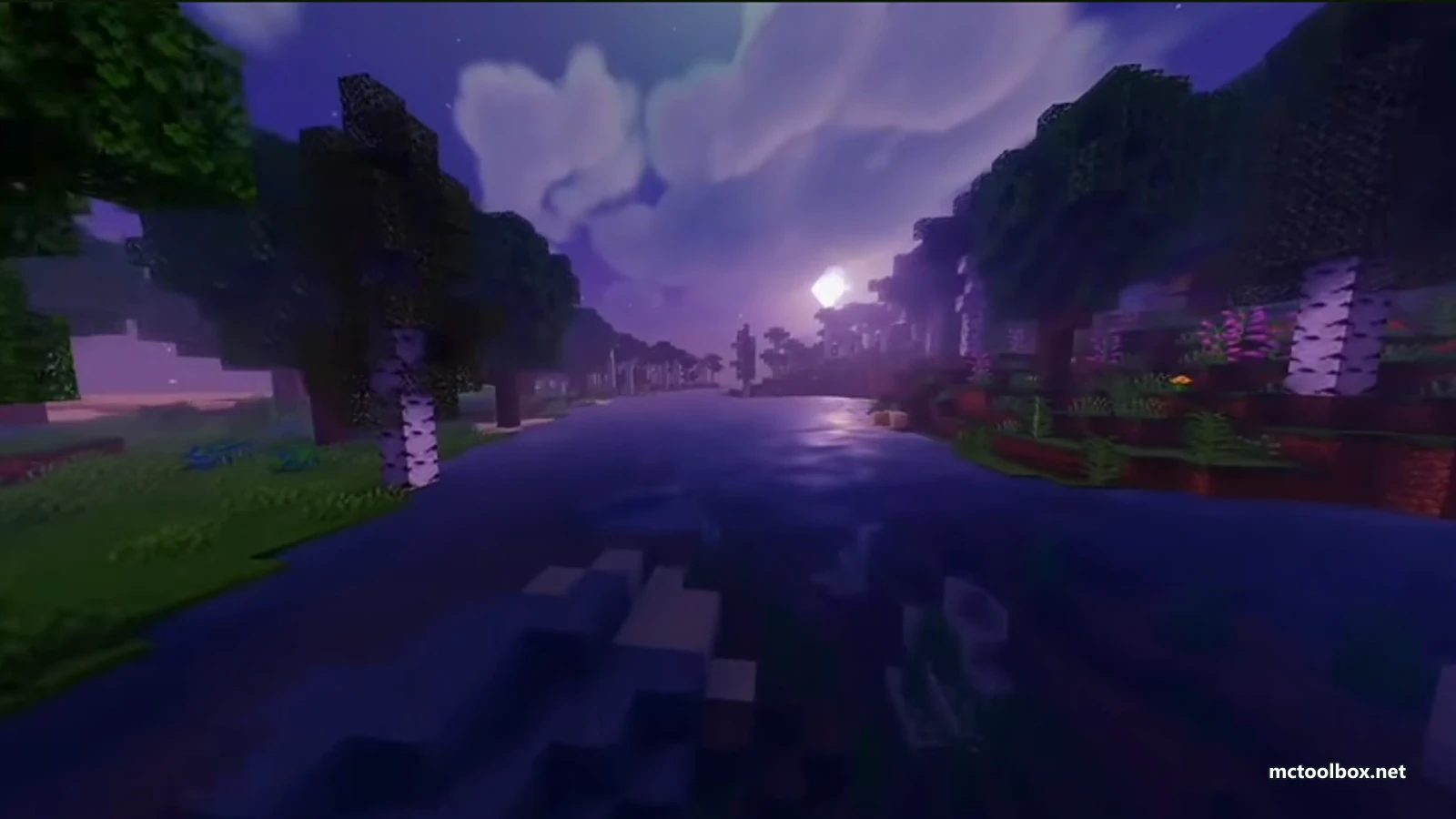
My first testing site was a wide river bend lined with birch trees and lush grass. In vanilla Minecraft Bedrock, the water looks completely flat and static, with harsh transitions against sandbanks and a pale, washed-out sky overhead.
Activating Newb x Unwind 6.3 immediately reshapes the entire mood. The sky deepens into a rich azure gradient dotted with soft cumulus clouds. The water surface gains subtle sky-tinted reflections with animated ripples, allowing underwater grass and gravel to remain visible in the shallows. Notice how distant birch trees on the far ridge fade softly into a cool morning mist: an aesthetic touch that makes the world feel vast rather than abruptly cut off by render limits.
Cherry village pathway: vibrant foliage and stylized lighting
How Dragon Reimagined turns daytime settlements into colorful anime landscapes
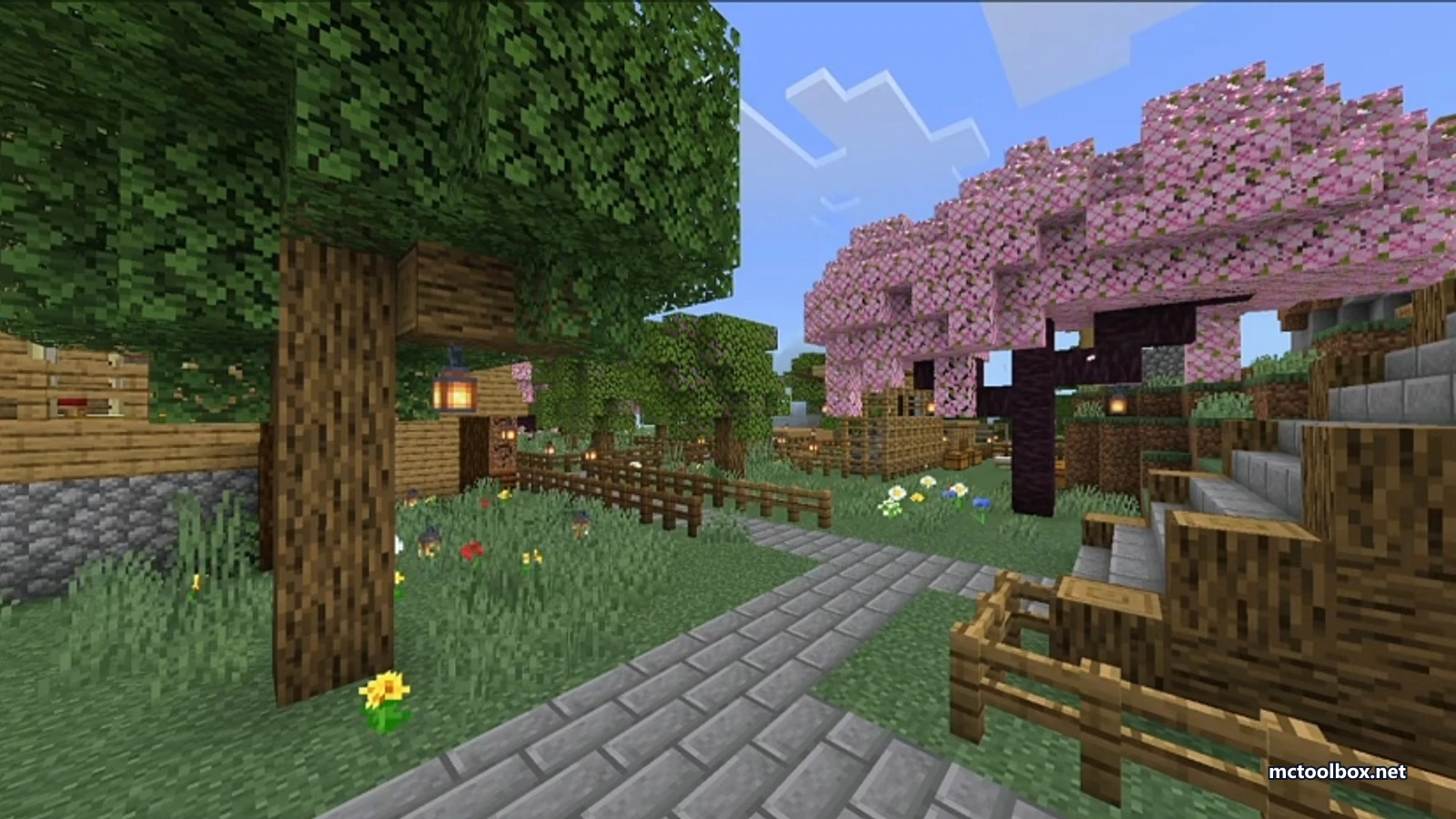
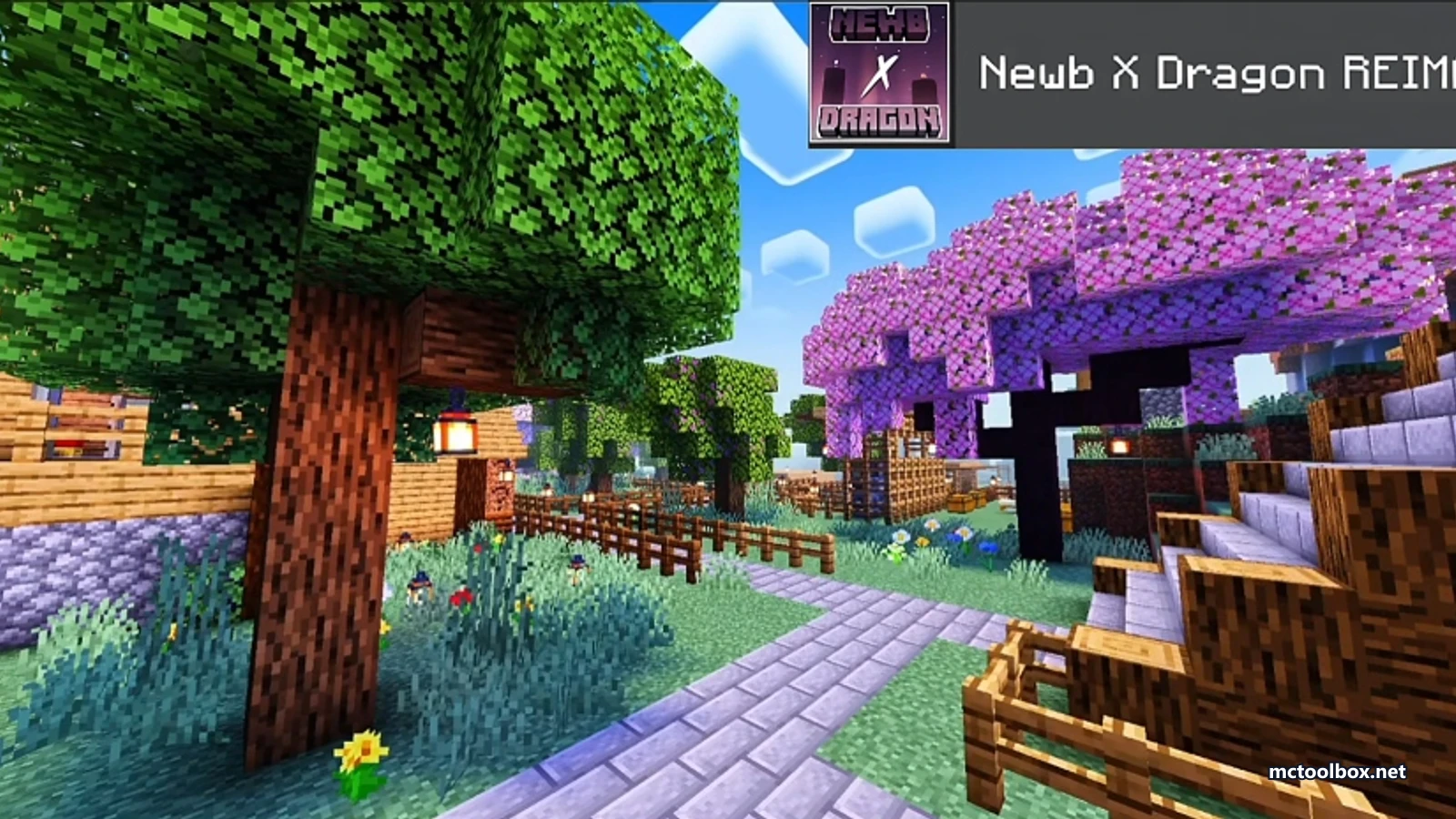
Next, I moved into a village street framed by timber houses, cobblestone paths, and blooming cherry blossom trees. Here, the differences between variants become unmistakable. While Unwind prioritizes a soft and relaxing ambiance, Newb X Dragon Reimagined aims directly for high-contrast anime flair.
Comparing vanilla against Dragon Reimagined shows an explosion of visual clarity. The cherry blossom leaves pop with vibrant pink saturation, grass blocks adopt a lush emerald hue, and wooden planks reveal deeper texture definition. Overhead, Dragon Reimagined introduces stylized geometric cloud shapes that evoke Java Edition's famous Complementary shader, all while maintaining effortless 60 FPS performance.
Fortress courtyard twilight: golden hour and warm lamp glow
Watching stone towers and cherry trees bathe in glowing dusk gradients
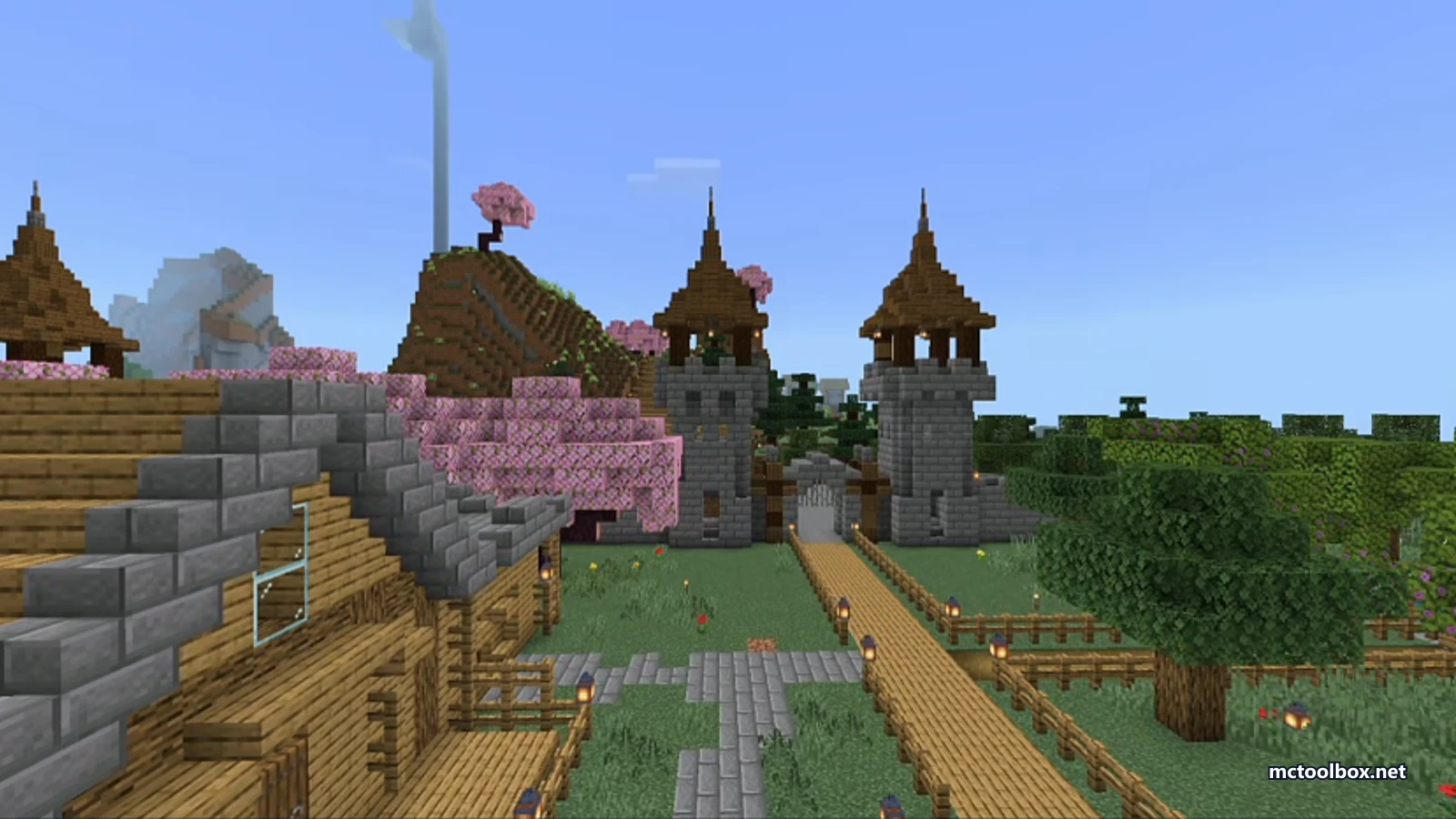
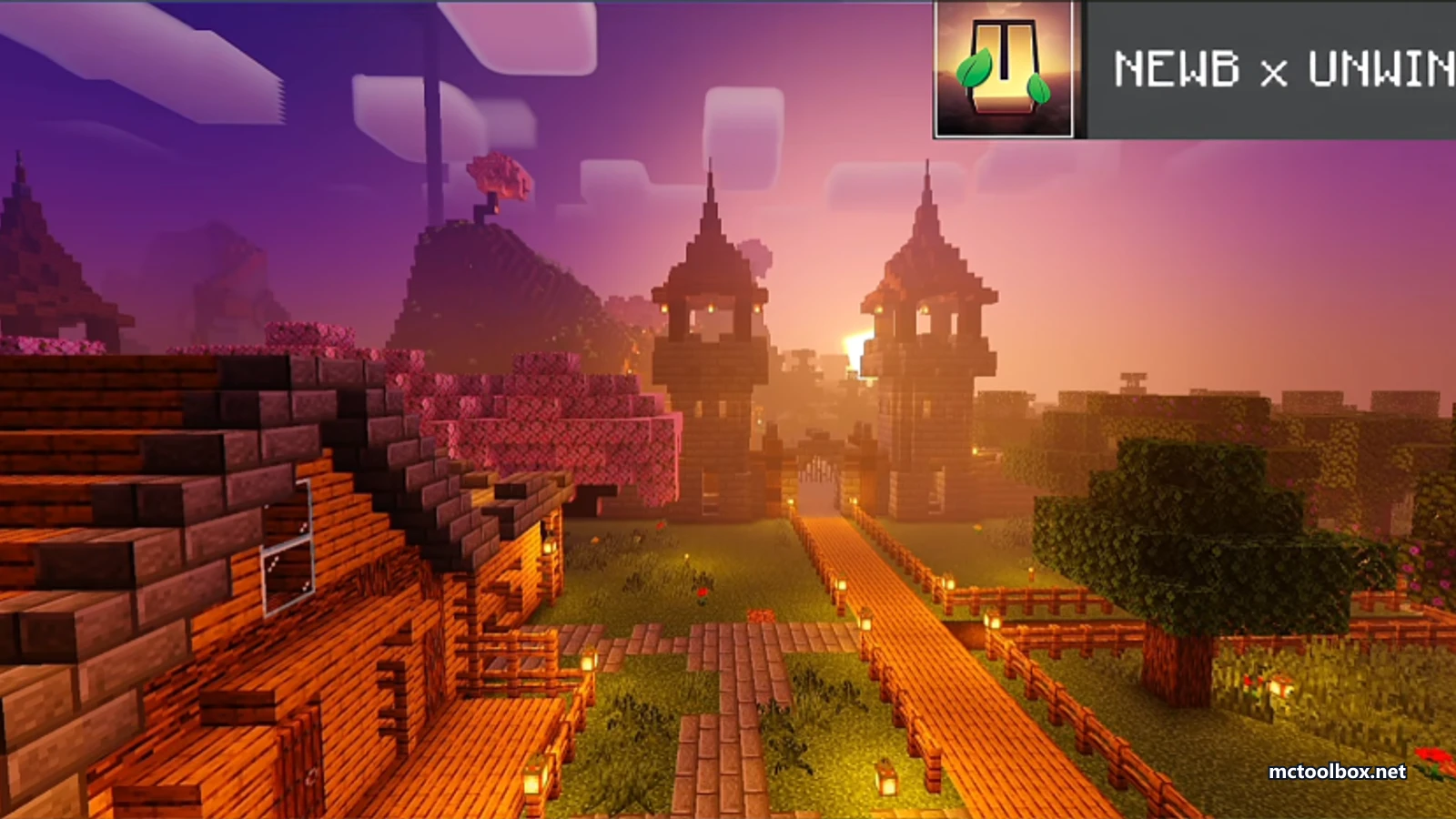
Sunset is where Newb X packs completely outshine default Bedrock graphics. Standing atop the village ramparts overlooking a medieval stone gatehouse, vanilla twilight simply dims the screen into a muddy greyish tint.
With Newb x Unwind 6.3, golden hour is an emotional experience. The sun descends directly between the fortress towers, casting warm amber and magenta gradients across the sky. Lanterns along the wooden fencing glow with an inviting warmth, illuminating the walkway and throwing soft shadows onto the stone steps. It creates a cozy survival ambiance that makes returning to your base at dusk feel truly rewarding.
Which Newb X variant should you choose?
Unwind vs Dragon Reimagined vs Flamingo: finding your aesthetic
Because all three prominent community builds share Deven's ultra-optimized Newb X Legacy core, your decision comes down purely to visual taste:
- Newb x Unwind 6.3: The best choice for long survival sessions. It features the softest lighting, realistic watercolor palettes, subtle atmospheric fog, and gentle evening skies that never strain your eyes.
- Newb X Dragon Reimagined: The choice for players who love bright, punchy, screenshot-ready visuals. It delivers maximum color saturation, glowing ores, and custom geometric clouds inspired by Java shaderpacks.
- Newb x Flamingo 5.2: The romantic middle ground. Flamingo enhances warm tones and magenta sky gradients, making cherry blossom biomes and autumn forests look exceptionally artistic.
- Newb X Legacy (Base by Deven): The cleanest vanilla-plus foundation with zero extra bloat, ideal for competitive Bedrock servers and mini-games.
Mobile performance reality: true 60 FPS on real phones
Why mid-range phones like Poco and Oppo Reno run Newb X without stuttering
In player comment sections, a common question asked by mobile gamers is: 'What phone do you have, and does it hold 60 FPS while screen recording?' Players running phones like the Poco X7 Pro, Oppo Reno 13, and Infinix GT 20 Pro frequently confirm that Newb X variants run flawlessly.
Unlike deferred shaders that force continuous raymarching calculations, Newb X optimizes RenderDragon's existing material pipeline. This smart approach yields remarkable performance benefits:
- Smooth 60 FPS Gameplay: Budget and mid-range mobile processors maintain a steady 60 FPS even around dense foliage and flowing rivers.
- No Excessive Battery Drain: Your phone stays cool during long survival sessions without aggressive thermal throttling.
- Clean Screen Recording: Content creators can record 1080p 60 FPS mobile gameplay without encountering micro-stutters or dropped frames.
Troubleshooting: why doesn't Newb X work on Minecraft 1.26.33+?
Understanding the MB Loader requirement for RenderDragon shaderpacks
When browsing Bedrock modding forums, you will inevitably spot comments like 'Why doesn't Newb X work on 1.26.33?' or 'It says only works with BetterRenderDragon'. Here is the technical reality you need to know:
Minecraft Bedrock does not officially support custom third-party shader code in its standard vanilla launcher. For Newb X's custom material files to take effect, they require a helper loader:
- On Android: You must use MB Loader (developed by Bambosan) or a patched Minecraft APK that allows RenderDragon to read custom
.material.binfiles. - On Windows PC: You need BetterRenderDragon or the Wyvern Loader to inject shader materials upon game launch.
- On iOS: Sideloading via Hynis is required.
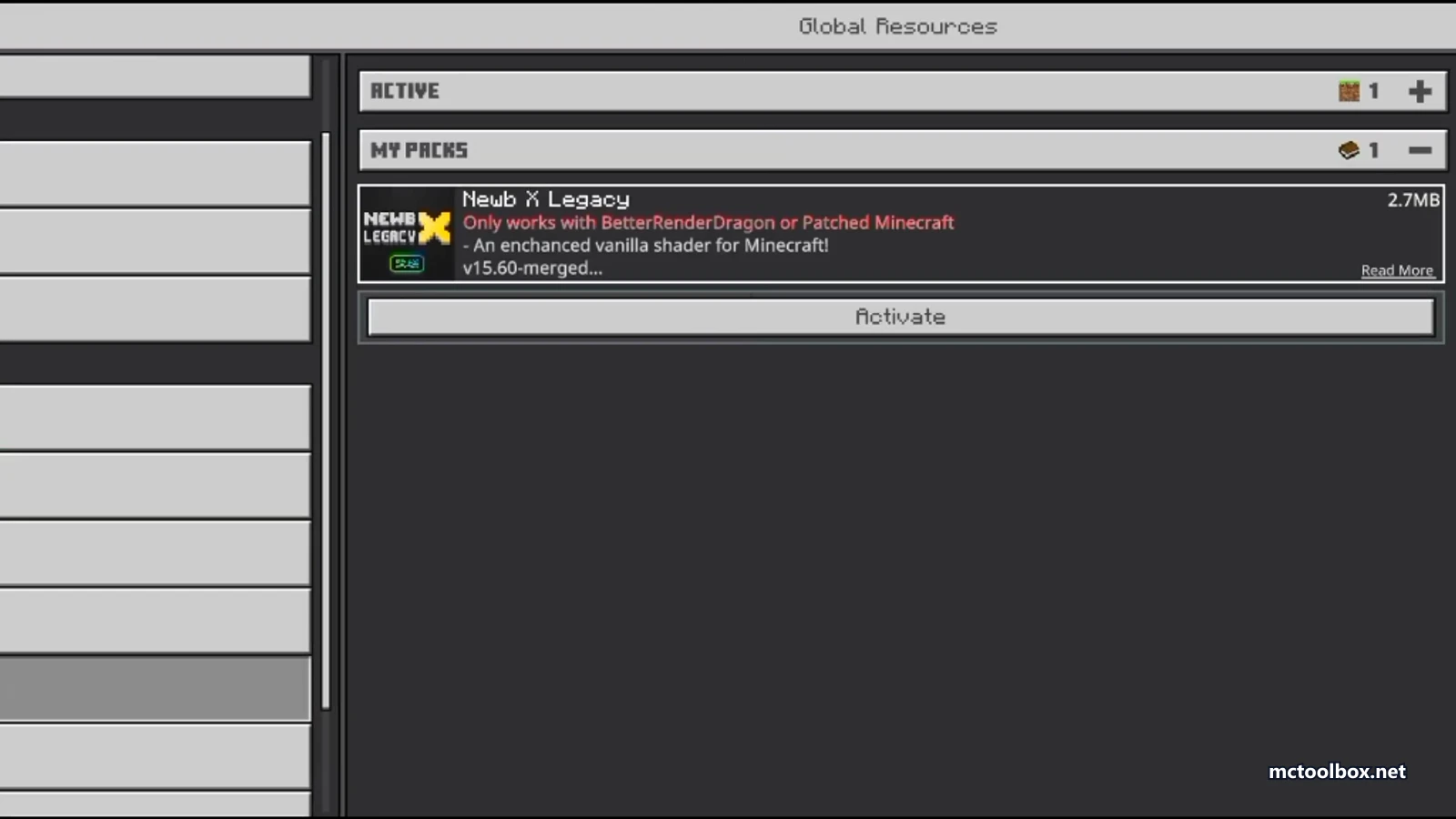
Without these loaders running in tandem, activating the pack in Global Resources will simply display the vanilla look or show a compatibility warning banner.
Step-by-step installation guide
How to set up Newb X on Android and Windows
Here is the recommended workflow to get Newb X running cleanly:
- Download the Shader Pack: Grab your desired
.mcpackfile (such as Newb x Unwind on CurseForge or Newb X Legacy on GitHub). - Setup Your Loader: Ensure you have MB Loader installed on your Android device or BetterRenderDragon on Windows.
- Import the Pack: Tap the
.mcpackfile to import it into Minecraft Bedrock. - Activate Globally: Go to Settings > Global Resources > My Packs, locate your Newb X pack, and click Activate.
- Launch via Loader: Always launch the game through your chosen loader to allow the custom RenderDragon materials to render properly.
Newb X setup questions and RenderDragon fixes
Common community questions answered
Download links
We do not host Minecraft shader files directly. Download links go to the creator's official project pages.
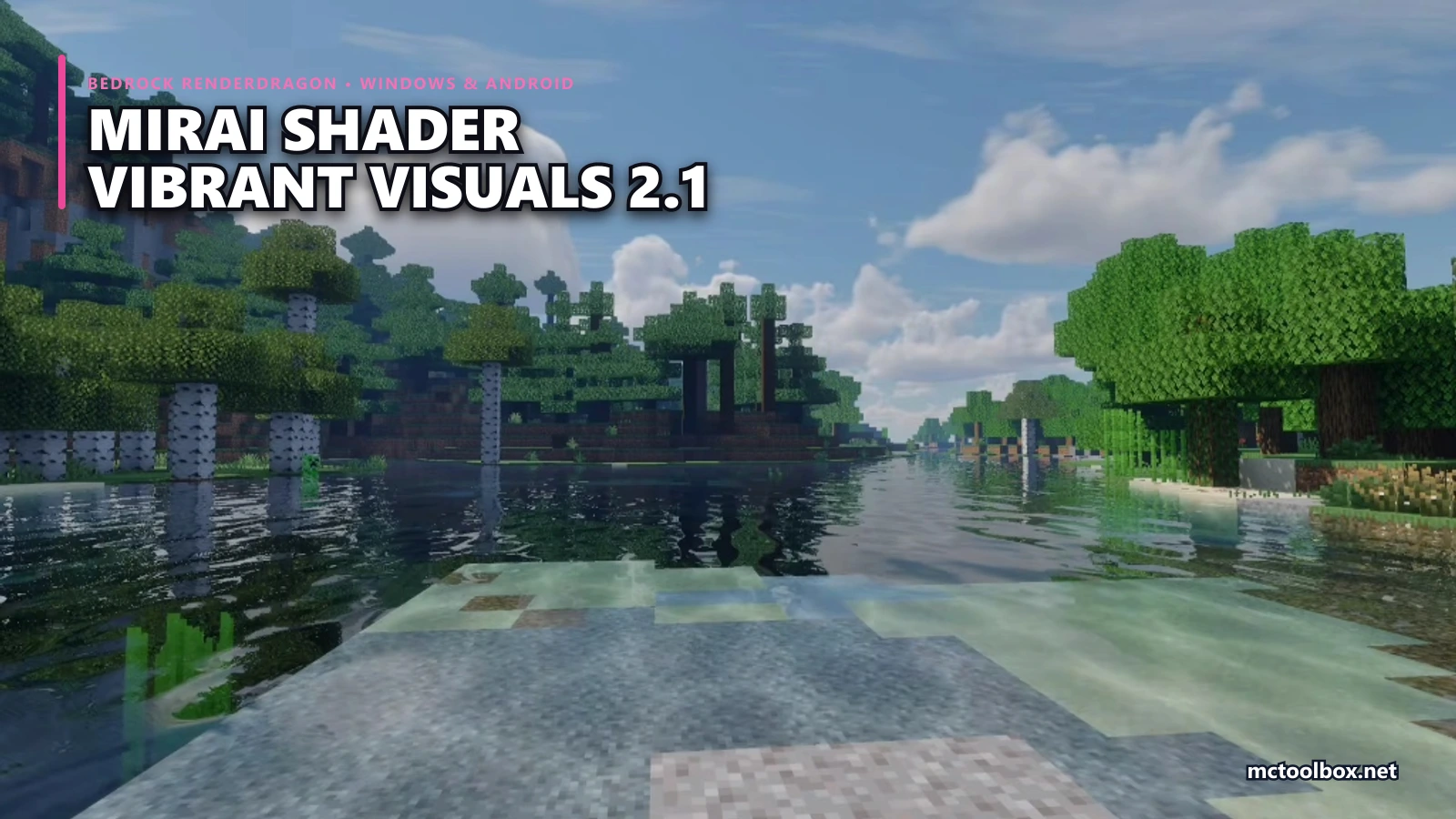
Mirai Shader 2.1 for Minecraft Bedrock (MCPE)
Mirai Shader by Bambosan brings volumetric clouds, screen-space reflections, dynamic caustics, and deferred lighting to Minecraft Bedrock on Windows and Android.
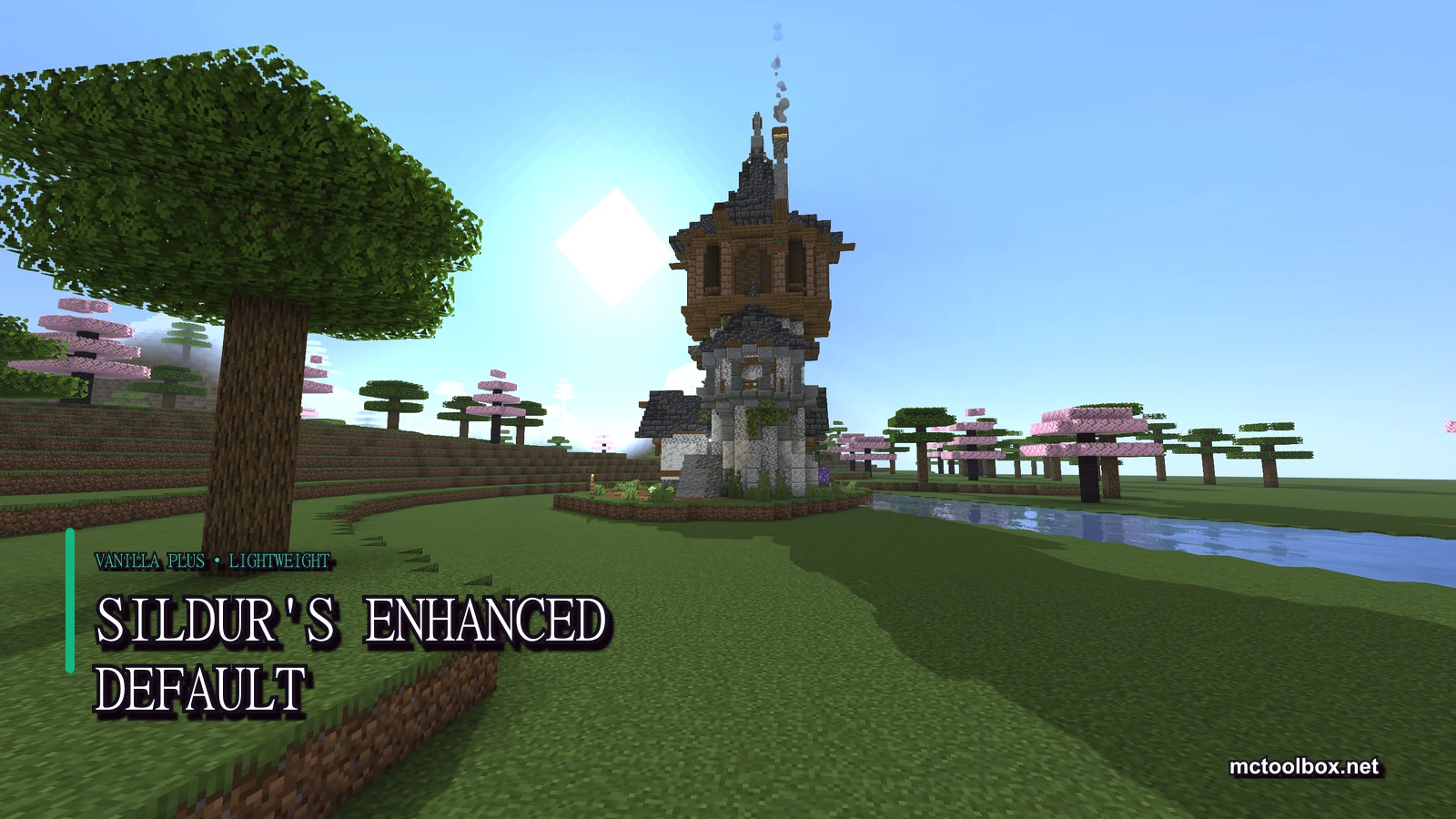
Sildur's Enhanced Default 1.20 - 26.3
Sildur's Enhanced Default by SildurFX upgrades Minecraft's lighting with real-time shadows and water reflections while preserving the game's original color palette and delivering exceptional framerates.
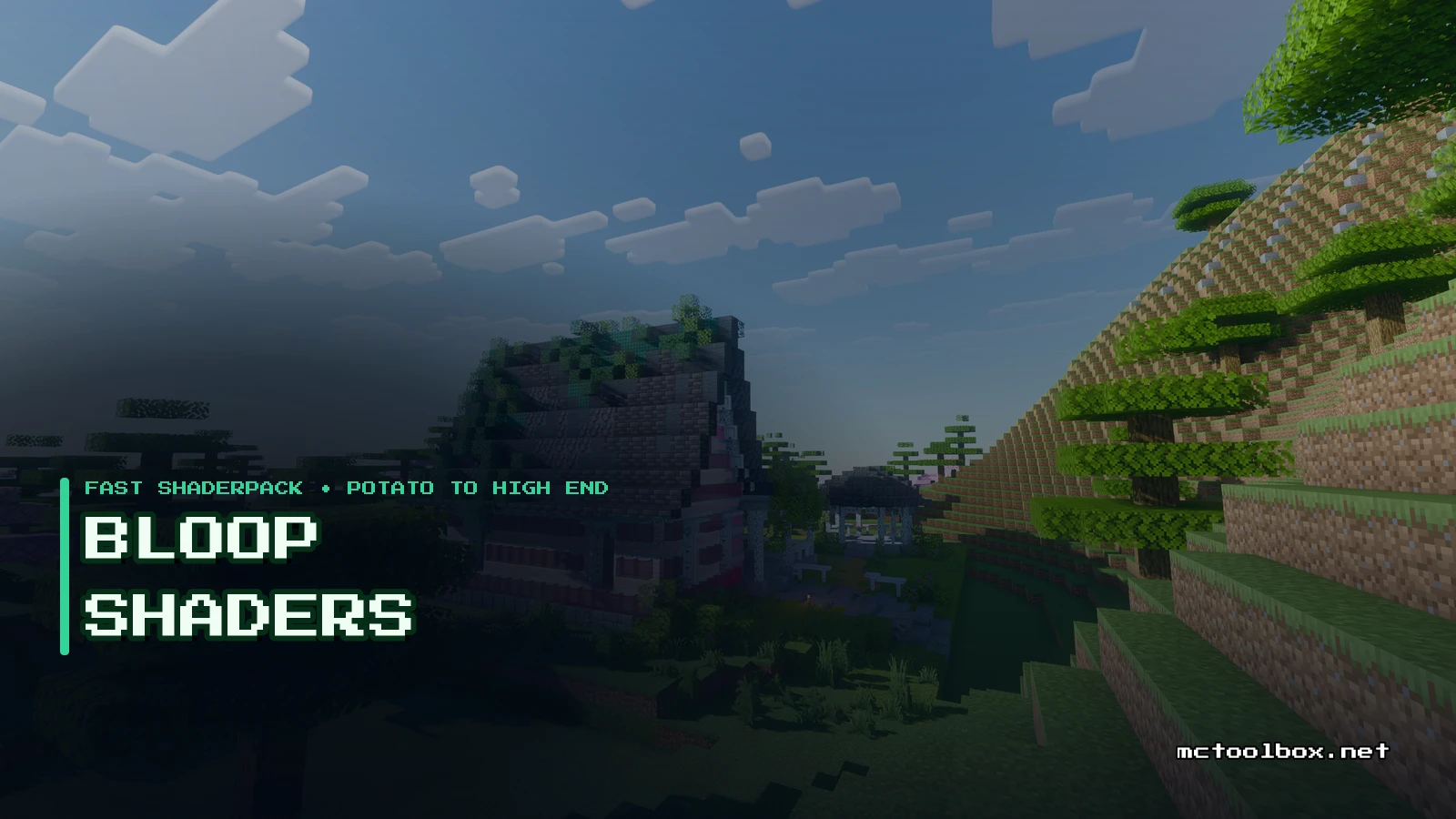
Bloop Shaders
Bloop Shaders by espen96 is an optimized shaderpack engineered for smooth frame rates across diverse hardware. It delivers stylized blocky clouds, clean translucent water, balanced daytime vibrancy, and versatile performance presets ranging from Potato to Ultra.