








Minecraft shader review
Mirai Shader 2.1 for Minecraft Bedrock (MCPE)
Permeable volumetric clouds, screen-space water reflections, and RenderDragon deferred lighting by Bambosan
Download Files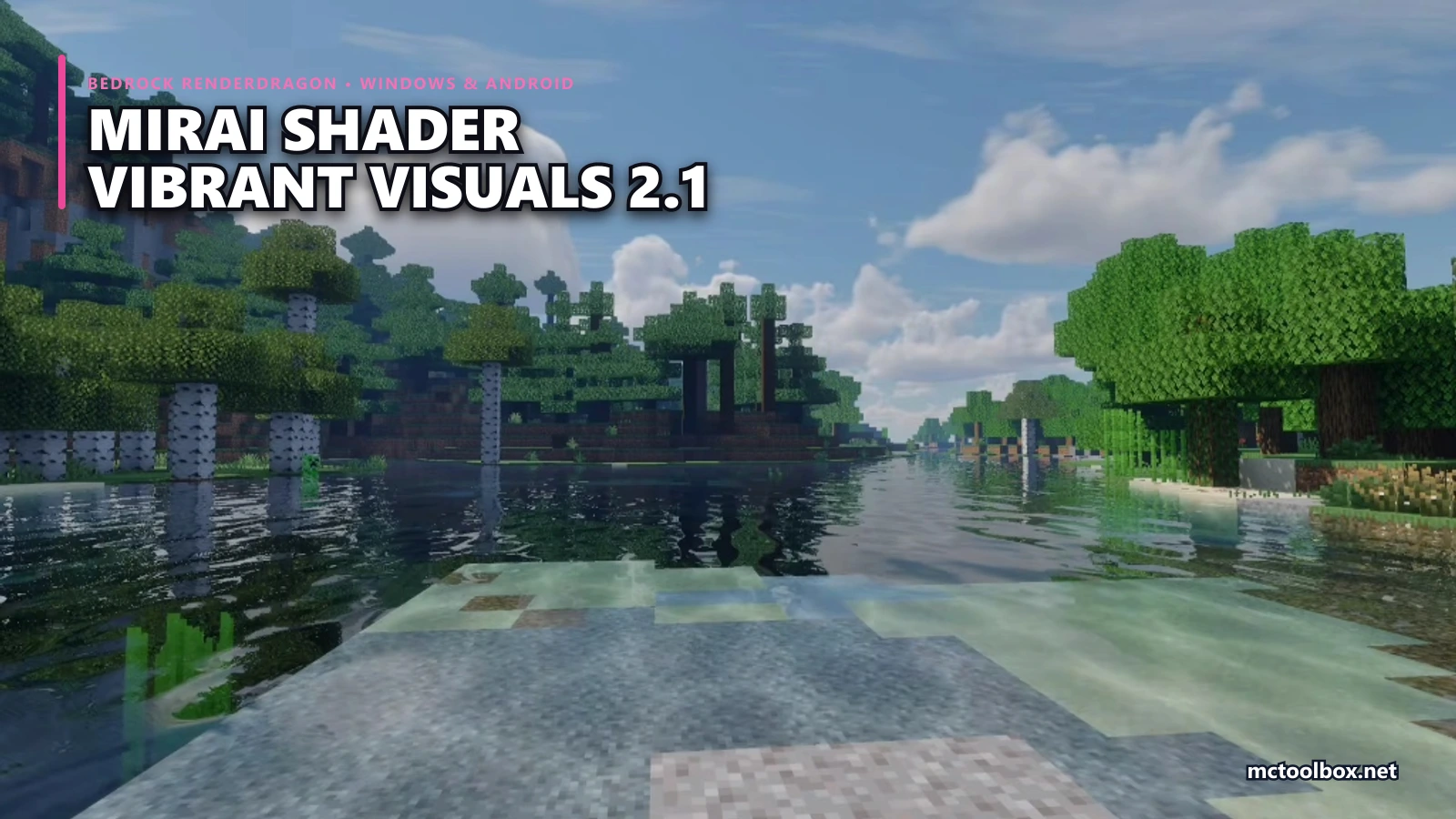
Mirai Shader by Bambosan brings volumetric clouds, screen-space reflections, dynamic caustics, and deferred lighting to Minecraft Bedrock on Windows and Android.
Shader Index7 sections
For years, every time I booted up Minecraft Bedrock Edition on my phone or laptop, I felt a familiar pang of jealousy toward Java Edition players. While Java enjoyed breathtaking Iris shaders with volumetric fog and glass-like lakes, Bedrock players were trapped behind the RenderDragon lockdown. Unless you had a high-end graphics card capable of full ray tracing, Bedrock looked flat, plastic, and uninspired.
That is why discovering Mirai Shader 2.1 by Bambosan felt like a monumental shift. Like many players reacting across the community with comments like 'finally a good Bedrock shader' and 'a new era has started in Bedrock edition', I wanted to see whether this pack truly delivers Java-tier graphics on mobile and Windows devices. Mirai leverages Bedrock's modern Deferred Technical Preview / Vibrant Visuals pipeline to calculate real volumetric clouds, screen-space water reflections, and subsurface scattering. Here is my honest, hands-on breakdown of how it looks, how it runs, and where it pushes hardware to its breaking point.
Aquatic reflections and clear river caustics
How screen-space reflections turn flat blue channels into living water bodies
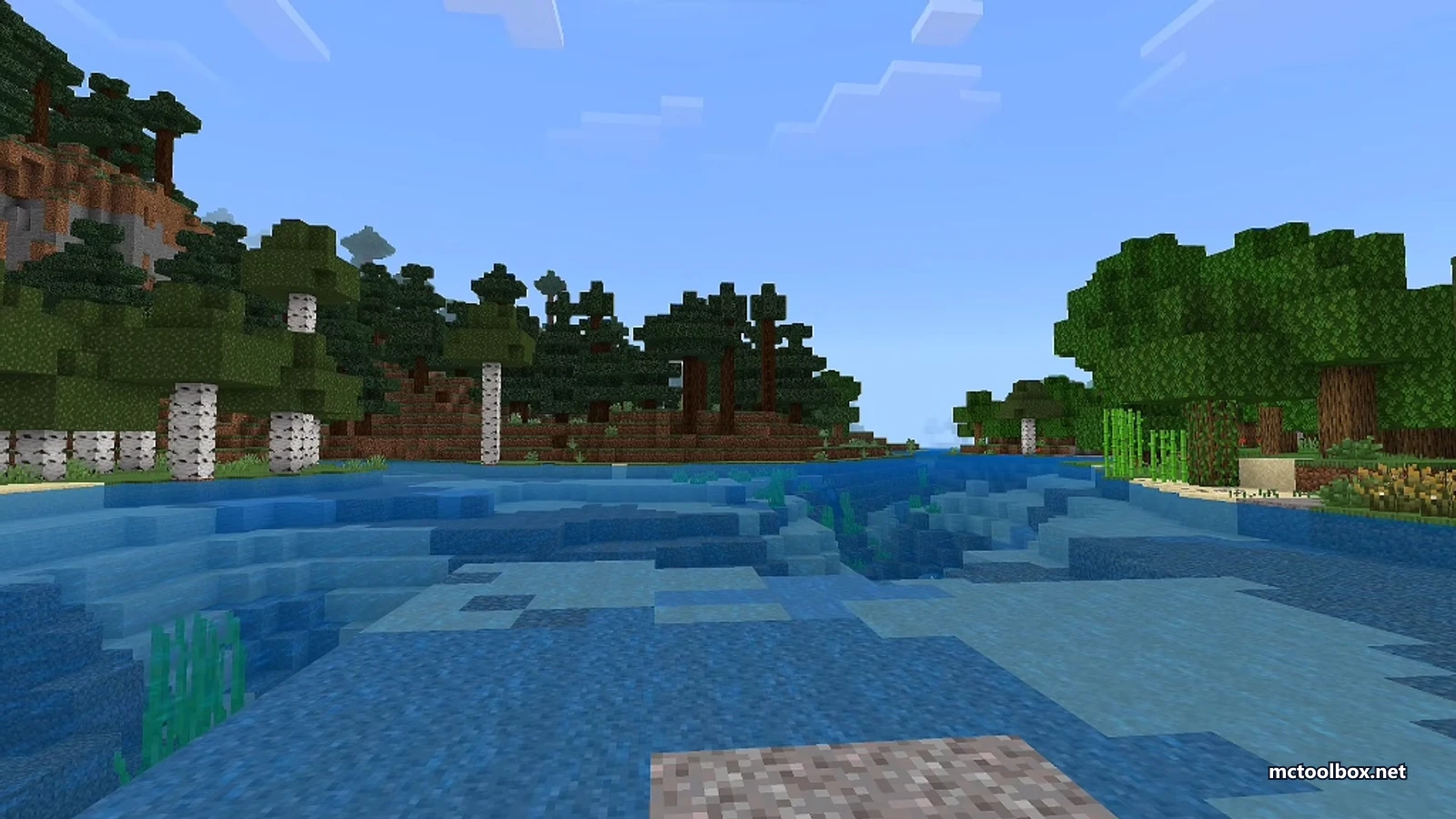
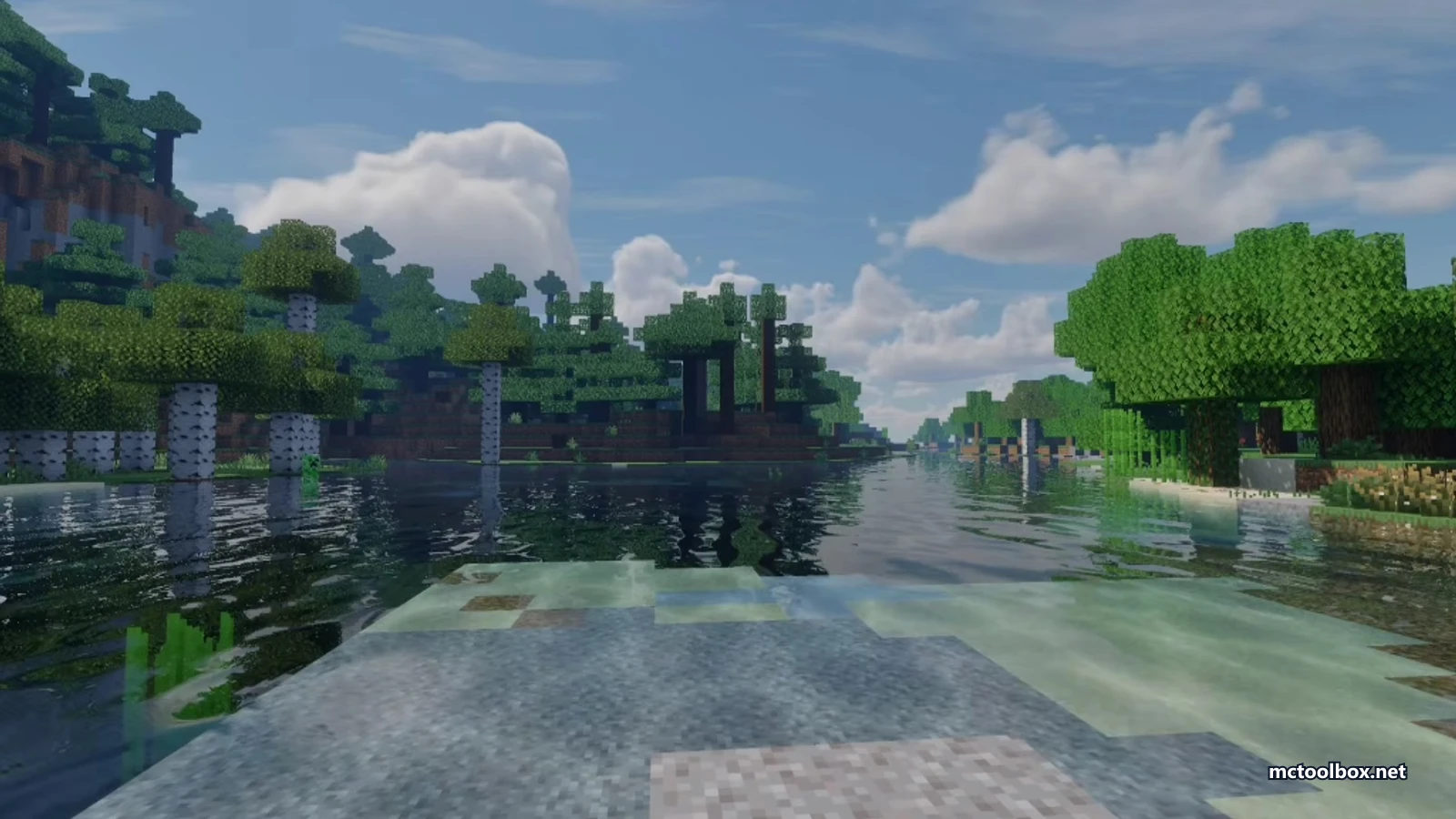
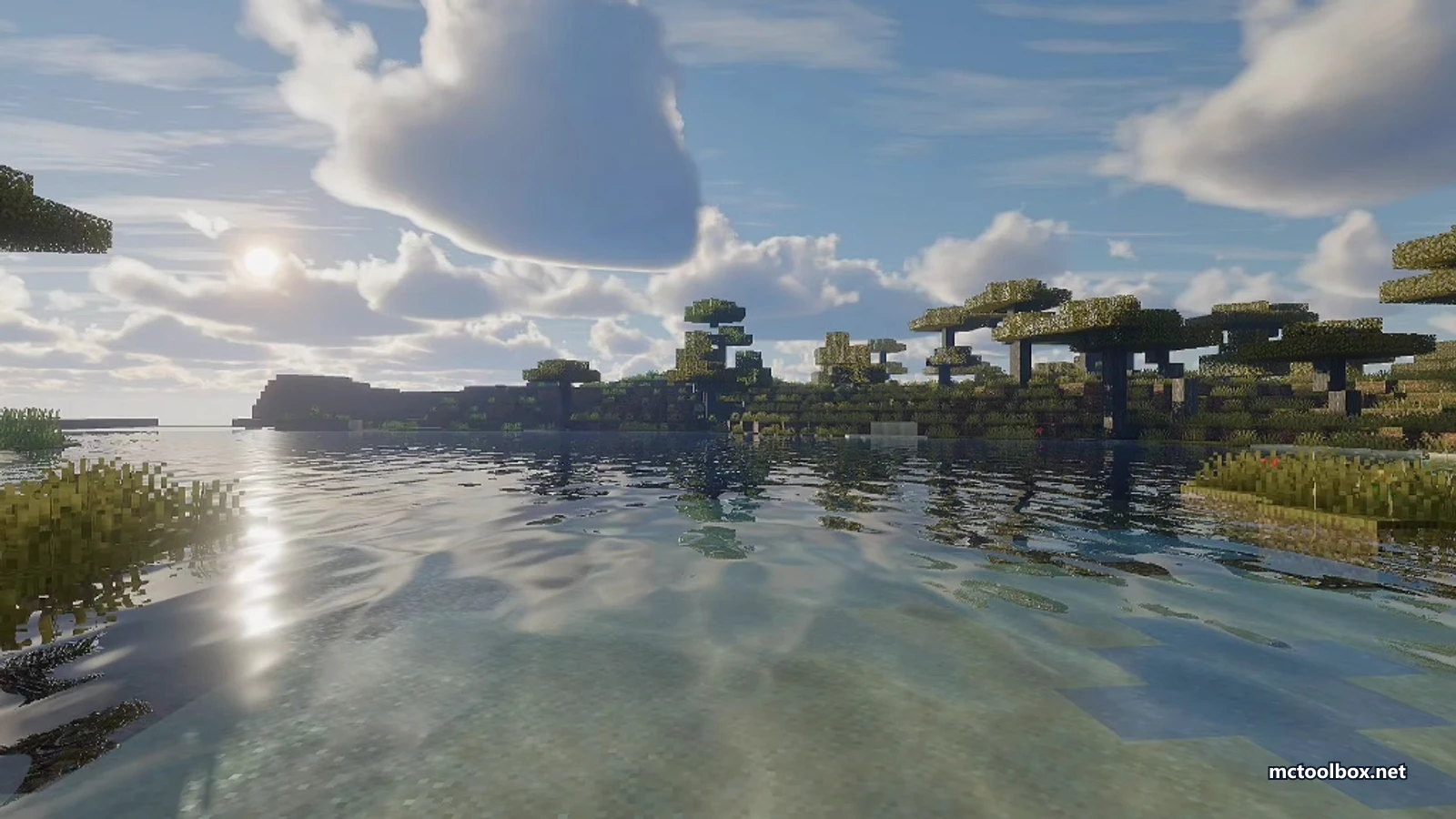
The very first location I inspected was a winding forest river, because water is usually where mobile shaders either triumph or fall apart. In vanilla Bedrock, water is simply a flat blue texture with basic transparency. Standing on the riverbank with Mirai 2.1 active, the transformation took my breath away.
Instead of static blue blocks, the water behaves like a living optical surface. Mirai applies screen-space reflections (SSR) that cleanly mirror the white birch trunks, dark spruce silhouettes, and overhead green canopy. Looking closely into the shallows, animated sunlight caustics dance over the submerged sand and gravel. It gives river exploration an organic depth I never imagined seeing on Bedrock without dedicated RTX hardware.
Volumetric cloud marching and directional sunlight
Replacing flat cloud squares with permeable three-dimensional atmosphere
Looking up at the sky in Mirai 2.1 reveals the shader's biggest technical achievement: raymarched volumetric clouds. In vanilla, clouds are flat two-dimensional squares that look like floating cardboard. Mirai computes permeable three-dimensional cloud masses with soft light diffusion along their rims.
What impressed me most during my testing across the savanna was how these clouds interact with world lighting. They cast actual moving shadows across the grassy hills below as they drift across the sun. In earlier versions, clouds followed the player's camera in an awkward way, but Bambosan fixed this in 2.1 by anchoring cloud positions directly to world coordinates, making the atmosphere feel vast and continuous.
Copper dusk and warm horizon lighting
Dramatic twilight transitions across mountainous badlands and lake shores
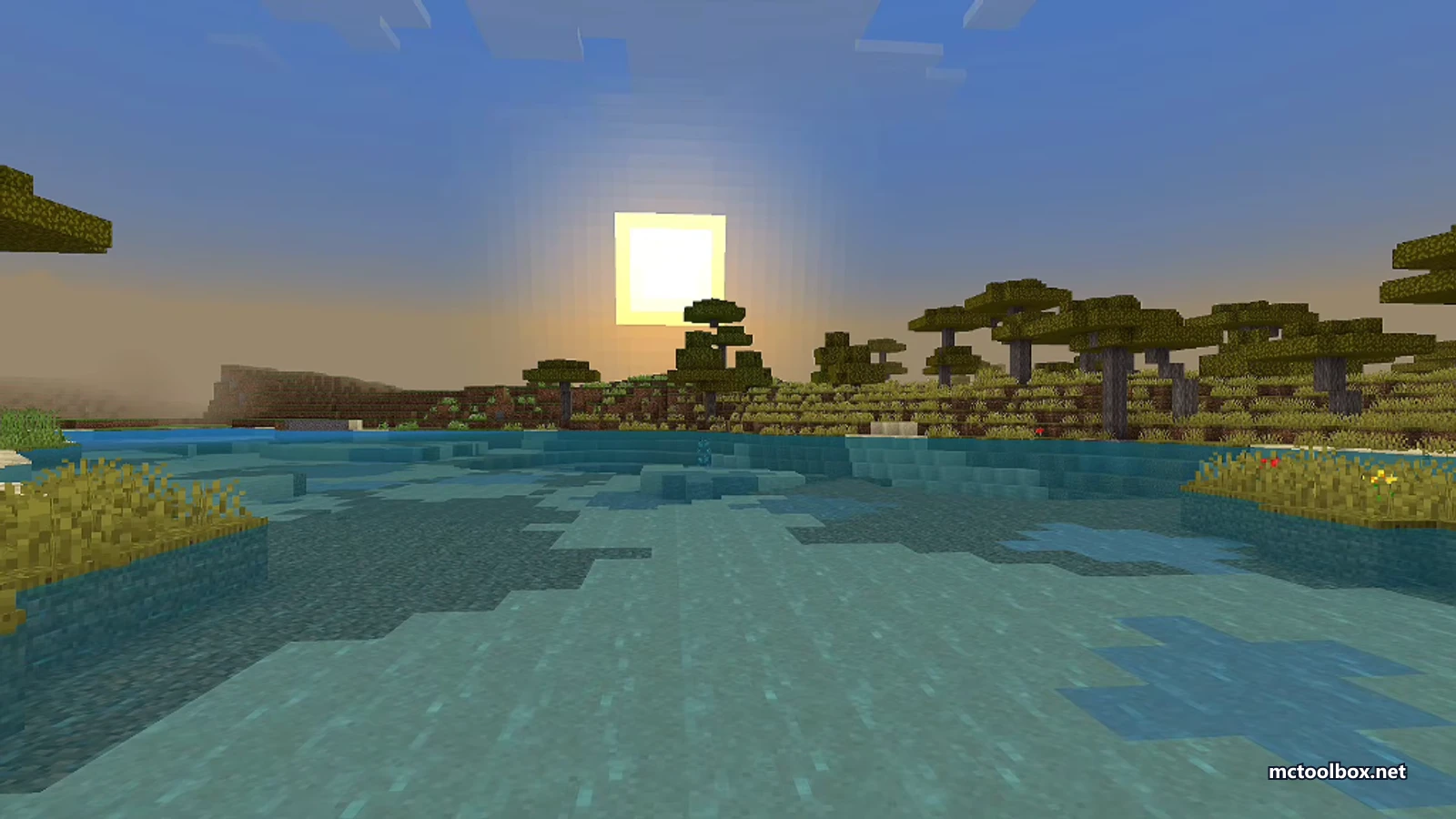
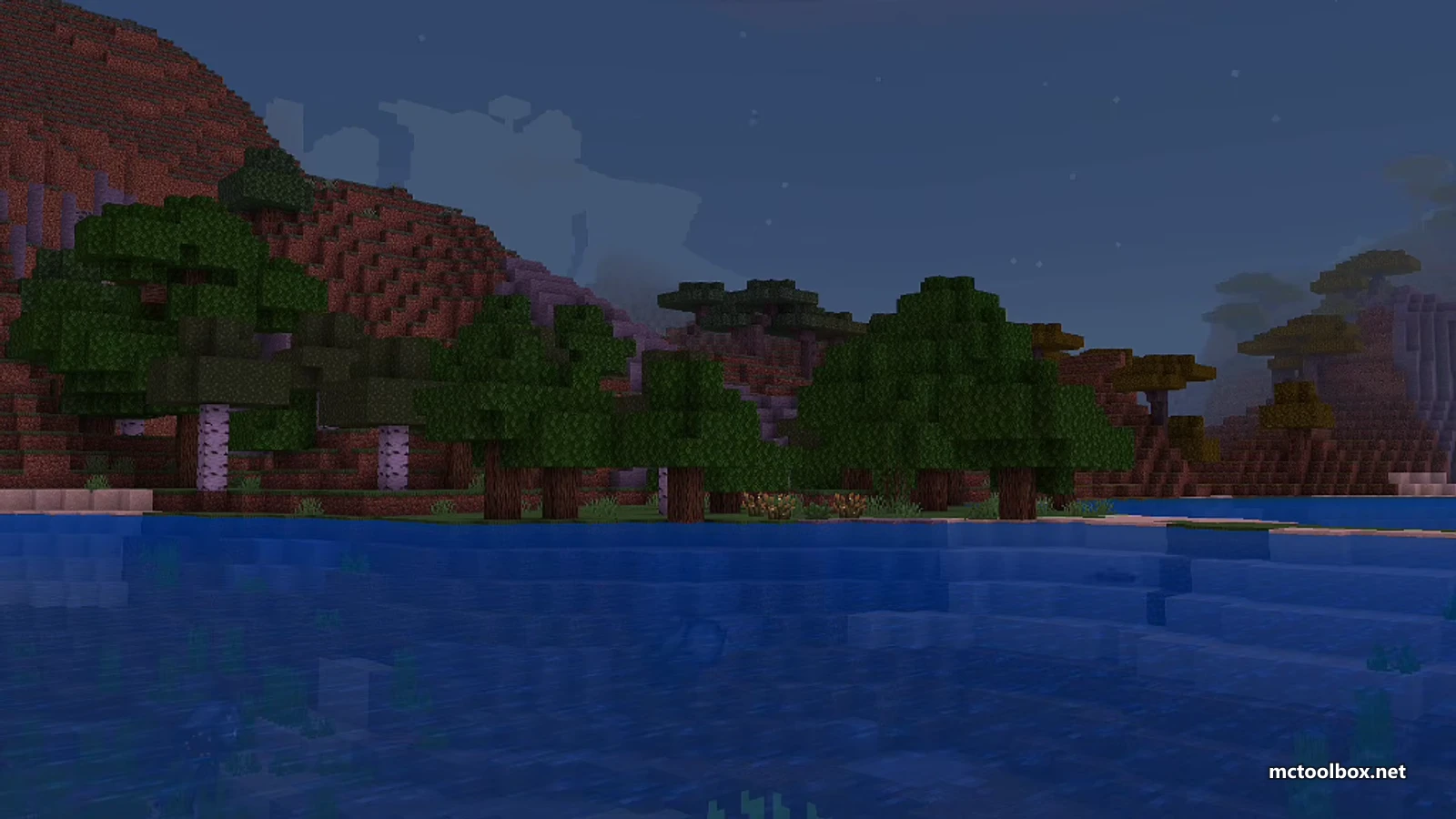
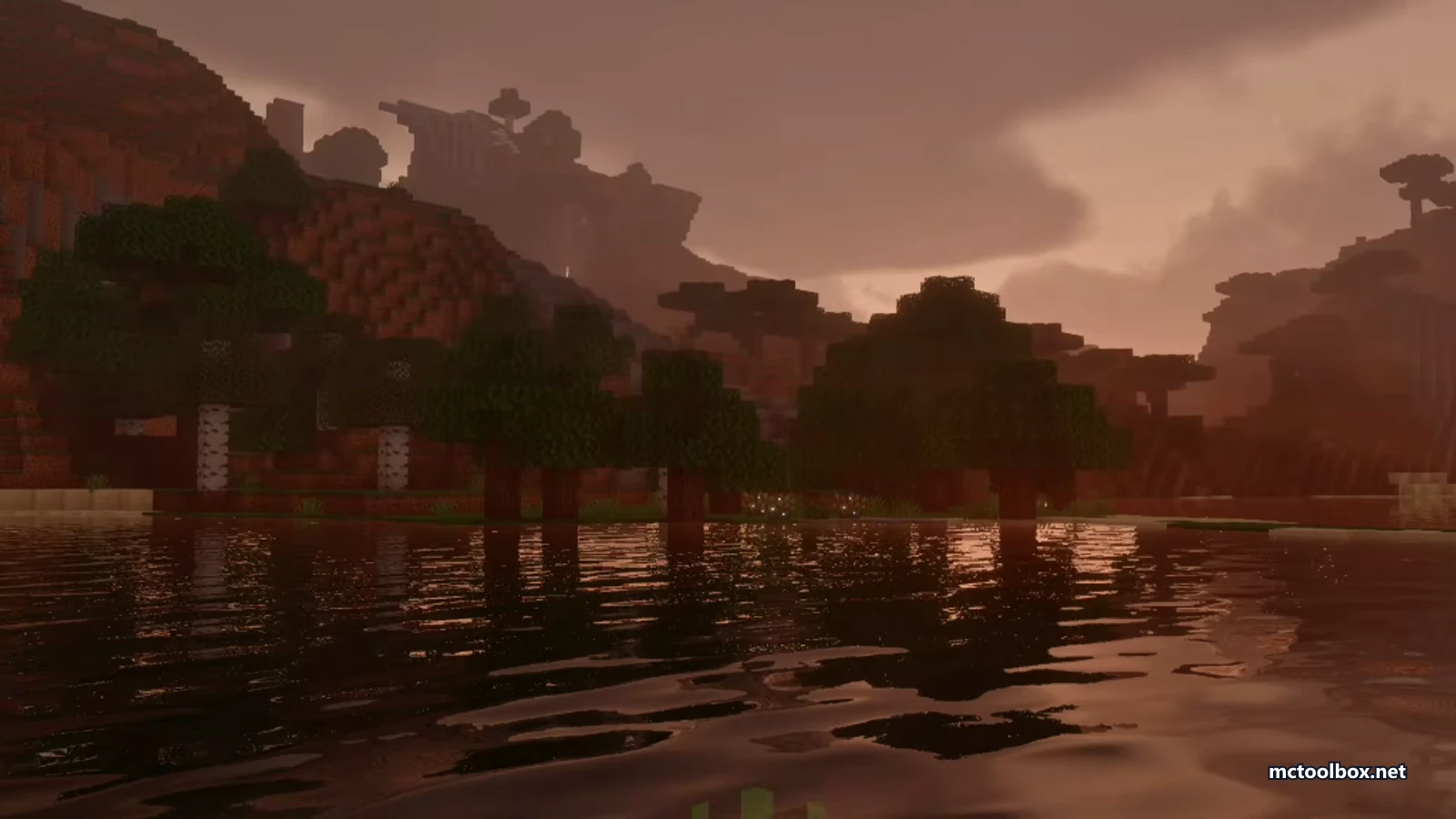
When evening arrived in my test session near the badlands, the lighting took on a dramatic copper tone. Vanilla Minecraft sunsets often feel abrupt, with terrain fading into a dull grey haze. In contrast, Mirai 2.1 paints the horizon in warm amber and radiant rose gradients.
The terracotta mountain ridges catch soft ambient reflections, while tree foliage benefits from subsurface scattering (SSS), letting evening light filter softly through acacia leaves. The water surface mirrors the burning twilight sky with gentle golden crests on each passing ripple.
The performance reality: is it too heavy for your phone?
Examining community lag reports and finding the hardware sweet spot
Now for the elephant in the room: performance. Reading through player discussions, comments like 'bro is having so much lag, just look at the water', 'its too heavy', and 'I just wish my tablet could at least handle this one' appear everywhere. And those players are not wrong.
Mirai Shader is undeniably demanding on mobile hardware. Raymarching volumetric cloud volumes and computing screen-space reflections in real time requires heavy GPU fill rate. On budget Android phones and entry-level tablets (devices with older Mali, Helio, or lower-tier Snapdragon 600-series chips), looking toward broad water surfaces causes frame rates to stutter down to 20 or 25 FPS.
From my testing, here is the realistic hardware breakdown for holding a smooth 60 FPS:
- Windows 10/11 PC: Any desktop or laptop with a dedicated graphics card (GTX 1050 Ti, GTX 1650, RX 570 or better) runs Mirai smoothly with high render distance.
- Flagship Android: Phones with Snapdragon 8 Gen 1, Gen 2, Gen 3, or Dimensity 9000+ processors handle the shader comfortably.
- Apple Devices: iPads and iPhones powered by A16, A17 Pro, or Apple Silicon M-series chips deliver solid frame rates.
- My Quick Optimization Tip: If you notice stuttering near lakes on mobile, do not give up immediately. Lower your in-game render distance from 14 chunks down to 8 or 10 chunks. This single adjustment drastically frees up mobile memory bandwidth while preserving full volumetric cloud and water reflection beauty.
How to install Mirai Shader on Windows and Android
The 5-step .mcpack activation walkthrough
Because Mirai is packaged as native .mcpack files, setting it up takes less than two minutes without dealing with complex file managers:
- Download the Official File: Grab
mirai-windows-2.1.1.mcpack(for PC) ormirai-android-2.1.1.mcpack(for Android) directly from the official GitHub release page. - Import into Minecraft: Tap or double-click the
.mcpackfile. Minecraft Bedrock will open automatically and flash an Import Started banner at the top of your screen. - Activate in World Settings: Edit your desired survival or creative world, click on Resource Packs, locate Mirai Shader, and press Activate.
- Enable Vibrant Visuals: Open your in-game Video Settings and ensure that Vibrant Visuals (or the Deferred Graphics pipeline) is toggled on.
- Restart & Play: Save and relaunch your world so the game can compile the volumetric fog and reflection shaders cleanly.
Mirai troubleshooting and device limits
Addressing the most common community questions
Download links
We do not host Minecraft shader files directly. Download links go to the creator's official project pages.
Top Newb X Shaders for Minecraft Bedrock (MCPE 1.26+)
Comprehensive review of the top Newb X shader variants for Minecraft Bedrock: Unwind 6.3, Dragon Reimagined, and Flamingo 5.2.
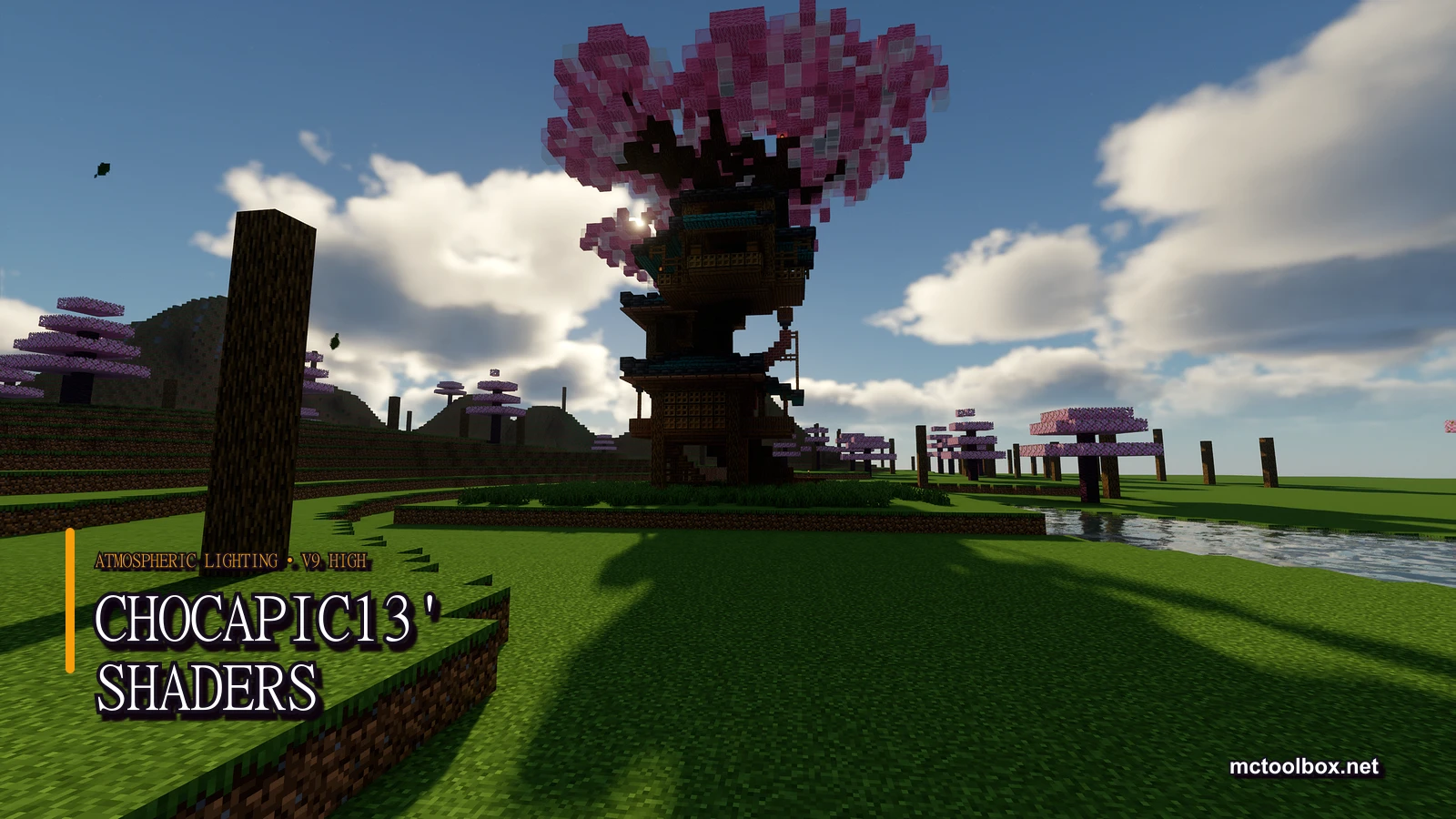
Chocapic13' Shaders 1.20 - 26.2
Chocapic13' Shaders by Choca_13 delivers cinematic golden lighting, realistic waving water, and fluffy volumetric clouds with preset options scaling from budget laptops to high-end GPUs.
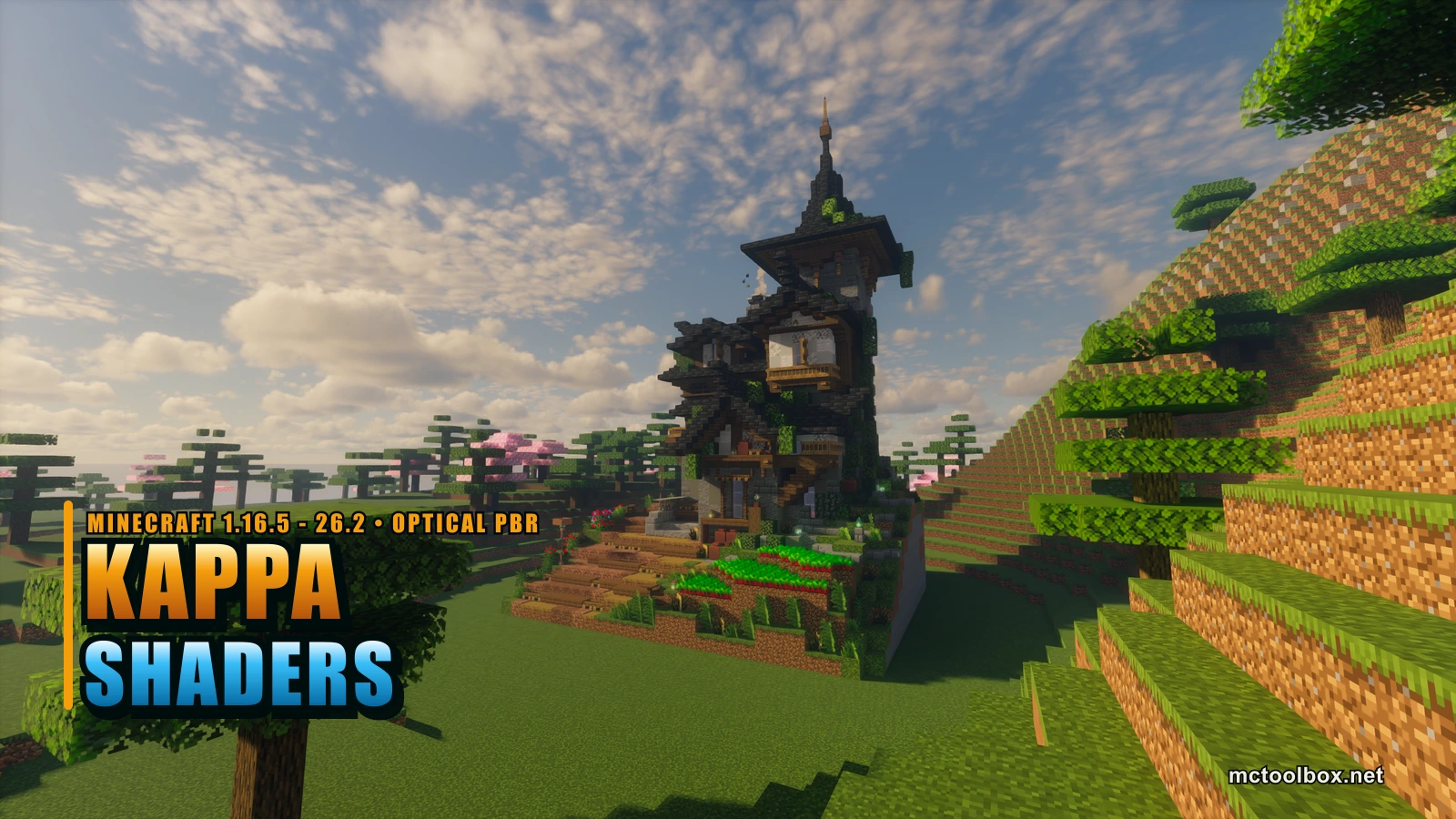
Kappa Shader 1.16.5 - 26.3
Kappa Shader by RRe36 delivers scientifically grounded optical lighting, physically based atmospheric scattering, and multi-layer volumetric clouds.