








Minecraft shader review
Insanity Shader 1.7.10 - 26.2
Eerie Silent Hill fog, desaturated horror color grading, and dynamic sanity mechanics for Iris and OptiFine
Download Files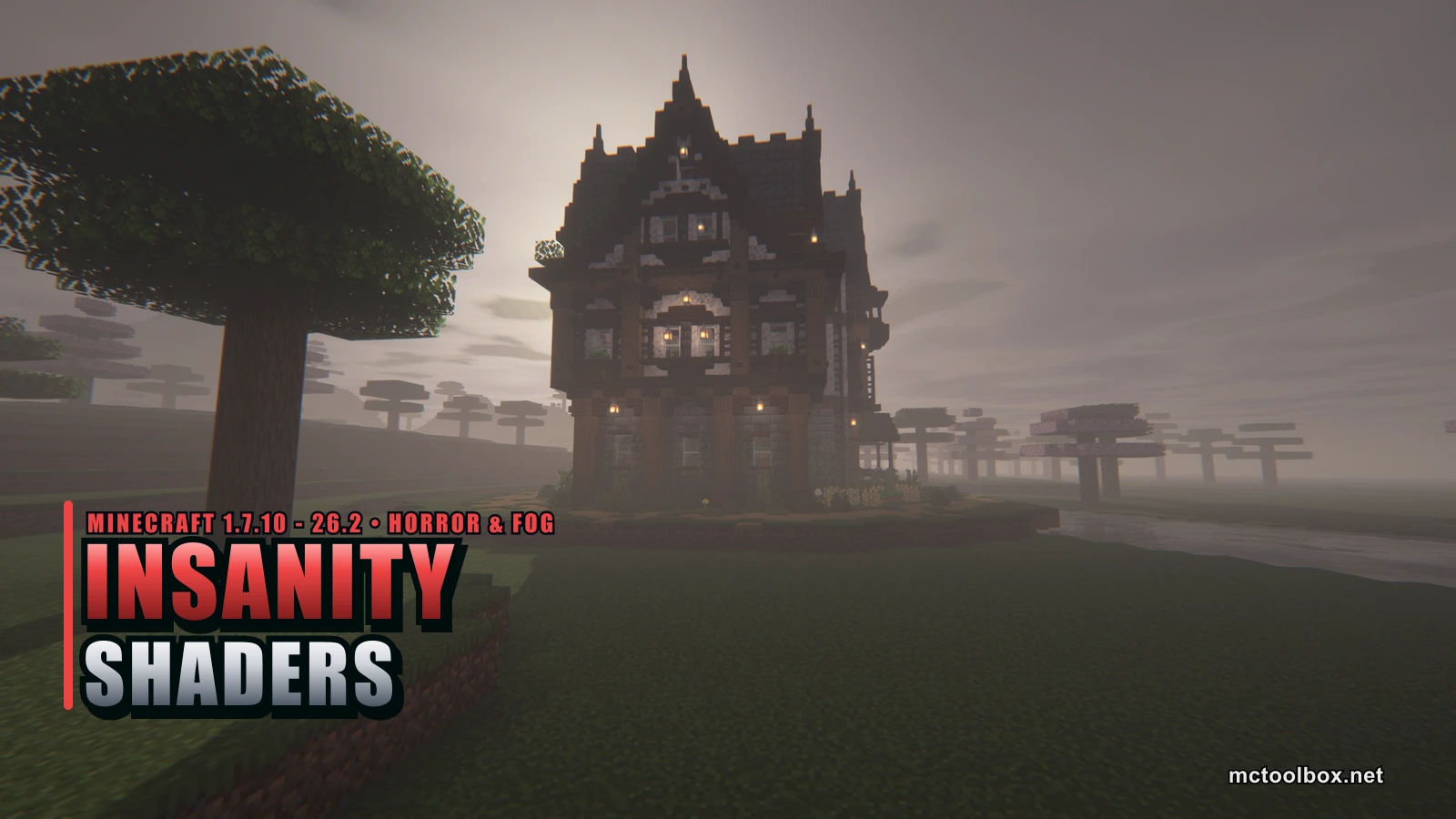
Insanity Shader by ElocinDev transforms Minecraft into a chilling psychological horror world with dense Silent Hill fog, desaturated palettes, and pitch-black nights.
Shader Index8 sections
Cold desaturation and claustrophobic fog define Insanity Shader, drawing direct inspiration from psychological survival horror titles like Silent Hill. It strips away bright pastoral colors to create genuine disorientation and survival tension.
Developed by ElocinDev (originally derived from Chocapic13 and Sonic Ether foundations), Insanity Shader has amassed over 5.1 million downloads across modding platforms. It strips away comforting saturated greens, replacing them with thick creeping mist, desaturated cold tones, a pale dim sun, and an all-consuming darkness after twilight.
I tested the latest Insanity Shader v1.650 Universal on Minecraft 26.2 with Iris 1.11.2 and Sodium 0.9.1. Here is what happens when you turn Minecraft into a living nightmare.
Sunset over the Gothic Medieval Mansion: Pale sun and encroaching mist
How the shader replaces warm golden hour glows with cold desaturated dread
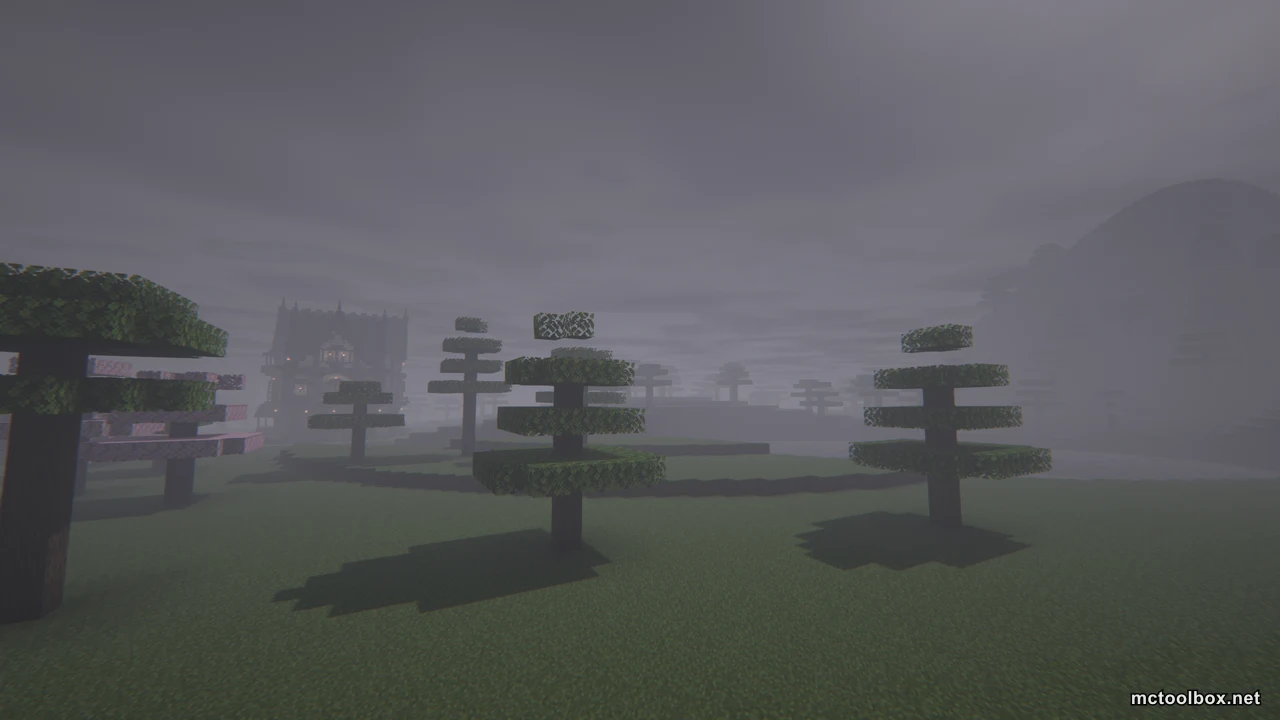
In standard shaders, sunset is a celebratory golden hour. In Insanity Shader, sunset signals immediate peril. Across the Autumnvale Medieval Mansion (over 10,000 blocks of dark timber, stone masonry, and gothic gables), the sun hangs as a pale, weak orb in a murky grey-brown sky.
A thick wall of atmospheric fog sweeps in across the hills, swallowing distant cherry trees and framing the mansion as a solitary, haunted fortress.
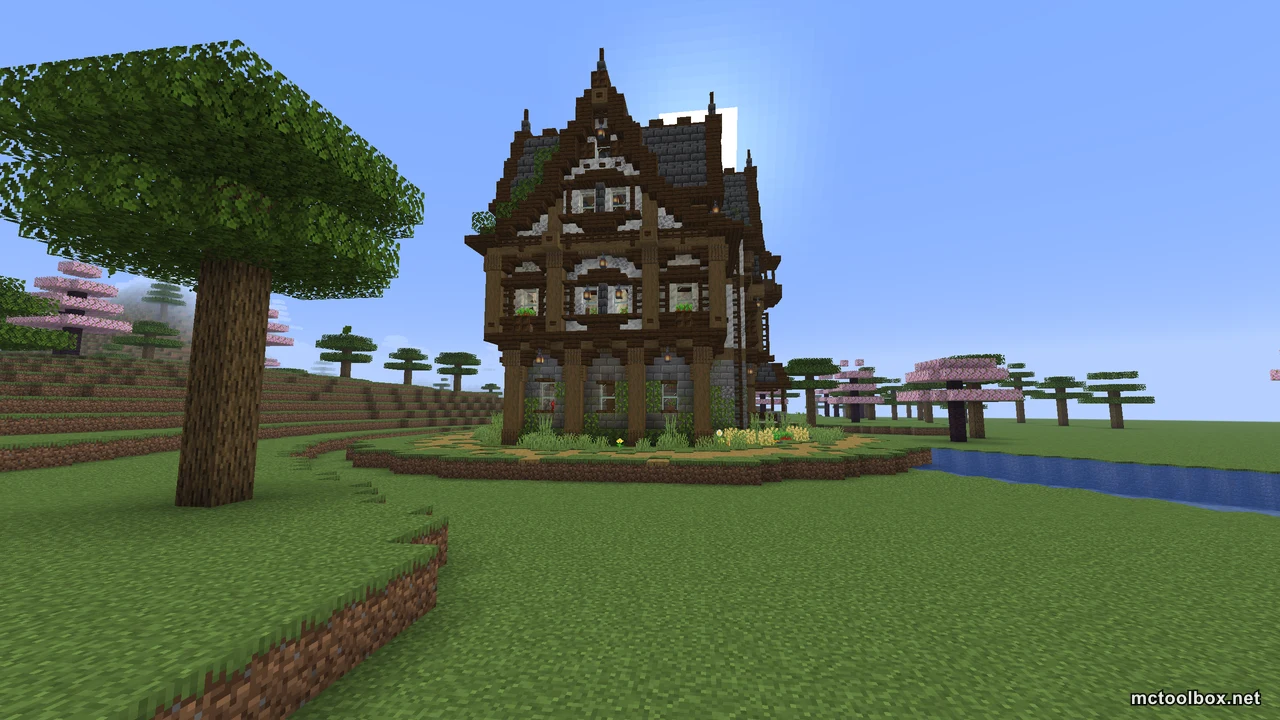
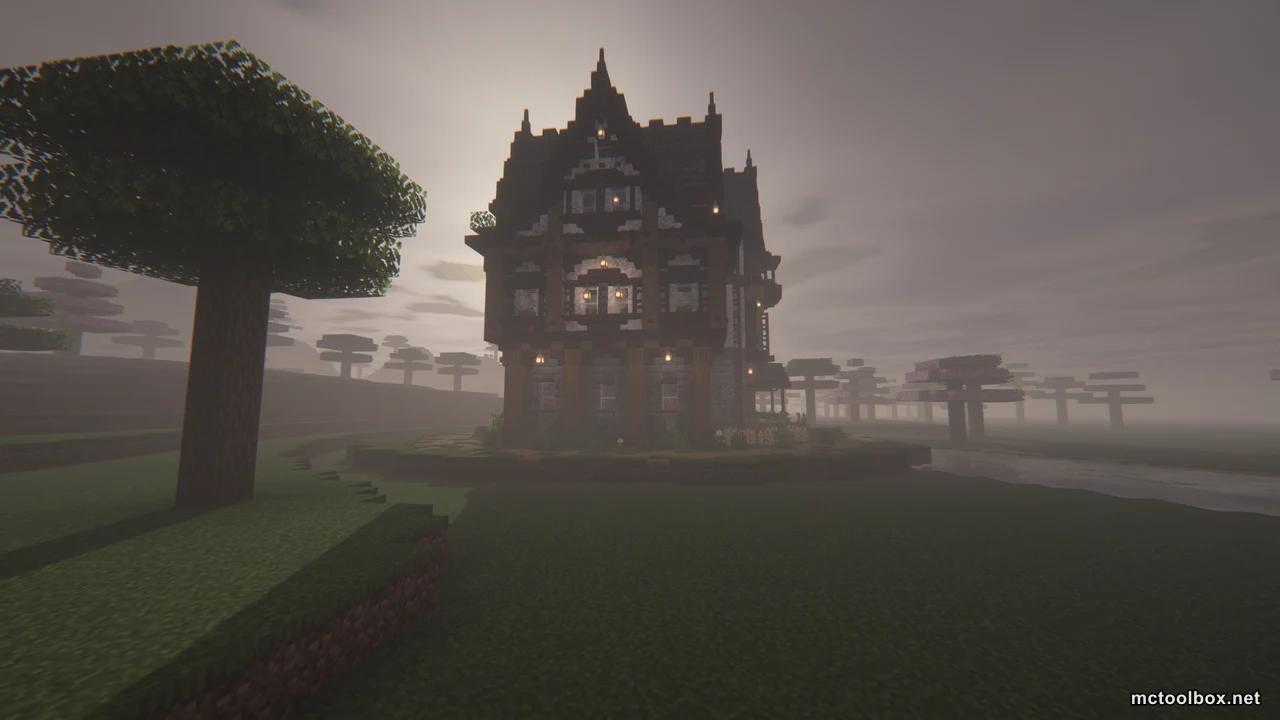
Dense rolling fog and desaturated daytime color grading
Silent Hill-inspired height mist and cold muted foliage tones
Even at midday, Insanity Shader refuses to let you feel safe. Grass blocks are shifted into a faded olive-grey tone, while tree canopies lose their vivid green luster.
The horizon is permanently obscured by a dense volumetric fog curtain that restricts your view distance to roughly 48-64 blocks. Exploring unfamiliar terrain feels tense and disorienting, as creeper silhouettes and ravine drops only emerge at the very edge of your vision.
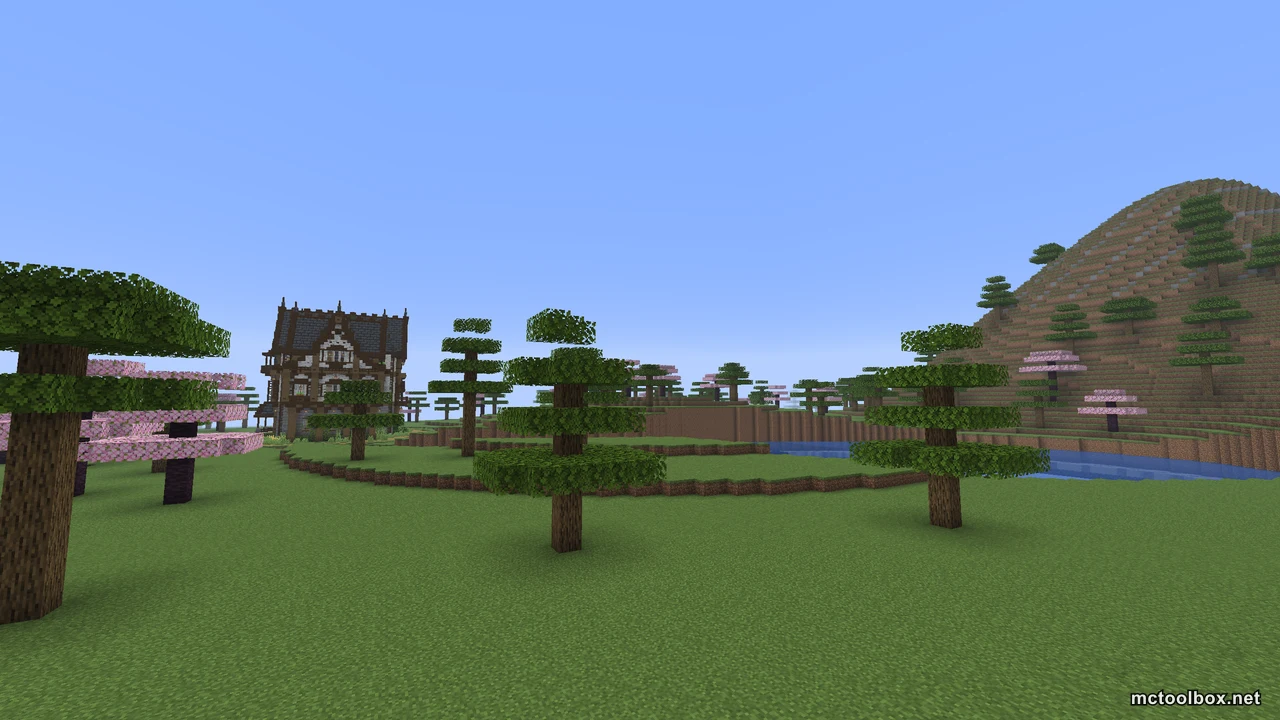
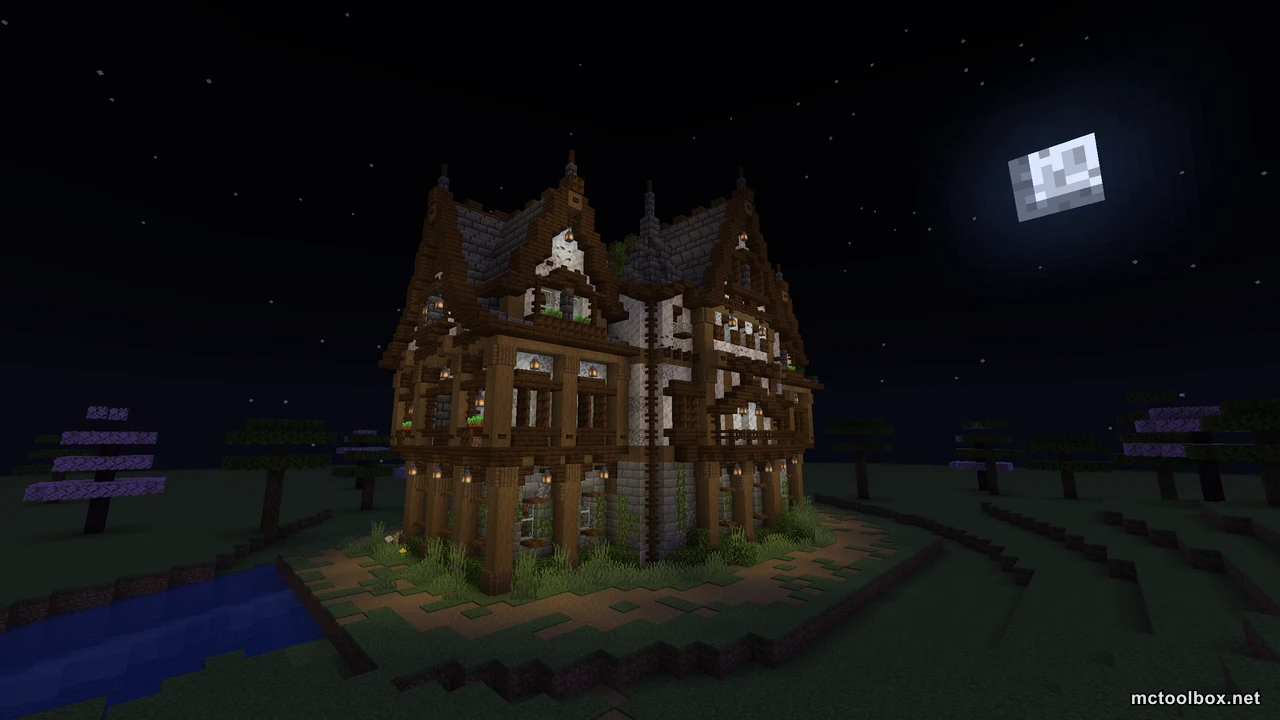
Pitch-black nighttime survival: Flickering windows and the abyss
True darkness mechanics where unlit wilderness becomes an impenetrable void
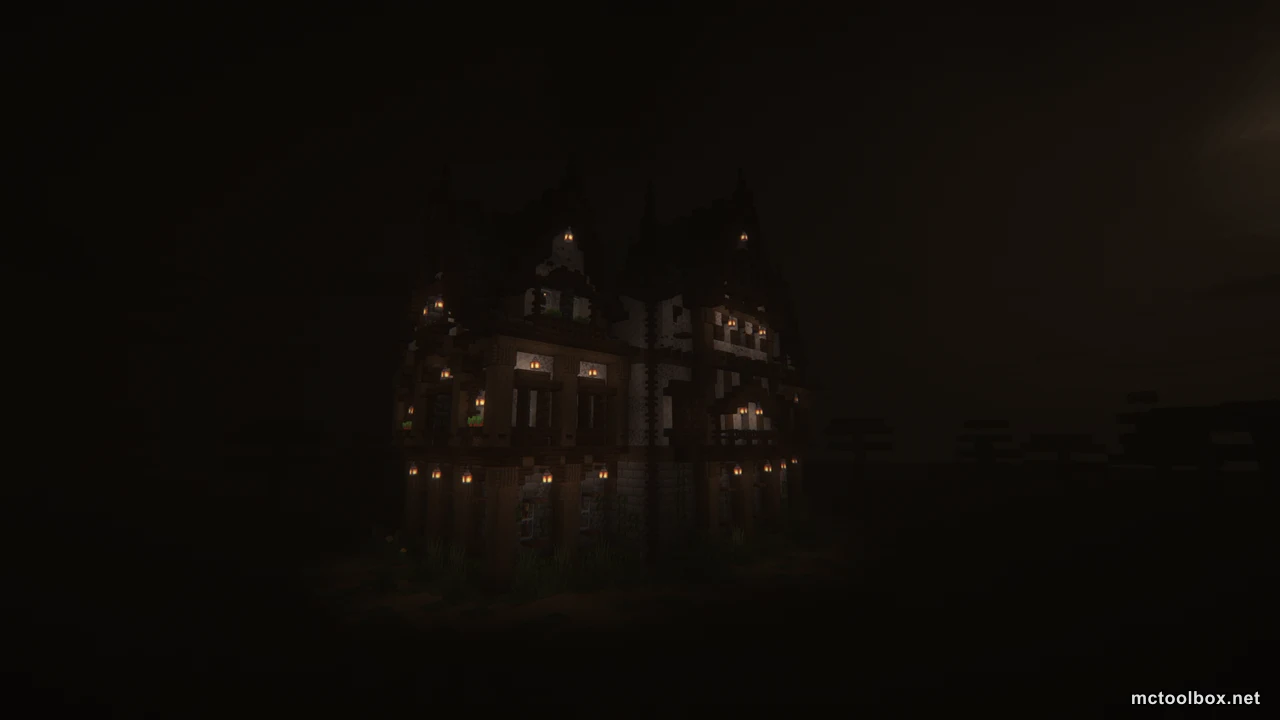
Nighttime in Insanity Shader is terrifying. The ambient skylight drops to absolute zero, plunging any unlit exterior into a pitch-black void.
In our nighttime capture of the mansion, only the windows equipped with hanging lanterns pierce the darkness. Lanterns emit a faint, amber radiance that attenuates rapidly, making torches and campfires your only lifeline against unseen horrors lurking in the darkness.
Murky river waters and cold shoreline reflections
Dark reflective water surfaces that conceal sunken threats
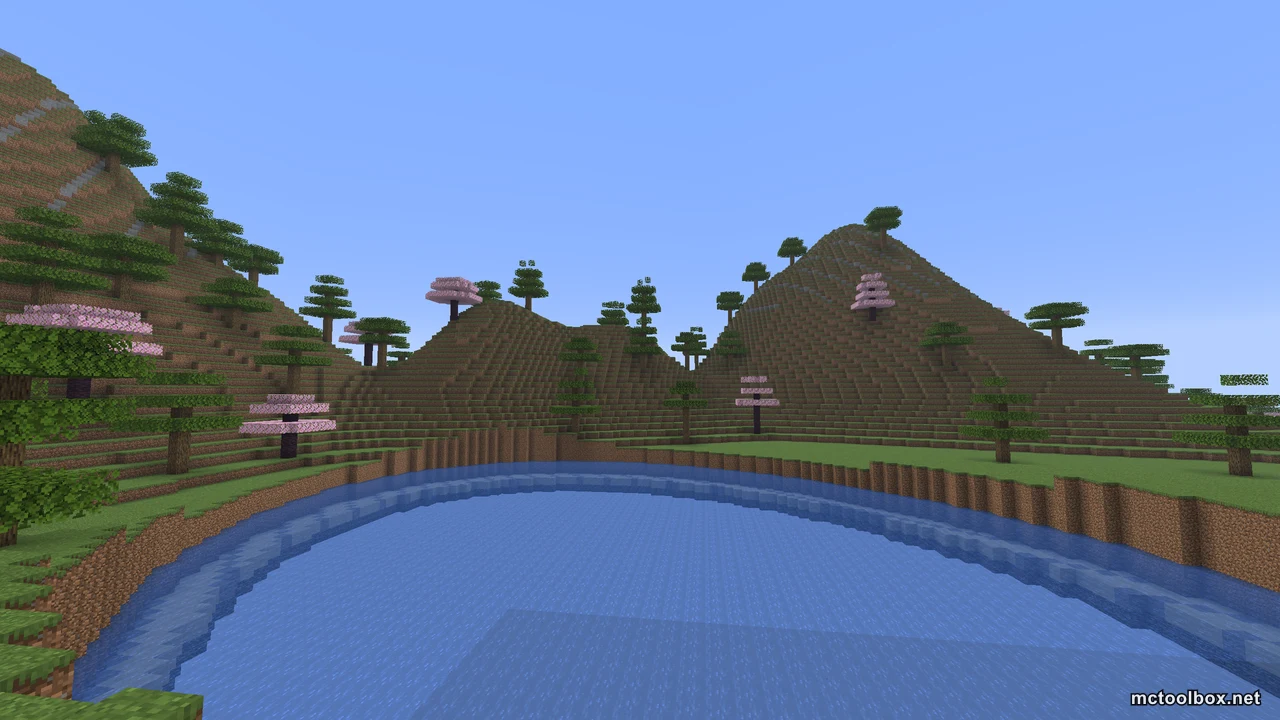
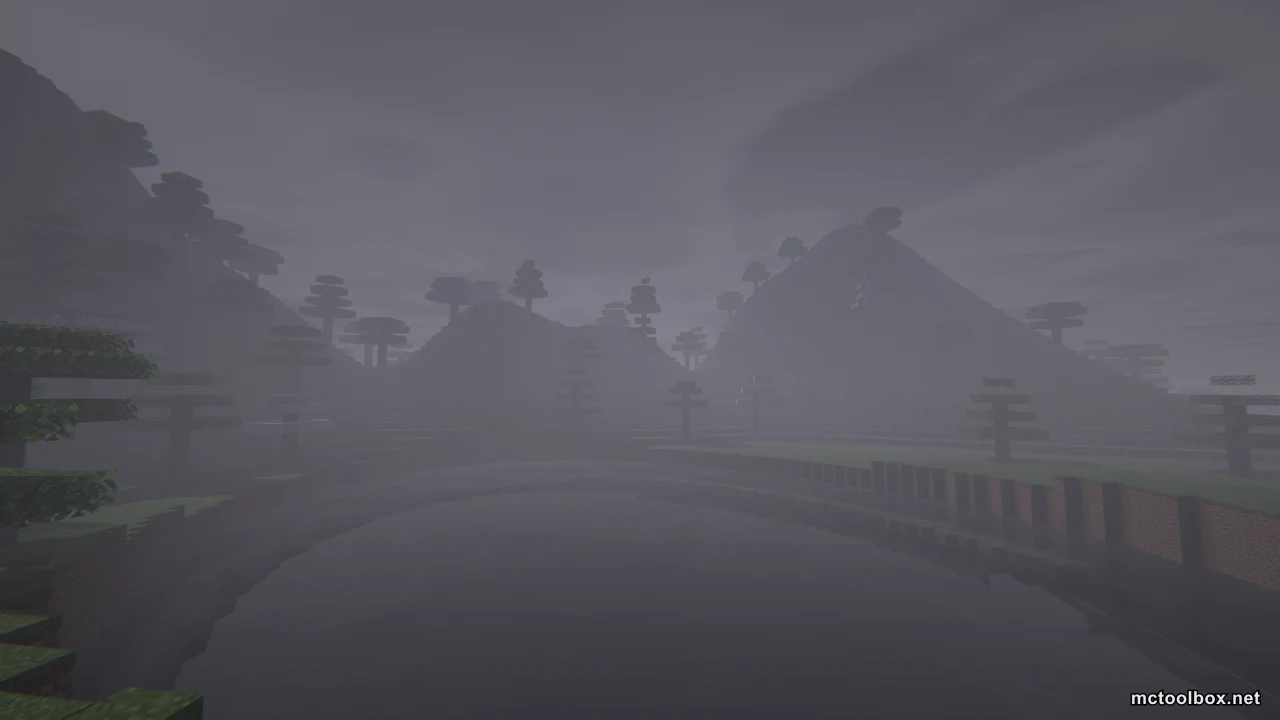
Water rendering mirrors the grim aesthetic of the land. Instead of tropical blue or crystal-clear shallows, lakes and riverbeds take on a dark, reflective slate-grey sheen.
The surface reflects misty trees and overcast skies with gentle wave distortions, giving water bodies a mysterious, stagnant presence that discourages careless night swimming.
Key horror settings you should adjust first
Fine-tuning fog density and darkness effects in the shader menu
Insanity Shader provides specialized horror toggles under Shader Pack Settings:
- Atmospherics > Overworld Fog Slider: Adjust fog distance from ultra-thick (16 blocks) for maximum claustrophobia up to medium (96 blocks) for open exploration.
- Lighting > Darkness Effect: Toggles true black darkness vs slightly illuminated night ambient levels.
- Effects > Camera Shake / Sanity: Simulates subtle camera tremor during low sanity states or when monsters are nearby.
Hardware performance benchmarks on GTX 1660 SUPER
Measured frame rates on Minecraft 26.2 at 2560x1440 resolution
| Configuration / Preset | Average FPS | Atmospheric Features & Performance Notes |
|---|---|---|
| Vanilla Baseline (No Shader) | 248 FPS | 1440p resolution, 12 chunks render distance |
| Insanity Shader (Balanced Profile - Default) | 138 FPS | Volumetric fog, desaturated color grading, darkness mechanics, and SSR water |
| Insanity Shader (Extreme Horror Fog) | 122 FPS | Maximum fog density, heavy volumetric scattering, and advanced shadows |
How to install Insanity Shader with Iris
Step-by-step setup for Fabric and Iris on Minecraft 26.2
- 1
Install Fabric Loader & Iris
Install Fabric Loader for Minecraft 26.2 along with Sodium and Iris Shaders.
- 2
Download Insanity Shader
Download the official
Insanity-Shader-Universal-v1.650.ziparchive directly from the primary download button above. Keep the archive intact without unzipping. - 3
Place in Shaderpacks Folder
Open your
.minecraftdirectory and move the ZIP file into.minecraft/shaderpacks. - 4
Activate in Video Settings
Launch Minecraft, navigate to Options > Video Settings > Shader Packs, choose Insanity Shader, and apply.
Insanity Shader v1.650 provides a focused horror atmosphere through dense fog simulation, desaturated lighting, and true darkness mechanics. While it is not designed for everyday builders who rely on bright visibility, it excels as a dedicated graphics pack for horror modpacks, adventure maps, and dark survival playthroughs.
Test setup and performance
| minecraft Version | 26.2 |
|---|---|
| shader Version | v1.650 Universal |
| loader | Fabric + Iris + Sodium |
| loader Version | Fabric Loader 0.19.3 / Iris 1.11.2 / Sodium 0.9.1 |
| gpu | NVIDIA GeForce GTX 1660 SUPER |
| cpu | Intel Core i3-12100F |
| ram | 32 GB system RAM |
| render Distance | 12 chunks; simulation distance 6 chunks |
| preset | Balanced Profile (Default Horror Fog) |
| Scene / preset | Average FPS | 1% low | Notes |
|---|---|---|---|
| Vanilla Baseline (No Shader) | 248 FPS | 195 FPS | 1440p resolution, 12 chunks render distance |
| Insanity Shader (Balanced Profile - Default) | 138 FPS | 112 FPS | Volumetric fog, desaturated grading, true darkness |
| Insanity Shader (Extreme Horror Fog) | 122 FPS | 96 FPS | Maximum fog density and enhanced volumetric scattering |
Questions and compatibility
What makes Insanity Shader unique compared to other shaders?
Insanity Shader is purpose-built for horror and atmospheric dread. It features dense Silent Hill-style fog, desaturated cold color palettes, a dim pale sun, and pitch-black nighttime ambient lighting.
How do I make the nighttime less pitch black if it's too dark?
Open Video Settings > Shader Pack Settings > Lighting, and disable the Darkness Effect or increase the Night Ambient Light slider to brighten unlit terrain.
Does Insanity Shader support Minecraft 26.2?
Yes. Insanity Shader v1.650 Universal was tested and verified on Minecraft 26.2 using Fabric Loader 0.19.3, Iris 1.11.2, and Sodium 0.9.1.
Can I use Insanity Shader with horror modpacks like The Man From The Fog or Cave Crawler?
Yes. Insanity Shader is the community's primary recommended shader for horror modpacks, as its restricted vision and eerie mist amplify jump scares and stealth gameplay.
Is Insanity Shader compatible with OptiFine and Iris?
Yes. Insanity Shader Universal officially supports both OptiFine and Iris shader loaders across versions from Minecraft 1.7.10 through modern releases.
Where can I download the official Insanity Shader release?
Download the verified release archive directly using the primary download button above, which connects to ElocinDev's official distribution on Modrinth.
Download links
We do not host Minecraft shader files directly. Download links go to the creator's official project pages.
Spooklementary Shaders 1.7.10 - 26.2
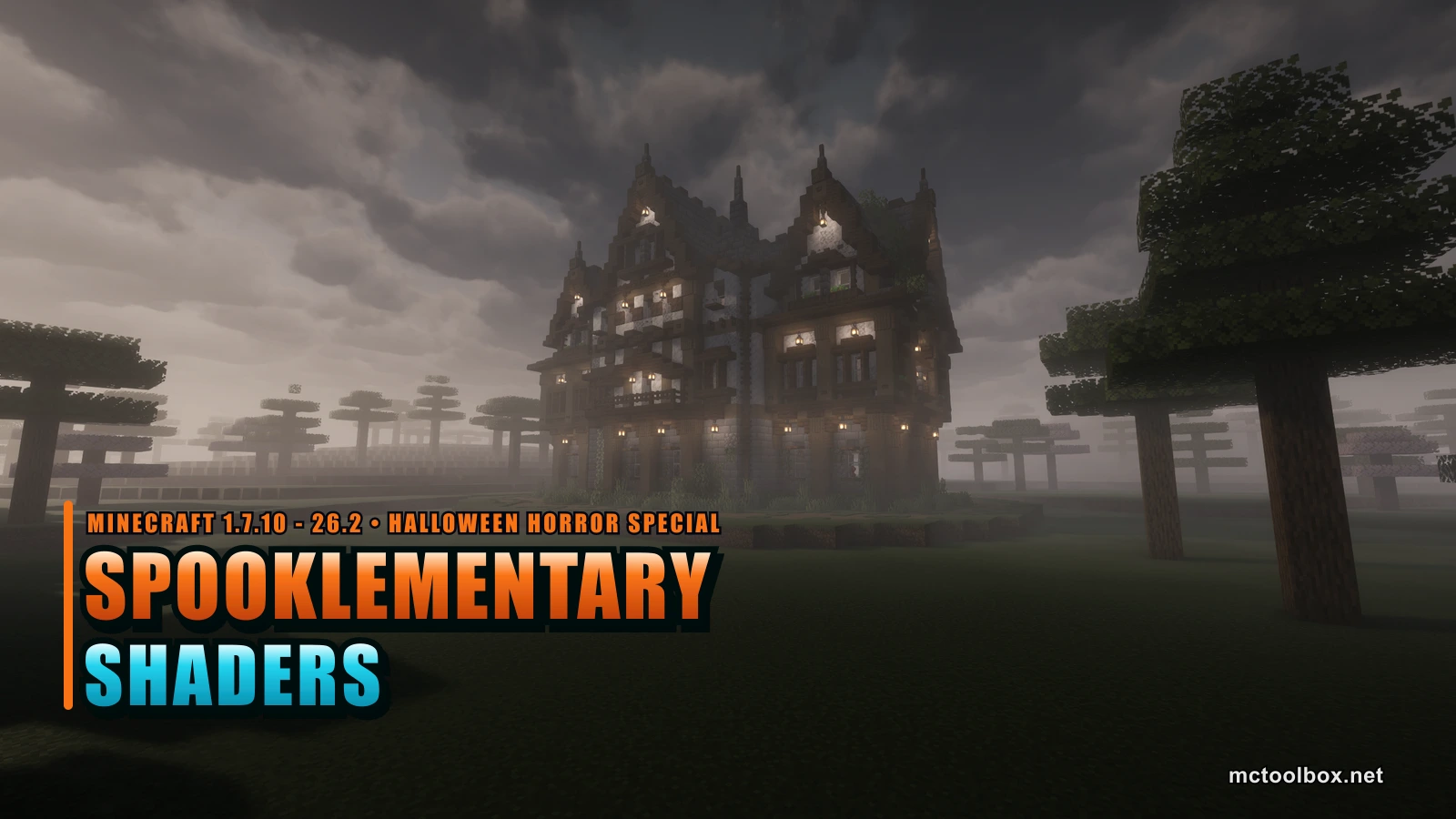
Spooklementary by EminGT is the official Halloween horror edition of Complementary Shaders, adding creeping ground mist, floating specters, and haunted visual effects.
Miniature Shader 1.7.2 - 26.2
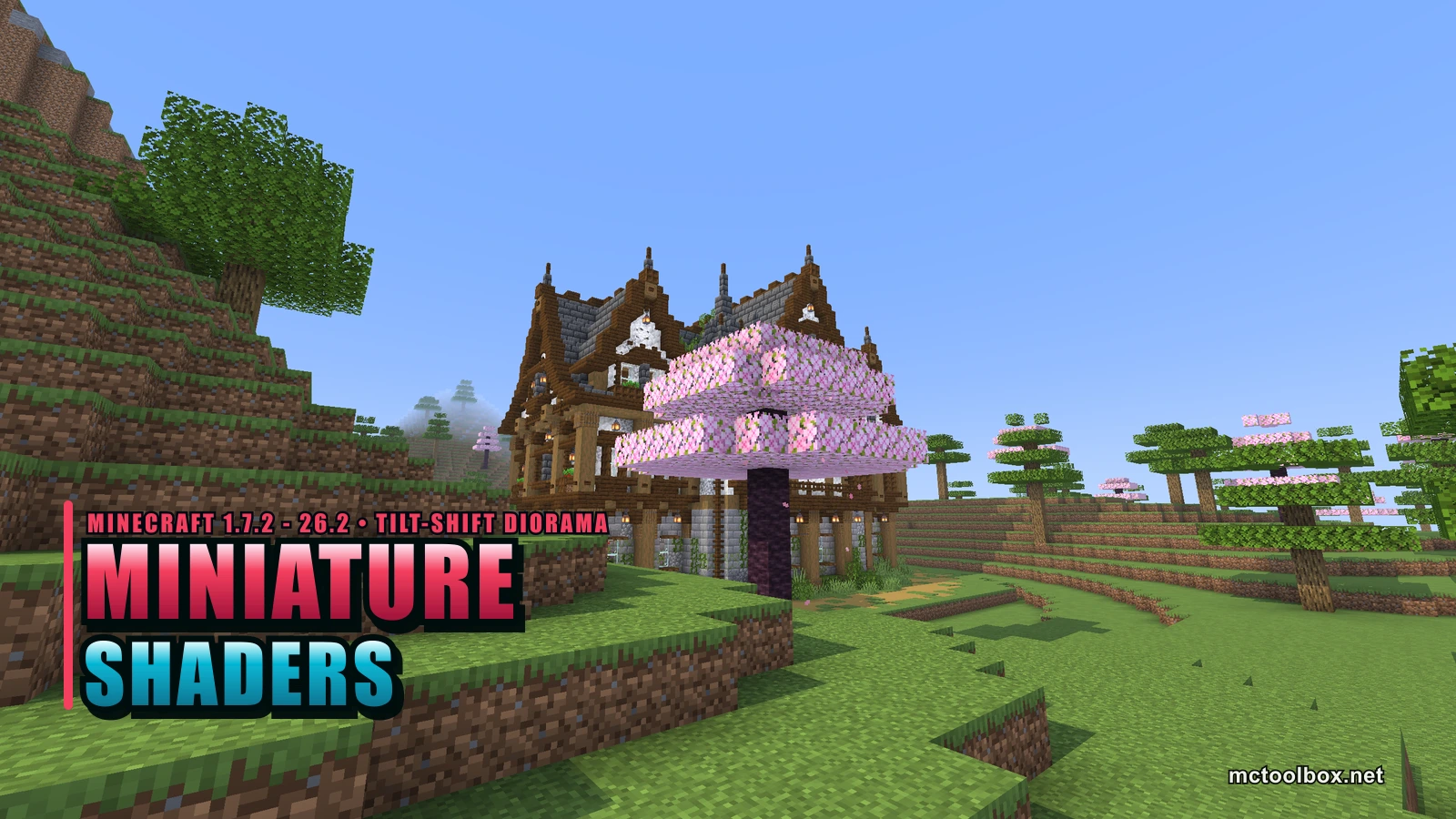
Miniature Shader by gri573 simulates a tilt-shift camera lens, transforming full-scale Minecraft worlds into toy-like tabletop dioramas.
Pastel Shaders 1.7.10 - 26.3
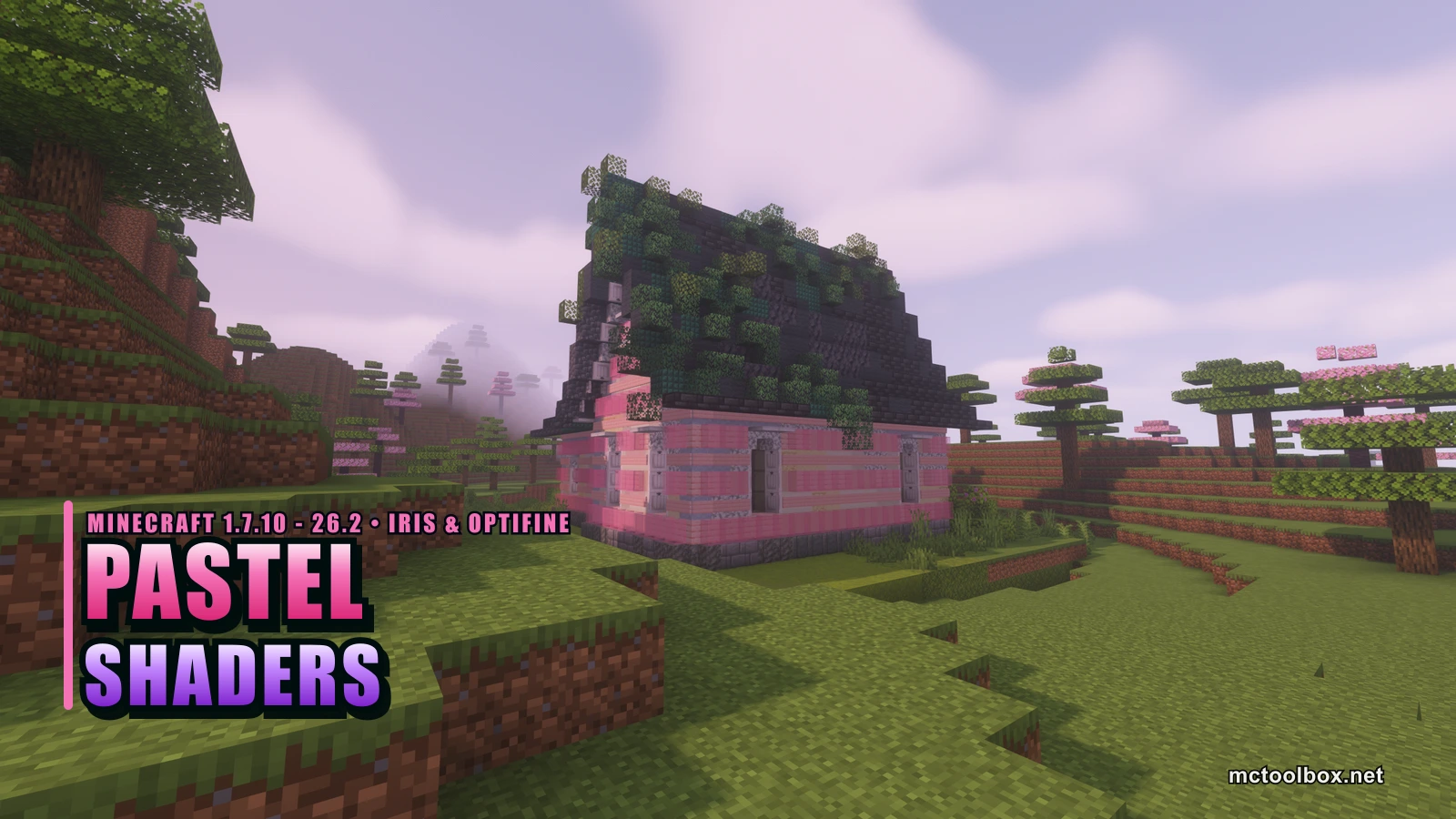
Pastel Shaders turns harsh Minecraft lighting into a soft storybook world with customizable color palettes, gentle shadows, and outstanding frame rates.