








Minecraft shader review
Aurora's Shaders 1.20 - 26.3
Vibrant anime-grade saturation, crystal aquatic transparency, and lightweight Iris performance by CrafterAurora
Download FilesAurora's Shaders by CrafterAurora transforms Minecraft into a colorful, lively world with punchy color grading, high-clarity water caustics, and accessible nocturnal lighting.
Shader Index6 sections
Default Minecraft lighting often feels desaturated and foggy, yet modern cinematic shader packs frequently overcorrect by turning shadows pitch-black and tanking frame rates with heavy compute passes. Aurora's Shaders, maintained by CrafterAurora with over 884,000 downloads on Modrinth, stakes its identity on a completely different philosophy: lively, high-saturation color grading paired with lightweight forward rasterization.
Rather than chasing gritty photorealism, Aurora's Shaders gives the game an animated, vibrant aesthetic reminiscent of Studio Ghibli landscapes. Running on Minecraft 26.3 with Fabric, Iris, and Sodium highlights its lighting calculations, aquatic optics, and lightweight performance footprint.
The saturation curve: anime vibrancy versus realistic grit
How CrafterAurora remaps Minecraft's RGB color channels for punchy biomes
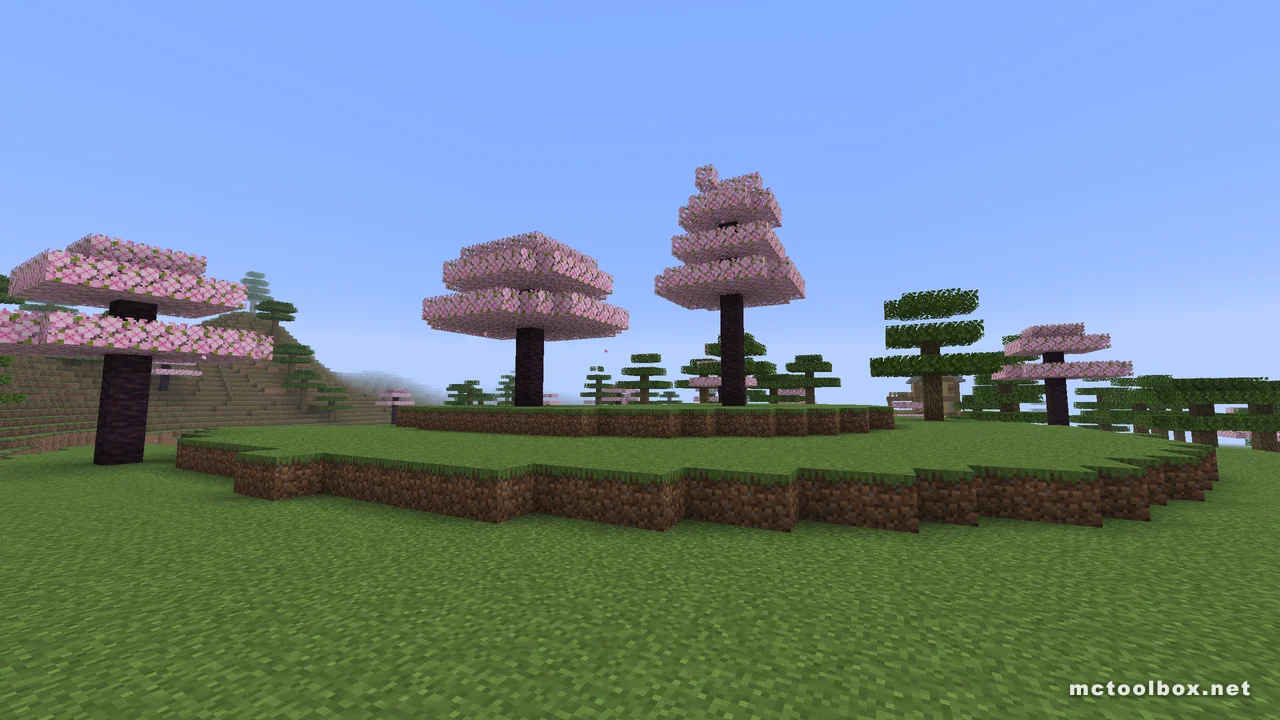
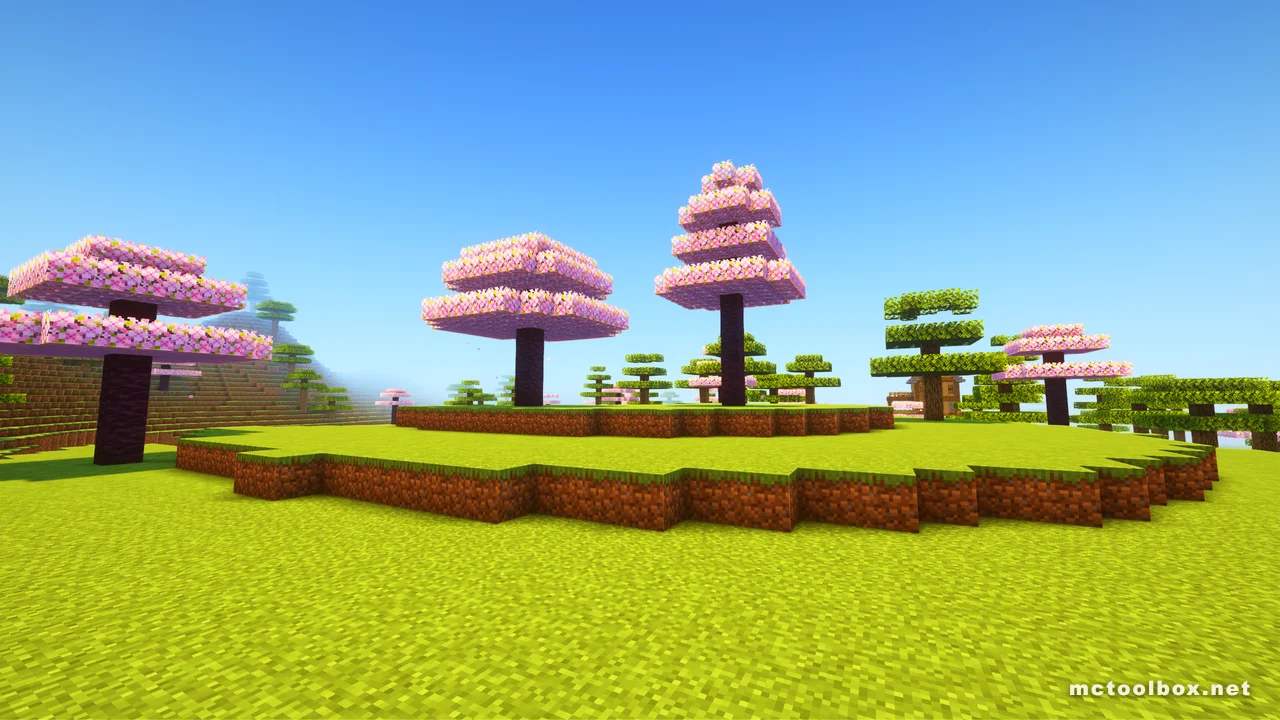
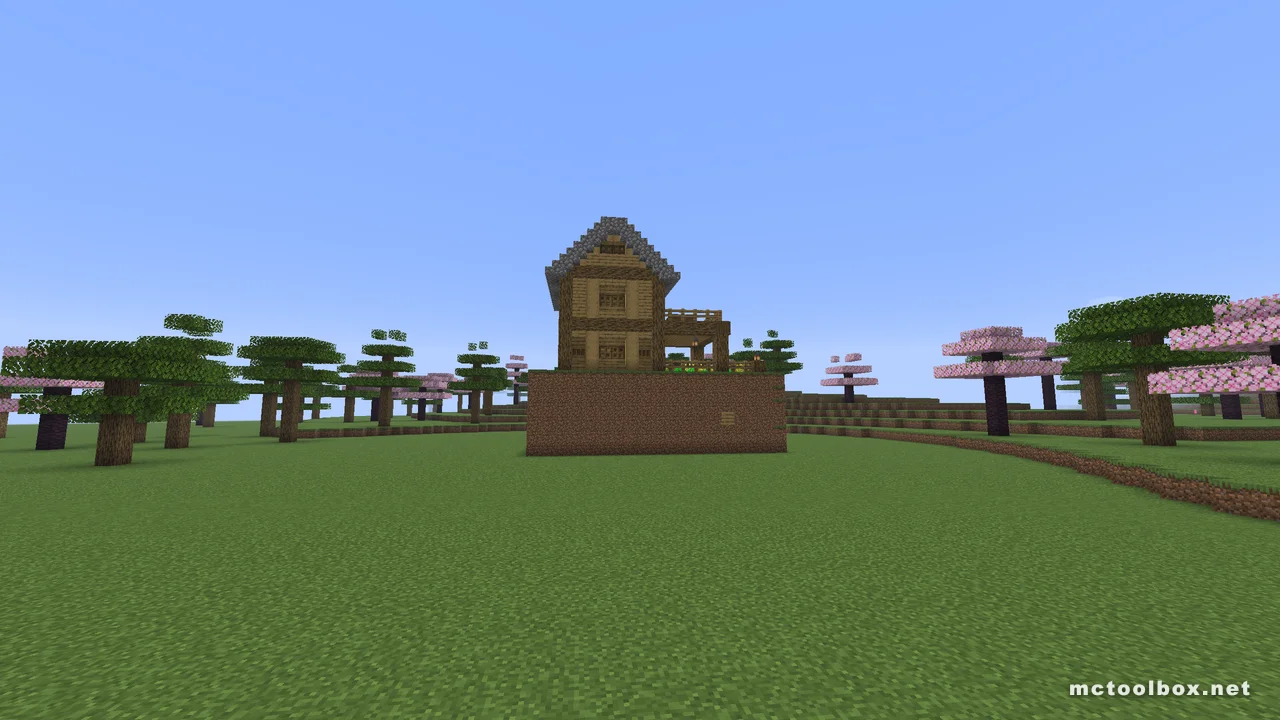
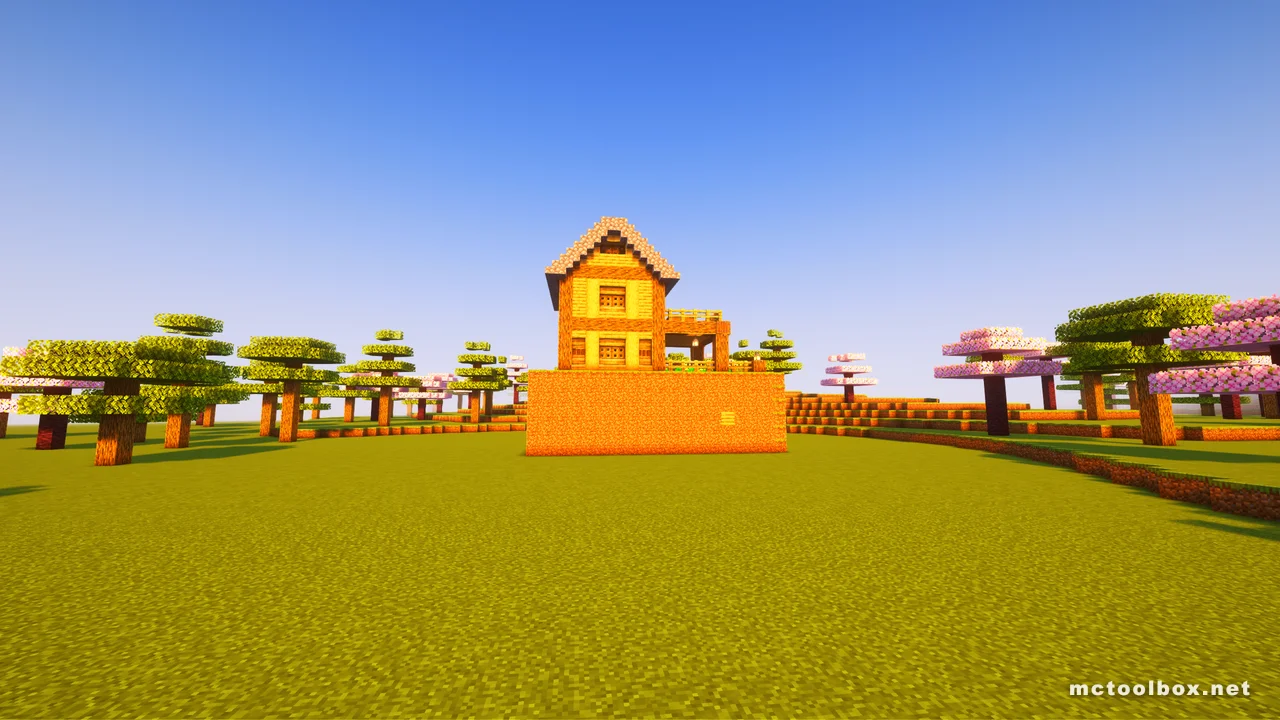
The defining characteristic of Aurora's Shaders is its aggressive midtone saturation boost. In biomes like Plains, Meadows, and Cherry Groves, grass blocks shift from muted olive to vivid emerald, while cherry leaves pop with bold magenta tones.
Critically, the shader prevents color clipping on bright neutral surfaces. Birch logs, white concrete, and quartz walls maintain clear texture boundaries rather than blowing out into pure white glare. However, in desert or badlands biomes, the high saturation can feel intense during peak midday sunlight, which is worth considering if you prefer muted palettes.
Survival-first water mechanics and underwater caustics
High surface transparency and animated light refraction for aquatic navigation
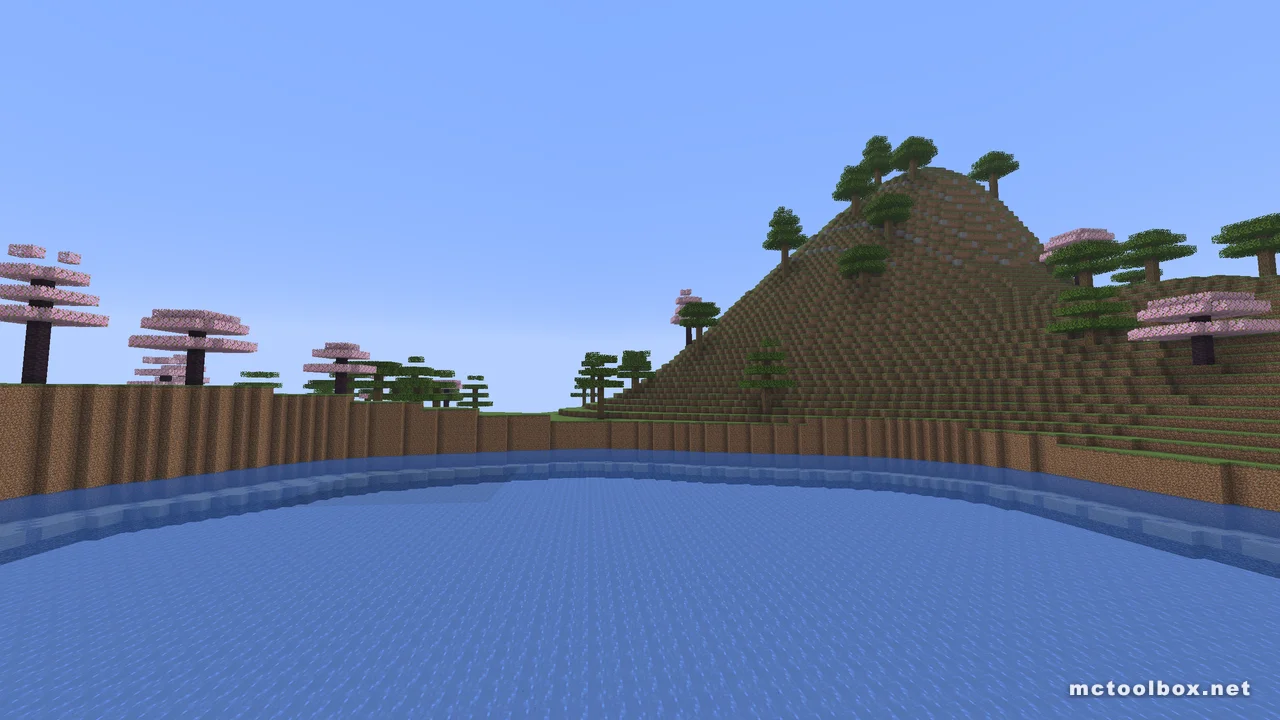
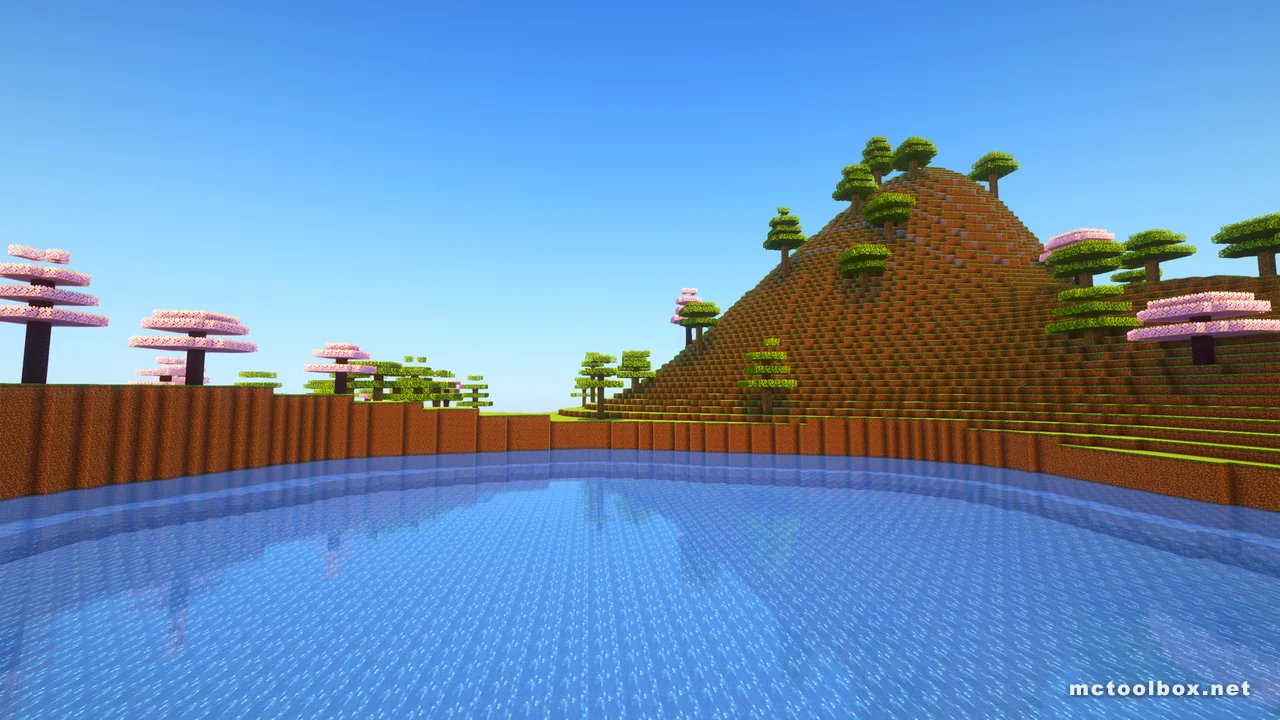
Many realism shaders treat water as an opaque mirror, forcing players to carry Night Vision potions or constantly submerge their heads just to locate underwater ravines. Aurora's Shaders takes a functional approach by maximizing surface transparency.
From a shoreline viewpoint, the lake bed remains clearly visible with animated light caustics projecting diamond refraction patterns across sand and gravel. Surface ripples stay subtle, providing enough motion to feel alive without obstructing underwater sightlines during fishing or monument exploration.
Atmospheric transitions: golden-hour cottages and starry nights
Evaluating solar warmth and nocturnal ambient light levels in survival gameplay
During dusk, the shader transitions smoothly from vibrant daylight into warm amber and peach tones. Wooden structures catch rich horizontal solar highlights without the heavy fog wash that often obscures distant horizons in BSL-based packs.
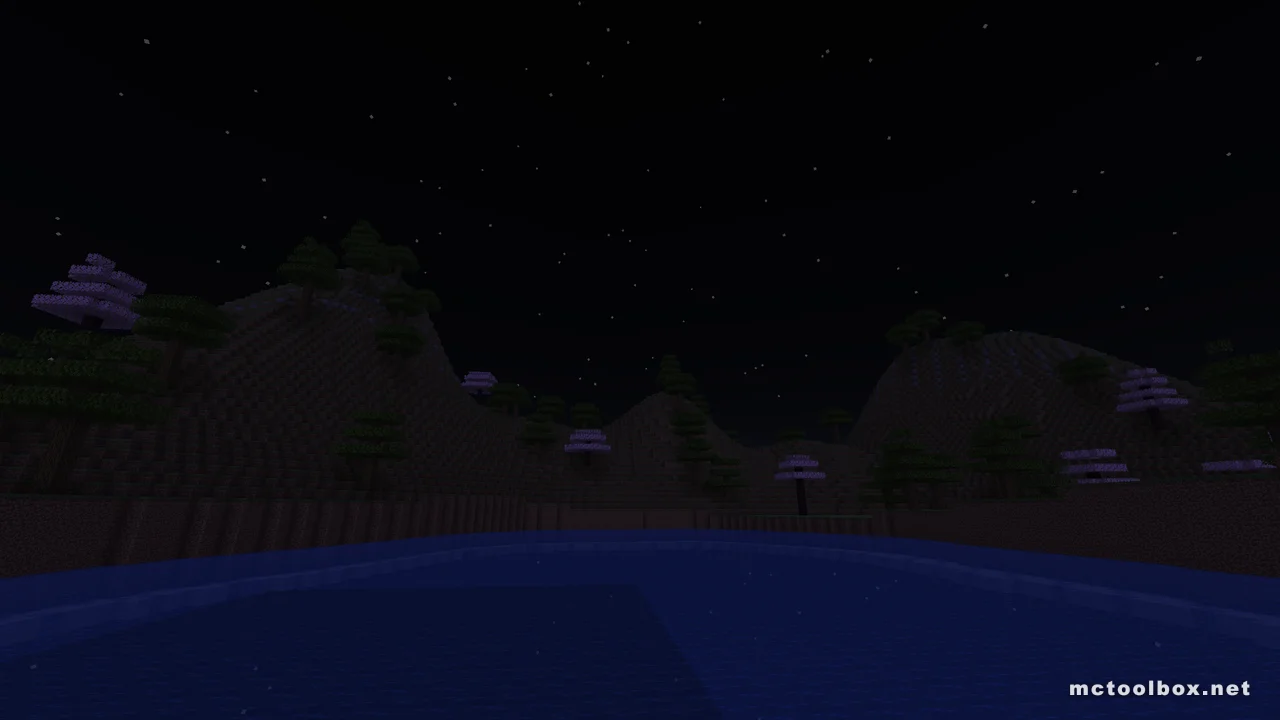
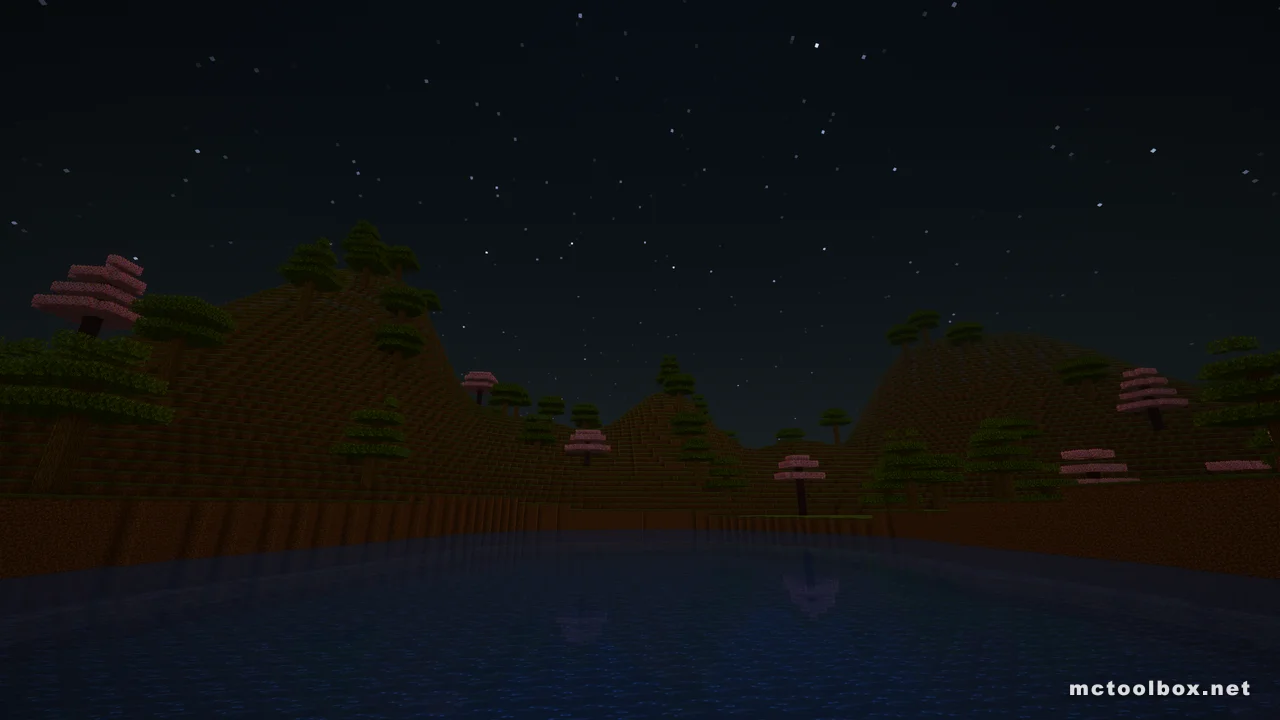
At night, Aurora's Shaders deliberately preserves legible ambient illumination. While the celestial sphere features a crisp star field and subtle atmospheric glow, terrain contours remain readable. You can navigate outdoor farms and defend against creeper ambushes without feeling visually handicapped outside torchlight radius.
Direct competitor breakdown
Choosing between Aurora's Shaders, Visual Vibrance, and Complementary
Choosing the right shader depends heavily on your visual preferences and hardware specs:
- Aurora's Shaders vs. Visual Vibrance: Both packs target high color vibrancy, but Aurora's Shaders pushes aquatic caustics and sunset warmth further, whereas Visual Vibrance aims for a strictly neutral daylight white point.
- Aurora's Shaders vs. Complementary Reimagined: Complementary is heavier, incorporating full LabPBR specular roughness maps and volumetric smoke. Aurora's Shaders omits heavy PBR passes to deliver roughly 15-20 higher FPS on integrated or mid-range GPUs.
- Aurora's Shaders vs. Sildur's Vibrant: Sildur's produces strong yellow-tinted sun shafts and intense water reflections; Aurora's Shaders keeps lighting cleaner and less bloomy.
In-game frame rate measurements
Tested at native 2560x1440 resolution on Fabric 0.19.3 + Iris 1.11.2
During our 2K benchmark run across diverse biomes with a 10-chunk render distance on Minecraft 26.3, we recorded the following averages:
- Vanilla Sodium (Shaders Off): ~195 FPS
- Aurora's Shaders (Default Settings): ~155 FPS (79.5% frame rate retention)
- Aurora's Shaders (Low Profile): ~176 FPS (90.2% frame rate retention)
Because the pack relies on efficient forward shaders without compute shader ray marching, 1% low frame times stay remarkably close to the average FPS during fast chunk generation.
Download links
We do not host Minecraft shader files directly. Download links go to the creator's official project pages.
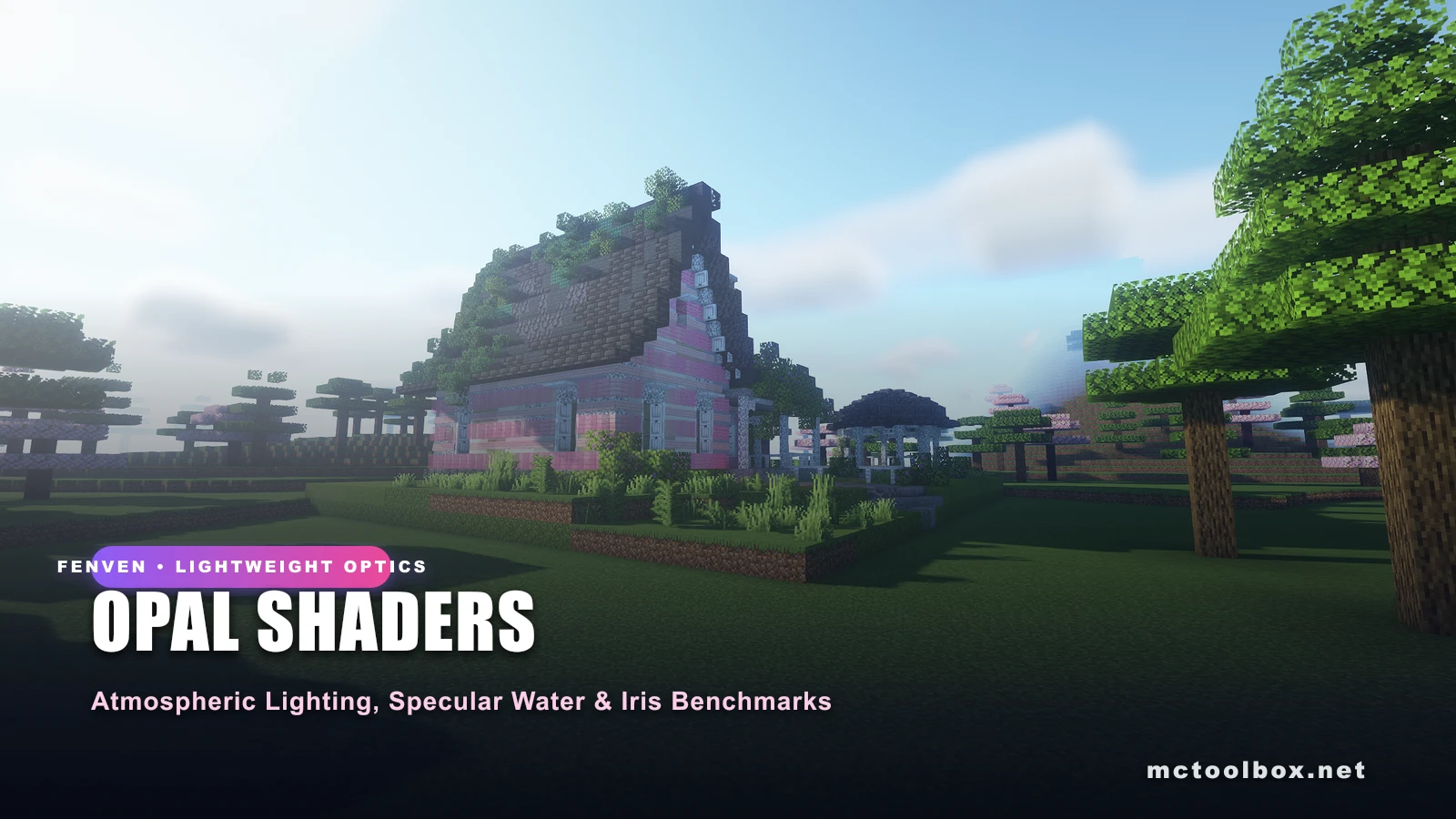
OPAL Shaders 1.20 - 26.3
OPAL Shaders by FENVEN delivers realistic atmospheric solar diffusion, dielectric water optics, and soft ambient bloom engineered specifically for modern Iris environments.
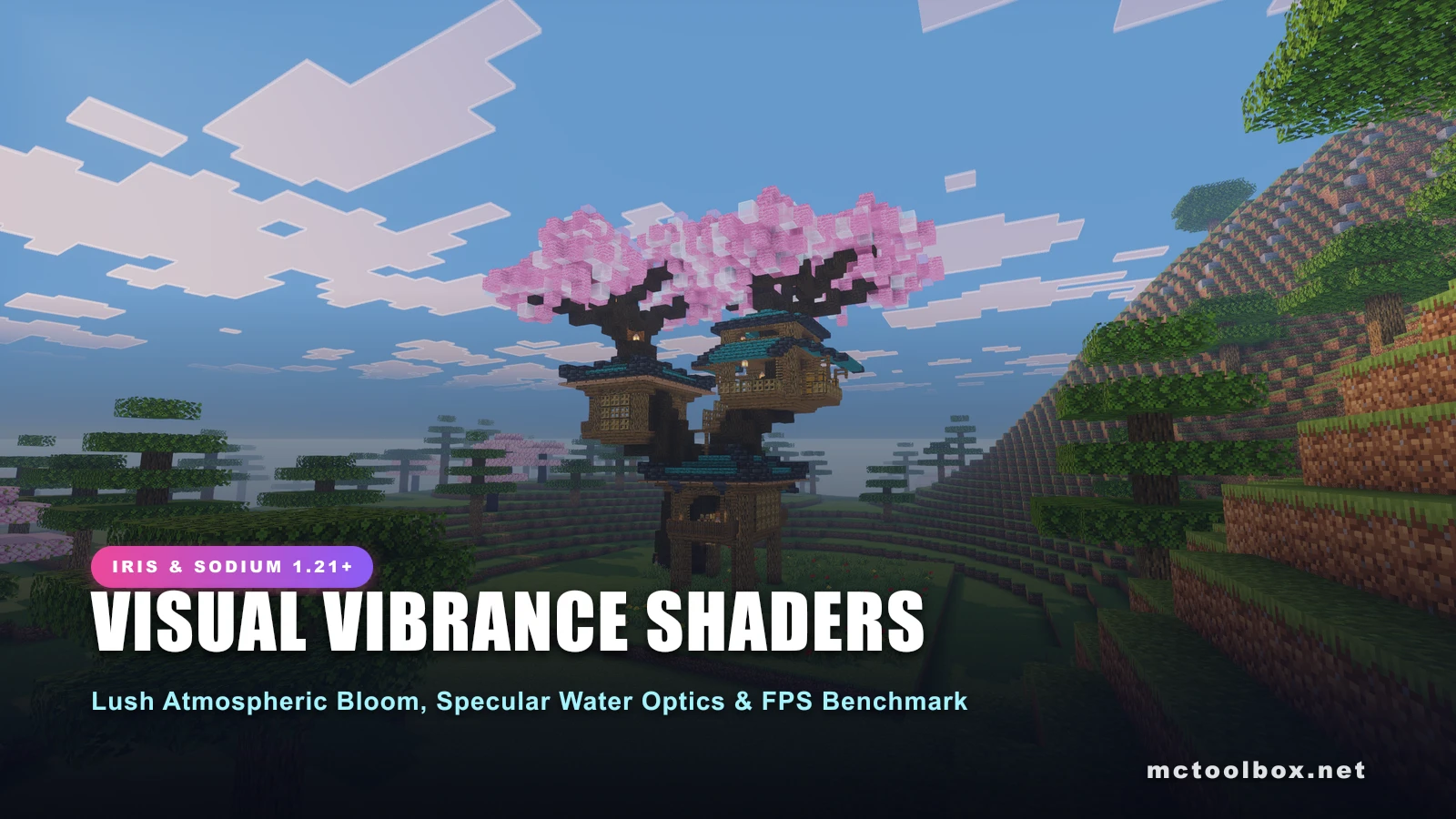
Visual Vibrance Shader 1.21 - 26.3
Visual Vibrance by Gri573 solves vanilla Minecraft's washed-out palette by boosting natural color saturation and specular water physics without the heavy yellow tints of traditional cinematic packs.
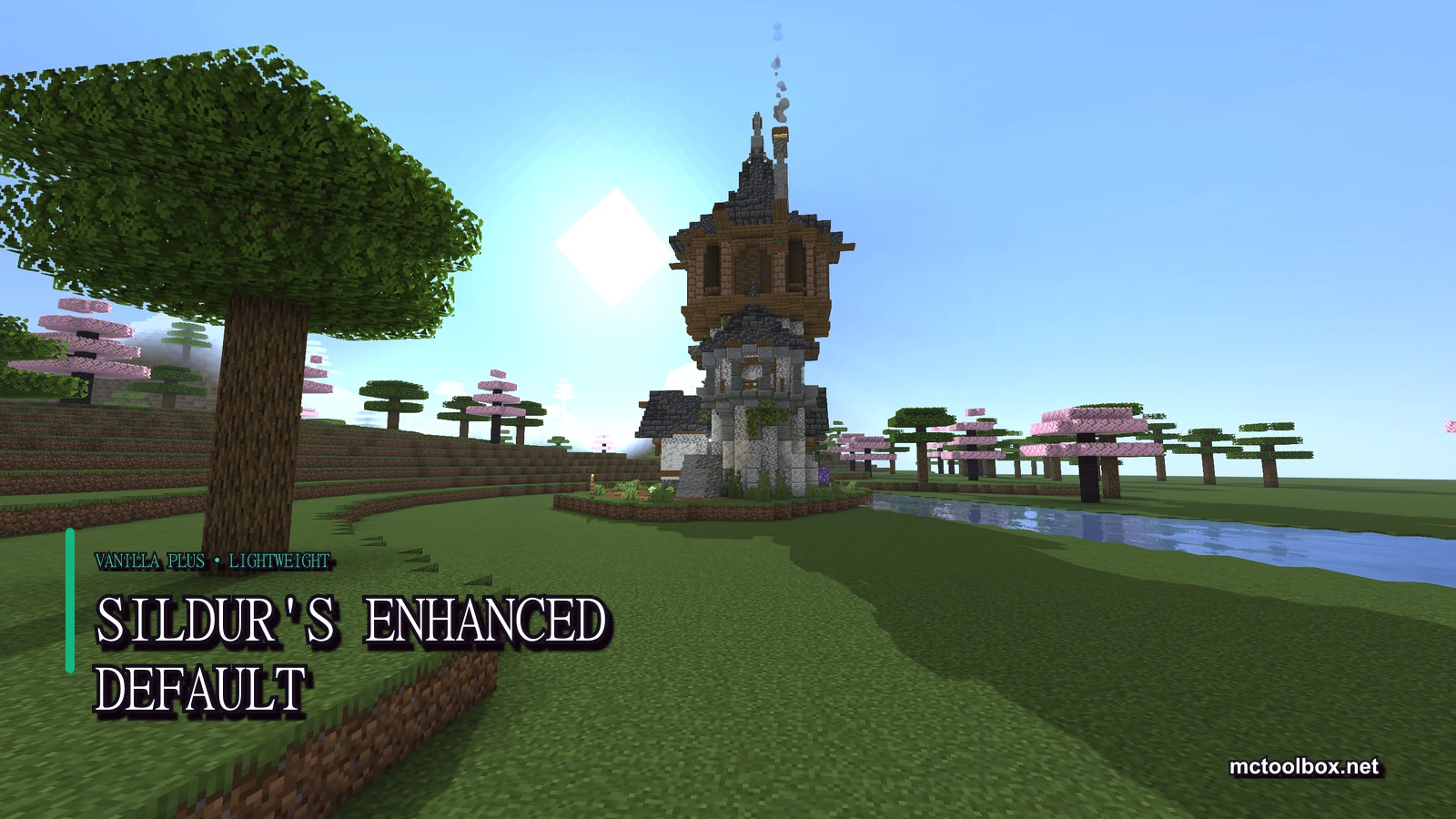
Sildur's Enhanced Default 1.20 - 26.3
Sildur's Enhanced Default by SildurFX upgrades Minecraft's lighting with real-time shadows and water reflections while preserving the game's original color palette and delivering exceptional framerates.