Minecraft resource pack guide
Sapixcraft Review: Clean Minimalist Cartoon World in Modern Minecraft
Smooth vector gradients, clean cartoon geometry, and 16x to 512x resolution tiers evaluated in Minecraft Java.
Java Edition · 16x - 512x · by Sapix
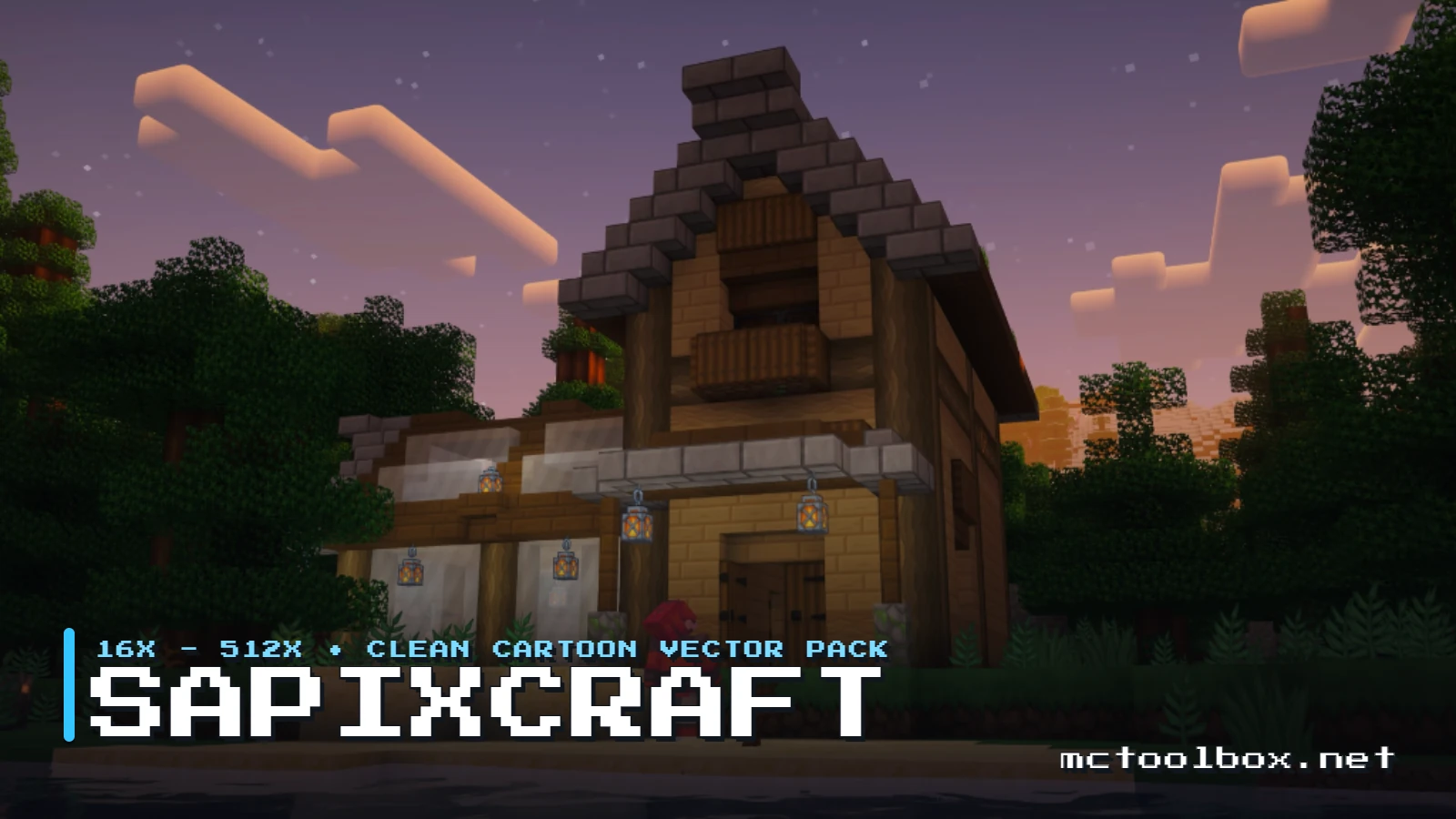
Sapixcraft transforms Minecraft into a remarkably clean, vibrant cartoon universe across resolutions from 16x up to 512x. By trading noisy pixel grit for smooth color gradients, rounded edges, and crisp vector linework, it delivers an approachable aesthetic that feels playful yet modern. We test the free 32x edition in survival, explore the full resolution tier structure, and compare in-game architecture, ores, mobs, and sunsets directly against vanilla.
In this guide7 sections
Minecraft textures have traditionally relied on 16x pixel noise to simulate grit, rough surfaces, and natural variation. While that aesthetic defines the classic survival look, it can often feel cluttered or abrasive on modern high-resolution displays. Sapixcraft, created by designer Sapix, takes an entirely different artistic direction. By stripping away grainy texture noise and replacing it with silky color gradients, crisp geometric bevels, and vibrant cartoon palettes, Sapixcraft transforms the blocky sandbox into a living animated world.
Available across multiple resolutions ranging from 16x up to 512x, the pack caters to both low-spec survival machines and enthusiast creative builders. We examine how the free 32x edition performs in practical survival play, evaluate the visual changes across building blocks, ores, and mobs, and clarify the tier structure between the freely available releases and the Patreon-exclusive high-resolution packs.
Free 16x and 32x Editions Versus Patreon HD Tiers
One of the most important aspects for players exploring Sapixcraft is understanding its release model. Unlike packs that provide only a single resolution or lock all files behind paywalls, Sapixcraft uses a hybrid distribution tier:
- Free Versions (16x and 32x): Completely free to download on the official website. The 32x edition doubles the default vanilla pixel density, providing ample room for smooth shading gradients and bevel highlights without straining system memory.
- Patreon Copper Tier (64x, 128x, 256x, and 512x): Higher resolutions are reserved for Patreon supporters. These ultra-high-definition variants sharpen the vector curves further, making diagonal lines virtually indistinguishable from hand-drawn vector art.
For everyday survival gameplay, the free 32x version hits an exceptional balance. It eliminates pixel grit on wide walls and expansive landscapes while keeping VRAM consumption virtually identical to vanilla. Unless you frequently run high-end cinematic captures or 4K photography, the free 32x version delivers the complete core Sapixcraft visual experience without costing a cent.
Architectural Building and Pristine Masonry
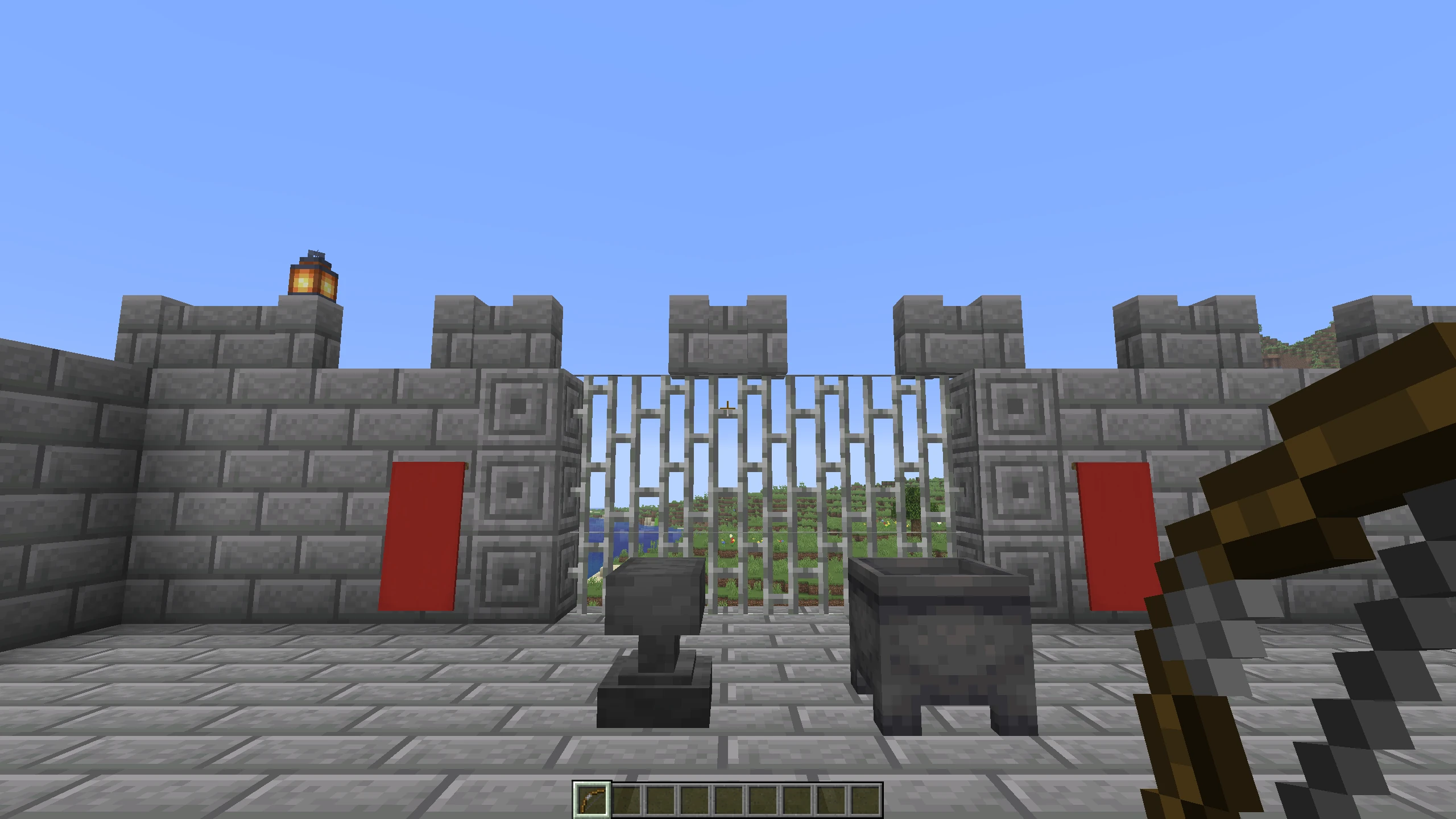
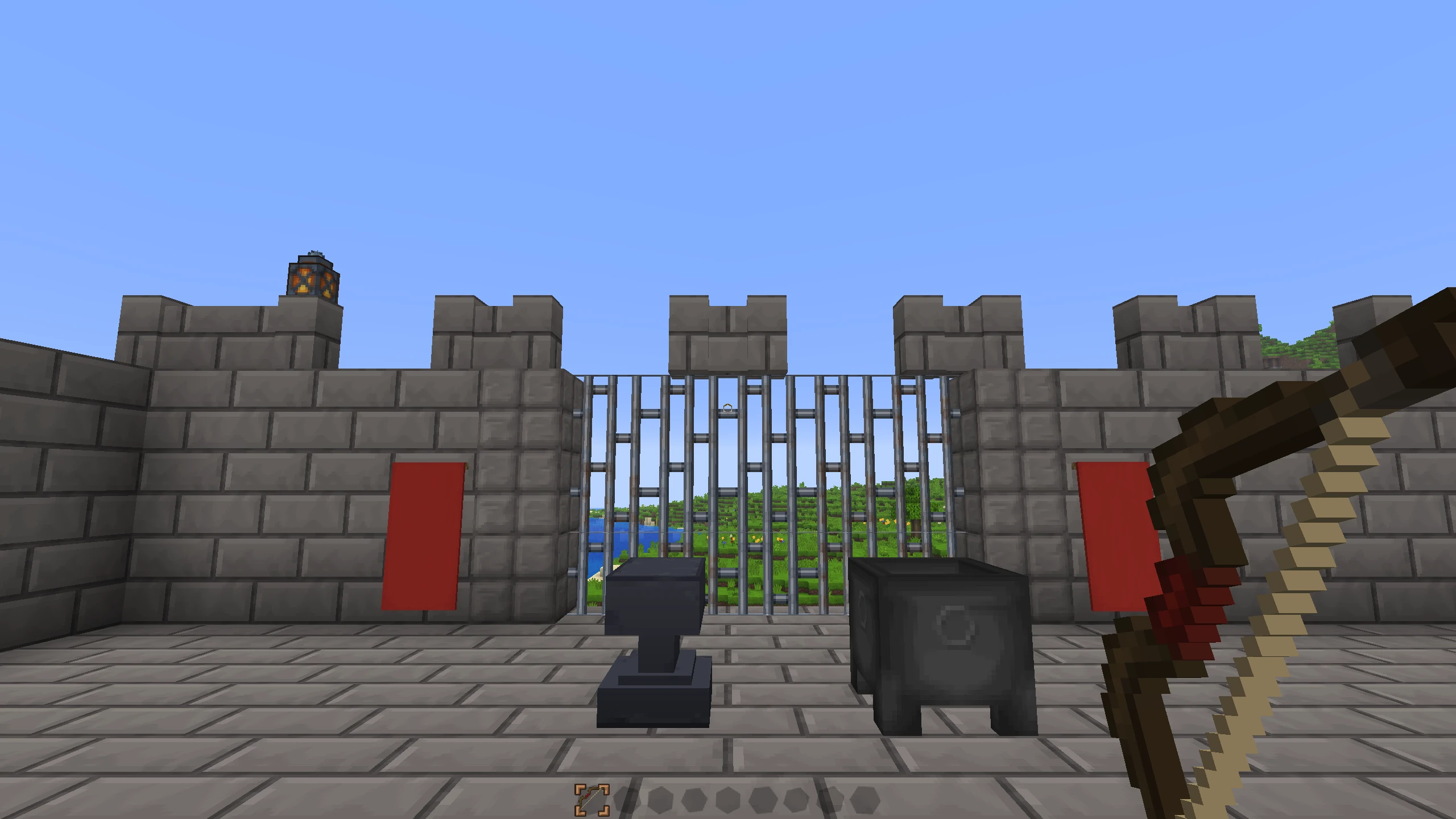
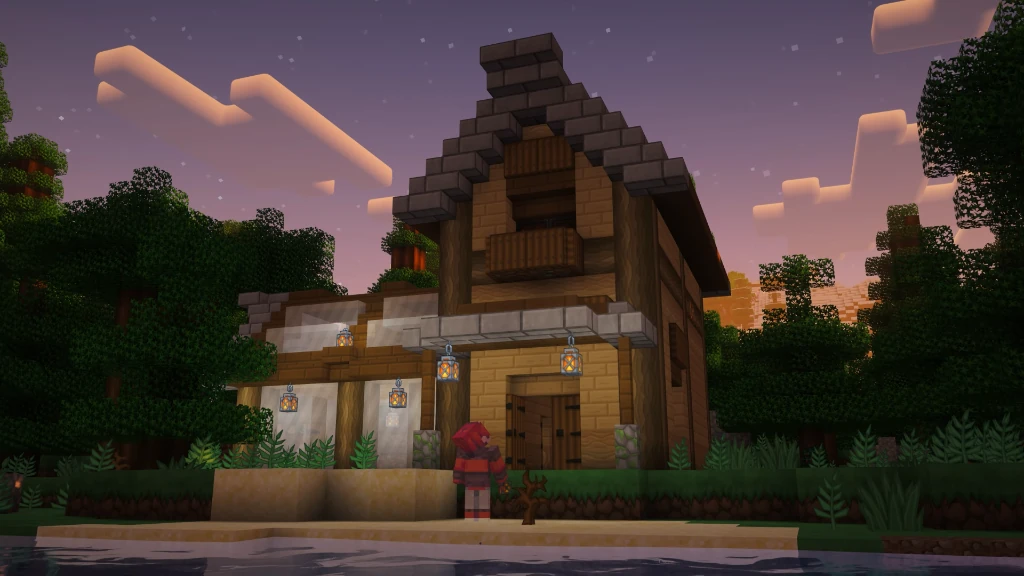
Building structures with vanilla cobblestone and stone bricks can often result in a busy, mottled appearance where repeating texture patterns distract from the overall shape. Sapixcraft solves this through smooth, pillow-shaded block faces bounded by clean outer borders.
Stone bricks receive a subtle beveled depth with clean mortar channels, giving castles and fortresses a substantial, chiseled presence. Planks and logs are sanded down into warm, smooth lumber free of irregular wood knots. One standout feature for modern architecture is the glass: Sapixcraft eliminates the diagonal scratch lines and heavy perimeter frames of default glass, replacing them with nearly invisible, borderless panels that connect seamlessly.
Mining Readability and Ore Distinction
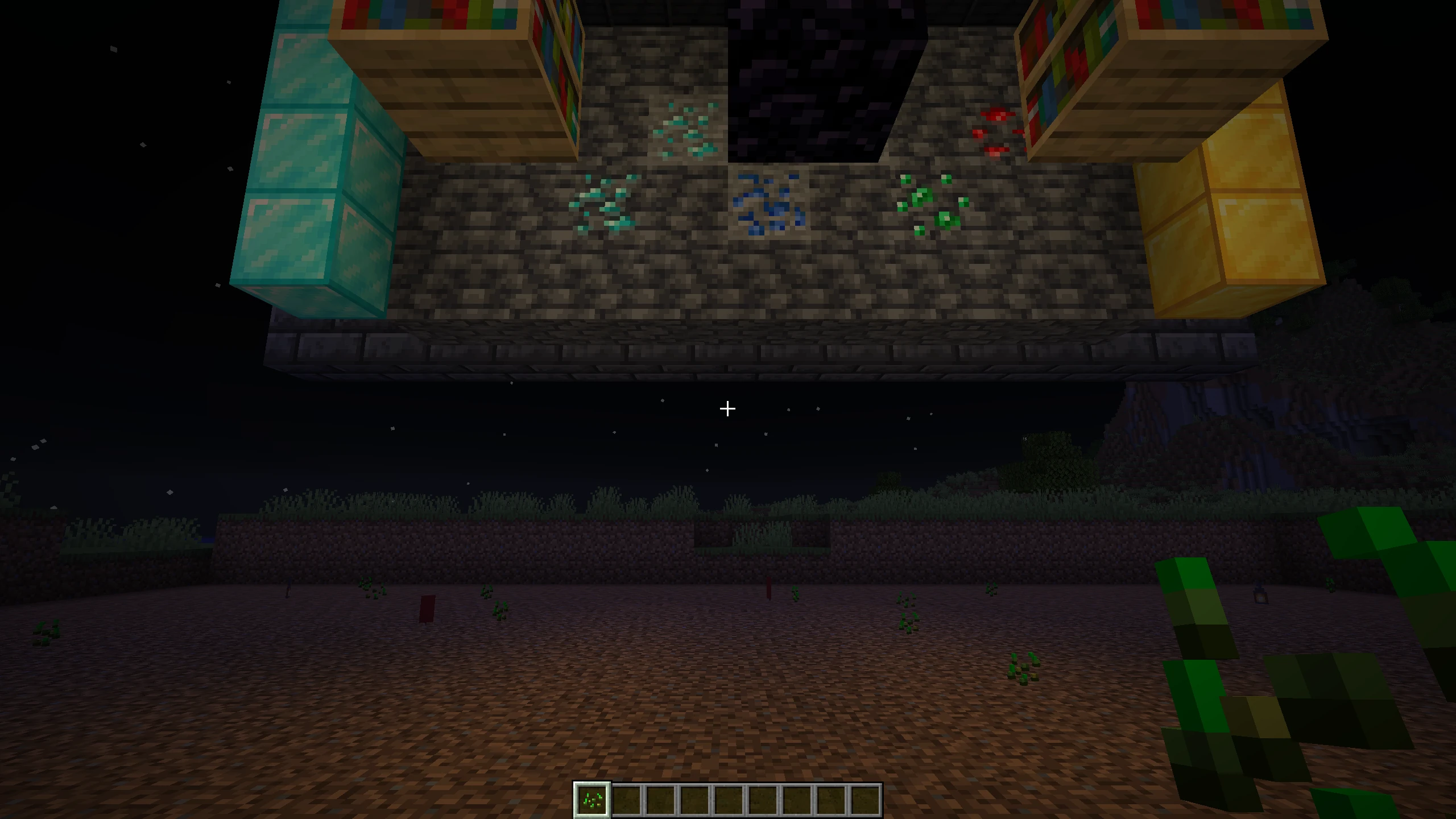
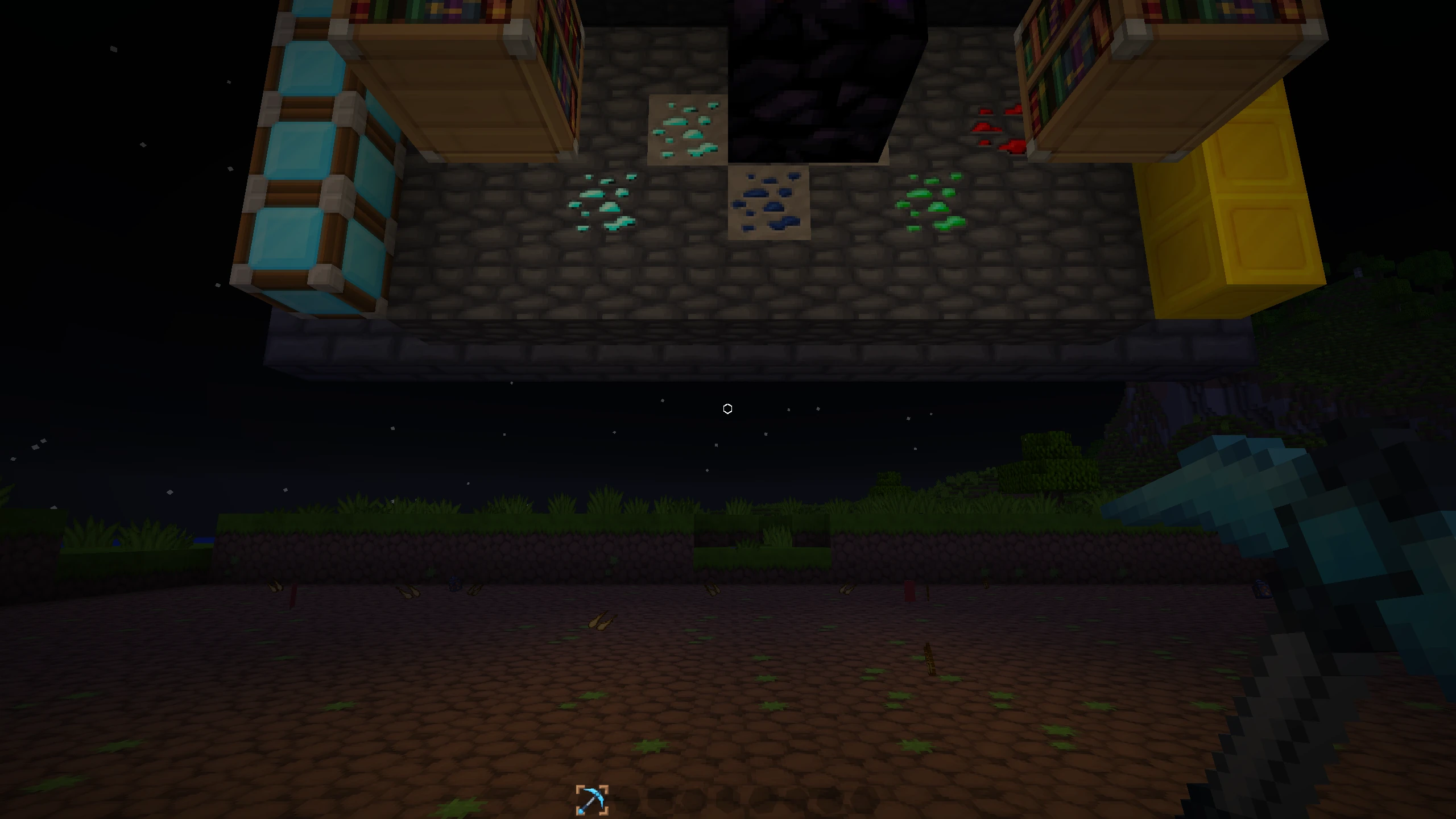
Deep underground exploration in standard Minecraft often requires squinting into dark stone to distinguish iron veins from coal or copper. In Sapixcraft, ore generation adopts a high-contrast layout designed for instant visual recognition.
Each mineral cluster is rendered as smooth, faceted gemstones embedded directly into the host stone or deepslate plate. Diamond veins glow with a rich cyan sheen, emeralds pop with saturated jade tones, and redstone stands out vividly against dark rock. The surrounding stone maintains a uniform, low-noise pattern, ensuring that valuable veins catch your eye immediately even under faint torchlight.
Character Equipment and Expressive Mobs
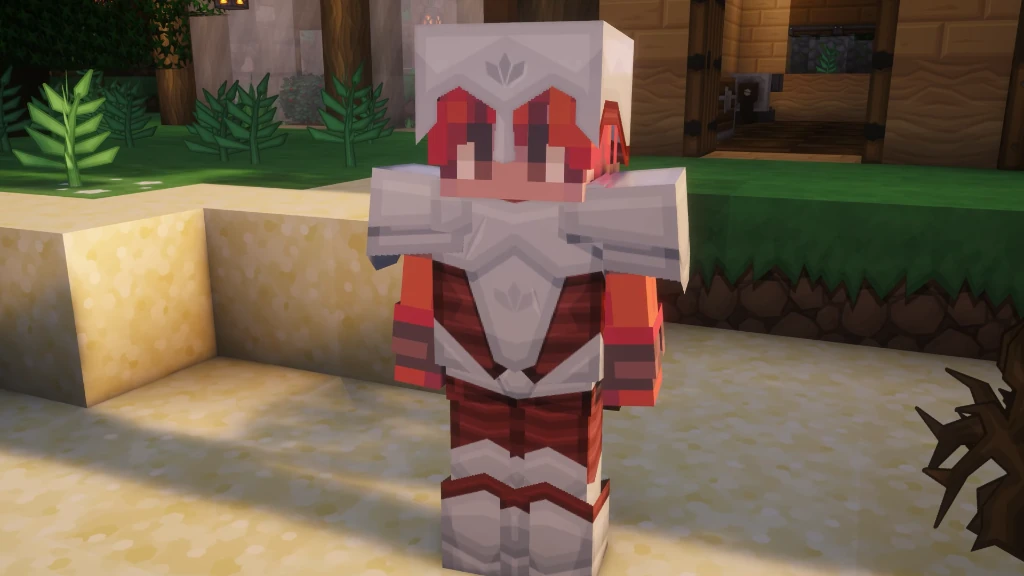
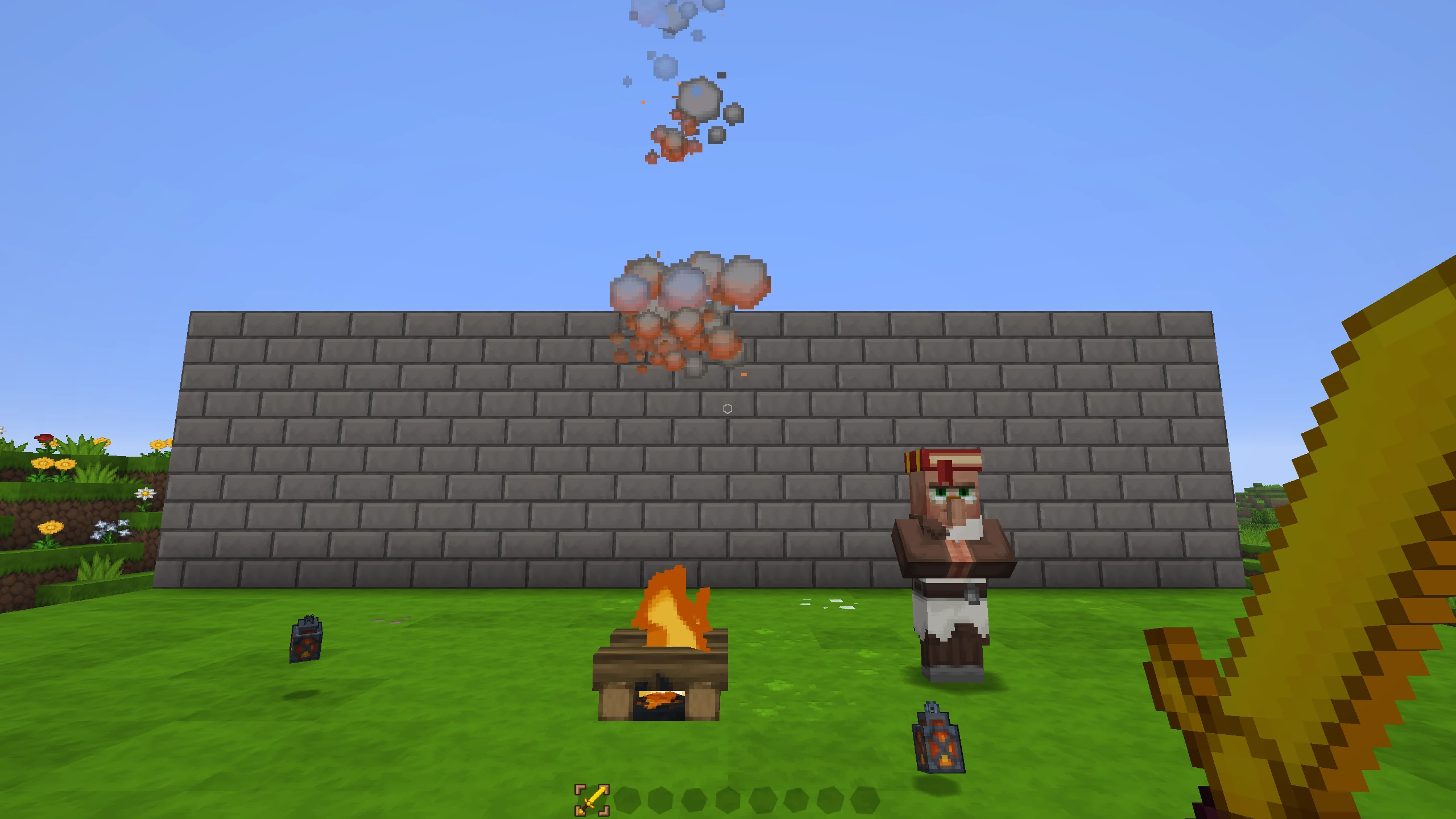
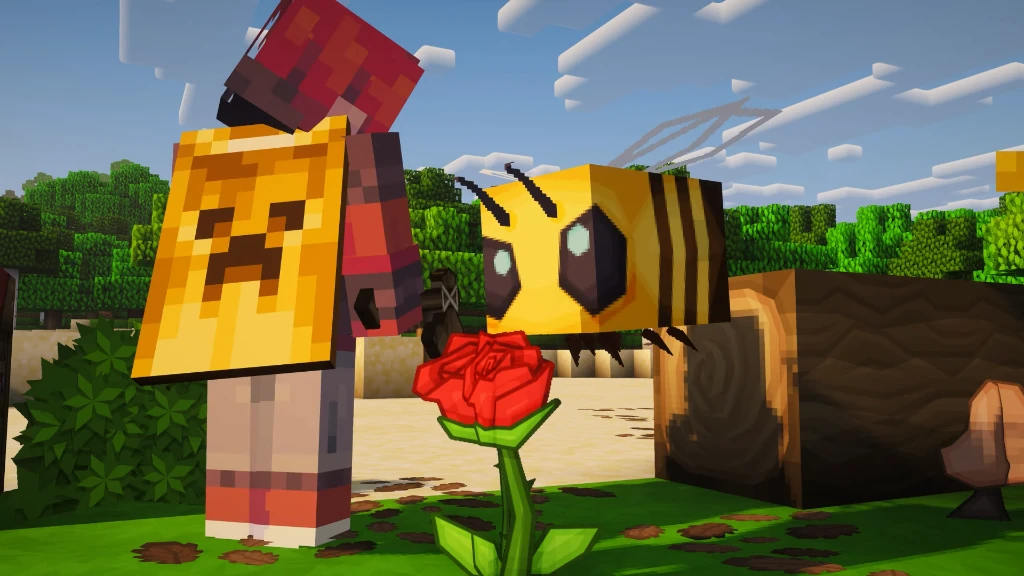
The cartoon styling extends deep into survival equipment, tools, and creature models. Weapons and tools ditch pixelated blades in favor of defined silhouettes with gradient shading, giving swords and bows a distinctive comic-book feel. Armor sets feature tailored chestplates with clean emblem accents and stylized helms that look heroic without cluttering the player model.
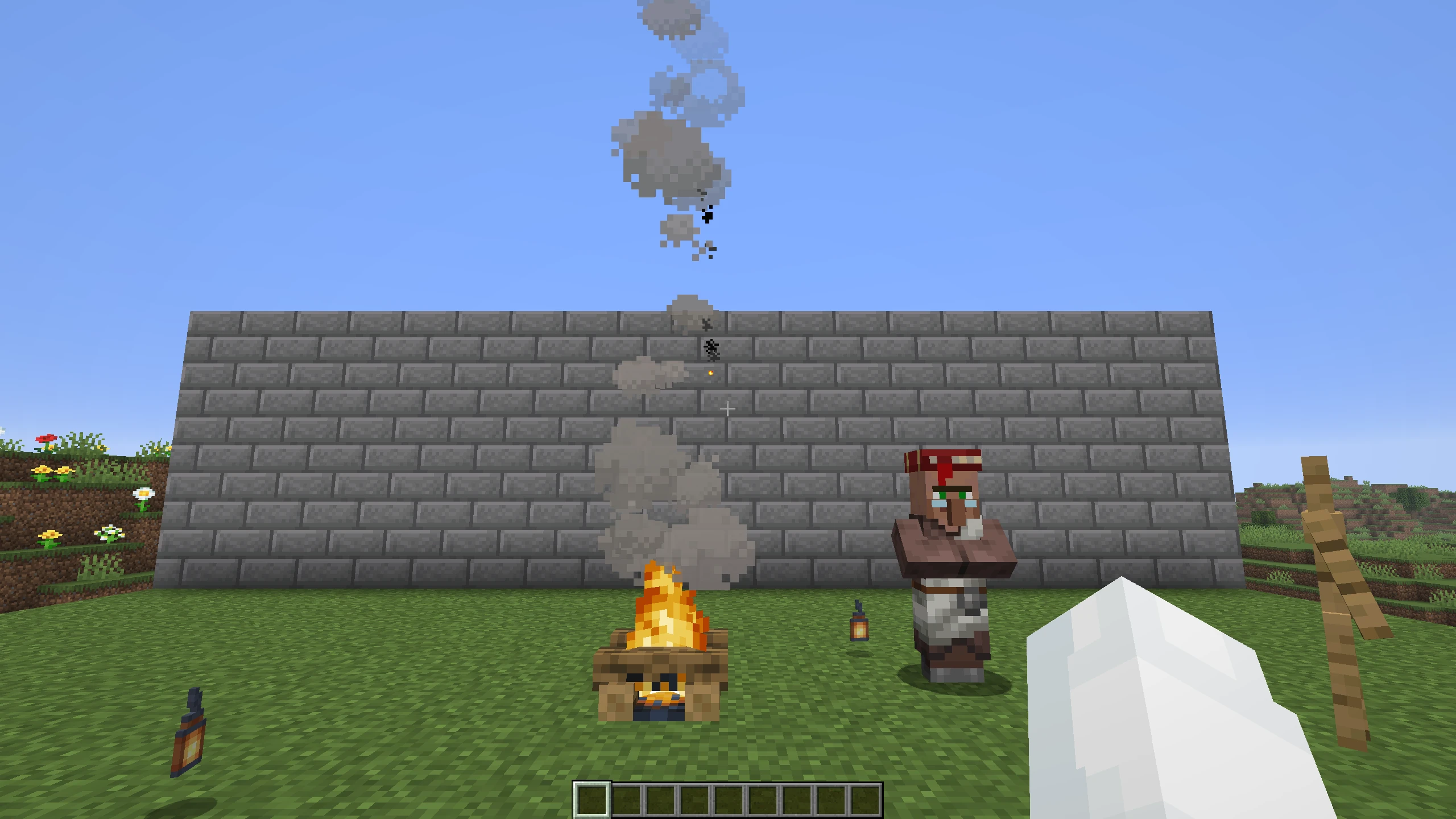
Creatures in the world receive playful personality upgrades. Villagers gain scholarly spectacles and tidy robes, while hostile mobs look animated and characterful rather than grim. In addition, the pack incorporates custom eating models for staple foods such as carrots, cooked beef, and chicken, displaying sequential bite marks as your character consumes them.
Natural Biomes and Stylized Dimensions
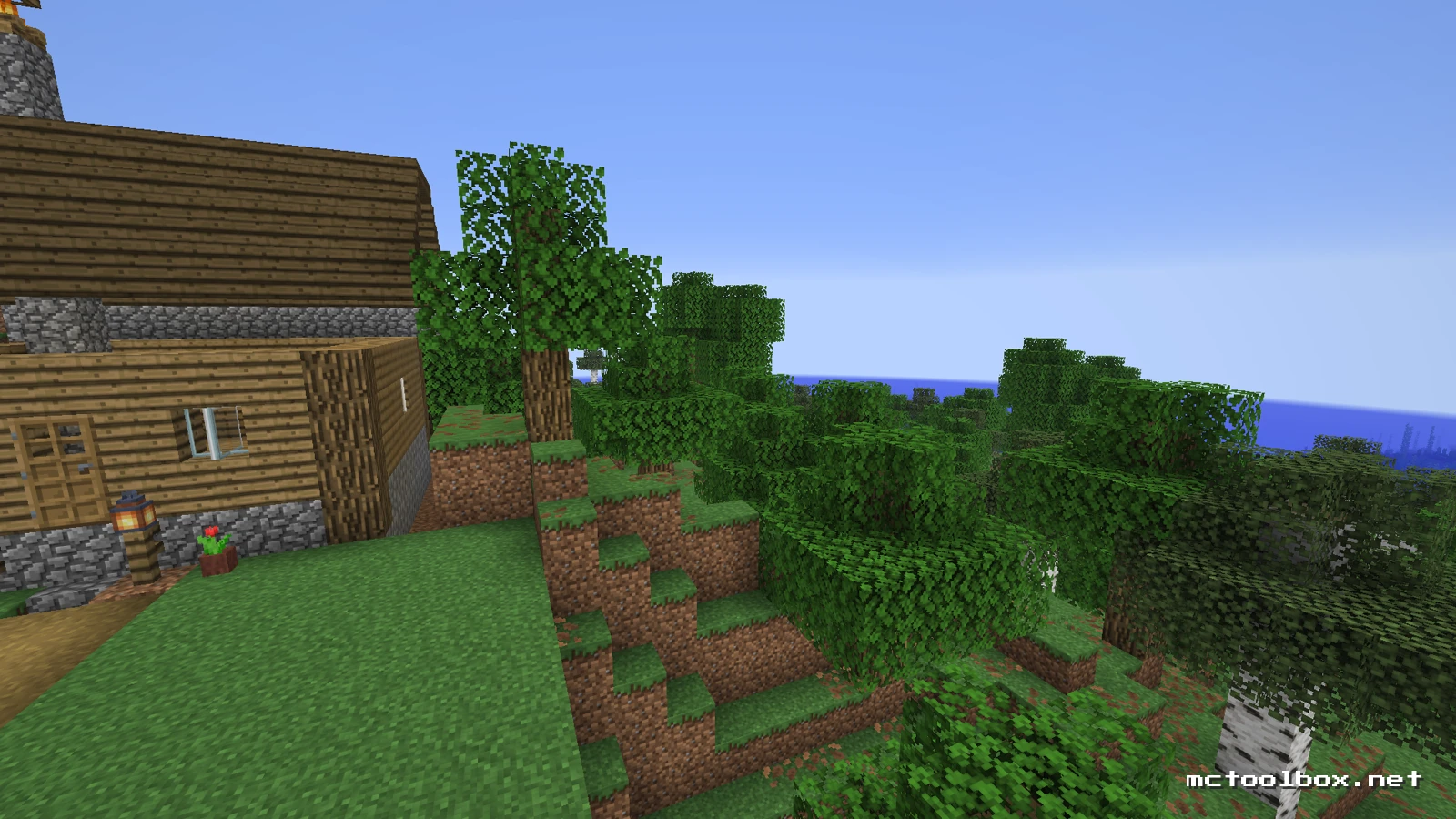
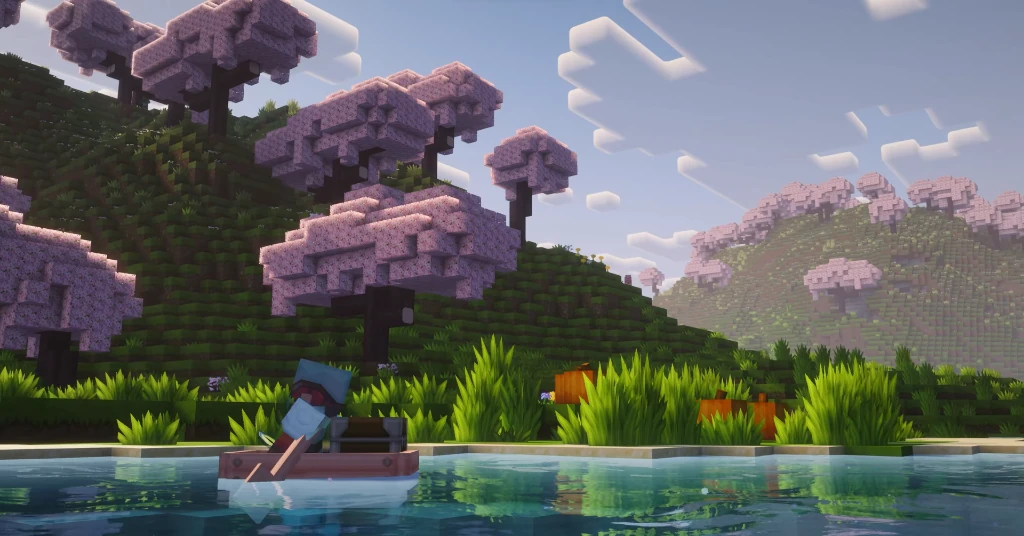
Traversing the wilderness reveals the full impact of Sapixcraft's color grading. Grass blocks are dyed a lush, cheerful green with clean turf edges that blend softly into dirt hillsides. Water surfaces remain crystal clear with soft wave ripples that make navigating rivers and oceans refreshing.
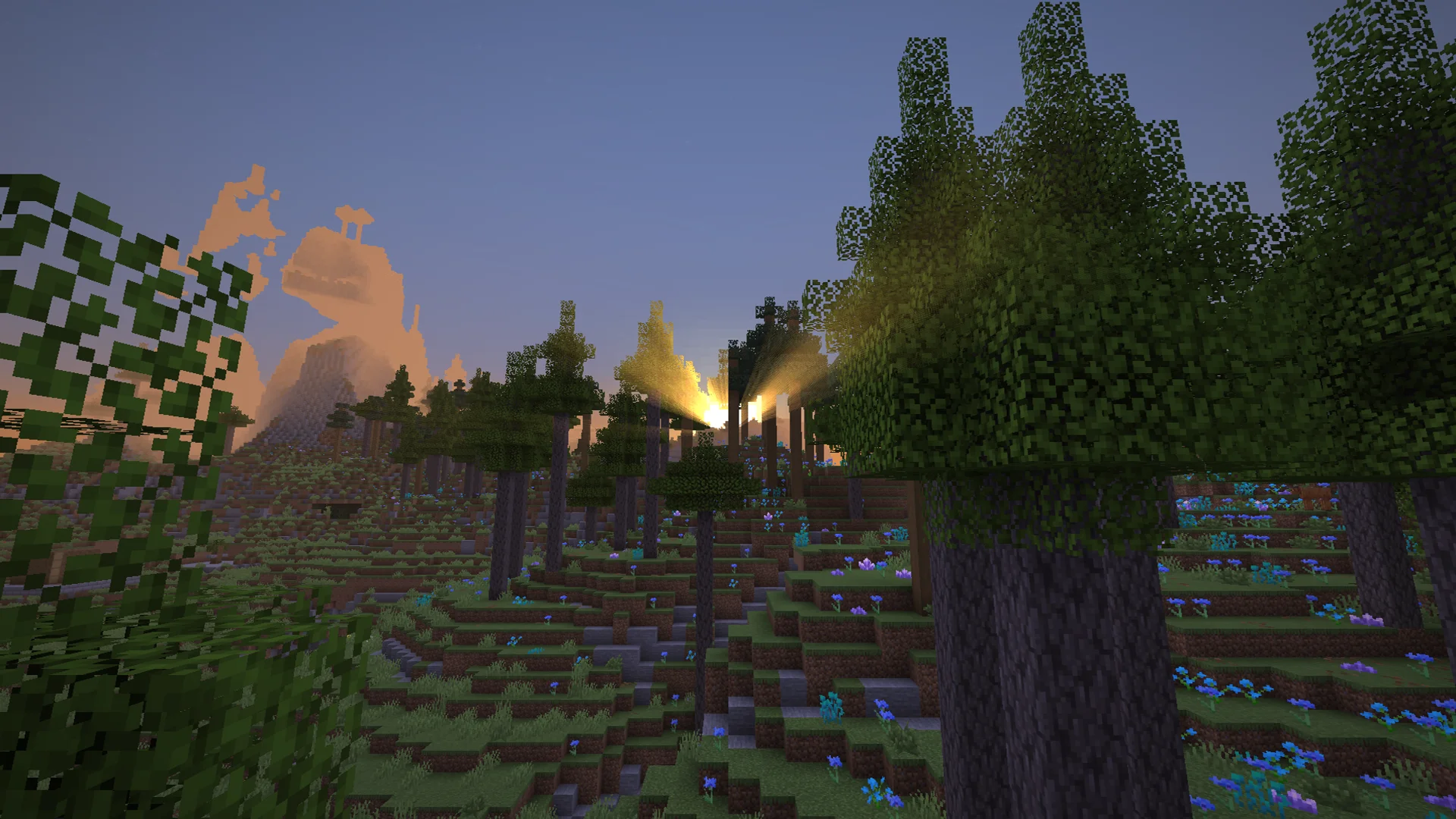
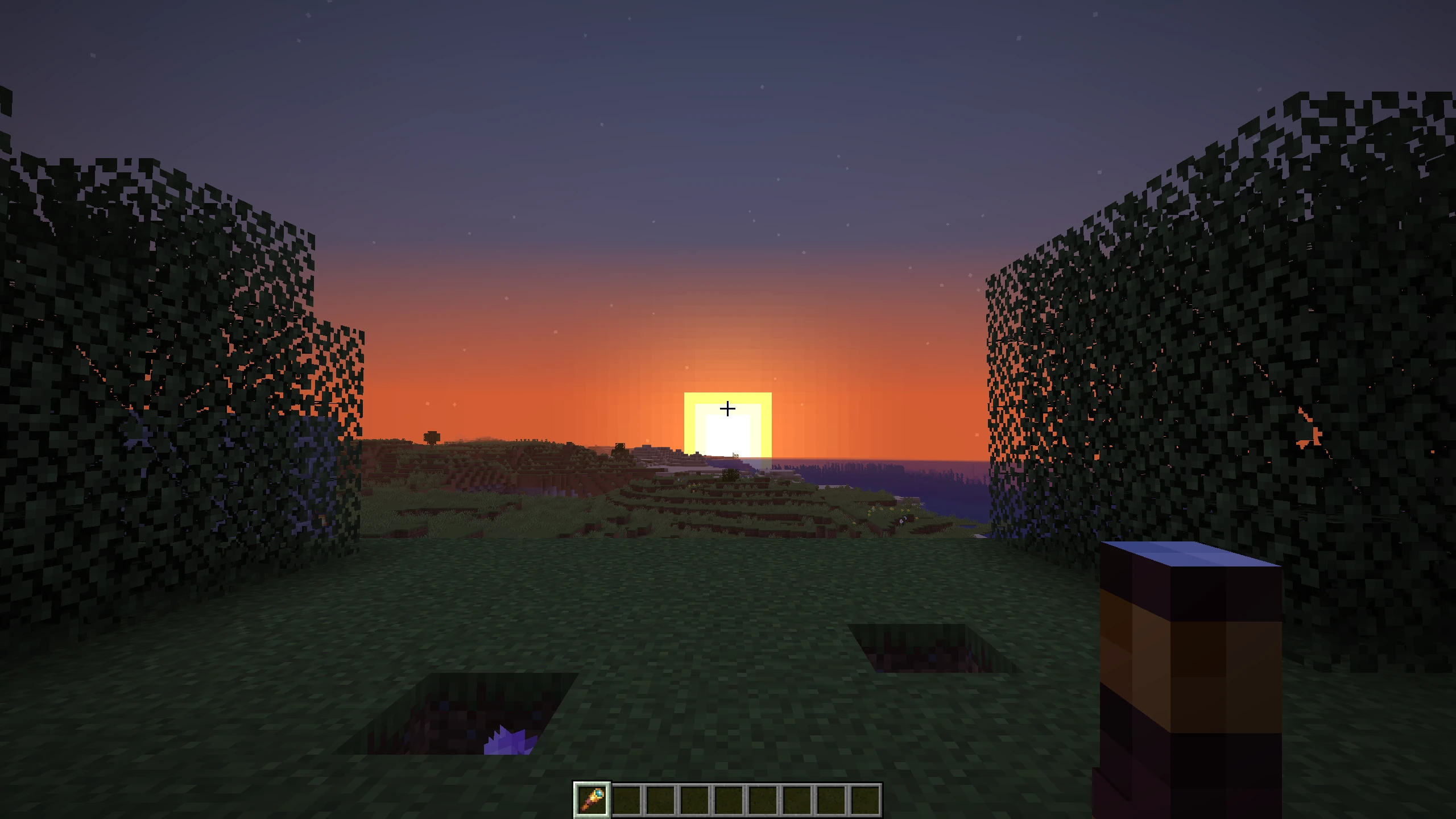
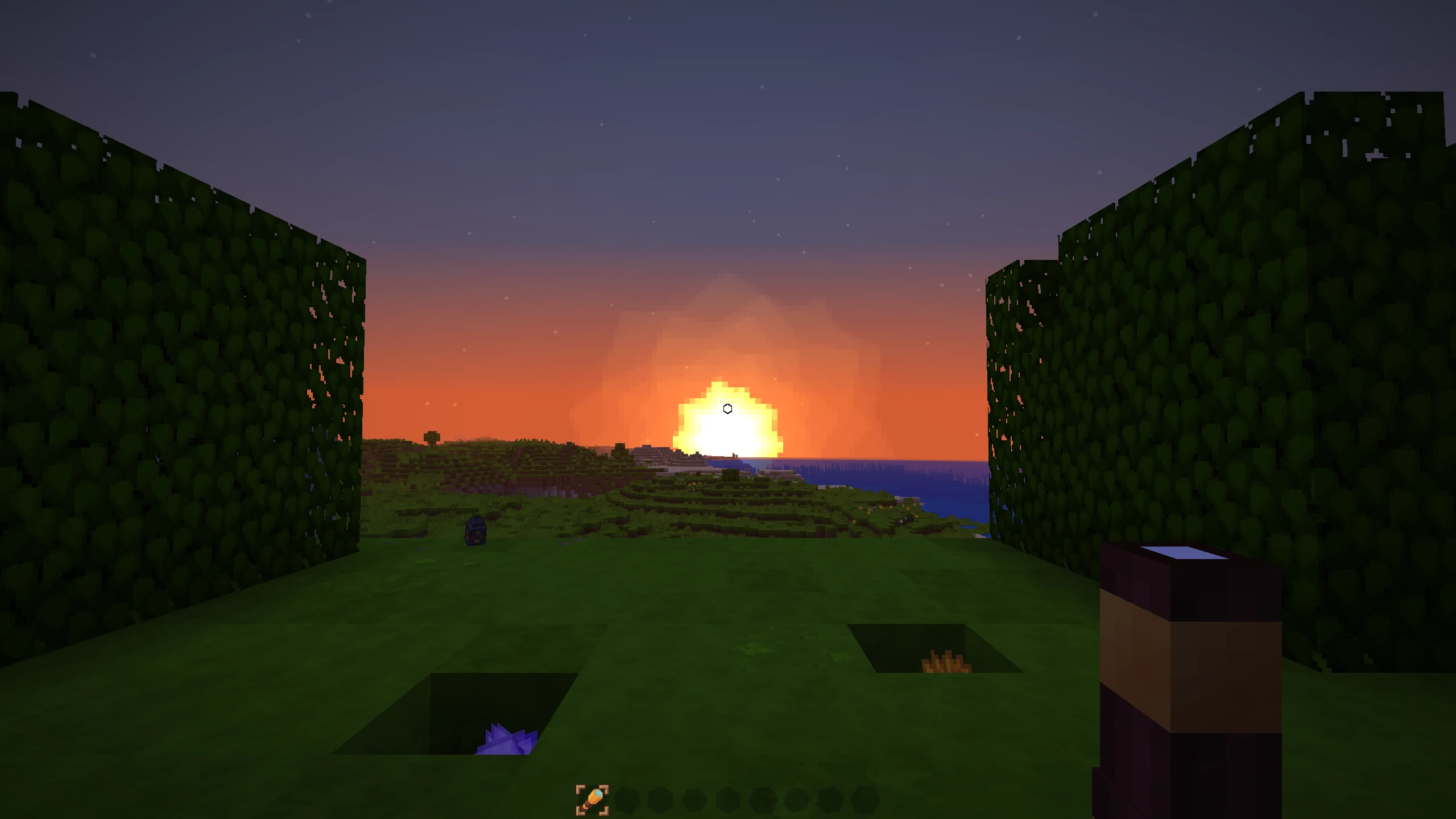
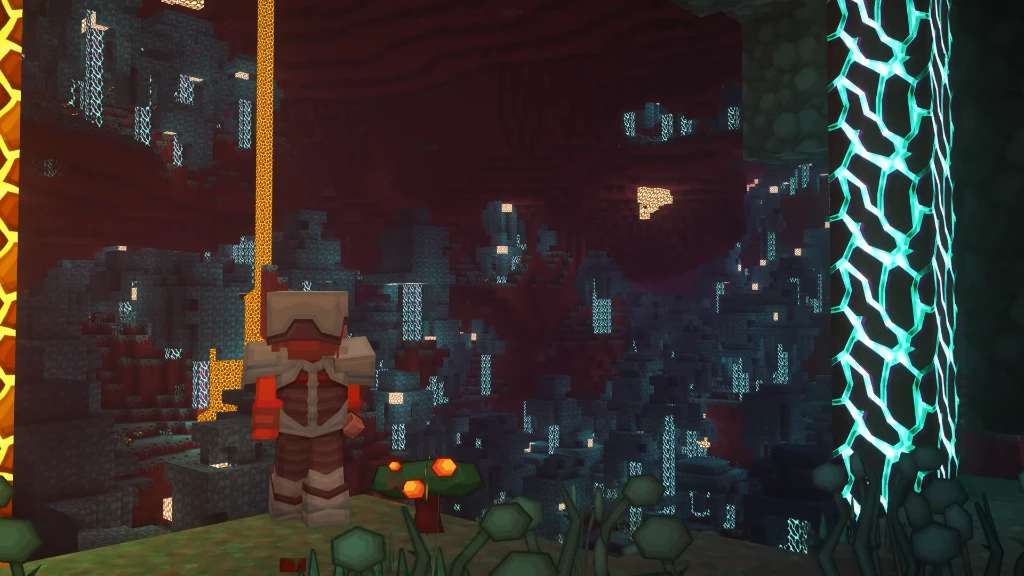
The celestial skybox replaces the harsh square sun of vanilla with a rounded, multi-layered sun halo that casts warm golden light across the landscape at dawn and sunset. In the Nether, the often muddy and abrasive textures of netherrack and soul sand are smoothed into stylized alien landscapes, complemented by vibrant animated portal swirls that turn dimensional travel into an eye-catching event.
Installation and Technical Performance
Installing Sapixcraft on modern Minecraft Java Edition is straightforward:
- Download the free 32x ZIP archive from the official Sapixcraft website.
- Launch Minecraft and navigate to Options > Resource Packs > Open Pack Folder.
- Move the downloaded ZIP file directly into the
resourcepacksdirectory. - Move Sapixcraft from the Available column to the Selected column on the right side of the screen, then click Done.
When running with modern optimization mods like Sodium or Iris on Fabric, the 32x version maintains rock-solid framerates with zero stuttering during chunk generation. Because 32x textures require only a fraction of the memory needed by 256x or 512x packs, survival players can comfortably pair Sapixcraft with their favorite shaderpacks without encountering VRAM bottlenecks.
Our test setup
| Game | Minecraft Java Edition 26.2 |
|---|---|
| Pack edition evaluated | Sapixcraft 32x r1.6 for MC 26.x (pack_format: 88) |
| Available resolution tiers | 16x, 32x (Free); 64x, 128x, 256x, 512x (Patreon Copper Tier) |
| Rendering engine | Fabric Loader 0.19.3; Fabric API 0.158.0+26.2; Sodium 0.9.1; Iris 1.11.2 with shaders disabled |
| Resolution | 2560 × 1440 native capture, GUI scale 3 |
| Demonstration scenes | Fortress battlement, ore and mineral vault, cartoon mob gathering, sunset lake horizon, and Nether portal |
| Performance observation | Free 32x edition tested in-game maintains fluid 160+ FPS on mid-range hardware with near-zero VRAM penalty compared to vanilla 16x |
| Artistic hallmarks | Clean vector gradients, rounded celestial bodies, borderless modern glass, cartoon face mobs, and food-eating animations |
Download and install
Choose the Java Edition file for your exact game version on the creator’s page. In Minecraft, open Options → Resource Packs → Open Pack Folder, place the ZIP there, then move the pack into the selected column.
The download is hosted by the creator, not MC Toolbox. Check the file and version before installing.