Minecraft resource pack guide
Fullbright UB Resource Pack Review: In-Game Evidence & Shader Mechanics
Overriding Minecraft core lightmap shaders for maximum brightness across midnight terrain and subterranean caverns.
Java Edition · 16×16 · by mOJRkeby (WorldResourcePack team)
+1 moreHide versions
All 5 listed versions (releases 1.19 to 1.21.4)
- 1.21
- 1.21.4 · 1.21
- 1.20
- 1.20.4 · 1.20
- 1.19
- 1.19
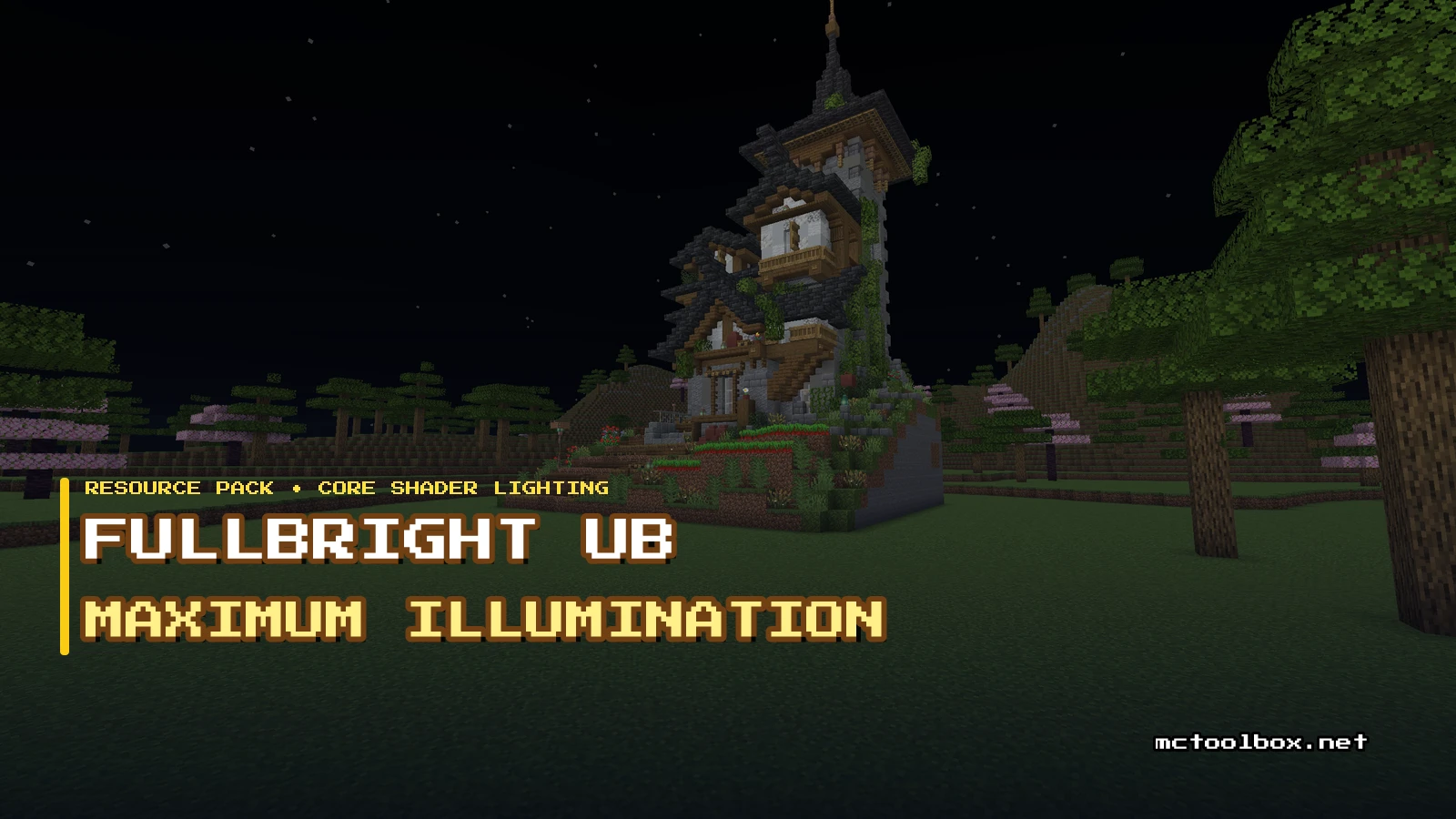
Fullbright UB replaces Minecraft default dark lightmap with full illumination via core shaders, eliminating pitch-black darkness without torches or potions.
In this guide6 sections
Navigating Minecraft at night or exploring vast subterranean cave systems has always demanded an endless supply of coal, wood, and torches. Since the Caves & Cliffs update deepened the world to Y=-64, deepslate chasms and sprawling waterlogged caverns turn pitch-black within seconds of stepping away from a light source. For players on dim monitors, builders working on large-scale night projects, or miners tracking mineral veins, this darkness often leads to severe eye strain and constant torch spamming.
Fullbright UB (Ubiquitous), developed by mOJRkeby and the WorldResourcePack team, has amassed more than 11 million downloads by offering a clean, non-invasive solution. Rather than requiring external cheat injectors, memory hacks, or editing configuration files, Fullbright UB works as a pure resource pack powered by Minecraft core shaders. It forces the in-game lightmap to maximum illumination, turning pitch-black caverns and midnight terrain as clear and readable as broad daylight.
Midnight Terrain and Landscape Navigation
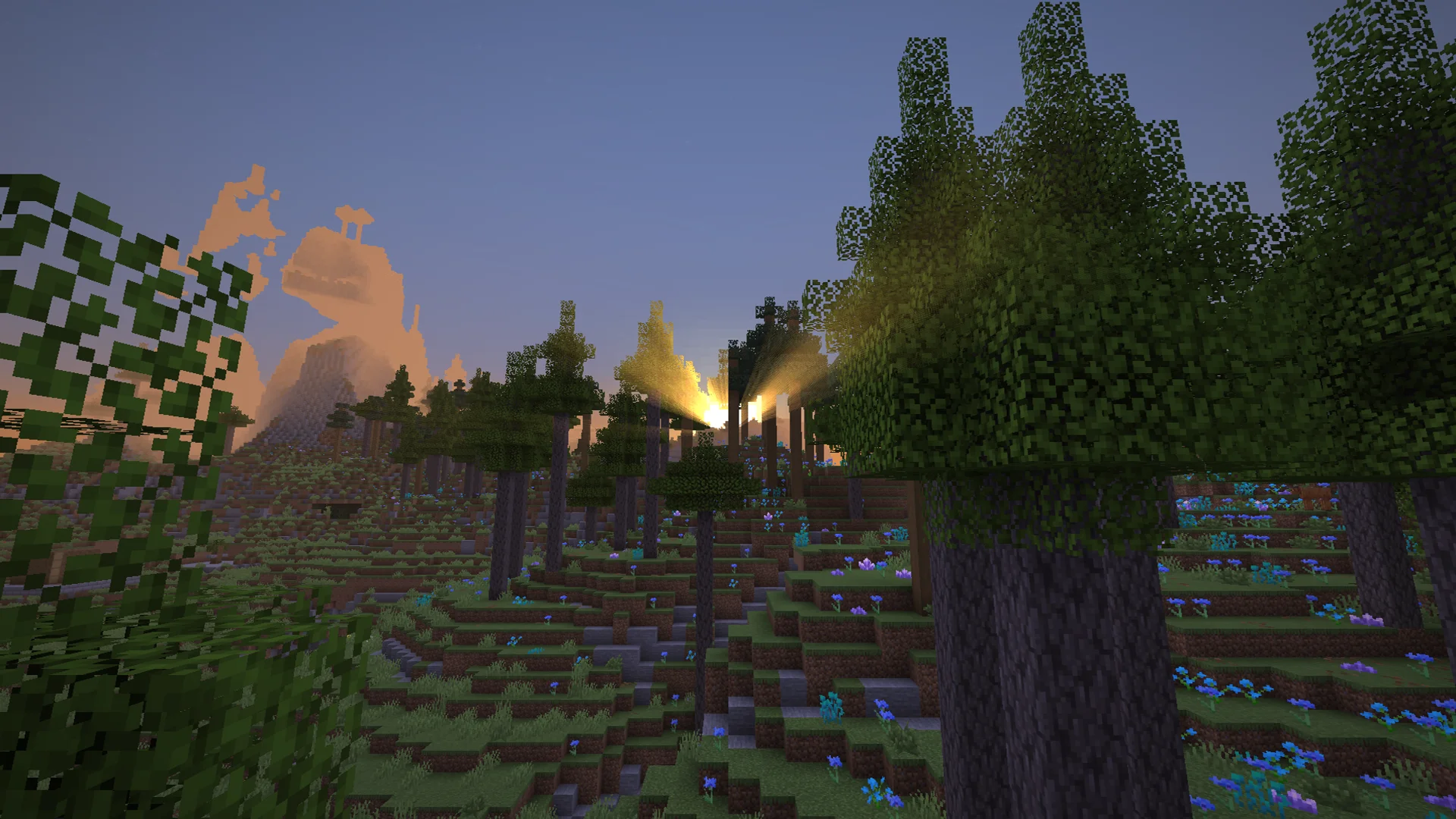
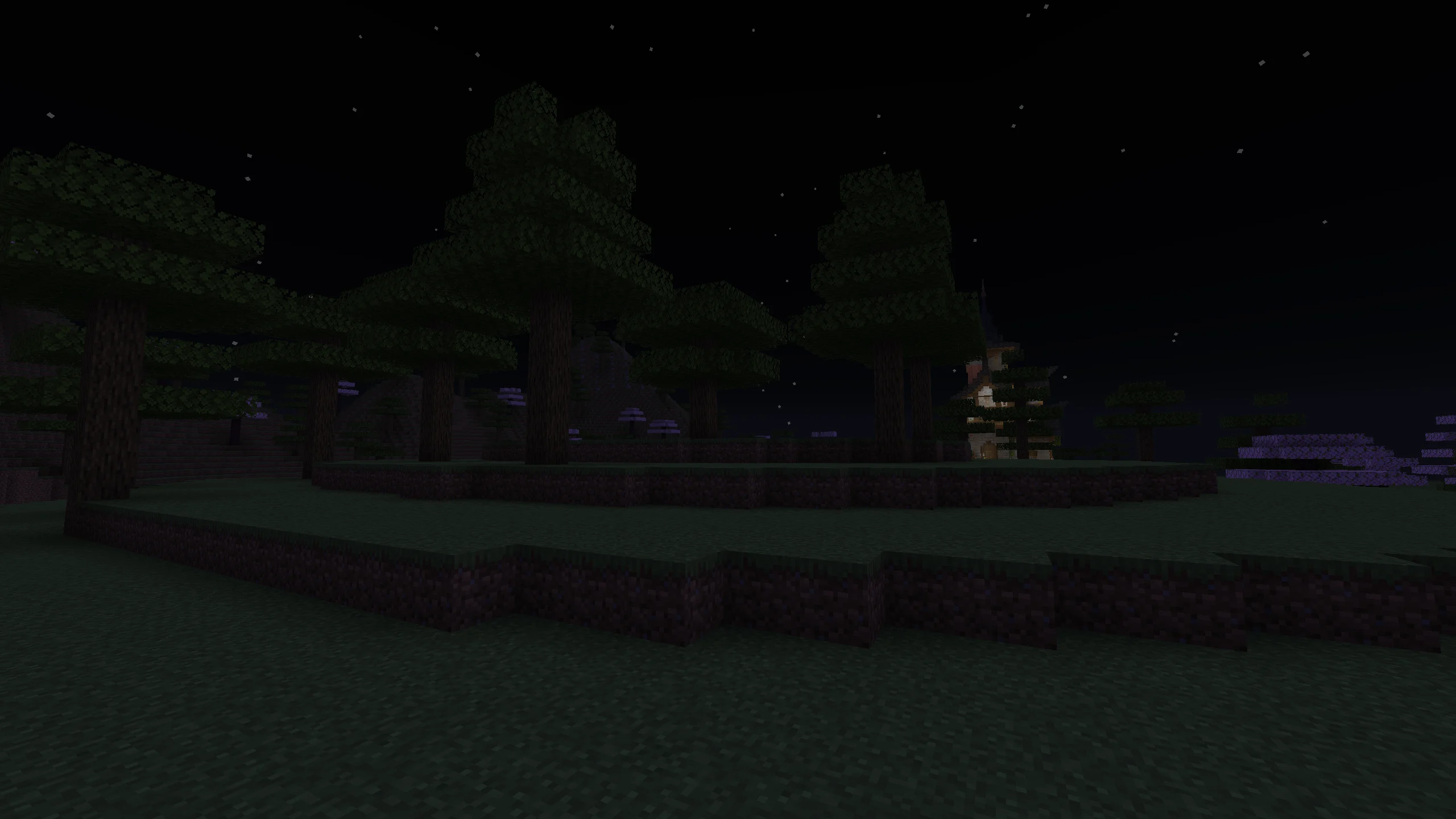
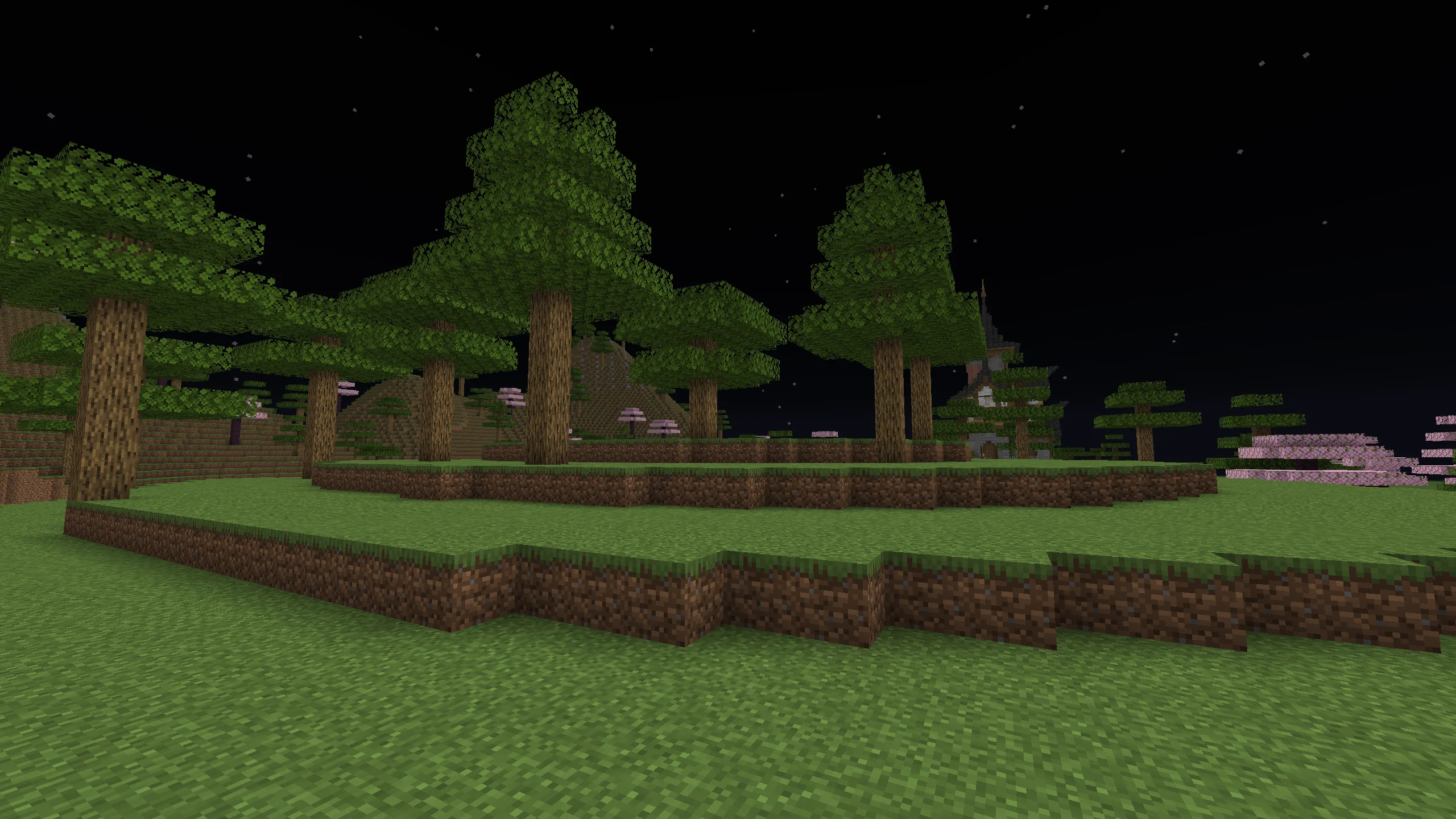
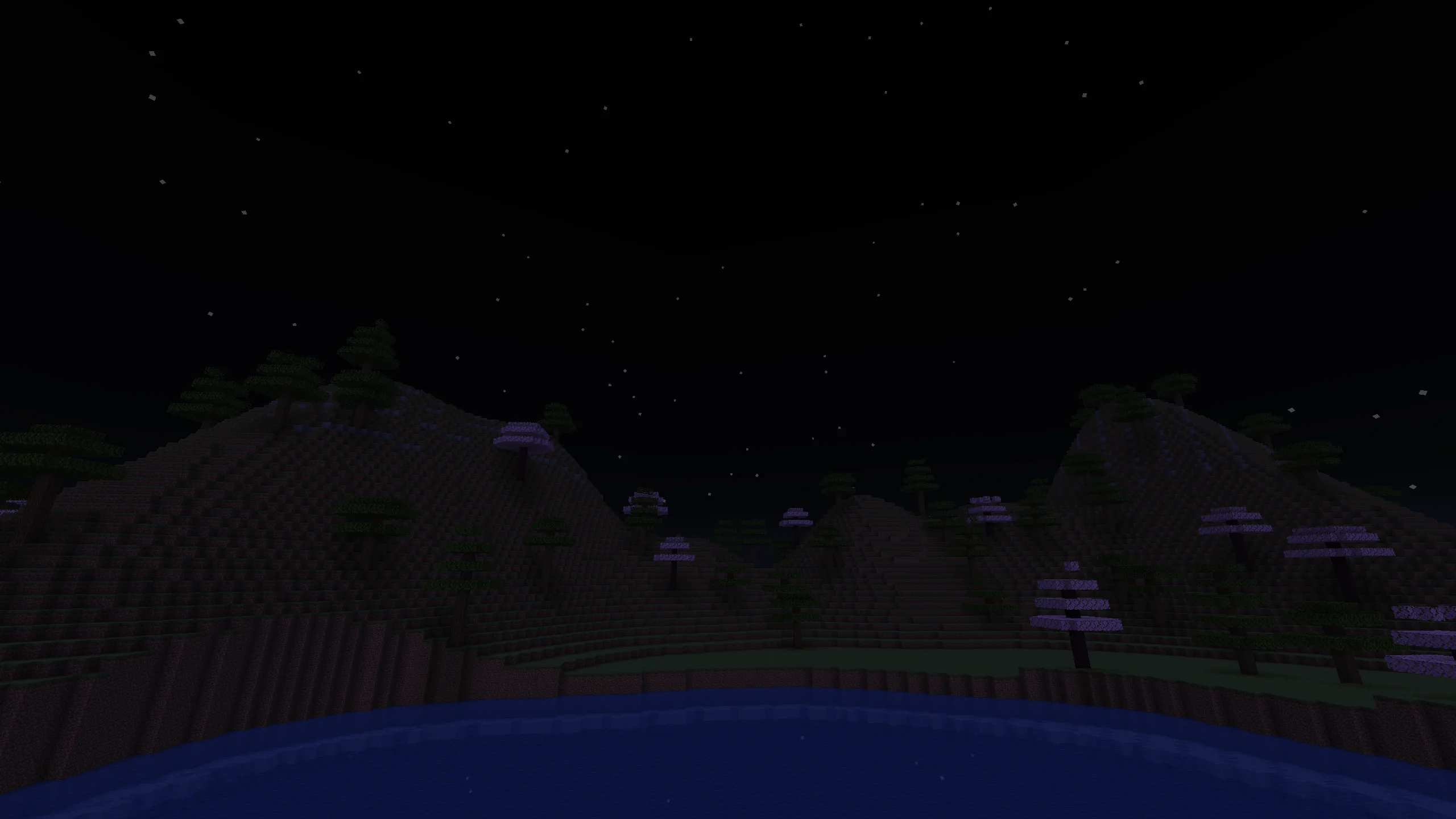
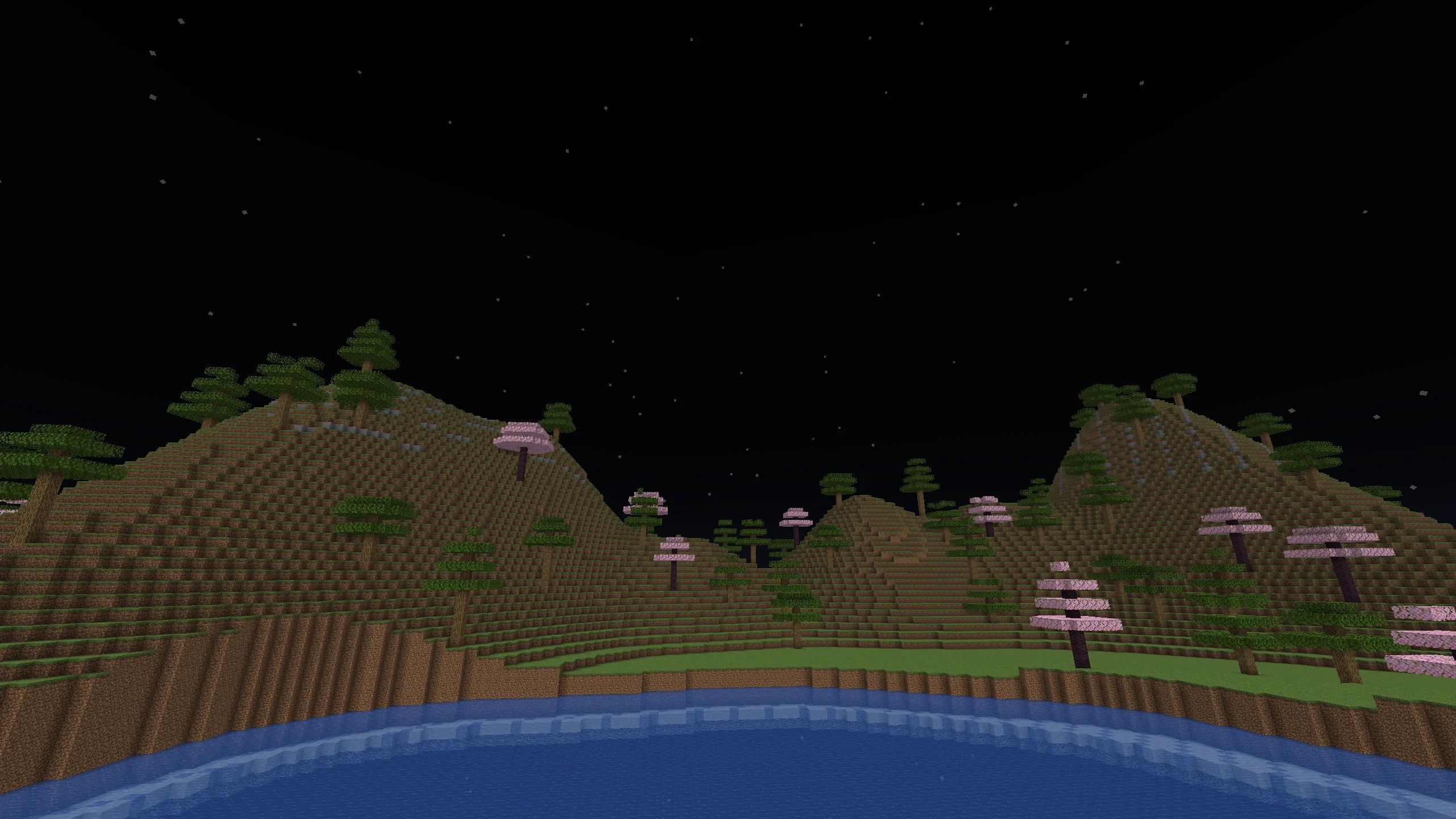
The visual difference is immediately apparent the moment dusk transitions into midnight. Under default vanilla rendering, rolling hills and forests dissolve into murky blue-black silhouettes. Spotting creeper contours against grass or navigating treacherous ravines requires squinting or holding torches.
With Fullbright UB active, every tree trunk, foliage block, and dirt contour retains its daytime color saturation and crisp edge clarity under a starry night sky. The contrast between the dark celestial skybox and the fully illuminated terrain creates a surreal, high-visibility workspace where surface traversal and outdoor building can continue uninterrupted throughout the night cycle.
Architectural Relief and Shadow Elimination
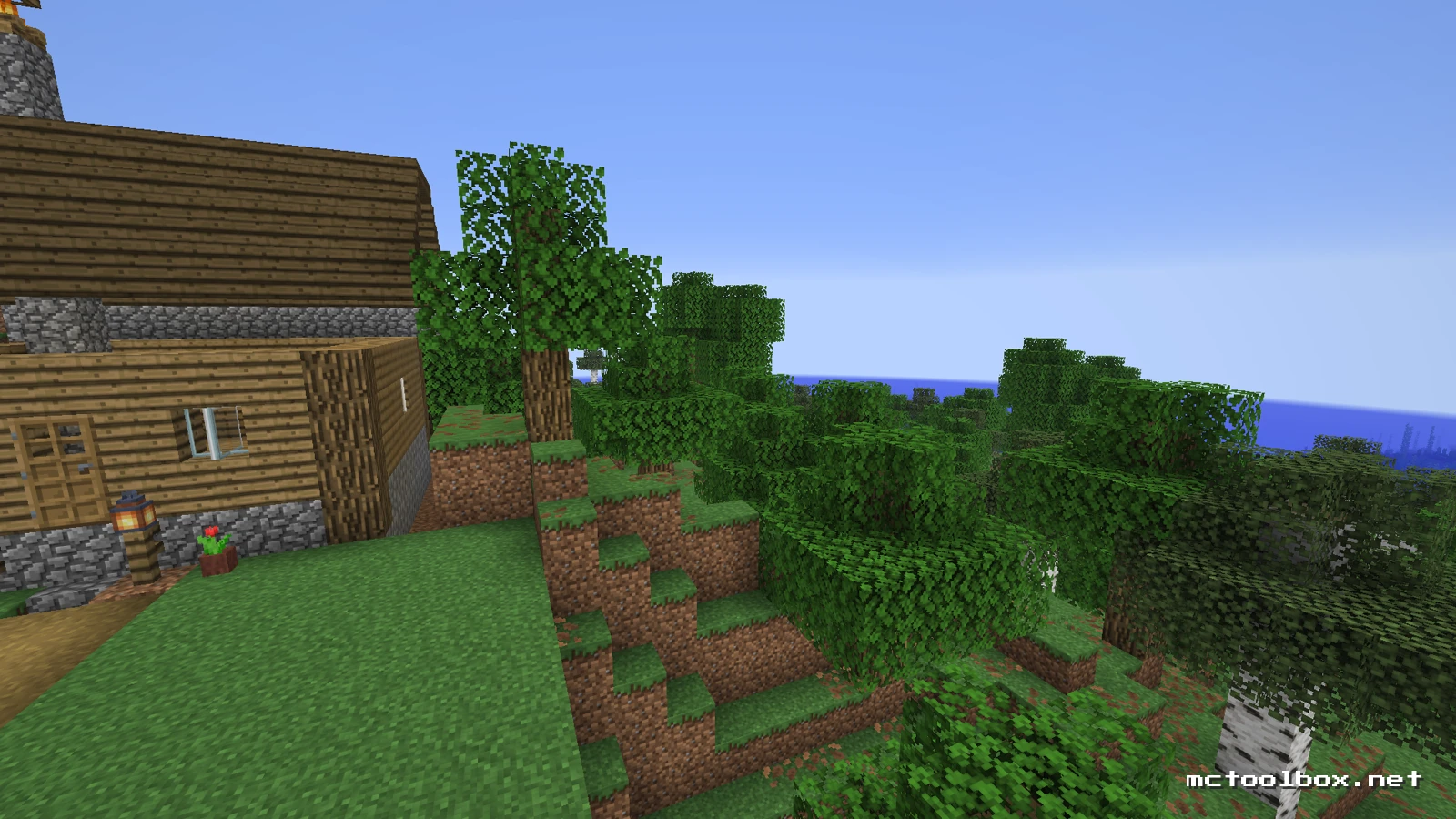
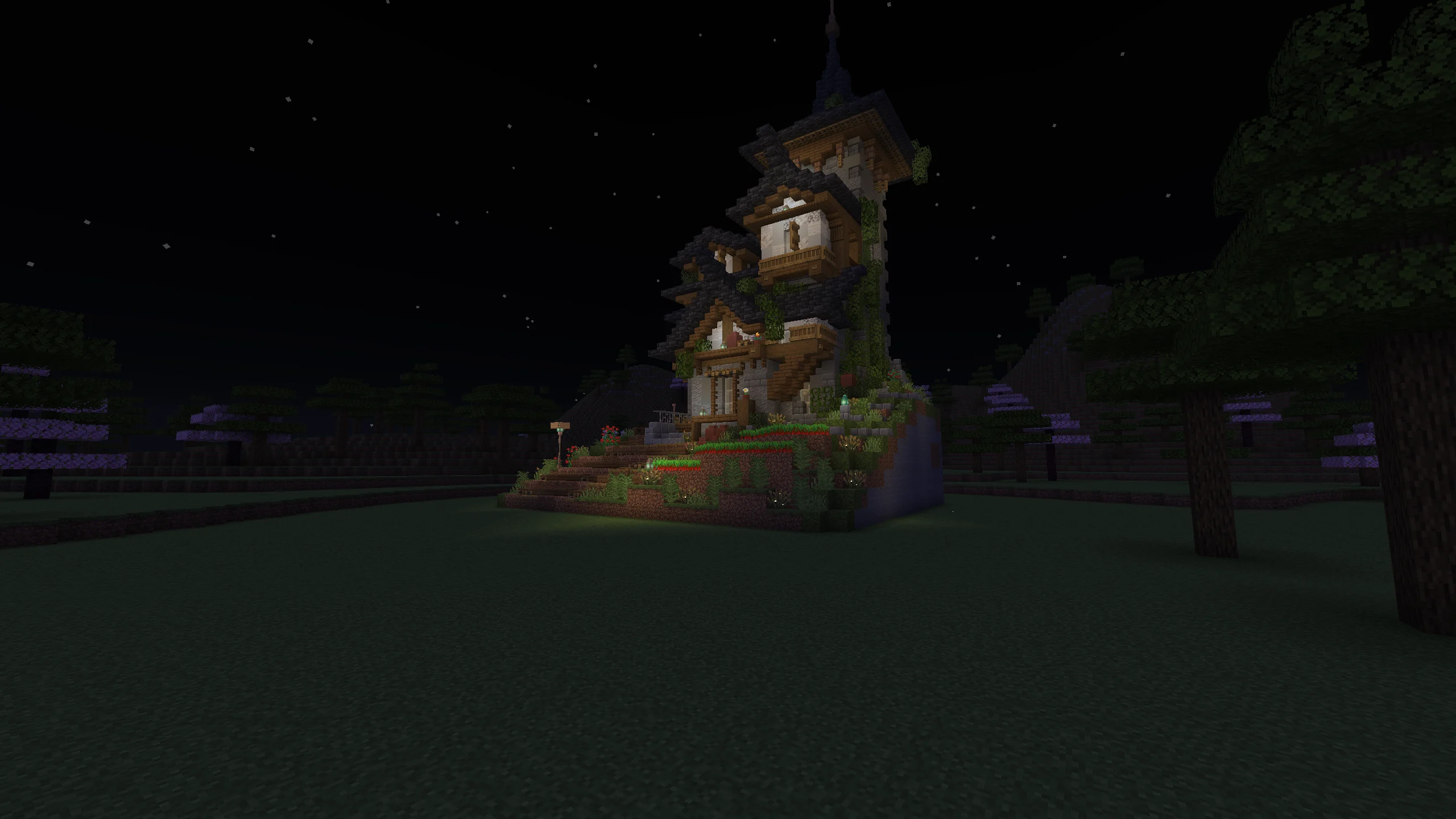
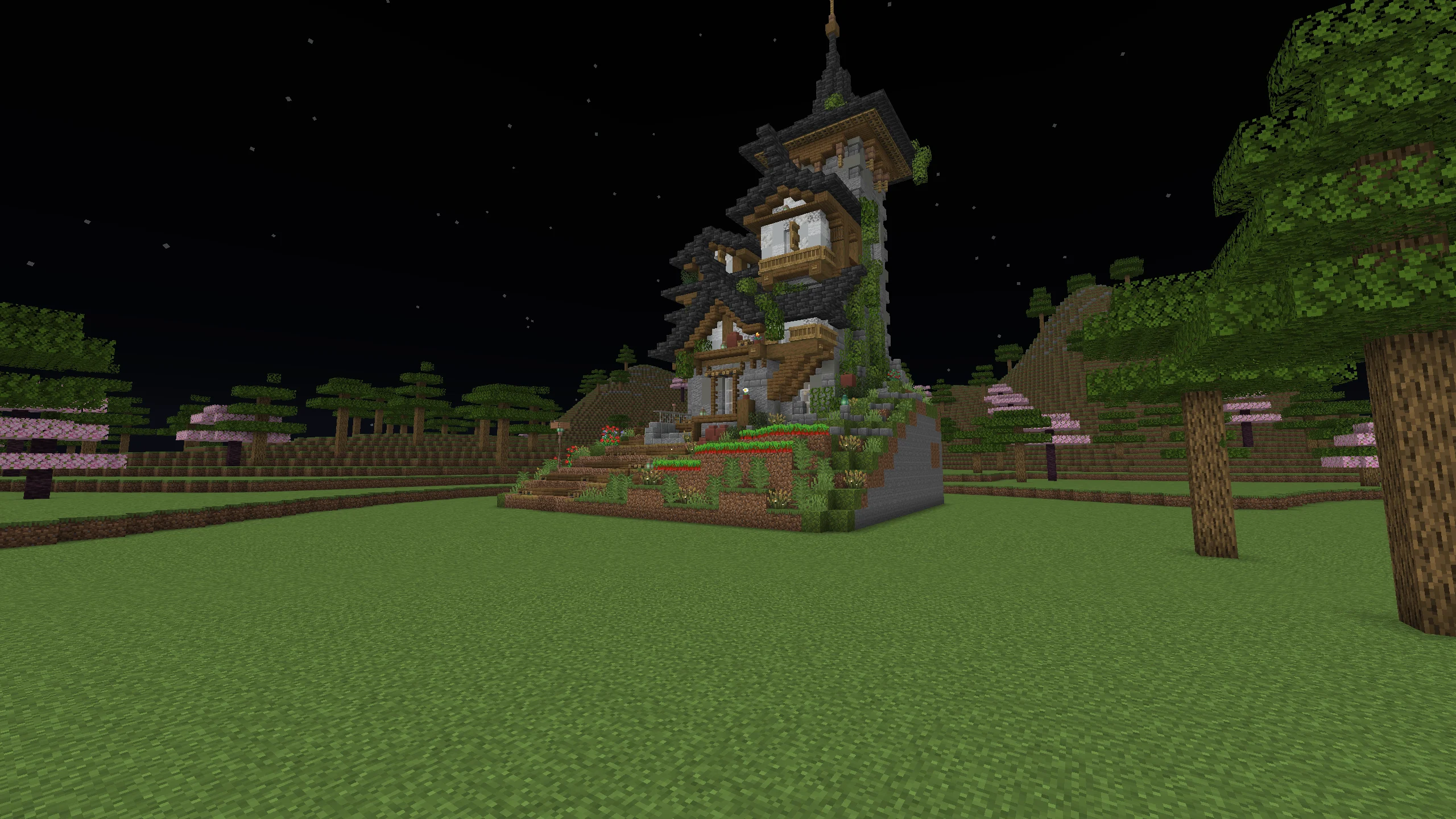
Detailed builds frequently suffer in standard lighting conditions due to harsh ambient occlusion and dark shadows gathering underneath overhanging rooflines, staircases, and balconies. In survival mode, exterior walls of large stone castles or timber estates turn completely black once the sun goes down, concealing intricate masonry and decorative trim.
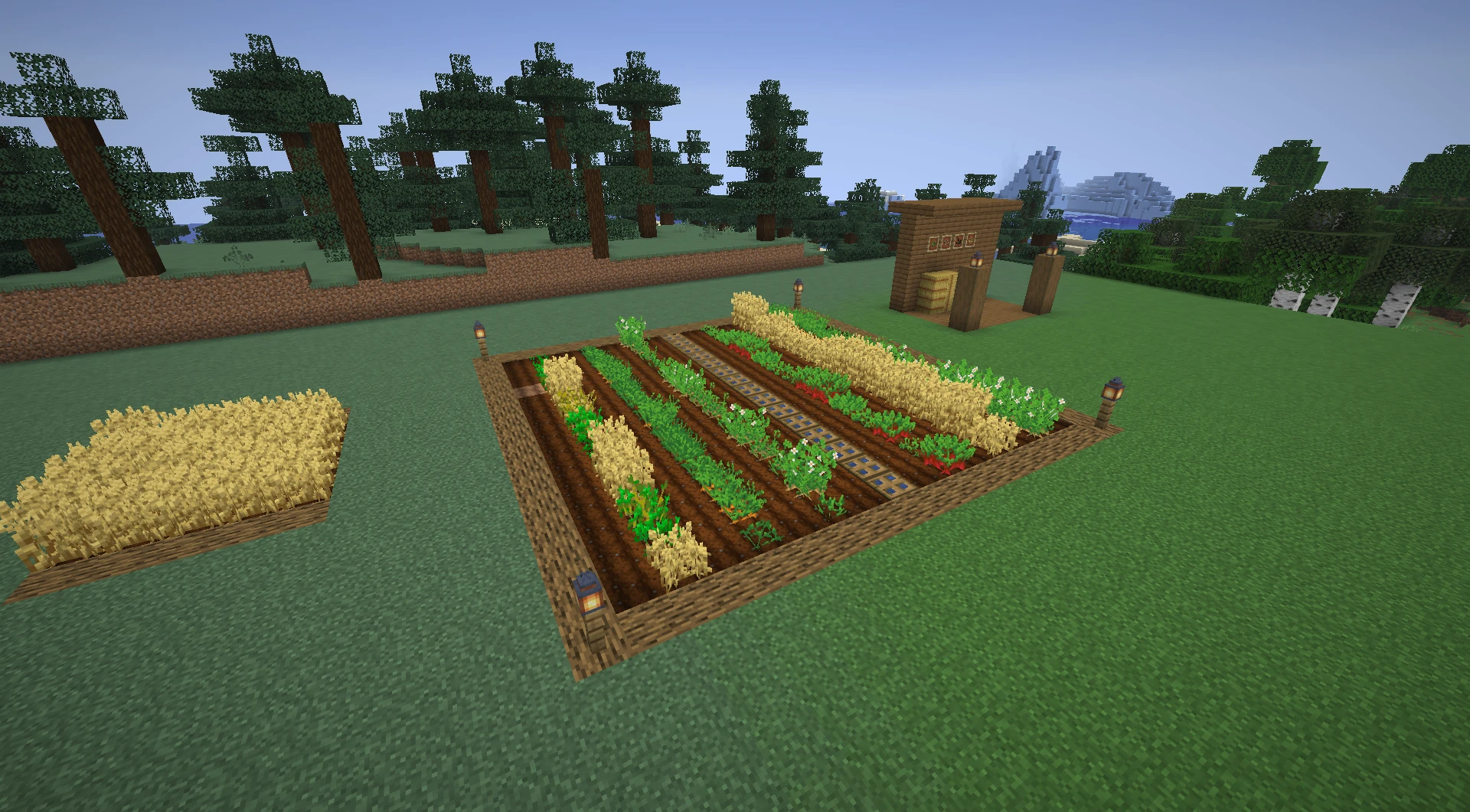
Fullbright UB completely removes ambient shadow penalties from block faces. Stone brick textures, dark slate tiles, hanging vines, and flower boxes around building foundations remain vividly readable from any distance. For creative designers and survival base planners, inspecting architectural proportions during nocturnal hours no longer requires placing temporary rows of glowstone or sea lanterns.
Water Surface and Shoreline Clarity
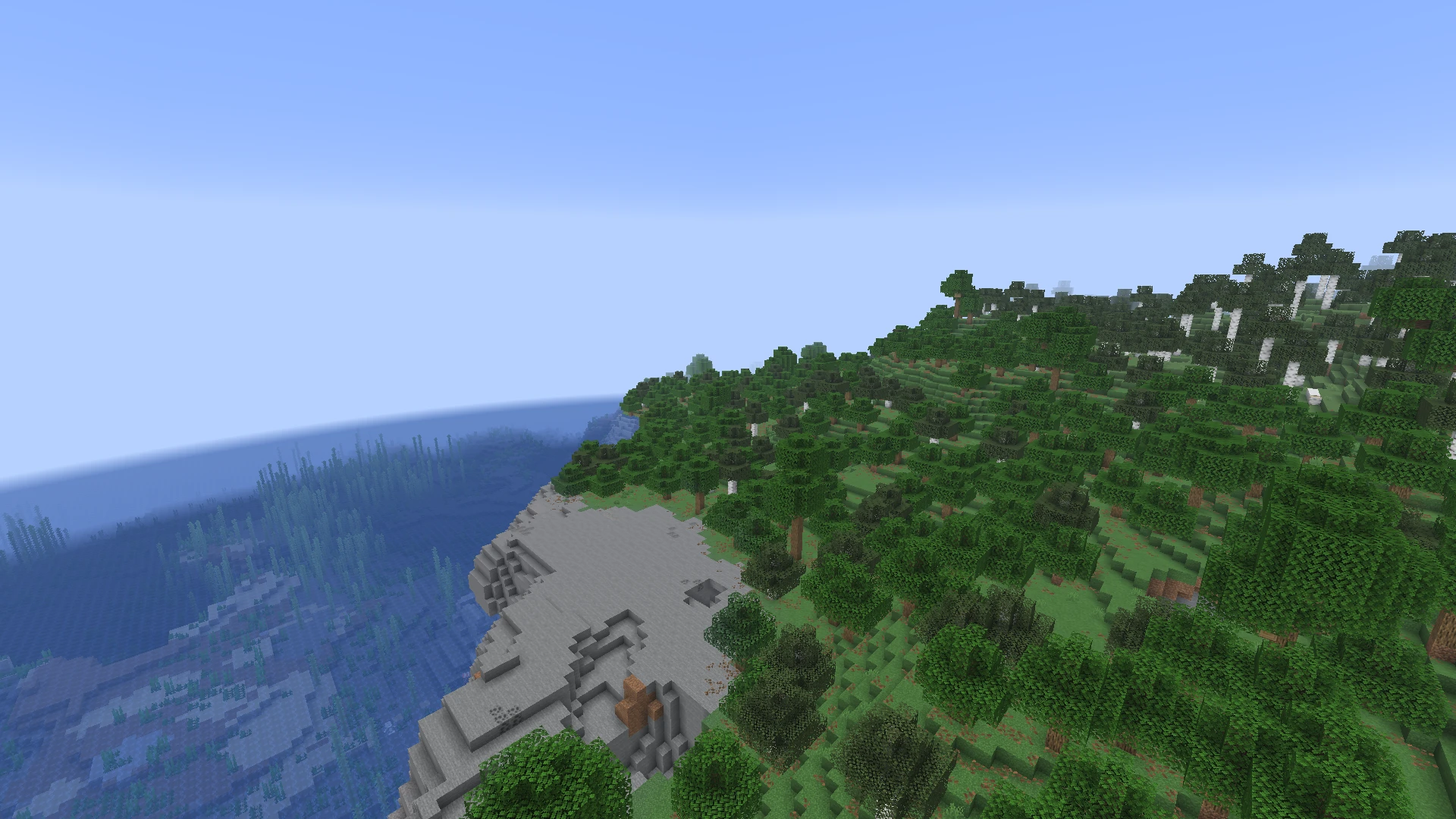
Exploring water bodies at night presents another common visibility bottleneck. In unmodded vanilla, water absorbs light rapidly with depth, turning natural lake basins and ocean shallows into an impenetrable dark expanse. Determining water depth or finding submerged caves along shorelines requires diving underwater with a Respiration helmet or consuming Night Vision potions.
With the pack active, the water surface and underlying seabed blocks receive full ambient illumination. Shallow sandy banks, gravel drops, and submerged foliage stand out clearly through the water column. While the game still renders water surface reflections and particle textures, you can identify aquatic terrain and submerged structures instantly from the shoreline.
Core Shader Mechanics and Sodium Compatibility
Early fullbright utilities relied on altering the options.txt gamma value to extreme figures like 1000.0, a method Mojang officially patched out in modern releases. Fullbright UB circumvents this limitation by operating within Minecraft internal GLSL core shader pipeline.
Inside the pack structure, the file assets/minecraft/shaders/core/lightmap.fsh intercepts the lightmap rendering pass. Rather than calculating complex dynamic formulas for ambient light, sky factor, and block factor, the fragment shader outputs vec4(1.0). This instructs the GPU to treat every rendered vertex as if it were receiving light level 15.
Because this adjustment occurs directly on the GPU shader stage, the performance cost is zero frames per second. On pure Vanilla clients and OptiFine, the pack activates instantly without secondary mods. On Fabric setups running Sodium, Sodium custom chunk rendering engine may bypass standard core shaders. For those environments, pairing the pack with PolyTone or checking Sodium shaderpack lightmap compatibility ensures seamless fullbright rendering.
Survival Mechanics and Multiplayer Fair Play
While Fullbright UB provides massive visual convenience, players should remain aware of its core gameplay trade-offs in survival mode. The pack only modifies visual perception on your client: it does not alter server-side light levels. Hostile mobs such as zombies, skeletons, and creepers will still spawn freely in unlit areas even though those areas appear fully illuminated on your screen. Survival miners must continue placing torches or referencing the F3 debug screen light level to keep bases secure.
Additionally, server policies regarding fullbright packs vary widely across the community. While technical survival servers and creative build projects welcome fullbright utilities for construction convenience, competitive PvP and hardcore survival servers may restrict client-side lighting modifications under unfair advantage guidelines. Always verify your server community rules before deploying shader-based fullbright packs in multiplayer.
Our test setup
| client | Fabric 0.19.3 on Minecraft 26.2 (1.21.4) |
|---|---|
| hardware | AMD Ryzen 7 5800X, 32GB RAM, NVIDIA GeForce RTX 3080 |
| resolution | 2560x1440 (2K native) |
| performance | Zero FPS impact; identical framerate to default client rendering |
| compatibility Tested | Vanilla 1.19 - 1.21.4, OptiFine, Sodium with PolyTone |
Download and install
Choose the Java Edition file for your exact game version on the creator’s page. In Minecraft, open Options → Resource Packs → Open Pack Folder, place the ZIP there, then move the pack into the selected column.
The download is hosted by the creator, not MC Toolbox. Check the file and version before installing.