Minecraft resource pack guide
Better Dogs Resource Pack Review: 130+ Custom Dog Breeds & In-Game Models
Overhauling Minecraft wolves with custom 3D entity models, authentic breed proportions, and wolf armor support.
Java Edition · 16×16 · by MrBlueYeti & Dorianpb
+4 moreHide versions
All 8 listed versions (releases 1.16 to 1.21.4)
- 1.21
- 1.21.4 · 1.21
- 1.20
- 1.20.5 · 1.20
- 1.19
- 1.19
- 1.18
- 1.18
- 1.17
- 1.17
- 1.16
- 1.16
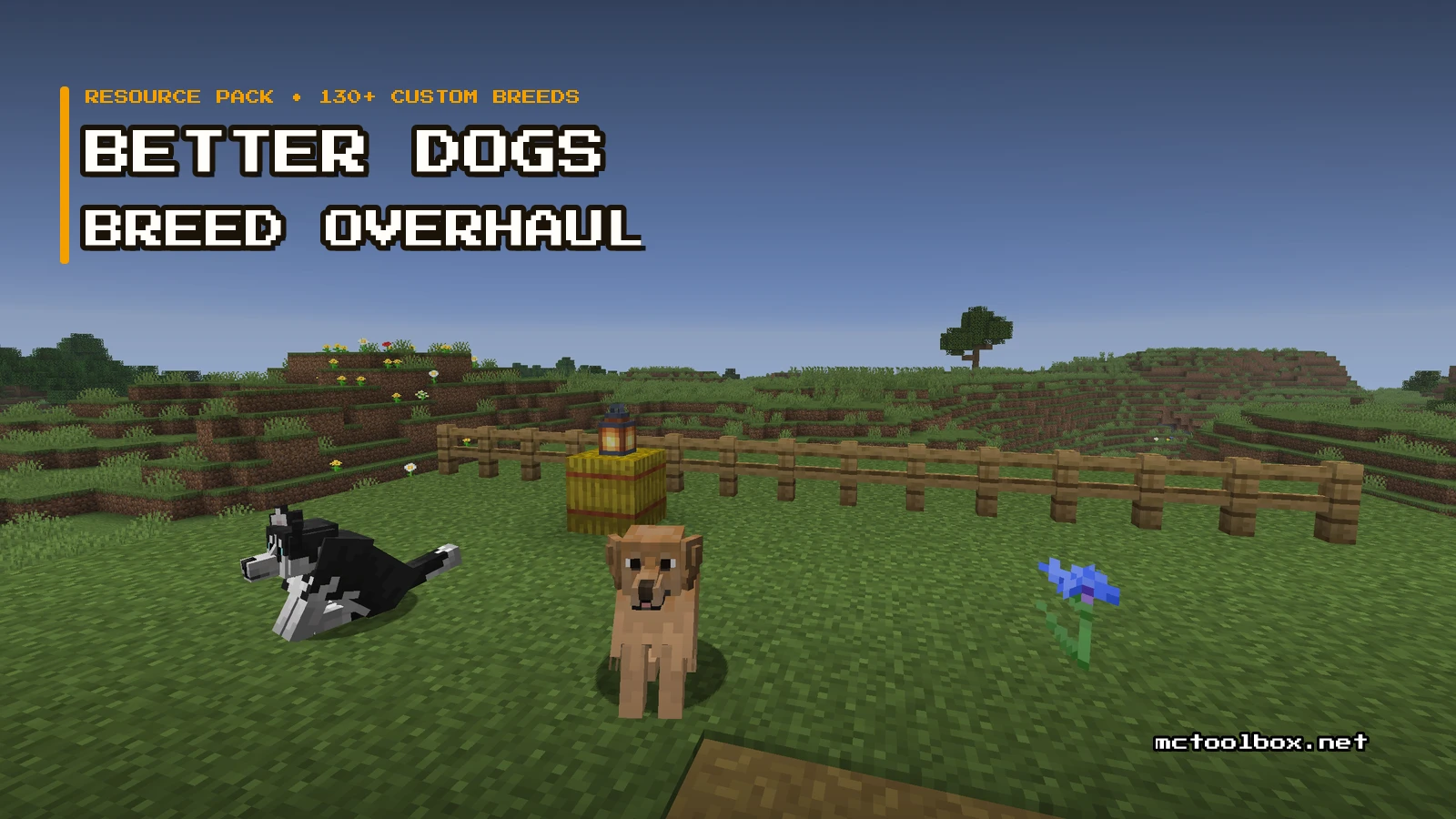
Better Dogs replaces the generic Minecraft wolf model with more than 130 distinct dog breeds, complete with unique ears, muzzles, tails, and wolf armor compatibility.
In this guide7 sections
For over a decade, tamed wolves in Minecraft remained visually uniform. While the 1.20.5 Armored Paws update introduced nine regional biome variants, their anatomy, ear shape, and tail silhouettes remained identical. Every companion shared the exact same blocky wolf frame, limited to subtle fur color shifts across biomes.
Better Dogs, created by MrBlueYeti and Dorianpb, completely transforms the Minecraft wolf into more than 130 authentic canine breeds. Powered by Custom Entity Models (CEM) and random entity textures, the pack reconstructs everything from muzzle length and ear droop to tail curls and body scale. Whether naming a companion with an anvil nametag or discovering wild variants across diverse biomes, Better Dogs delivers an unprecedented level of canine diversity to Minecraft worlds.
Working Breeds: Golden Retrievers and Siberian Huskies
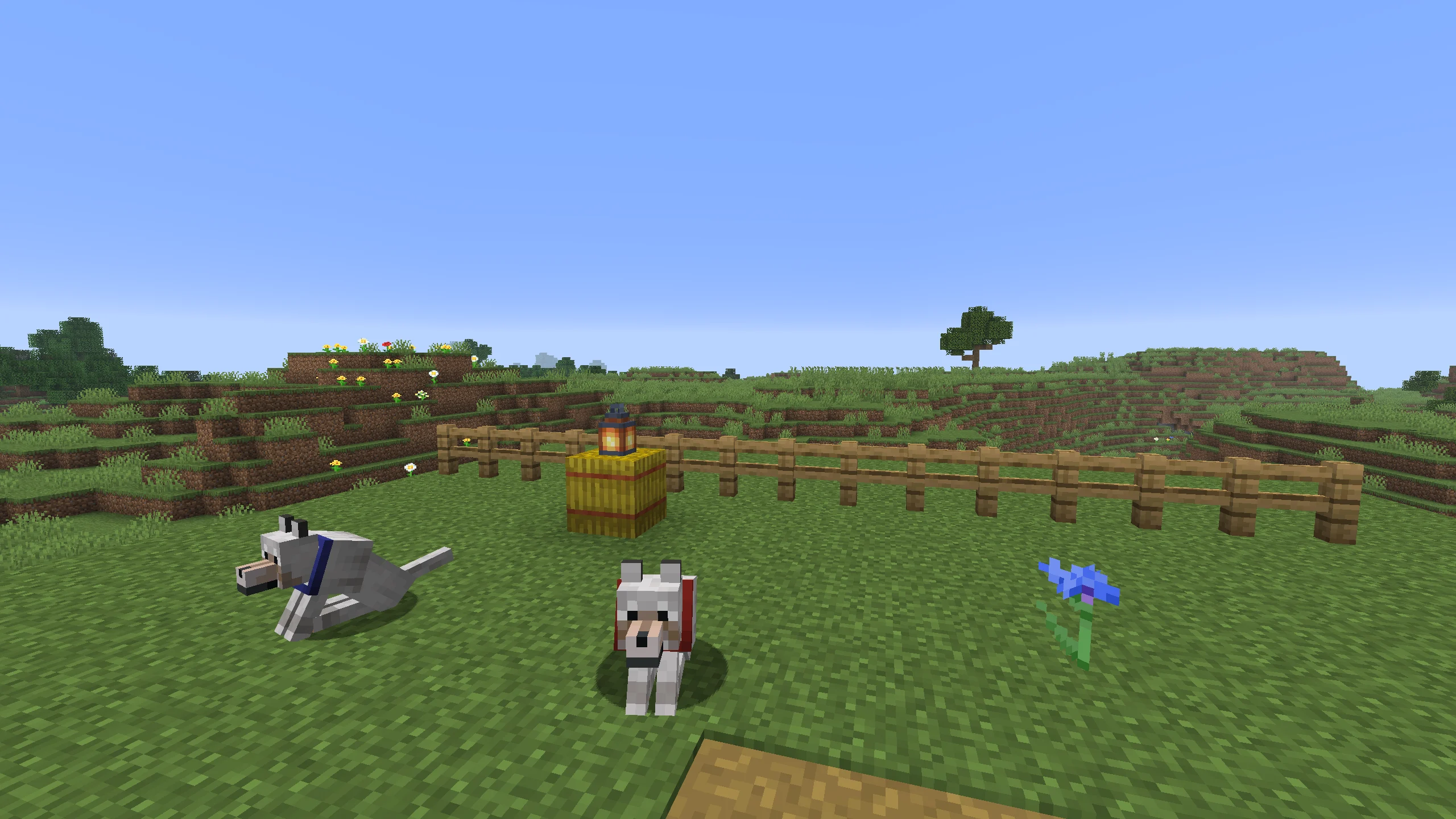
The most striking visual improvement appears immediately when comparing iconic domestic breeds against the vanilla wolf model. Standard wolves rely on rigid, angular heads with upright pointed ears and flat muzzles.
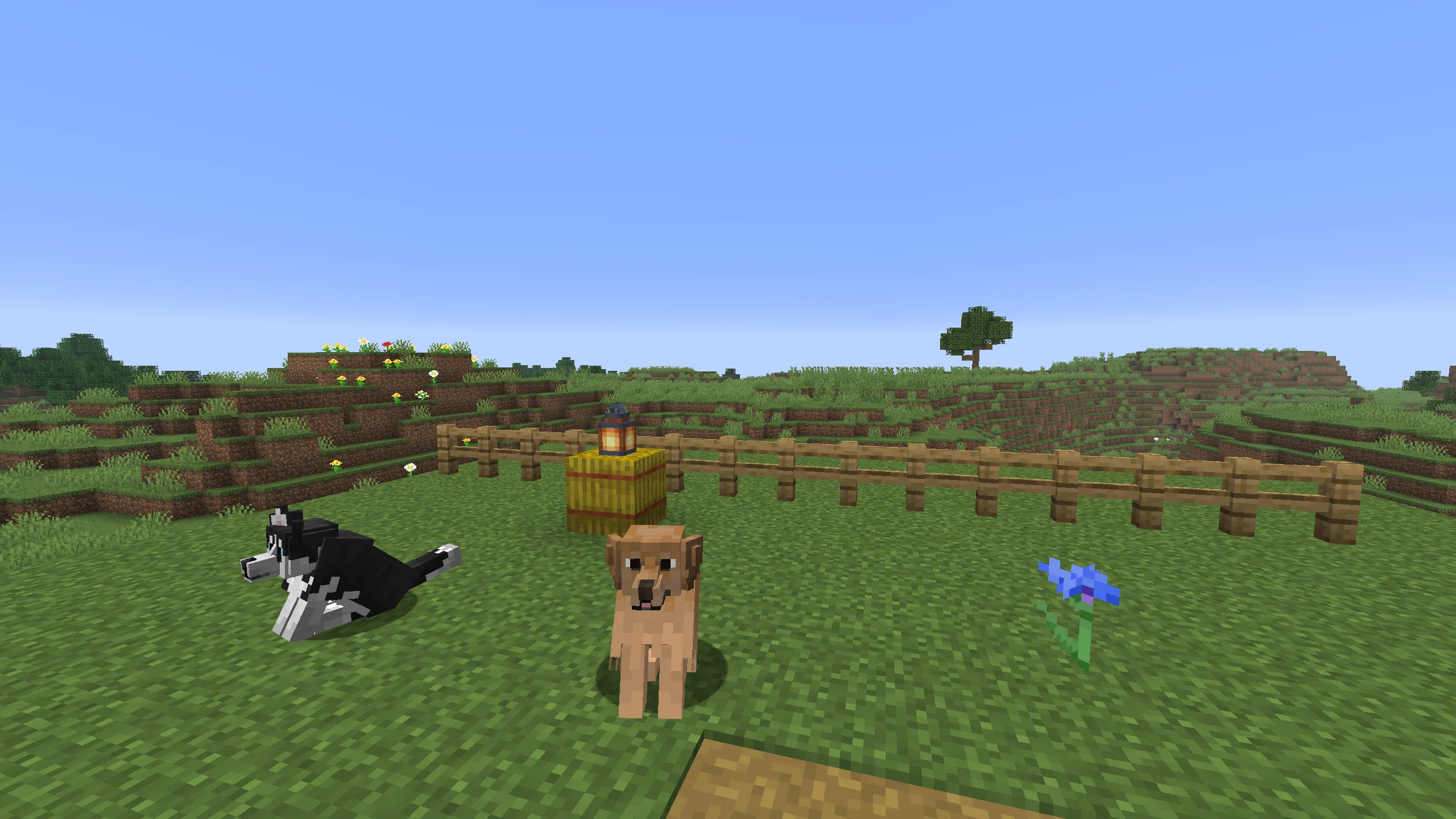
Under Better Dogs, renaming a wolf to "Golden Retriever" reshapes the head geometry into a broad, friendly brow with soft drooping ears, a rounded muzzle, and a voluminous golden coat. In contrast, renaming a wolf to "Husky" creates an arctic silhouette with sharp upright ears, a dual-tone wolf-gray coat, and piercing ice-blue eyes. Both breeds feature custom tail posture and anatomically proportioned paws that match their real-world counterparts.
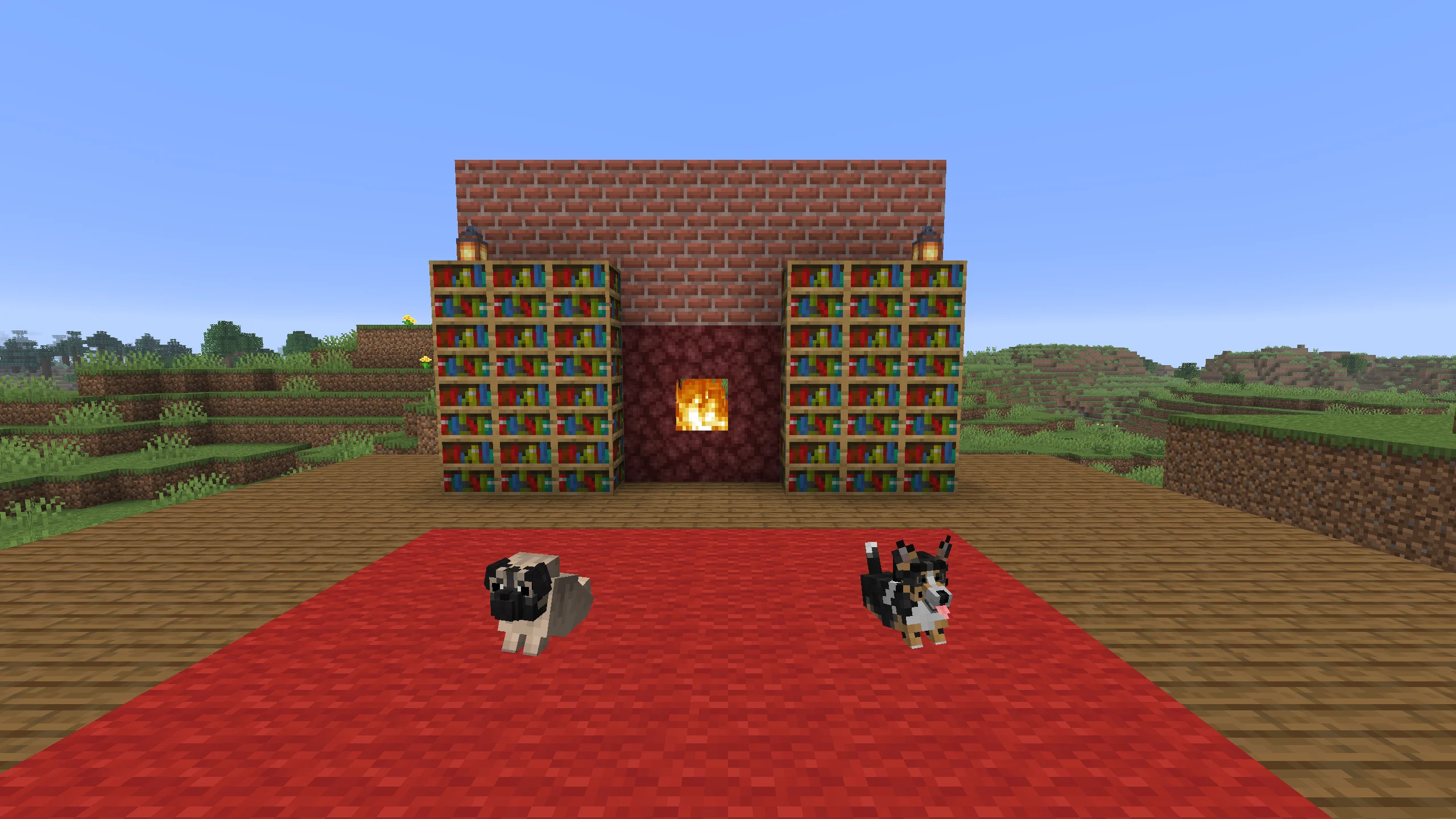
Toy and Companion Breeds: Corgis and Pugs
Beyond large working dogs, Better Dogs introduces custom skeletal proportions for small companion breeds. Standard Minecraft wolves cannot alter their height or leg length without external mods. Better Dogs achieves custom scaling directly through CEM part overrides.
A wolf renamed "Corgi" gains a low-slung, elongated torso supported by stubby legs, oversized pointed ears, and an open smiling mouth with an expressive pink tongue. Renaming a wolf to "Pug" produces a compact, wrinkly frame with a short squashed muzzle, folded button ears, and a tightly curled tail. These small breeds add charm to home bases and cozy hearths without breaking the vanilla aesthetic.
Guard Breeds and Wolf Armor Compatibility
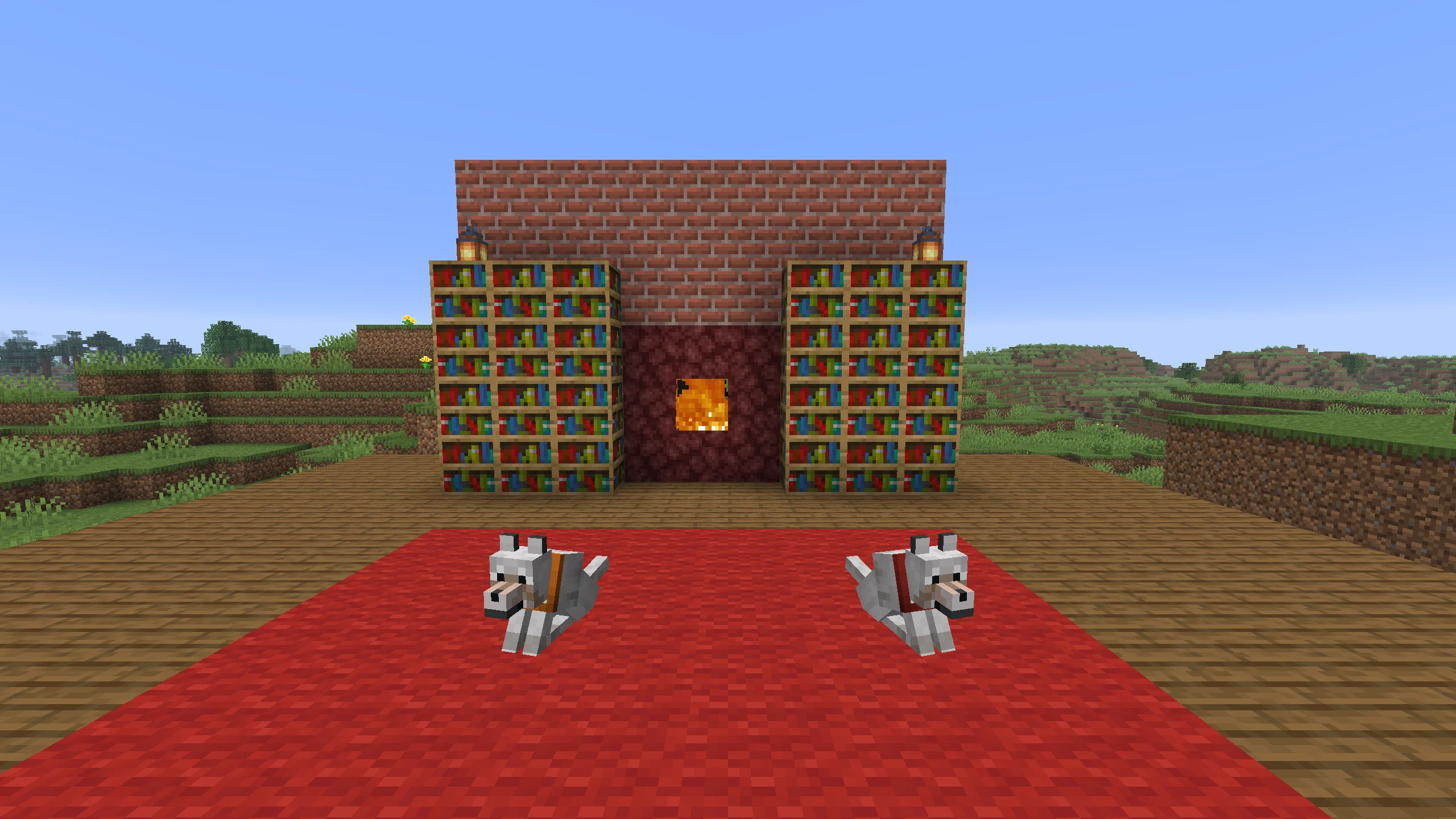
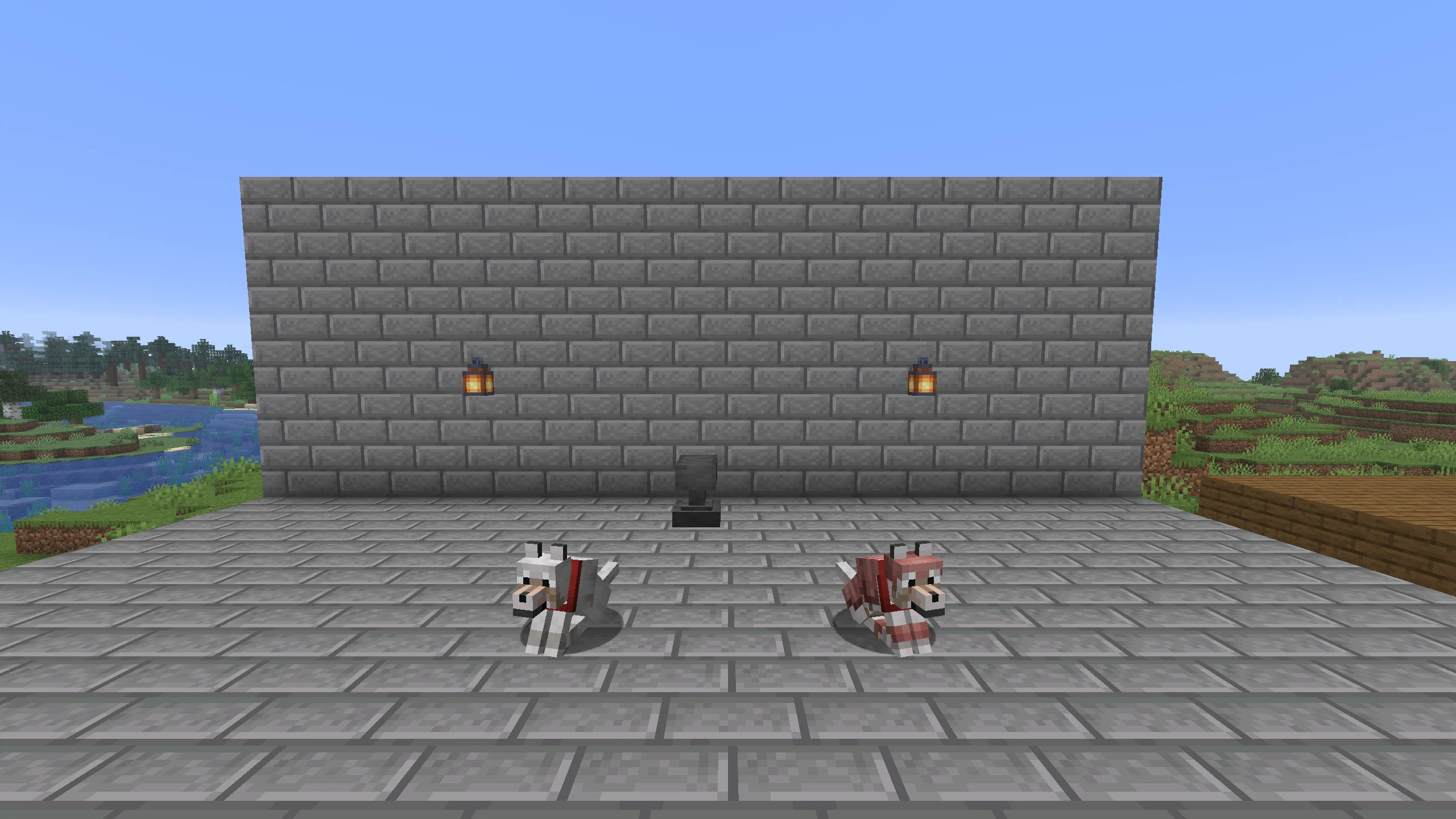
One of the greatest technical achievements of Better Dogs is full compatibility with Minecraft 1.20.5+ Wolf Armor. On default wolves, armadillo scute armor wraps around a single static body box.
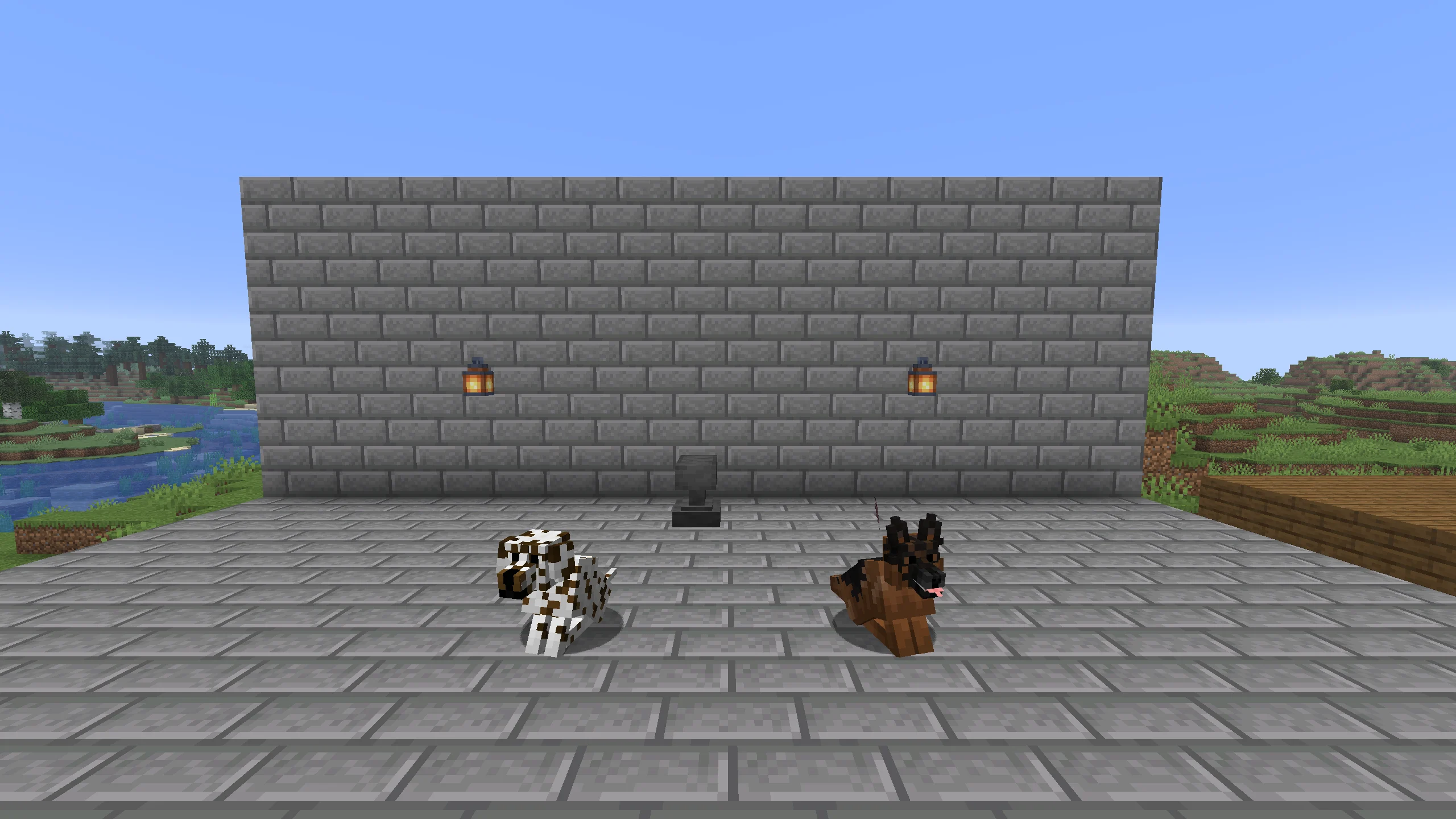
Better Dogs includes custom armor geometry mapped directly to custom breed bones. Large guard breeds like the German Shepherd feature alert triangular ears, black-and-tan saddle coats, and muscular stances that accommodate wolf armor cleanly without visual clipping. Sporting breeds like the Dalmatian display crisp black spots on pure white coats, complete with tapered tails and athletic builds that fit seamlessly into armories and castles.
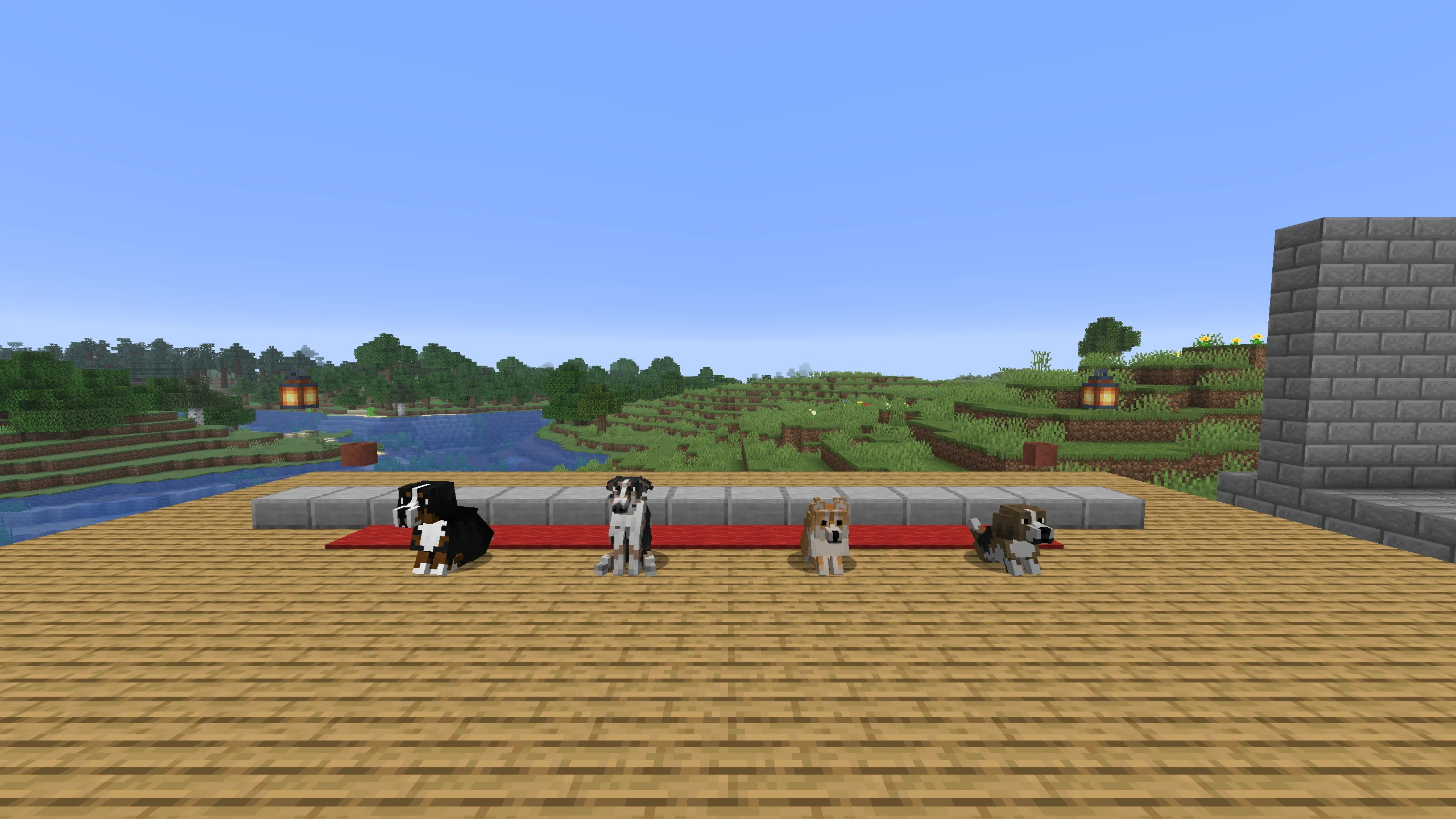
Anatomical Range: Lineup Comparison Across Breeds
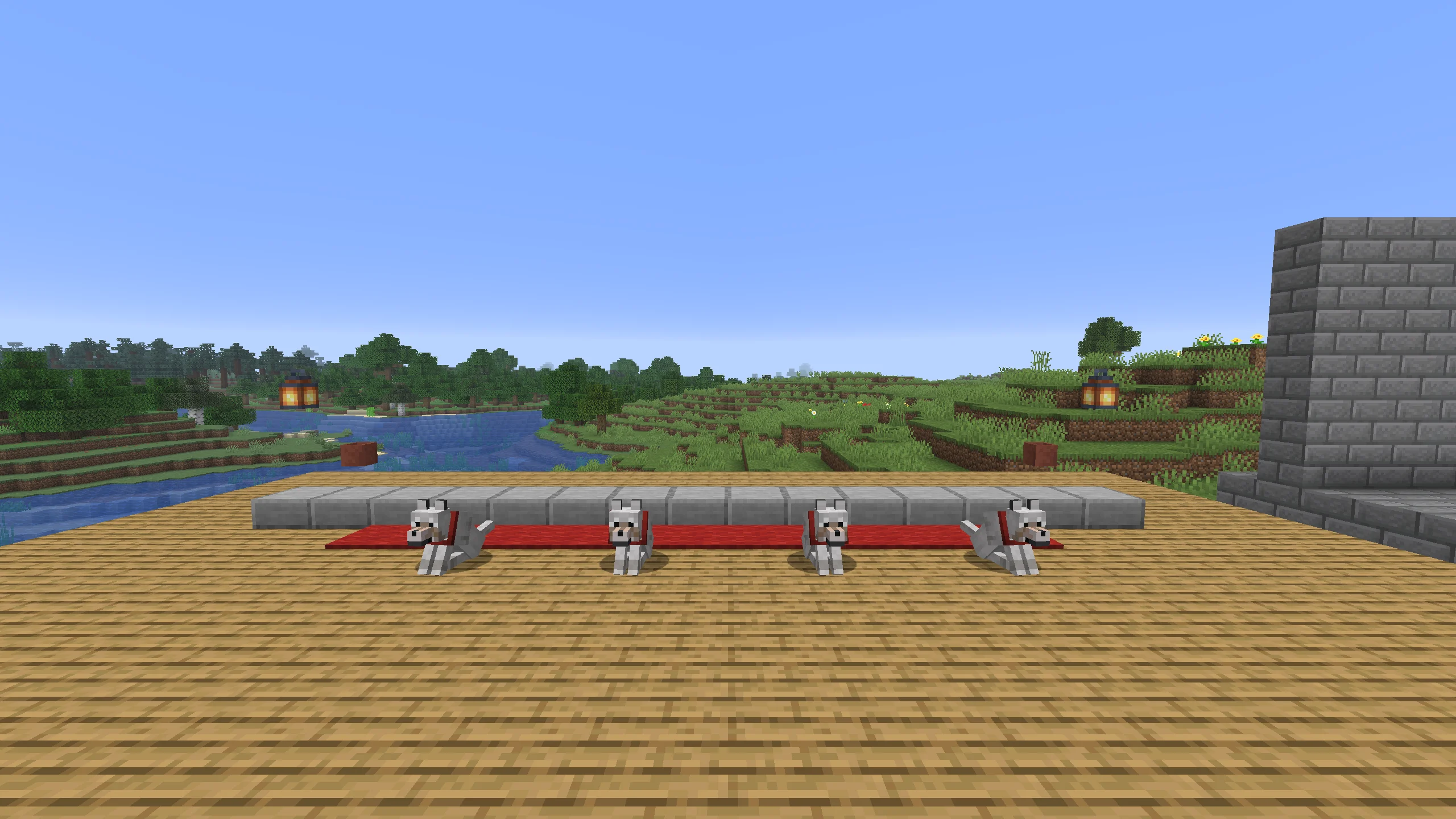
Viewing multiple breeds side by side demonstrates the sheer scope of anatomical customization available in Better Dogs. Instead of a single model with varied texture skins, each breed category uses custom 3D model geometry tailored to its distinctive breed standard.
A four-breed lineup highlighting the Bernese Mountain Dog, Borzoi, Shiba Inu, and Beagle illustrates these anatomical differences clearly:
- Bernese Mountain Dog: Heavy-set alpine frame, thick double coat, wide head, and distinctive tri-color markings.
- Borzoi: Extremely tall and slender sighthound posture, elongated narrow muzzle, and graceful arched back.
- Shiba Inu: Fox-like facial mask, dense plush neck ruff, pointed upright ears, and curled sickle tail.
- Beagle: Compact scenthound body, square muzzle, drooping drop ears, and classic tricolor saddle patterning.
How Breed Selection and Nametags Work
Selecting specific breeds in survival or creative mode is simple and requires only an anvil and a nametag. The resource pack uses OptiFine and ETF property rules that match entity names to specific texture and model variations.
To assign a breed:
- Place a nametag inside an anvil.
- Rename the tag to your desired breed name (for example, "Golden Retriever", "Husky", "Corgi", "Pug", "German Shepherd", "Dalmatian", "Shiba Inu", "Bernese", "Borzoi", or "Beagle").
- Right-click your tamed wolf to apply the name.
- The wolf model and fur texture update immediately without requiring a game restart.
Wild wolves also spawn with randomized breeds naturally across biomes. Cold biomes spawn winter breeds like Huskies and Samoyeds, mountain regions spawn Bernese Mountain Dogs and Saint Bernards, while temperate forests offer Golden Retrievers, Labradors, and Border Collies.
Installation and Loader Compatibility
Because Better Dogs relies on Custom Entity Models (CEM) and Random Entity Textures, it requires compatible rendering mods to function on modern Minecraft versions:
- Fabric and Quilt: Install Entity Model Features (EMF) and Entity Texture Features (ETF). Both mods are fully compatible with Sodium and Iris shaders.
- NeoForge and Forge: Install the NeoForge or Forge ports of EMF and ETF.
- OptiFine: Supported natively on Java editions where OptiFine is available with Custom Entity Models enabled in Video Settings.
Ensure that Better Dogs is placed near the top of your resource pack load order in Minecraft Resource Pack settings to prevent other mob texture packs from overriding wolf models.
Our test setup
| client | Fabric 0.19.3 on Minecraft 26.2 (1.21.4) |
|---|---|
| hardware | AMD Ryzen 7 5800X, 32GB RAM, NVIDIA GeForce RTX 3080 |
| resolution | 2560x1440 (2K native) |
| dependencies | Entity Model Features (EMF) 3.3.8 + Entity Texture Features (ETF) 7.2.4 |
| performance | Zero measurable frame drop; smooth 144+ FPS in 2K |
| compatibility Tested | Minecraft 1.16 through 1.21.4 (Java Edition) |
Download and install
Choose the Java Edition file for your exact game version on the creator’s page. In Minecraft, open Options → Resource Packs → Open Pack Folder, place the ZIP there, then move the pack into the selected column.
The download is hosted by the creator, not MC Toolbox. Check the file and version before installing.