








Minecraft shader review
Solas Shader 1.21 - 26.3
Directional daylight scattering, 3D volumetric auroras, dynamic handheld lighting, and high-clarity water reflections
Download FilesSolas Shader by Septonious delivers stylized atmospheric lighting, smart indoor cloud clipping, dynamic colored lights, and high-transparency water for everyday survival and building.
Shader Index9 sections
Most shader packs aim for either photorealistic simulation or strict vanilla cohesion. Solas Shader, maintained by Septonious, targets a distinct middle ground: a stylized fantasy palette built around high-contrast atmospheric scattering, dynamic handheld lighting, and multi-layered celestial skyboxes.
Unlike heavier cinematic packs that struggle on mid-range hardware, Solas relies on fast approximation passes for volumetric fog and reflections, making it viable for normal survival worlds. I tested Solas Shader V3.7 on Minecraft 26.3 using Fabric Loader 0.19.3, Iris 1.11.2, and Sodium 0.9.1. Every comparison slider illustrates consistent camera angles, time of day, and weather states across varied biomes. Below is a breakdown of how its lighting model behaves, where its visual strengths lie, and what settings to tune for consistent frame rates.
Daylight scattering and smart cloud clipping
Directional sun angles, tree canopy separation, and indoor ray handling
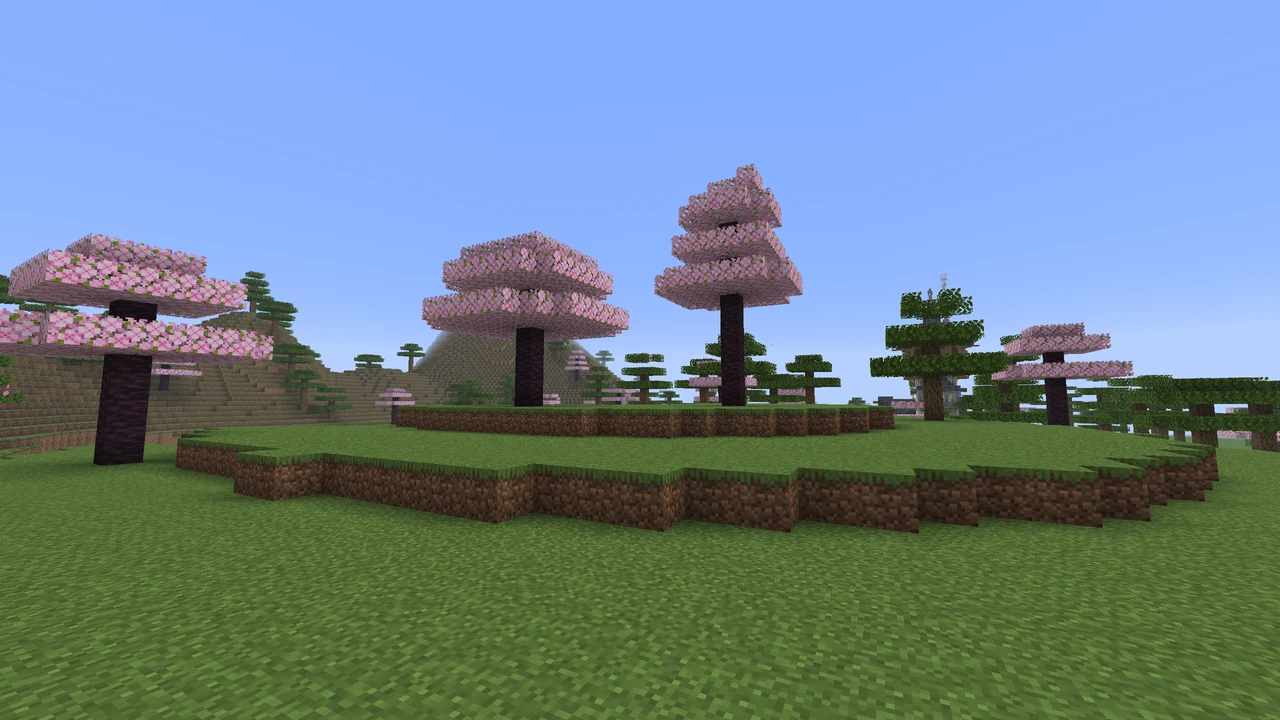
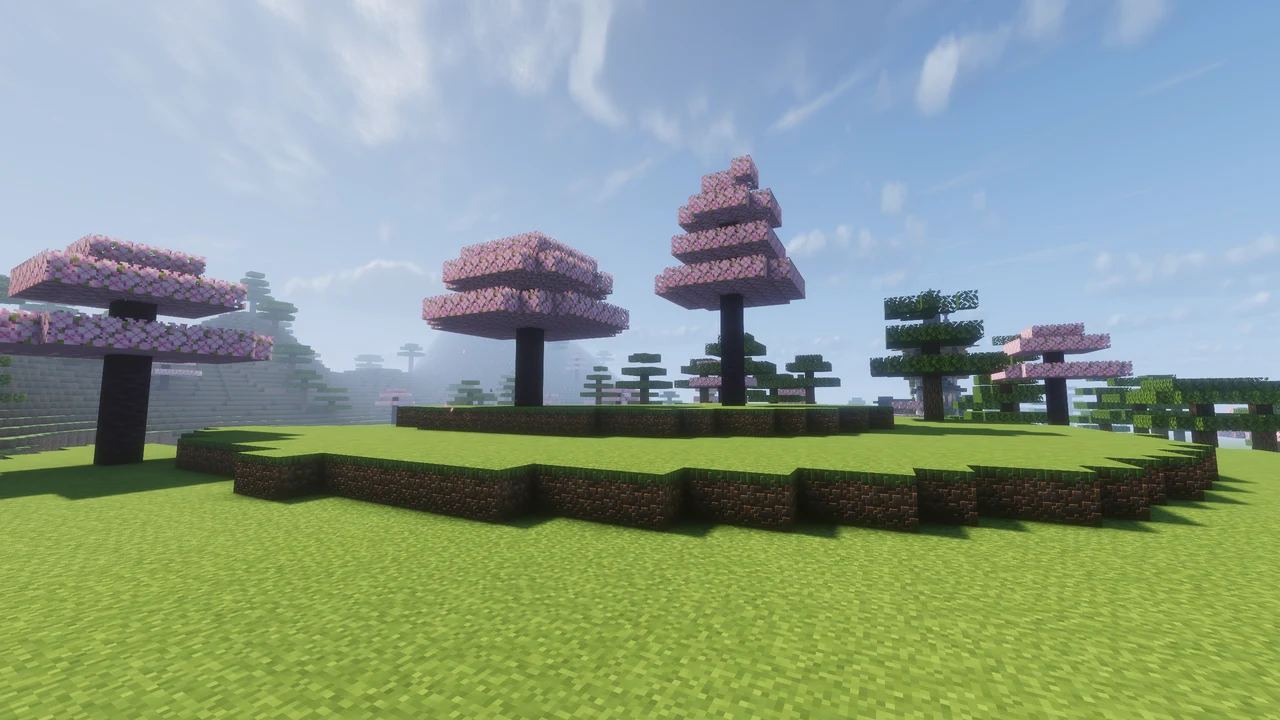
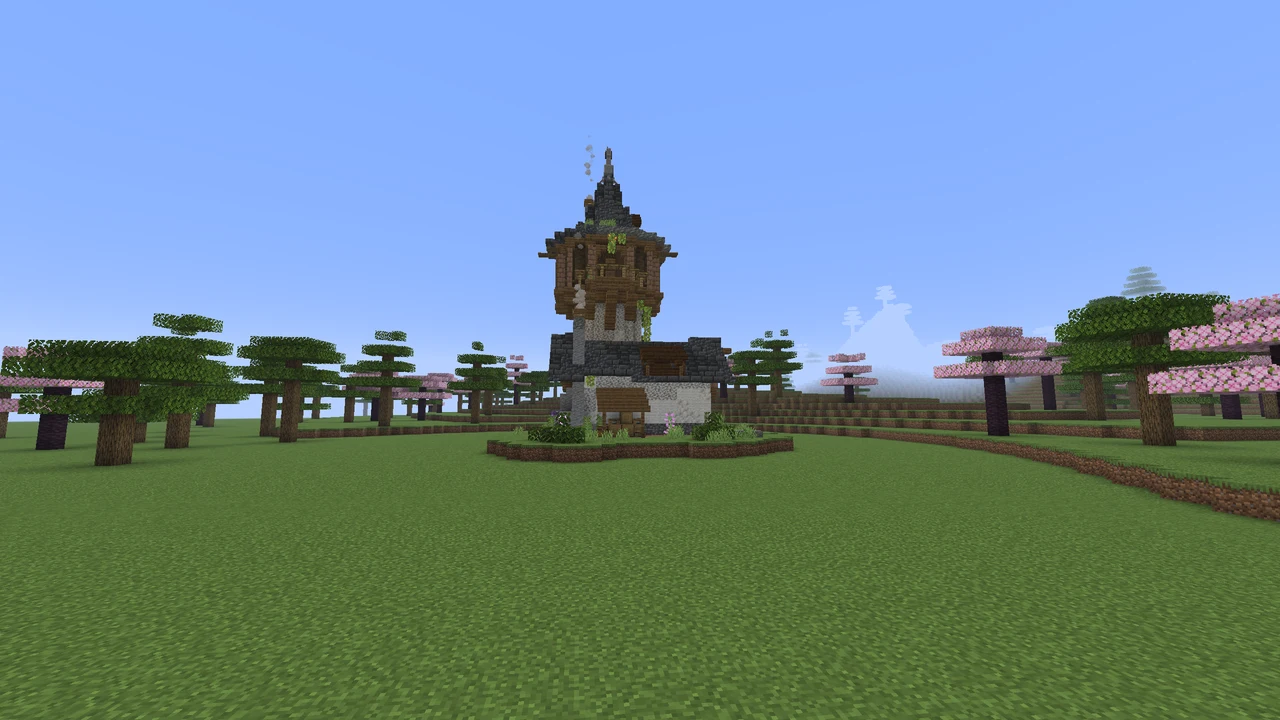
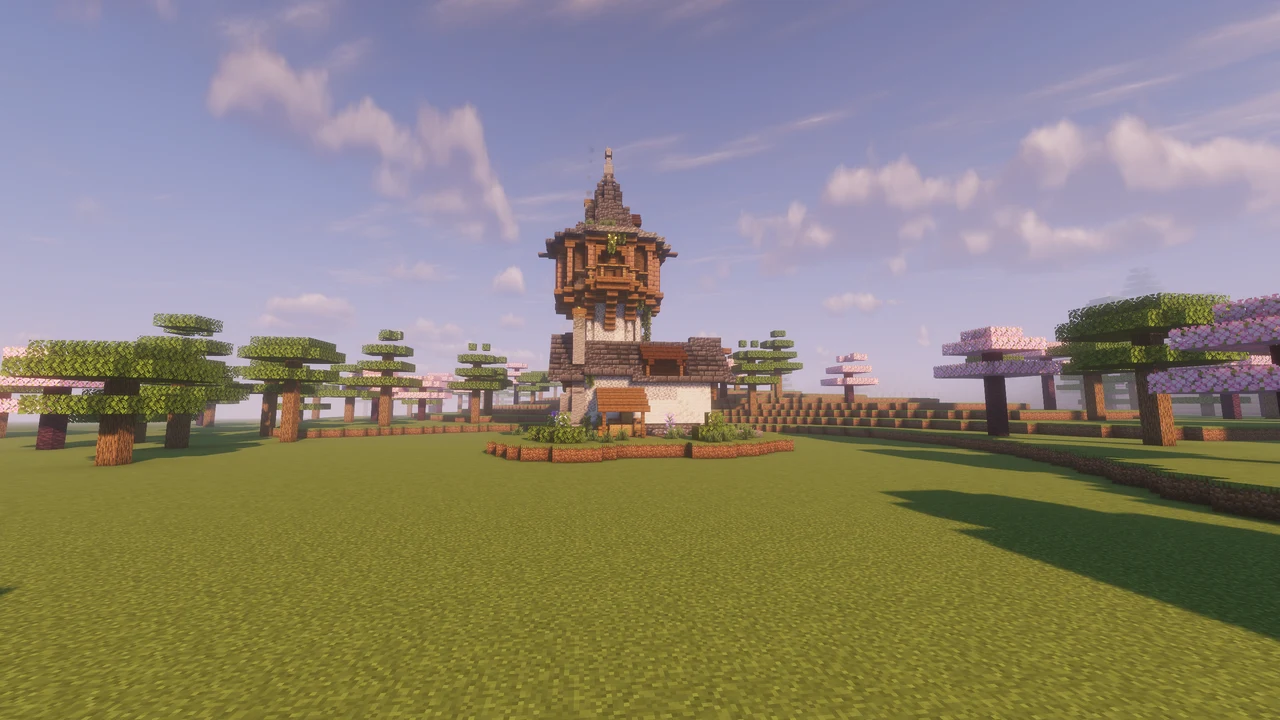
In vanilla Minecraft, grass terraces and open terrain receive flat ambient light with minimal shadow separation. Solas introduces directional sunlight that cuts across grass steps and casts sharp contact shadows beneath cherry blossom canopies.
A notable technical feature in Solas is its handling of indoor transitions: when moving into enclosed structures or caves, the engine automatically attenuates volumetric cloud density and converts outdoor light shafts into localized rays. This prevents the common shader bug where clouds visibly clip through ceilings and walls.
Water clarity, wave motion, and terrain reflections
Shallow water visibility, wave displacement, and mountain mirror passes
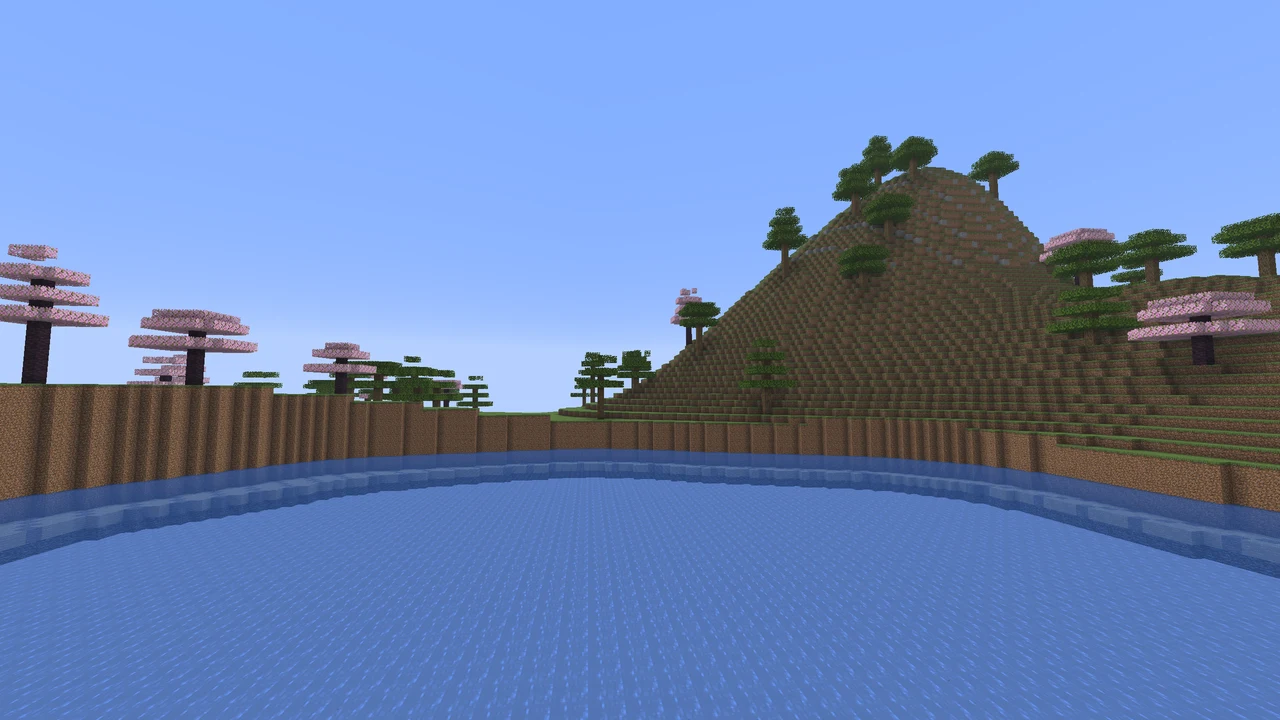
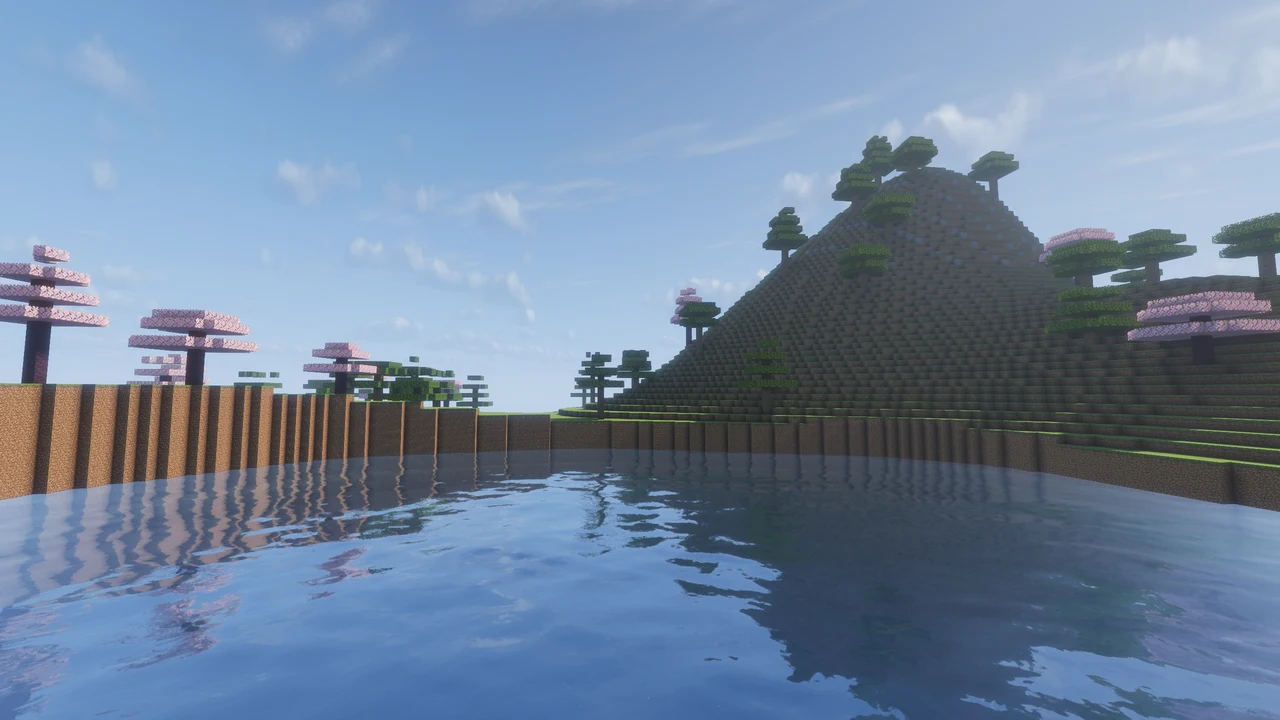
Water in Solas Shader is tuned for high clarity. In shallow shorelines, the surface is transparent enough to spot submerged blocks, clay veins, and sandbanks from a boat without needing underwater vision potions.
From higher viewing angles, the water surface uses Screen Space Reflections (SSR) to mirror nearby mountain slopes and tree lines. Wave displacement remains relatively gentle, avoiding the extreme rolling swells found in heavy ocean packs and keeping boat navigation easy to read.
Sunset color grading and building shadow mapping
Warm amber light paths and structural depth on wood and cobblestone builds
During sunset transitions, Solas applies a warm amber and soft rose color grading that increases the contrast between direct sunlight and ambient shade.
Around multi-tier wizard towers, roof shingles and wooden balconies catch strong directional rim lighting while recessed walls fall into soft ambient shade. The lighting enhances architectural depth on mixed-block structures without crushing block textures into solid black.
Night sky rendering and survival perimeter visibility
Luminous moon glow, celestial nebulae, and ground navigation contrast
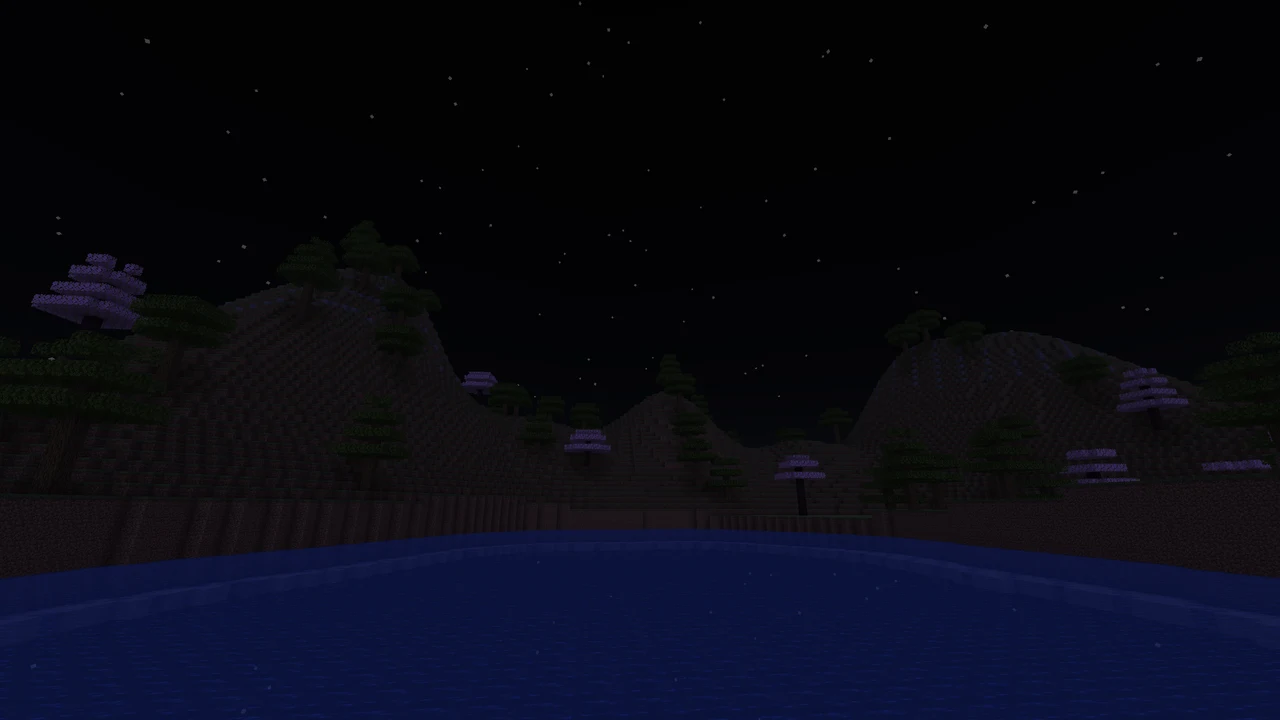
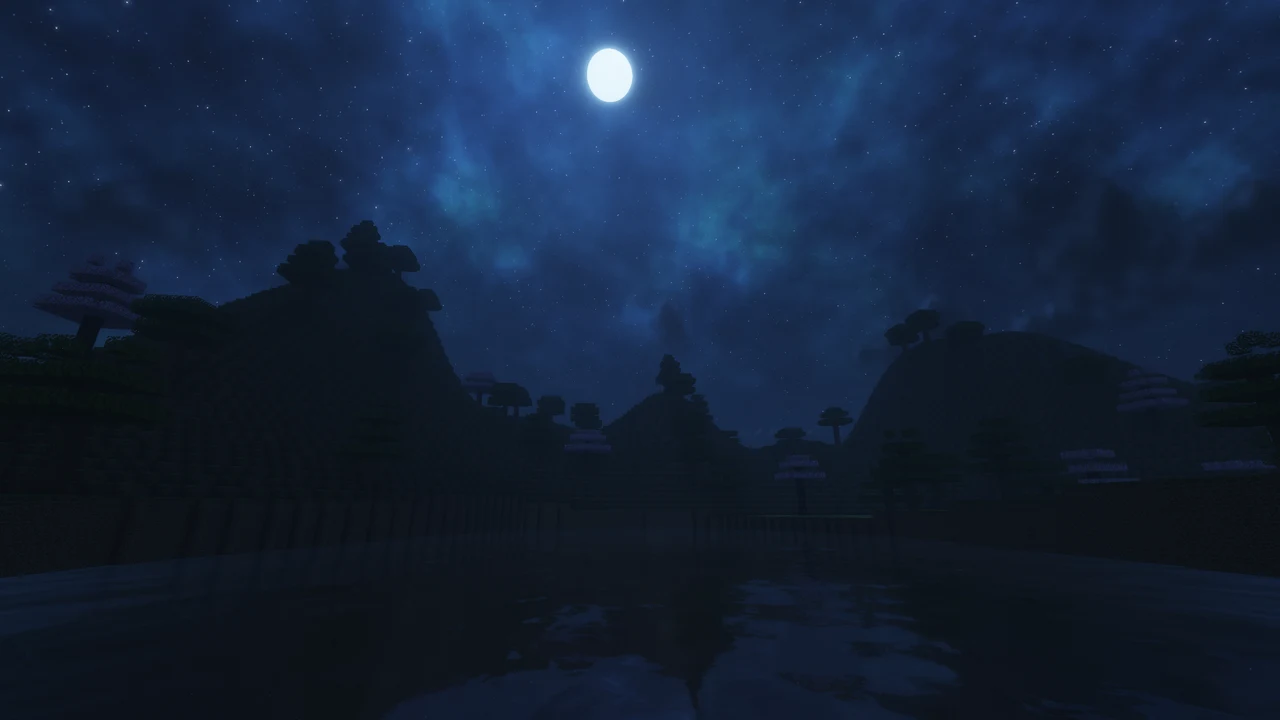
Solas replaces the basic vanilla night skybox with a luminous round moon, drifting star fields, and subtle celestial nebulae. In cold biomes (such as Snowy Taiga and Frozen Oceans), the pack automatically activates 3D volumetric Aurora Borealis across the upper sky.
From a survival perspective, ground exposure remains sufficiently bright. You can navigate open terrain and identify hostile mobs around your base perimeter without relying exclusively on artificial torches.
Practical features: Dynamic colored lights and PBR tuning
Handheld illumination behavior and flower emissive settings
Solas includes several built-in features that affect survival gameplay:
- Handheld Colored Lighting: Torches emit warm orange light, soul lanterns cast cold blue rays, and redstone items cast dim crimson glow in caves when held in either hand.
- Procedural PBR Support: Rough stone textures and glossy polished blocks gain subtle specular highlights without requiring third-party resource packs.
- Emissive Flowers & Ores: Wild flowers and ores have built-in glow. If floral biomes feel too bright, you can lower the flower emission slider under
Shader Settings > PBR Config.
Tested hardware setup and performance benchmarks
Real hardware test conditions and frame rate measurements
All benchmarks were recorded on Minecraft 26.2 in a singleplayer world under repeatable test conditions on a mid-range configuration:
| Component | Test Specification |
|---|---|
| Minecraft Version | 26.2 (Java Edition) |
| Mod Loader | Fabric Loader 0.19.3 |
| Optimization Stack | Sodium 0.9.1 + Iris 1.11.2 |
| Shader Build | Solas Shader V3.7 |
| Resolution & Render Distance | 2560 × 1440 (2K), 12 Chunks (Sim: 6) |
| Test Hardware | Intel Core i3-12100F, NVIDIA GTX 1660 SUPER, 32GB RAM |
| Vanilla Baseline FPS | 220 - 280 FPS |
| Solas Default Profile FPS | 75 - 95 FPS (Stable frame pacing, minimal stutter) |
How to install Solas Shader with Iris
Installation steps for Fabric and Iris
- 1
Install Fabric Loader & Fabric API
Run the official Fabric Installer for your target Minecraft version and place Fabric API into
.minecraft/mods. - 2
Install Sodium and Iris
Download matching builds of Sodium and Iris Shaders from Modrinth and place them in your
modsfolder. - 3
Download Solas Shader V3.7
Get the official
Solas Shader V3.7.zipfrom the Modrinth Versions page. Keep the file archived as a ZIP. - 4
Activate in Video Settings
Launch Minecraft, open Options > Video Settings > Shader Packs, add the ZIP to the list, and select Solas Shader.
When to choose Solas Shader for your world
A solid balance of stylized atmosphere and survival practicality
Solas Shader V3.7 delivers a distinct stylized aesthetic without bogging down survival gameplay. Its combination of soft directional lighting, transparent water, smart cloud clipping, and rich night skies makes it a compelling option for builders and explorers who find vanilla lighting too flat but do not want the heavy performance penalty of full path-traced packs.
If you need strict blocky voxel clouds or ultra-clean vanilla cohesion, Complementary Reimagined remains the closer match. But for survival worlds featuring diverse biomes, rivers, and custom architecture, Solas Shader is well-balanced, responsive, and easy to run.
Test setup and performance
| minecraft Version | 26.3 |
|---|---|
| shader Version | V3.7 |
| loader | Fabric + Iris + Sodium |
| loader Version | Fabric Loader 0.19.3 / Iris 1.11.2 / Sodium 0.9.1 |
| gpu | NVIDIA GeForce GTX 1660 SUPER |
| cpu | Intel Core i3-12100F |
| ram | 32 GB system RAM |
| render Distance | 12 chunks; simulation distance 6 chunks |
| preset | Solas Shader V3.7 default profile |
Questions and compatibility
Can I use Solas Shader with Minecraft 26.2?
Yes. Solas Shader V3.7 loaded and rendered cleanly in our Fabric 26.2 test environment using Iris 1.11.2 and Sodium 0.9.1.
How do I see the 3D Aurora Borealis (Northern Lights)?
Auroras appear automatically at night in cold or snowy biomes (such as Snowy Taiga, Ice Spikes, and Frozen Ocean). You can also adjust their frequency and intensity in Shader Settings > Sky Config.
Does Solas Shader support colored handheld lighting?
Yes. Holding regular torches, soul torches, lanterns, or redstone torches will emit real-time dynamic colored light into surrounding terrain and caves.
How do I fix overly bright glowing flowers in dense biomes?
Open Video Settings > Shader Pack Settings > PBR Config and lower the Emissive Flower Brightness slider to your preferred balance.
Should I unzip the shader pack before installing it?
No. Place the downloaded Solas Shader V3.7.zip directly into your .minecraft/shaderpacks folder without extracting.
Does Solas Shader work on multiplayer servers?
Yes. Shaders run entirely client-side on your local GPU. You can join any vanilla, Paper, Fabric, or Realm server without triggering anti-cheat or needing server plugins.
Download links
We do not host Minecraft shader files directly. Download links go to the creator's official project pages.
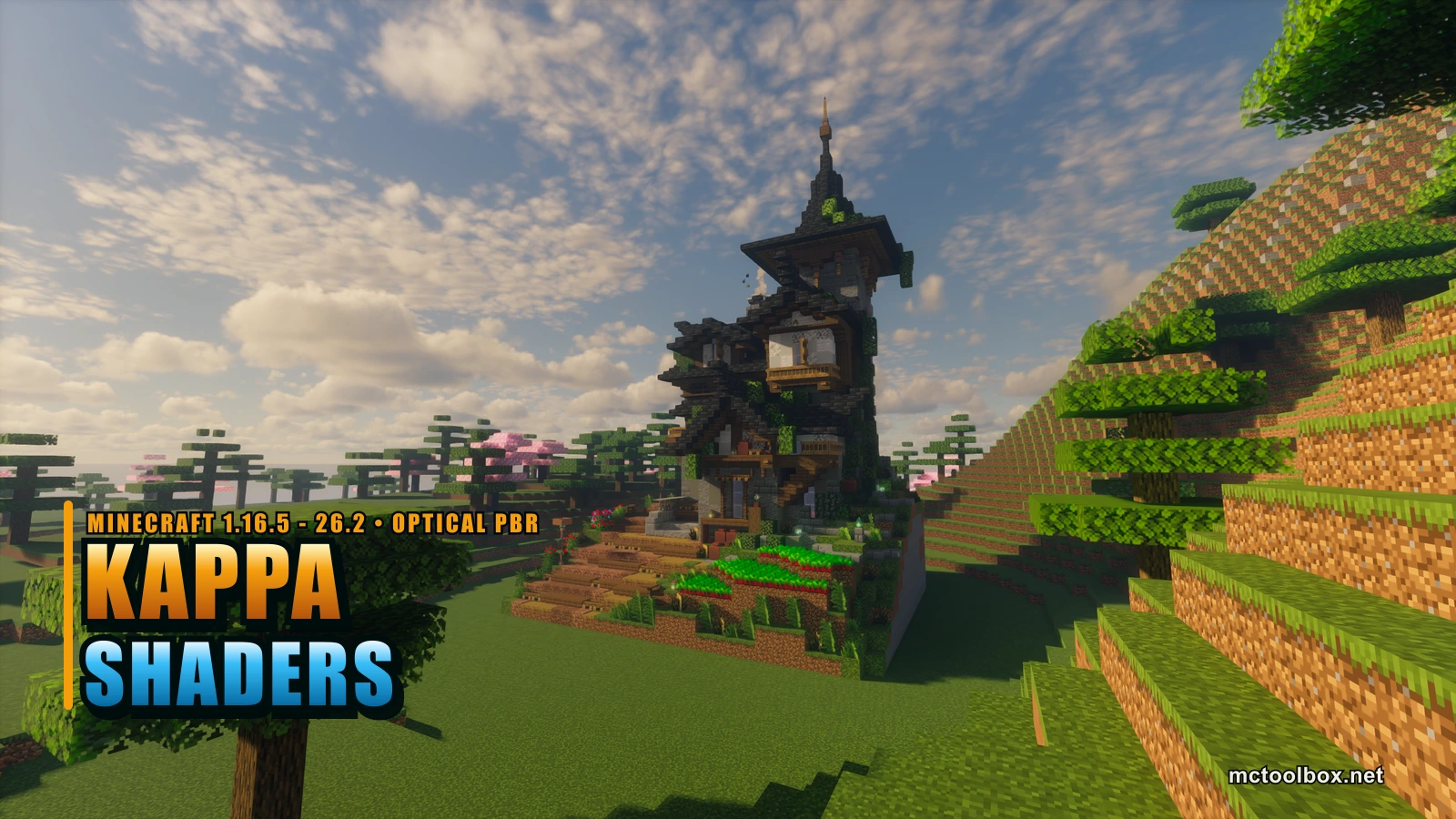
Kappa Shader 1.16.5 - 26.3
Kappa Shader by RRe36 delivers scientifically grounded optical lighting, physically based atmospheric scattering, and multi-layer volumetric clouds.
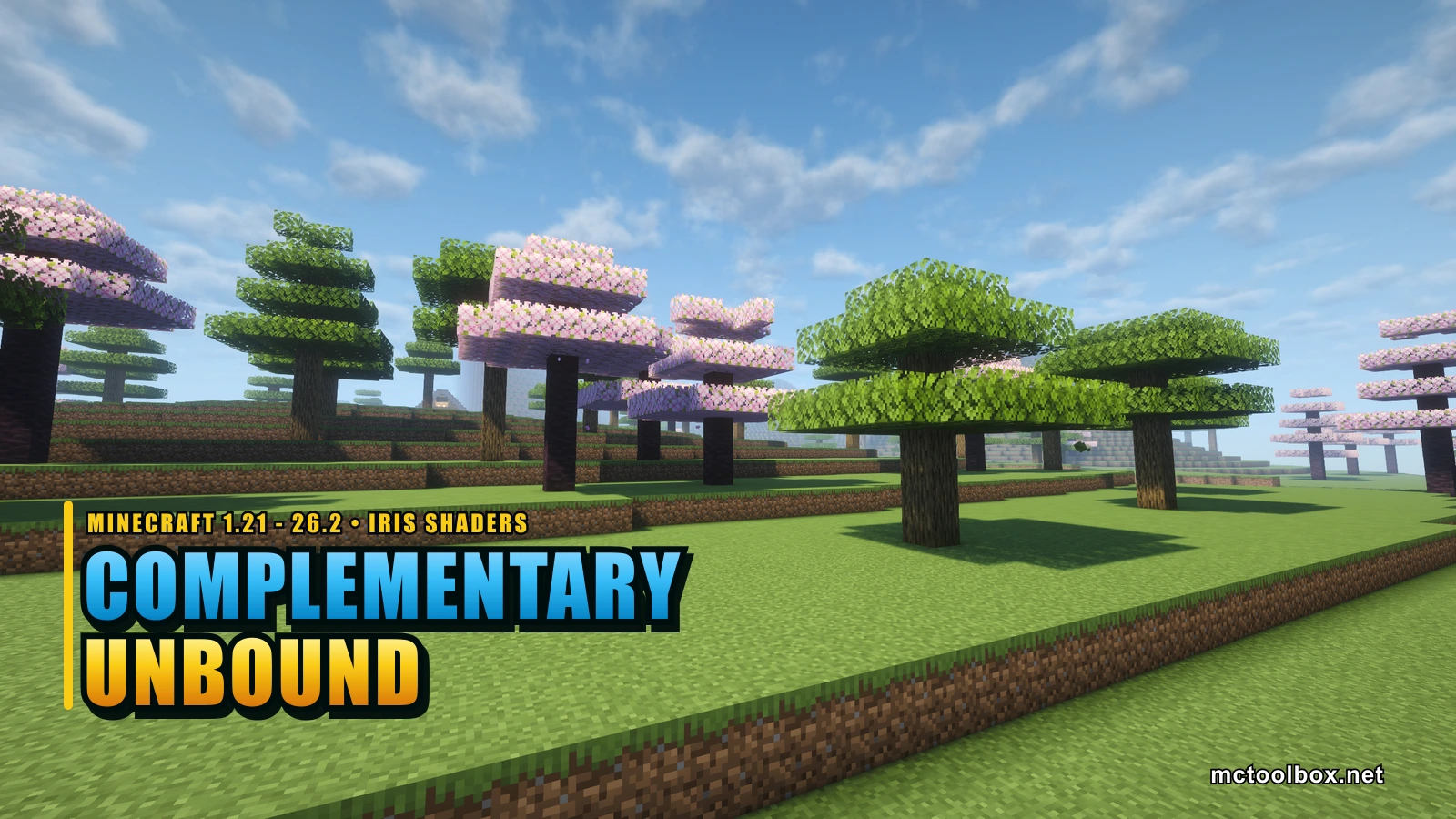
Complementary Shaders (Unbound) 1.21 - 26.3
Complementary Unbound is the realistic edition of the Complementary shader family. It provides soft procedural clouds, undulating ocean waves, directional sunbeams, and atmospheric fog while maintaining stable frame pacing on Iris.
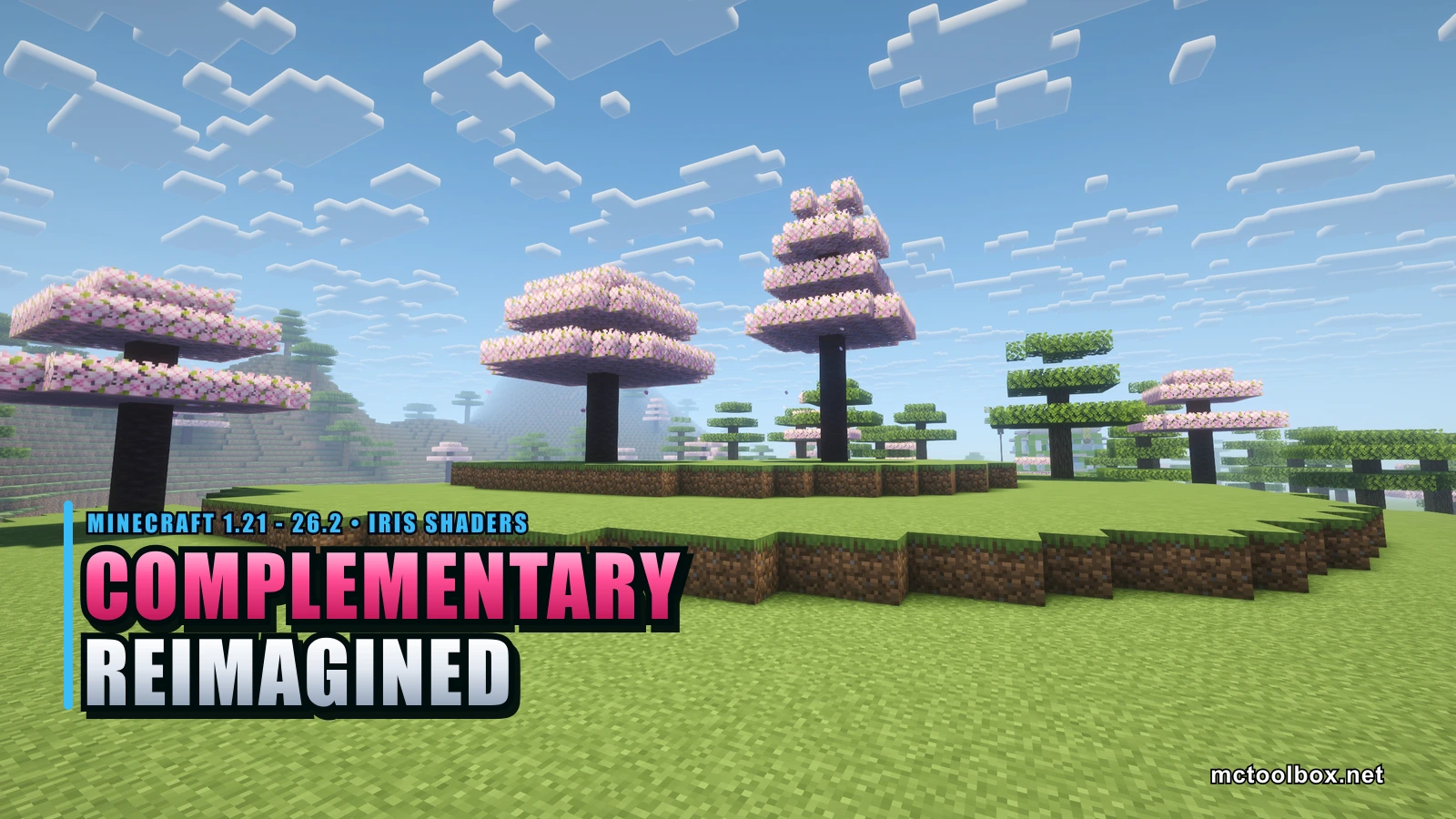
Complementary Reimagined Shaders 1.21 - 26.3
Complementary Reimagined is the benchmark for vanilla-friendly Minecraft shaders. It preserves the classic blocky visual identity with custom volumetric clouds, subtle PBR materials, crystal-clear water reflections, and outstanding optimization.