








Minecraft shader review
Complementary Shaders (Unbound) 1.21 - 26.3
Multi-layered procedural clouds, dynamic ocean wave physics, and atmospheric directional lighting
Download FilesComplementary Unbound is the realistic edition of the Complementary shader family. It provides soft procedural clouds, undulating ocean waves, directional sunbeams, and atmospheric fog while maintaining stable frame pacing on Iris.
Shader Index9 sections
While Complementary Reimagined preserves Minecraft's blocky voxel clouds, Complementary Unbound applies a realistic treatment to the skybox and water physics. Unbound features multi-layered procedural clouds, undulating wave displacement, directional sunbeams, and atmospheric horizon haze.
I tested Complementary Unbound r5.8.1 on Minecraft 26.3 using Fabric Loader 0.19.3, Iris 1.11.2, and Sodium 0.9.1. Every comparison pair in this review was captured from identical camera angles, time of day, and weather states. Below is a breakdown of how its visual features differ from Reimagined, how it impacts frame rates, and the key settings to tune for survival play.
Atmospheric sky and photorealistic cloud layers
Multi-layered procedural clouds and volumetric sunbeams that transform the horizon
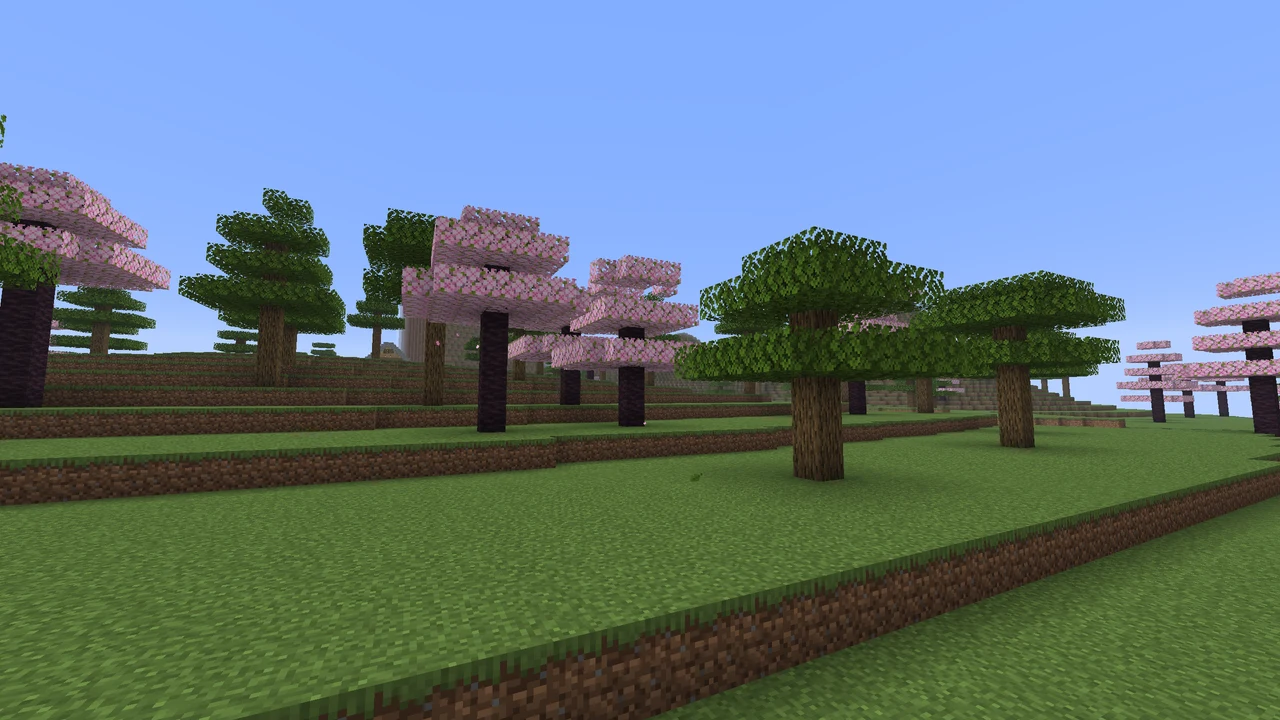
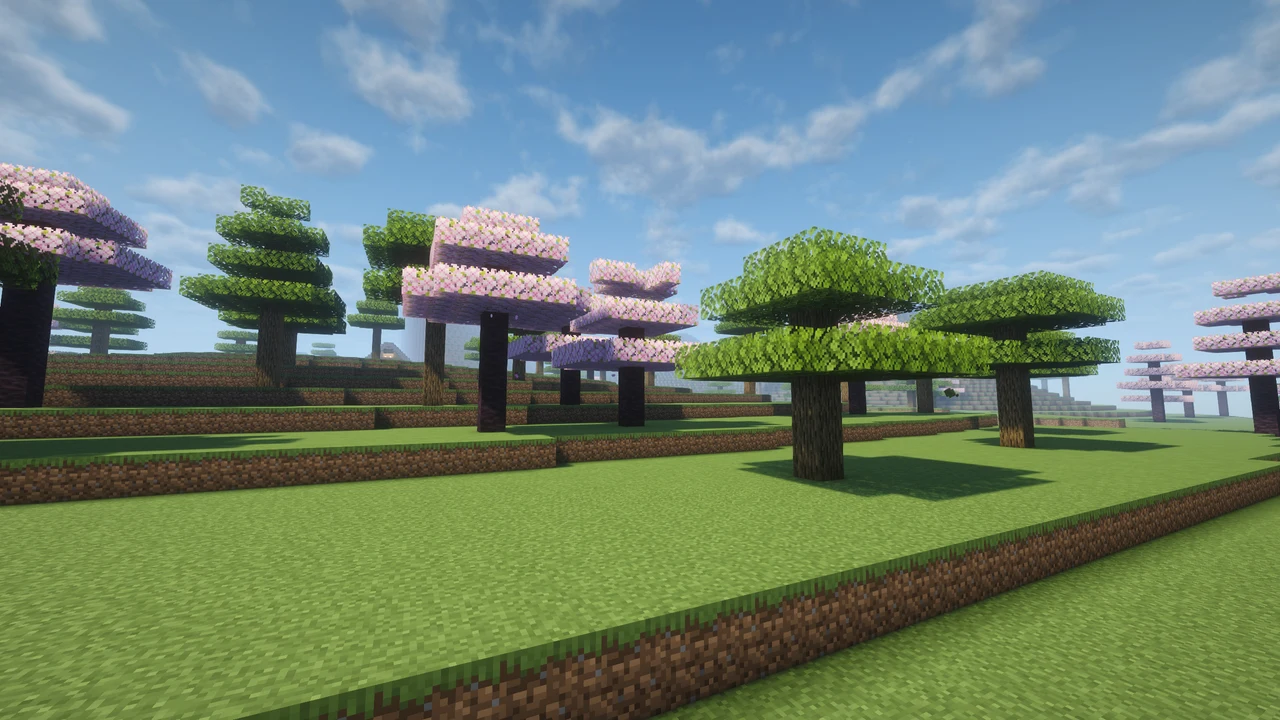
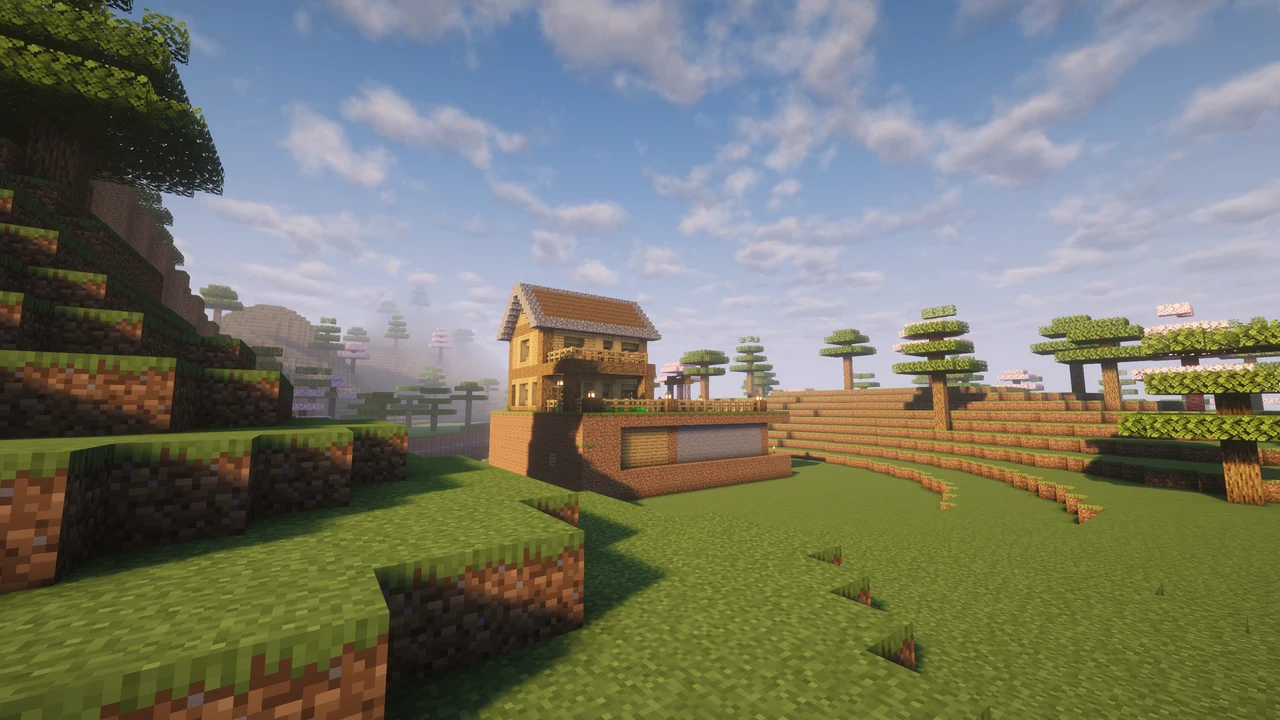
The signature difference between Unbound and Reimagined is the sky dome. Rather than rendering pixelated 3D voxel clouds, Unbound employs dynamic multi-layered procedural clouds with soft edges, realistic density gradients, and sunlight scattering.
As the sun rises or sets, light shafts pierce through the cloud gaps and cast shimmering god rays across tree canopies. Ambient fog blends naturally into the horizon, giving mountain ranges a sense of grand scale and atmospheric moisture.
Dynamic water waves, caustics, and reflections
Undulating surface physics and crystalline sky reflections for rivers and oceans
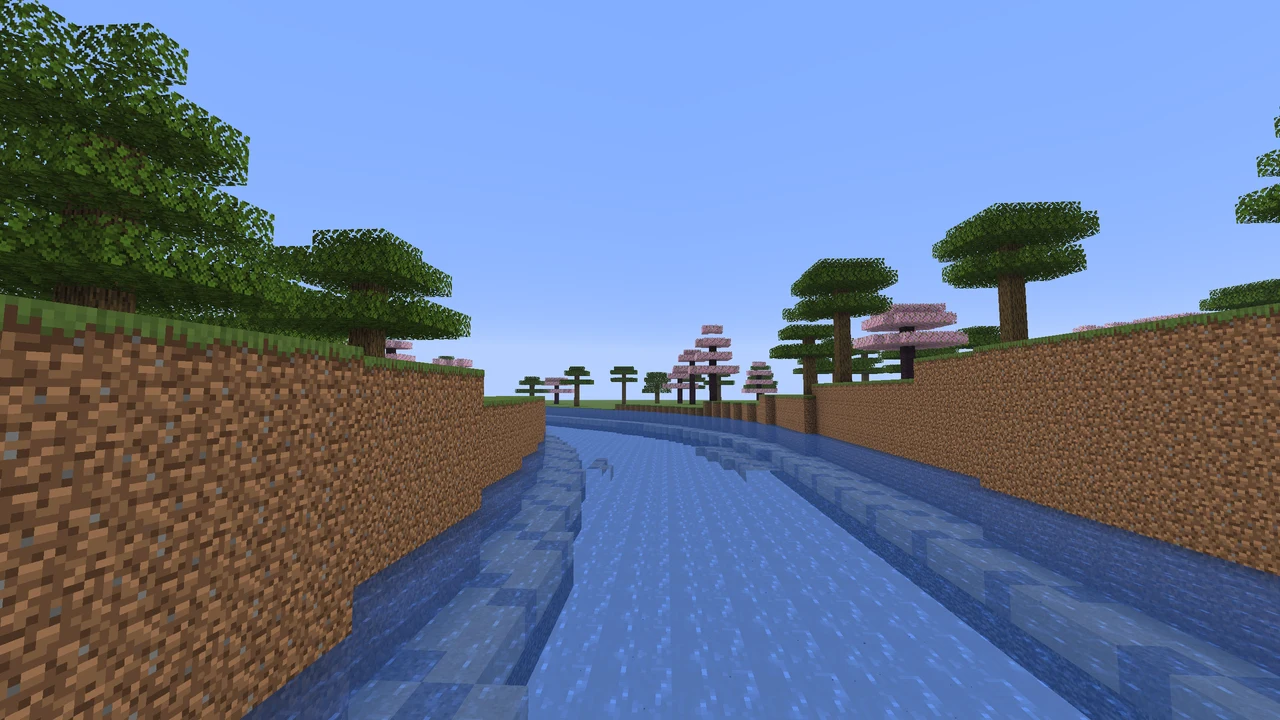
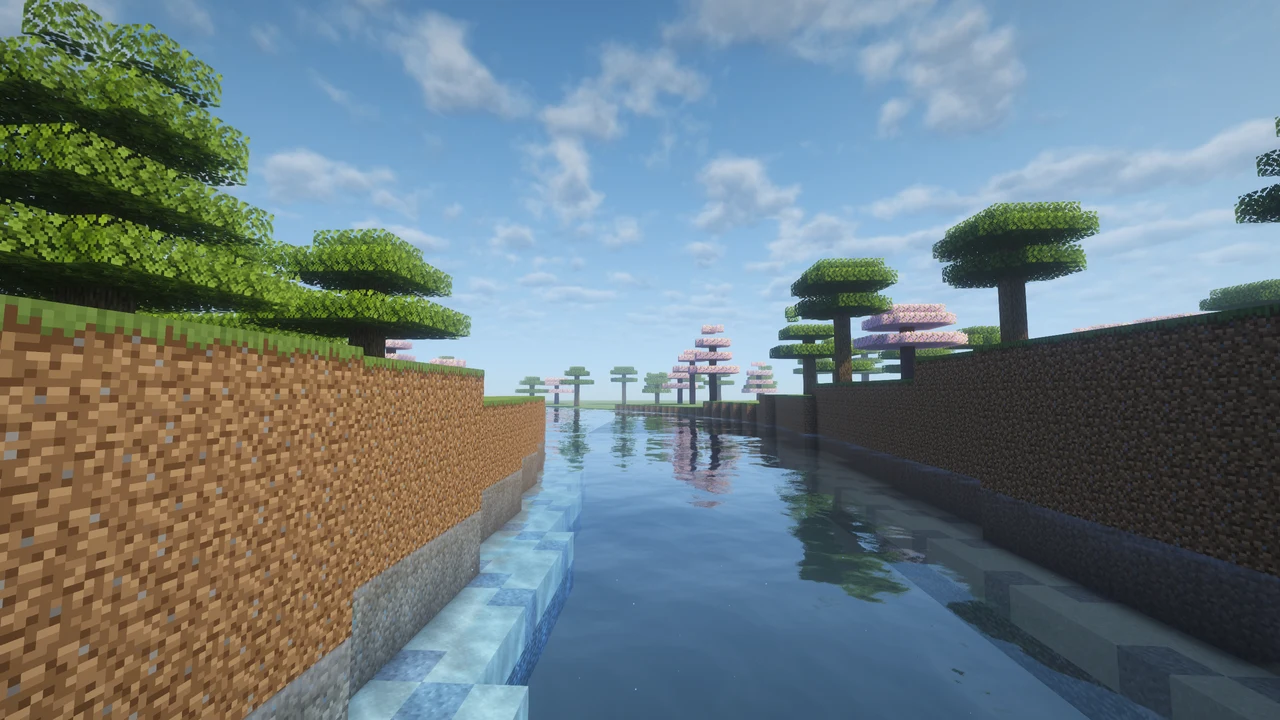
Water in Complementary Unbound is designed for visual spectacle. Rivers and lakes feature undulating surface waves with gentle foam physics and realistic light caustics dancing across shallow sandbeds.
From higher vantage points, the water surface mirrors the blue sky and surrounding trees with subtle wave distortion. Dive beneath the surface, and underwater fog realistically attenuates sunlight, making deep ocean exploration feel mysterious and immersive.
Golden hour lighting on player architecture
Warm sunlight angles and geometric shadow mapping enhance wooden and stone builds
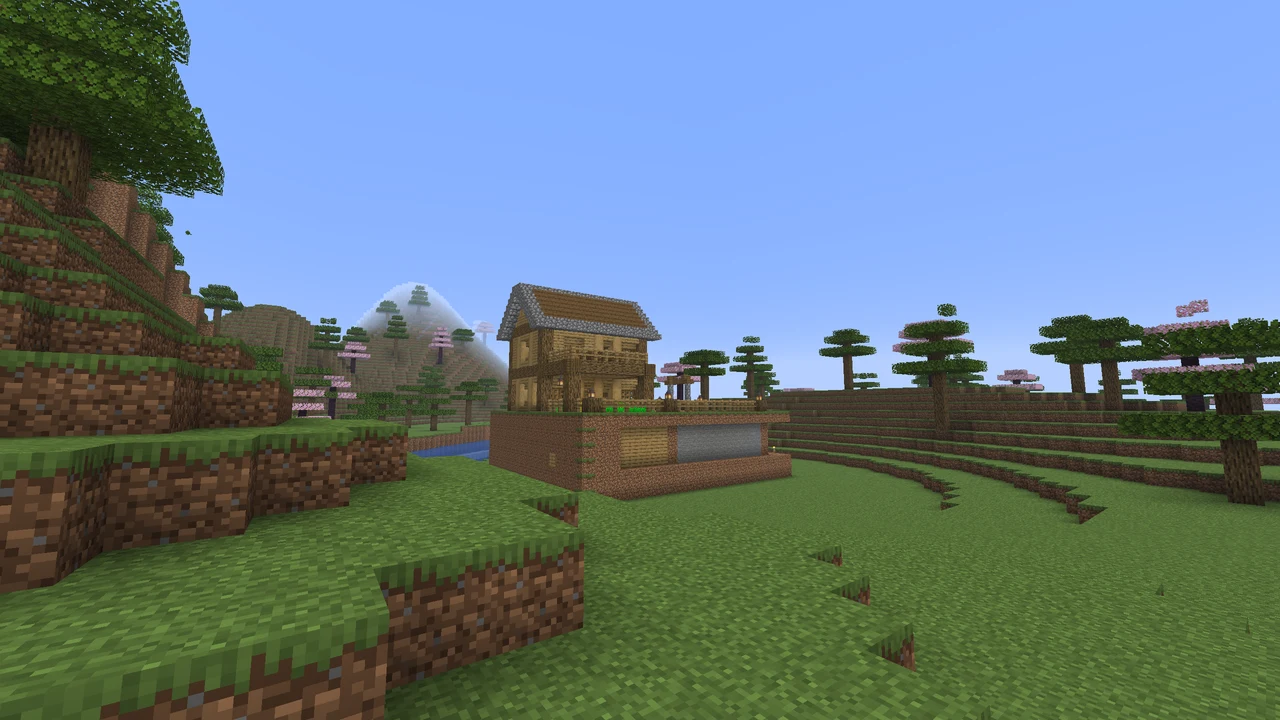
During sunset, Unbound washes the world in rich amber and rose-gold light. The low sun position casts long, precise contact shadows from roof overhangs, fences, and balconies across surrounding terrain.
Across multi-tier cottage builds, notice how the wood grain textures catch warm specular reflections while shaded corners remain naturally diffused by ambient skylight. The lighting feels vibrant and alive without washing out building materials.
Night atmosphere, glowing moon, and survival clarity
Dramatic night skies with subtle mist while preserving ground visibility
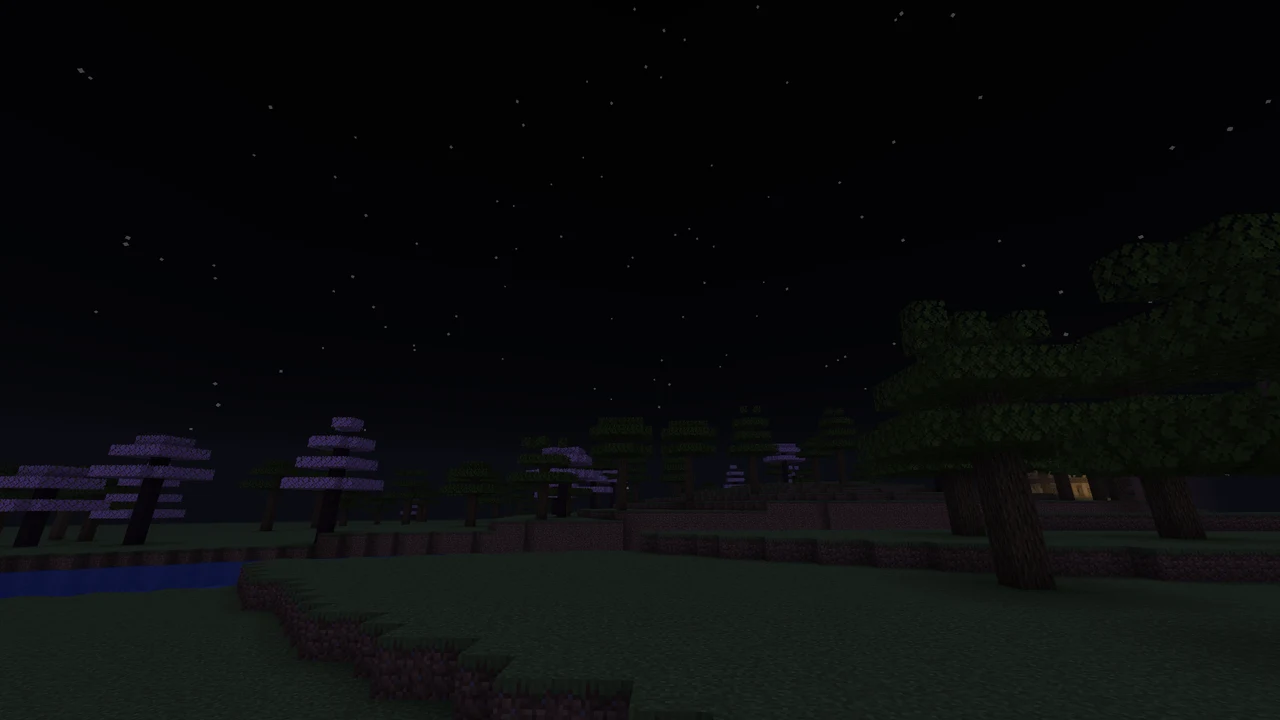
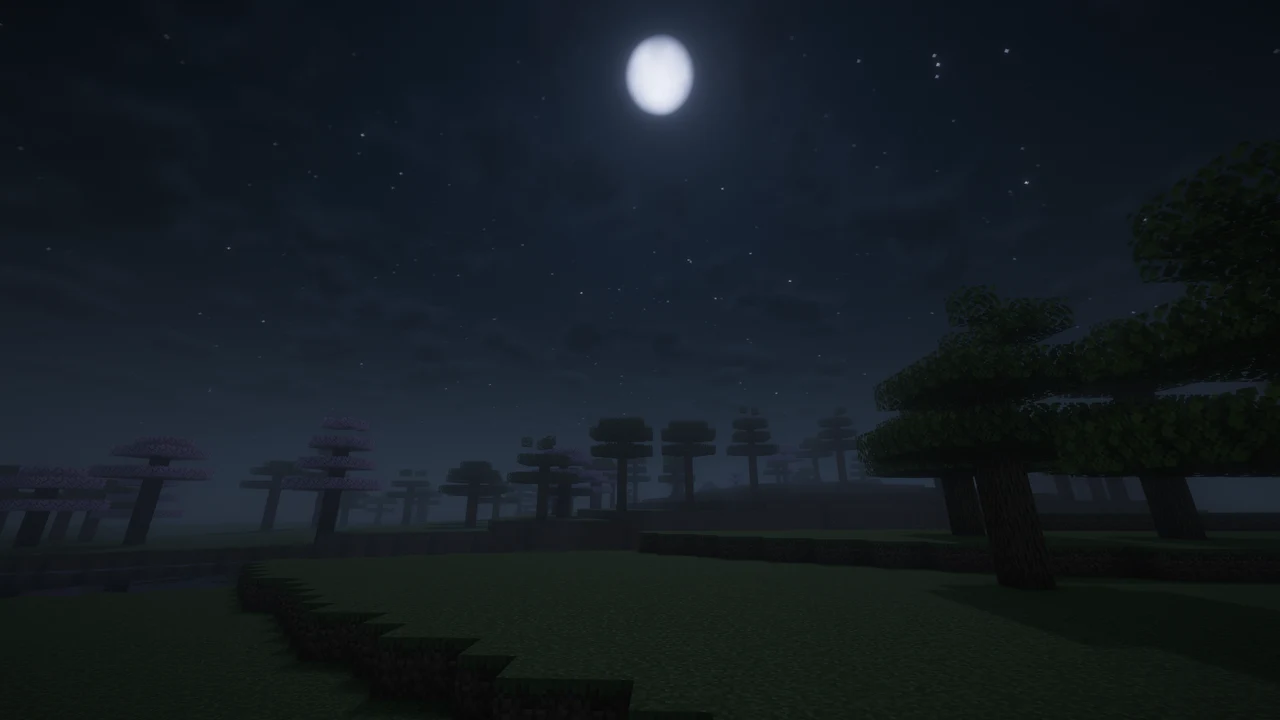
Night-time in Complementary Unbound is cinematic yet practical. The pack features a prominent glowing full moon, drifting night-time cloud wisps, and twinkling stars. A delicate low-altitude mist settles across valleys, creating a hauntingly atmospheric landscape.
Despite the moody ambience, ground terrain remains clearly navigable by ambient moonlight, ensuring you can still spot hostile mobs and navigate your base without being blinded by pure pitch blackness.
Unbound vs Reimagined: Which should you choose?
A direct comparison to help you pick the right Complementary edition
Because both packs share the same robust codebase from EminGT, choosing between them comes down entirely to aesthetic preference and performance priorities:
| Feature Comparison | Complementary Reimagined | Complementary Unbound |
|---|---|---|
| Cloud Style | Blocky 3D Voxel Clouds | Photorealistic Procedural Clouds |
| Visual Aesthetic | Vanilla-Aligned & Clean | Cinematic & Photorealistic |
| Water Physics | Subtle ripples, crystal clarity | Undulating waves, deep reflections |
| Lighting Atmosphere | Natural, balanced contrast | Dramatic bloom & golden god rays |
| Performance Impact | Light-to-Medium (75-95 FPS at 2K) | Medium (70-90 FPS at 2K) |
| Best For | Long-term survival worlds & building | Cinematic exploration & screenshots |
Tested setup and performance benchmarks
Real hardware test conditions and frame rate measurements
All performance data was measured on Minecraft 26.3 in a singleplayer test world under identical conditions to ensure fair comparisons:
| Component | Test Specification |
|---|---|
| Minecraft Version | 26.3 (Java Edition) |
| Mod Loader | Fabric Loader 0.19.3 |
| Optimization Stack | Sodium 0.9.1 + Iris 1.11.2 |
| Shader Build | Complementary Unbound r5.8.1 |
| Resolution & Render Distance | 2560 × 1440 (2K), 12 Chunks (Sim: 6) |
| Test Hardware | Intel Core i3-12100F, NVIDIA GTX 1660 SUPER, 32GB RAM |
| Vanilla Baseline FPS | 220 - 280 FPS |
| Unbound High Preset FPS | 70 - 90 FPS (Smooth pacing, rock solid) |
How to install Complementary Unbound with Iris
Step-by-step setup guide for Fabric and Iris
- 1
Install Fabric Loader & Fabric API
Run the official Fabric Installer for your Minecraft version and place the matching Fabric API JAR in your
.minecraft/modsfolder. - 2
Install Sodium and Iris
Download the latest matching builds of Sodium and Iris Shaders from Modrinth and copy them into your
modsfolder. - 3
Download Complementary Unbound
Download
ComplementaryUnbound_r5.8.1.zipdirectly from the official Modrinth Versions page or the official Complementary website. Keep the file as a ZIP. - 4
Enable in Shader Settings
Launch Minecraft, navigate to Options > Video Settings > Shader Packs, drop the ZIP into the menu, and select Complementary Unbound.
When to pick Complementary Unbound for your world
A strong option for open landscapes and scenic exploration
Complementary Unbound r5.8.1 offers a dramatic visual alternative to Reimagined without sacrificing the stability and optimization of the underlying Complementary codebase. Its procedural cloud layers, undulating water ripples, and warm sunset lighting make large open worlds and coastal bases feel substantially more dynamic.
If you prefer Minecraft's original voxel clouds and high water transparency, Reimagined remains the closer fit. But for players seeking realistic skyboxes and lively water physics on mid-range hardware, Complementary Unbound is an outstanding and highly configurable choice.
Test setup and performance
| minecraft Version | 26.3 |
|---|---|
| shader Version | r5.8.1 |
| loader | Fabric + Iris + Sodium |
| loader Version | Fabric Loader 0.19.3 / Iris 1.11.2 / Sodium 0.9.1 |
| gpu | NVIDIA GeForce GTX 1660 SUPER |
| cpu | Intel Core i3-12100F |
| ram | 32 GB system RAM |
| render Distance | 12 chunks; simulation distance 6 chunks |
| preset | Complementary Unbound r5.8.1 High profile |
Questions and compatibility
Can I use Complementary Unbound with Minecraft 26.3?
Yes. Complementary Unbound r5.8.1 loaded and rendered cleanly in our Fabric 26.2 test environment using Iris 1.11.2 and Sodium 0.9.1.
How does Complementary Unbound differ from Reimagined?
Unbound targets cinematic photorealism with smooth procedural clouds, dramatic god rays, and undulating wavy water. Reimagined targets vanilla purists with blocky 3D voxel clouds and clean crystal water.
Does Complementary Unbound require OptiFine?
No. Unbound supports both Iris and OptiFine. Iris on Fabric is strongly recommended for higher FPS and lower memory consumption.
Which setting improves performance most on modest GPUs?
Lowering Shadow Distance and setting the Performance Profile to Medium yields 60+ FPS on budget GPUs like GTX 1650/1060 while keeping realistic clouds active.
Should I unzip the shader pack file?
No. Keep the file as ComplementaryUnbound_r5.8.1.zip and place it directly into your .minecraft/shaderpacks folder.
Does Unbound support waving foliage and colored lights?
Yes. Waving leaves and water are enabled by default, and holding light sources (torches, lanterns) casts dynamic colored light into dark areas.
Download links
We do not host Minecraft shader files directly. Download links go to the creator's official project pages.
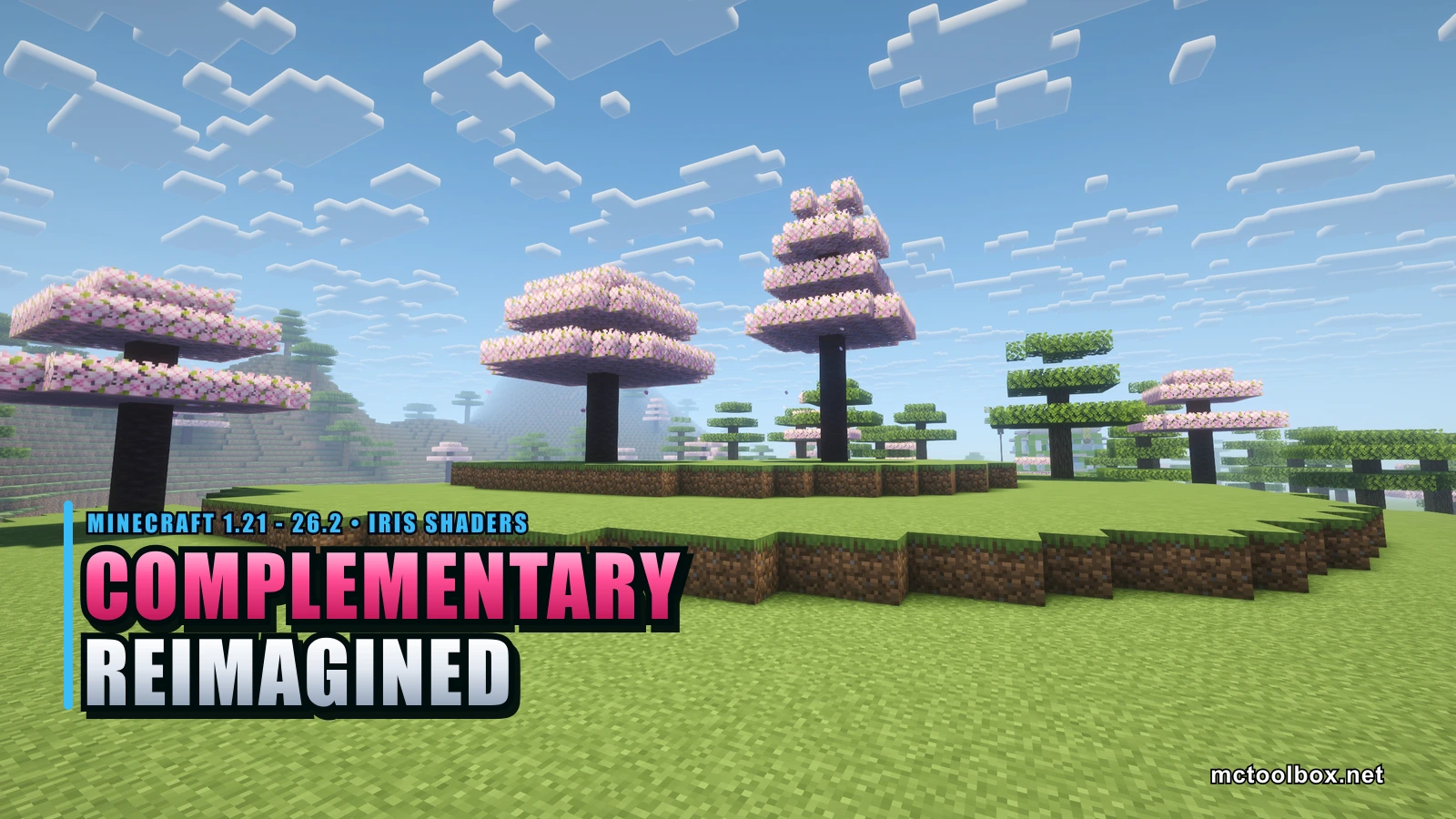
Complementary Reimagined Shaders 1.21 - 26.3
Complementary Reimagined is the benchmark for vanilla-friendly Minecraft shaders. It preserves the classic blocky visual identity with custom volumetric clouds, subtle PBR materials, crystal-clear water reflections, and outstanding optimization.
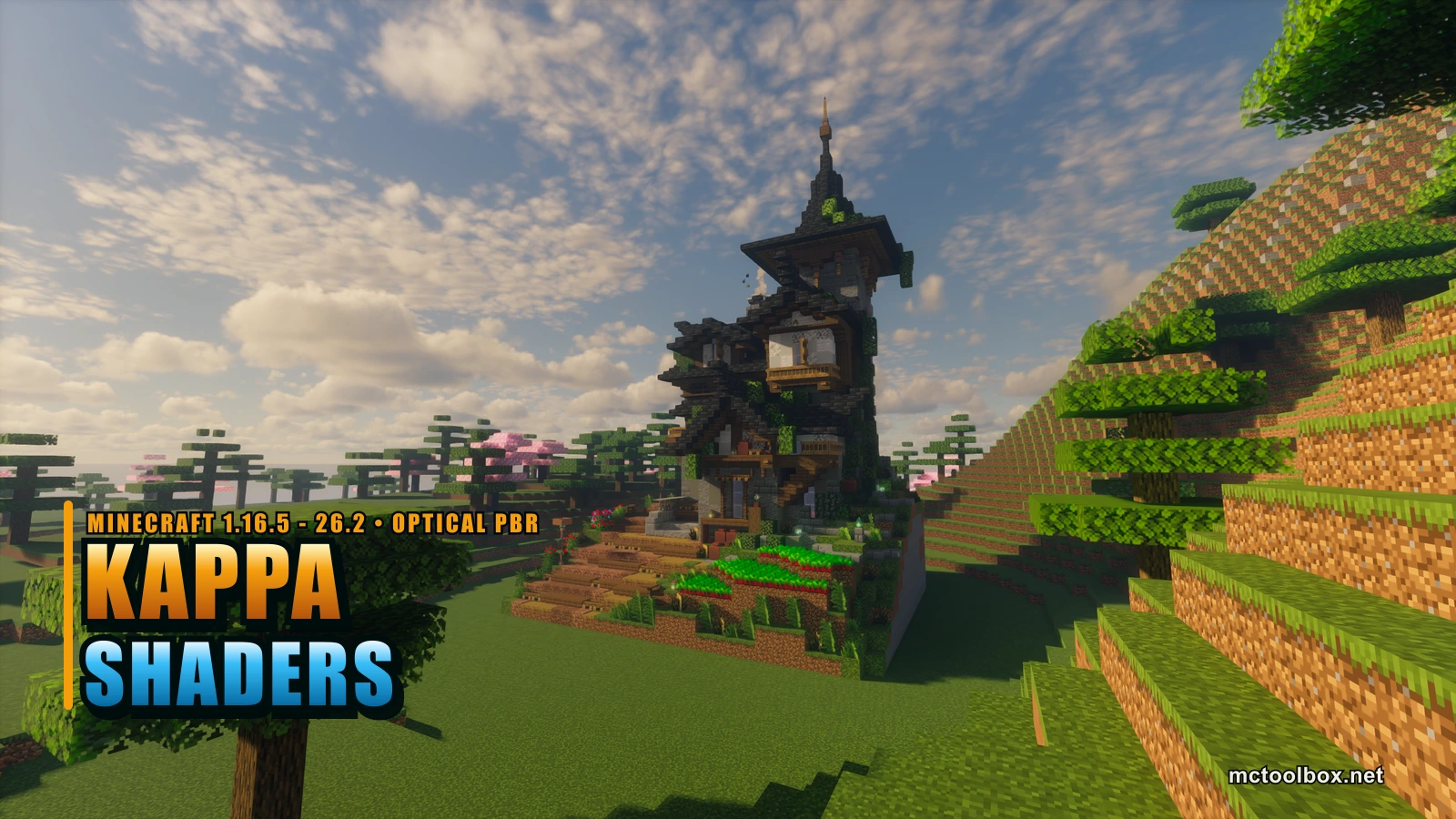
Kappa Shader 1.16.5 - 26.3
Kappa Shader by RRe36 delivers scientifically grounded optical lighting, physically based atmospheric scattering, and multi-layer volumetric clouds.
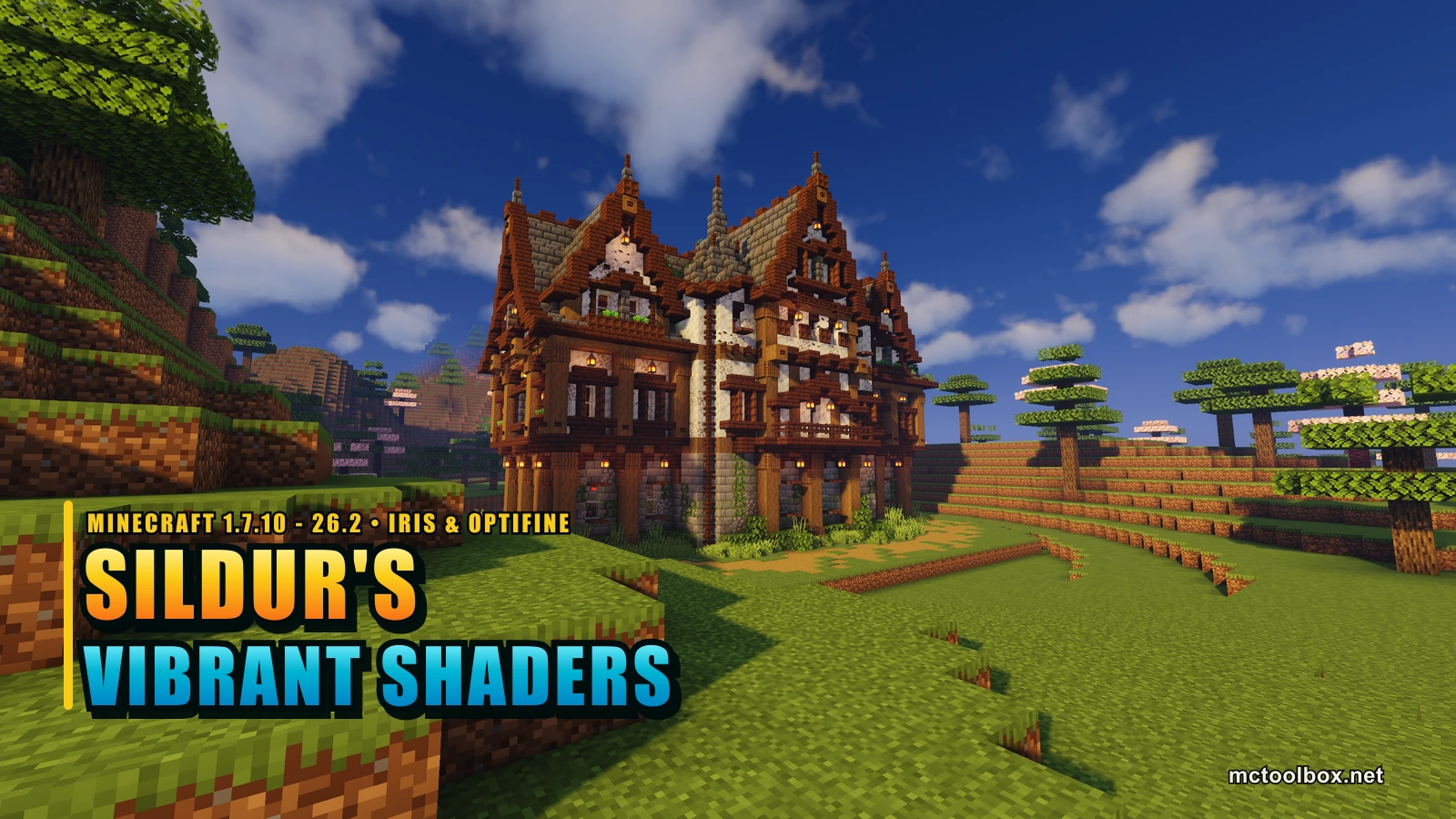
Sildur's Vibrant Shaders 1.7.10 - 26.3
Sildur's Vibrant Shaders v2.01 delivers signature warm golden lighting, PCSS contact shadows, waving foliage, and modular performance tiers from Lite to Extreme.