








Minecraft shader review
Shrimple Shaders 1.20 - 26.3
Cascaded shadow mapping, floodfill colored block lighting, and clean vanilla-plus water
Download FilesShrimple Shaders by Null delivers lightweight vanilla-plus enhancements to Minecraft, featuring cascaded shadow maps, floodfill colored block lighting, and translucent water reflections.
Shader Index7 sections
Many shader packs overhaul Minecraft by transforming every surface with heavy cinematic bloom, intense orange sunset washes, and dramatic pitch-black caves. While striking in screenshots, those aggressive alterations often disrupt long survival sessions and obscure fine block details.
Shrimple Shaders, developed by Null, takes a restrained vanilla-plus direction. Rather than replacing the visual character of Minecraft, Shrimple introduces Cascaded Shadow Mapping (CSM), custom floodfill colored block lighting, and natural water transparency while preserving the core color balance and practical visibility of the base game.
Cascaded shadow mapping and vanilla color retention
Crisp geometry shadows without yellow color cast or washed-out grass
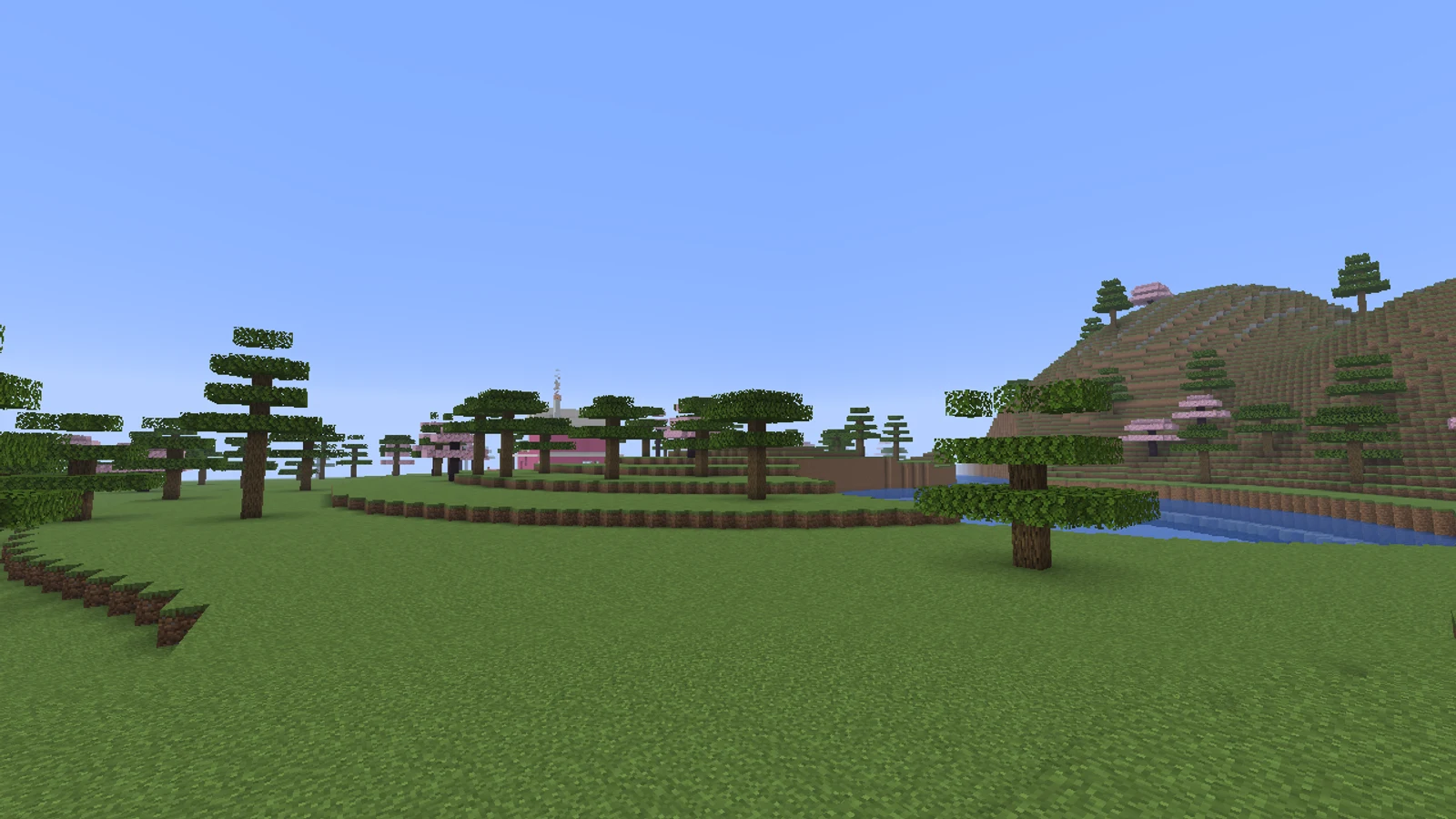
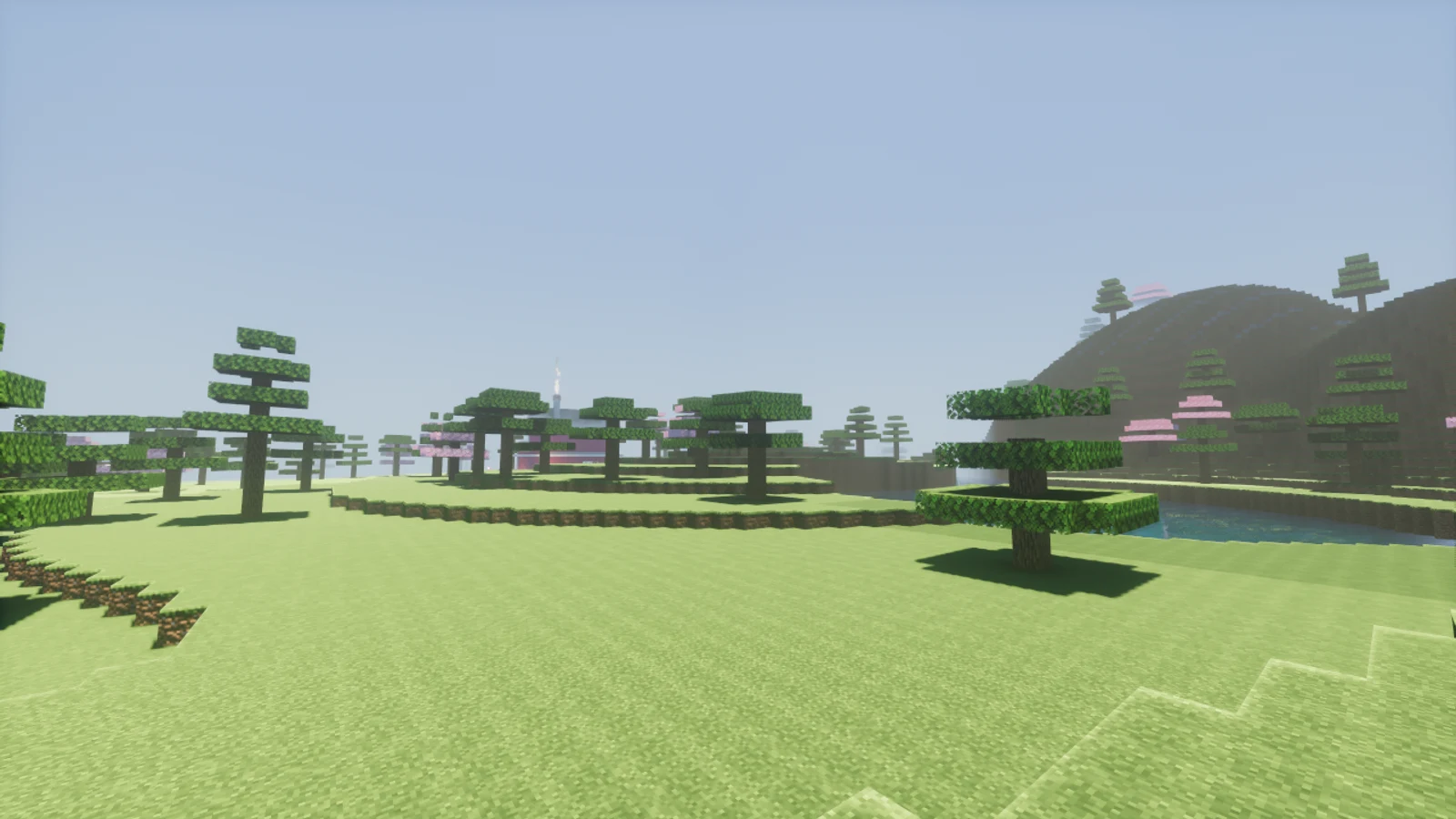
Under midday sun, Shrimple uses a multi-tier cascaded shadow map system. Nearby foliage and terrain steps cast sharp, well-defined contact shadows, while distant trees and hills transition into smooth, anti-aliased ambient shade.
Importantly, grass, dirt, and wood textures retain their original saturation and RGB hue. The sunlight gradient feels bright without introducing an artificial sepia or neon tint, ensuring that custom builds look as intended in default texture packs.
Water transparency, shoreline caustics, and reflections
Clear lake surfaces with realistic depth attenuation and subtle ripples
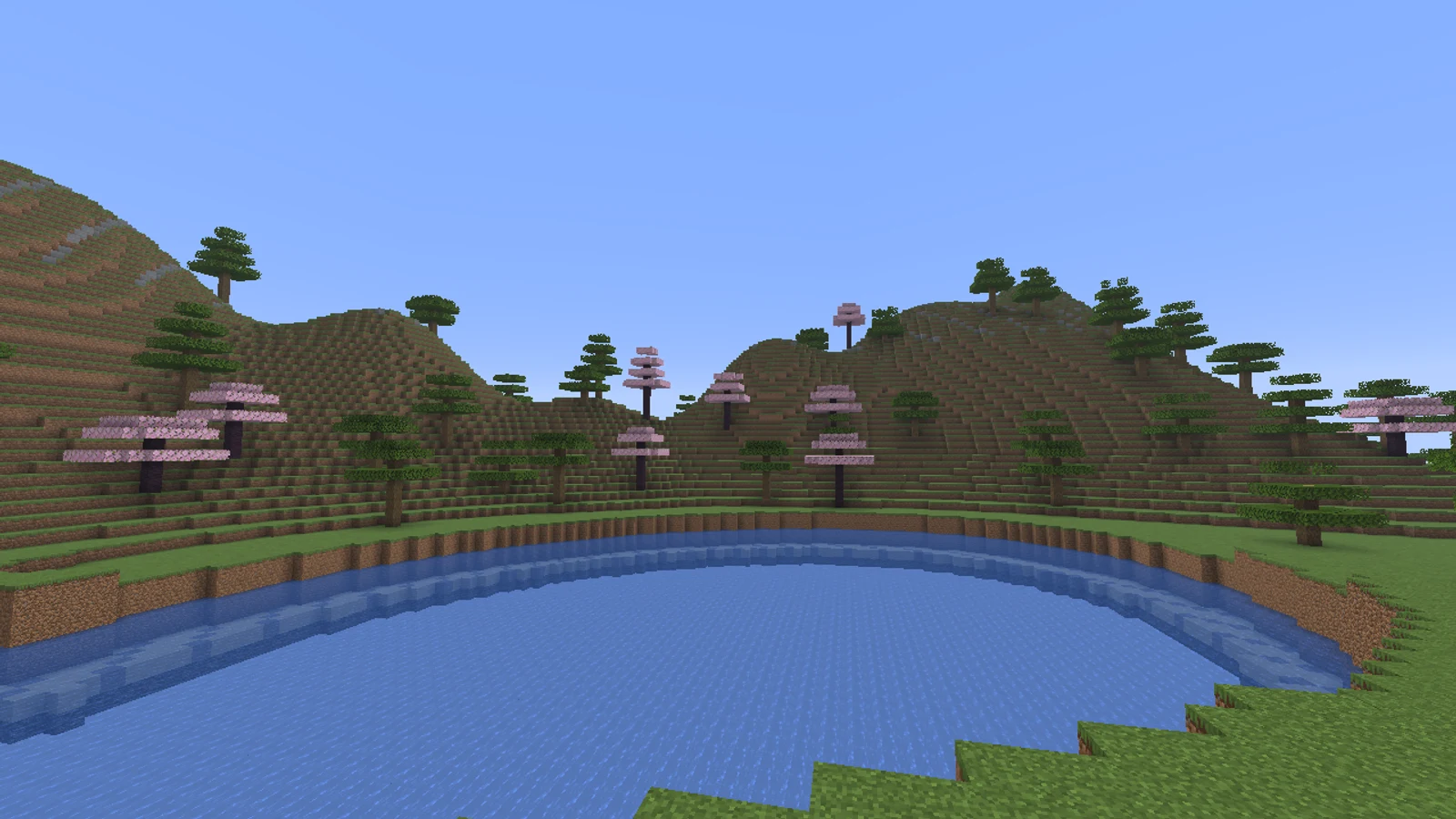
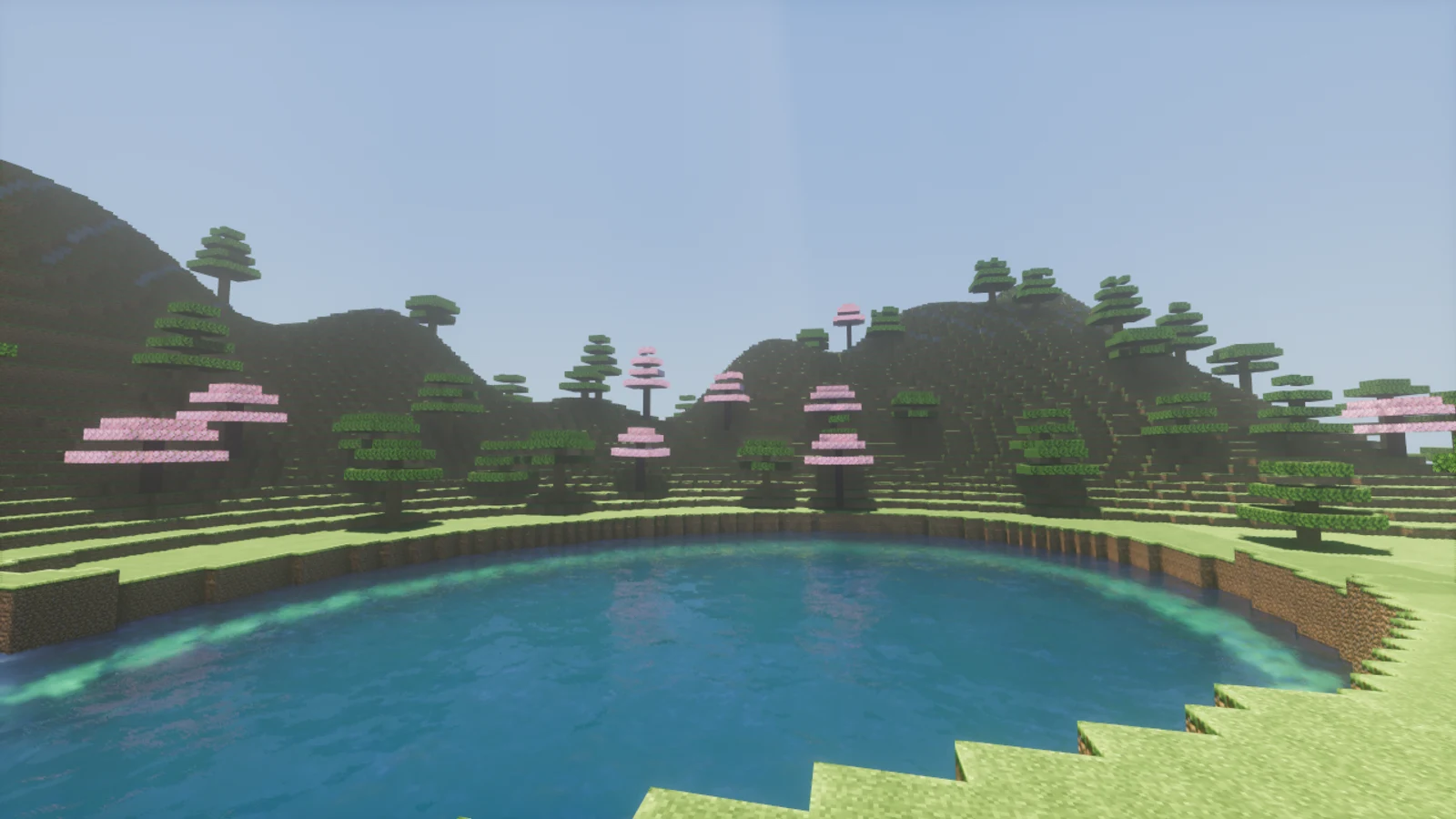
Vanilla Minecraft renders water as a semi-opaque flat sheet. Shrimple replaces this with an analytical wave normal system that dynamically adjusts based on depth and viewing angle.
Shallow water near sandy shores or riverbanks remains crystal-clear, allowing players to spot submerged ores, gravel beds, and aquatic life easily. As the water deepens into the center of a lake, natural light absorption darkens the water into a rich aquatic blue, reflecting the open sky and nearby tree lines.
Architectural lighting and golden-hour gradients
Clean low-angle sunlight emphasizing facade depth and eaves
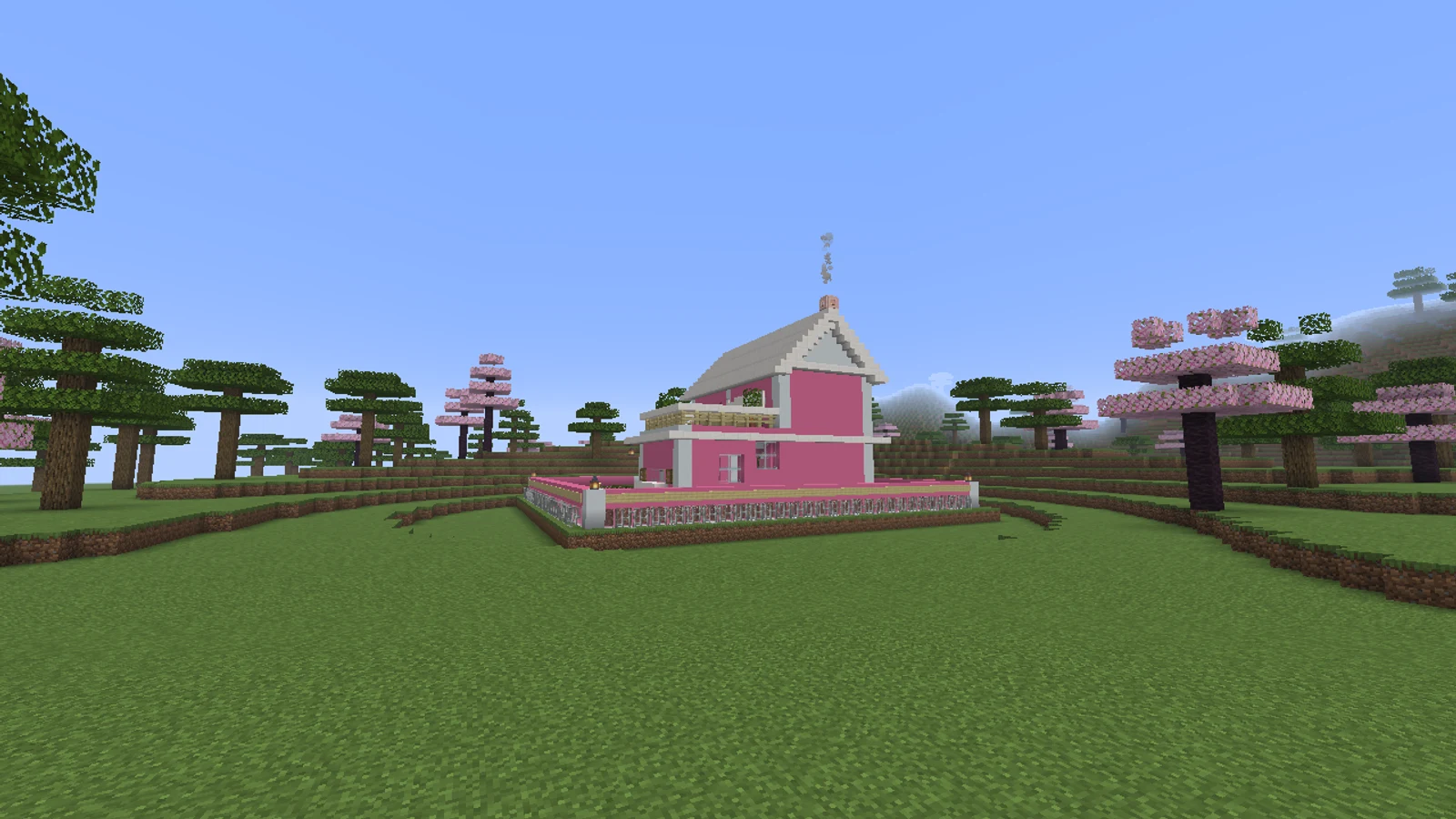
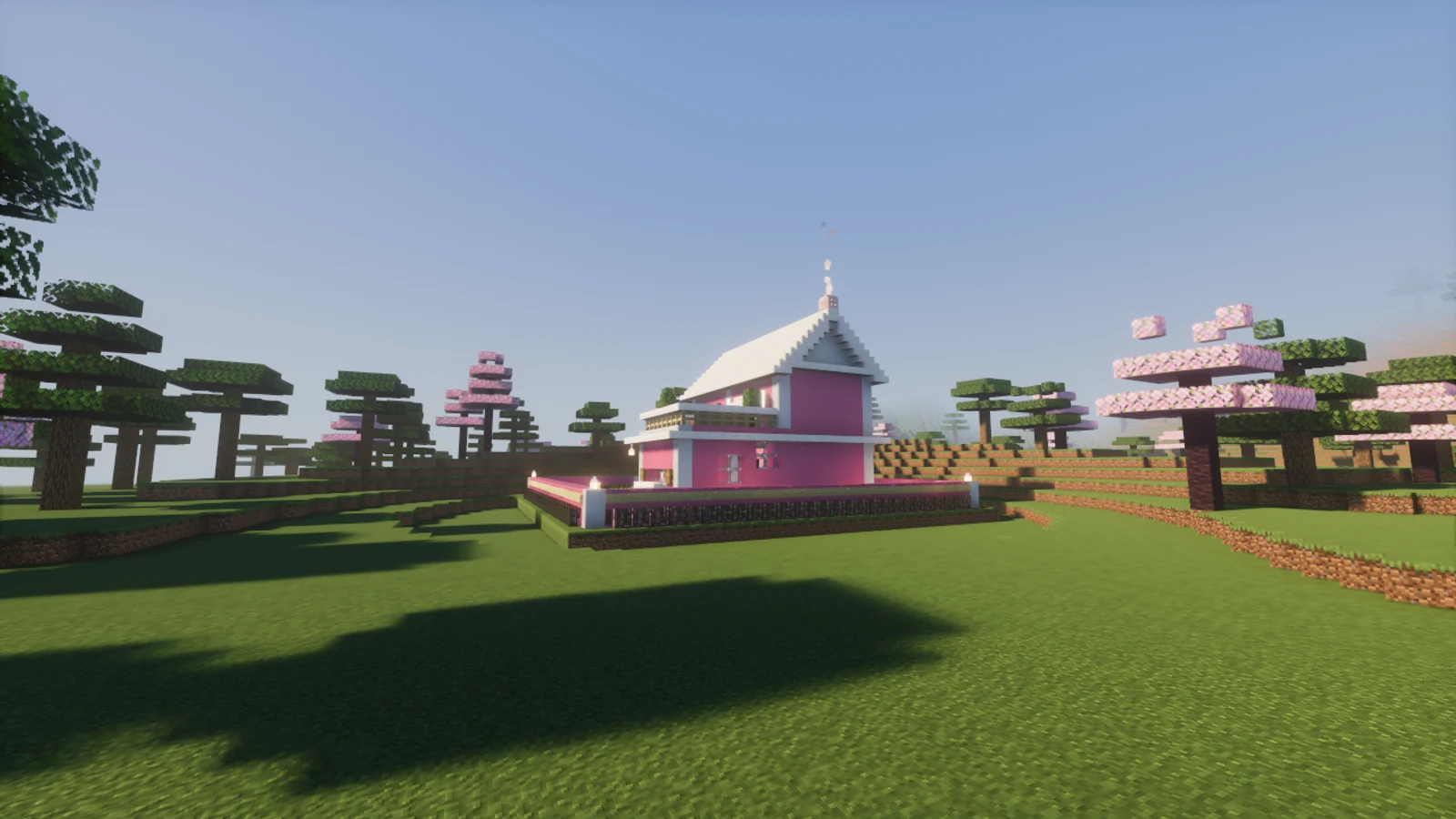
During morning and late afternoon transitions, Shrimple calculates directional sun vectors that project long, elegant shadows across structural facades and open lawns. Overhanging roofs, balconies, and fences cast accurate geometric shadows across walls and grounds.
Because the lighting pipeline avoids overblown exposure compensation, pale building materials such as quartz, birch, and white concrete maintain distinct textural details rather than clipping to blinding white.
Nighttime clarity, starlight, and floodfill colored lights
Comfortable survival visibility with warm lanterns and cool light sources
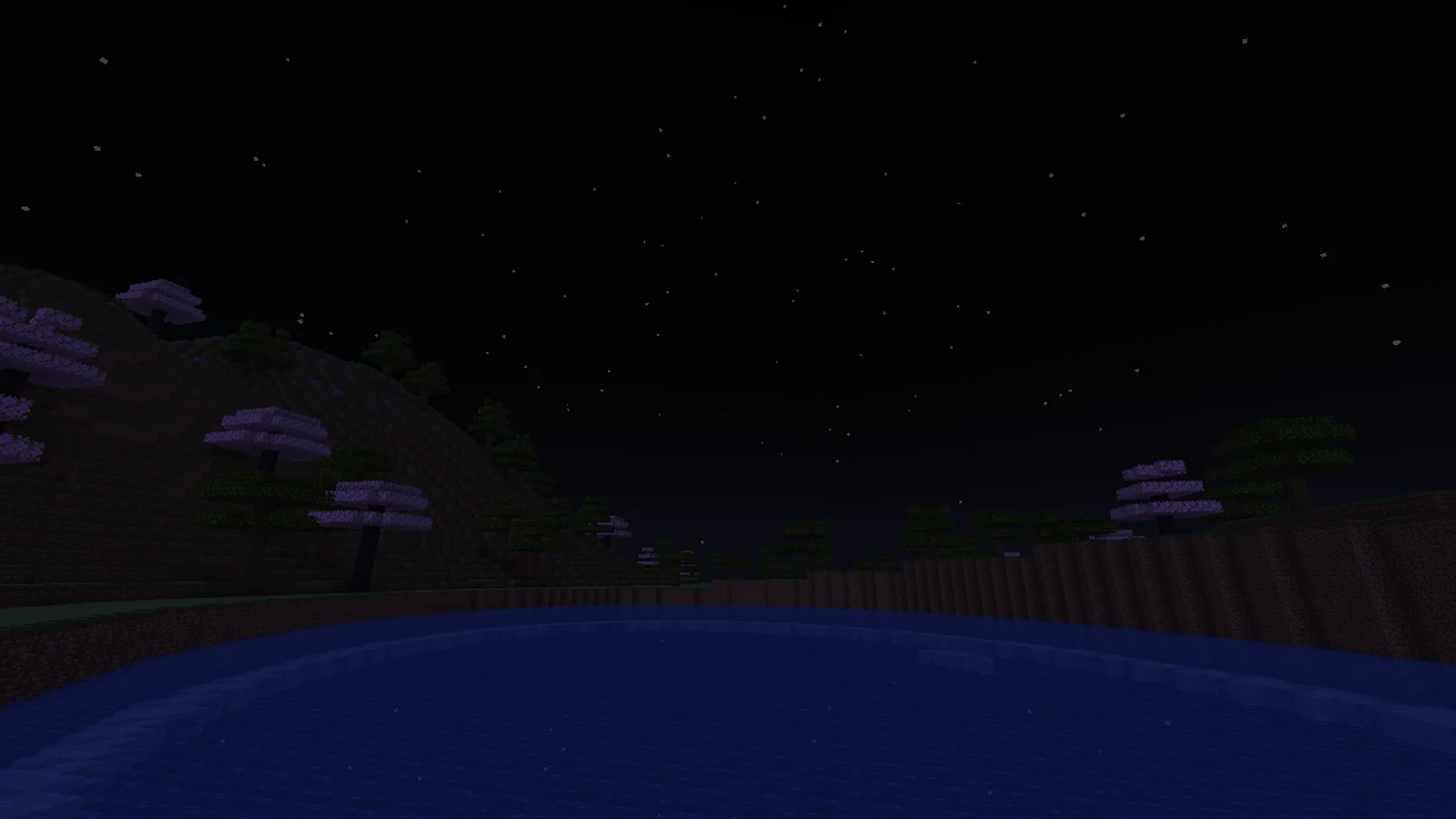
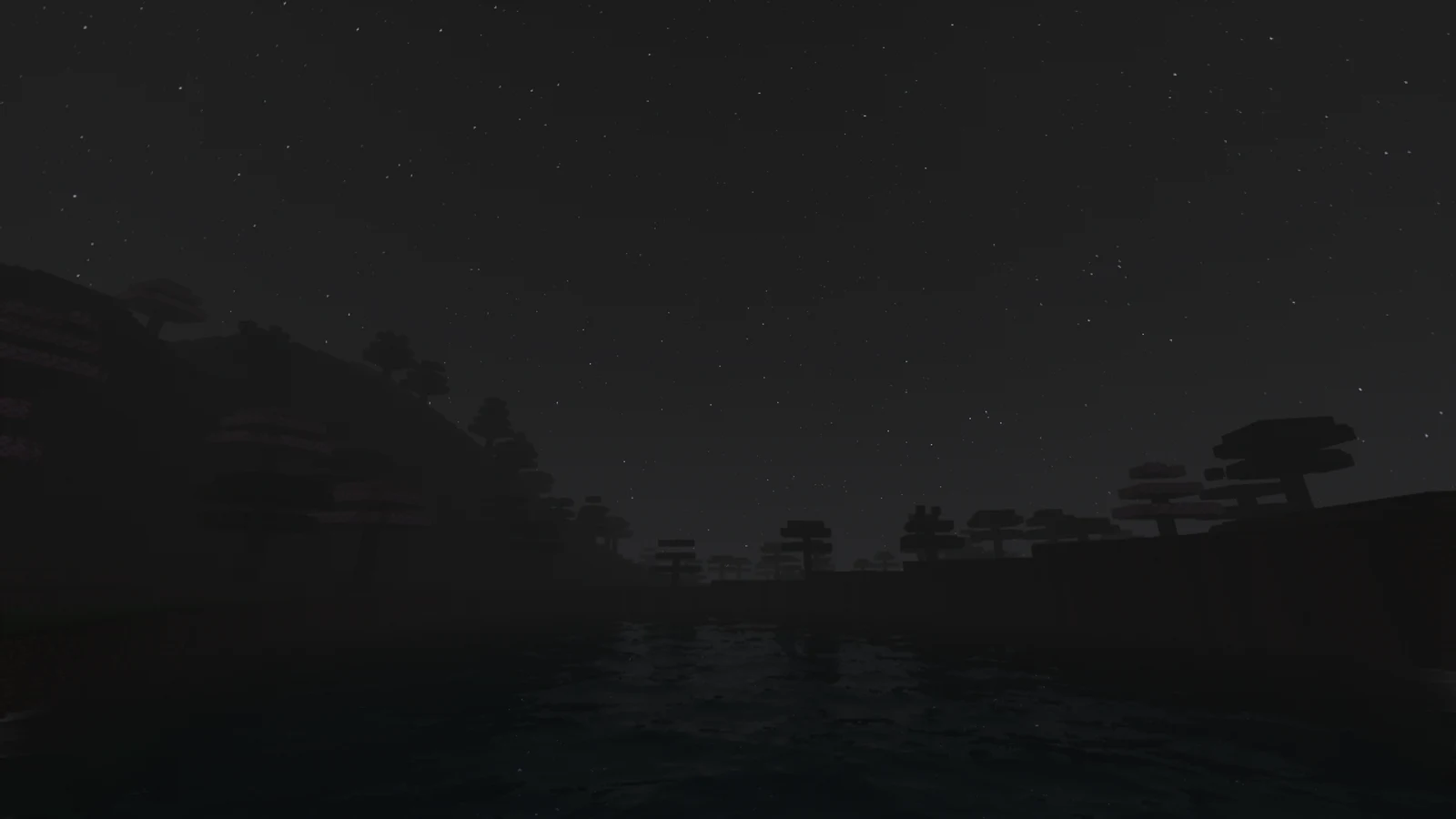
A frequent drawback in realistic shaders is pitch-black night rendering that forces players to carry continuous torches just to navigate flat terrain. Shrimple preserves practical survival gameplay by balancing atmospheric darkness with soft ambient celestial lighting.
In addition, Shrimple incorporates a lightweight floodfill colored block lighting system. Soul lanterns radiate cool cyan, standard lanterns cast warm amber radiance, and redstone torches glow deep crimson without the heavy hardware penalty of full path-traced voxel lighting.
Anti-aliasing and display configuration advice
Tuning TAA sharpness and post-processing for your monitor
| Setting | Default Value | Recommended Adjustment | Purpose |
|---|---|---|---|
| Anti-Aliasing | TAA | TAA or FXAA | TAA cleans foliage shimmering; FXAA maximizes camera sharpness |
| CAS Sharpening | Medium (1.0) | 1.2 - 1.5 | Counteracts temporal softness on high-resolution displays |
| Shadow Resolution | 1024 | 1024 / 2048 | 1024 offers optimal frame rate; 2048 sharpens close-up shadow edges |
| Colored Lighting | Enabled | Enabled | Propagates realistic tint from lanterns, campfires, and soul torches |
| Water Waves | Medium | Medium | Balances shoreline wave detail with GPU fill rate |
How to install Shrimple Shaders on Iris
Step-by-step setup for Fabric and Iris
- 1
Install Iris and Sodium
Install Fabric Loader along with Fabric API, Sodium, and Iris for your target Minecraft version.
- 2
Download Shrimple v0.12
Download the official
Shrimple_v0.12.ziparchive directly from the official GitHub Releases page. Keep the archive in.zipformat. - 3
Place in Shaderpacks Folder
Open your
.minecraftdirectory, locate theshaderpacksfolder (create it if missing), and moveShrimple_v0.12.zipinside. - 4
Select and Apply in Video Settings
Launch Minecraft, navigate to Options -> Video Settings -> Shader Packs, select Shrimple from the pack list, and click Apply.
Shrimple Shaders strikes a rare balance in the Minecraft shader landscape: it delivers modern visual enhancements cascaded shadow maps, dynamic wave reflections, and colored light propagation without sacrificing default block color fidelity, cave visibility, or rendering performance.
Whether exploring wide survival landscapes or detailing architectural builds, Shrimple provides a polished, responsive visual upgrade that feels at home in vanilla gameplay.
Download links
We do not host Minecraft shader files directly. Download links go to the creator's official project pages.
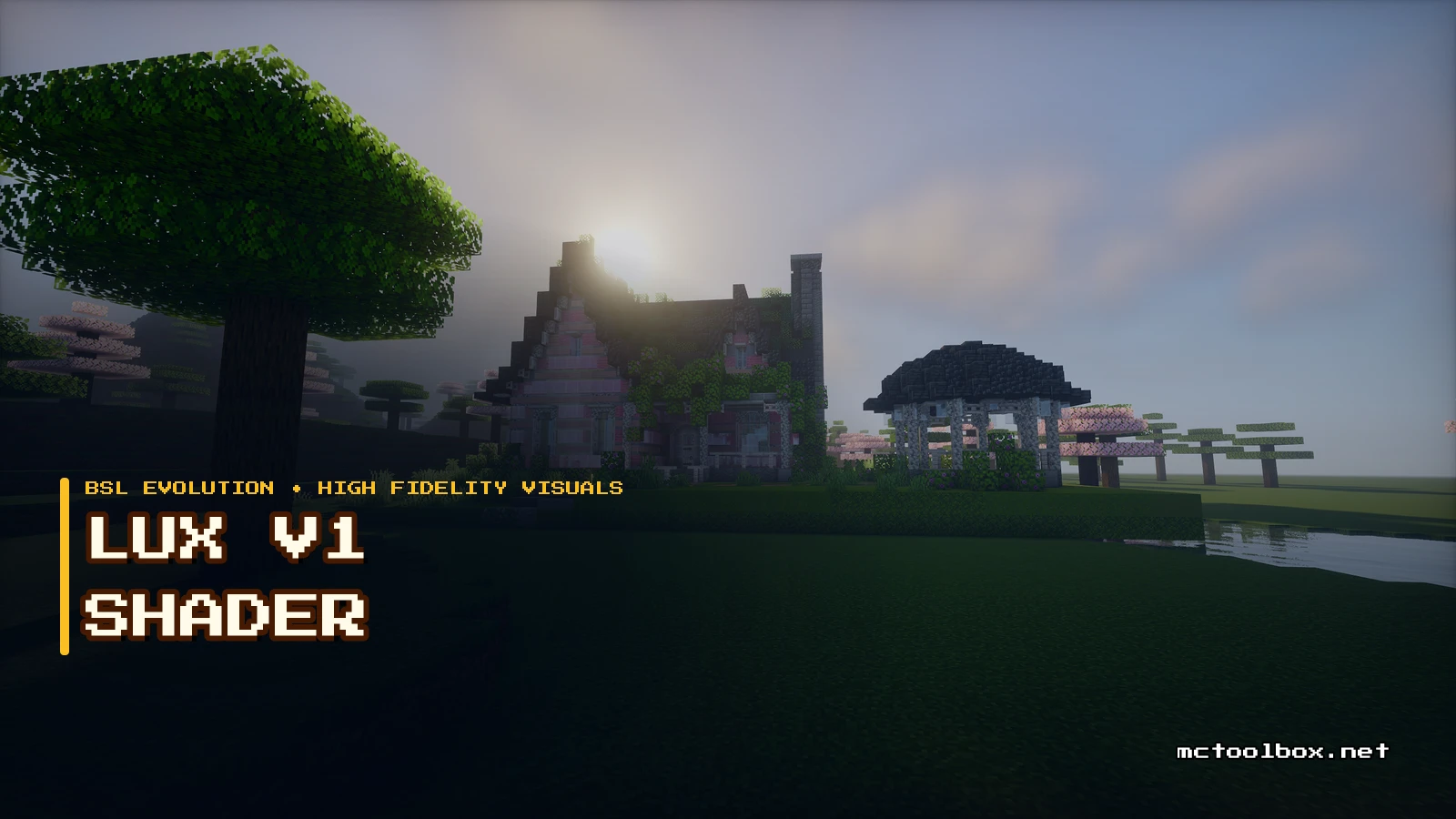
Lux V1 Shader
Lux V1 by TechTheDev is a high-fidelity visual expansion of Capt Tatsu's BSL Shaders, incorporating hybrid volumetric fog, sample-rejected depth of field, screen-space reflections on translucent blocks, and parallax self-shadowing.
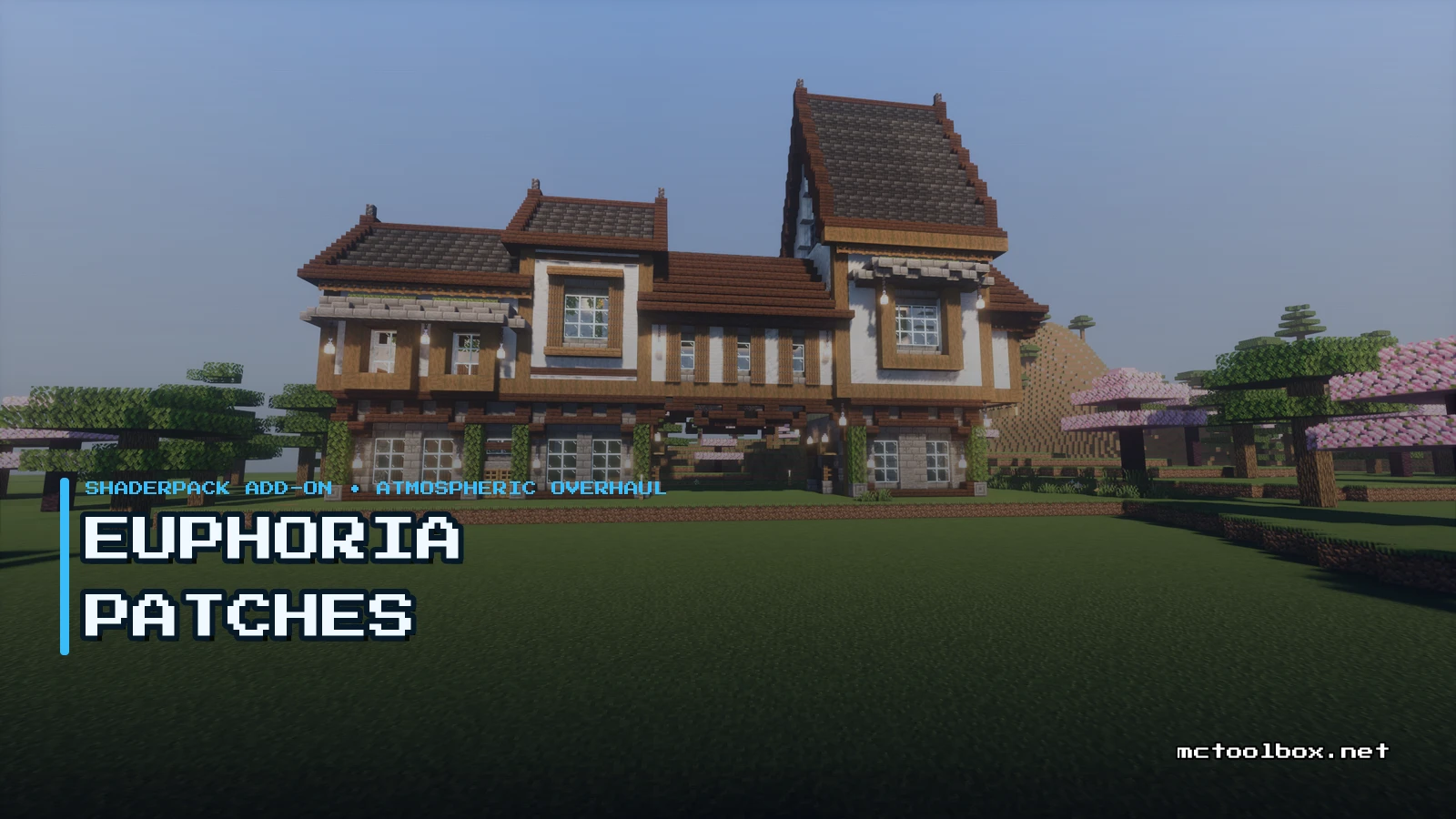
Euphoria Patches
Euphoria Patches by SpacEagle17 is an add-on mod that expands Complementary Shaders (Reimagined and Unbound) with optional visual features, including volumetric auroras, shooting stars, glowing ore highlights, and custom water reflections.
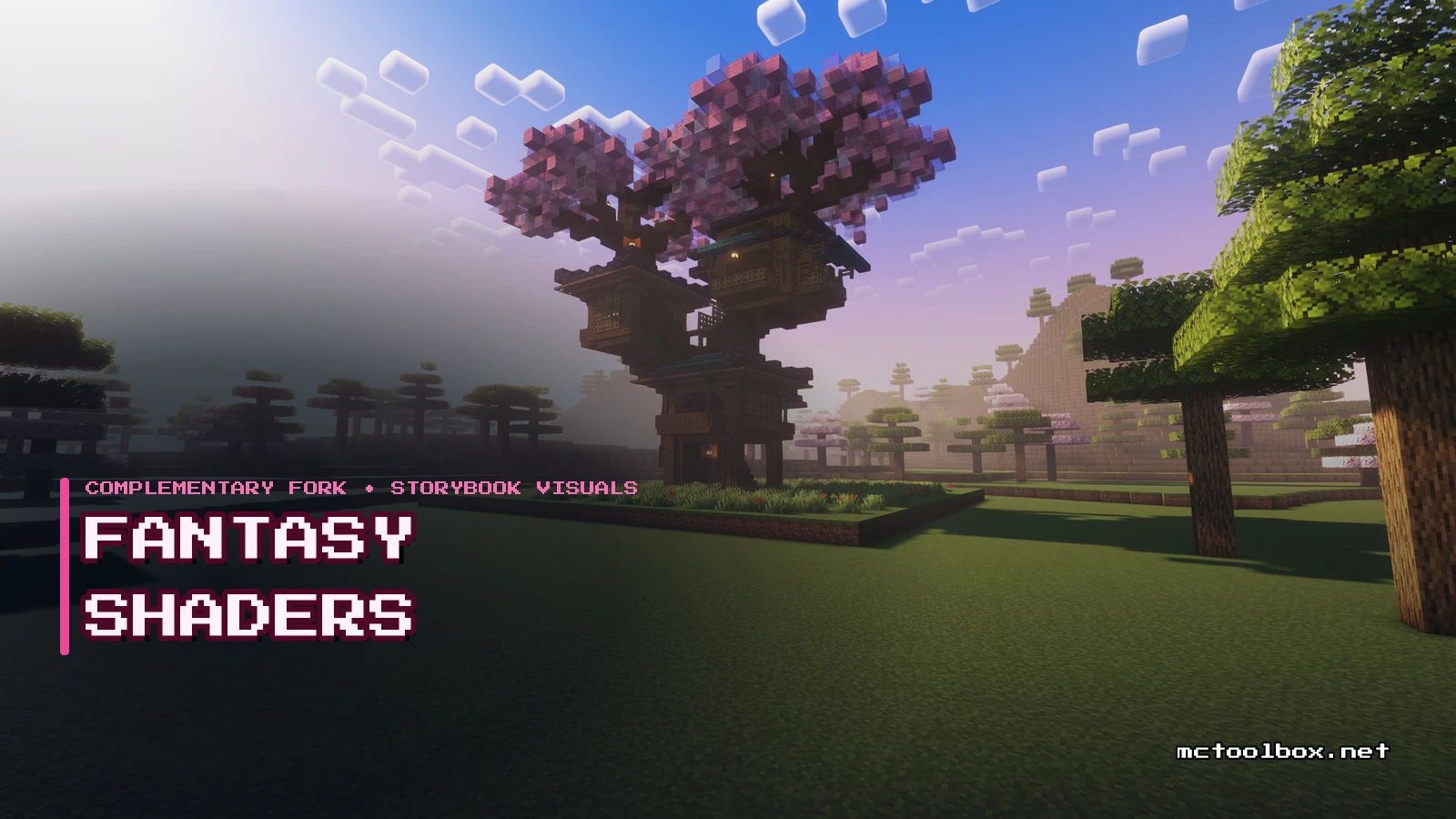
Fantasy Shaders Reimagined
Fantasy Shaders Reimagined by Aleeeee is a stylized fork of Complementary Shaders engineered for vibrant RPG atmosphere, featuring multi-tonal golden sunsets, deep blue night skies with shooting stars, and a surreal Black Hole in The End.