








Minecraft shader review
Euphoria Patches
Atmospheric expansion for Complementary Shaders with custom auroras, dynamic seasons, and glowing ores by SpacEagle17
Download Files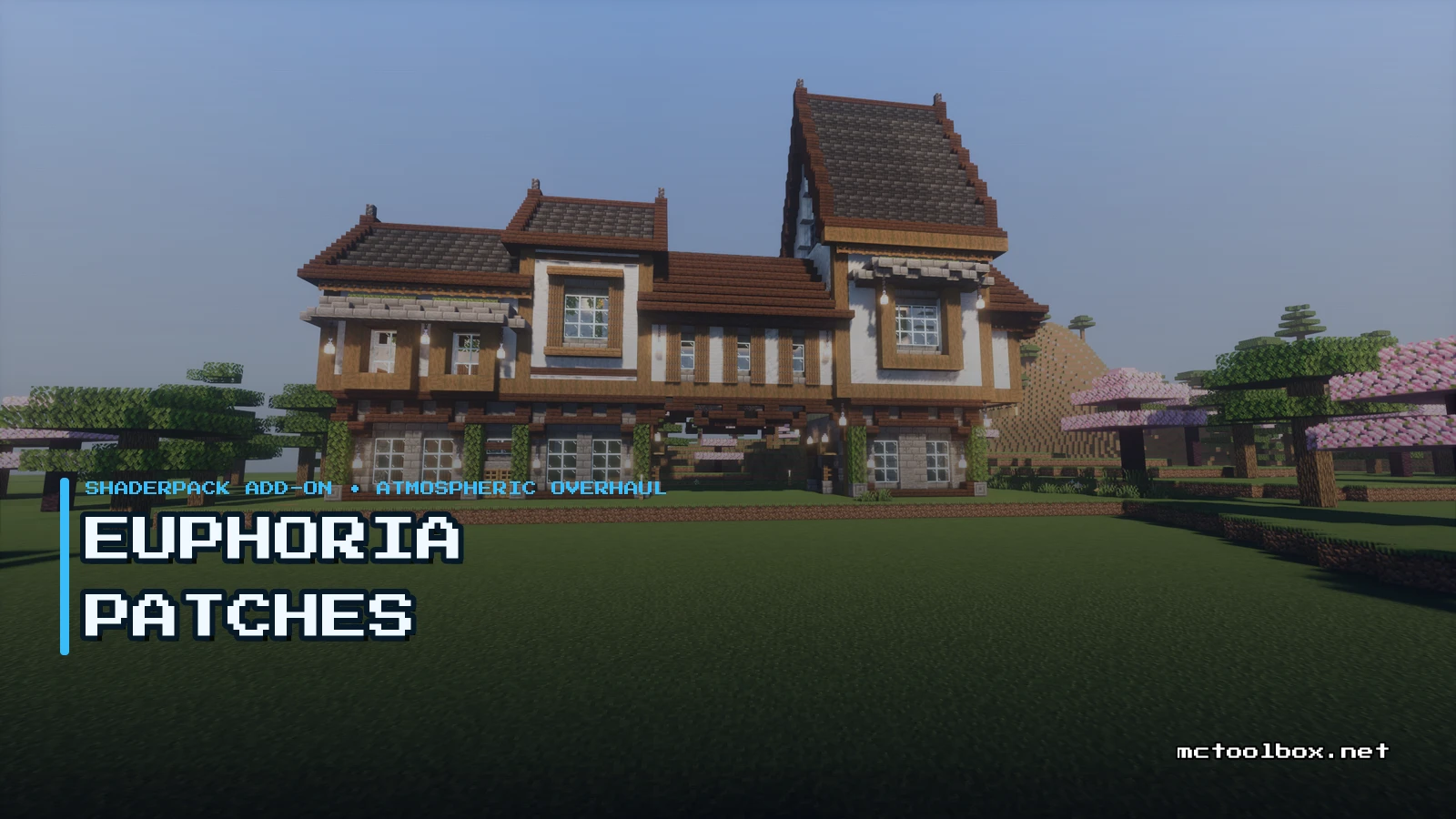
Euphoria Patches by SpacEagle17 is an add-on mod that expands Complementary Shaders (Reimagined and Unbound) with optional visual features, including volumetric auroras, shooting stars, glowing ore highlights, and custom water reflections.
Shader Index7 sections
Complementary Shaders has long stood as one of the most balanced visual packs in the Minecraft ecosystem, praised for its clean lighting, broad hardware compatibility, and consistent aesthetic. However, many players eventually seek extra atmospheric flourishes, such as polar auroras, dynamic seasonal tints, or twinkling night skies, without abandoning the stability of Complementary. Euphoria Patches, developed by SpacEagle17, is built specifically to address that desire.
Rather than competing with Complementary as a standalone shaderpack, Euphoria Patches functions as an add-on mod and dynamic patcher. It modifies Complementary Shaders directly, injecting dozens of optional rendering techniques into both Complementary Reimagined and Complementary Unbound. By default, the mod behaves like a clean canvas with experimental features left disabled, allowing each player to decide precisely how much atmospheric detail to enable.
How the patcher integrates with Complementary
Understanding the mod layer and shaderpack compilation
A frequent question for new users is whether Euphoria Patches replaces their existing shader pack. In practice, the mod works as a companion utility. You place the Euphoria Patcher JAR in your mods folder while keeping the original Complementary shaderpack ZIP inside your shaderpacks directory.
When launching Minecraft through Iris or OptiFine, the patcher detects the base pack and compiles a dedicated variant containing all expanded hooks. This structure keeps all settings cleanly organized inside Minecraft's standard Video Settings menu. You do not need to edit raw shader code in text files; every new option appears directly in the in-game Shader Pack Settings dashboard under designated Euphoria Patches sub-menus.
Lighting, architectural depth, and glowing accents
Warm sunset radiance and calibrated block contact shadows
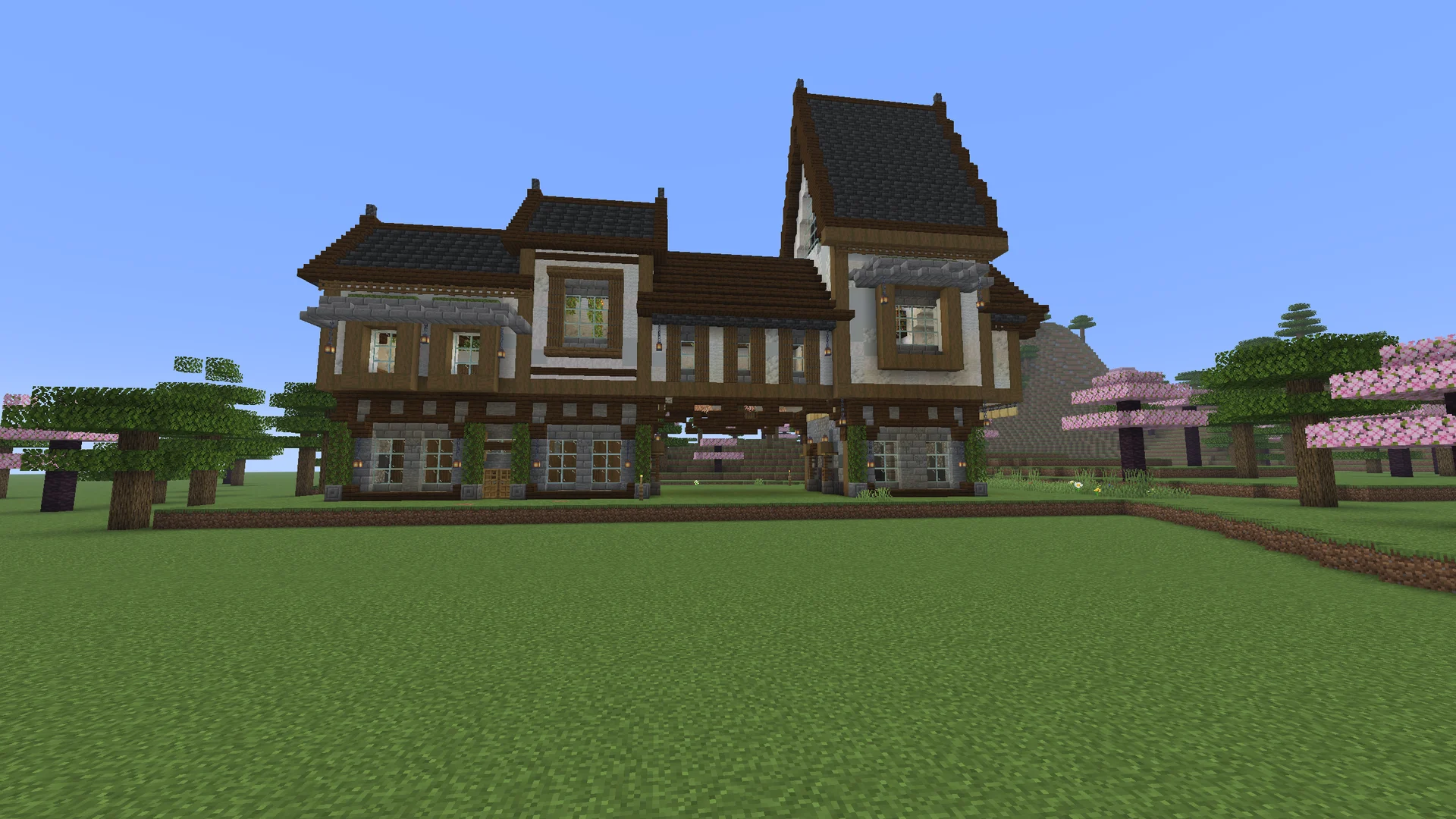
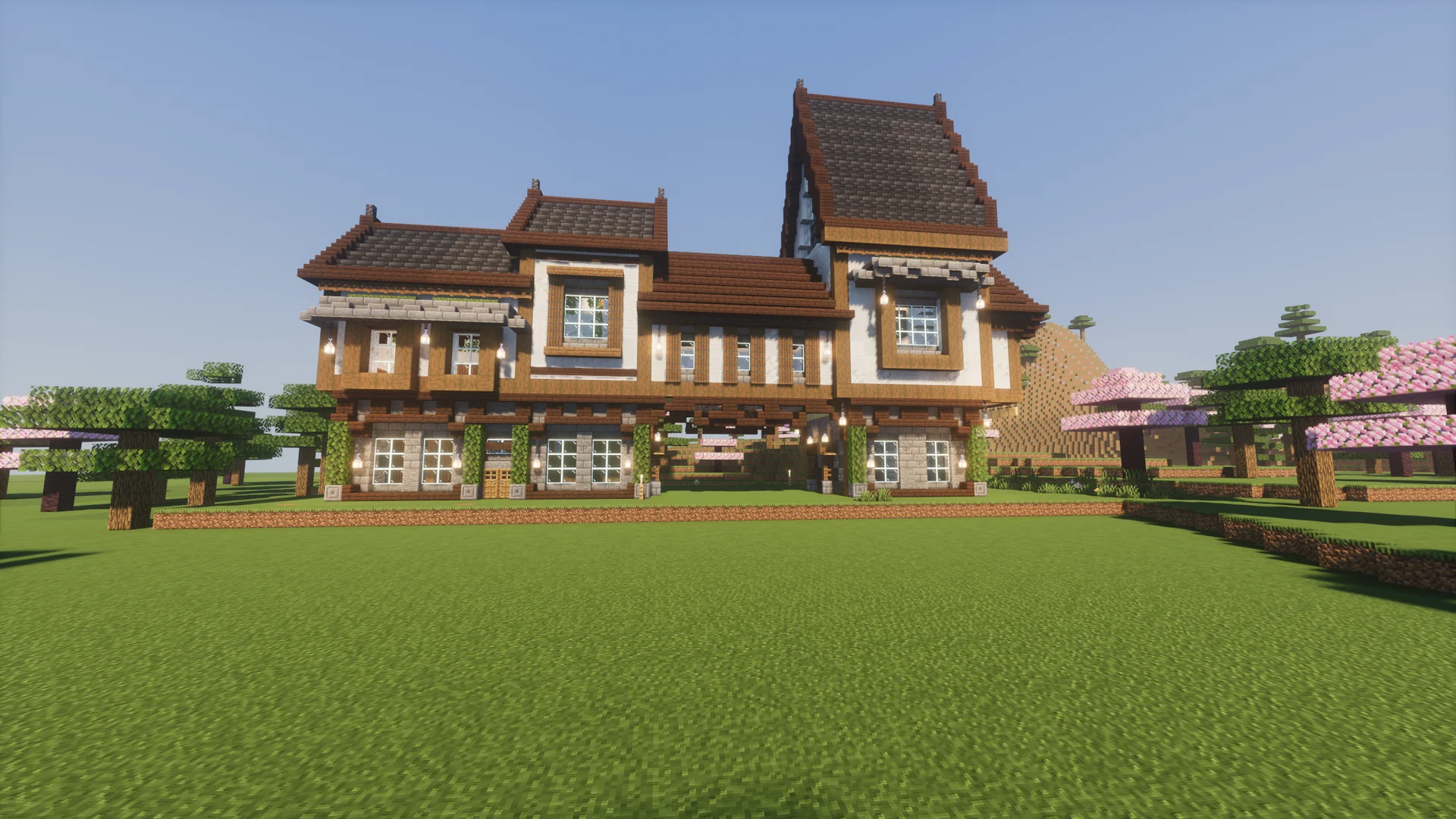
One of the strongest visual improvements in Euphoria Patches is how it handles structural lighting and shadow transitions. On large architectural builds with overhangs, balconies, and recessed windows, the shader delivers tight contact shadowing that gives stone and wood masonry tangible physical weight.
During sunset and golden hour, direct sunlight bathes facades in a rich, warm hue while ambient shadowed areas retain balanced color clarity rather than collapsing into pitch blackness. Light sources such as lanterns, torches, and glowstone emit a soft, natural radiance that feels cohesive with the surrounding dusk environment.
Additionally, Euphoria Patches includes an optional Glowing Ores module. In dark caves and underground ravines, ore blocks such as redstone, diamond, and ancient debris produce subtle emissive outlines. This provides survival players with improved resource visibility while mining without requiring an external emissive resource pack.
Foliage shading and atmospheric horizon scattering
Layered tree canopies, subtle leaf sway, and balanced horizon fog
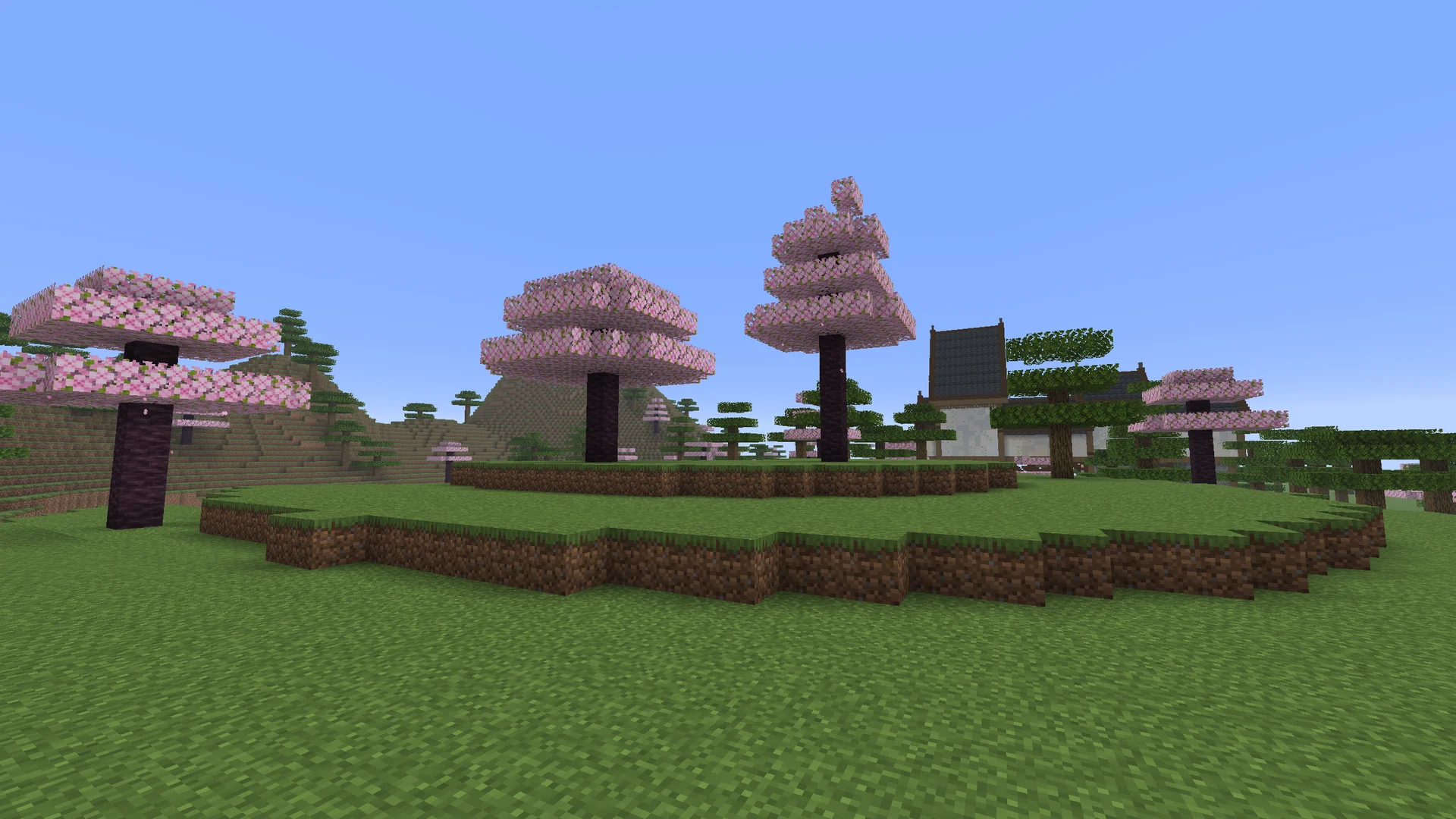
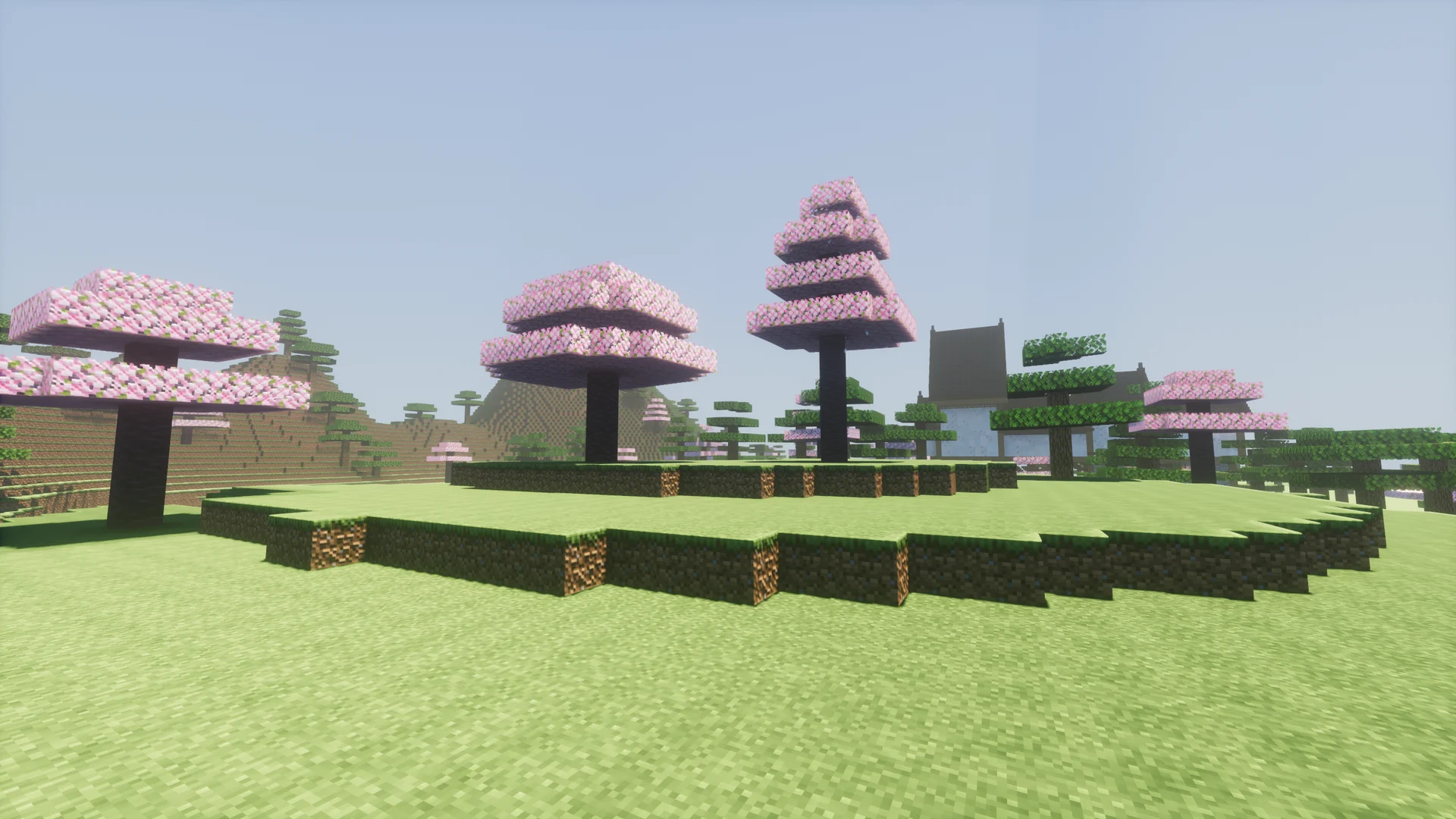
Open-world exploration benefits from Euphoria Patches' refined handling of vegetation and atmospheric fog. Foliage blocks utilize subtle subsurface light scattering, allowing sunlight to filter gently through tree leaves and cherry blossom crowns rather than treating them as solid opaque boxes.
Wind wave animations are natural and restrained. Leaves, hanging vines, and tall grass sway smoothly without the aggressive fluttering that can cause visual fatigue during long building sessions. On the horizon, atmospheric scattering creates a gentle fog gradient that softens distant terrain transitions and hides chunk loading borders seamlessly.
Water physics and surface reflections
Wave refraction, mountain mirroring, and underwater visibility
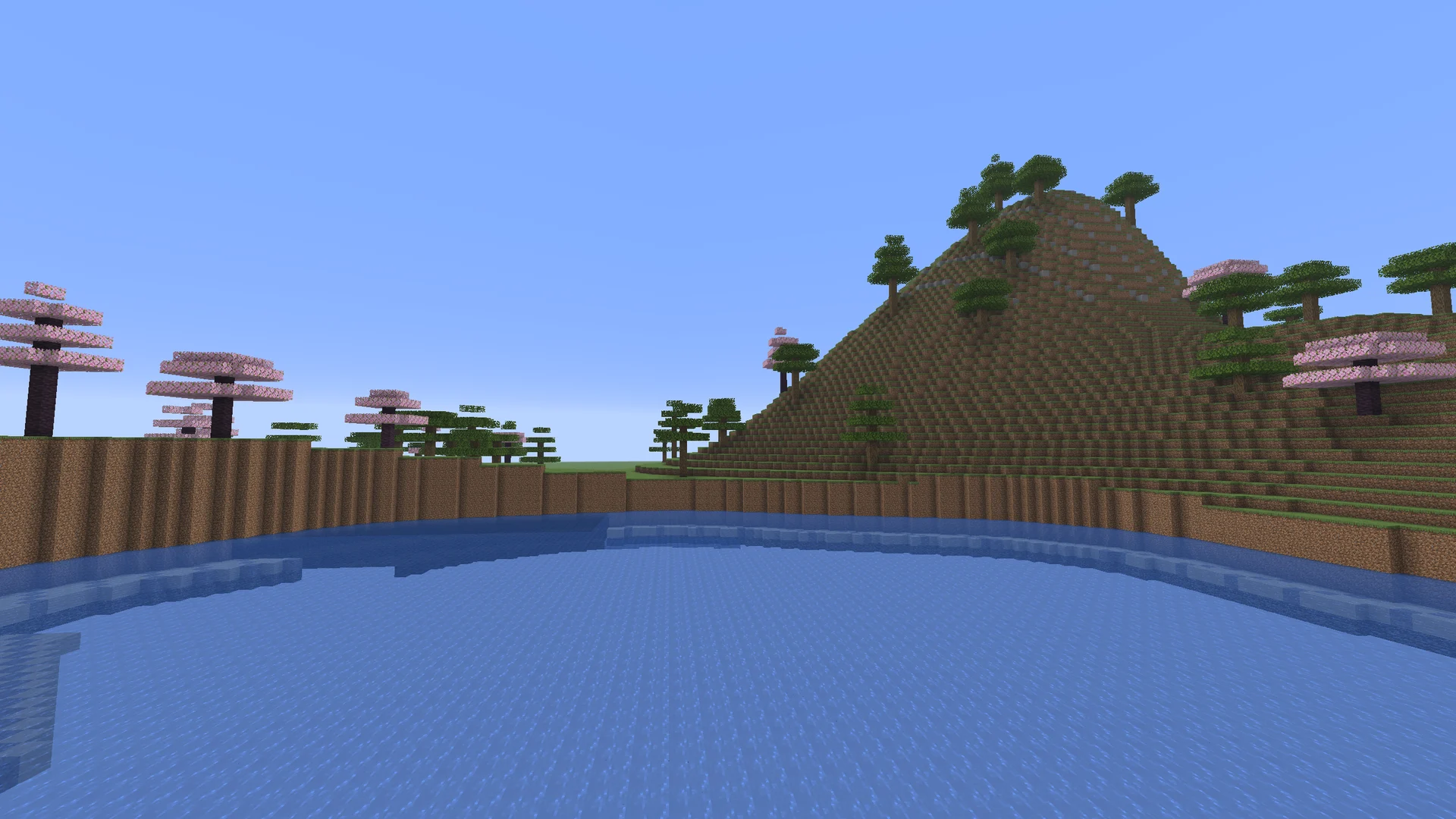
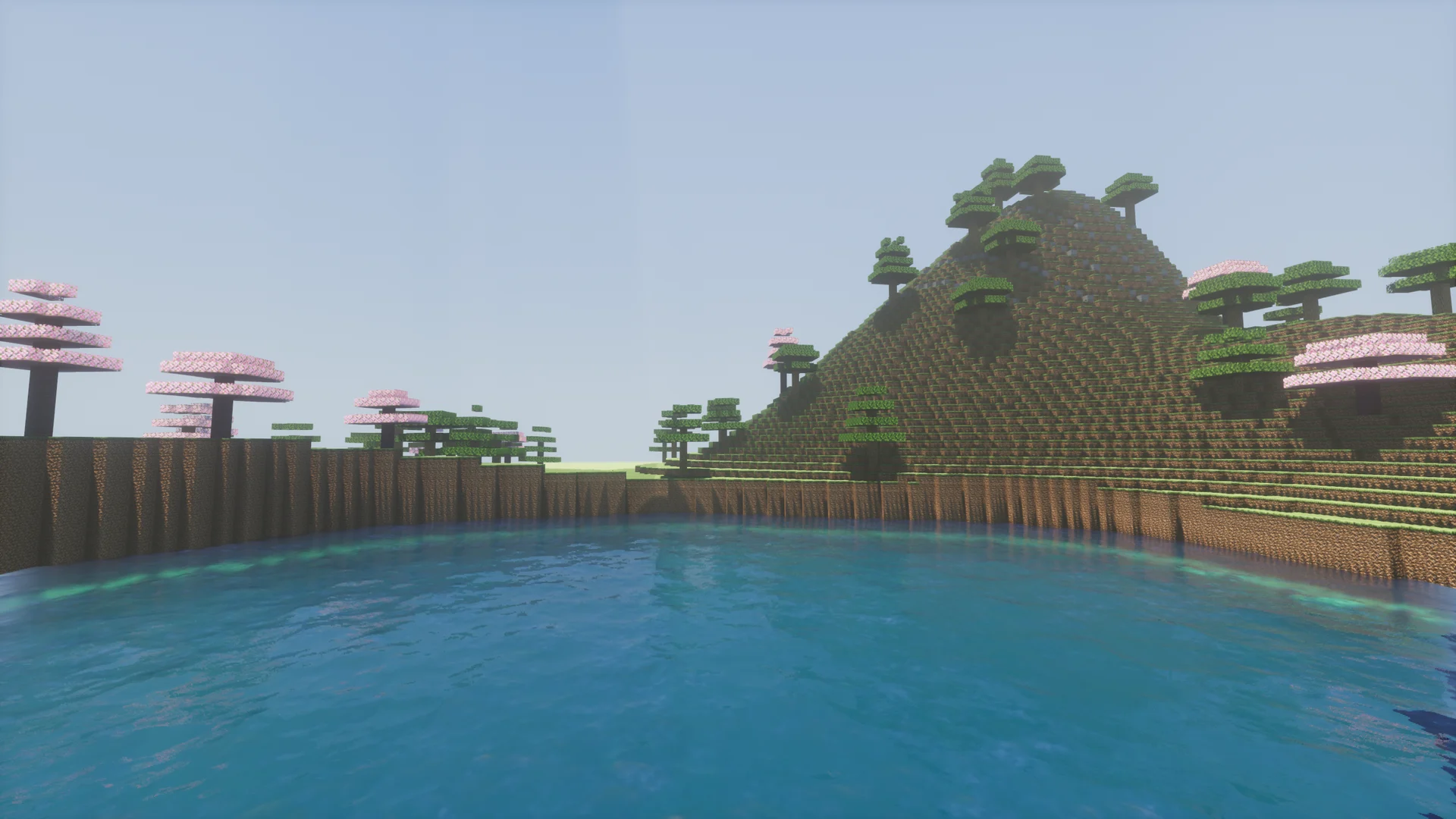
Water rendering in Euphoria Patches maintains the clean, functional design that survival players appreciate in Complementary. Shallow water along shorelines remains transparent, making it easy to spot sandbars, kelp beds, and submerged structures.
In deeper water, the pack renders gentle wind-driven wave ripples that mirror surrounding terrain and sky conditions. Sun and moon specular highlights glint naturally across the surface, giving rivers and oceans life without producing blinding glare that disrupts gameplay.
Performance trade-offs and configuration advice
Balancing visual post-processing with smooth frame rates
Complementary Shaders on its own is renowned for excellent performance when paired with Iris and Sodium. However, activating multiple Euphoria Patches modules introduces additional shader passes that increase GPU workload. On mainstream graphics cards, running full volumetric auroras, detailed twinkling stars, dense 3D clouds, and glowing ores simultaneously can decrease frame rates by roughly 15% to 25% compared to stock Complementary.
To maintain high frame rates while enjoying Euphoria's best features, consider these targeted configuration adjustments:
- Shadow distance: Keep shadow distance set between 8 and 12 chunks. Shadows represent the single heaviest rendering workload in modern shader packs, and dropping distance slightly recovers significant frame headroom with minimal visual loss.
- Aurora frequency and conditions: Rather than forcing auroras to display every night across all biomes, set the condition to cold biomes or specific weather states. This preserves the special novelty of northern lights while reducing unnecessary GPU load in everyday temperate biomes.
- Cloud detail: If your system is GPU-bound, select medium cloud resolution or use Complementary's native cloud style. Euphoria's complex multi-layer clouds look impressive but demand substantial fill-rate.
- Glowing ore emission: Set ore emission to moderate intensity. High values can generate excessive bloom in dense cave networks and distract during fast-paced survival combat.
Installation walkthrough
Setting up the patcher on modern Minecraft versions
- 1
Prepare your loader stack
Install Fabric Loader (or NeoForge) along with Fabric API, Sodium, and Iris for your target Minecraft version.
- 2
Place files in the appropriate folders
Download the Euphoria Patcher JAR file from Modrinth and place it into your
.minecraft/modsfolder. Next, download either Complementary Reimagined or Complementary Unbound and place the.zipfile into your.minecraft/shaderpacksfolder. - 3
Activate the shader in video settings
Launch Minecraft, open
Options->Video Settings->Shader Packs, and select the patched Complementary profile generated by Euphoria Patches. - 4
Tune your visual preferences
Click
Shader Pack Settingson the right side of the screen. Navigate through the Euphoria Patches menu to toggle auroras, shooting stars, glowing ores, and custom water features to match your taste and hardware limits.
Download links
We do not host Minecraft shader files directly. Download links go to the creator's official project pages.
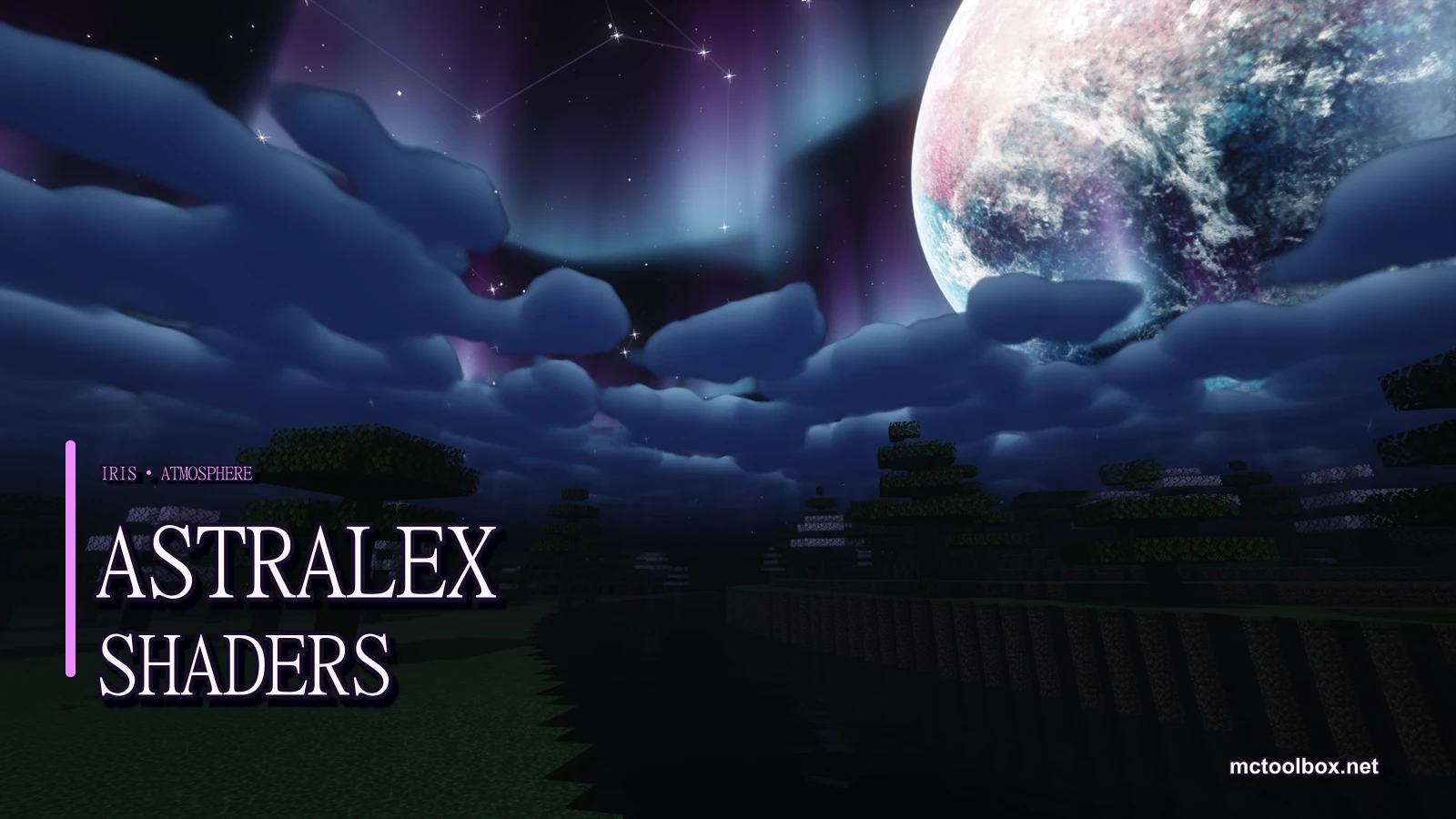
AstraLex Shaders 1.16.5 - 26.3
AstraLex is a highly configurable Minecraft shader pack with stylised skies, coloured lighting, reflections, aurora effects, and a strong cinematic night profile.
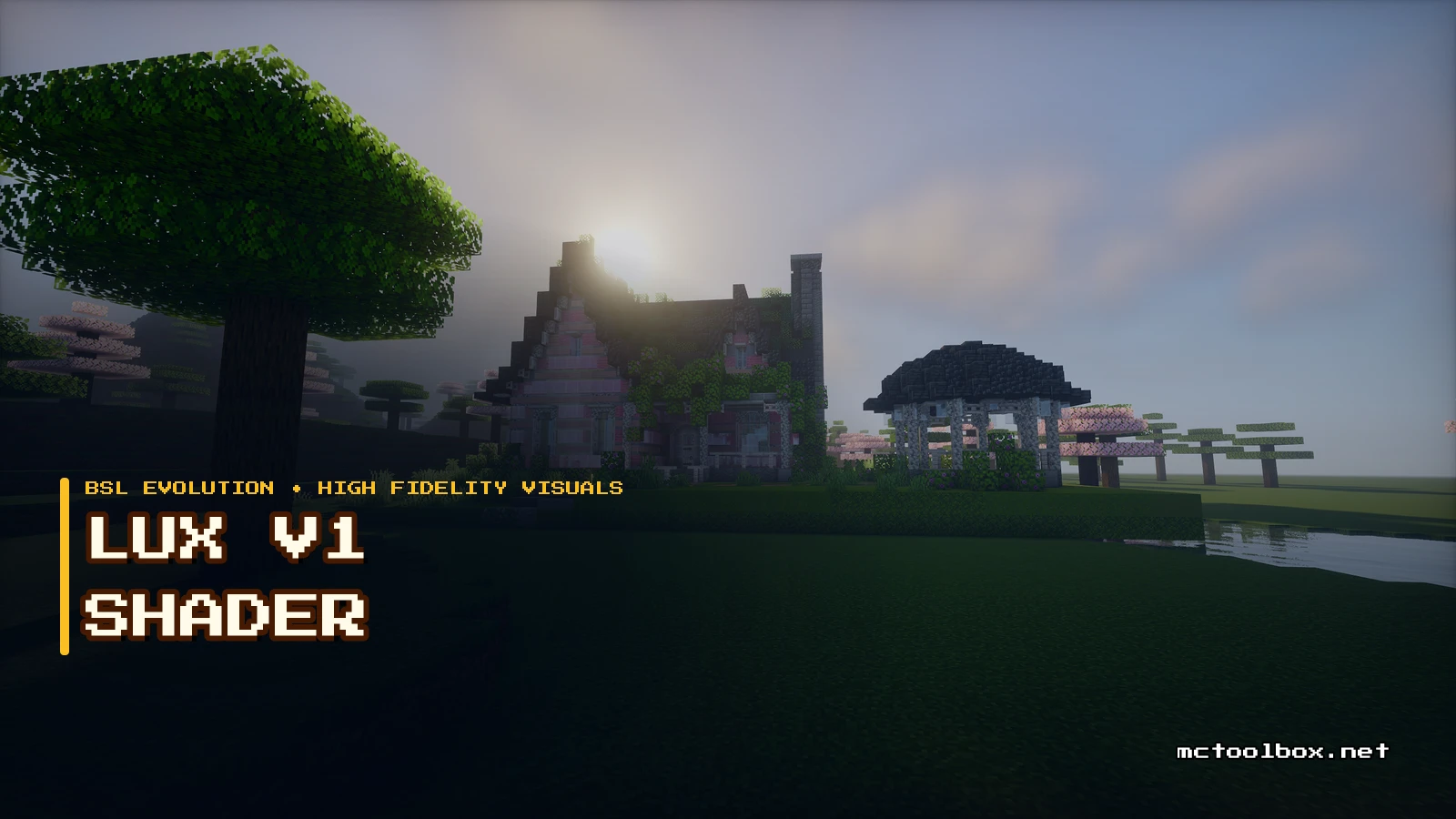
Lux V1 Shader
Lux V1 by TechTheDev is a high-fidelity visual expansion of Capt Tatsu's BSL Shaders, incorporating hybrid volumetric fog, sample-rejected depth of field, screen-space reflections on translucent blocks, and parallax self-shadowing.
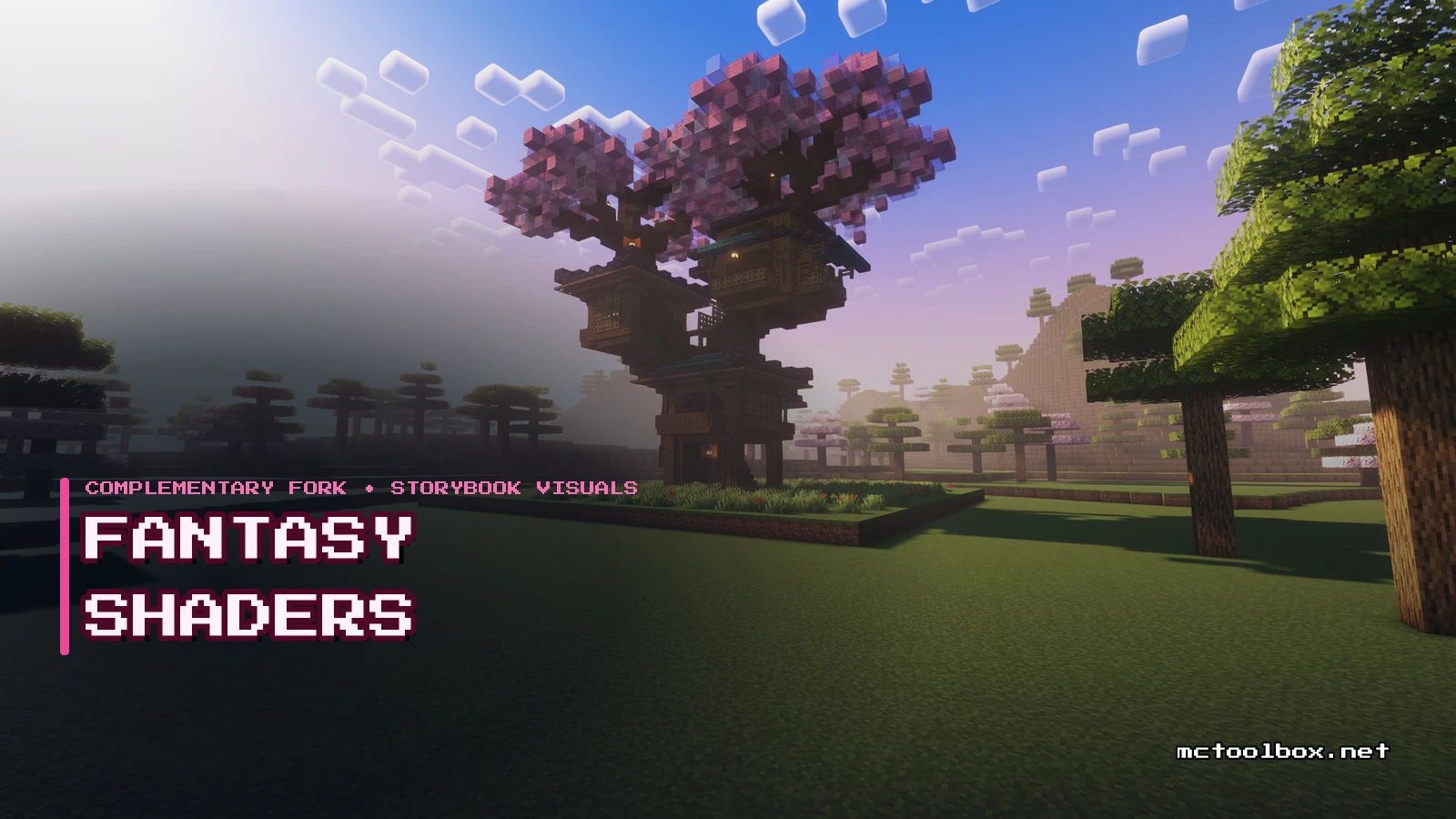
Fantasy Shaders Reimagined
Fantasy Shaders Reimagined by Aleeeee is a stylized fork of Complementary Shaders engineered for vibrant RPG atmosphere, featuring multi-tonal golden sunsets, deep blue night skies with shooting stars, and a surreal Black Hole in The End.