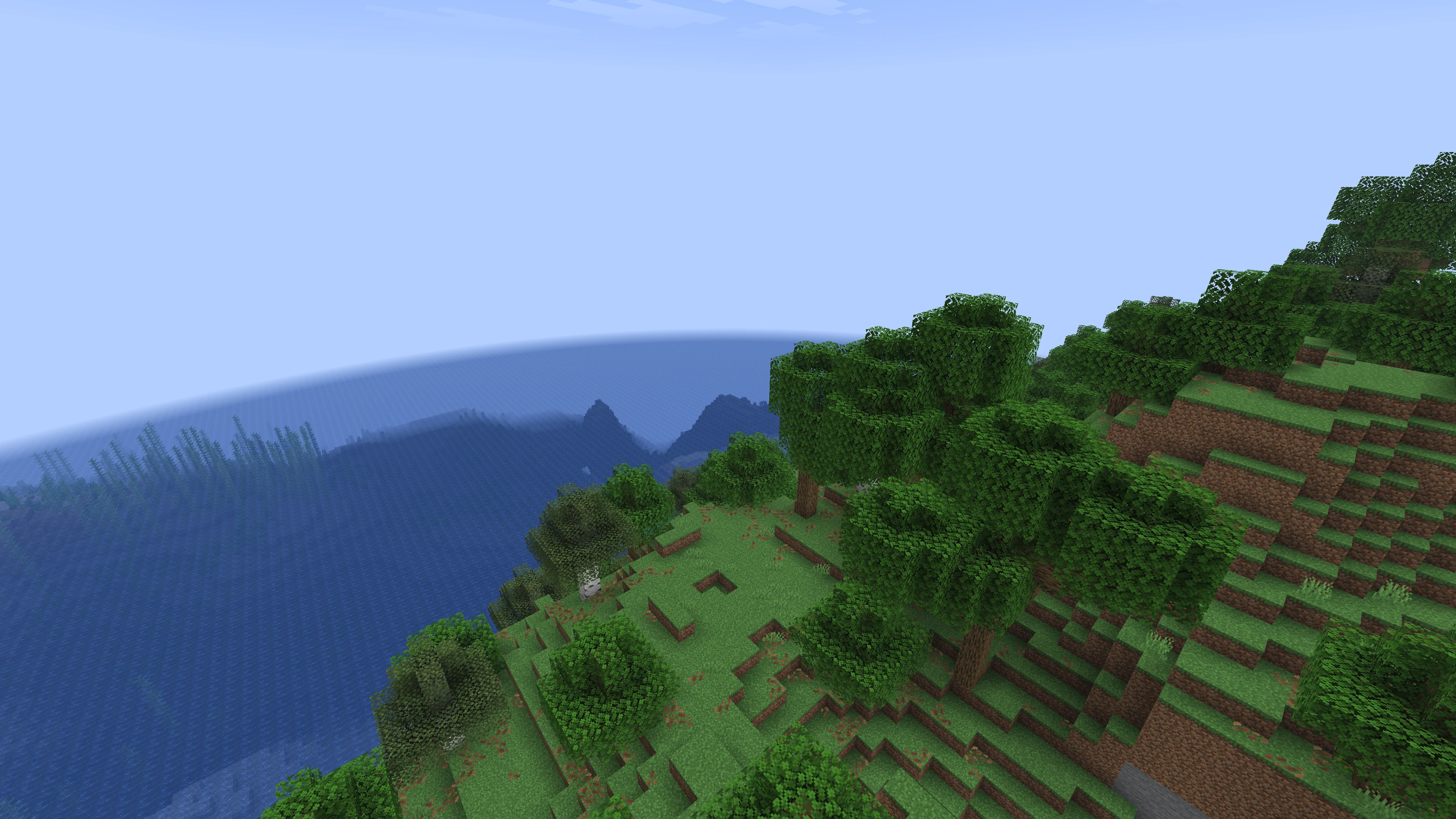
What is a Minecraft modpack?
A modpack brings together Minecraft mods, their configuration and often quests or progression rules into a ready-to-play setup. Instead of assembling every mod yourself, you install the pack’s chosen versions and start with an experience designed around a particular way to play.
Choose the experience you want
Adventure and RPG packs focus on exploration, equipment and boss fights. Technology packs build a journey around machines, resources and automation, while skyblock packs turn limited starting materials into a progression challenge. Vanilla+ packs keep survival familiar with extra convenience or content; optimization packs concentrate on performance rather than a new quest line.
Compare versions, loaders and setup
Use the filters to narrow the library by category, Minecraft version or loader, including Fabric, Forge and NeoForge. Open a review for the pack’s gameplay, installation steps and available setup details. Compare recommended allocated RAM where provided, and check whether multiplayer means joining an existing server or installing a matching server pack.
Downloads lead to the original project. If you already have a CurseForge export and need a Modrinth-compatible file, our ZIP to MRPack converter can help. To extract a Modrinth pack into mods and configuration files for a manual installation, use MRPack to ZIP.