Find your next Minecraft adventure

Minecraft Modpacks

Looking for a Minecraft modpack to play solo or with friends? Explore RPG adventures, skyblock challenges, technology packs, horror survival and lighter vanilla-style setups. Our modpack reviews explain how each pack plays, who it suits, how to install it and where to find the creator’s official download.

Reset

2 modpacks

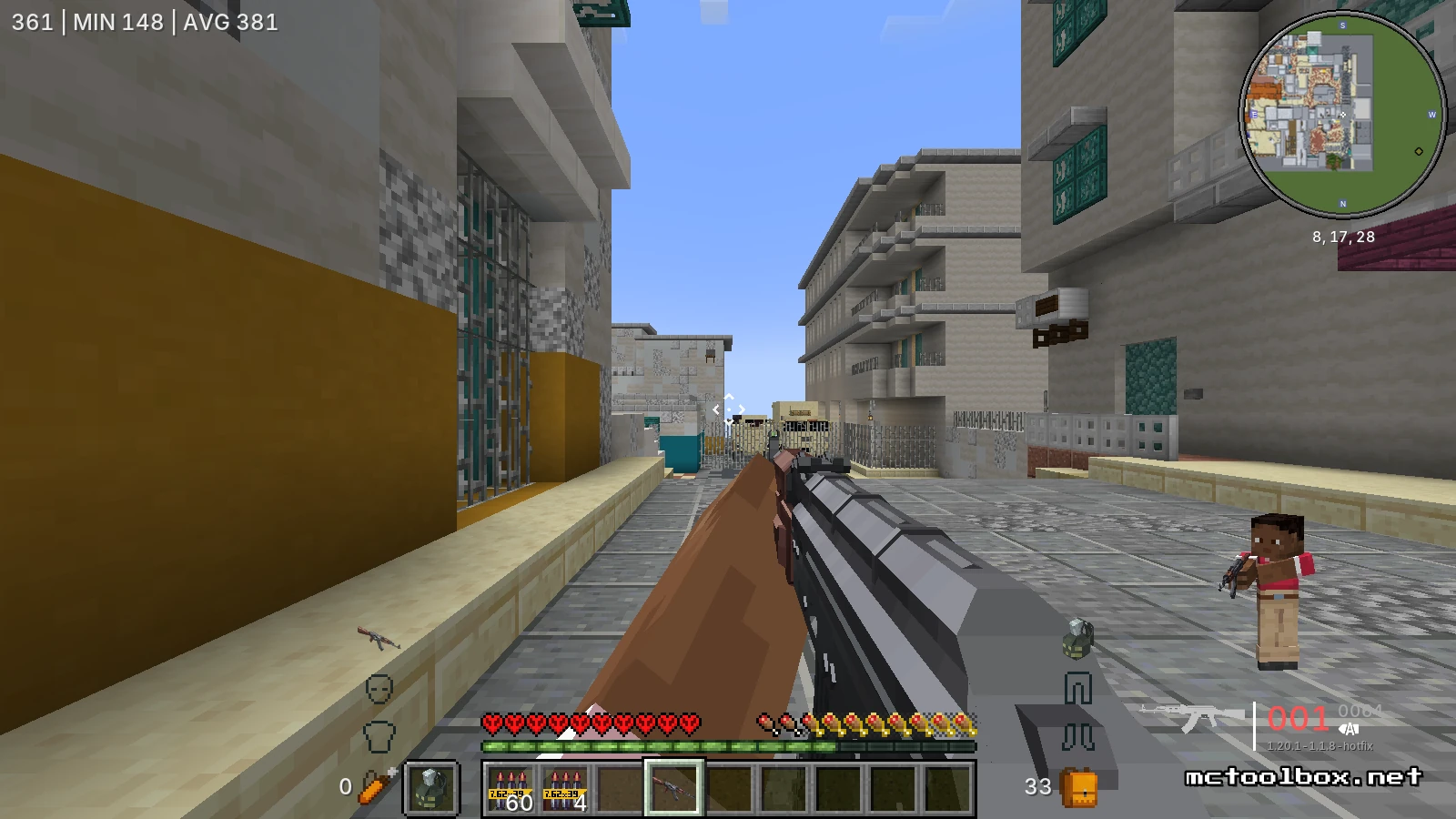
First-person view holding an AK-47 assault rifle down Long A on Dust II in BattleArmory TACZ

Forge · 6 GB RAM

BattleArmory TACZ Modpack Review: Blind-Box Gunplay and CS Arena Deathmatches

BattleArmory TACZ strips away the grind of survival Minecraft and replaces it with instant-action arcade gunplay. Inspired by competitive shooters like Counter-Strike and Call of Duty, this Minecraft 1.20.1 Forge modpack drops players directly into iconic arena maps with randomized blind-box loadouts. Featuring over 400 modern firearms across 13 bundled gun packs, LesRaisins tactical grenades, and a lightweight optimization pipeline pushing over 500 FPS, BattleArmory delivers pure ballistic combat without crafting delays.

Read guide
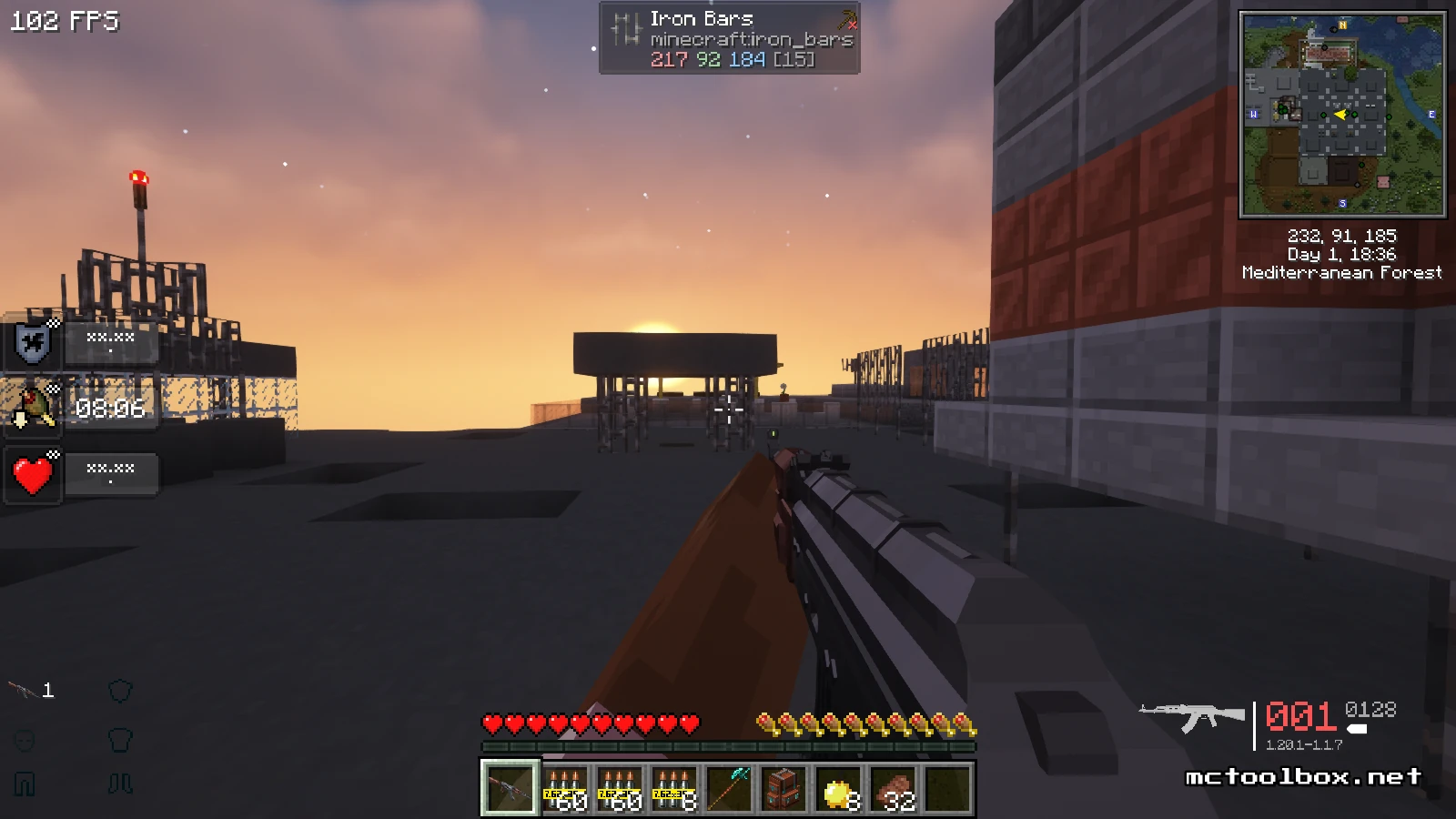
Survivor aiming an AK-47 assault rifle over a ruined city skyscraper rooftop at sunset in Zombie Invade 100 Days

Forge · 8 GB RAM

Zombie Invade 100 Days Modpack Review: Urban Survival and Escalating Infection

Zombie Invade 100 Days brings the brutal tension of the 100-day apocalypse challenge into Minecraft 1.20.1 Forge. Built around an escalating infection curve where zombies mutate every ten days, the pack drops survivors into the towering concrete canyons of the Lost Cities. Armed with the realistic ballistics of Timeless and Classics: Zero (TAC:Z), silent Spartan Weaponry polearms, and Sophisticated Backpacks for heavy scavenging runs, survival requires strict noise discipline, tactical barricading, and constant preparation before the next horde night strikes.

Read guide

What is a Minecraft modpack?

A modpack brings together Minecraft mods, their configuration and often quests or progression rules into a ready-to-play setup. Instead of assembling every mod yourself, you install the pack’s chosen versions and start with an experience designed around a particular way to play.

Choose the experience you want

Adventure and RPG packs focus on exploration, equipment and boss fights. Technology packs build a journey around machines, resources and automation, while skyblock packs turn limited starting materials into a progression challenge. Vanilla+ packs keep survival familiar with extra convenience or content; optimization packs concentrate on performance rather than a new quest line.

Compare versions, loaders and setup

Use the filters to narrow the library by category, Minecraft version or loader, including Fabric, Forge and NeoForge. Open a review for the pack’s gameplay, installation steps and available setup details. Compare recommended allocated RAM where provided, and check whether multiplayer means joining an existing server or installing a matching server pack.

Downloads lead to the original project. If you already have a CurseForge export and need a Modrinth-compatible file, our ZIP to MRPack converter can help. To extract a Modrinth pack into mods and configuration files for a manual installation, use MRPack to ZIP.

Explore the mods behind a pack

Our Minecraft mod library explains individual mods you may encounter in a pack. If a pack fails to start, the Crash Report Analyzer helps interpret its crash report.