
April 19, 2026
Minecraft Papercraft Tutorial: Printing & Folding 3D Real Life Mobs
Turn your favorite Minecraft skins and mob models into real-life 3D papercraft folded figures with printable PDF templates.
Papercraft brings your digital Minecraft creations into the real physical world! By converting a 2D skin PNG file into an unfolded net template, you can print, cut, and glue real 3D miniature blocks and characters.
Best Materials for Sturdy Papercraft
- Paper Type: Cardstock (160gsm to 220gsm). Regular printer paper is too flimsy!
- Glue: Quick-dry craft PVA glue or double-sided tape.
- Tools: Precision craft knife (X-Acto), ruler for scoring folds, and cutting mat.
Scoring Folds for Crisp Edges
Before folding tabs, lightly score along fold lines using a ruler and a dried-out ballpoint pen or dull knife edge. This creates clean 90-degree blocky corners!
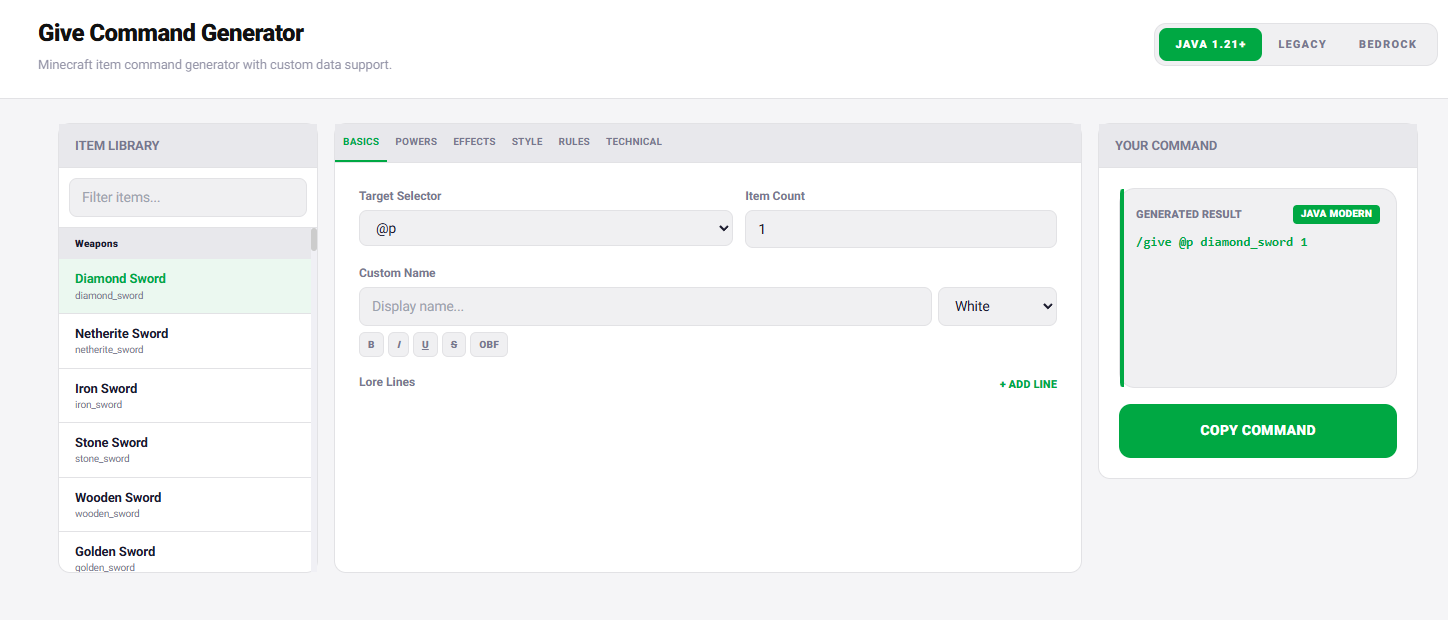
Generate printable 3D papercraft templates from any username or skin with our Papercraft Template Generator!

More Guides
Minecraft Effect Lab: Mastering Invisible Potions and Particles in 26.x
Stop letting messy swirl circles ruin your cinematic builds and boss fights. Lea...
How to Fix "Too Expensive!" Anvil Error in Minecraft (26.x Guide)
Learn step-by-step how to bypass the 40-level anvil limit, understand prior work...
How to Read Spark Profiler Reports to Fix Minecraft Server Lag (26.x)
A deep technical guide to diagnosing MSPT spikes, entity tick bottlenecks, chunk...
How to Repair Corrupted Chunks & Crash Loops Without Wiping Your World
Learn how to isolate corrupted anvil region files (.mca), locate crash coordinat...