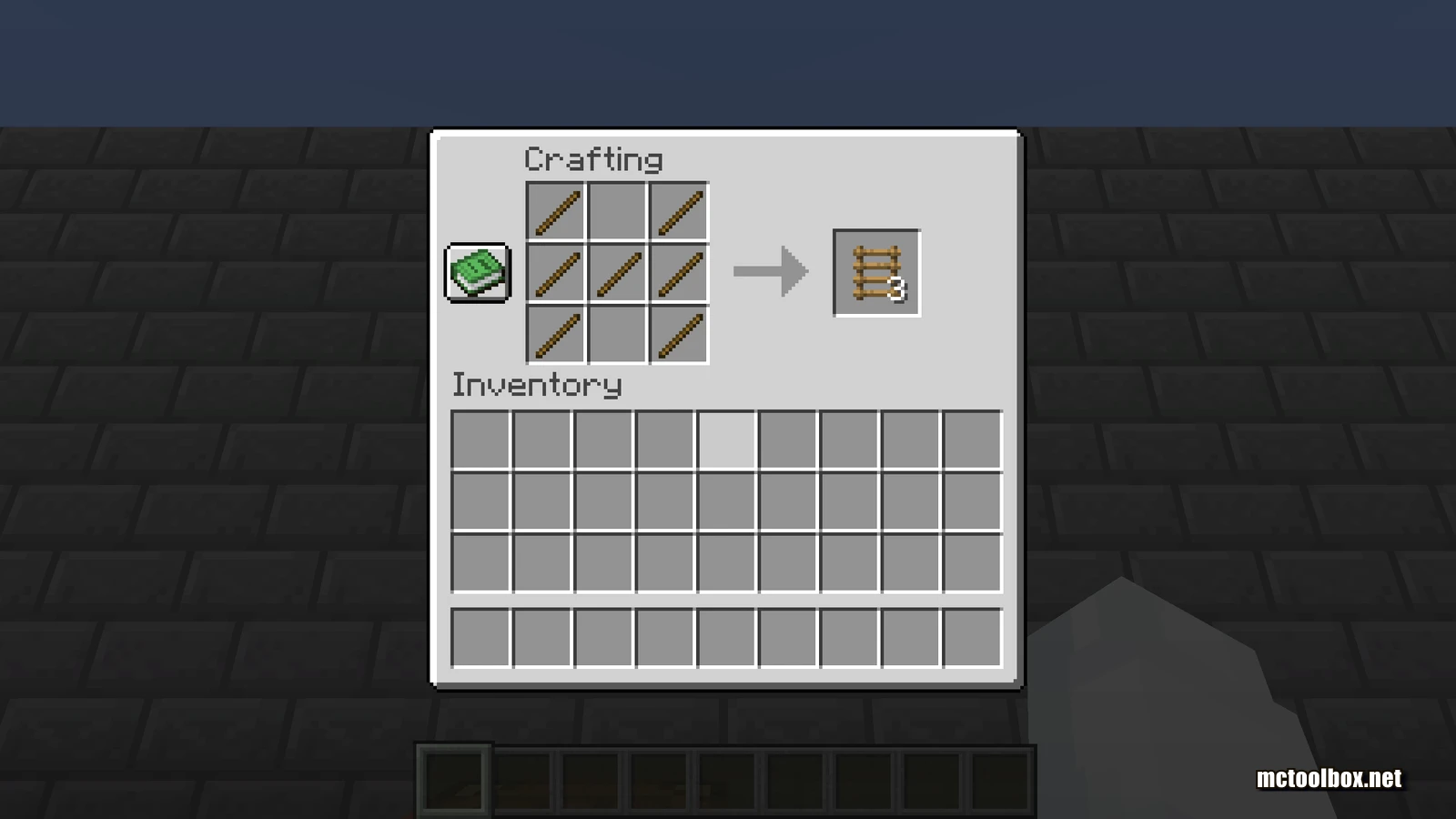
Arrange seven sticks in an H shape on a Crafting Table to make three ladders. Place them against a supporting wall for climbing a shaft.
Calculate Exact Wood Counts for Mining Shafts
Planning a deep vertical quarry or bedrock elevator? Use our free Crafting Calculator to calculate exact wood log requirements, stick batches, and ladder yields before you head underground.

Minecraft Ladder Recipe & Required Materials
Ladders are among the cheapest utility blocks in survival Minecraft, requiring only raw timber to craft in bulk.

 3
Raw Material Requirements
- 7 Sticks: Derived from 4 wooden planks (1 single wood log yields 4 planks, which turn into 8 sticks). Just 2 wood logs provide 16 sticks, enough to craft 6 ladders with 2 leftover sticks.
- Crafting Table: Required because the recipe spans all 3 rows and 3 columns.
- Yield: Each craft produces 3 ladders. To line a full 64-block vertical mining shaft from surface level down to deepslate, you need 22 crafting cycles (154 sticks, or roughly 20 oak/birch/spruce logs).
How to Place Ladders on Walls
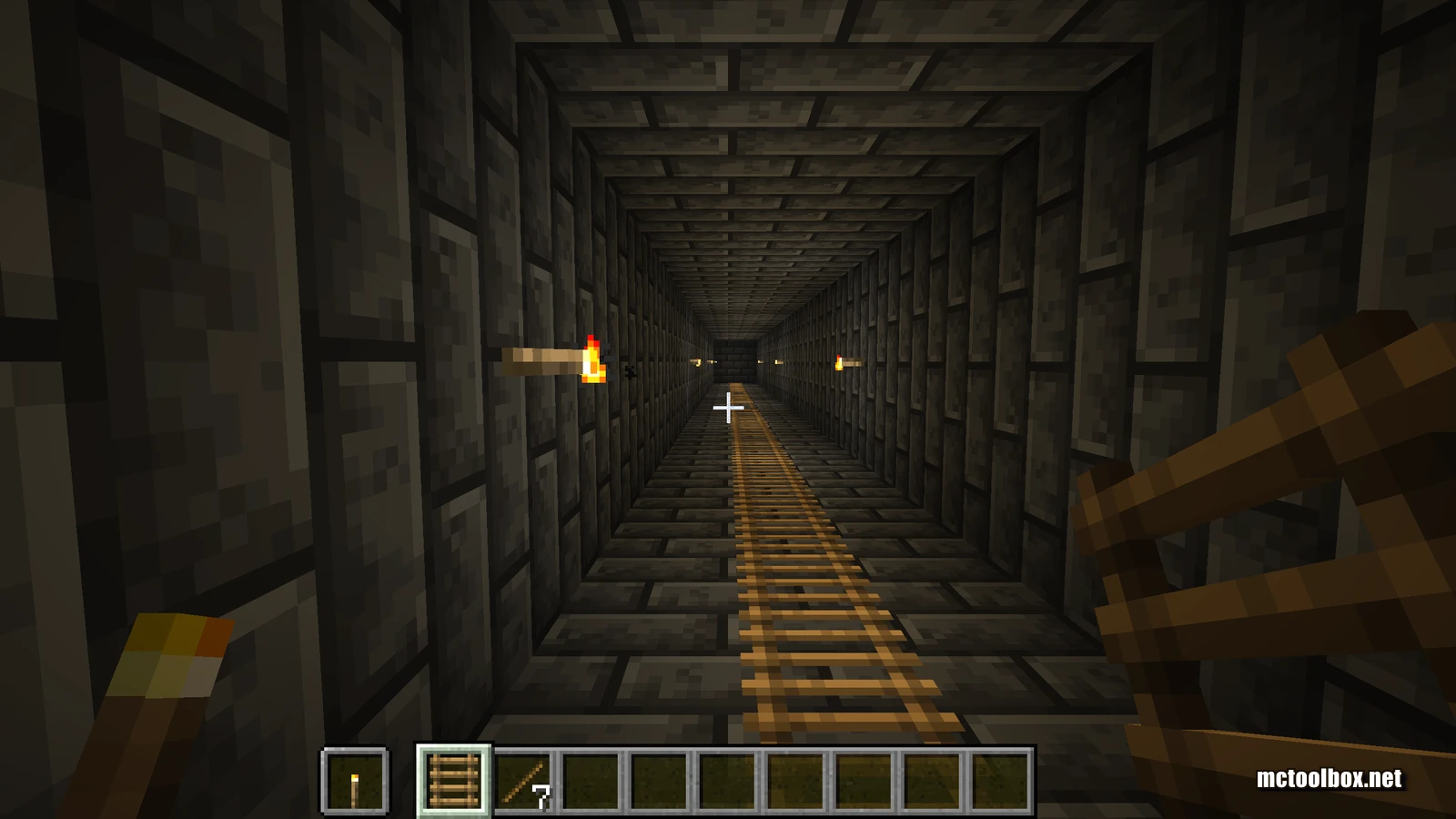
Ladders require a solid backing block to stay attached. Knowing which blocks support ladders saves you from dangerous falls while exploring caves or constructing towers.
Placement Rules & Valid Surfaces
- Full Solid Blocks: Ladders attach to stone, deepslate, cobblestone, wood planks, logs, dirt, and concrete.
- Non-Supporting Surfaces: Ladders cannot be placed on glass, leaves, ice, trapdoors, fences, or open air. If the backing block behind an existing ladder is broken, the ladder immediately pops off as an item drop.
- Waterlogged Ladders: Ladders can be waterlogged in Java and Bedrock editions by using a water bucket directly on the ladder block. While underwater, they still provide climbable footing, though your air meter will deplete unless you have Water Breathing or access to air. Respiration slows air consumption but does not stop it.
- Rapid Downward Placement: When looking down a vertical wall, hold your sneak key and look slightly downward at the block below your current ladder to chain placements rapidly without falling off the edge.
Climbing, Sneaking, and Hands-Free Mining Mechanics
Mastering ladder movement physics gives you a major advantage during strip mining, combat evasions, and vertical construction.
Essential Ladder Controls
- Climbing Up: Walk into the ladder while facing it and hold Forward (W). Your character ascends at a steady rate of 2.35 blocks per second.
- Descending Safely: Release forward input to slide down smoothly. Stay in contact with the ladder while descending; moving away can make you fall.
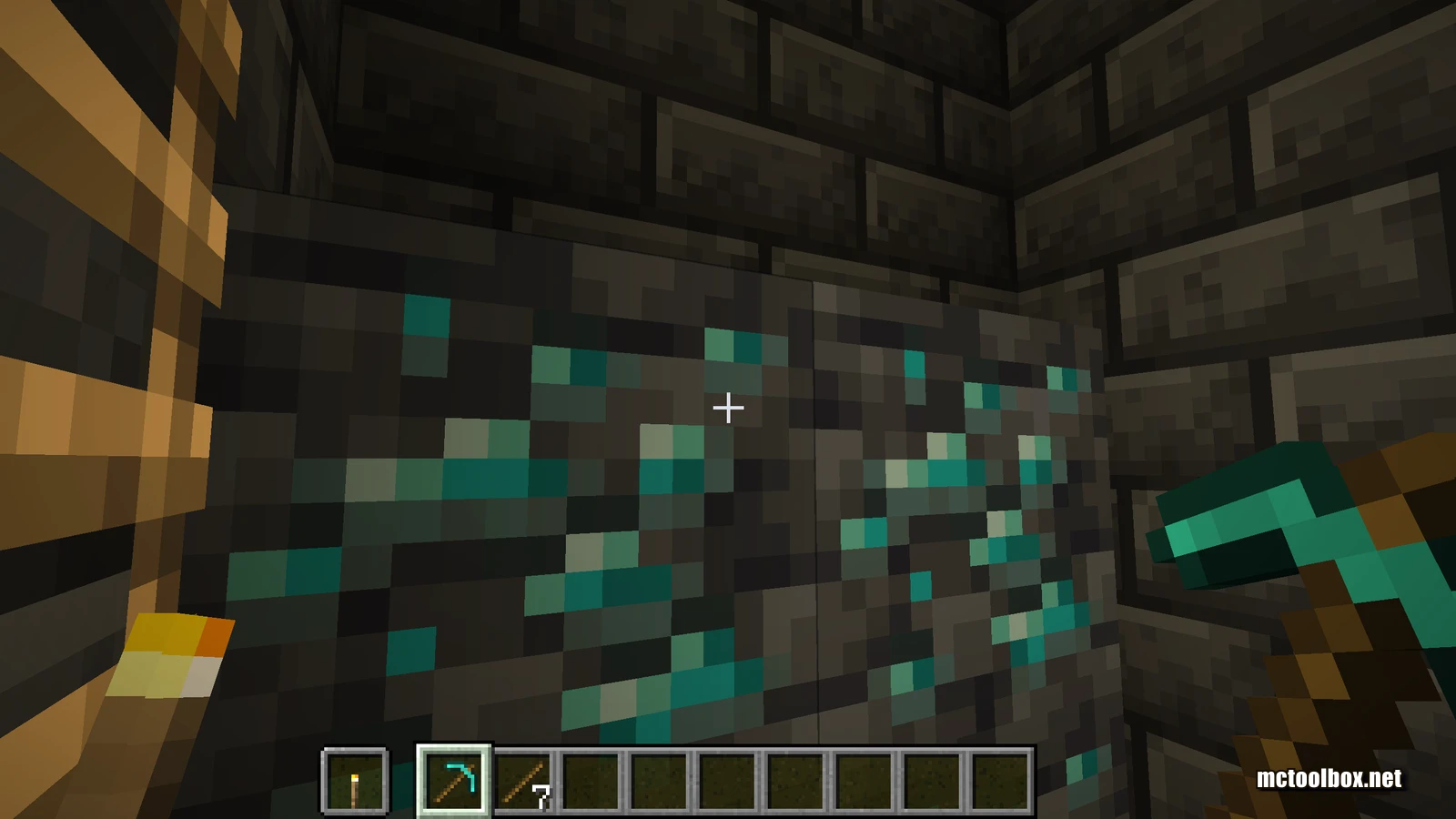
- Stationary Cling (Sneak / Crouch): Hold Sneak (Shift) while touching a ladder. Your character halts immediately and remains frozen in mid-air. While clinging, both hands are completely free to mine valuable ores, shoot arrows, or place surrounding blocks.
- Fall Damage Cancellation: Touching a ladder while falling resets fall distance and limits downward speed; it does not set velocity to zero. You must enter the climbable space before hitting the ground. Experienced survivalists use ladders as a fast alternative to water bucket clutches on narrow cliffs.
Bunker & Mine Shaft Protection: The Trapdoor Cap
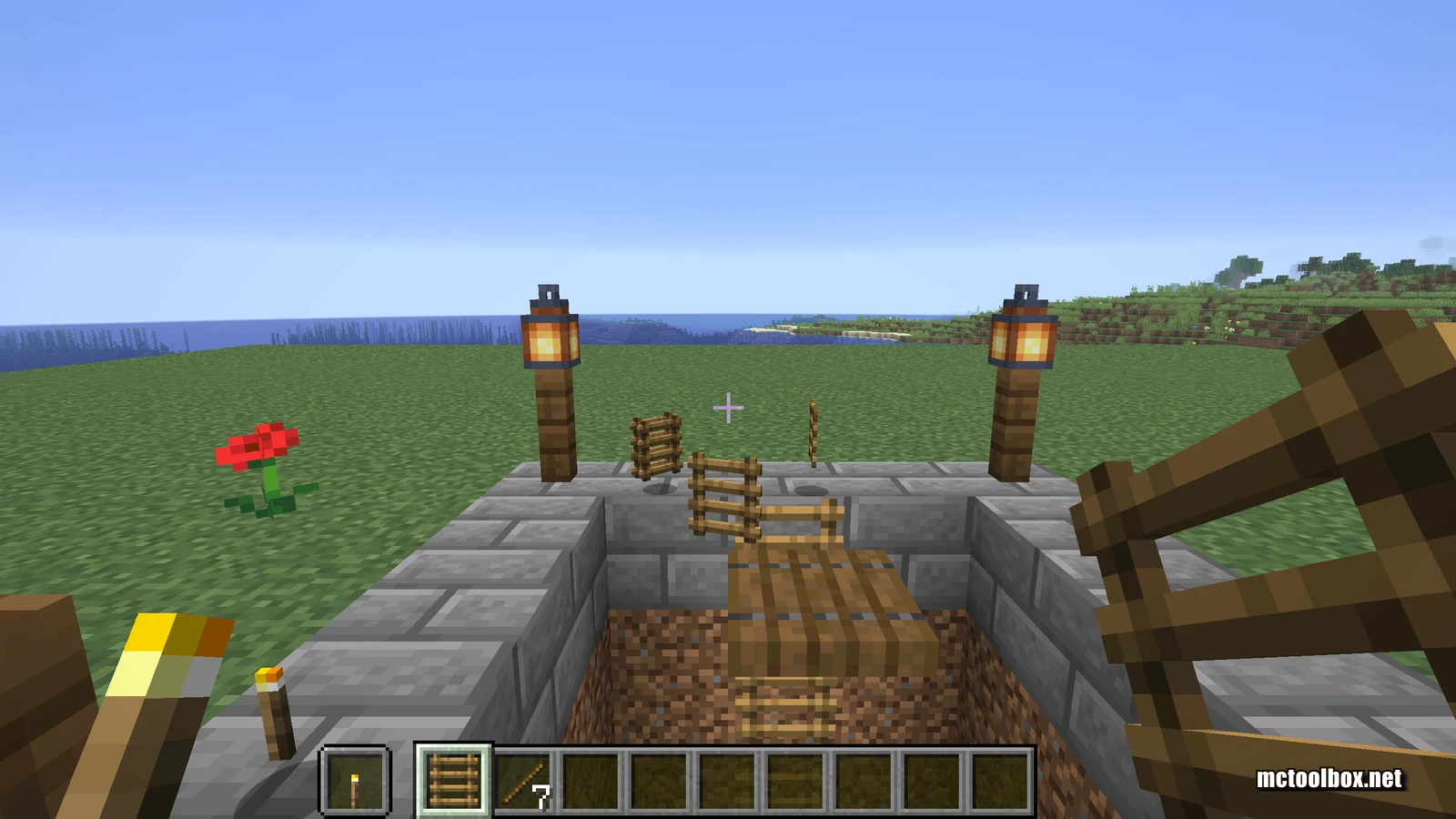
An open ladder shaft is an invitation for wandering Creepers, Skeletons, and accidental player falls. Sealing the top of your shaft with a trapdoor creates a secure, flush entrance that mobs cannot navigate.
How to Install a Trapdoor Shaft Cap
- Stand above the open top ladder block of your shaft.
- Place a wooden trapdoor on the top edge of the adjacent solid block so that it folds flush over the hole when closed.
- Right-click the trapdoor to flip it open, step onto the ladder to descend, and right-click it again from below to seal the hatch above your head.
- Hostile mobs treat closed trapdoors as solid floor blocks and will not pathfind down into your living quarters, keeping your underground base safe from surprise explosions.
For more early-game defensive essentials and tool crafting, check our guide on How to Make a Shield in Minecraft.